
Nano Banana 2
Generate and edit images with Nano Banana 2. 4K resolution, 15 aspect ratios, AI thinking mode, and Google Search grounding. Start from text or upload up to 14 reference photos.


Loved by 10,000+ creators
Meet Nano Banana2 AI
Best Examples
Nano Banana
If generation fails, try switching to another tier and try again.
Click to upload or drag and drop
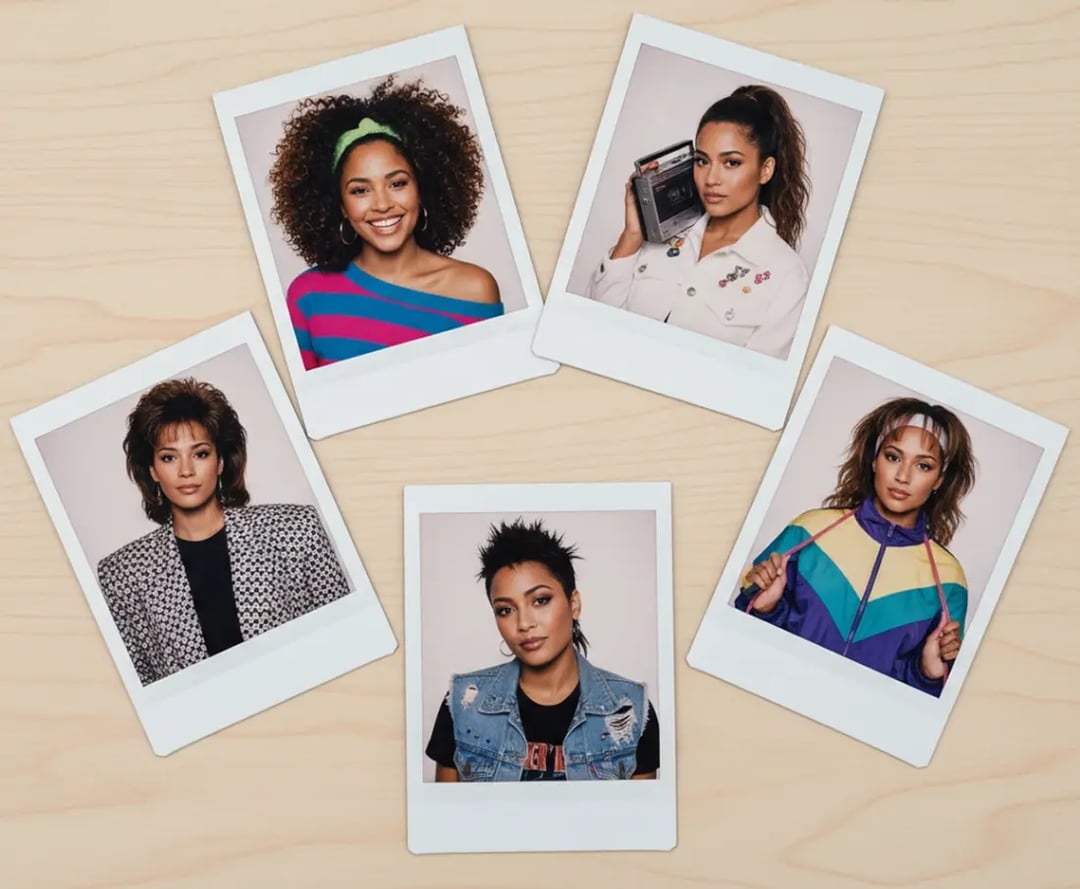
Nano Banana 2 Creations
Images created by the community using Nano Banana 2. See what's possible with 4K resolution, AI thinking mode, and Google Search grounding.
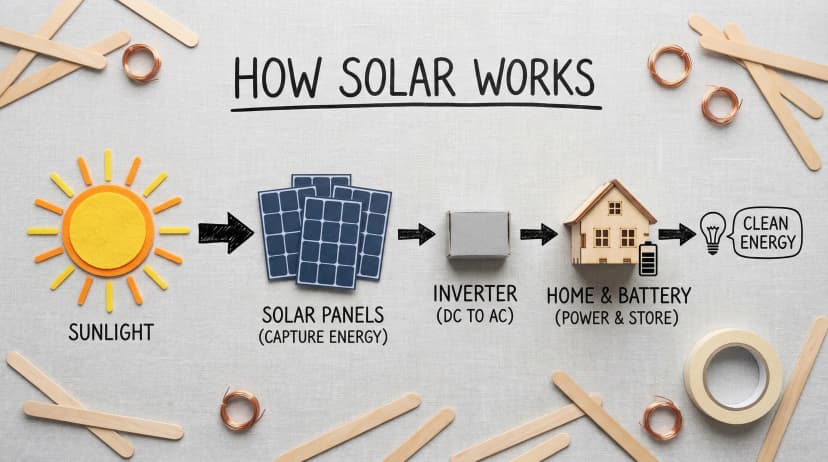
High-quality flat lay photography creating a DIY infographic that simply explains how solar energy works, arranged on a clean, light gray textured background.
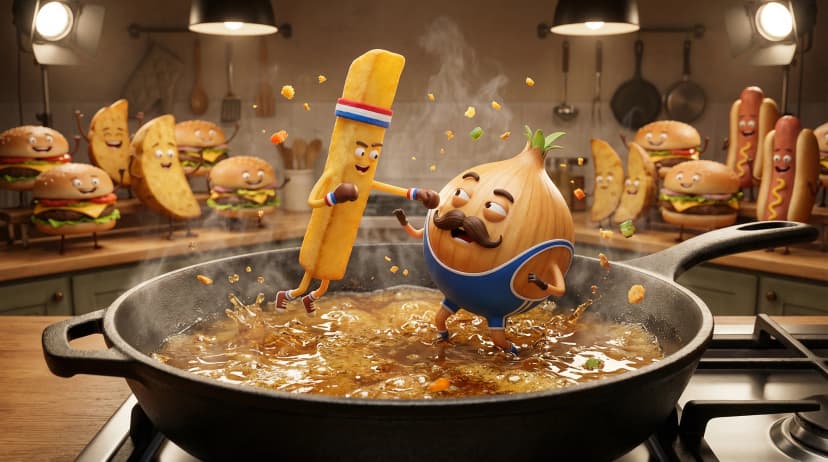
An intense, cinematic 3D animation style render of a boxing match taking place inside a large sizzling frying pan with anthropomorphic food characters.
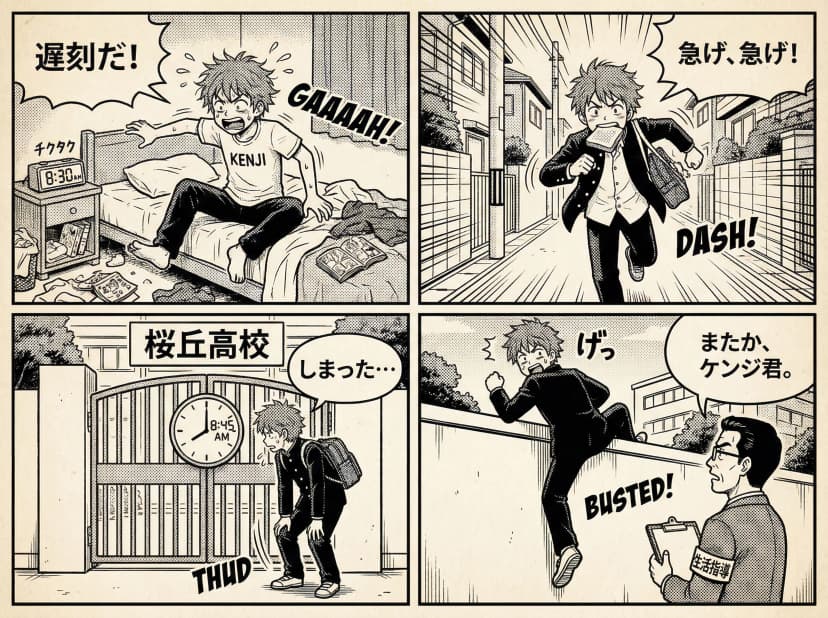
Generate a black-and-white comic for me about a Japanese high school student being late for school.
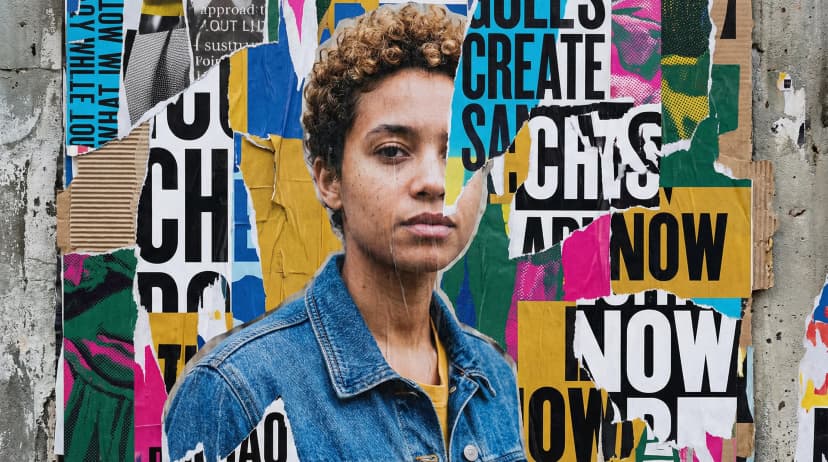
A realistic person blended into an artistic collage of textures, shapes, torn paper layers, bold contrasting typography, experimental poster layout.
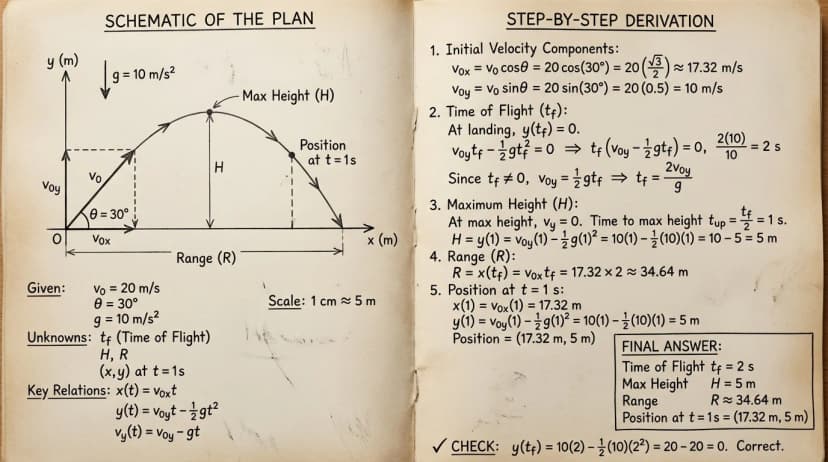
Create a solution layout for a mathematics problem with a paper-texture background, split into schematic and derivation sections.
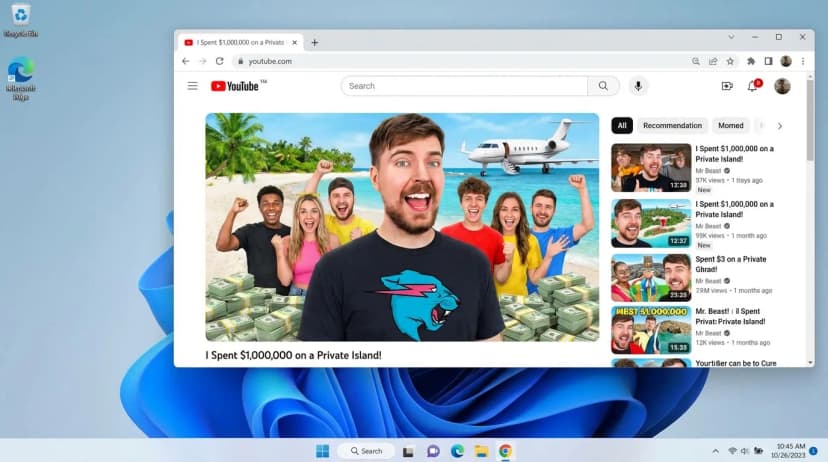
Generate a screenshot of a windows 11 desktop, with google chrome open, showing YouTube.
Explore More AI Tools
Explore our comprehensive suite of AI-powered creative tools designed to enhance your workflow.
Veo 3.1 Video
Google Veo 3.1 with native audio and realistic physics for cinematic video generation.
Seedance 1.5 Pro
ByteDance Seedance 1.5 Pro with joint audio-video generation for professional results.
Nano Banana Pro Image Generator
Advanced text-based image editing with enhanced AI capabilities and professional-grade results.

Seedream 4.5 Image Generator
Ultra-fast professional image generation in under 1 second with 4K resolution support.

Qwen Image 2512
20B MMDiT model with best-in-class bilingual text rendering for stunning AI images.
GPT Image 2
OpenAI's newest image model. 13 aspect ratios, up to 4 reference photos, batches of 1-4.
Z-Image Generator
Ultra-fast image generation with Z-Image AI in under 1 second.
AI Music Generator
Generate music with AI, customize styles, and produce royalty-free tracks instantly.
Why Creators Pick Nano Banana 2
Nano Banana 2 runs on Gemini 3.1 Flash Image. Generate from text, edit with reference photos, or combine both. 4K output, Google Search grounding, and AI thinking mode help you get the right image on the first try.
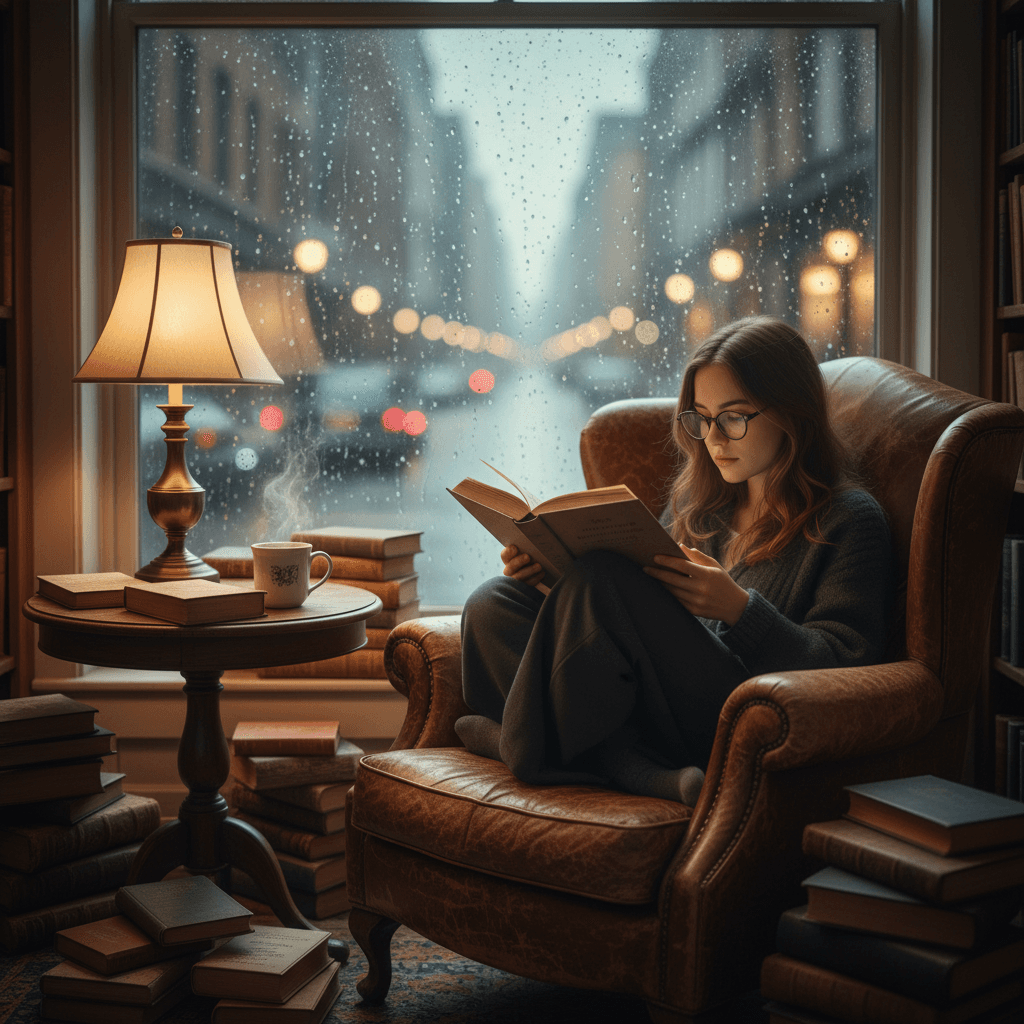
Text-to-Image and Image Editing in One Tool
Describe what you want or upload reference photos. Nano Banana 2 handles both text-to-image and image-to-image editing. Upload up to 14 reference photos and combine elements from multiple sources into one result.
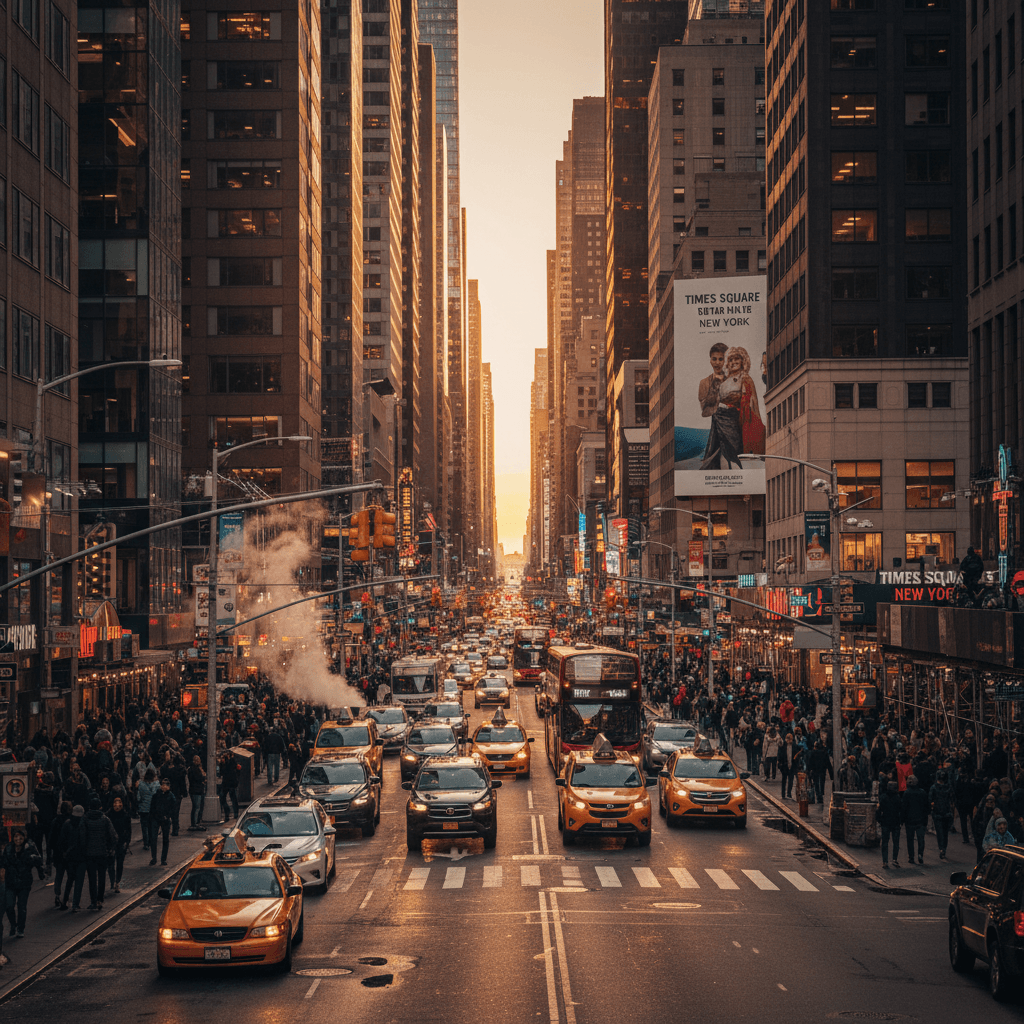
4K Resolution Across 15 Aspect Ratios
Output at 512px, 1K, 2K, or 4K. Choose from 15 aspect ratios including 1:1, 16:9, 9:16, 21:9, and more. Post to any platform without resizing.
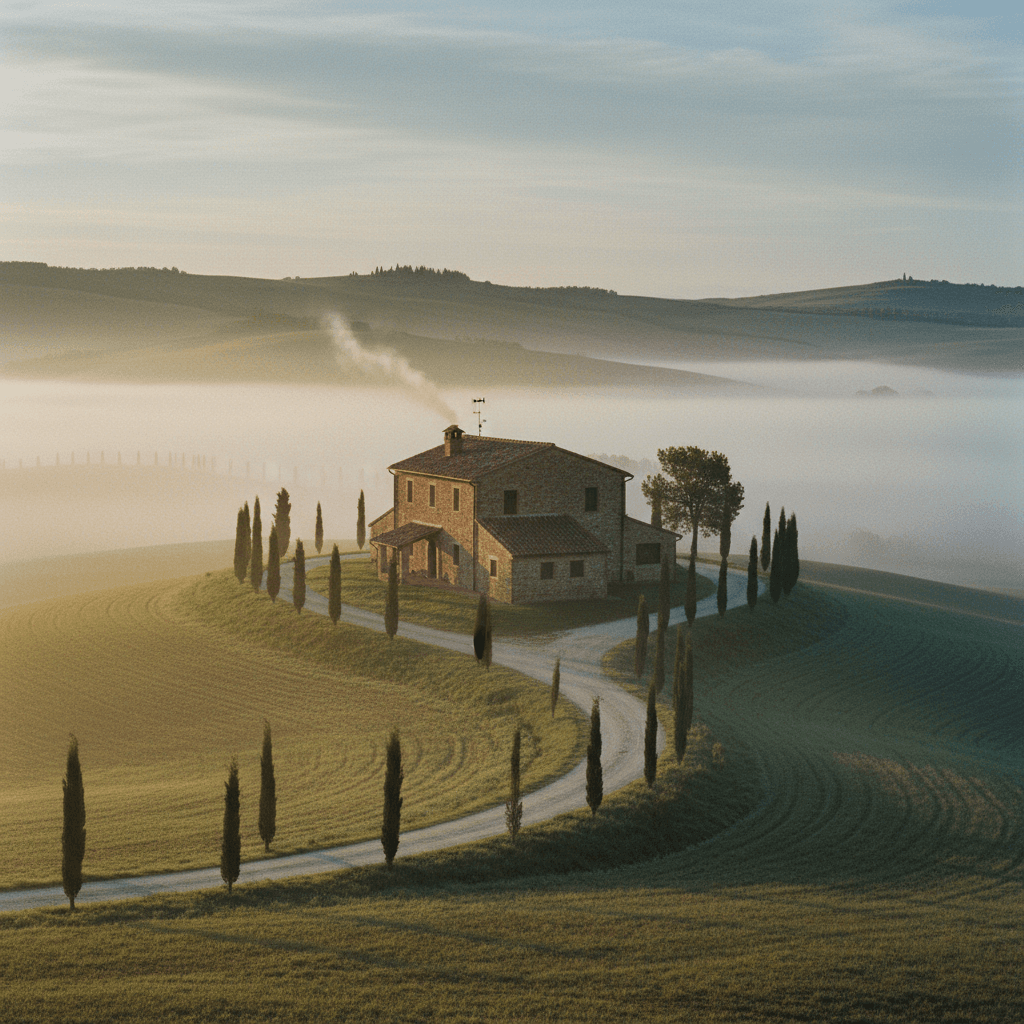
Google Search Grounding for Accurate Results
Turn on Google Search grounding and Nano Banana 2 pulls real-world context into your images. Landmarks, products, current events - generate images that match reality, not just imagination.
How to Use Nano Banana 2
No setup needed. Type a prompt, pick your settings, and generate. Nano Banana 2 handles the rest.
1. Write Your Prompt
Describe the image you want. Be specific about style, subject, and mood. Nano Banana 2 follows detailed prompts accurately.
2. Upload Reference Images (Optional)
Add up to 14 reference photos for image editing. Nano Banana 2 blends elements from your uploads with your text description to create the final result.
3. Adjust Settings
Choose aspect ratio, resolution (up to 4K), and output format. Turn on AI thinking mode for complex scenes or Google Search grounding for real-world accuracy.
4. Generate and Download
Hit generate and Nano Banana 2 creates your image. Download in PNG or JPG, ready to use on any platform.
Nano Banana 2 Features
Everything you need to generate and edit images. Nano Banana 2 combines fast generation with precise control.
AI Thinking Mode
Enable thinking mode and Nano Banana 2 reasons through your prompt before generating. Complex compositions, multi-element scenes, and detailed edits come out right the first time.
Google Search Grounding
Nano Banana 2 can reference Google Search results while generating. Ask for real buildings, specific products, or current trends and get accurate results grounded in real data.
Multi-Image Reference Editing
Upload up to 14 photos and tell Nano Banana 2 what to combine, change, or keep. Blend faces from one photo with backgrounds from another. Mix and match freely.
4K Resolution Output
Generate at 512px for quick drafts or 4K for final output. Nano Banana 2 keeps details sharp at every resolution. PNG or JPG - your choice.
15 Aspect Ratios
Square for Instagram. 9:16 for TikTok. 16:9 for YouTube. 21:9 for cinematic. Nano Banana 2 covers every platform and use case with 15 built-in ratios.
Clean Text Rendering
Nano Banana 2 handles text inside images without the usual AI artifacts. Logos, labels, signs, and watermarks come out readable and properly placed.
What Users Say About Nano Banana 2
Hear from creators, designers, and marketers who use Nano Banana 2 daily.
Sarah Mitchell
Product Designer
“Nano Banana 2 replaced three tools in my workflow. Text-to-image, image editing, and upscaling - all in one place. The Google Search grounding is a huge deal for product mockups that need real-world accuracy.”
James Chen
Digital Artist
“The thinking mode on Nano Banana 2 actually works. I describe complex scenes with multiple characters and it gets the composition right. Saved me hours of re-prompting.”
Maria Rodriguez
Content Creator
“At 1 credit per image, Nano Banana 2 is the best value I have found. 4K output, 15 aspect ratios, and the image editing with 14 reference photos - nothing else comes close at this price.”
David Kim
Social Media Manager
“I use Nano Banana 2 for all my social media content. Generate in 9:16 for Reels, 16:9 for YouTube thumbnails, 1:1 for posts. No resizing needed. Text rendering on thumbnails is finally clean.”
Emma Thompson
Educational Content Creator
“Nano Banana 2 with Google Search grounding changed how I create educational content. I describe a real landmark or historical event and get accurate images, not AI hallucinations.”
Nano Banana 2 FAQ
Answers to the most common questions about Nano Banana 2 image generation and editing.
What is Nano Banana 2?
Nano Banana 2 is an AI image generator and editor powered by Gemini 3.1 Flash Image. It handles text-to-image generation and image-to-image editing with up to 14 reference photos. Output goes up to 4K resolution across 15 aspect ratios.
How much does Nano Banana 2 cost?
Each image costs 1 credit. New accounts get free credits to start. No subscription required - pay only for what you generate.
What is AI thinking mode in Nano Banana 2?
Thinking mode makes Nano Banana 2 reason through your prompt before generating. It plans the composition, checks for errors, and refines the output. Use it for complex scenes or detailed edits where accuracy matters.
What does Google Search grounding do?
Google Search grounding lets Nano Banana 2 reference real-world information while generating. Ask for specific buildings, products, or people and get results based on actual data instead of AI guesses.
How many reference images can I upload?
Up to 14 reference images per generation. Nano Banana 2 combines elements from multiple photos based on your text prompt. Great for face swaps, style transfers, and composite images.
What aspect ratios does Nano Banana 2 support?
15 ratios: 1:1, 1:4, 1:8, 2:3, 3:2, 3:4, 4:1, 4:3, 4:5, 5:4, 8:1, 9:16, 16:9, 21:9, and auto. Covers every social platform and print format.
What output formats are available?
PNG for transparent backgrounds and lossless quality. JPG for smaller file sizes. Both available at 512px, 1K, 2K, or 4K resolution.
Can I use Nano Banana 2 generated images commercially?
Yes. All images you generate with Nano Banana 2 are yours to use for personal or commercial projects.