

AI Image Upscaler
Blurry photo? Low-res AI art? Drop it in the image upscaler and get crisp 2K, 4K, or 8K back. No software. No GPU. One click.


Loved by 10,000+ creators
Click to upload or drag and drop
JPG, PNG, WebP (max 10MB)
Processing typically takes 30-90 seconds depending on image size and upscale factor.
Before & After
How the Image Upscaler Works
Upload. Pick a scale. The image upscaler does the rest.
1. Upload Your Image
JPG, PNG, or WebP. Up to 10MB. Drag and drop or click to browse.
2. Pick Your Scale
2x for 2K. 4x for 4K. 8x for 8K. See the credit cost before you start.
3. Wait for Processing
The image upscaler enhances your photo in under a minute. Watch the progress in real time.
4. Download
Sharp, high-res file ready for print, web, or social. One click to save.
Explore More AI Tools
Explore our comprehensive suite of AI-powered creative tools designed to enhance your workflow.
Veo 3.1 Video
Google Veo 3.1 with native audio and realistic physics for cinematic video generation.
Seedance 1.5 Pro
ByteDance Seedance 1.5 Pro with joint audio-video generation for professional results.

Nano Banana Pro Image Generator
Advanced text-based image editing with enhanced AI capabilities and professional-grade results.

Seedream 4.5 Image Generator
Ultra-fast professional image generation in under 1 second with 4K resolution support.

Qwen Image 2512
20B MMDiT model with best-in-class bilingual text rendering for stunning AI images.

GPT Image 2
OpenAI's newest image model. 13 aspect ratios, up to 4 reference photos, batches of 1-4.

Z-Image Generator
Ultra-fast image generation with Z-Image AI in under 1 second.

AI Music Generator
Generate music with AI, customize styles, and produce royalty-free tracks instantly.
Your Image Deserves More Pixels
That product shot looks fine on your phone. Pull it up on a monitor or send it to print — every flaw shows. Same with AI-generated images. They look great at 1024px, but zoom in and it falls apart. This image upscaler fixes that.
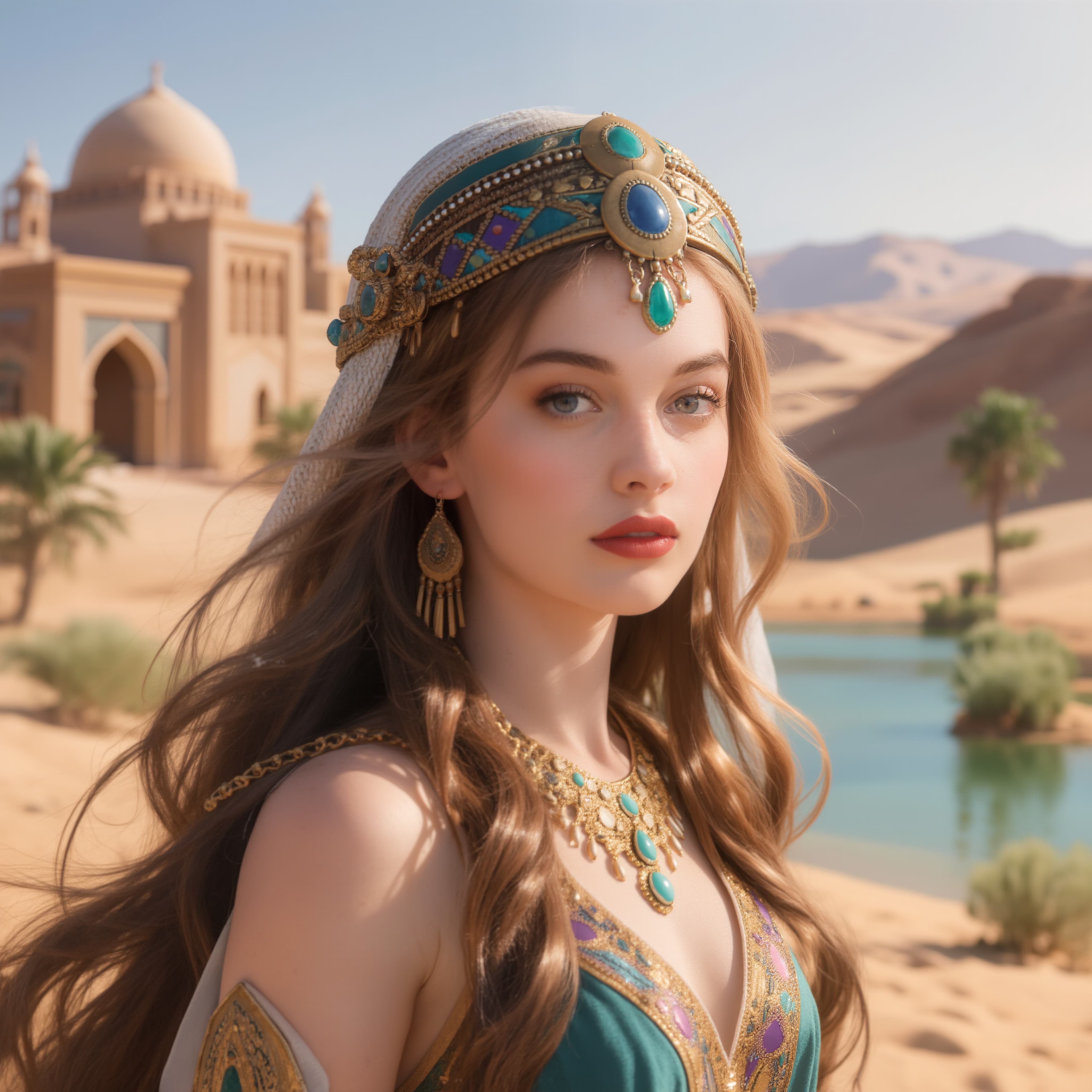
Photos, AI Art, Screenshots — All of It
Product photography, Midjourney output, old family photos, screen grabs. This image upscaler handles any image type and rebuilds what low resolution took away.
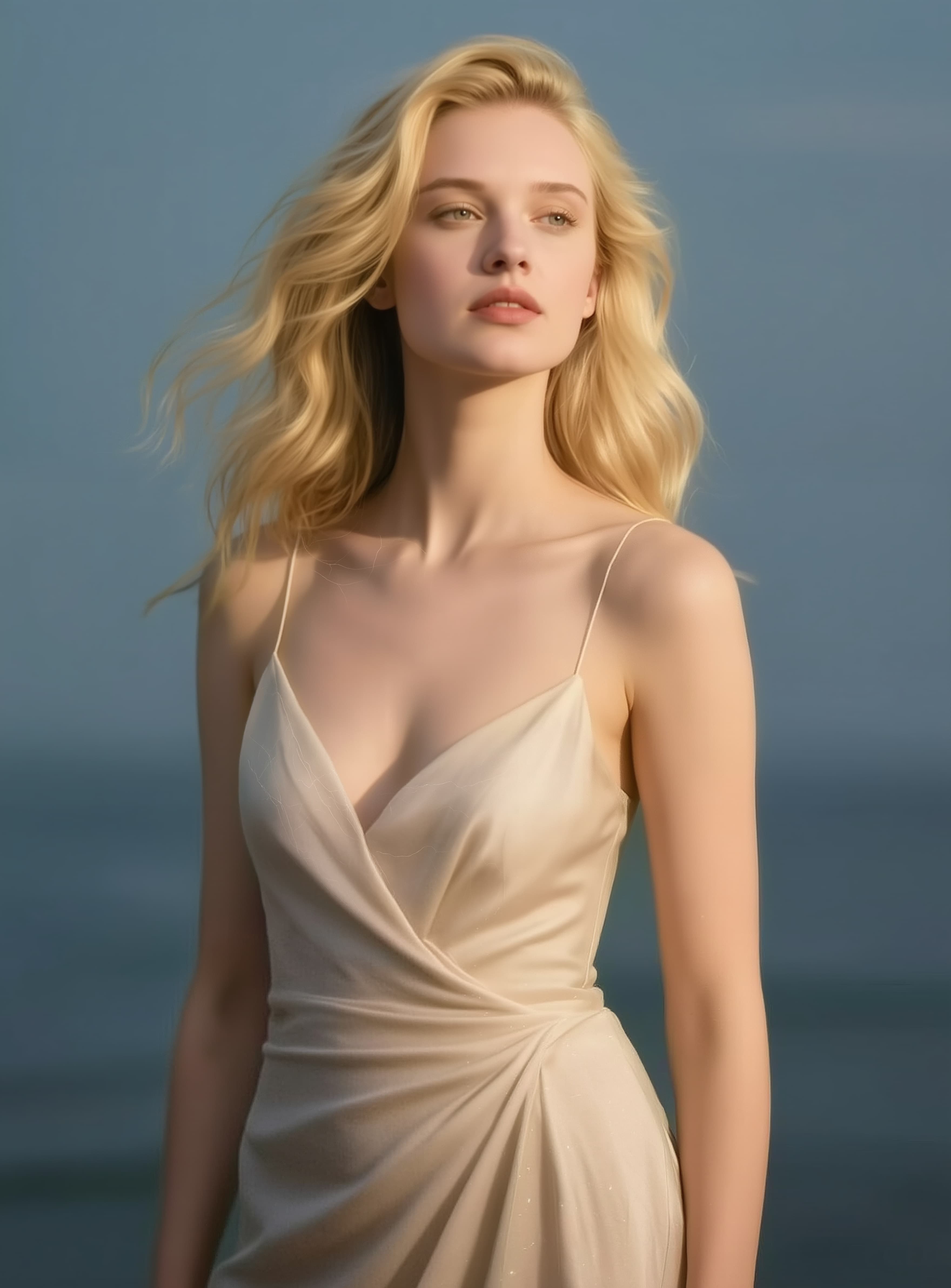
No GPU. No Setup. No Headaches.
Desktop upscalers need $300 software and a beefy graphics card. Open-source tools need hours of config. This image upscaler runs in the cloud from any browser.
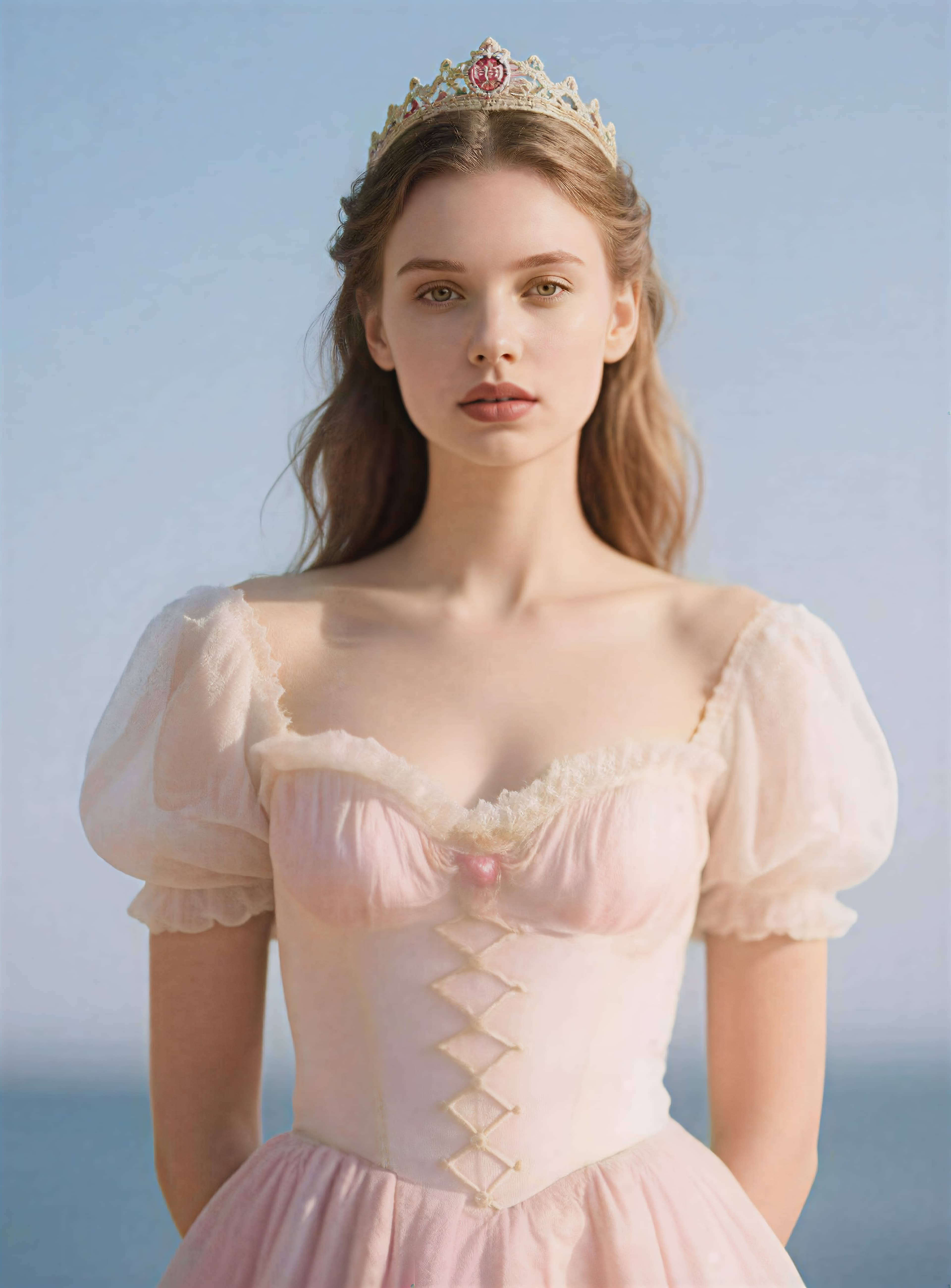
Topaz AI Under the Hood
Same engine used by studios and photographers. Not just stretching pixels — actual detail recovery, edge sharpening, and artifact removal.
Image Upscaler Features
Not just bigger — actually sharper. This image upscaler adds real detail instead of blurring edges.
Up to 8x Resolution
2x, 4x, or 8x. Take a 500x500 image to 4000x4000. The image upscaler rebuilds texture and sharpness at every scale.
Artifact Removal Built In
JPEG compression blocks, AI generation noise, color banding — the image upscaler strips them all. Clean output with natural-looking detail.
Face Enhancement
The image upscaler gives portraits special treatment. Eyes, skin texture, and hair come through sharp and natural.
Works on Any Device
Mac, Windows, Chromebook, phone, tablet. If it has a browser, you can use this image upscaler. All processing happens in the cloud.
JPG, PNG, WebP Support
The image upscaler accepts any common format up to 10MB. Get your enhanced image back in the same format, ready to use.
Pay Per Image
2 credits for 2x. 3 for 4x. 5 for 8x. Free credits on signup. No subscription. No monthly fees.
Image Upscaler FAQ
Quick answers about this image upscaler.
Is the image upscaler free?
Yes. New accounts get free credits. No credit card required. Use them on any scale factor.
What scale factors does the image upscaler offer?
2x (roughly 2K), 4x (roughly 4K), and 8x (roughly 8K). A 500x500 image becomes 4000x4000 at 8x.
Does the image upscaler work on AI-generated art?
Yes. It handles Midjourney, DALL-E, Flux, and Stable Diffusion output. Removes the typical AI softness and adds real sharpness.
Does the image upscaler enhance faces?
Yes. Face detail gets special attention. The image upscaler enhances eyes, skin, and hair naturally without that over-processed look.
How long does the image upscaler take?
Under a minute for most images. Larger files or 8x scale may take slightly longer. Processing runs in the cloud.
What formats does the image upscaler accept?
JPG, PNG, and WebP up to 10MB. Covers photos, screenshots, and AI generator output.
Can I use upscaled images commercially?
Yes. Everything the image upscaler produces is yours. Use the results for print, e-commerce, social media, or any commercial purpose.
How does this compare to Topaz Gigapixel desktop software?
Same AI engine quality, but runs in the cloud. No GPU needed. No $300 software license. Pay per image instead.