
Nano Banana LoRA
Transform your images with 32+ fine-tuned LoRA effects. Upload an image and apply stunning effects in seconds.
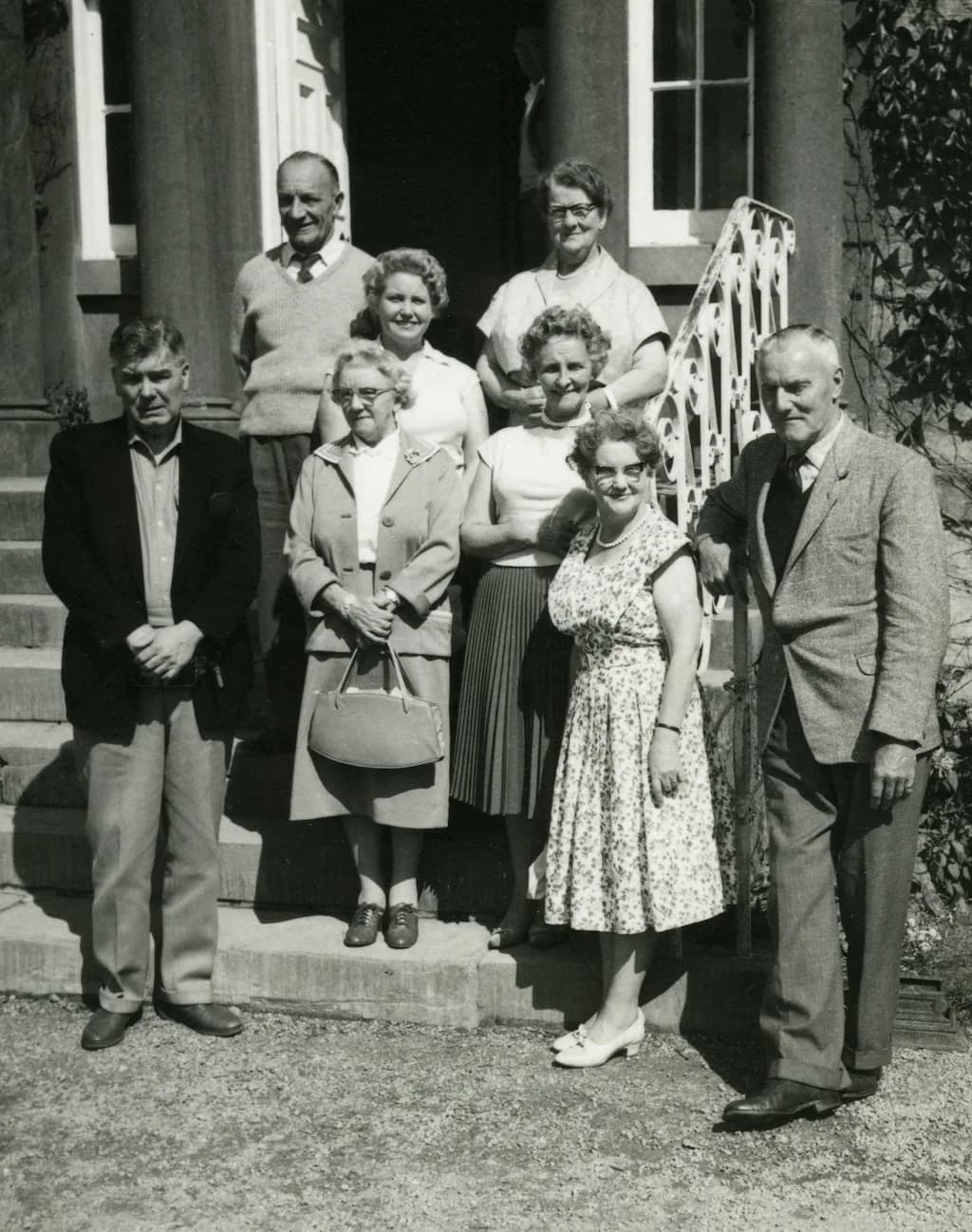
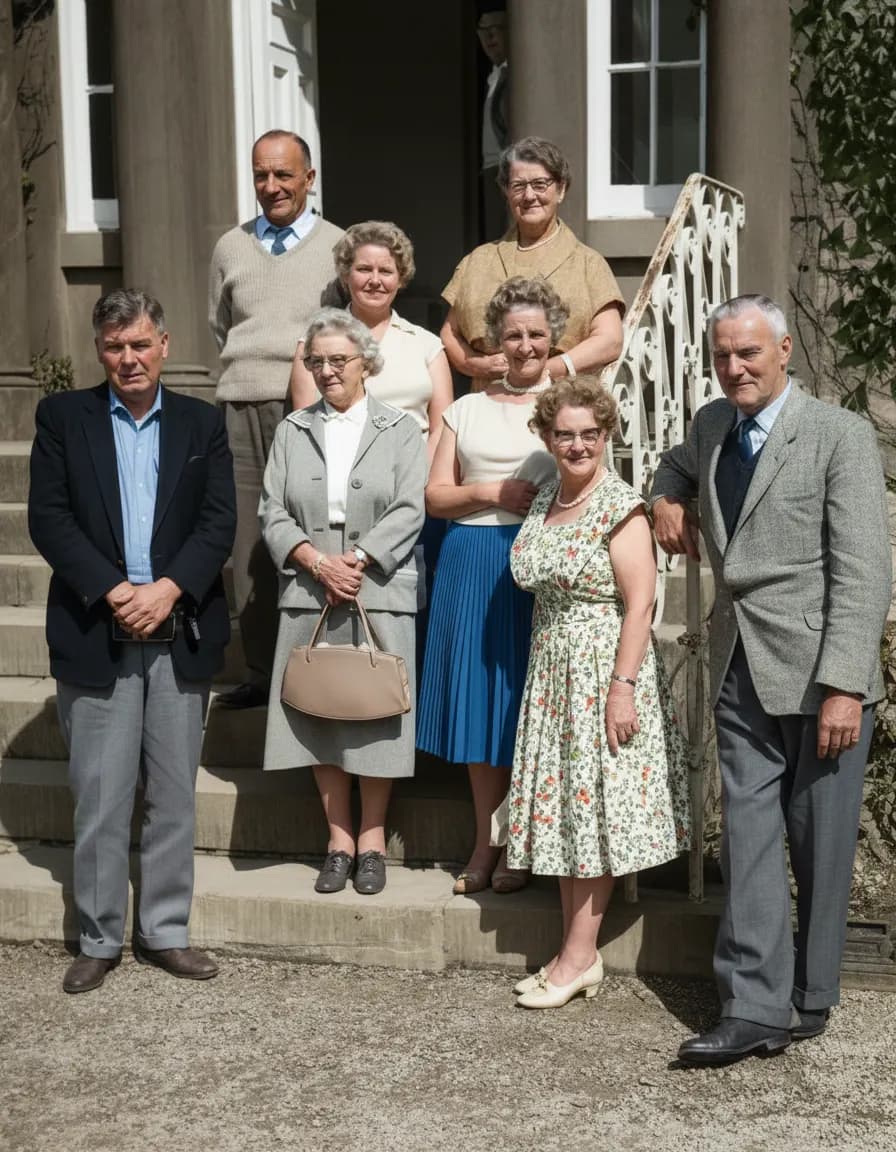
Old Photo Restore
Transform vintage photos into stunning modern portraits with vibrant colors, smooth textures, and natural lighting

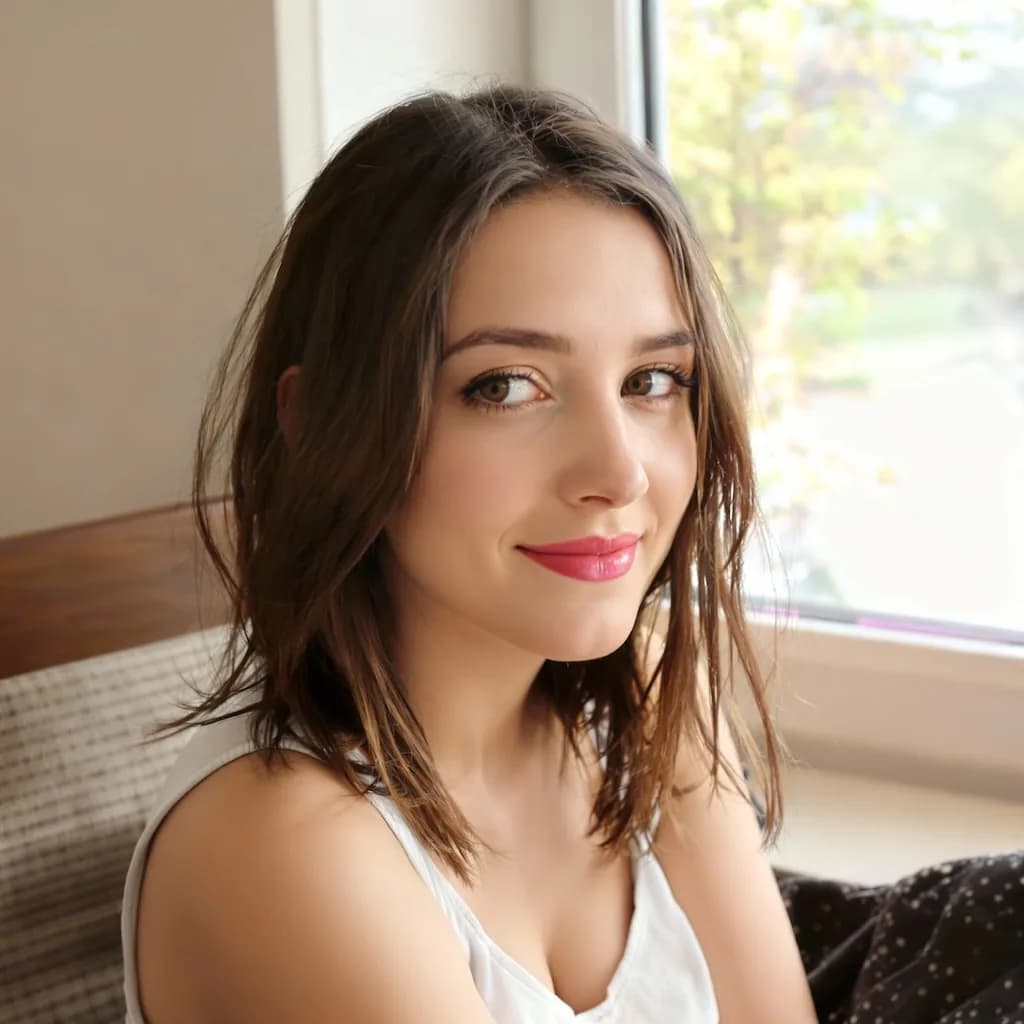
AI Beauty Filter
Enhance facial appearance naturally with AI-powered skin smoothing and brightening
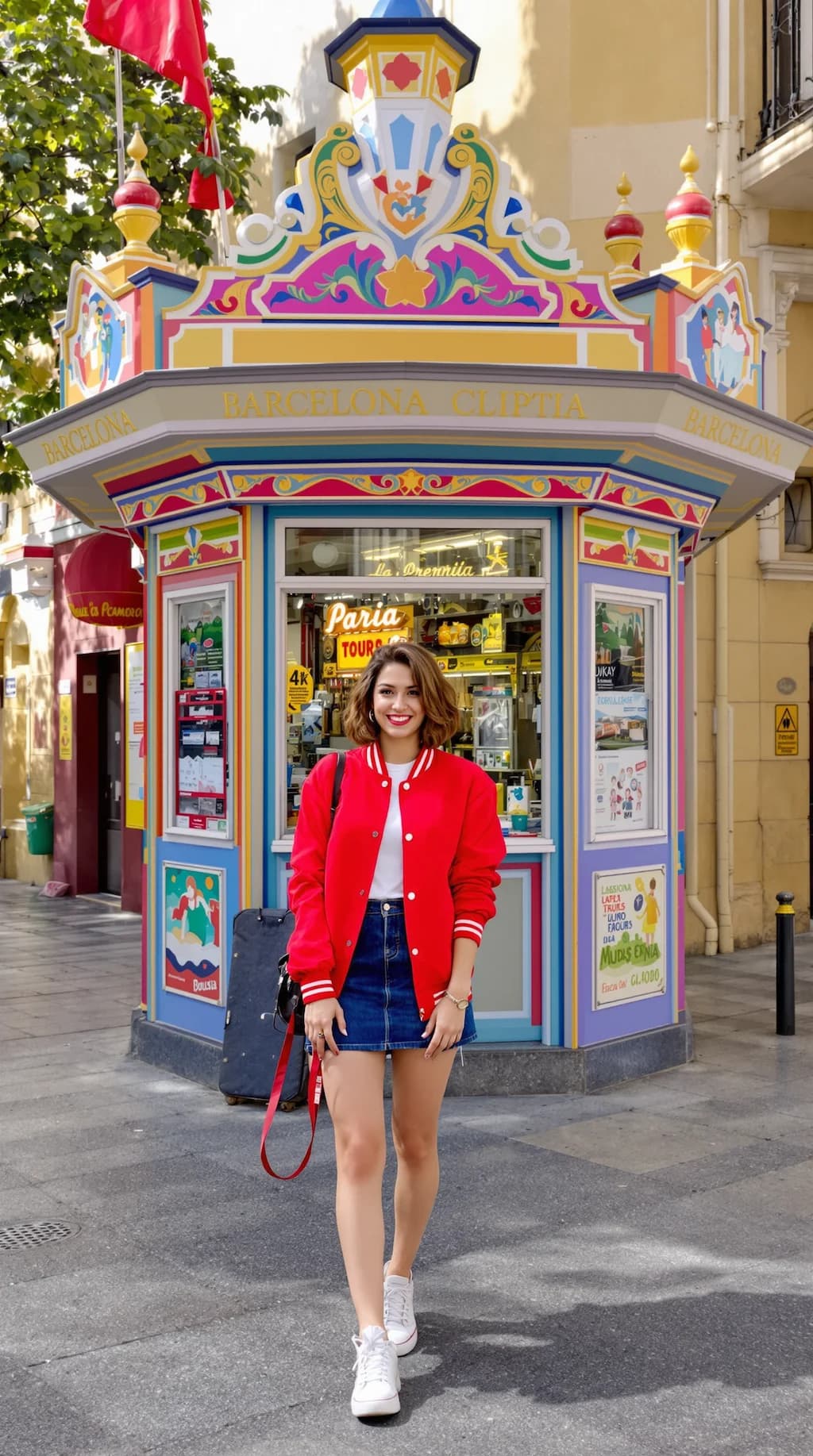
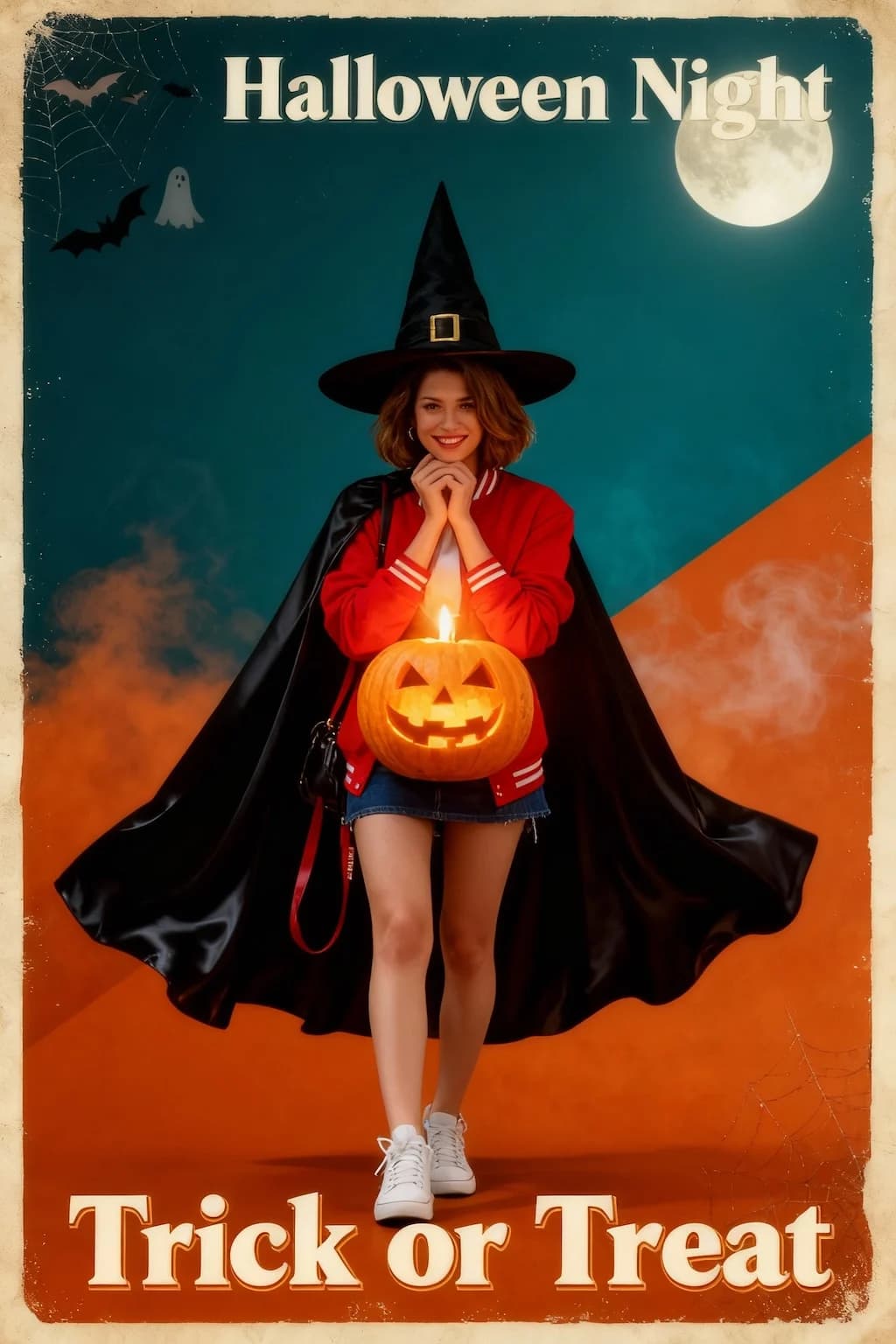
Halloween Poster
Transform photos into vintage Halloween posters with spooky effects
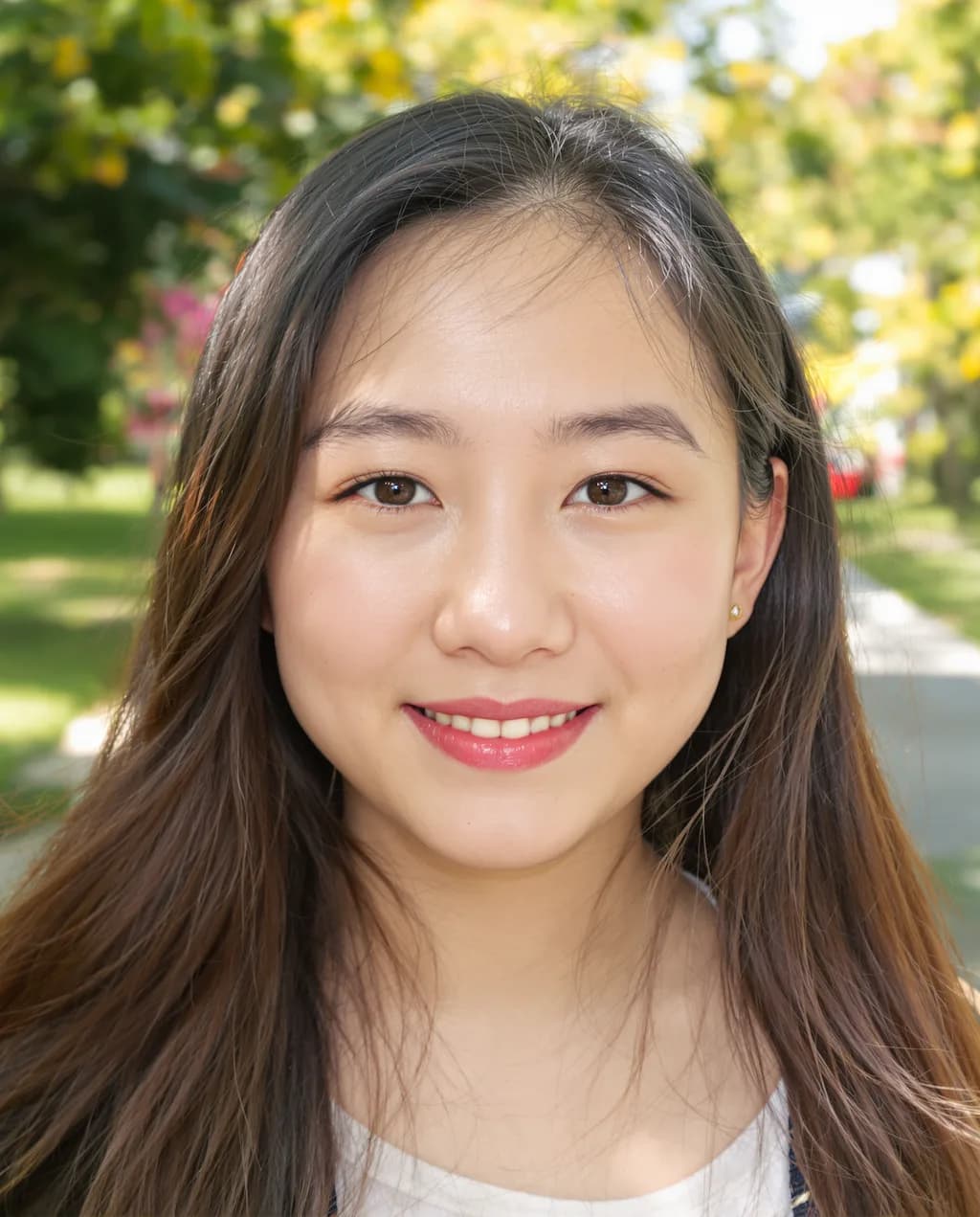

GHIBSKY Illustration
Transform your photos into dreamy Studio Ghibli-inspired sky art with whimsical pastel effects
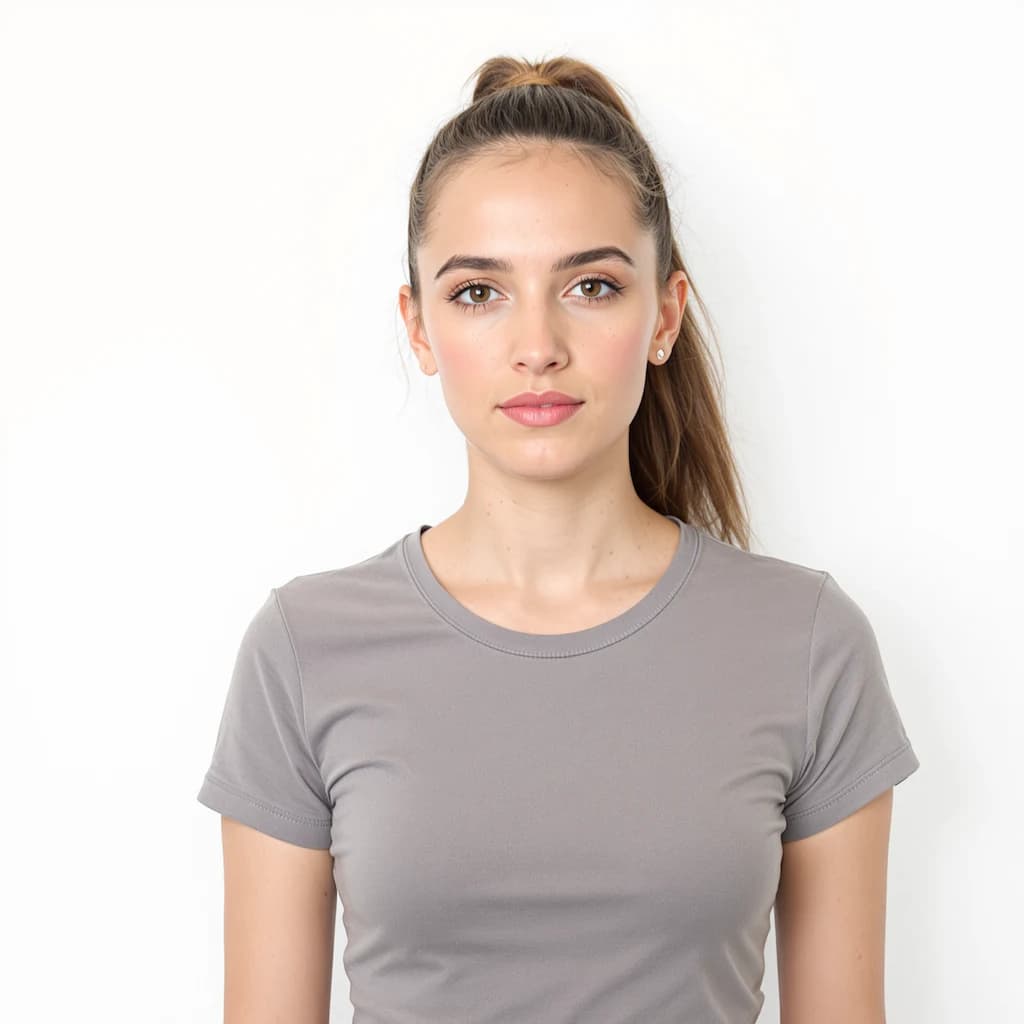
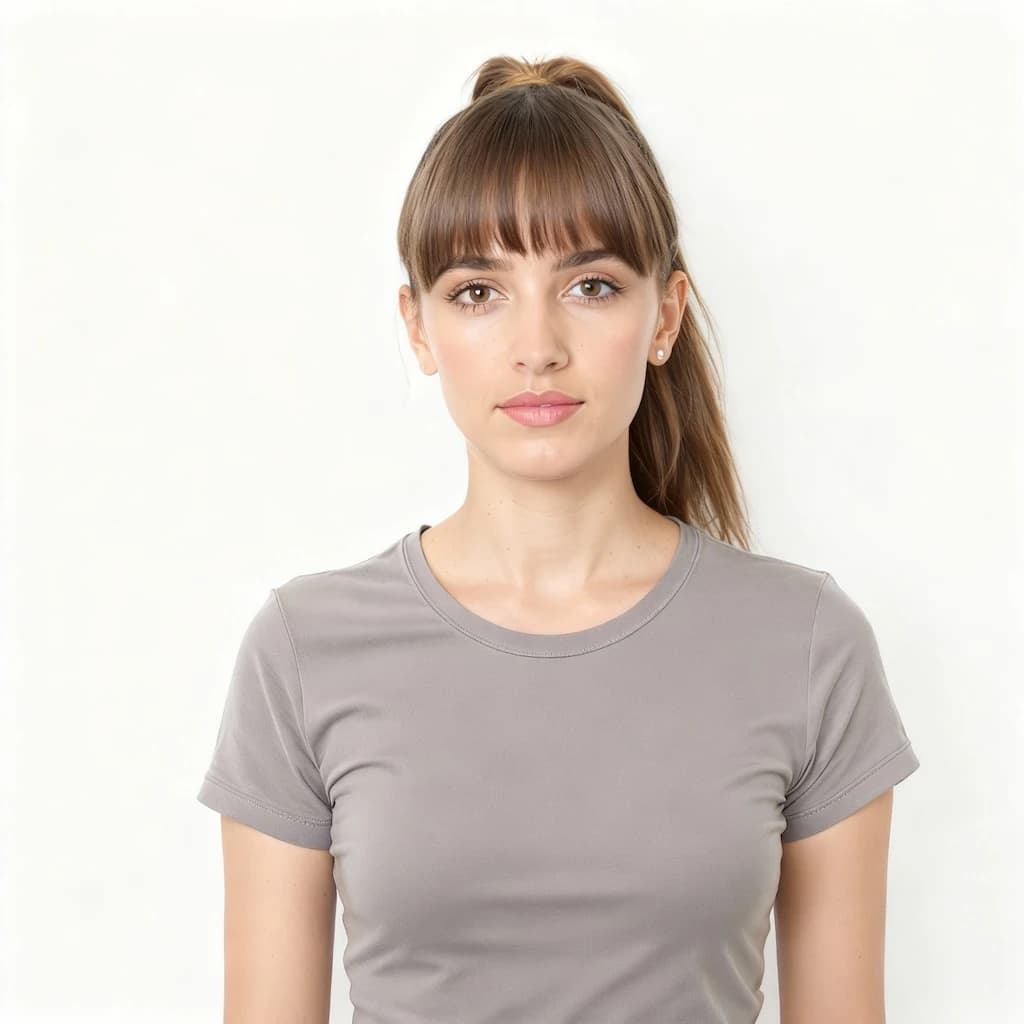
Bangs Filter
Try virtual bangs before cutting! Creates natural bangs matching your hair color and face shape
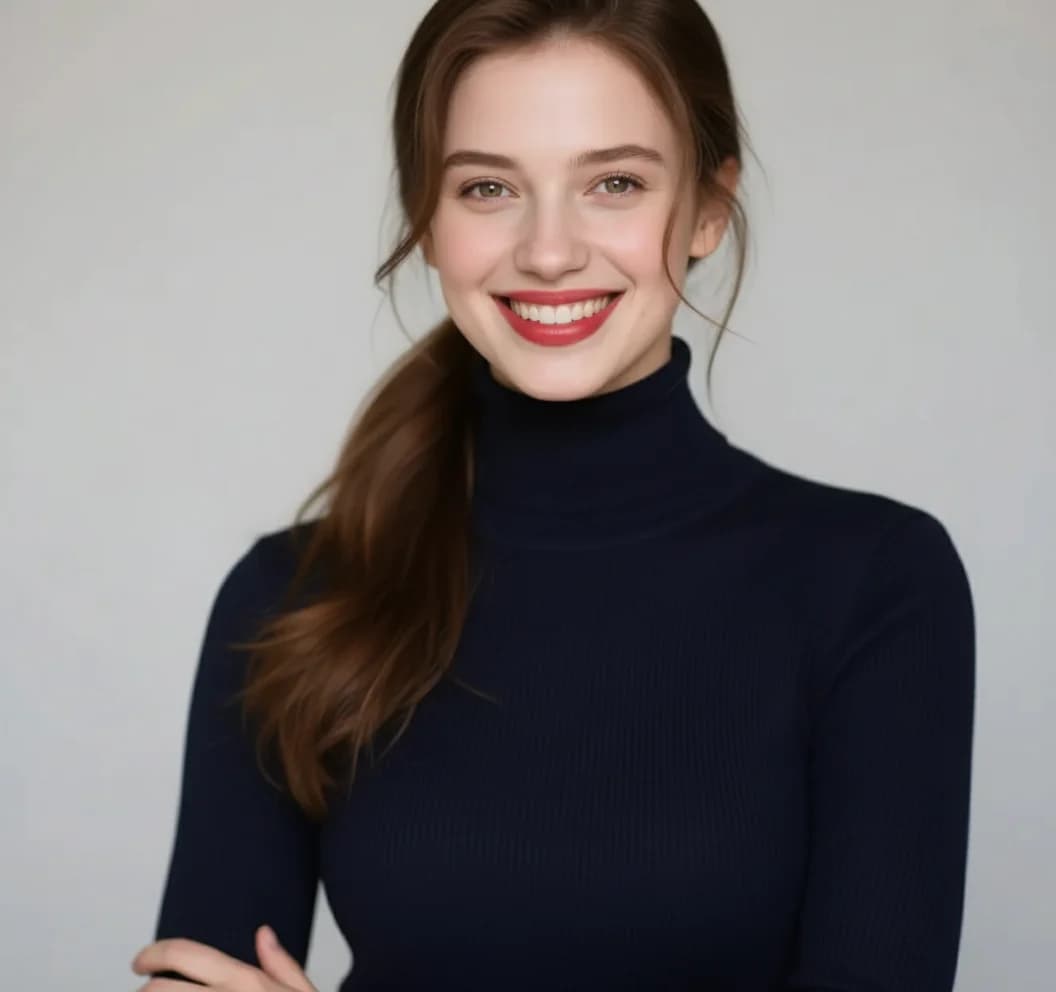
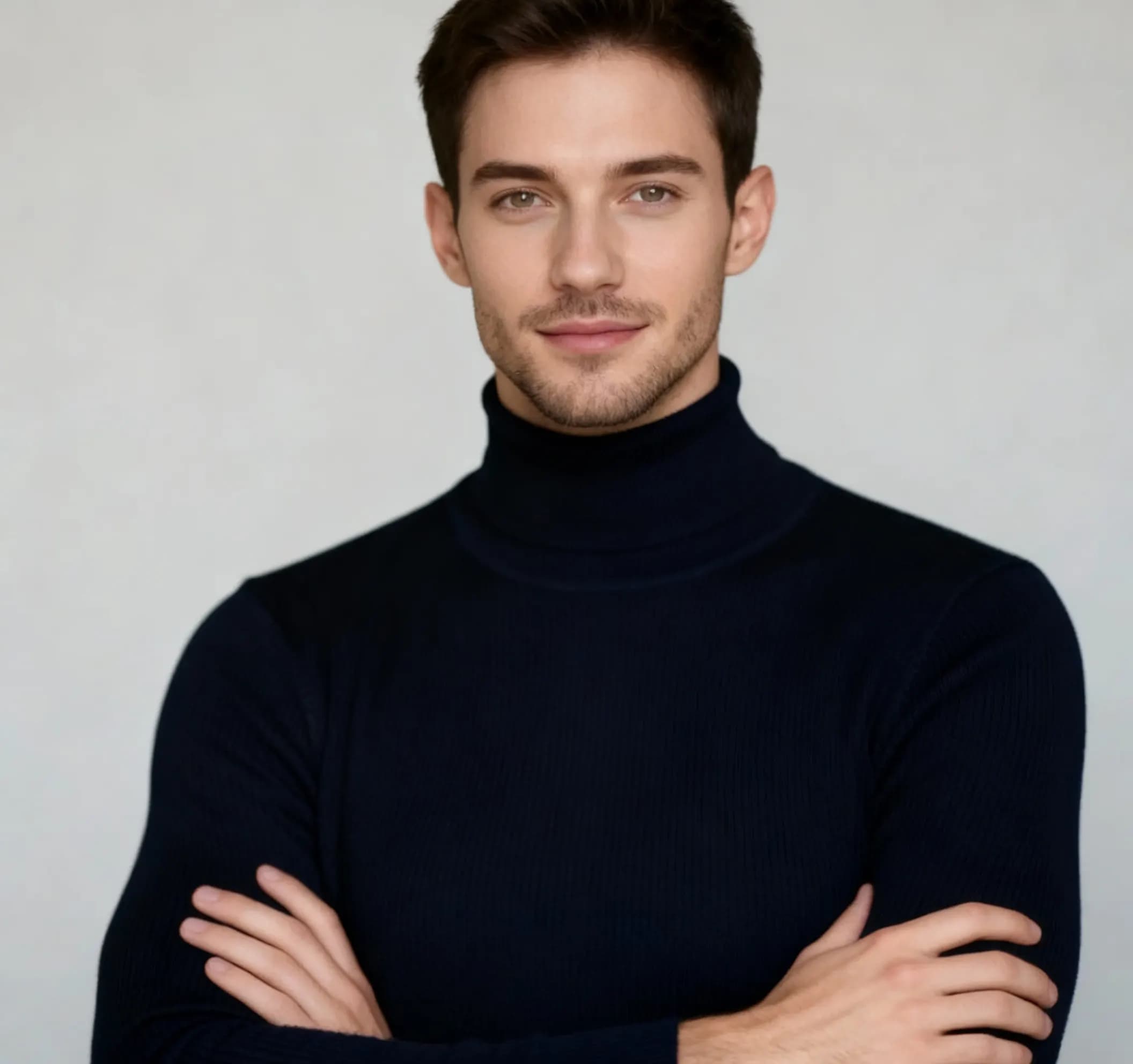
AI Man Filter
Transform your appearance into a masculine version - realistic gender transformation with natural features
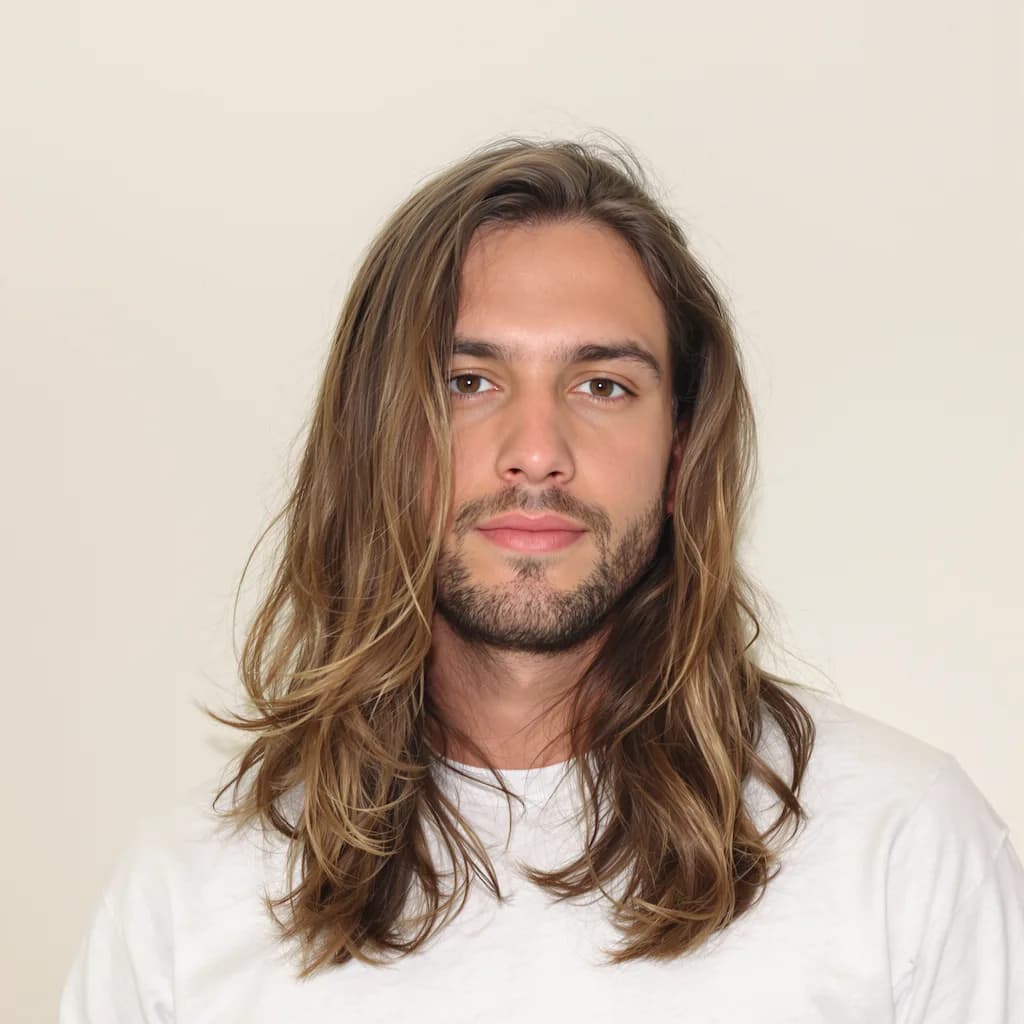

AI Bald Filter
See yourself with a clean-shaved head - realistic bald transformation


Image to Pixel
Transform photos into retro pixel art style with nostalgic 8-bit aesthetics
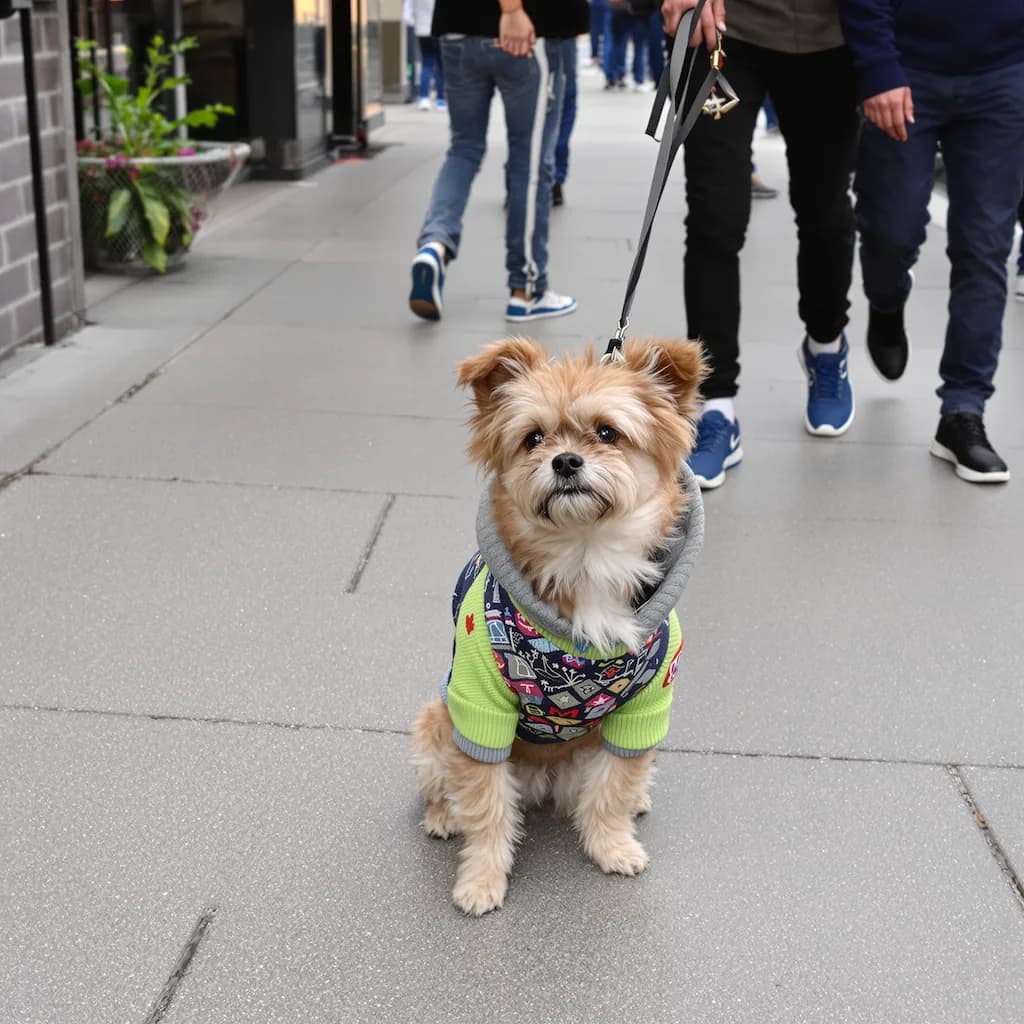
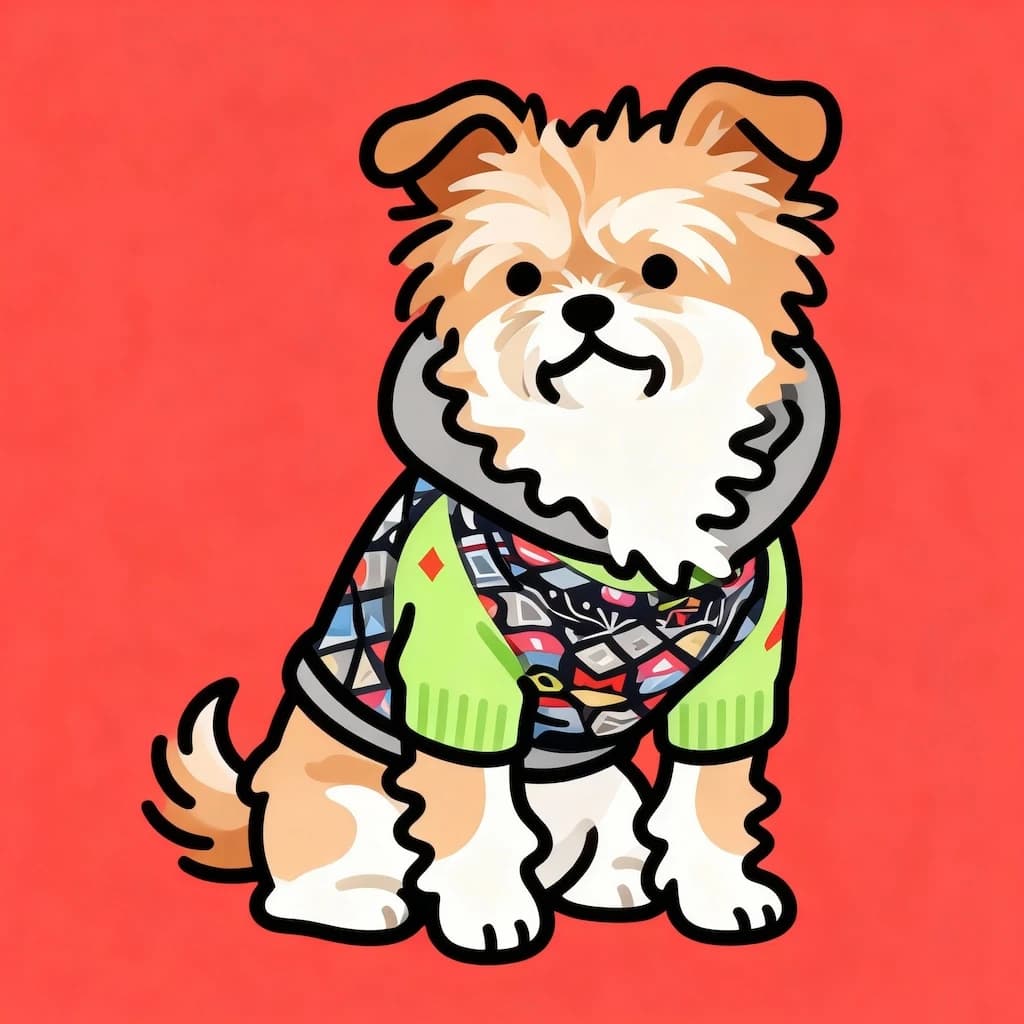
Flat Illustration
Convert photos to modern flat design illustrations with clean lines and bold colors
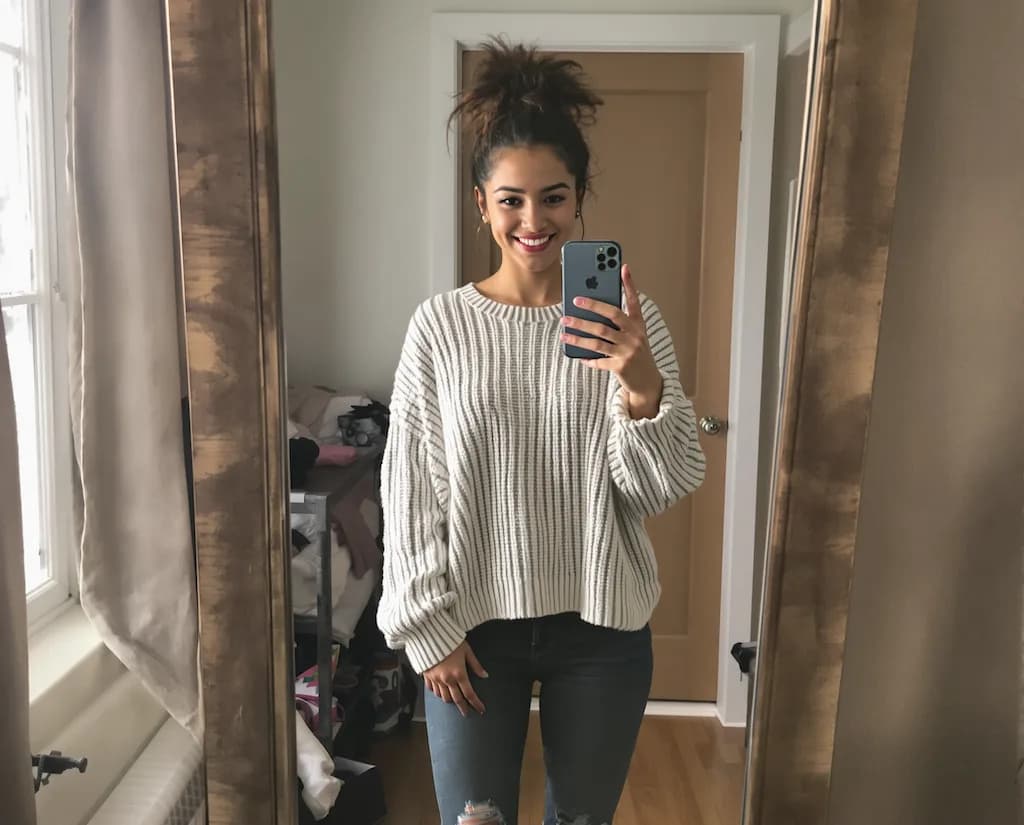
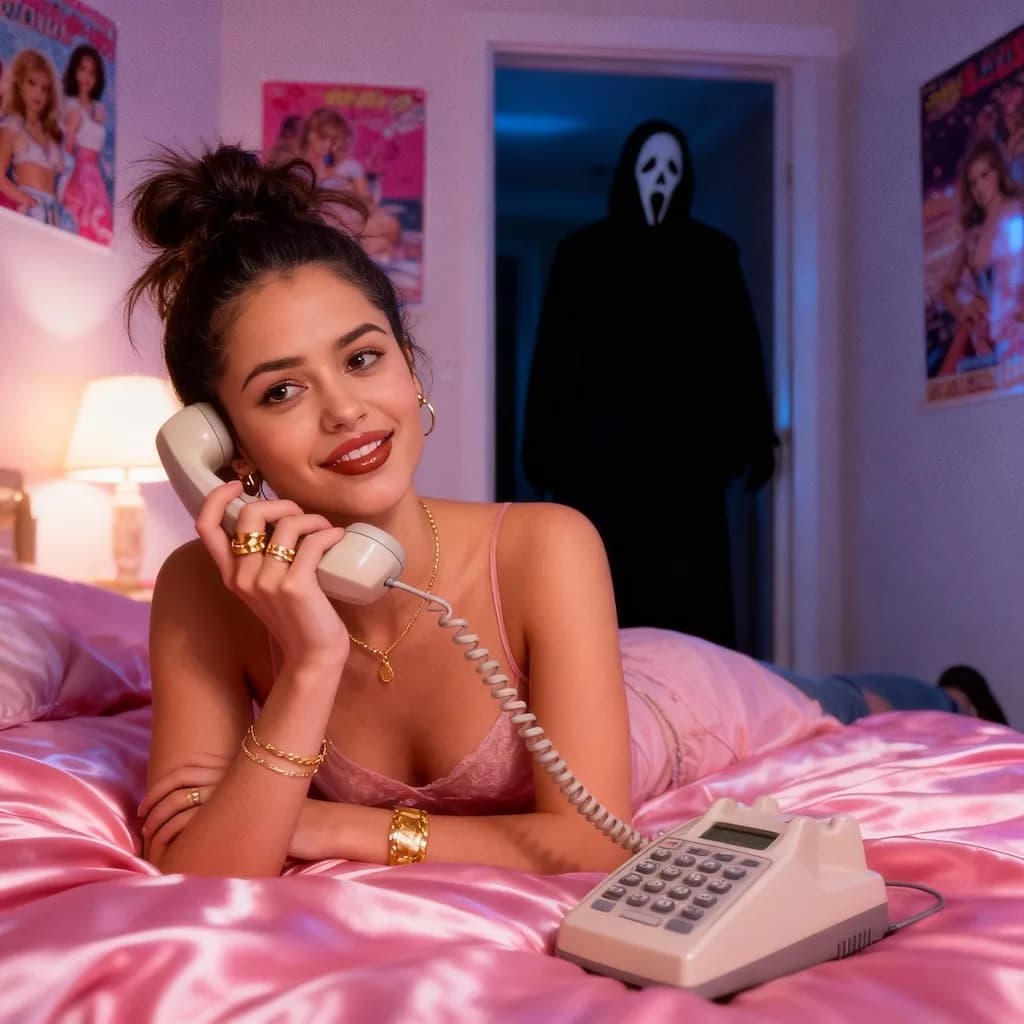
Scream AI Picture
Transform portraits into Edvard Munch's "The Scream" painting style
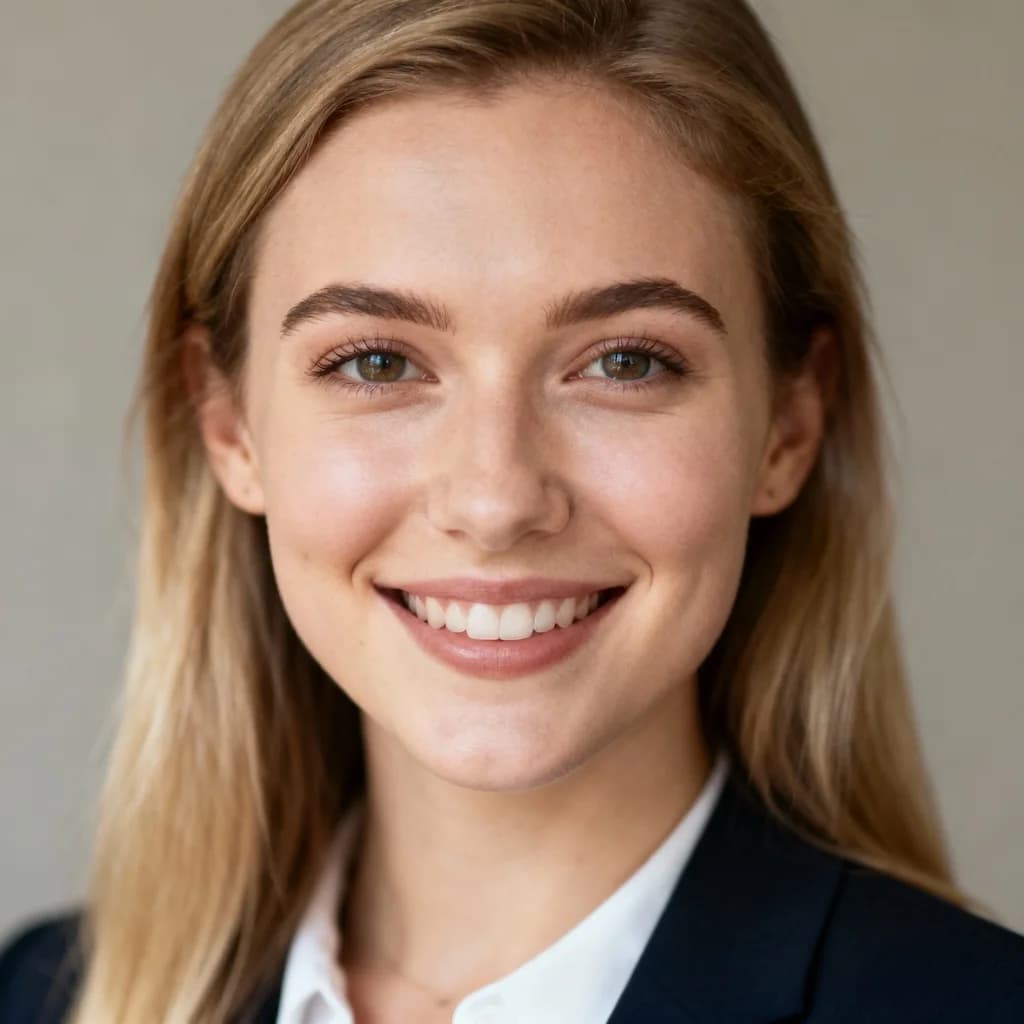
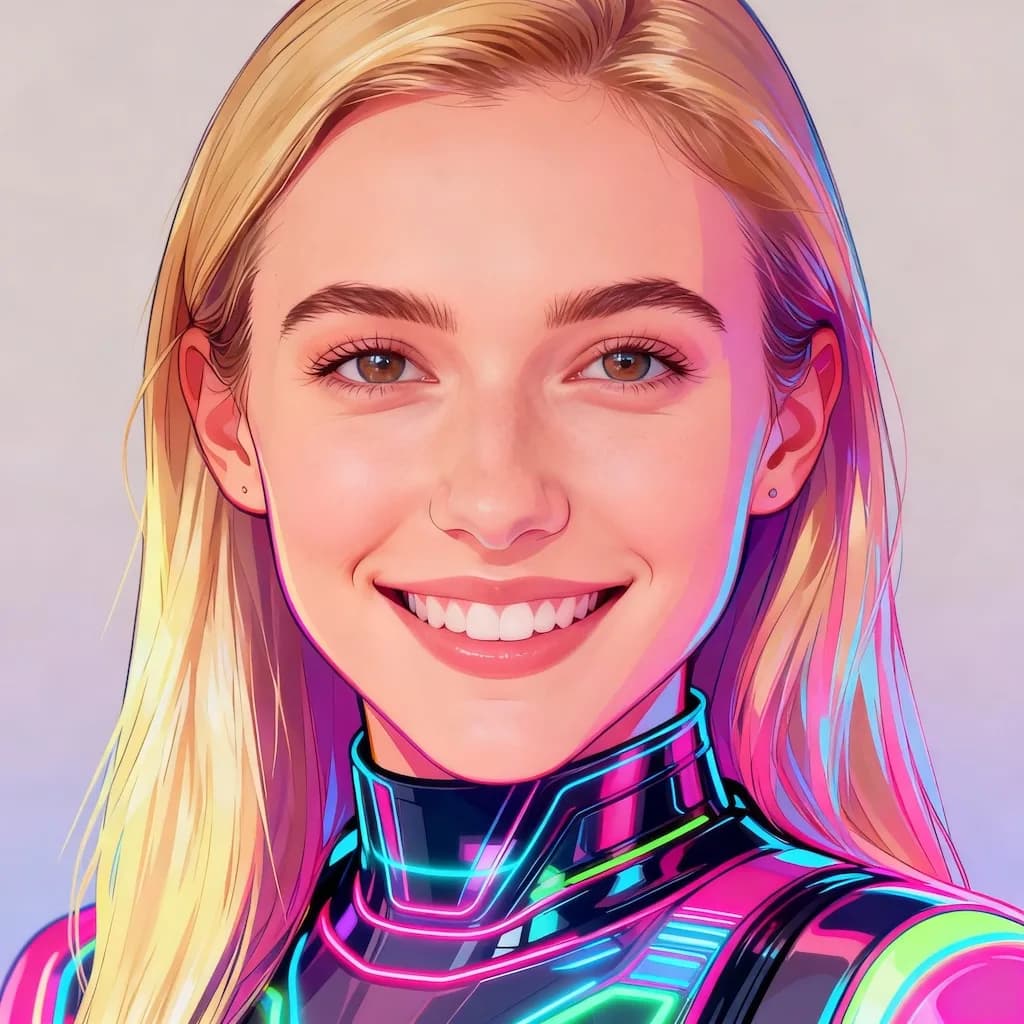
Y2K Style AI
Apply nostalgic Y2K aesthetic with chrome, gradients, and early 2000s vibes

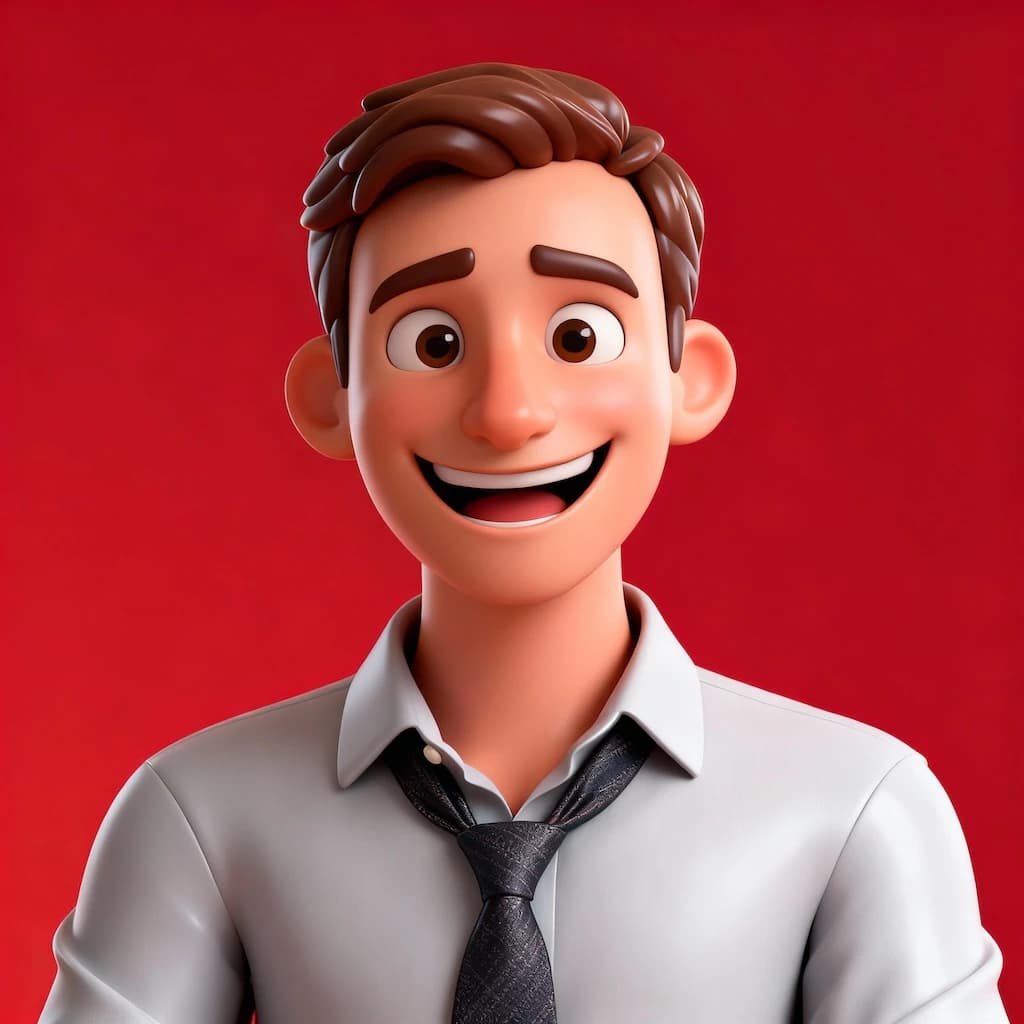
3D Caricature
Create fun 3D caricature portraits with exaggerated features and cartoon style
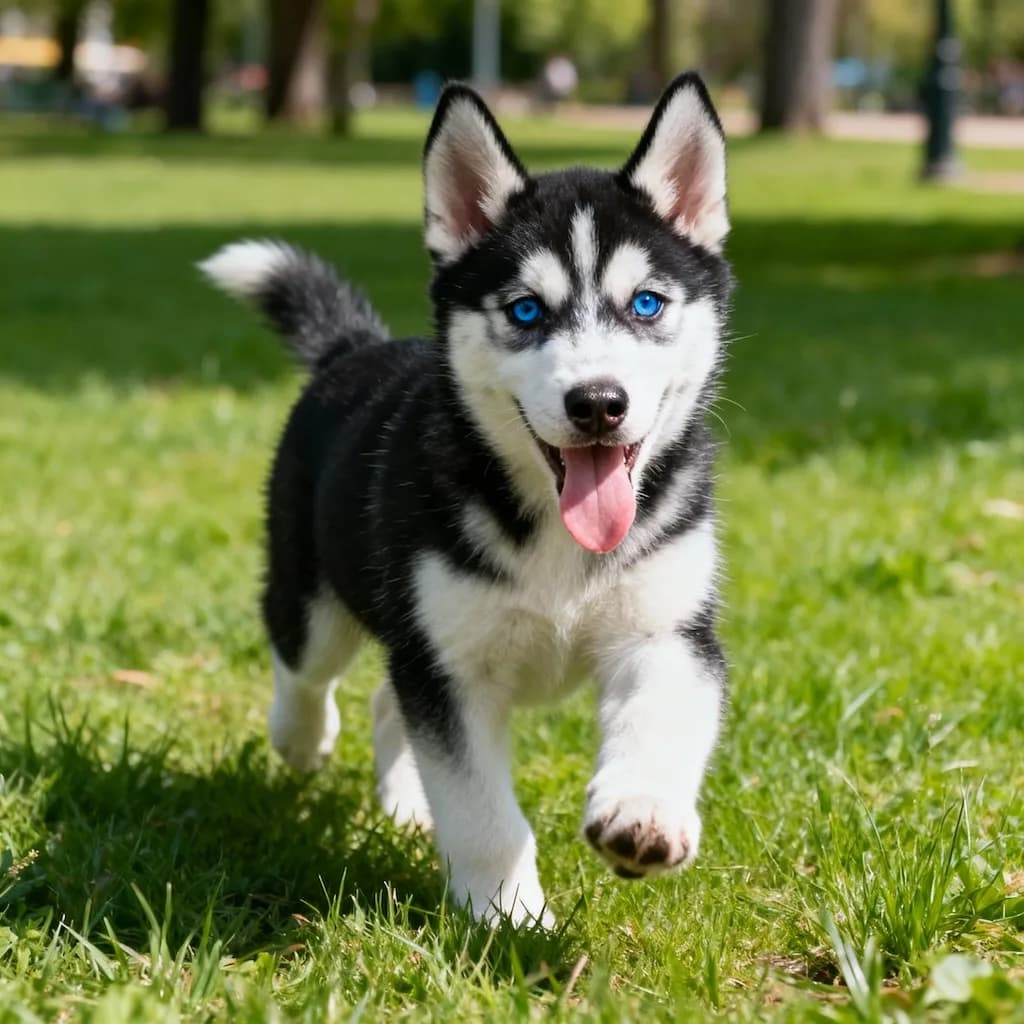
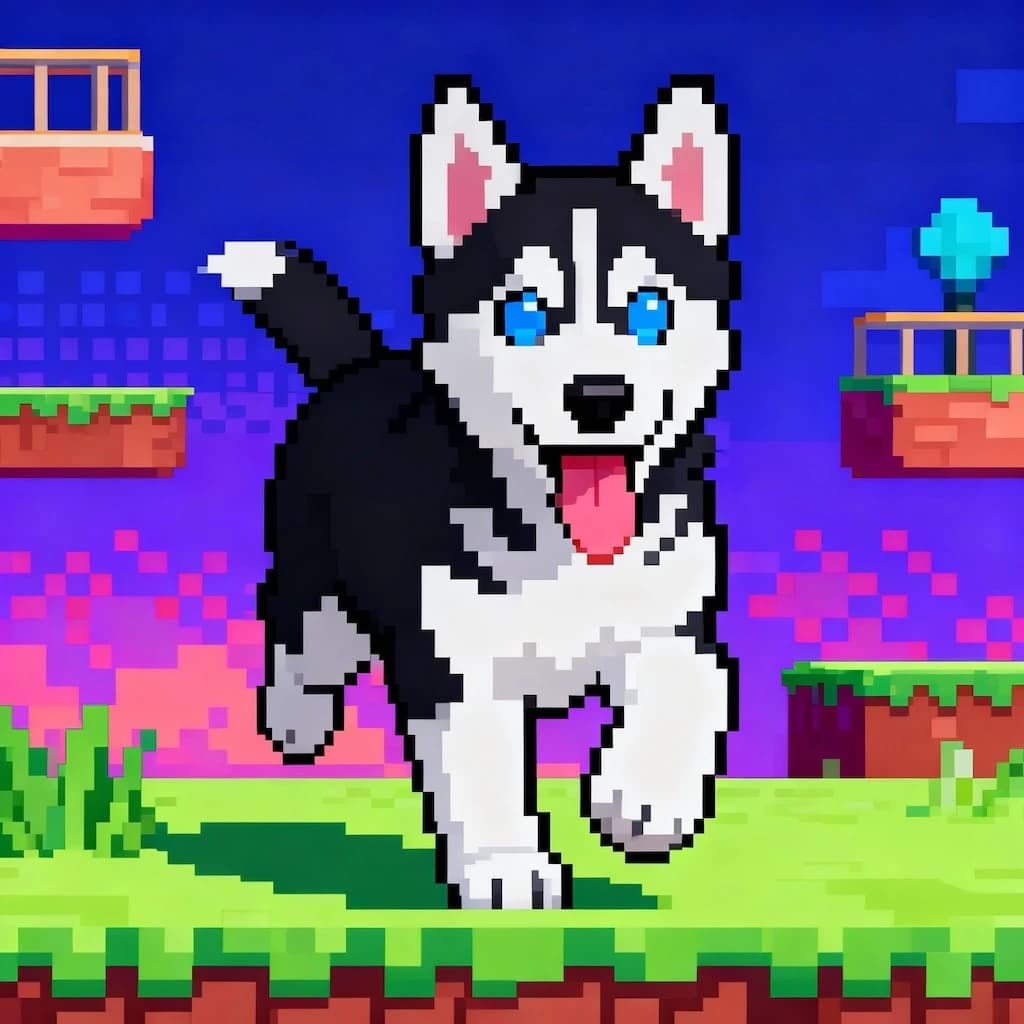
16-bit Video Game Character
Transform into a classic 16-bit video game character with retro gaming aesthetics
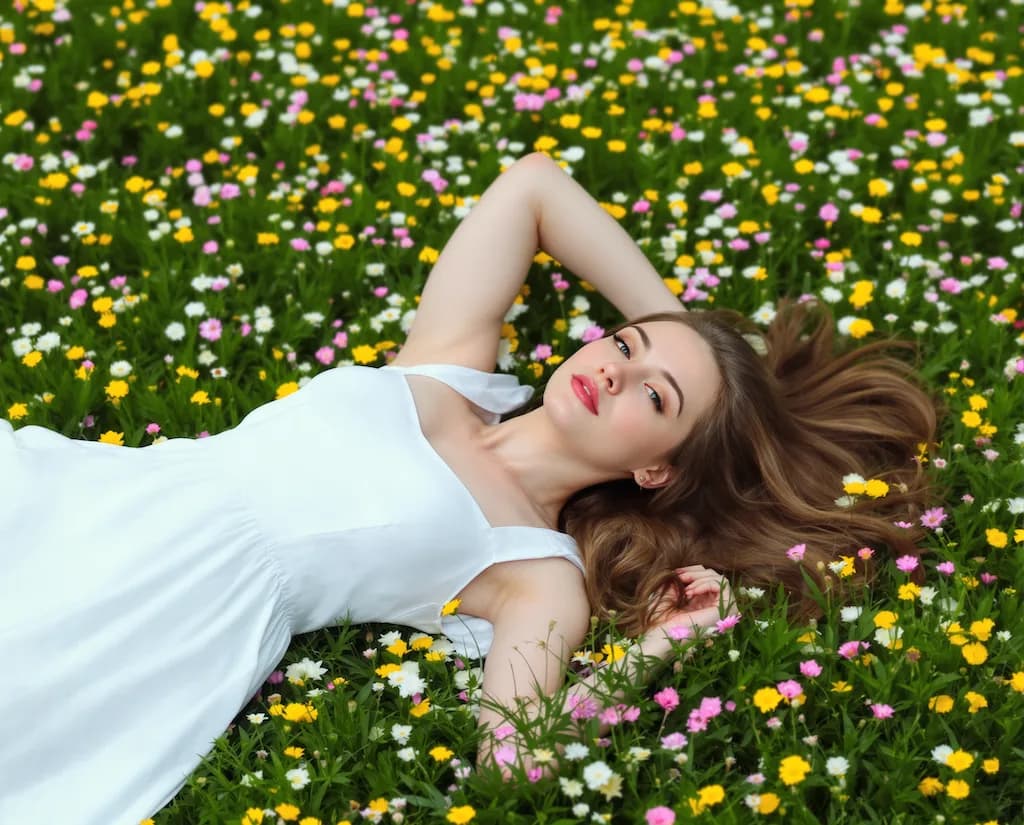
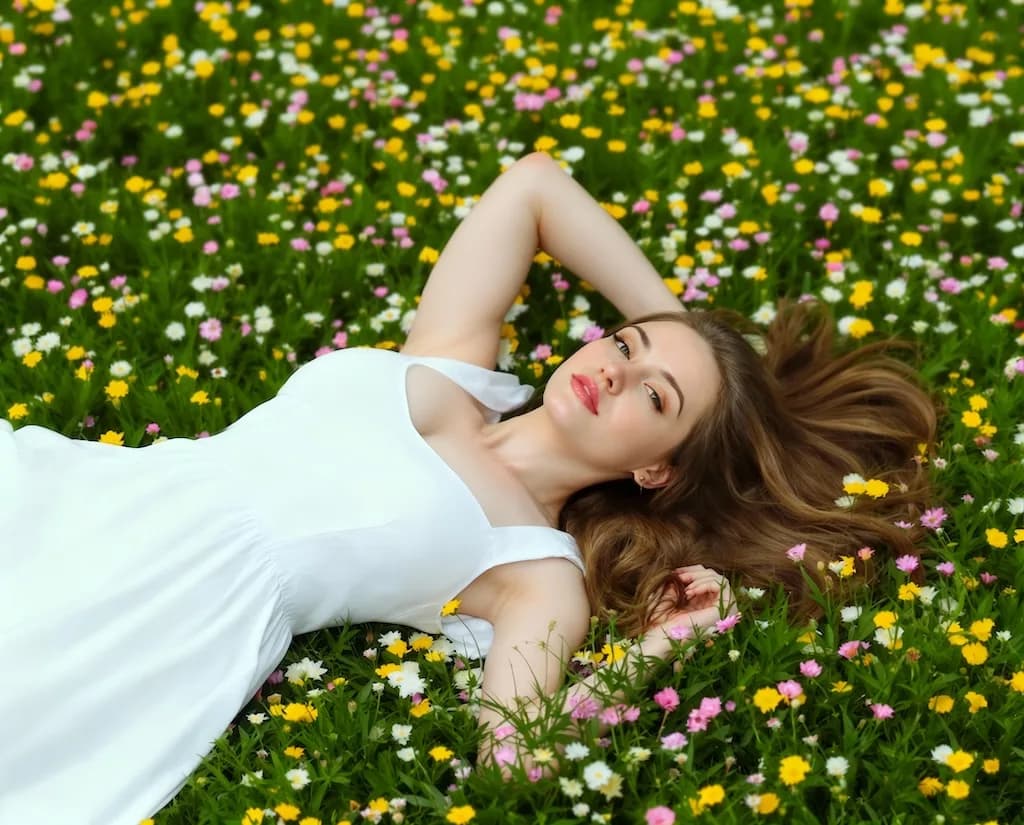
Boob Boost Effect
Enhance bust appearance naturally with AI-powered body modification
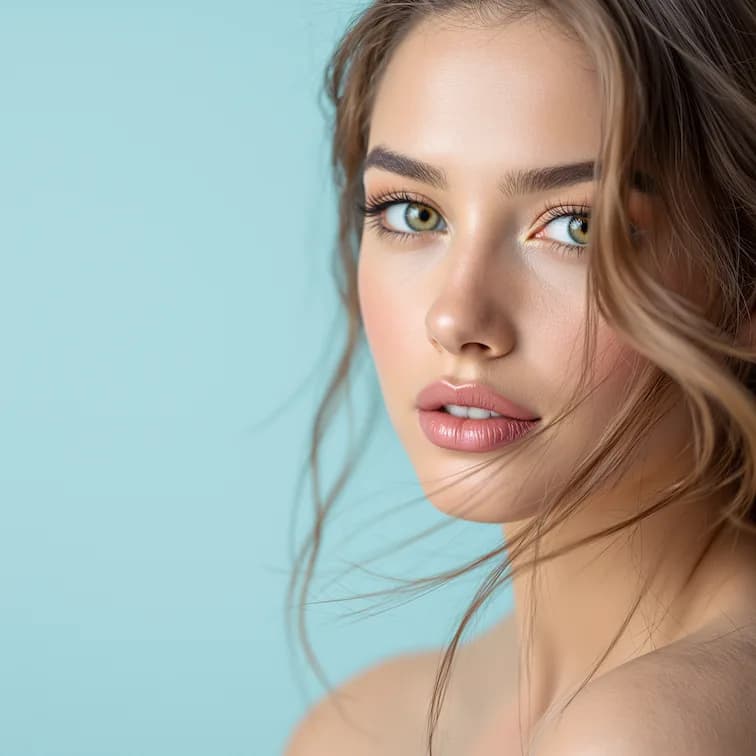
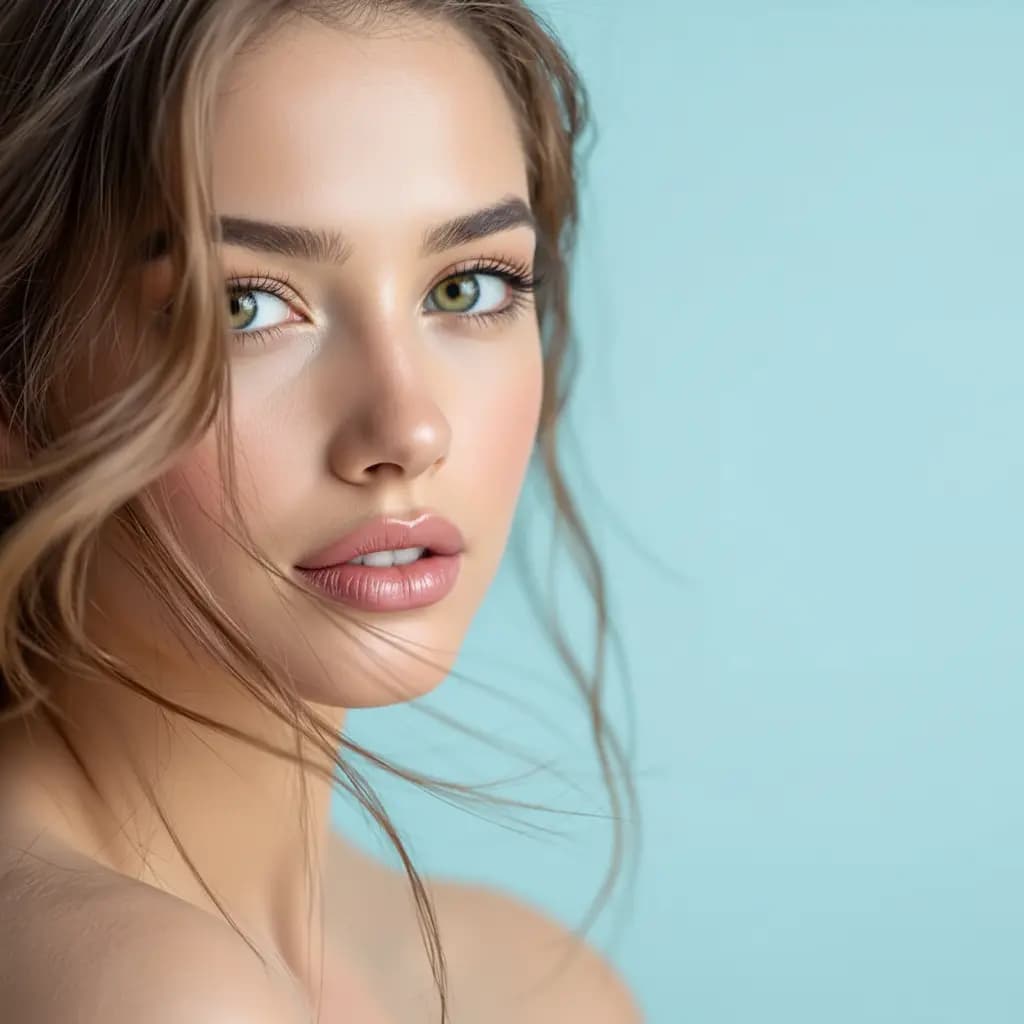
Inverted Face Filter
Create a surreal inverted face effect for artistic and creative portraits
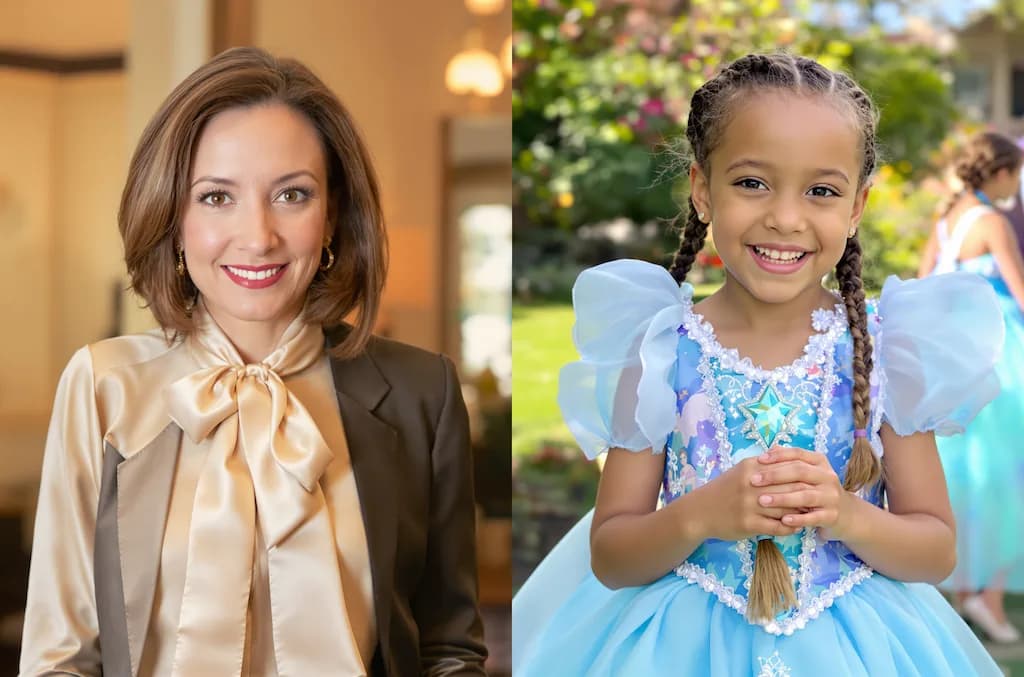
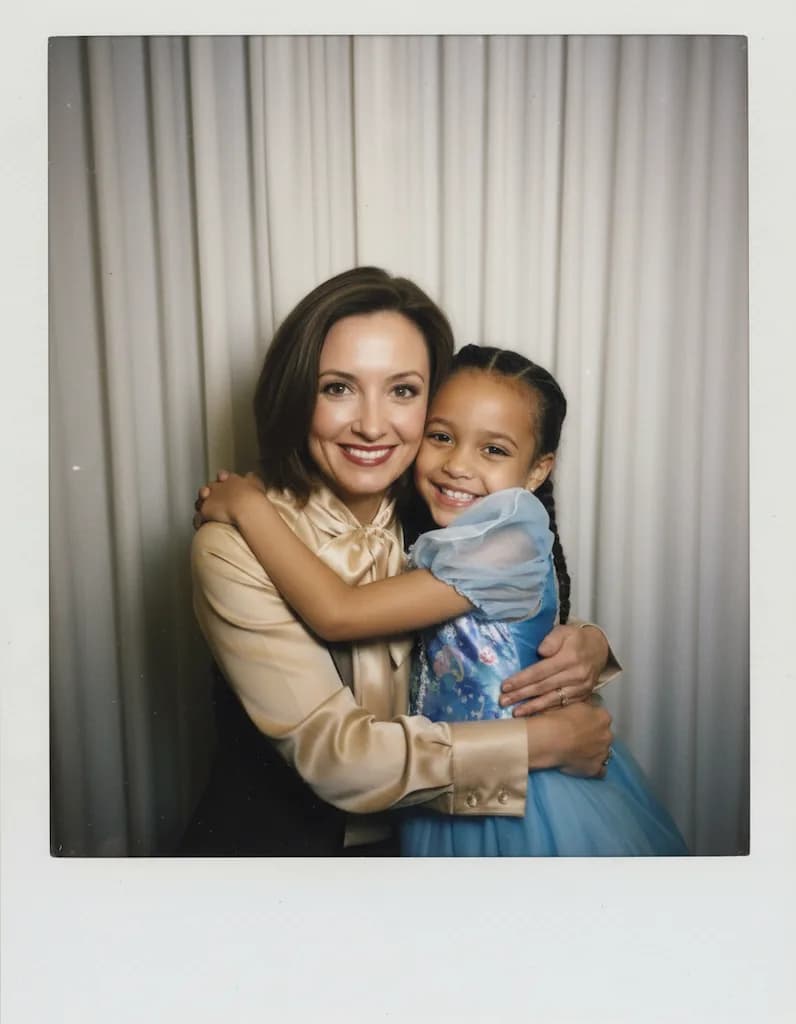
Hug My Younger Self
Create a touching image of you hugging your younger self
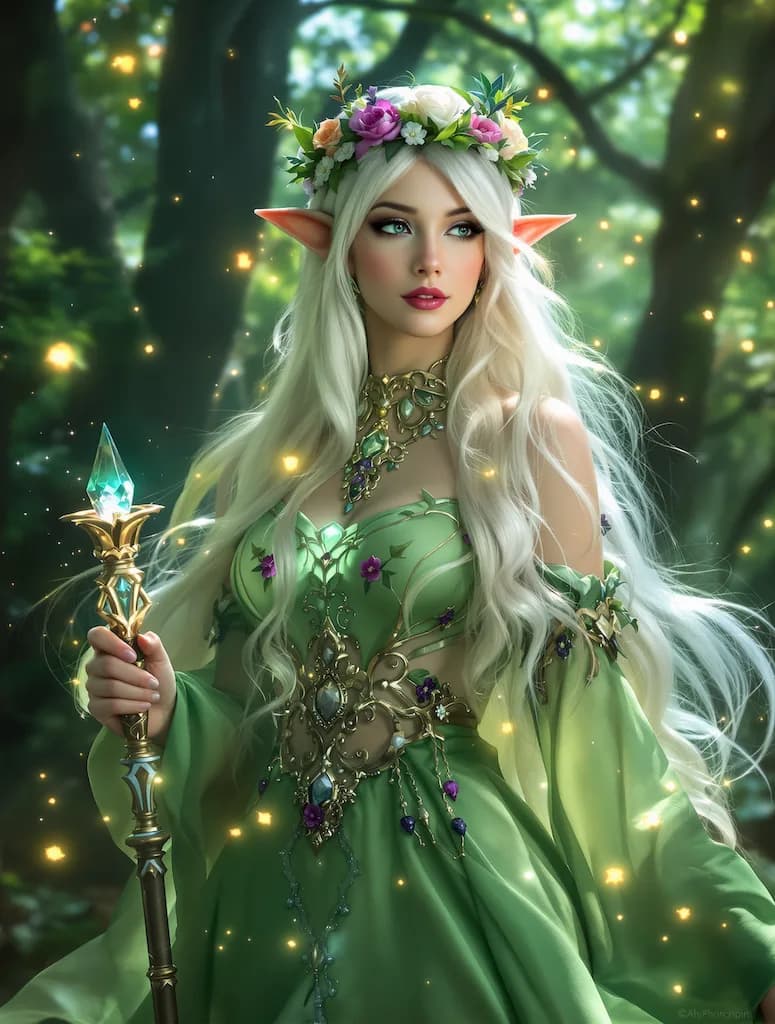
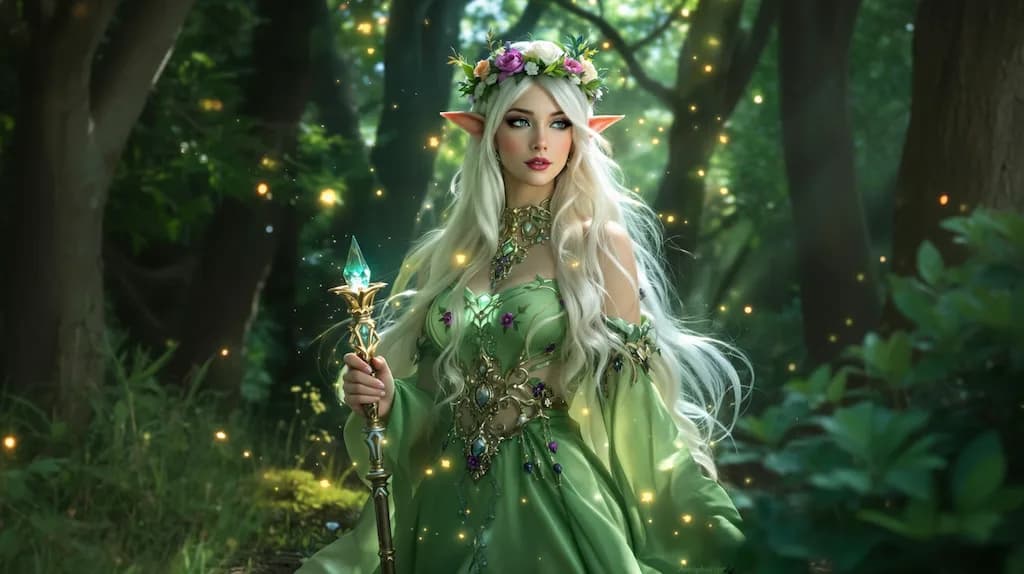
Image Outpainting
Expand your image boundaries with AI-generated content that seamlessly extends the scene
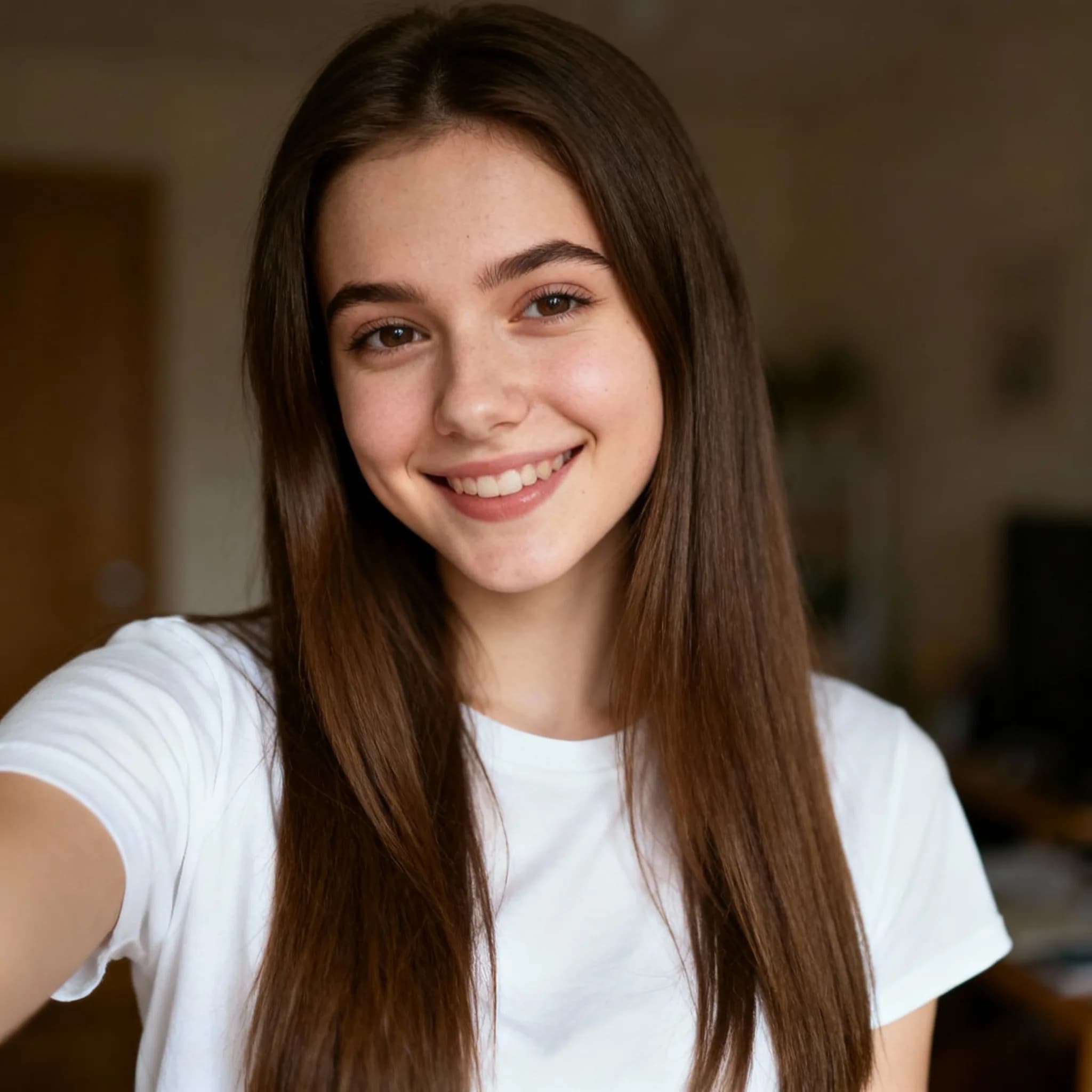
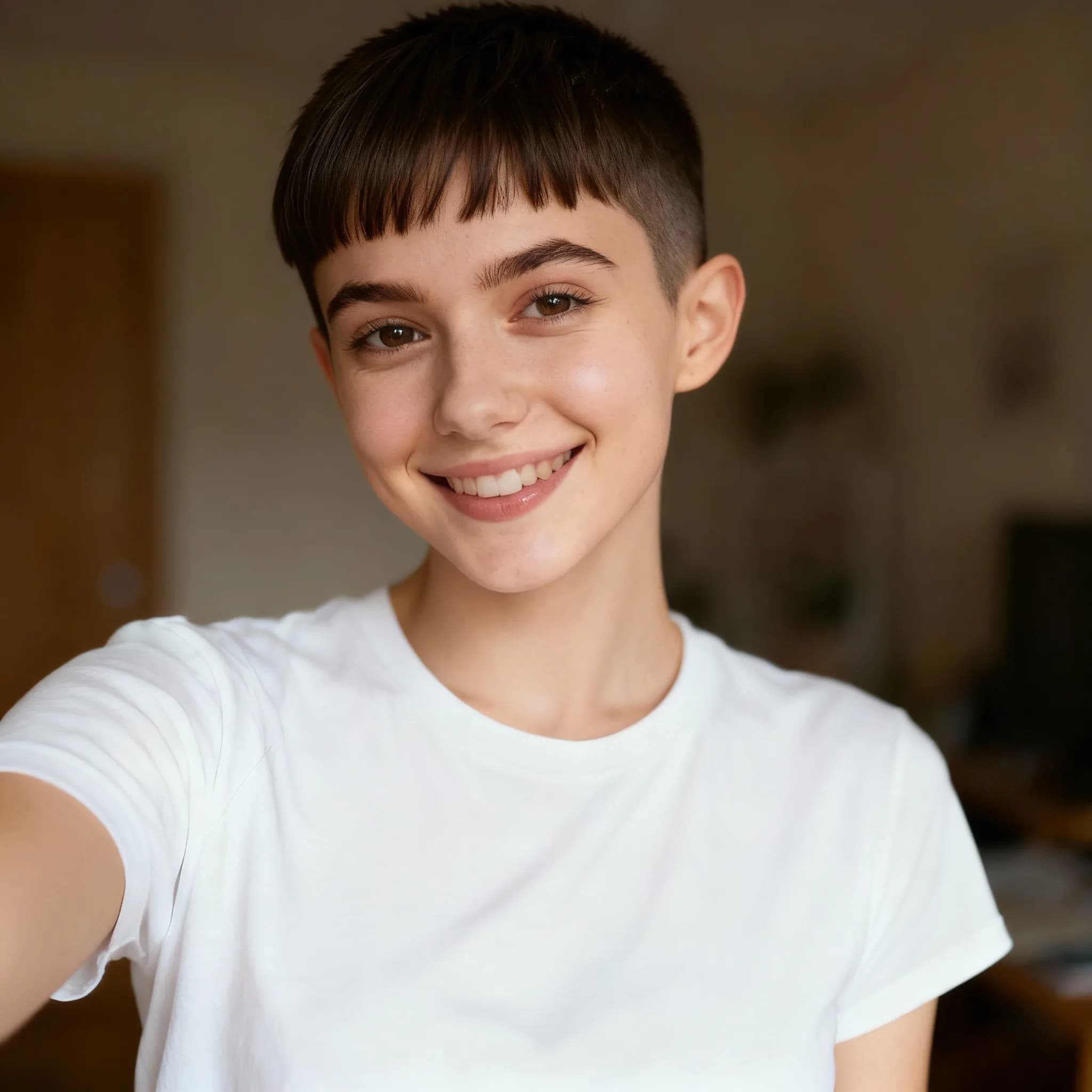
Pixie Cut Filter
Try a stylish pixie cut hairstyle virtually before visiting the salon


LinkedIn Profile Photo
Transform casual photos into professional LinkedIn headshots
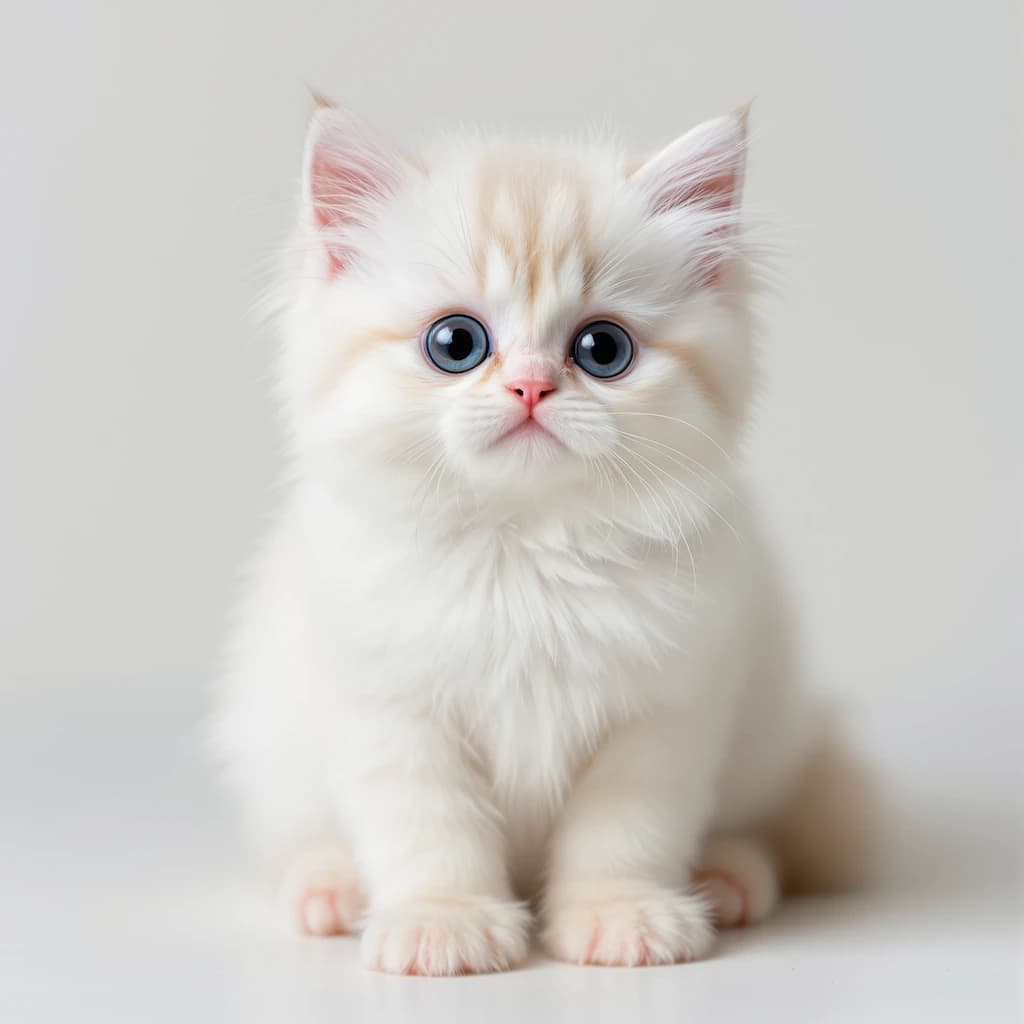
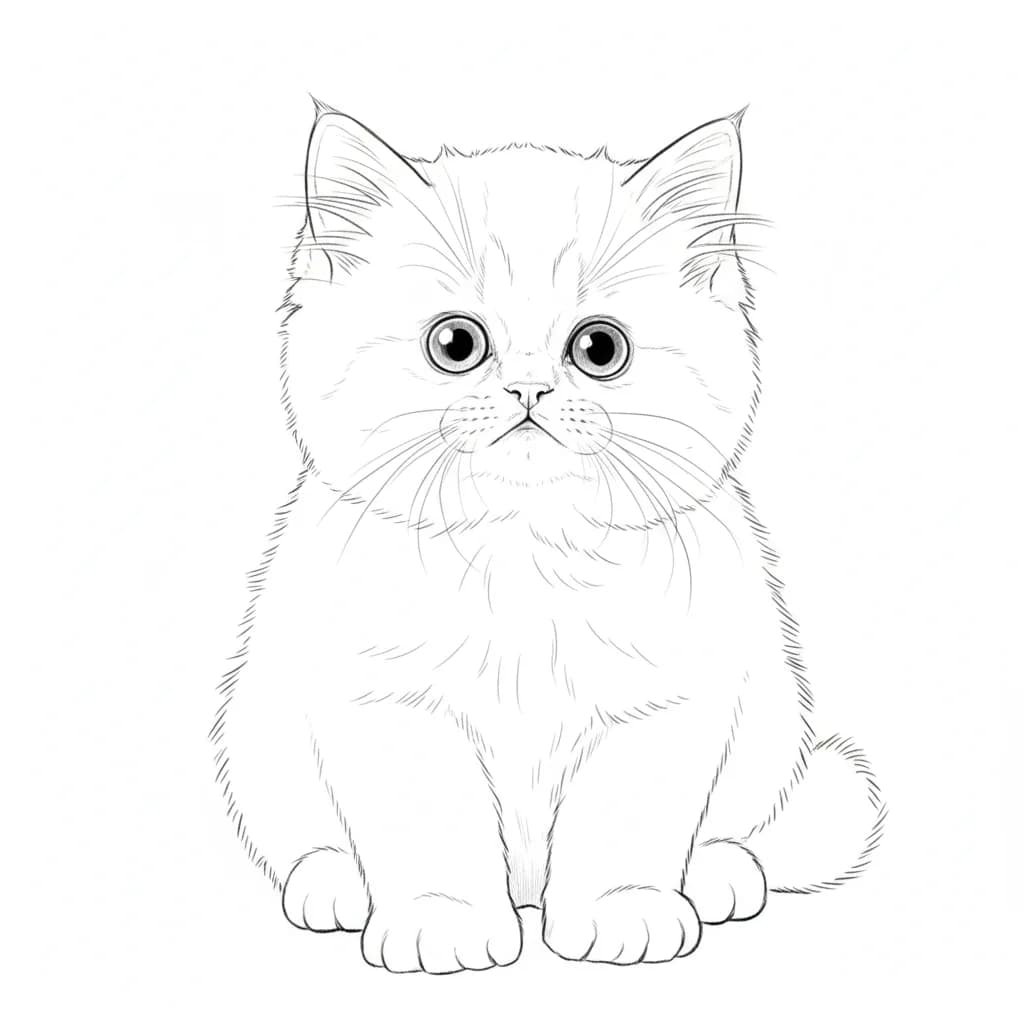
Image to Line Drawing
Convert photos to elegant line drawings with artistic pen strokes
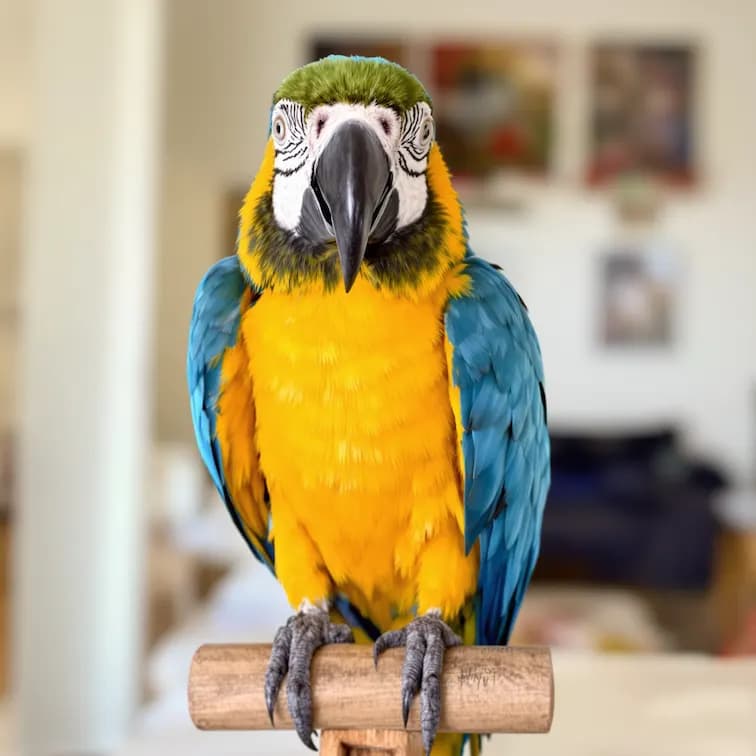
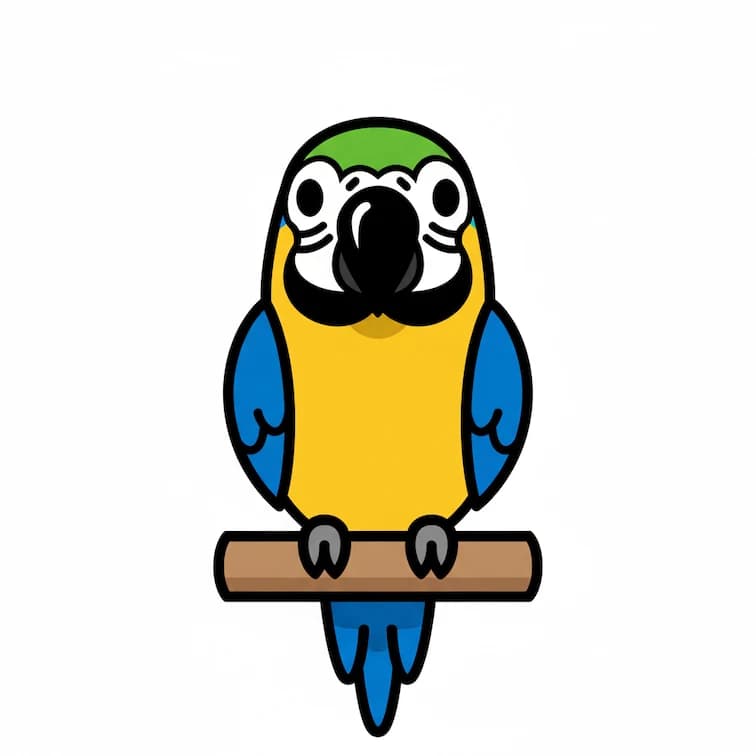
Emoji Icon Generator
Transform portraits into fun emoji-style icons

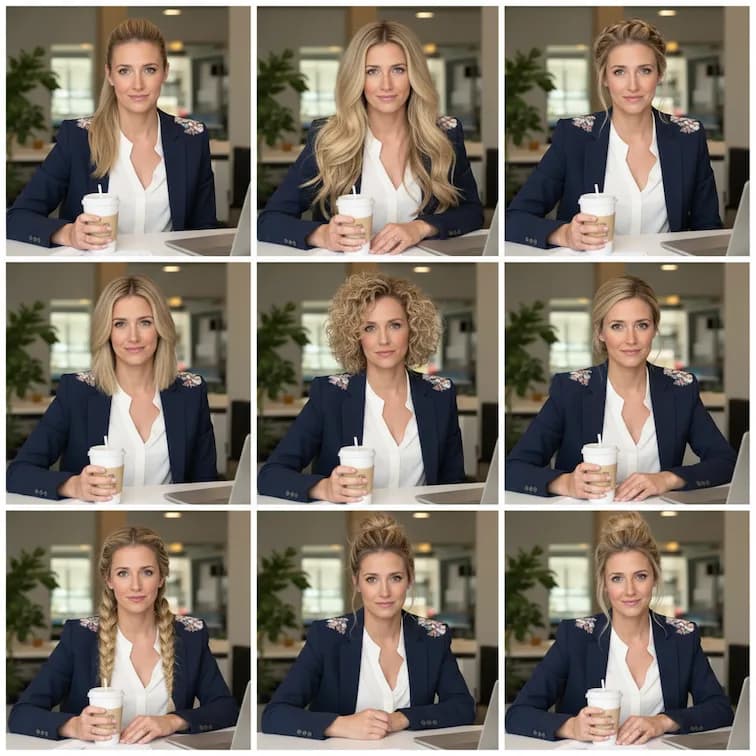
Hair Style Generator
Try different hairstyles virtually with AI-powered hair transformation
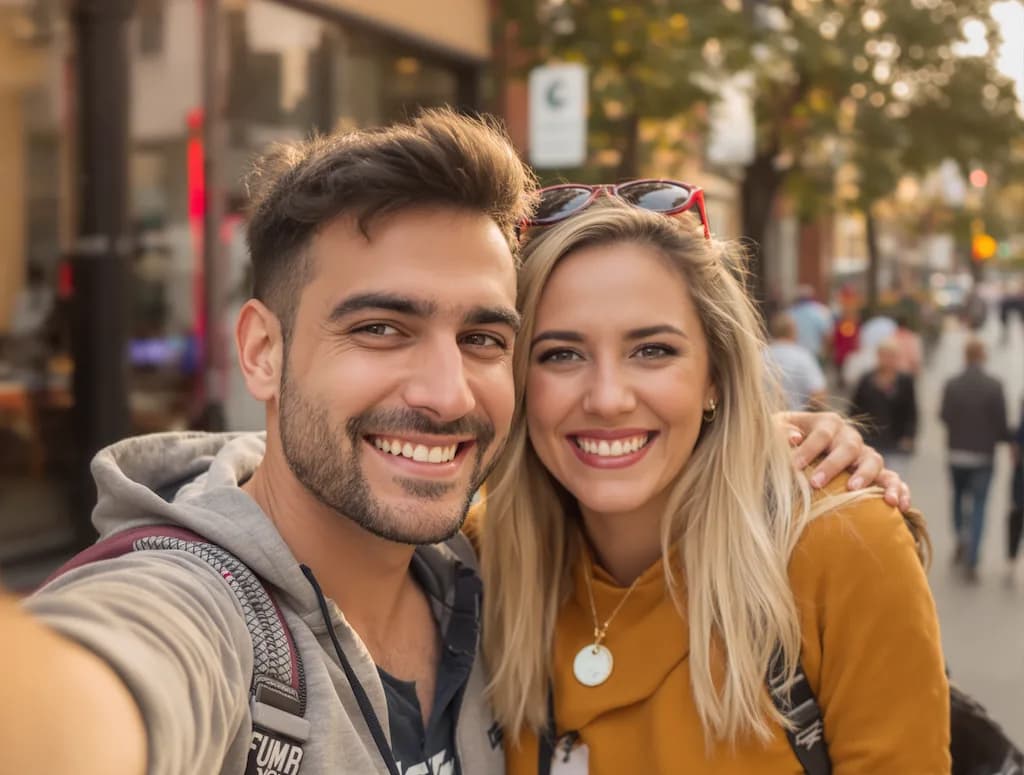
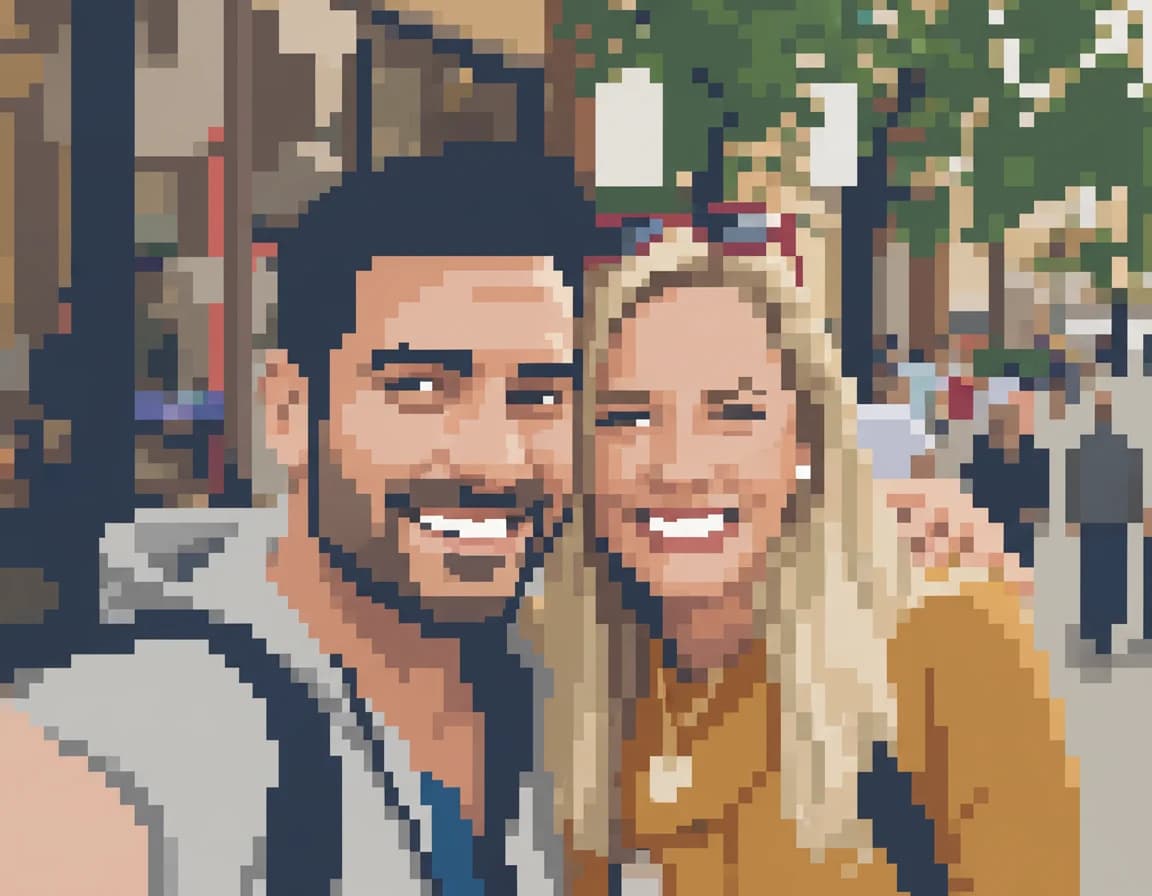
Pixel Illustration
Create detailed pixel art illustrations from your photos
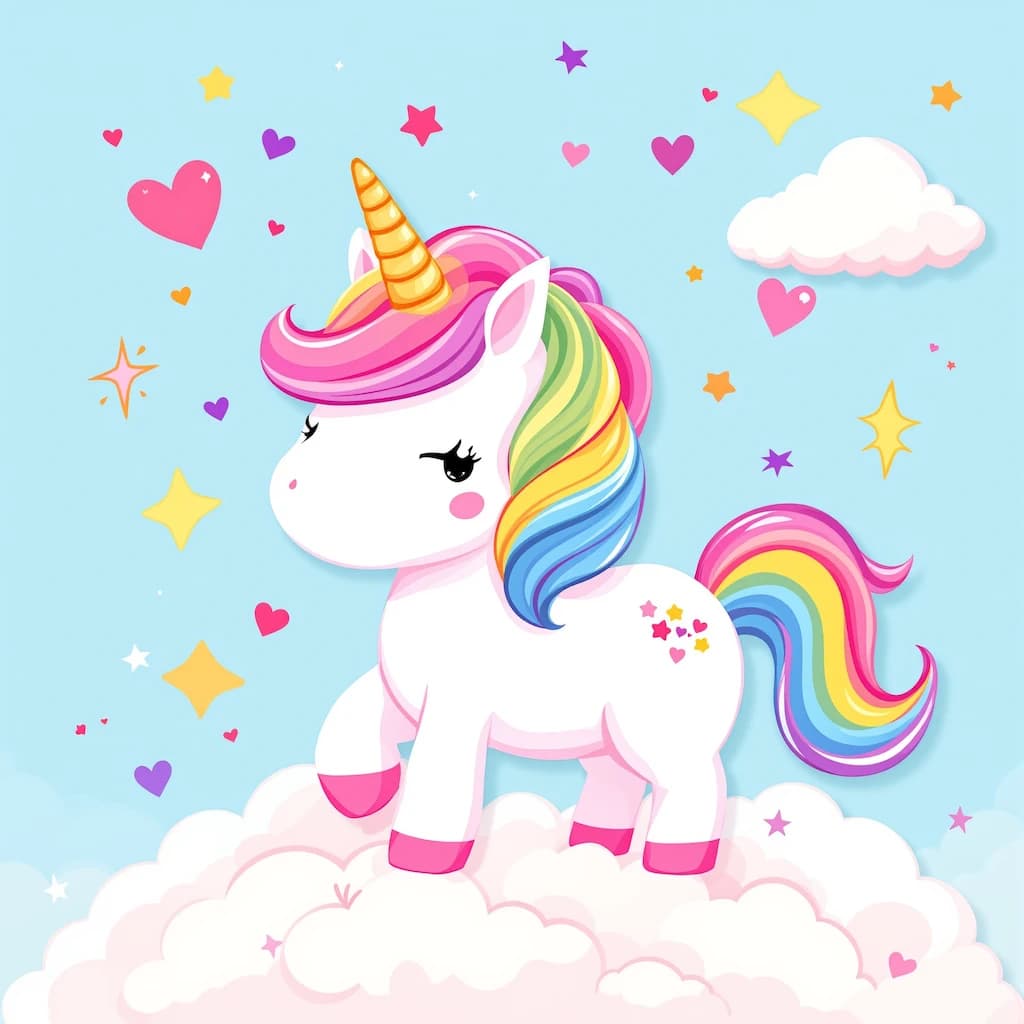
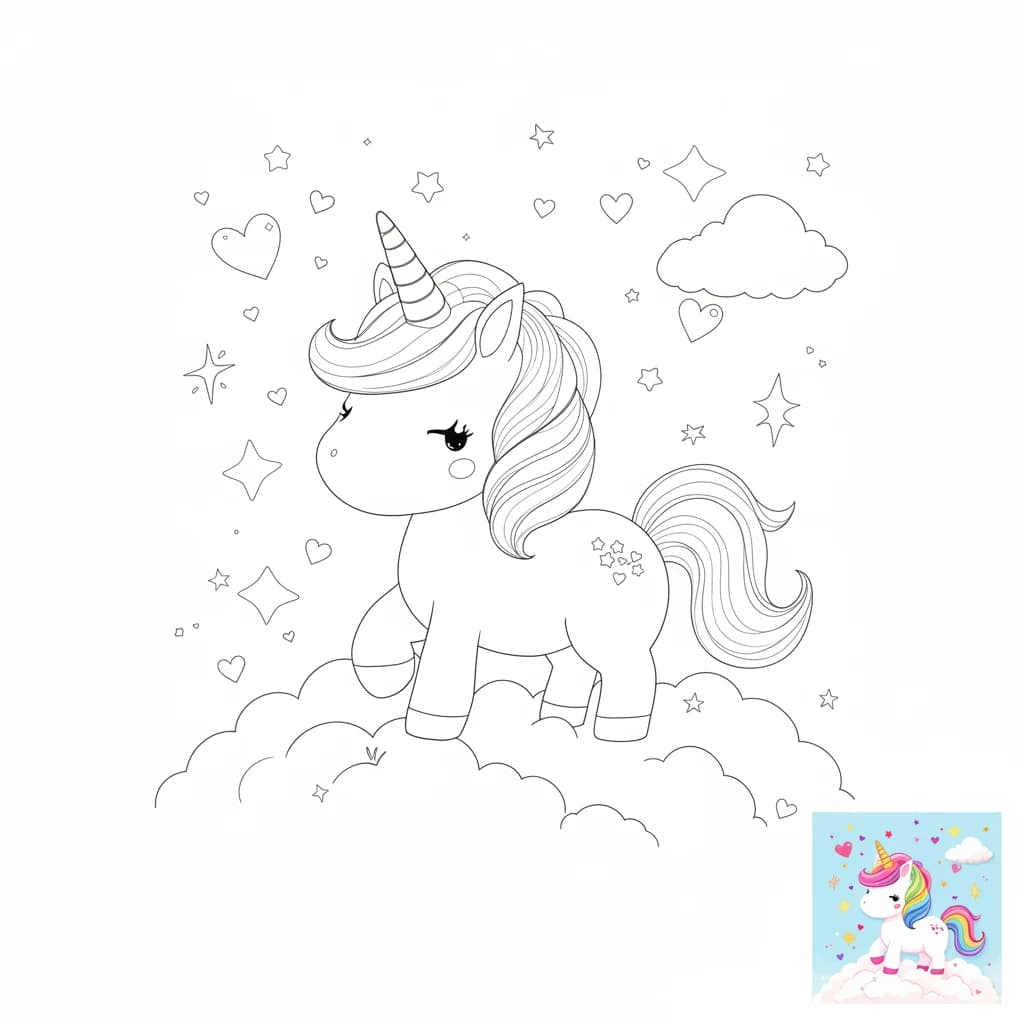
Coloring Page Creator
Convert photos to printable coloring pages with clean outlines

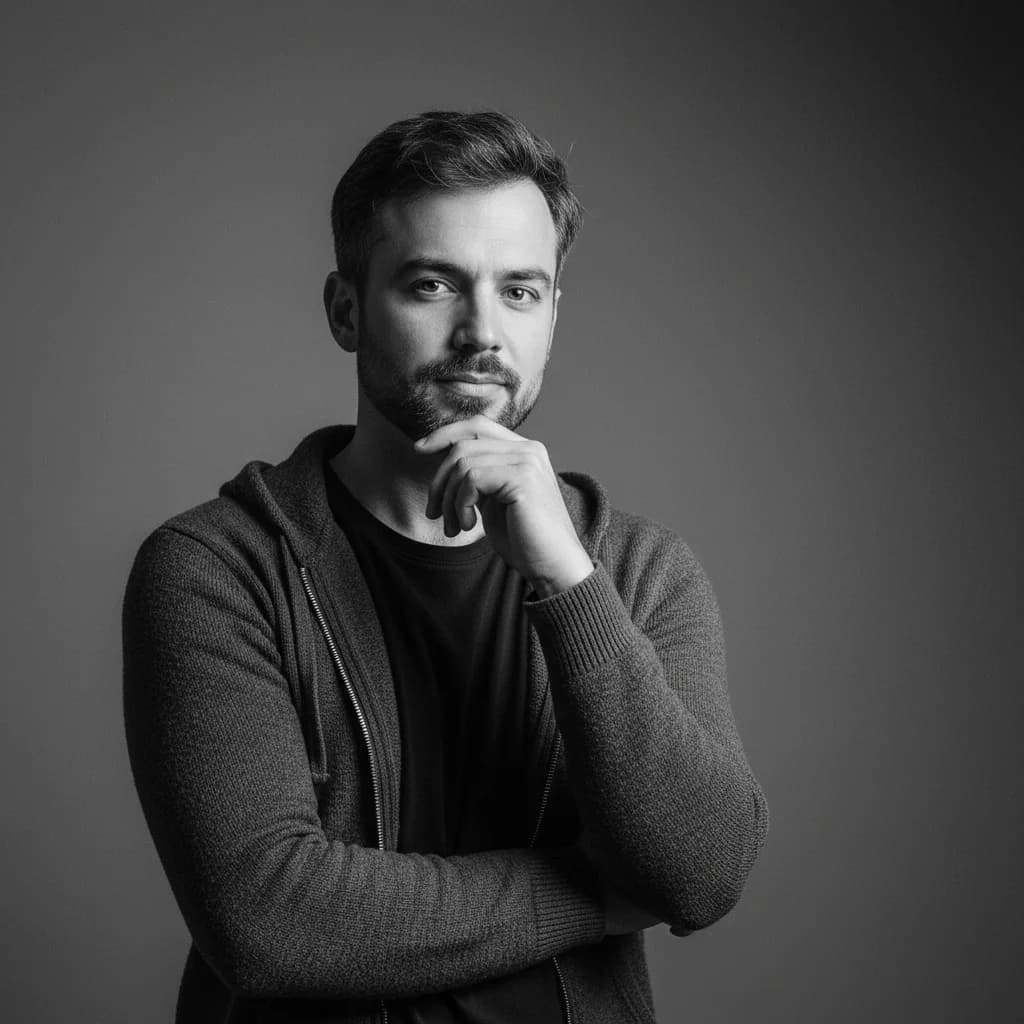
Artistic Portrait
Transform photos into beautiful artistic painted portraits
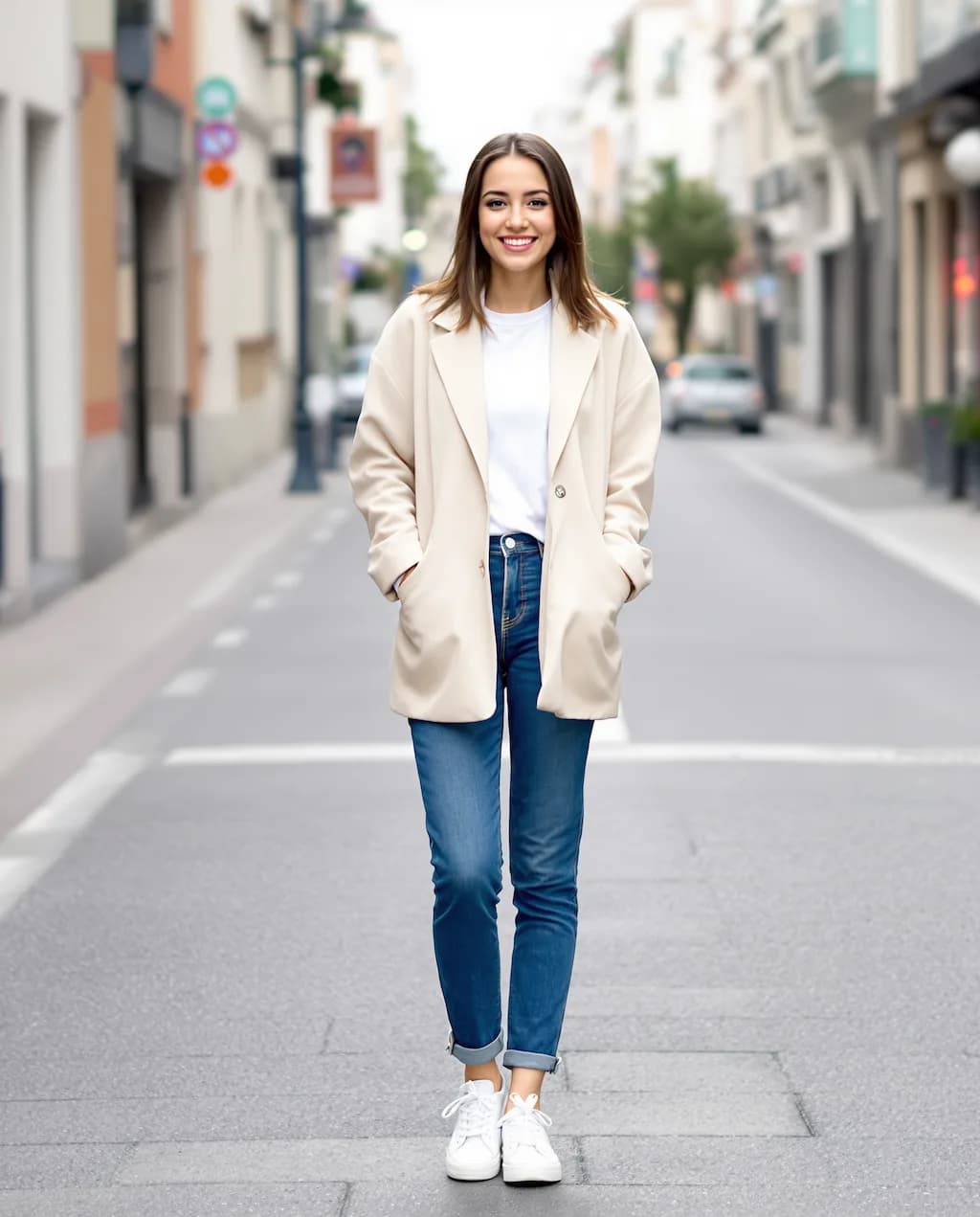
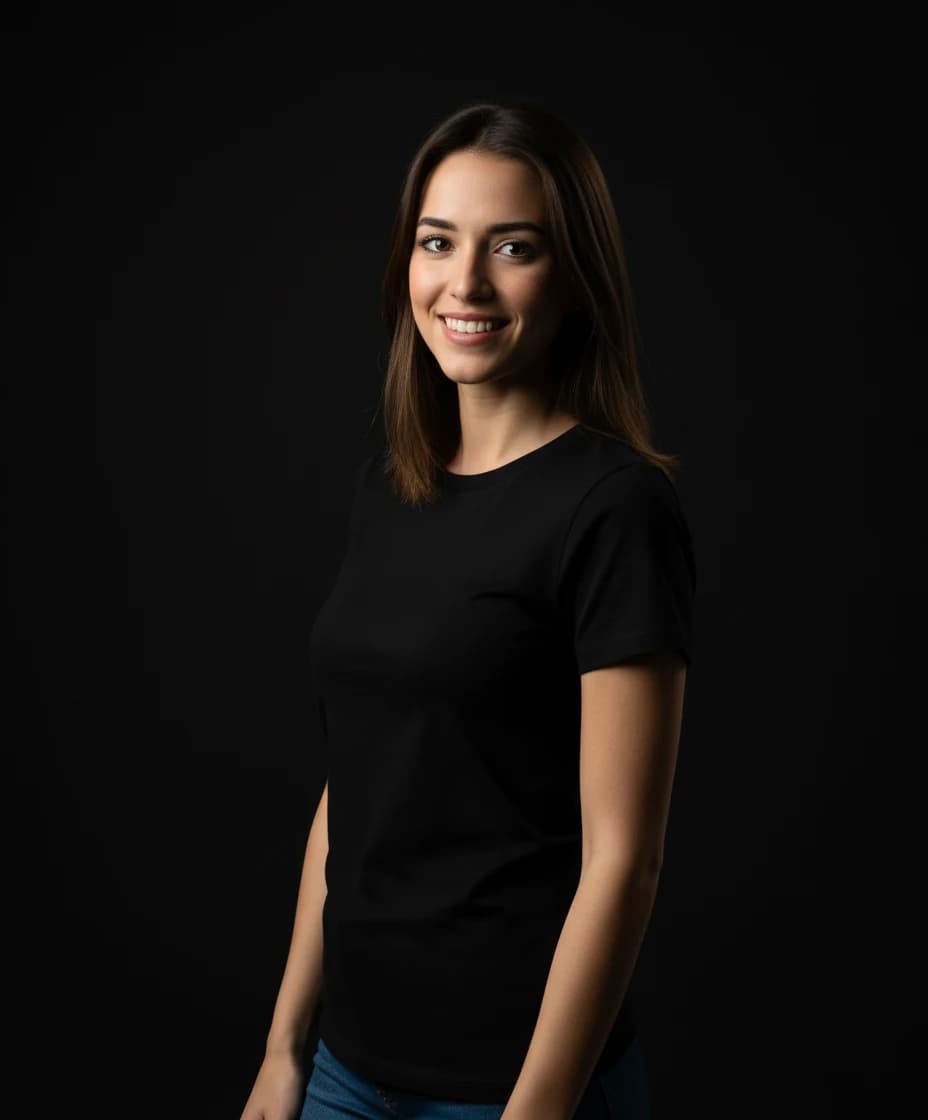
Studio Portrait
Create professional studio-quality portraits with perfect lighting
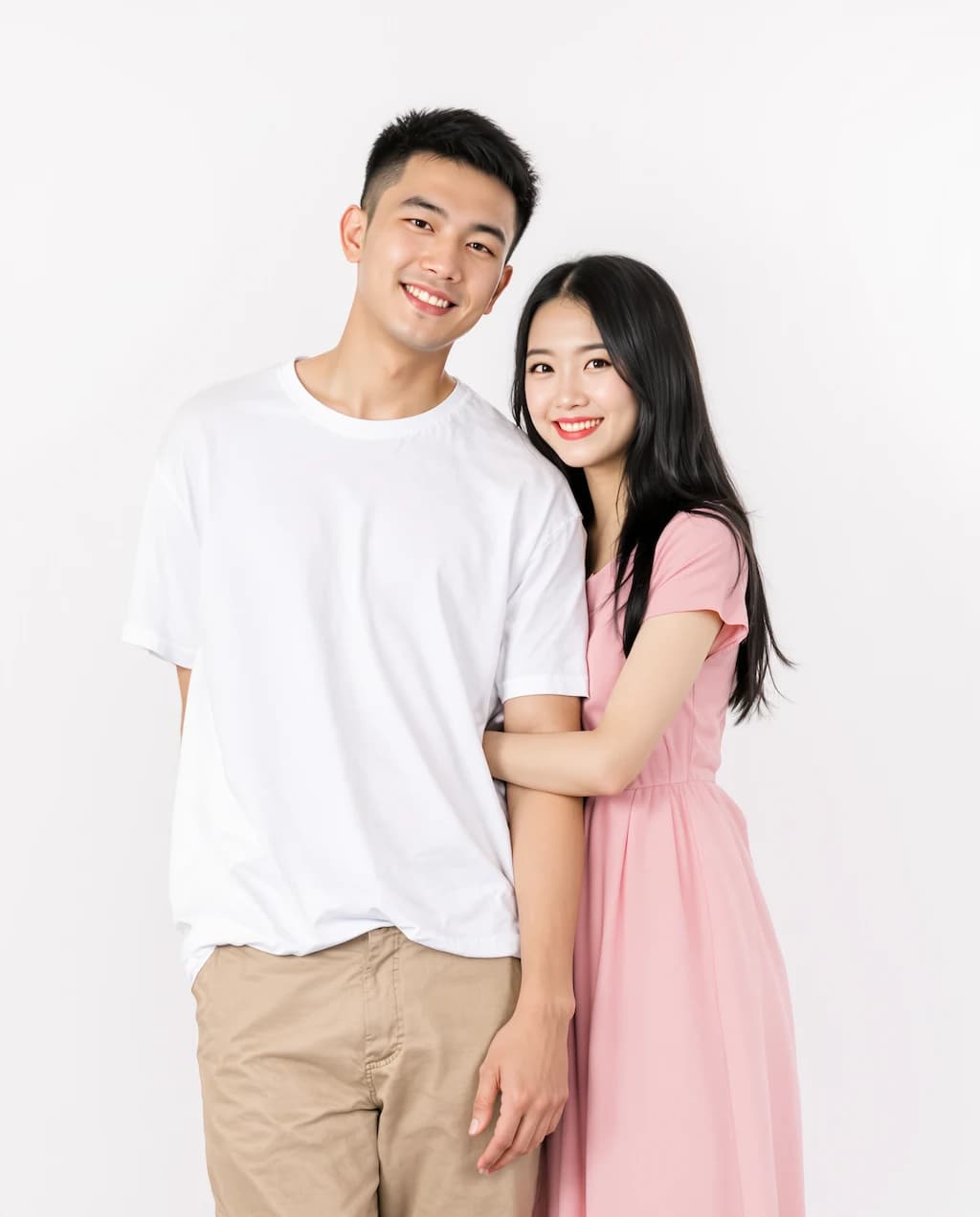
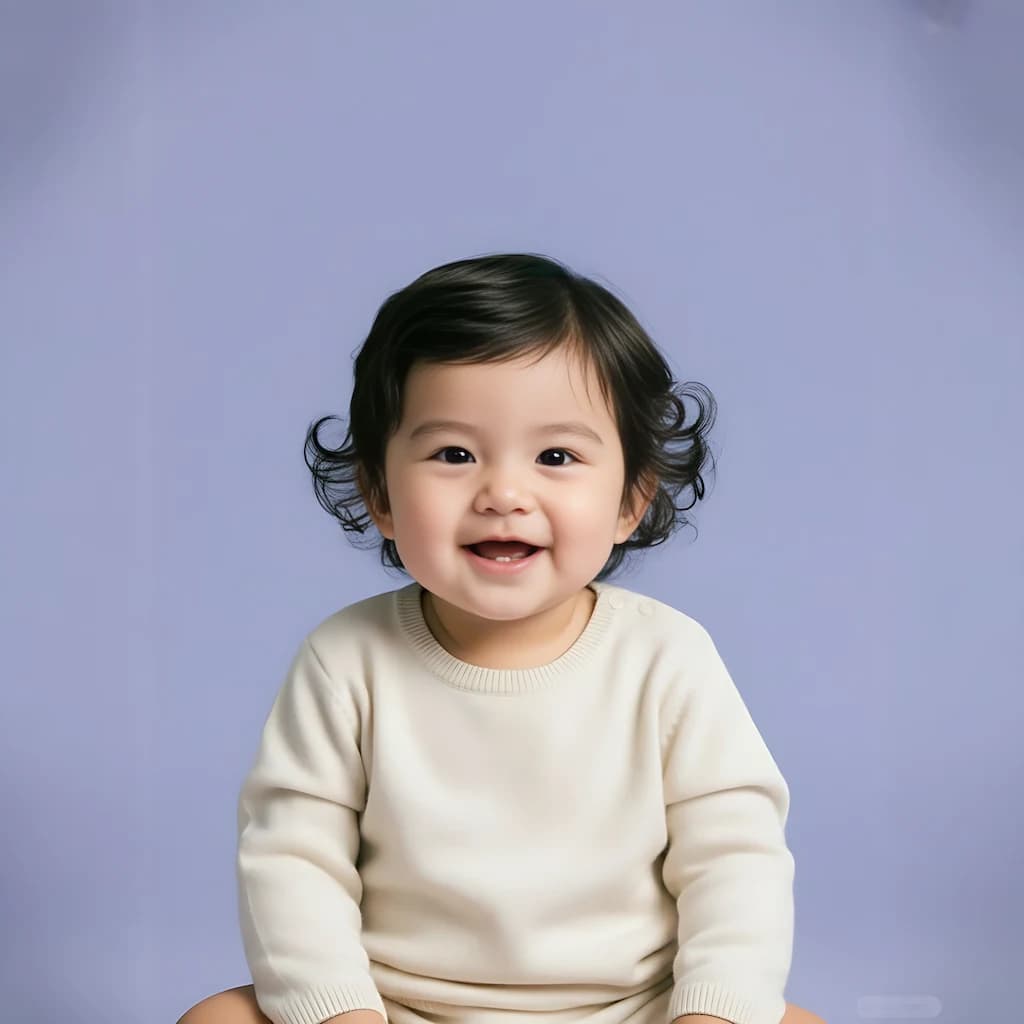
Baby Face Generator
Generate an adorable baby version of yourself
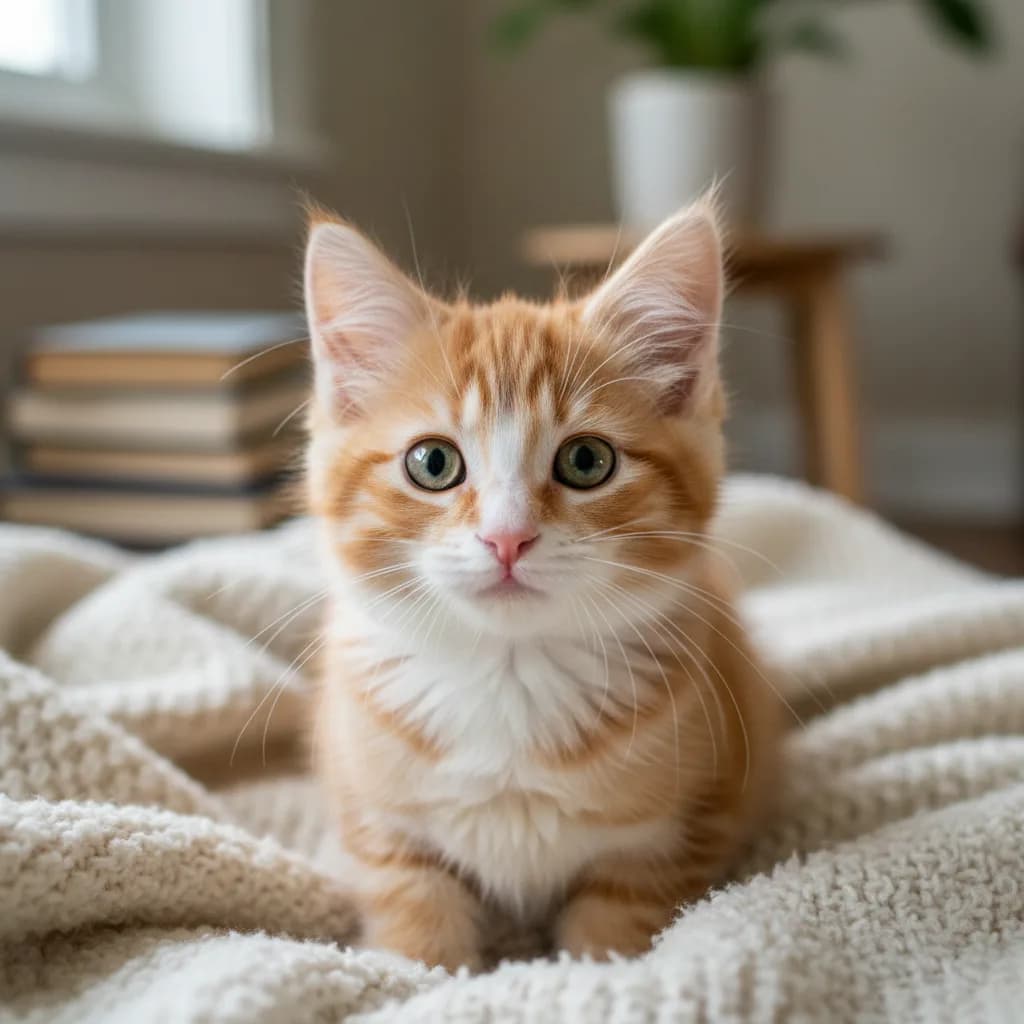
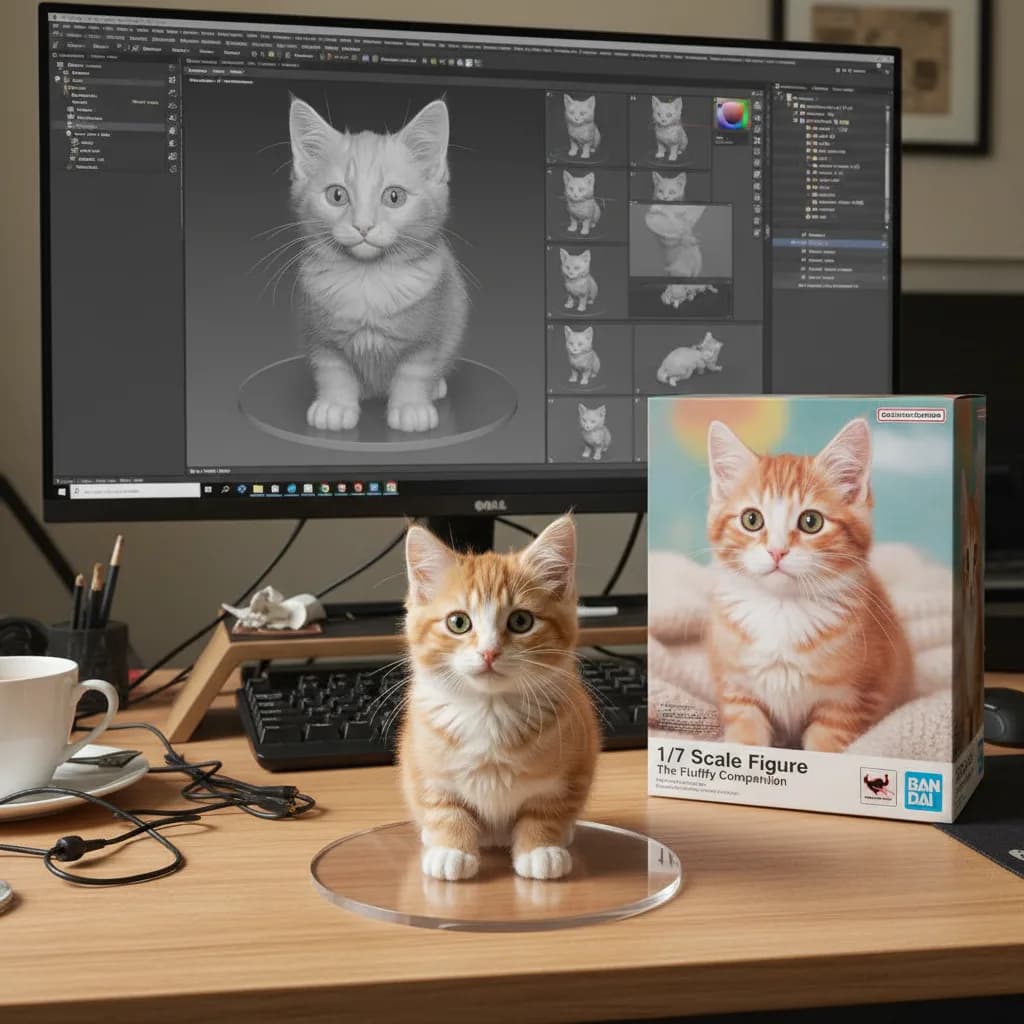
3D Figure Creator
Transform photos into 3D figurine-style characters
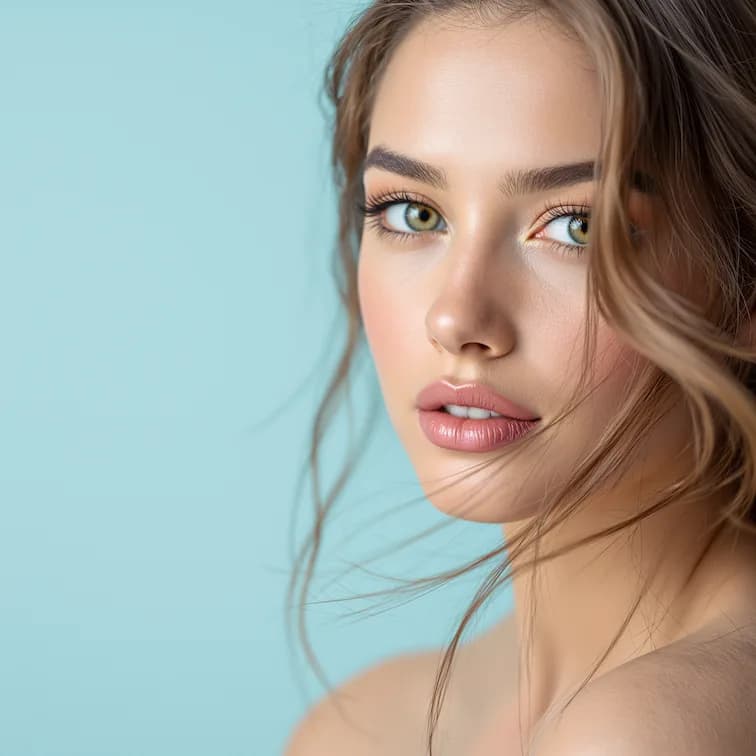
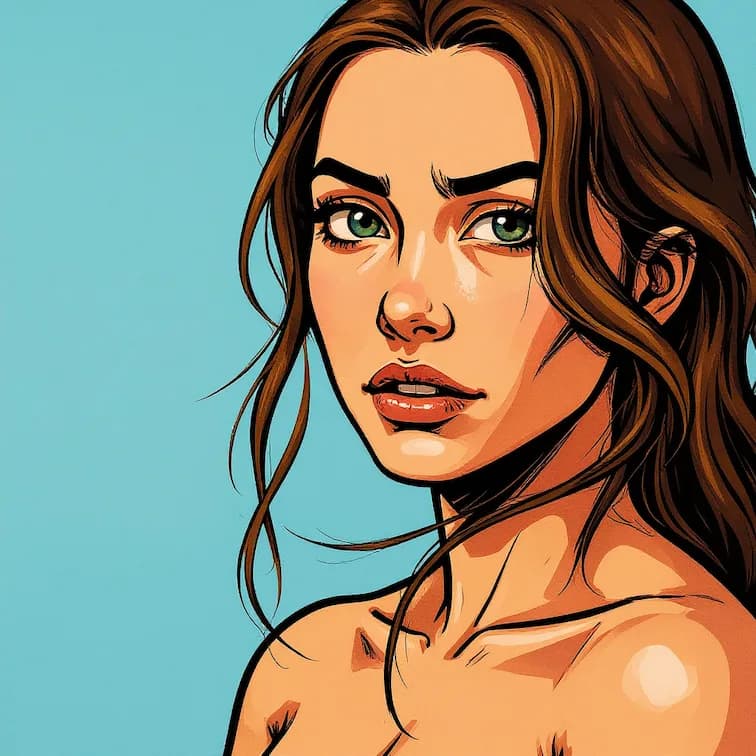
GTA Style Filter
Transform photos into Grand Theft Auto game artwork style
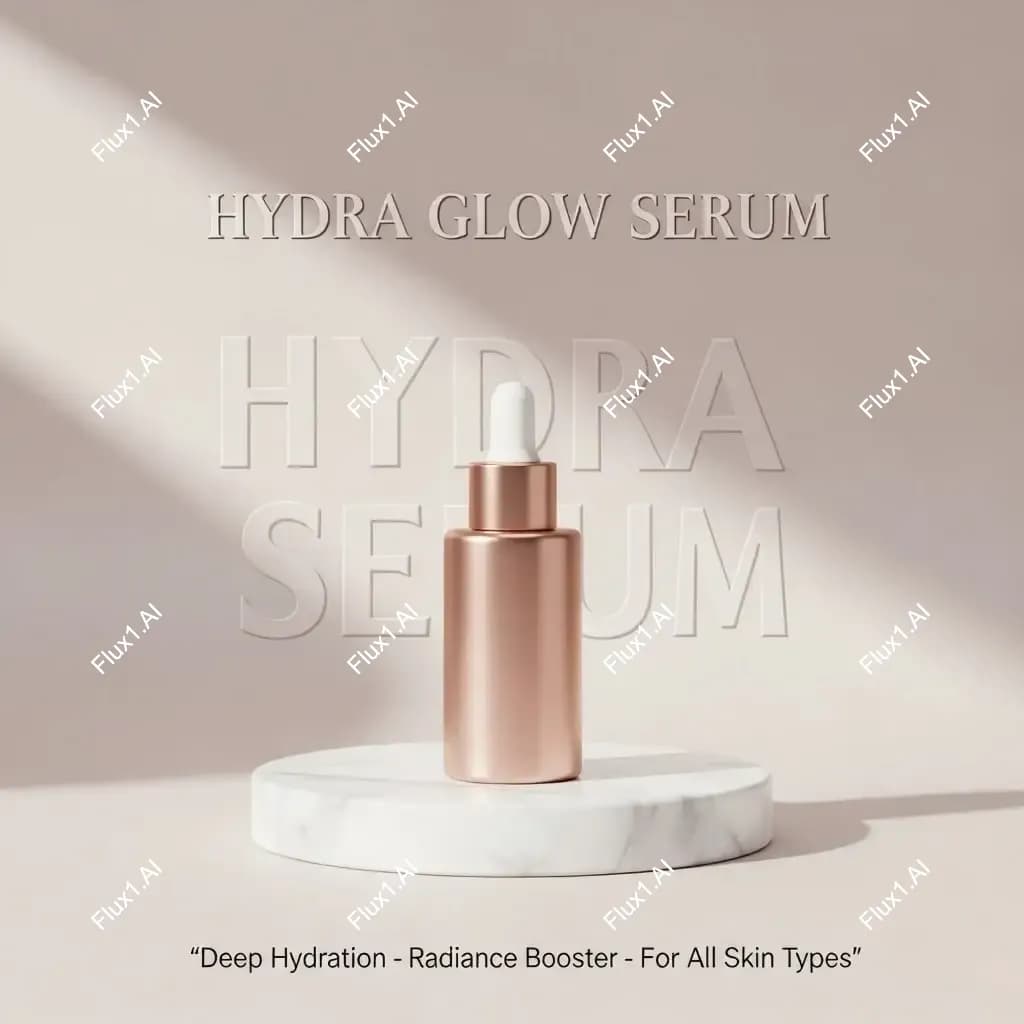
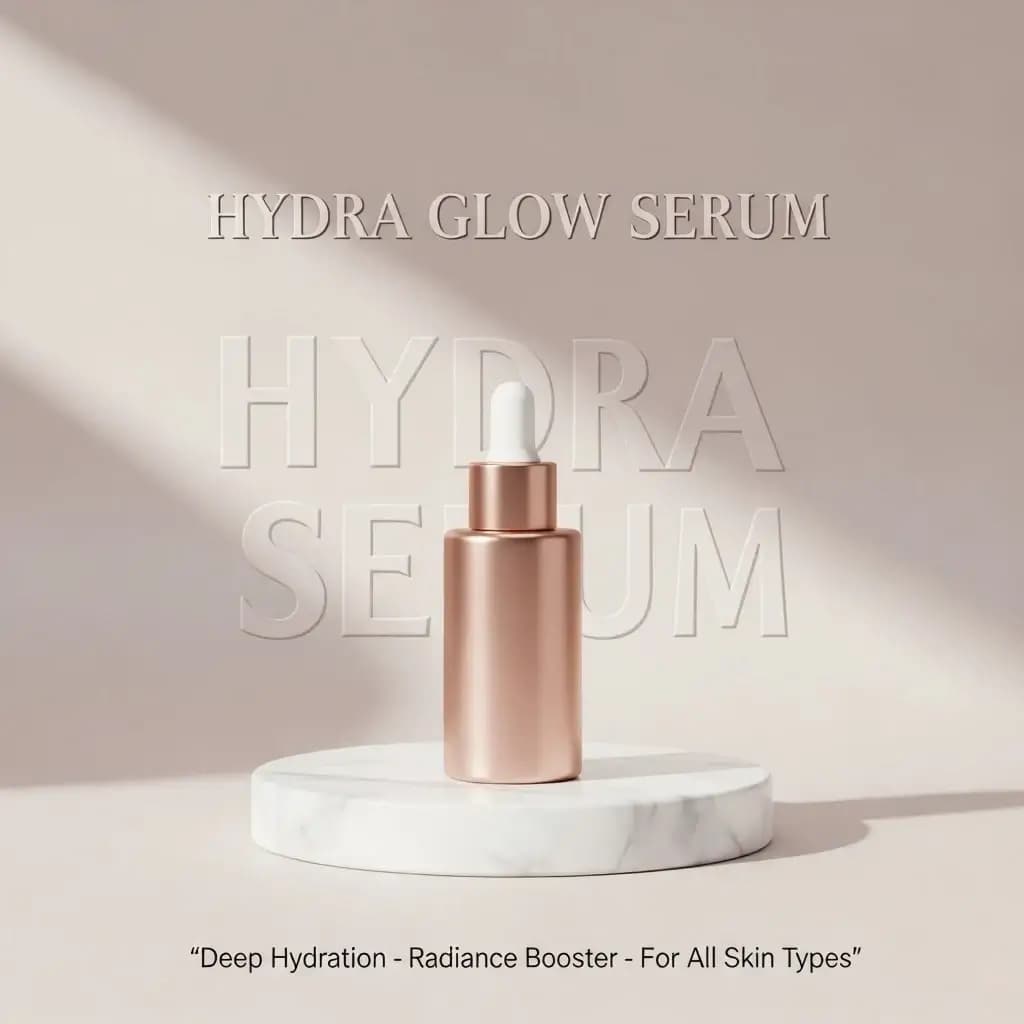
Watermark Remover
Remove watermarks from images while preserving quality
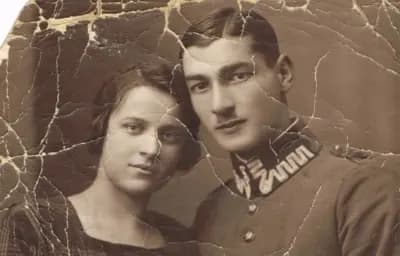
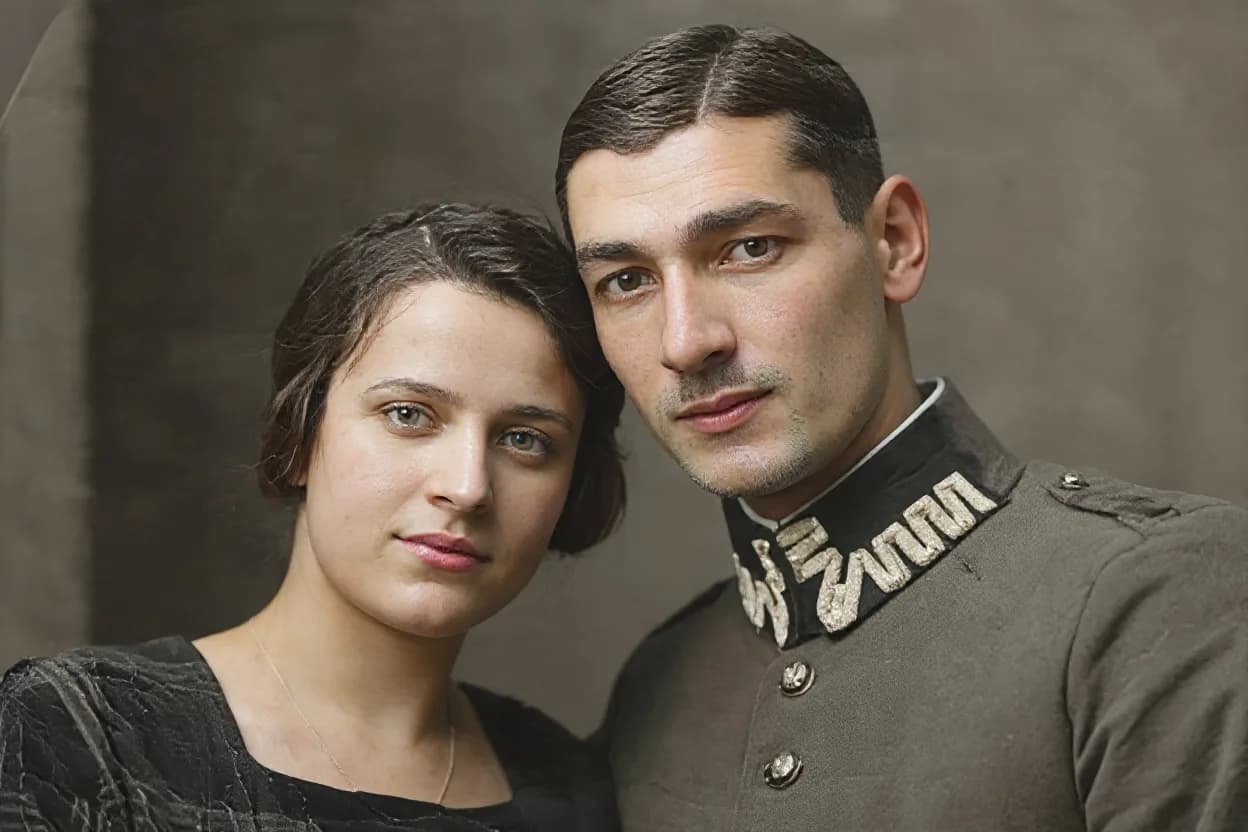
Image Restoration
Restore damaged, faded, or old photos to their original glory
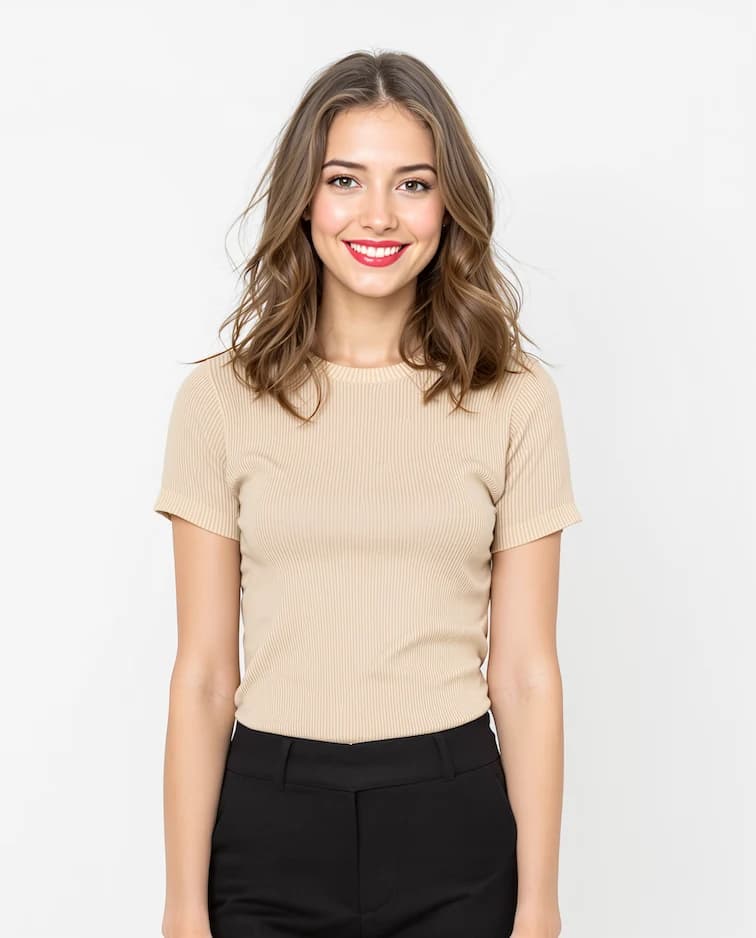
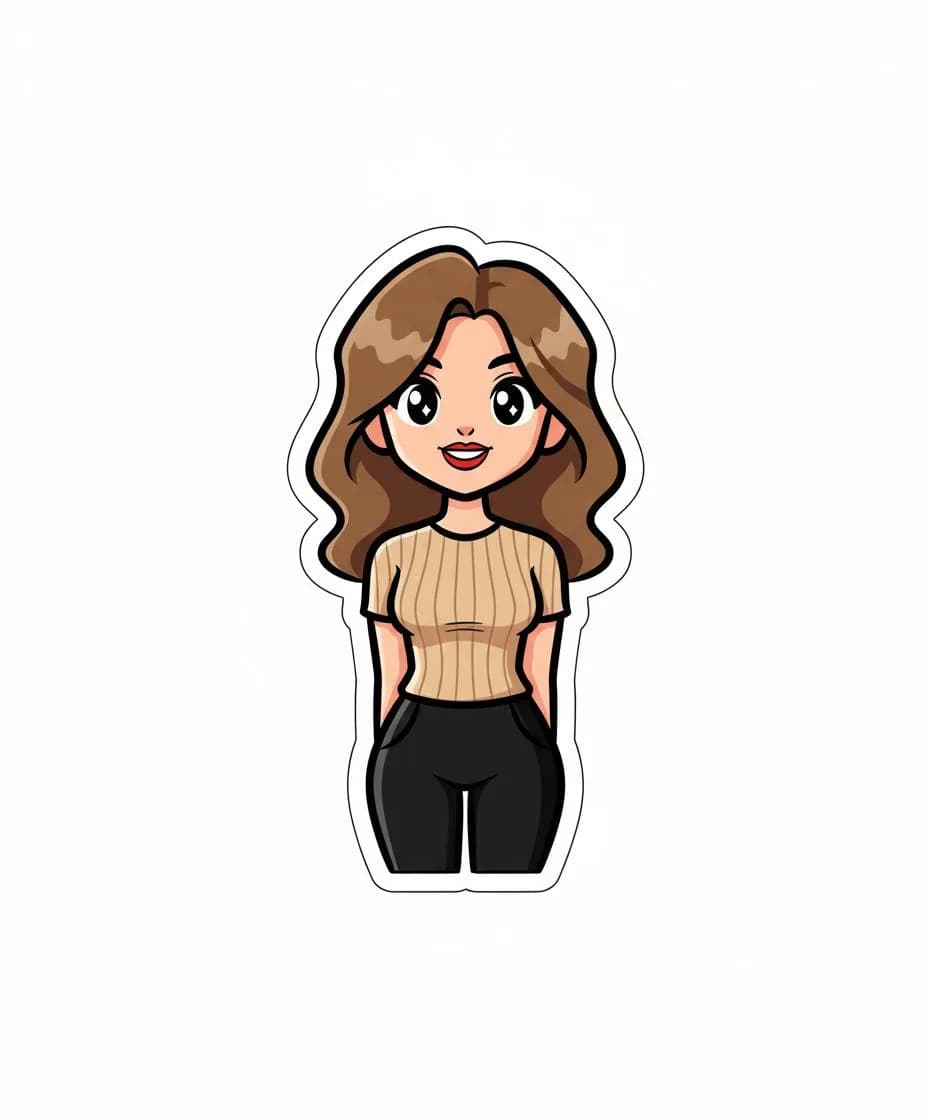
Stylized Stickers
Create fun sticker-style versions of your photos
What is Nano Banana LoRA?
Nano Banana LoRA represents a collection of fine-tuned AI models using Low-Rank Adaptation technology. Unlike generic image filters, Nano Banana LoRA preserves subject identity while applying dramatic visual transformations. Each effect is trained on curated datasets, ensuring consistent high-quality results. The platform processes over 100,000 images monthly, demonstrating proven reliability.
Nano Banana LoRA Photo Restoration
The restoration effects analyze and repair damaged photographs using advanced AI. Nano Banana LoRA identifies scratches, fading, and discoloration, then reconstructs missing details. This technology maintains historical authenticity while dramatically improving image quality.
Nano Banana LoRA Artistic Style Transfer
The artistic effects convert photographs into anime, pixel art, oil paintings, and illustrations. Each style model in Nano Banana LoRA learned from thousands of professional artworks. The technology preserves facial features while applying distinctive artistic characteristics.
Nano Banana LoRA Portrait Enhancement
Portrait effects enhance photos while maintaining natural appearance. The Nano Banana LoRA beauty filter improves skin texture without artificial smoothness. Professional headshot mode optimizes lighting and background for business portraits.
How to Use Nano Banana LoRA
Getting professional transformations with Nano Banana LoRA takes just minutes. The platform handles all complex AI processing automatically. Follow this guide to transform your first image.
1. Browse Available Effects
Explore the Nano Banana LoRA gallery showing 30+ transformation effects. Each card displays before/after comparisons so you can preview results. Effects are organized into categories: restoration, artistic, portrait, style, utility, and fun.
2. Select Your Effect
Click any effect card to open the Nano Banana LoRA transformation panel. Review the before/after slider to preview how the AI modifies images. Each effect includes a description of capabilities and typical use cases.
3. Upload Your Image
Upload your image to Nano Banana LoRA in PNG, JPG, or WebP format up to 10MB. For best results, use photos with good lighting and at least 512x512 resolution. The system automatically optimizes your image for processing.
4. Generate and Download
Choose your output quality (2K, 4K, or 8K) and aspect ratio from Nano Banana LoRA options. Transformations typically complete in 10-30 seconds. Download your result immediately or generate variations with different settings.
Nano Banana LoRA Effect Categories
Every effect in Nano Banana LoRA is purpose-built for specific transformation types. The collection spans six categories, each containing multiple specialized models for particular creative outcomes.
Restoration Effects
Nano Banana LoRA restoration includes Old Photo Restore and Image Restoration effects. These AI models fix scratches, remove stains, and enhance clarity while preserving authentic character. Perfect for vintage family photographs.
Artistic Effects
Nano Banana LoRA artistic models include GHIBSKY Illustration, Pixel Art, Line Drawing, and Artistic Portrait. Each effect captures authentic style characteristics learned from thousands of professional artworks.
Portrait & Filter Effects
Nano Banana LoRA portrait models include AI Beauty Filter, Bangs Filter, Hair Style Generator, and Pixie Cut Filter. These effects enhance photos naturally and let users preview appearance changes virtually.
Style Transfer Effects
Nano Banana LoRA style effects apply trending aesthetics including Y2K Style, GTA Style Filter, and Halloween Poster. Transform photos with game-inspired looks and unique visual characteristics.
Utility Tools
Nano Banana LoRA utility tools include Image Outpainting, LinkedIn Profile Photo, and Coloring Page Creator. These practical tools solve common image editing needs efficiently.
Fun & Creative Effects
Nano Banana LoRA entertainment effects include Baby Face Generator, Emoji Icon Creator, and 3D Caricature. Create shareable, entertaining transformations perfect for social media content.
What Users Say About Nano Banana LoRA
See how creators and professionals use the platform for image transformation projects.
Jennifer Adams
Family Archivist
“Nano Banana LoRA restoration saved my grandmother's wedding photos. The AI preserved all important details while removing years of damage. Incredible technology that delivered professional results.”
Marcus Chen
Content Creator
“I use Nano Banana LoRA anime and pixel art effects for social media content. Quality is consistent across batches, which is essential for my visual brand. Fast processing helps me iterate quickly.”
Alex Thompson
Game Developer
“The pixel art conversion in Nano Banana LoRA is perfect for my indie game project. It produces authentic retro aesthetics that would take hours to create manually. Great for rapid prototyping.”
Sarah Williams
Marketing Professional
“Nano Banana LoRA professional headshot feature transformed my casual photo into something LinkedIn-ready. Proper lighting, clean background, polished look. Much cheaper than hiring a photographer.”
David Kim
Travel Photographer
“The GHIBSKY effect in Nano Banana LoRA turned my travel photos into magical art pieces. The style is authentic to Studio Ghibli aesthetics. I've printed several as wall art for my home.”
Frequently Asked Questions
Find answers about pricing, capabilities, and technical details for the platform.
What is Nano Banana LoRA and how does it work?
Nano Banana LoRA is an AI image transformation platform with 30+ specialized effects. It uses Low-Rank Adaptation technology to fine-tune AI models for specific transformations. Each effect is trained on curated datasets. Upload an image, select an effect, and generate your transformation in 10-30 seconds.
How much does Nano Banana LoRA cost per image?
Pricing starts at 4 credits for Standard (2K) resolution. Ultra quality (4K) costs 5 credits, and Ultra 8K costs 6 credits per transformation. New users receive free credits to test the Nano Banana LoRA platform.
What image formats does Nano Banana LoRA accept?
The platform accepts PNG, JPG, JPEG, and WebP images up to 10MB. For optimal Nano Banana LoRA results, use images at least 512x512 pixels with clear subjects. Outputs are high-quality JPEG files.
How long does Nano Banana LoRA processing take?
Most transformations complete in 10-30 seconds. Processing time depends on effect complexity and output resolution. The Nano Banana LoRA interface displays real-time progress during generation.
Can I customize prompts in Nano Banana LoRA?
Yes, Advanced Options allow custom prompt entry for each effect. By default, each transformation uses an optimized prompt designed by the team. Custom prompts let you modify outputs for specialized creative control.
What output resolutions does Nano Banana LoRA offer?
The platform offers three resolution tiers: Standard (2K), Ultra (4K), and Ultra 8K. Five aspect ratios are supported: 1:1 square, 4:3 photo, 3:4 portrait, 16:9 widescreen, and 9:16 mobile.
Does Nano Banana LoRA preserve faces and identity?
Yes, identity preservation is a core feature. Unlike generic filters that can distort features, the effects maintain facial characteristics and expressions. This makes Nano Banana LoRA suitable for portrait applications.
What are the best use cases for Nano Banana LoRA?
Popular applications include restoring old photographs, converting photos to anime styles, creating pixel art for games, generating professional headshots, and producing social media content. Both personal and commercial use is supported.