

Seedream 5.0
Seedream 5.0 searches the web before it draws. ByteDance's latest image model pulls real-time information, reasons through your prompt, and delivers 4K images that actually match what you asked for.


Loved by 10,000+ creators
If generation fails, try switching to another tier and try again.
Upload Reference Images
Max 14 images, 10MB each • JPG, PNG, WebP
Add AI watermark to generated images
Seedream 4.0 Examples
Sample images generated with Seedream 4.0 AI technology
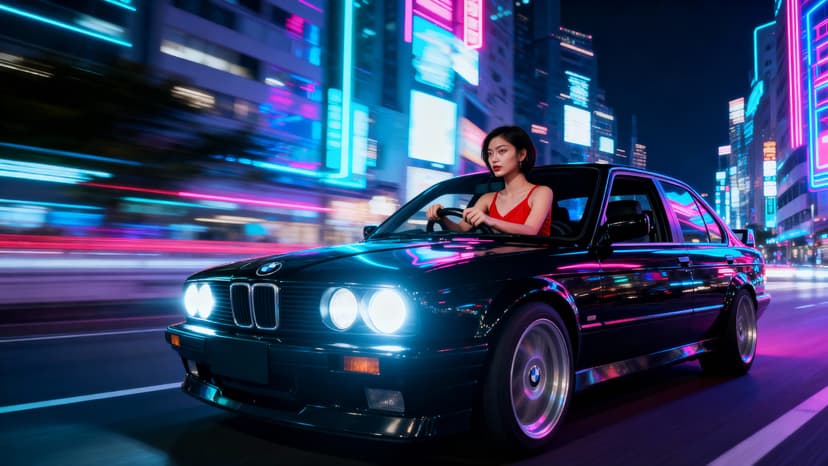
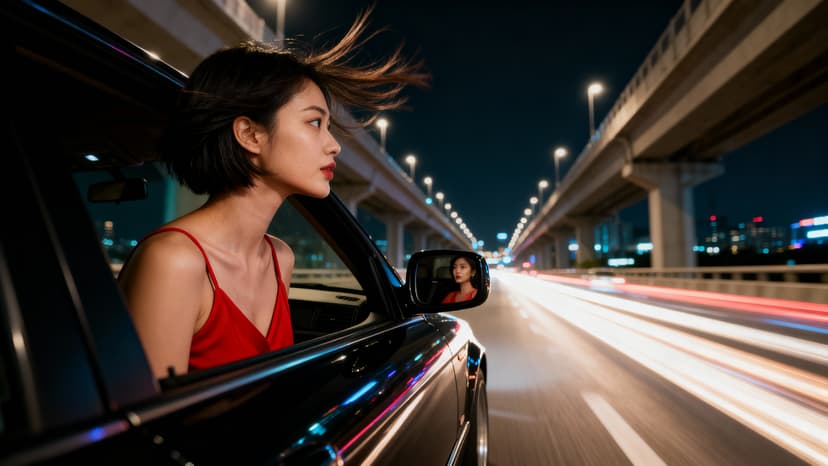
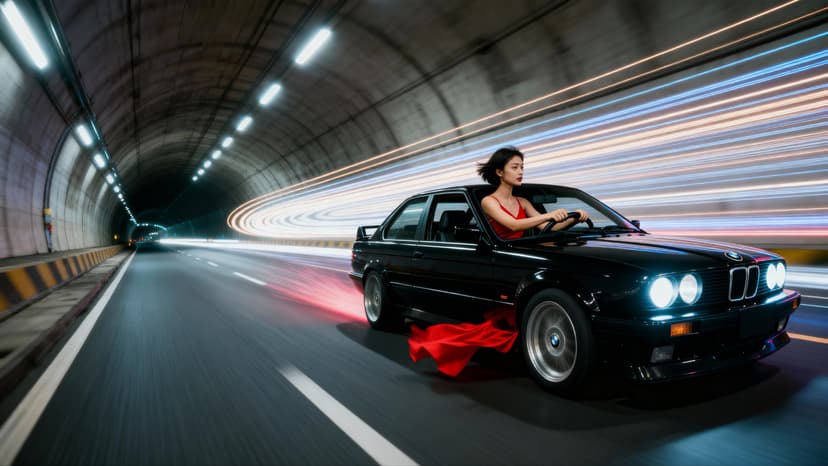
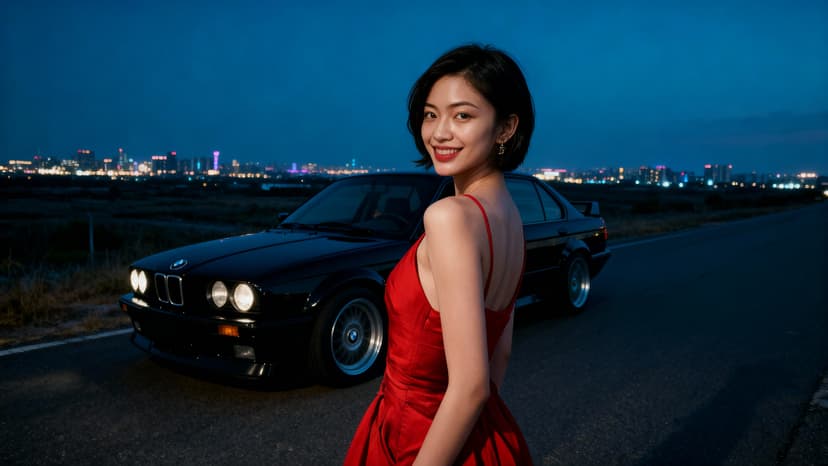
Try These Examples
Click to auto-fill and see results
Examples are editable after loading
Seedream 5.0 Image Examples
Real images generated with Seedream 5.0. Notice the accurate text, logical compositions, and details that match the prompts.
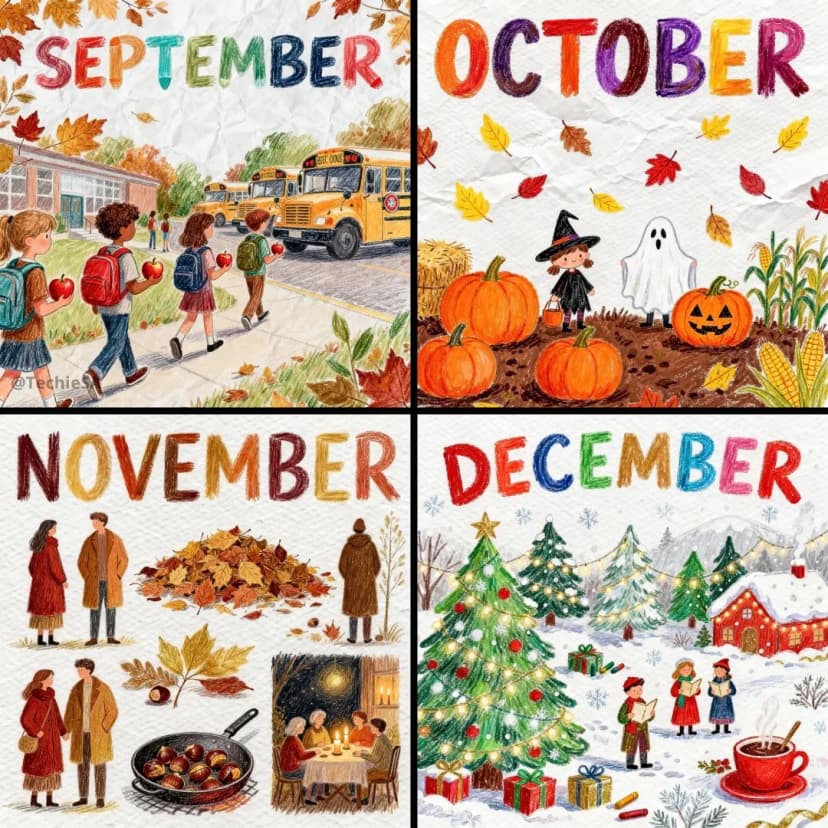
A neat, colorful crayon and colored-pencil drawing of spring, featuring cherry blossoms, rain boots, and butterflies. The style is slightly more polished than a typical child's drawing — clean but still playful lines, uneven perspective, and charming imperfections.
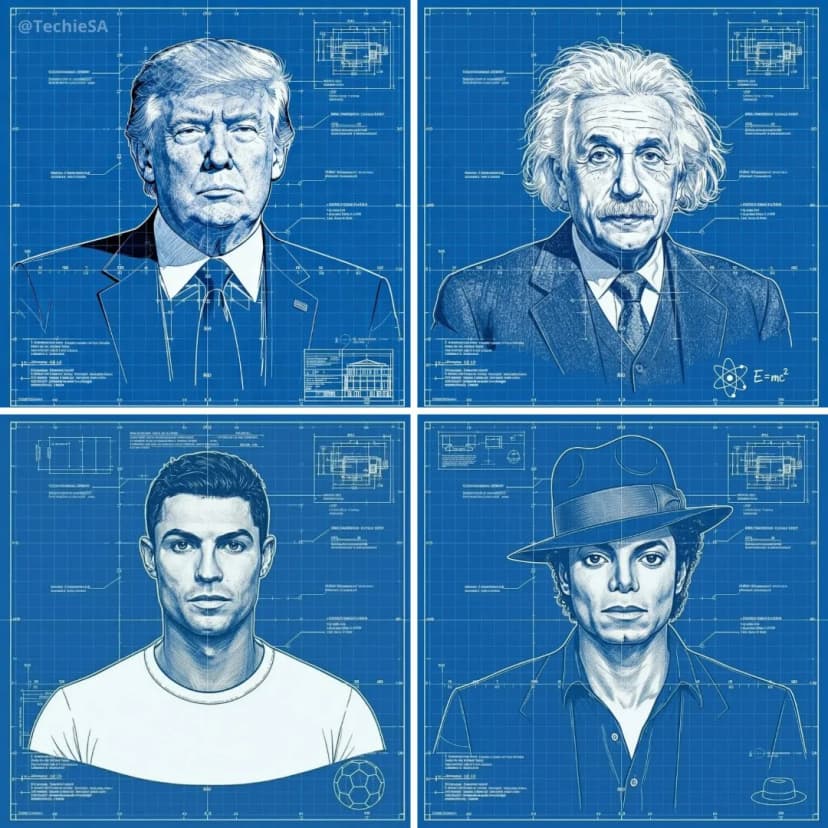
A detailed technical blueprint illustration of a robot character, drawn on a blue grid background with precise white linework. Includes measurement markings, labels, and schematic-style annotations.
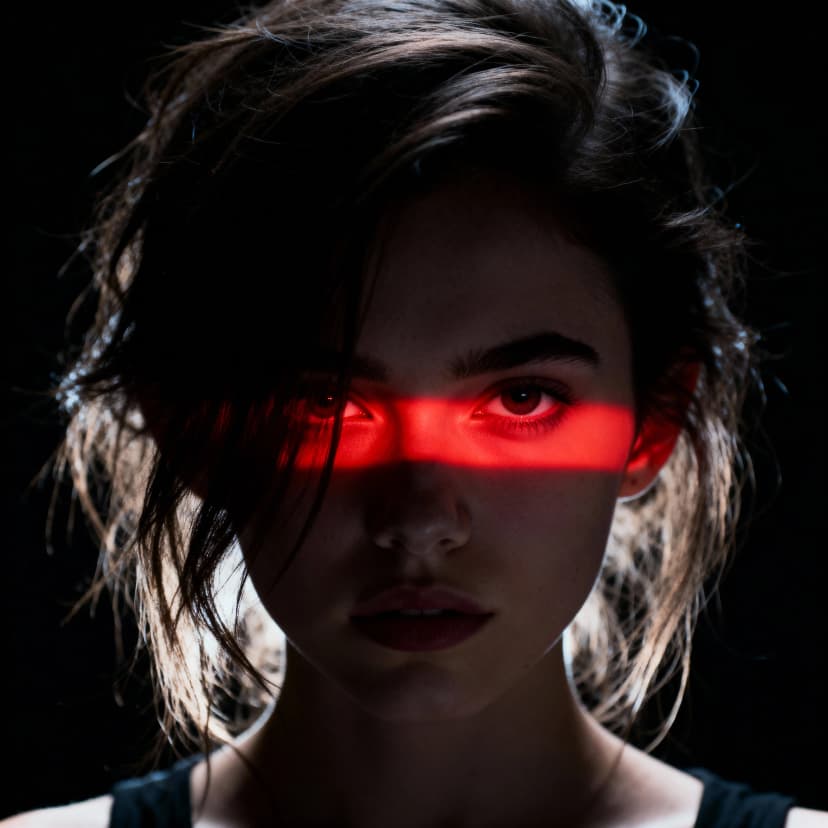
Ultra-realistic dramatic studio portrait of a young woman with messy hair, cinematic high-contrast lighting with vivid horizontal red light band illuminating eyes and nose bridge, deep shadows, wide-angle lens
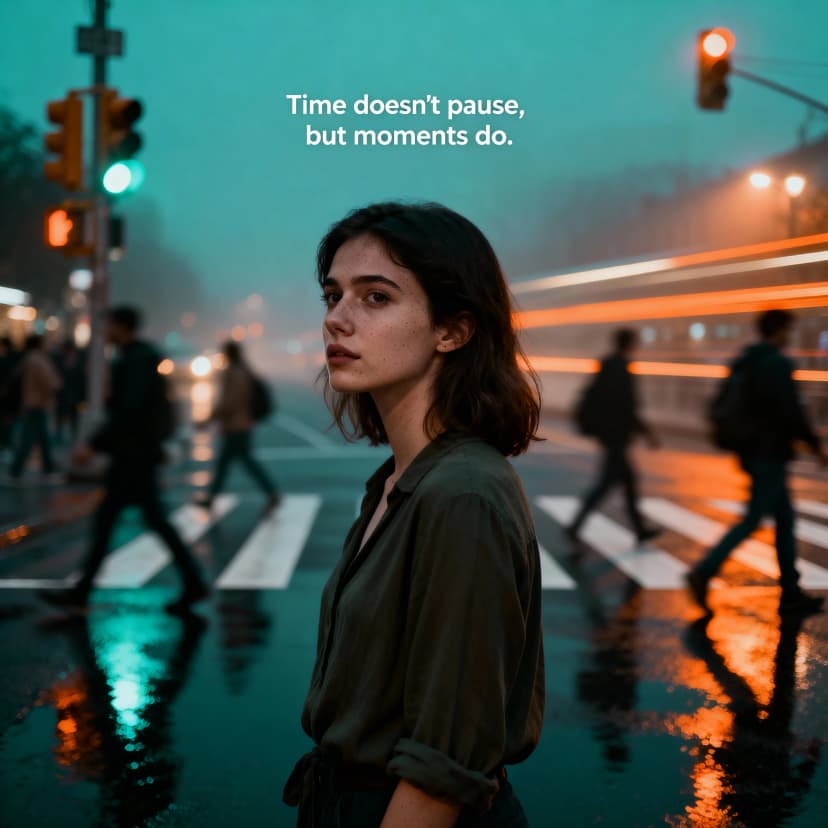
Photorealistic cinematic still of busy city crosswalk at dusk, young woman standing still while crowd blurs around her, teal and orange color grading, wet asphalt reflecting neon lights
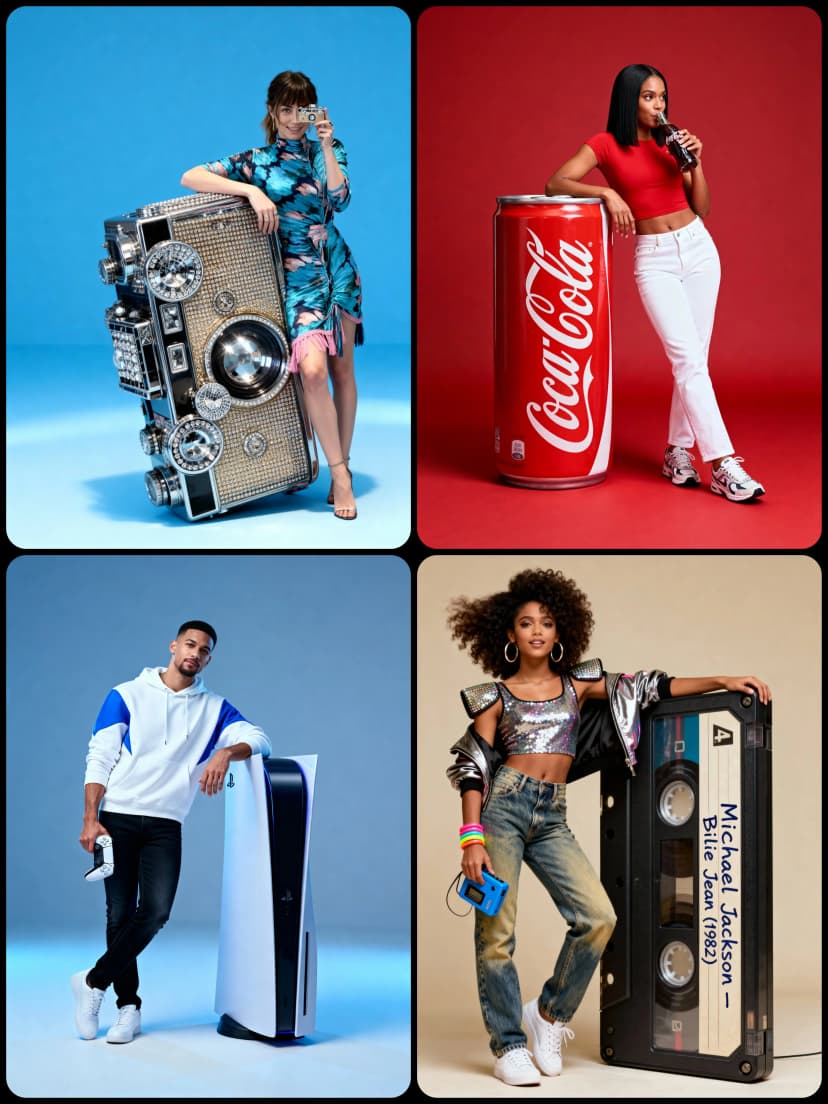
Hyper-realistic full-body portrait with stylish pose, oversized object beside character, minimal studio background with soft cinematic lighting, ultra-detailed textures
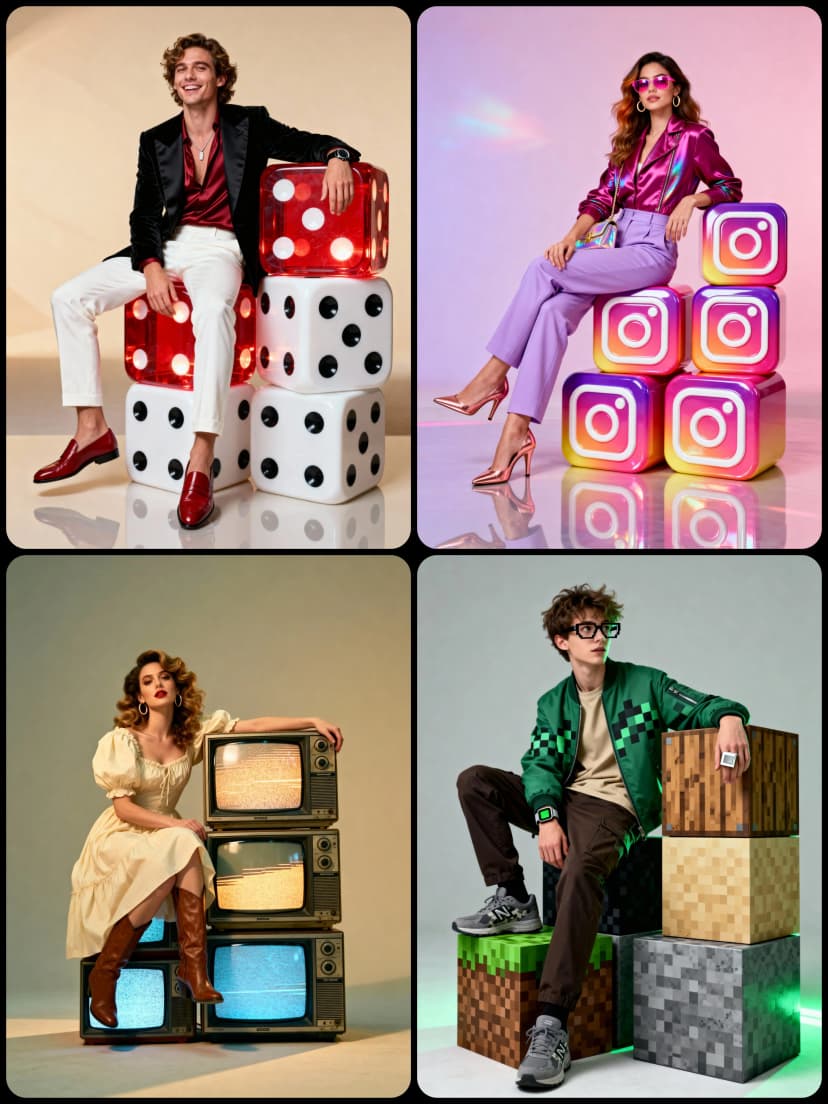
Hyper-realistic full-body studio portrait, character seated on cubic objects arranged in balanced structure, soft neutral cinematic studio lighting, polished floor with natural reflections

Poster concept 4K hyper-real studio, full-body portrait standing confident, huge 3D letters behind subject movie-poster style, thick flowing glossy satin ribbon bands, photorealistic 85mm lens
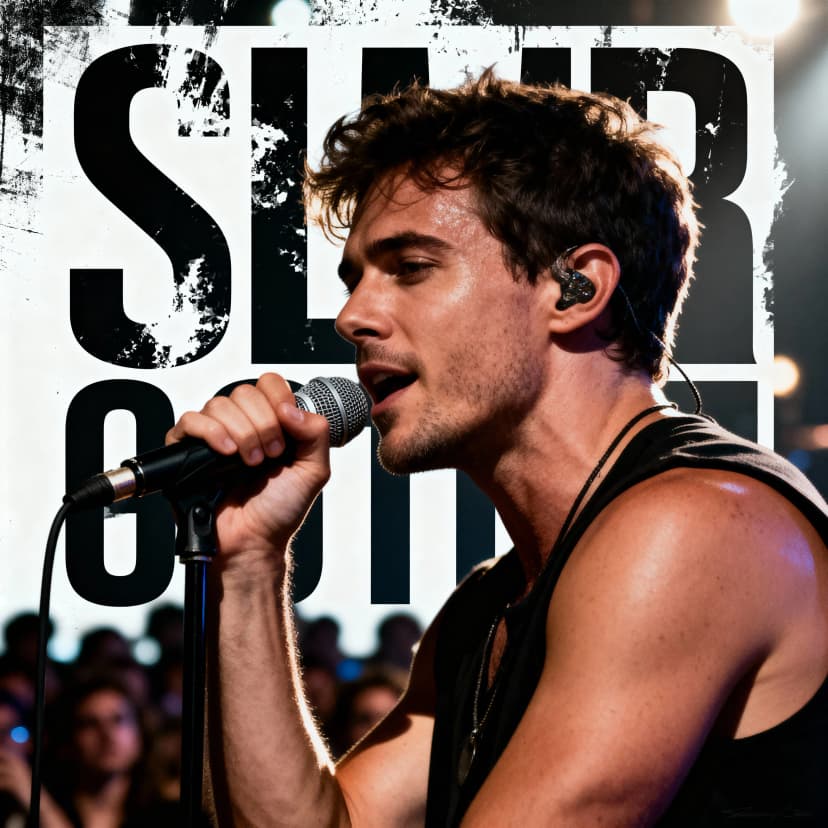
Realistic poster design of a male musician holding a microphone on stage, cinematic lighting with dramatic shadows, crowd blurred in background, bold grunge typography overlay
Explore More AI Tools
Explore our comprehensive suite of AI-powered creative tools designed to enhance your workflow.
Veo 3.1 Video
Google Veo 3.1 with native audio and realistic physics for cinematic video generation.
Seedance 1.5 Pro
ByteDance Seedance 1.5 Pro with joint audio-video generation for professional results.
Nano Banana Pro Image Generator
Advanced text-based image editing with enhanced AI capabilities and professional-grade results.

Seedream 4.5 Image Generator
Ultra-fast professional image generation in under 1 second with 4K resolution support.

Qwen Image 2512
20B MMDiT model with best-in-class bilingual text rendering for stunning AI images.
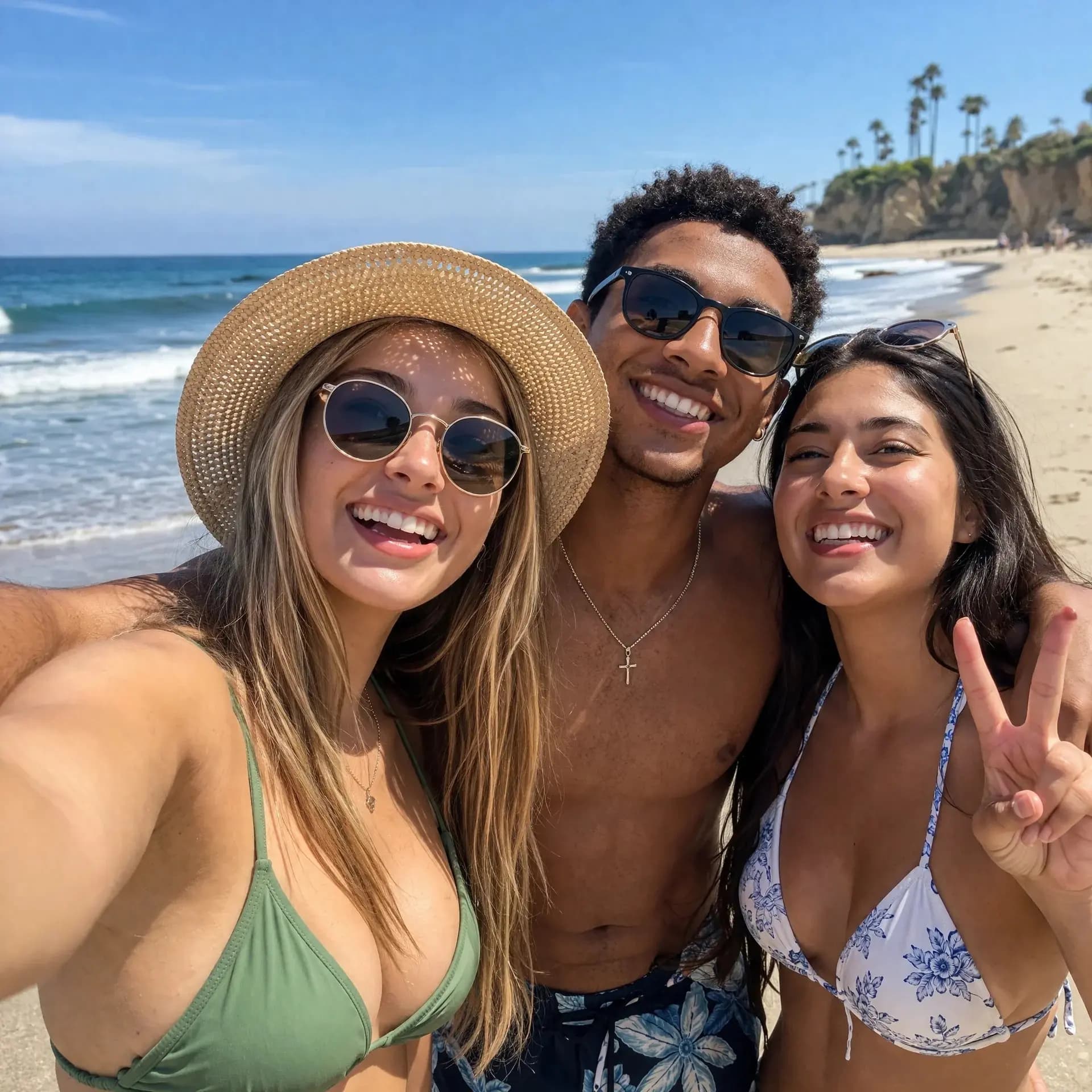
GPT Image 2
OpenAI's newest image model. 13 aspect ratios, up to 4 reference photos, batches of 1-4.
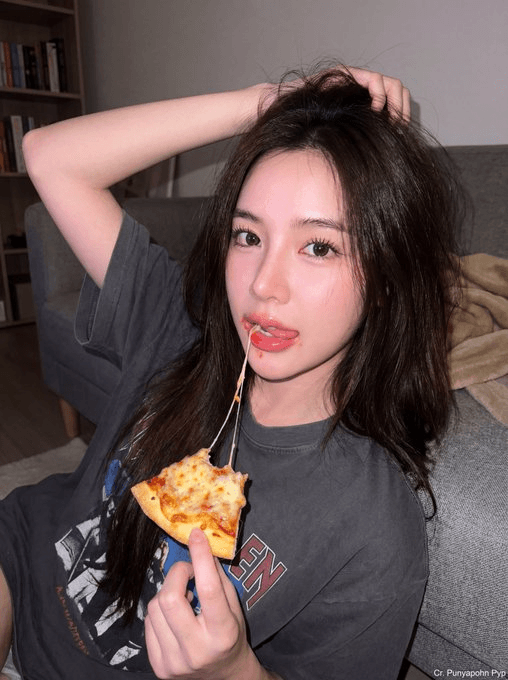
Z-Image Generator
Ultra-fast image generation with Z-Image AI in under 1 second.
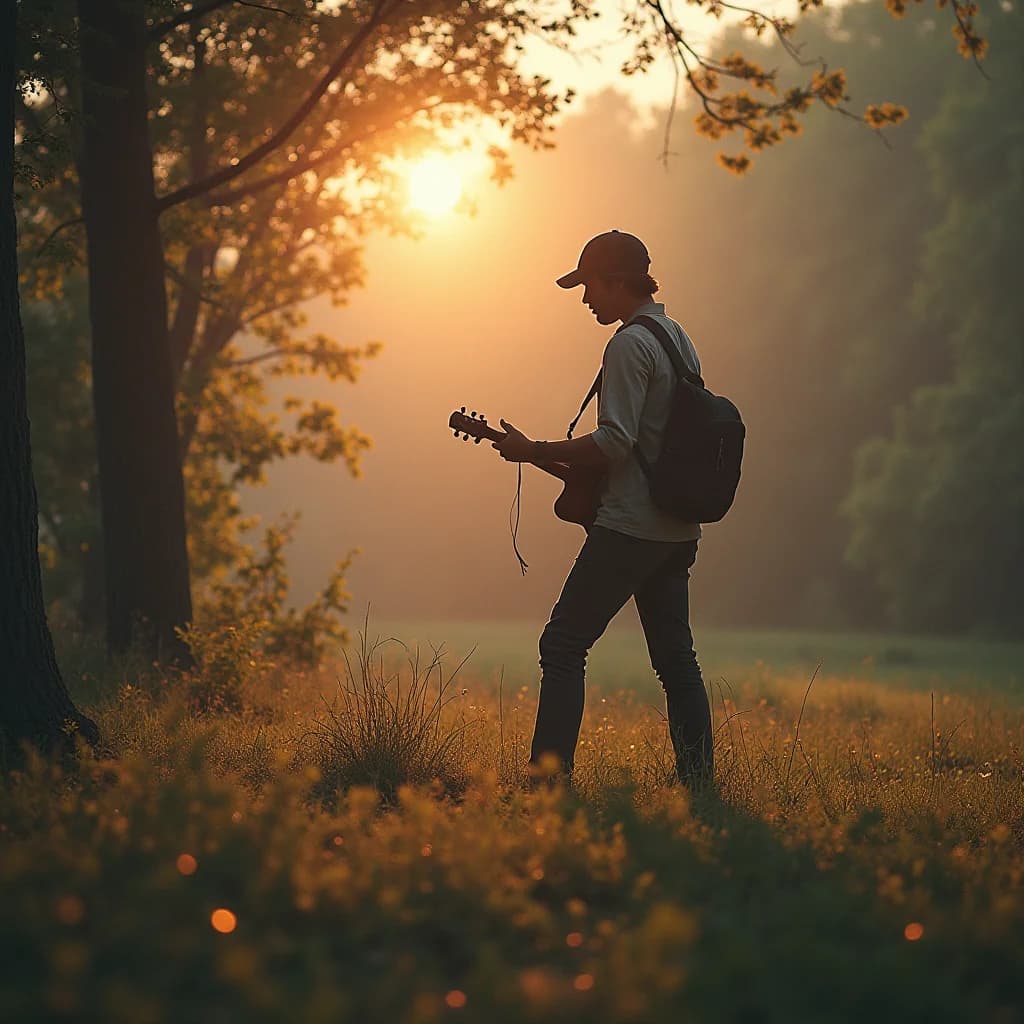
AI Music Generator
Generate music with AI, customize styles, and produce royalty-free tracks instantly.
Why Seedream 5.0 Changes the Game
Most AI image generators guess what you mean. Seedream 5.0 looks things up first. It searches the web, reads your prompt with multi-step logic, and generates images that reflect reality — not just pattern matching.
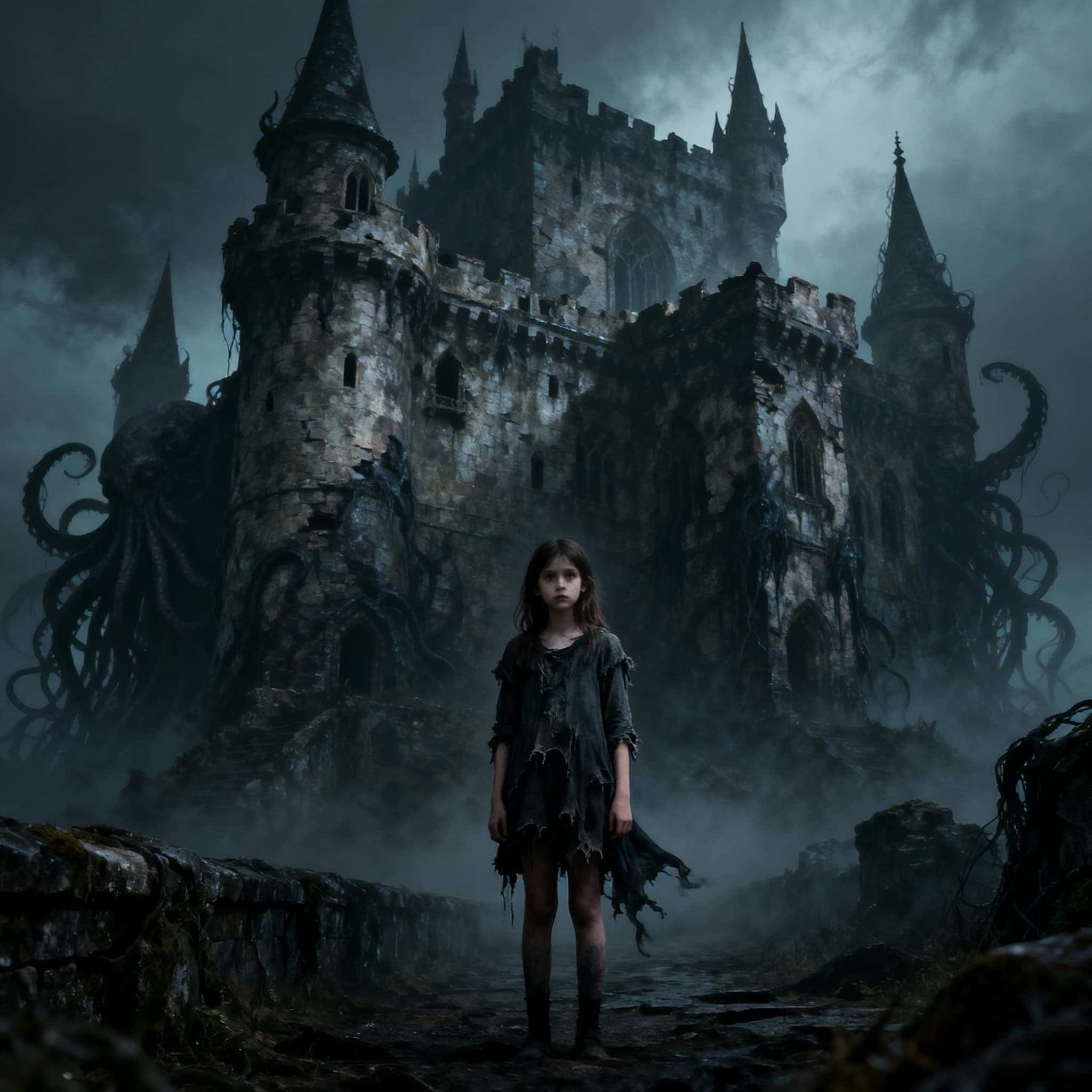
Real-Time Web Search
Ask for today's weather in Tokyo, a chart of gold prices, or a trending meme format. Seedream 5.0 fetches live data before generating — so your images stay current without prompt gymnastics.
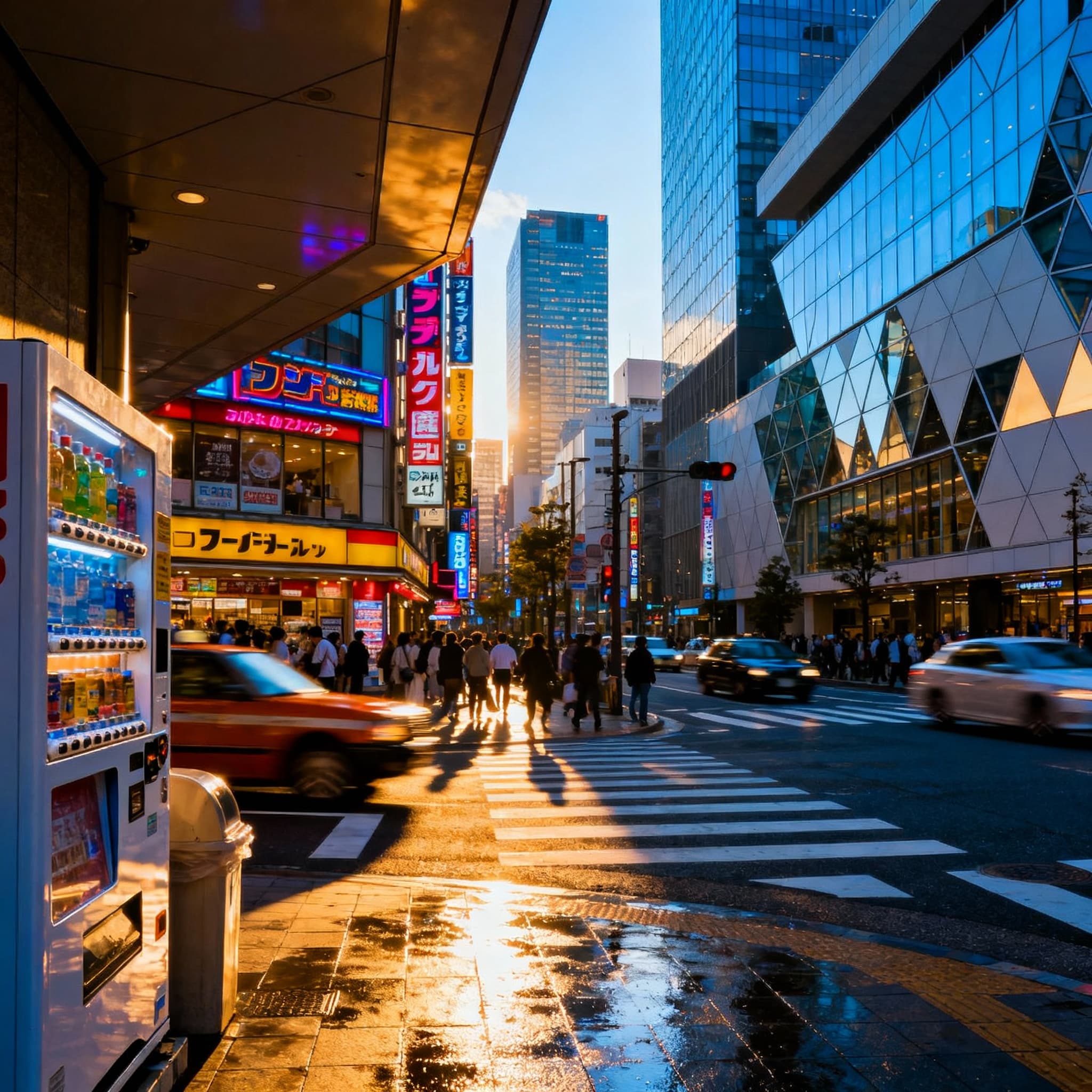
Visual Reasoning
Tell it to arrange flowers by variety into three vases, or show the next move in a chess game. Seedream 5.0 handles multi-step logic that older models just can't parse.
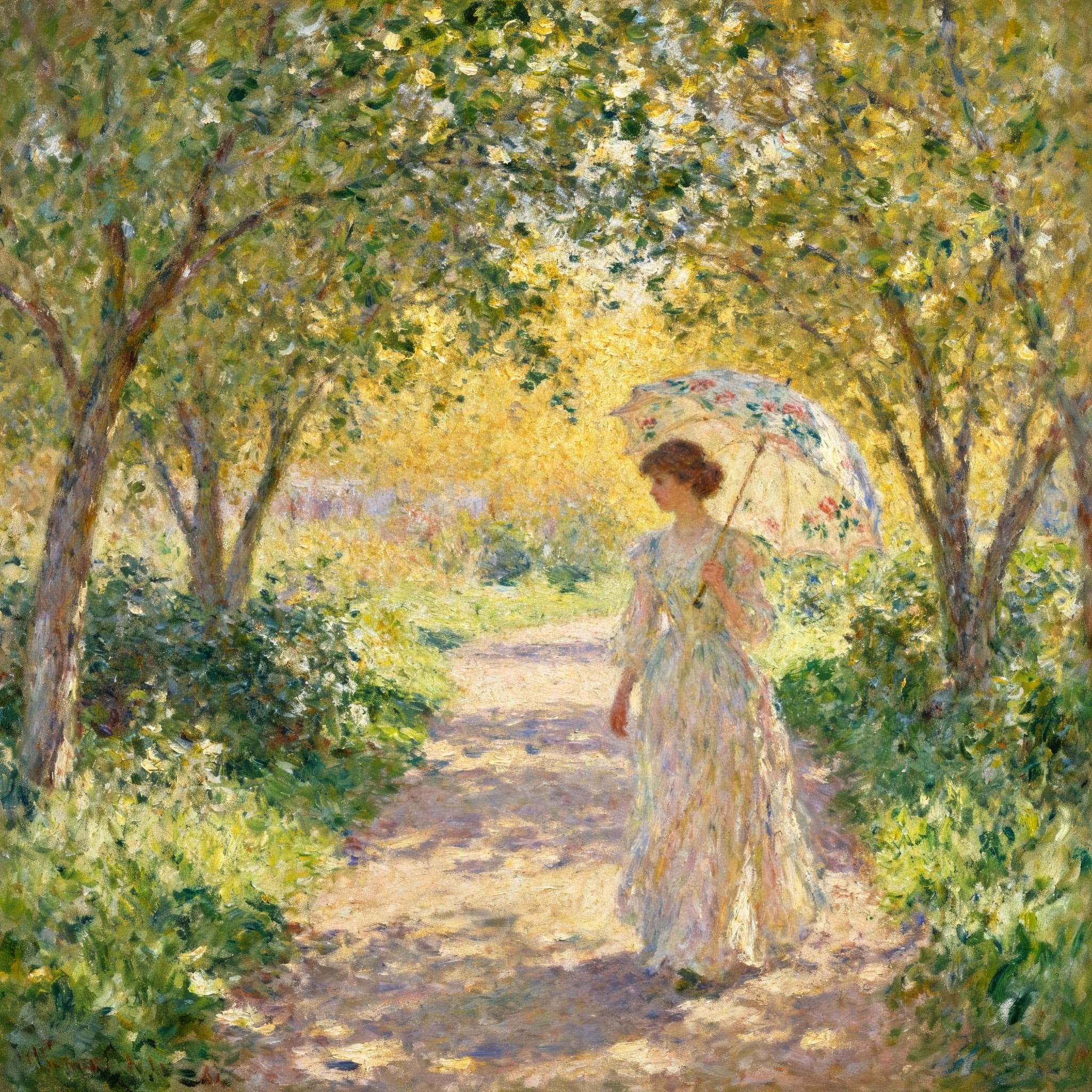
4K Resolution Output
Professional-grade output up to 4K. Nine aspect ratios. Batch generation up to 15 images. Free credits to start.
How to Generate Images with Seedream 5.0
From prompt to 4K image in seconds. Seedream 5.0 keeps the workflow simple while handling the hard parts behind the scenes.
Write Your Prompt
Describe what you want. Be specific or keep it loose — Seedream 5.0's reasoning engine fills in the gaps intelligently.
Add References (Optional)
Upload reference images to guide style and composition. The model analyzes them and keeps your visual direction consistent.
Pick Resolution and Format
Choose 2K or 4K. Select from nine aspect ratios — square, portrait, landscape, or ultra-wide.
Download Your Images
Get your results in seconds. Download and use them anywhere — commercial use included.
Seedream 5.0 Features That Matter
ByteDance built Seedream 5.0 to understand what you actually mean — not just match keywords to pixels. Here's what that looks like in practice.
Web-Connected Generation
Need an image referencing today's news, current stock data, or a real location's weather? Seedream 5.0 searches the web in real time and uses that information in your image.
Multi-Step Logic
Complex prompts that require reasoning — sorting, counting, spatial arrangement, cause and effect. The model works through the logic before drawing.
Better Text in Images
Signs, labels, titles, watermarks — text rendering is sharper and more accurate than previous versions. Less gibberish, more readable output.
Controllable Editing
Not just generation — precise adjustments after the fact. Change specific elements, adjust composition, or refine details without starting over.
4K Output
2K direct output with AI-enhanced 4K upscaling. Nine aspect ratios from 1:1 to 21:9. Print-ready quality out of the box.
Batch Generation
Generate up to 15 consistent images in one go. Great for product variations, storyboards, or exploring different takes on the same concept.
What Users Say About Seedream 5.0
Early adopters share how Seedream 5.0's web search and reasoning capabilities changed their workflow.
Sarah Chen
Data Visualization Designer
“The web search feature alone is worth switching for. I create infographics with current data — gold prices, weather maps, trending topics. With Seedream 5.0, the numbers are real. No more placeholder text I have to fix later.”
Marcus Rodriguez
Educational Content Creator
“I gave it a prompt that required sorting objects by size and color into separate groups. Seedream 4.5 ignored the logic. Seedream 5.0 nailed it. For anyone doing technical or educational illustrations, the reasoning upgrade is massive.”
Elena Kowalski
Graphic Designer - Freelance
“Text rendering finally works. Store signs, book covers, event posters — the text comes out readable on the first try. I used to need 5-6 regenerations for clean text. Now it's usually one.”
David Park
Brand Manager - E-commerce
“We use Seedream 5.0 for quick product mockups. Batch generation with 15 images means we can explore more directions faster. The credit cost is low enough that it's replaced half our stock photo subscriptions.”
Lisa Thompson
Social Media Manager
“The controllable editing saves me from starting over when one detail is off. Adjust the background, swap a color, fix a small element — all without regenerating the whole image. Real time-saver.”
Seedream 5.0 FAQ
Quick answers about ByteDance's Seedream 5.0 image generator — pricing, capabilities, and how it compares to earlier versions.
What's new in Seedream 5.0 compared to 4.5?
Three big upgrades: real-time web search (pulls live data into images), visual reasoning (handles multi-step logic in prompts), and improved text rendering. Resolution and speed are similar to 4.5.
How does web search work in an image generator?
When your prompt references current information — weather, prices, news events — Seedream 5.0 searches the web first, then uses that data to generate an accurate image. No manual research needed.
What resolution does Seedream 5.0 support?
2K direct output and 4K with AI enhancement. Nine aspect ratios including 1:1, 16:9, 9:16, and 21:9.
How much does Seedream 5.0 cost?
2 credits per image. New users get free credits to test. No subscriptions, no hidden fees.
How many images can I generate at once?
Up to 15 images per batch with reference images. Single text-to-image prompts generate one image per request.
Is Seedream 5.0 good for portraits and product photos?
It excels at creative illustrations, data-driven visuals, and text-heavy images. For photorealistic portraits, Seedream 4.5 or Nano Banana Pro may produce more natural results.
Can I use the images commercially?
Yes. All images generated with Seedream 5.0 are yours to use for any commercial purpose.
Who built Seedream 5.0?
ByteDance — the company behind TikTok and CapCut. Seedream 5.0 is available on CapCut, Jianying, and through API providers including LoraAI.