

Wan 2.7 Image Generator
Generate and edit images with Alibaba's Wan 2.7 model. Text-to-image with thinking mode for smarter composition. Image editing that handles up to 9 input images at once. Standard and Pro quality options. Starting from 1 credit per image.


Loved by 10,000+ creators
Results
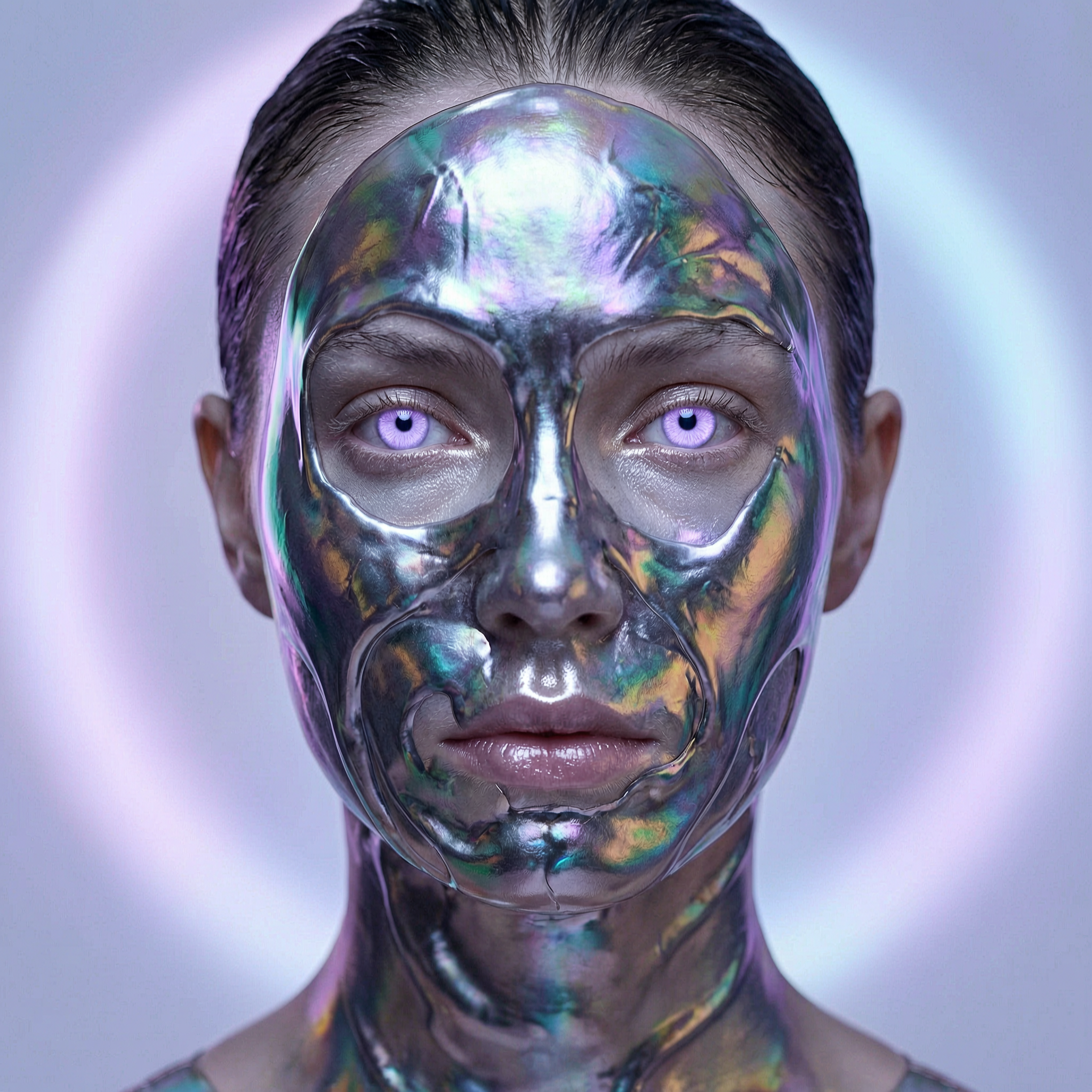
Portrait with liquid metal skin and purple eyes
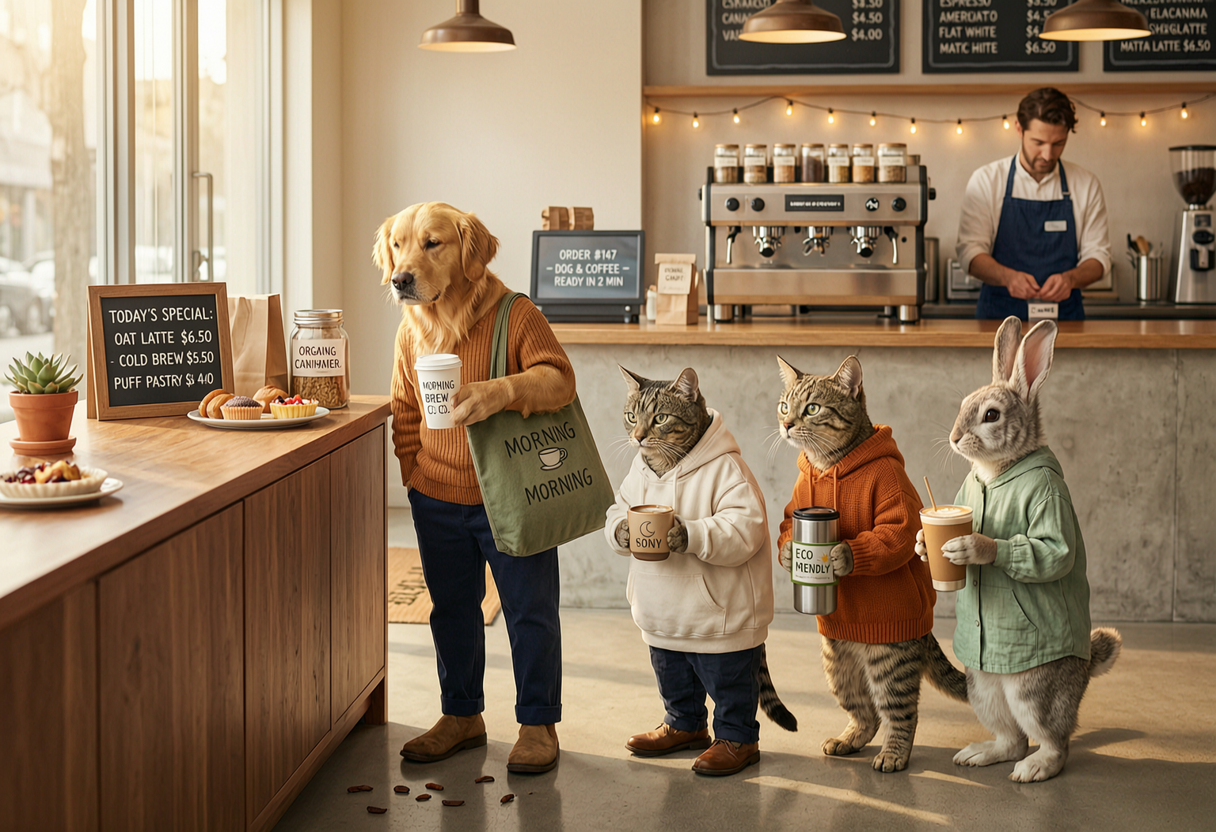
Animals standing in line to buy coffee
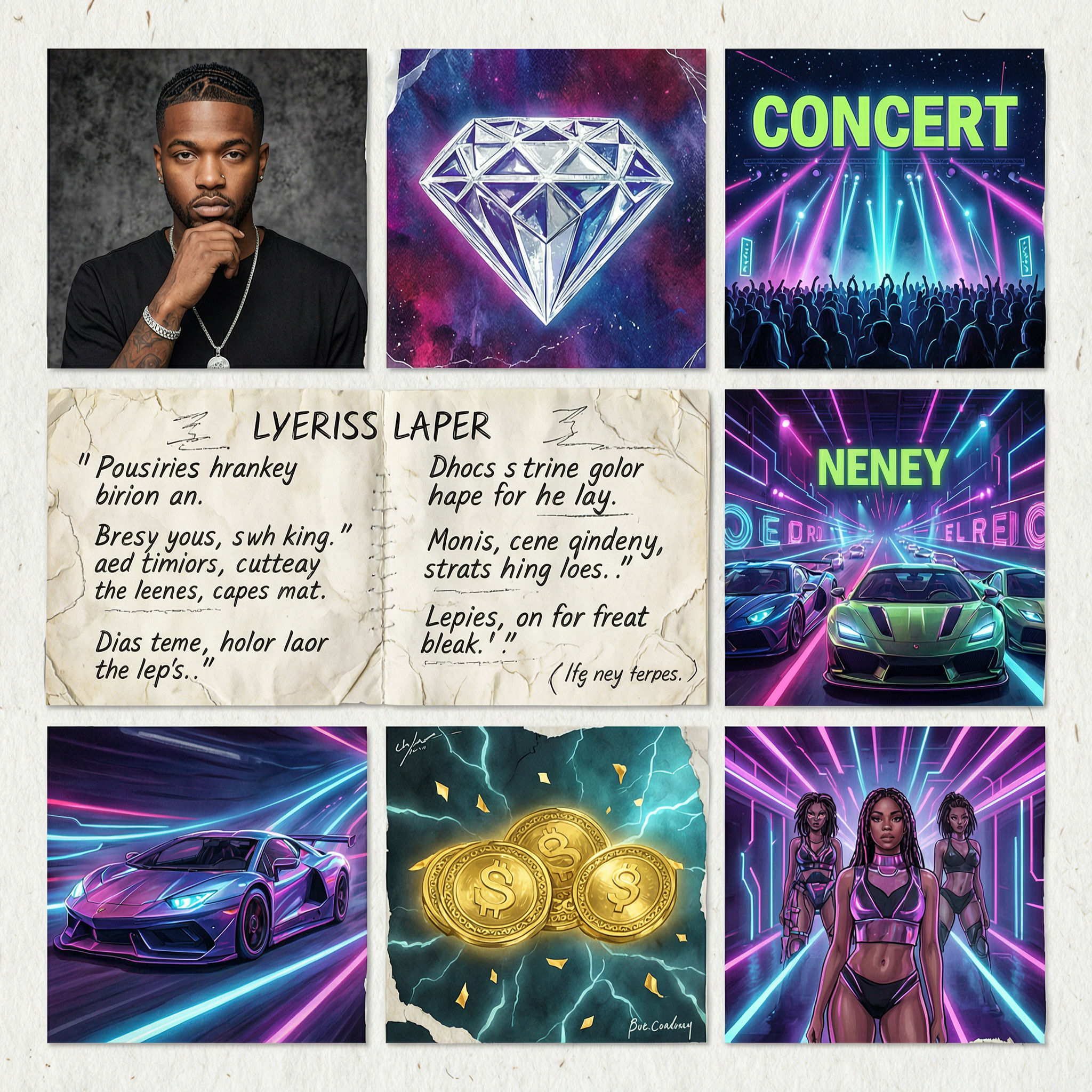
Rapper collage with neons and futuristic vibe
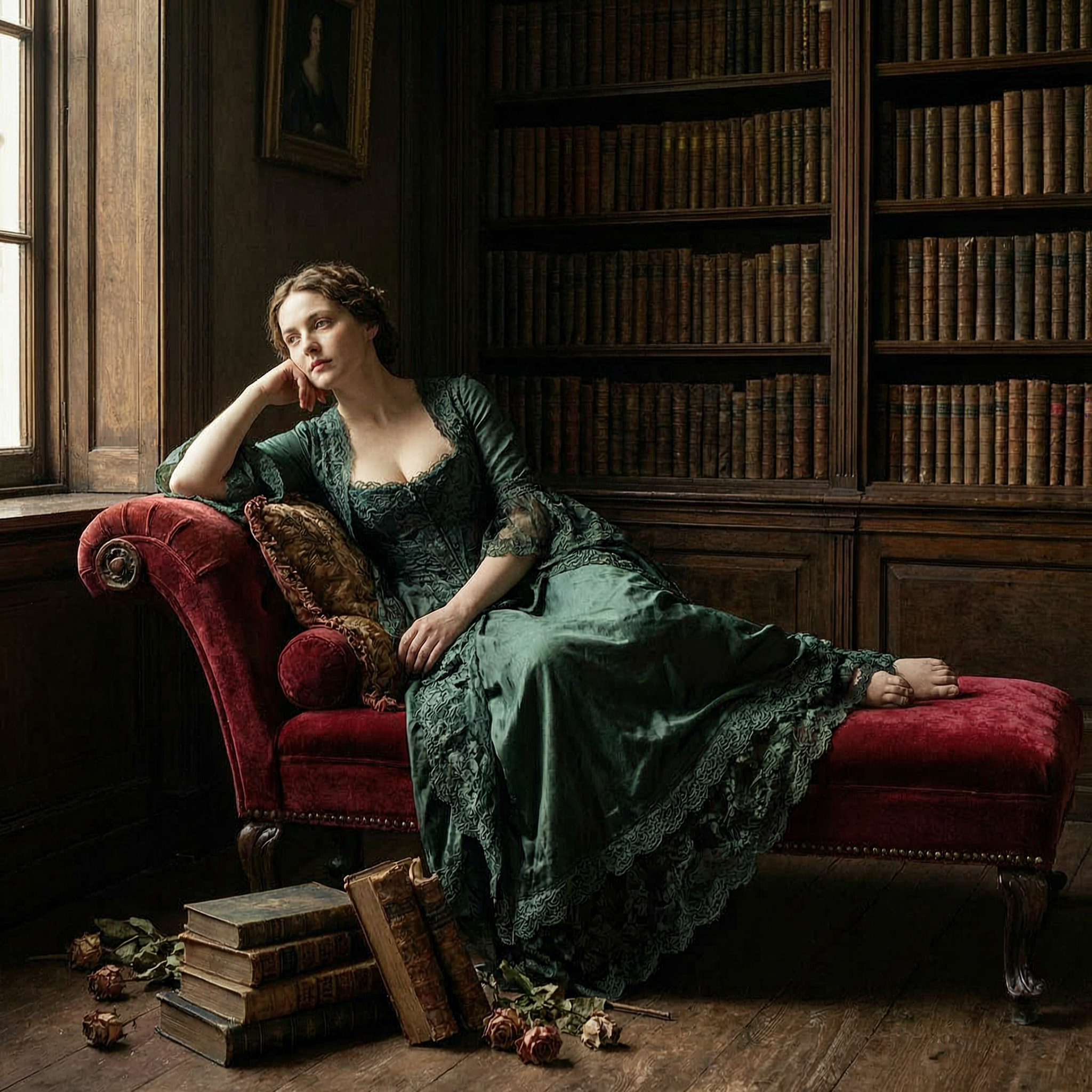
Classical beauty in baroque gown, Rembrandt light
Get inspired by Wan 2.7 examples
Wan 2.7 Image Creations
See what Wan 2.7 Image Generator can create. Examples from text-to-image and image editing modes.
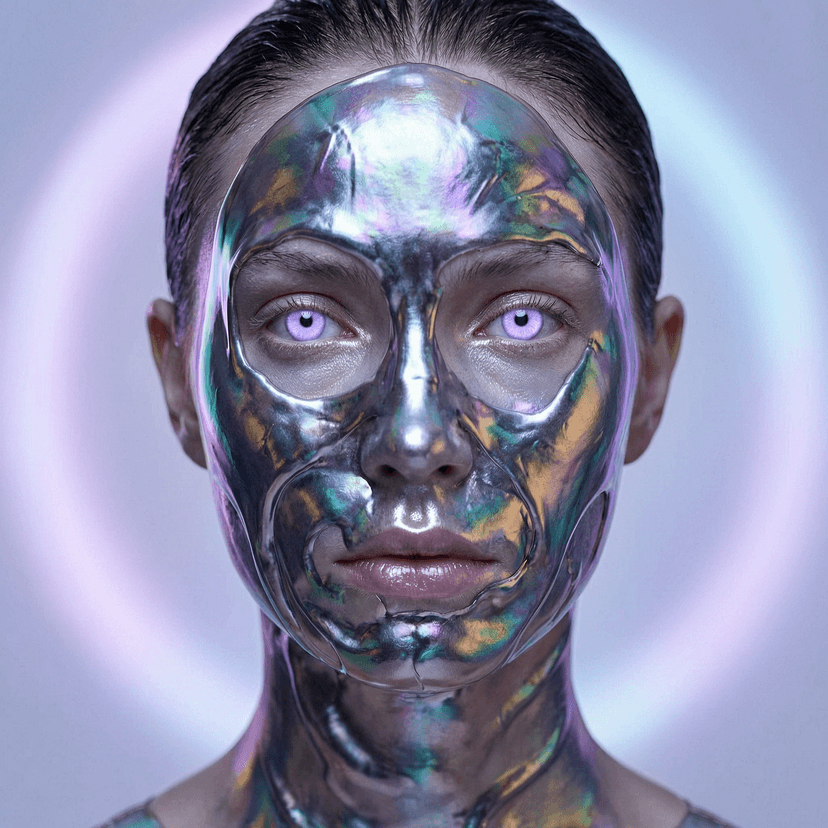
Close-up portrait of a model whose face is partially covered in flowing liquid metal, otherworldly light purple eyes, ethereal bioluminescent lighting.
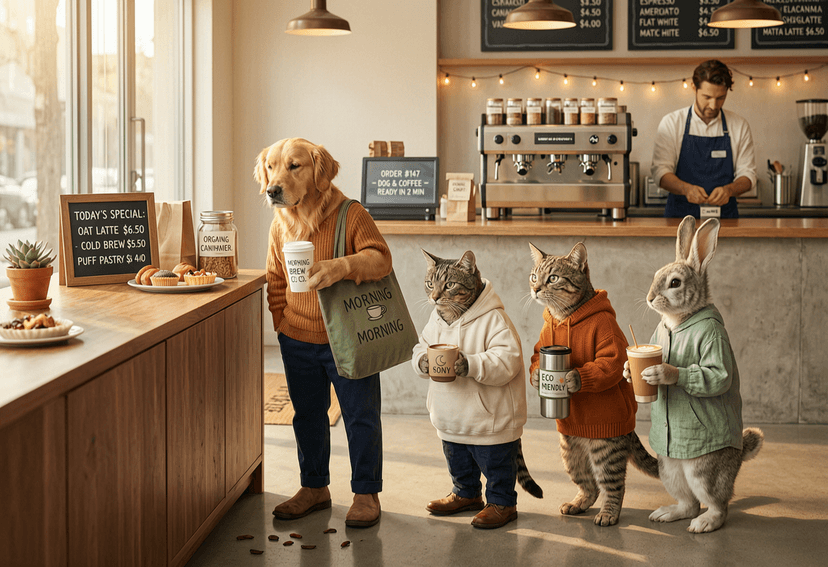
A group of anthropomorphic animals standing in line to buy coffee, a dog, a cat, a raccoon and a rabbit, modern coffee shop, soft morning light.
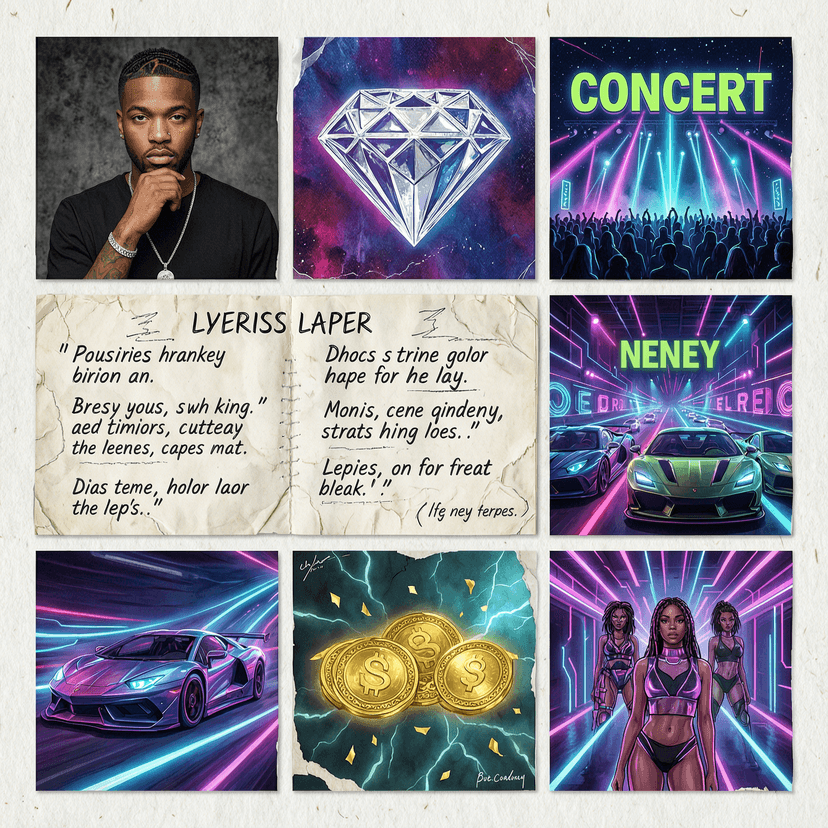
A mix collage with rapper, diamond, concert, neons, scratch paper, lyrics on paper, racing cars, money, and girls with a futuristic vibe.
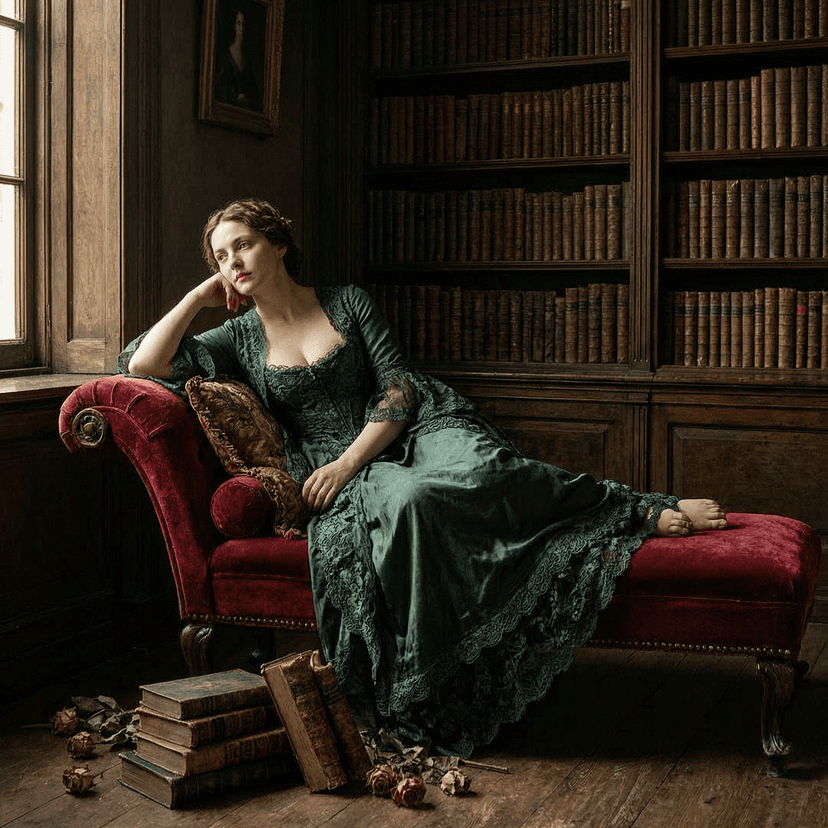
A fair-skinned model in a baroque-style lace gown, lounging on a velvet chaise lounge, surrounded by old books. Rembrandt-style light, oil painting texture.
Explore More AI Tools
Explore our comprehensive suite of AI-powered creative tools designed to enhance your workflow.
Veo 3.1 Video
Google Veo 3.1 with native audio and realistic physics for cinematic video generation.
Seedance 1.5 Pro
ByteDance Seedance 1.5 Pro with joint audio-video generation for professional results.

Nano Banana Pro Image Generator
Advanced text-based image editing with enhanced AI capabilities and professional-grade results.

Seedream 4.5 Image Generator
Ultra-fast professional image generation in under 1 second with 4K resolution support.

Qwen Image 2512
20B MMDiT model with best-in-class bilingual text rendering for stunning AI images.

GPT Image 2
OpenAI's newest image model. 13 aspect ratios, up to 4 reference photos, batches of 1-4.

Z-Image Generator
Ultra-fast image generation with Z-Image AI in under 1 second.

AI Music Generator
Generate music with AI, customize styles, and produce royalty-free tracks instantly.
Why Choose Wan 2.7 Image Generator
Wan 2.7 Image Generator thinks before it draws. The built-in thinking mode analyzes your prompt and plans the composition before generating a single pixel. The result: better layouts, more accurate details, and images that match what you actually described. Available in Standard and Pro quality with resolution support up to 8192px.
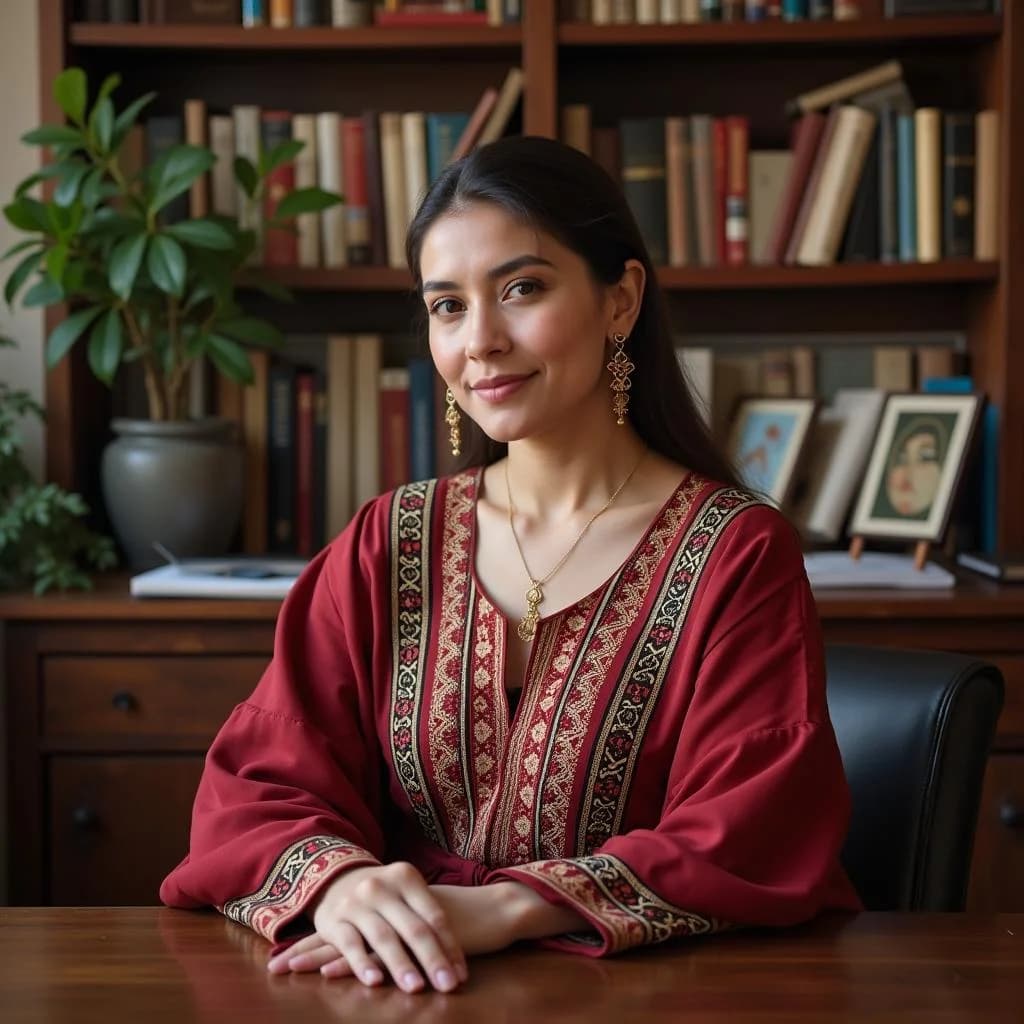
Thinking Mode for Better Results
Most image generators rush straight to pixels. Wan 2.7 Image Generator pauses to reason about your prompt first. Scene layout, object placement, lighting direction, and text rendering all benefit from this extra step. The output looks more intentional.
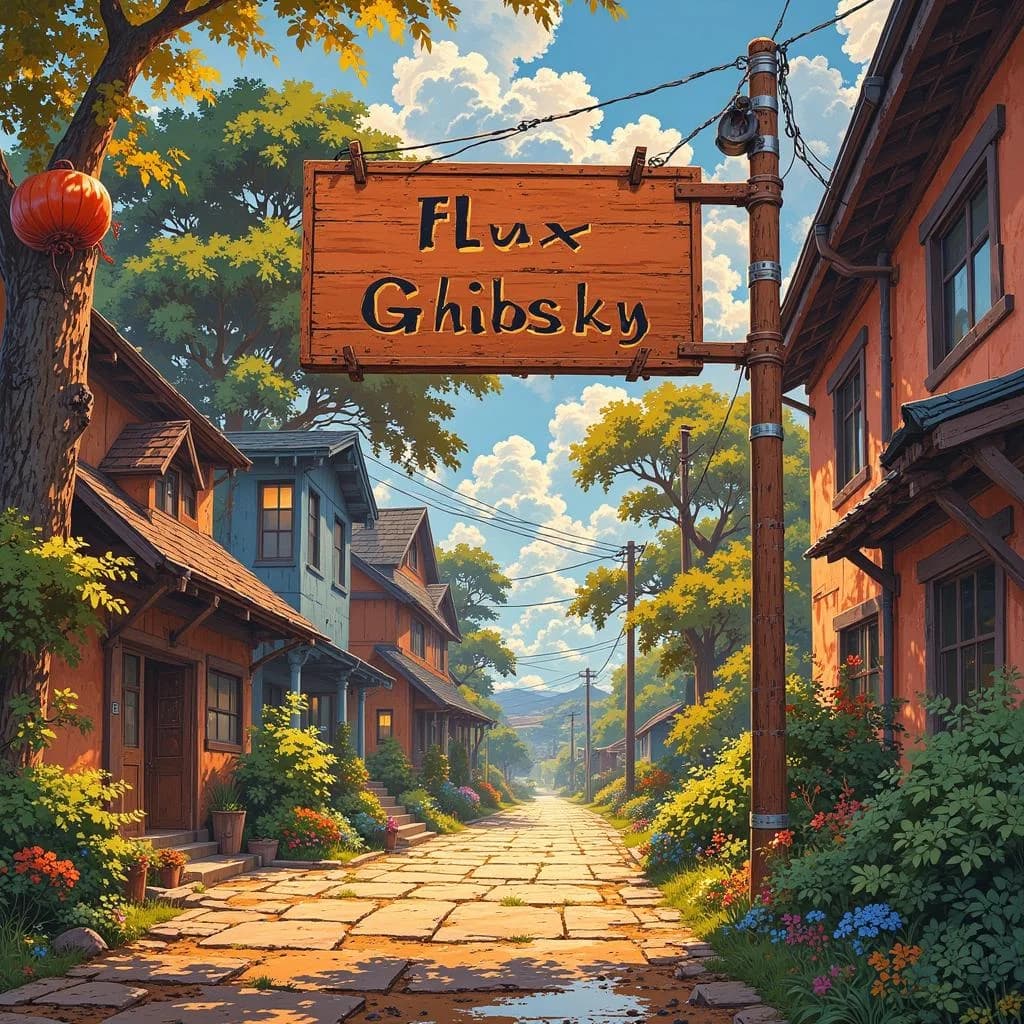
Edit Up to 9 Images at Once
Wan 2.7 Image Generator's edit mode accepts 1 to 9 input images. Describe what you want changed across the batch, and the model processes them together. Useful for product variations, style transfers, or bulk edits that need visual consistency.
Standard and Pro Quality
Wan 2.7 Image Generator offers two tiers. Standard handles most tasks at 1 credit per image with resolution up to 4096px. Pro unlocks resolution up to 8192px at 2 credits per image for large-format prints and detailed artwork.
How to Use Wan 2.7 Image Generator
Two modes, one tool. Generate from text or edit existing images. Wan 2.7 Image Generator is ready in seconds.
Step 1: Choose Your Mode
Select text-to-image to create from a prompt, or image edit to modify existing images. Wan 2.7 Image Generator handles both with the same simple interface.
Step 2: Write Your Prompt or Upload Images
For text-to-image, describe what you want. For image editing in Wan 2.7 Image Generator, upload 1 to 9 images and describe the changes. The model processes them together for consistent results.
Step 3: Pick Size and Quality
Choose from preset sizes (1:1, 3:4, 4:3, 9:16, 16:9) and Standard or Pro quality. Wan 2.7 Image Generator shows the credit cost before you generate so there are no surprises.
Step 4: Generate and Download
Hit generate. Wan 2.7 Image Generator delivers your image in seconds. Download directly or generate variations from the same prompt.
Wan 2.7 Image Generator Features
Wan 2.7 Image Generator from Alibaba combines reasoning-first generation with flexible editing in one tool. Here's what makes it different.
Text-to-Image with Thinking Mode
Wan 2.7 Image Generator's thinking mode reasons about your prompt before generating. The model considers composition, perspective, and visual hierarchy. The result is images that look planned, not random.
Multi-Image Editing
Upload up to 9 images at once. Wan 2.7 Image Generator edits them as a batch, maintaining visual consistency across all outputs. Perfect for product catalogs, character sheets, or style exploration.
Pro Resolution Up to 8192px
Wan 2.7 Image Generator Pro supports output up to 8192px per side. Print-quality images for posters, banners, and large-format displays. Standard mode goes up to 4096px for everyday use.
Flexible Aspect Ratios
Five presets cover every platform: 1:1 for social posts, 16:9 for headers, 9:16 for stories, 4:3 and 3:4 for print. Wan 2.7 Image Generator outputs at the exact ratio you need.
1 Credit Standard, 2 Credits Pro
Wan 2.7 Image Generator keeps pricing simple. Standard generation costs 1 credit per image. Pro costs 2 credits and unlocks higher resolution and detail. No hidden fees, no per-pixel charges.
Seed Control for Reproducibility
Set a seed value in Wan 2.7 Image Generator to reproduce results or create controlled variations. Same seed, same prompt, same image. Change the seed for a different take on the same concept.
What Creators Say About Wan 2.7 Image Generator
Feedback from designers, marketers, and artists who use Wan 2.7 Image Generator for their daily work.
Alex Rivera
Graphic Designer
“Thinking mode in Wan 2.7 Image Generator actually makes a difference. My prompts with multiple objects now render with proper spatial relationships instead of everything piled in the center. Worth the slightly longer wait.”
Mei Chen
E-commerce Product Photographer
“The multi-image edit in Wan 2.7 Image Generator saved me hours on a product catalog project. I uploaded 9 product photos and applied the same style treatment to all of them in one generation. Consistent results across the entire set.”
Jordan Blake
Art Director - Print Media
“Wan 2.7 Image Generator Pro at 8192px resolution means I can generate artwork that holds up on a billboard. No more upscaling artifacts. The quality at large sizes is exactly what my print clients need.”
Wan 2.7 Image Generator FAQ
Answers to common questions about Wan 2.7 Image Generator's thinking mode, multi-image editing, and quality options.
What is thinking mode in Wan 2.7 Image Generator?
Thinking mode makes Wan 2.7 Image Generator reason about your prompt before generating pixels. The model plans composition, object placement, and visual hierarchy first. This produces more accurate and intentional results, especially for complex scenes. It's enabled by default and adds a few seconds to generation time.
How many images can I edit at once?
Wan 2.7 Image Generator's edit mode accepts 1 to 9 input images per request. Upload your images, write a single edit prompt, and the model applies changes across all of them with visual consistency.
What's the difference between Standard and Pro?
Standard mode in Wan 2.7 Image Generator costs 1 credit and supports resolution up to 4096px per side. Pro costs 2 credits and increases the resolution ceiling to 8192px per side. Both include thinking mode. Choose Pro when you need print-quality or large-format output.
What image sizes does Wan 2.7 Image Generator support?
Five presets are available: 1:1 (1024x1024), 3:4 (768x1024), 4:3 (1024x768), 9:16 (576x1024), and 16:9 (1024x576). You can also specify custom dimensions within the supported range.
How much does Wan 2.7 Image Generator cost?
Standard generation costs 1 credit per image. Pro generation costs 2 credits per image. New accounts receive free credits to test both modes. The credit cost is shown before you generate.
What makes Wan 2.7 Image Generator different from other AI image tools?
Three things set it apart: thinking mode for better prompt understanding, multi-image batch editing for consistent results across up to 9 images, and Pro resolution up to 8192px. Most tools generate at 1024px and require separate upscaling.
Can I control the randomness?
Yes. Set a seed value in Wan 2.7 Image Generator to reproduce exact results. Use seed -1 for random generation. Same seed plus same prompt always produces the same image, making it easy to create controlled variations.
Can I use Wan 2.7 Image Generator commercially?
Yes. All images generated with Wan 2.7 Image Generator are yours to use commercially. Marketing materials, product imagery, social media content, and print media are all covered.