

GLM Image Generator
Create posters, infographics, and images with clear, readable text. GLM Image uses hybrid AI architecture to render typography that other AI tools mangle.


Loved by 10,000+ creators
GLM Image Gallery
Examples of posters, infographics, and text-heavy visuals created using GLM Image. Notice the readable text in each image.
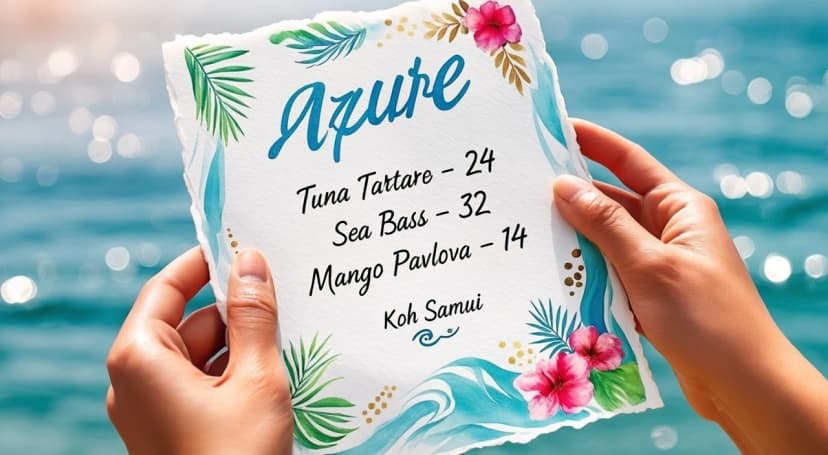
An elegant close-up photograph of hands holding a beautifully illustrated watercolor menu card. The menu is a work of art—hand-painted watercolor illustration on textured cream watercolor paper. Top: 'AZURE' painted in flowing navy blue watercolor calligraphy. Menu items in elegant hand-lettered watercolor script: 'Tuna Tartare — 24', 'Sea Bass — 32', 'Mango Pavlova — 14'. Bottom: 'Koh Samui' in small watercolor lettering.
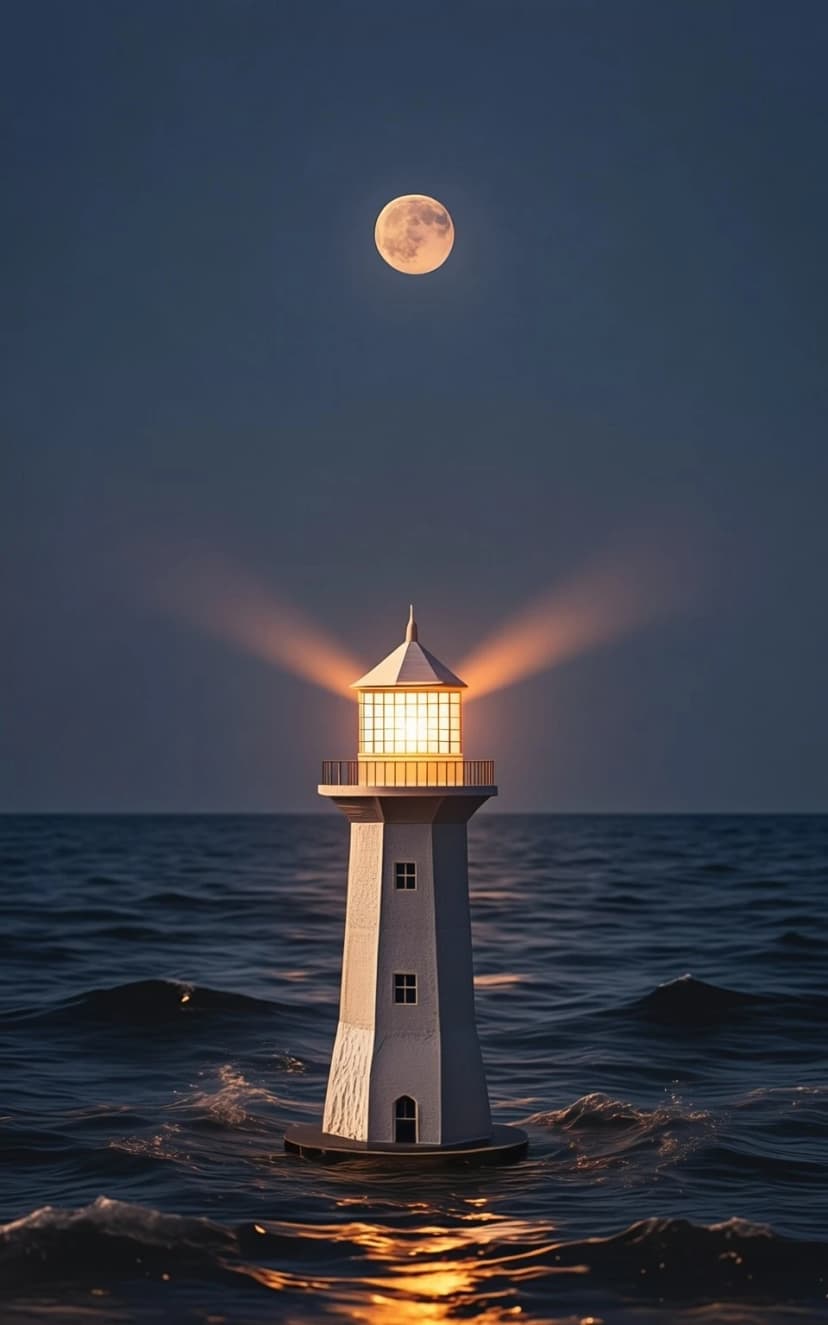
Modern premium book cover design, surreal minimalism. A vast midnight ocean under a thin crescent moon; a single origami lighthouse floating upright, emitting a soft golden beam that forms a subtle geometric triangle across the water. Deep navy + charcoal palette with one accent of warm gold, gentle fog, cinematic soft lighting, fine paper-grain texture, high contrast, lots of negative space, perfectly balanced centered composition.
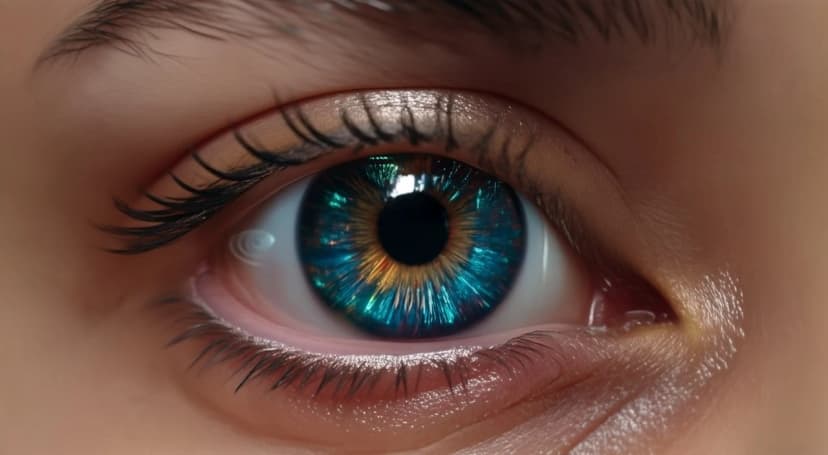
Futuristic eye close-up, glowing reflections in the iris, subtle cyberpunk elements, dark background, ultra-detailed, realistic sci-fi aesthetic, cinematic lighting

Cozy outdoor lifestyle scene with a person holding a small dog, warm and intimate interaction between the person and the pet, natural and relaxed facial expression, soft natural sunlight, park or grassy outdoor background with greenery, warm and gentle color tones, candid and unposed moment, clean composition, shallow depth of field, Fujifilm film look, soft contrast, natural skin tones, lifestyle photography style, realistic lighting, film-like texture, heartwarming atmosphere, Fujifilm color science, film photography, subtle film grain, soft highlights, muted colors, low contrast, natural greens, pastel tones
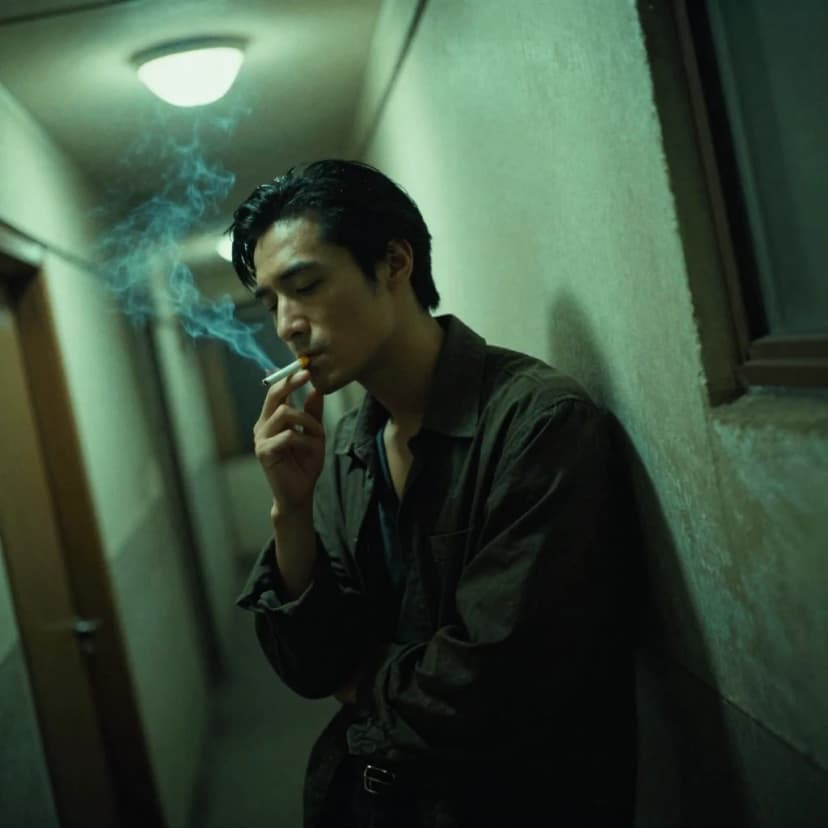
Wong Kar-wai film style, a lonely man smoking a cigarette in a narrow Hong Kong hallway, 1990s. Greenish fluorescent lighting, heavy shadows, moody atmosphere. Slight motion blur to create a dreamlike quality. Film grain, vignetting, emotional, cinematic composition, dutch angle shot.
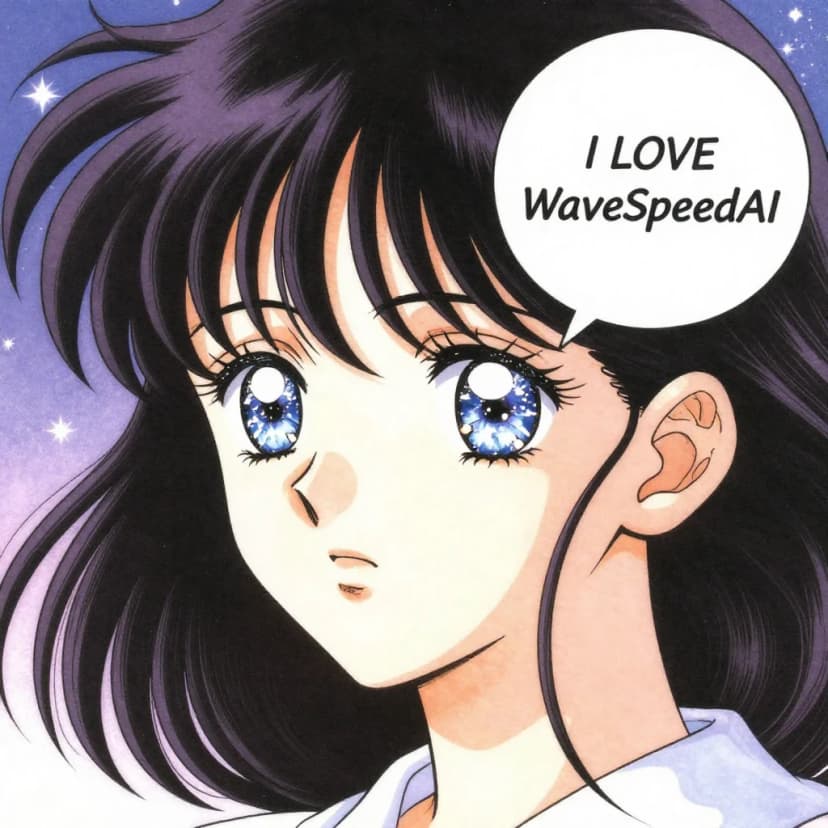
Retro 90s shojo manga style. Close-up of a girl with sparkling watery eyes and windblown hair. A clean white speech bubble next to her face. The text inside the bubble explicitly reads 'I LOVE WaveSpeedAI'. Soft dreamy atmosphere, starry background, delicate linework, vintage anime aesthetic.
Explore More AI Tools
Explore our comprehensive suite of AI-powered creative tools designed to enhance your workflow.
Veo 3.1 Video
Google Veo 3.1 with native audio and realistic physics for cinematic video generation.
Seedance 1.5 Pro
ByteDance Seedance 1.5 Pro with joint audio-video generation for professional results.
Nano Banana Pro Image Generator
Advanced text-based image editing with enhanced AI capabilities and professional-grade results.

Seedream 4.5 Image Generator
Ultra-fast professional image generation in under 1 second with 4K resolution support.

Qwen Image 2512
20B MMDiT model with best-in-class bilingual text rendering for stunning AI images.
GPT Image 2
OpenAI's newest image model. 13 aspect ratios, up to 4 reference photos, batches of 1-4.
Z-Image Generator
Ultra-fast image generation with Z-Image AI in under 1 second.

AI Music Generator
Generate music with AI, customize styles, and produce royalty-free tracks instantly.
Why GLM Image Renders Text Better
Most AI image generators produce garbled text on posters and infographics. GLM Image solves this with a hybrid architecture: autoregressive generation plans your layout and text placement, then diffusion decoding adds visual details. The result is readable typography in your generated images.
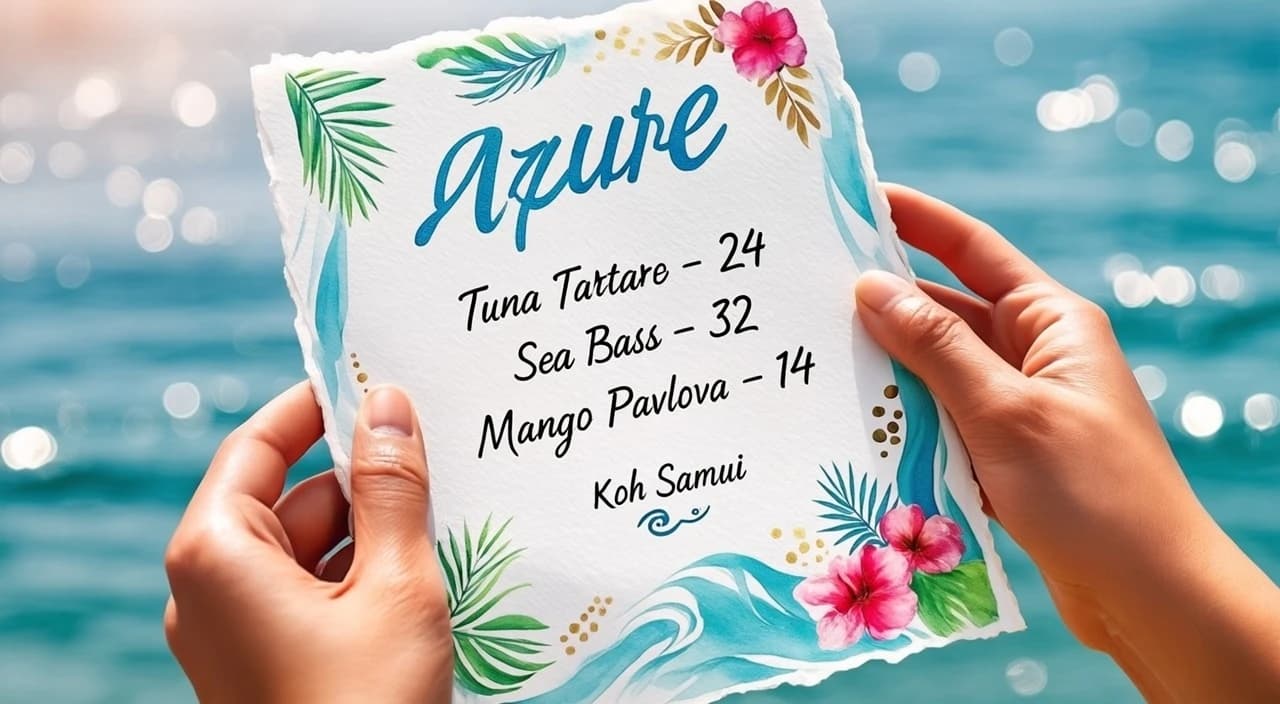
Readable Text in Generated Images
GLM Image produces posters, PPT slides, and infographics with text you can actually read. No more random symbols replacing letters. The autoregressive module understands text semantics before rendering, so 'AZURE' on a menu stays exactly that.
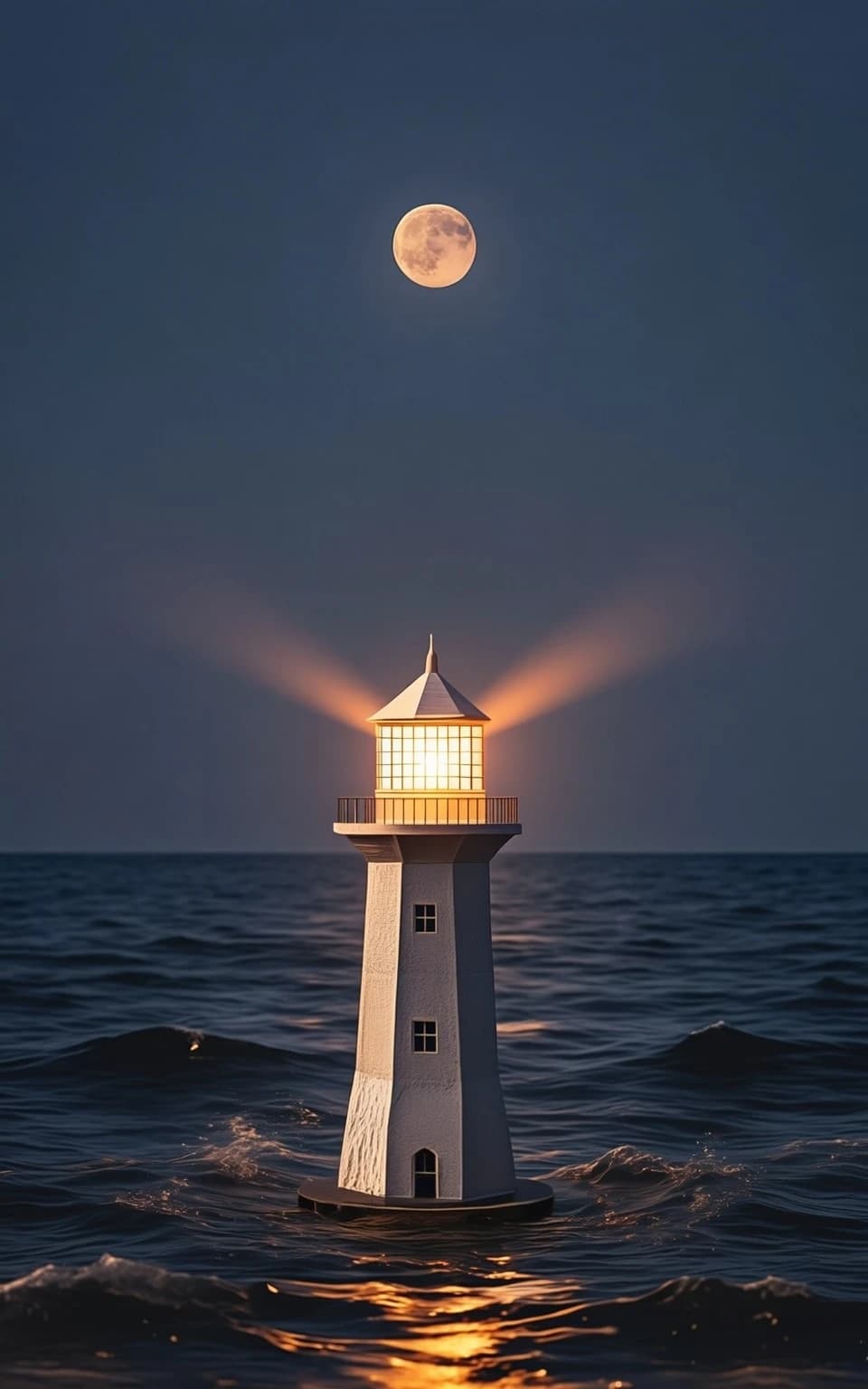
Edit Existing Images with Text Instructions
Upload any image and tell GLM Image what to change. Change the headline on a poster. Swap the background in a product photo. It preserves what you want and modifies only what you specify. Supports up to 4 reference images at once.
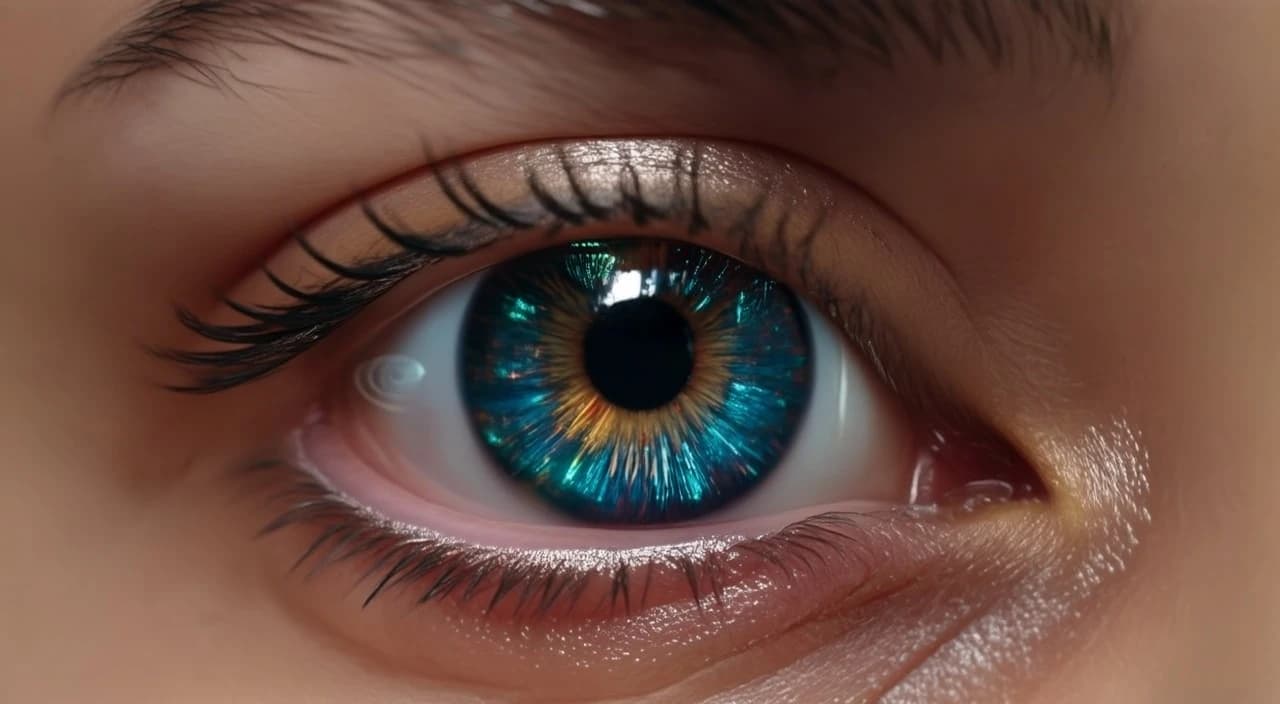
Knowledge-Intensive Image Generation
GLM Image handles complex content that requires understanding context. Generate educational diagrams, technical illustrations, or branded marketing materials. The architecture processes semantics first, ensuring accurate representation of your ideas.
How to Use GLM Image
Creating images with readable text takes under a minute. No design skills needed. Just describe what you want on your poster or infographic.
1. Choose Your Mode
Select text-to-image to create new images with text from scratch. Choose image-to-image to edit existing photos or add text overlays. GLM Image handles both modes with the same text clarity.
2. Upload Reference Images (Optional)
For image-to-image mode, upload up to 4 reference images. GLM Image uses these to understand style, composition, or elements you want to preserve. Skip this for pure text-to-image generation.
3. Describe Your Image and Text
Type what you want in the image, including any text that should appear. GLM Image understands natural language. 'A movie poster with SUMMER NIGHTS in bold letters' gives you exactly that.
4. Generate and Download
Click generate. GLM Image returns your image in seconds with all text rendered correctly. Download in JPEG or PNG. Generate up to 4 variations per request.
GLM Image Features
GLM Image is built by Zhipu AI specifically to solve the text rendering problem in AI-generated images. Open-source architecture, available through our simple interface.
Accurate Text Rendering
The primary reason to use this tool: it generates readable text. Create posters with headlines, infographics with labels, presentations with titles. The autoregressive module plans text placement before image generation begins.
Style Transfer with Text Preservation
Change the visual style of an image while keeping text intact. The model understands which elements are typography and protects them during style transformations. Convert a simple poster to vintage, neon, or minimalist styles.
Multi-Image Reference Support
Upload up to 4 images as references. Use one for style, another for composition, a third for color palette. The model combines these inputs intelligently for complex creative projects.
LLM-Powered Prompt Expansion
Not sure how to describe your image? Enable prompt expansion. The built-in language model enhances your basic description with visual details, improving output quality from simple inputs.
Flexible Output Sizes
Supports 10+ aspect ratios. Square for social posts, 16:9 for presentations, portrait for stories. Select the dimensions that match your use case. All sizes maintain the same text rendering quality.
Identity-Preserving Generation
Generate variations of images while keeping specific elements consistent. Can preserve faces, logos, or brand elements across multiple generations. Useful for creating image series with consistent branding.
What Creators Say About GLM Image
Real experiences from designers, marketers, and content creators using GLM Image for text-heavy visual content.
Rachel Kim
Event Coordinator
“I've tried every AI image generator for creating event posters. GLM Image is the first one that renders my event names and dates correctly. No more fixing garbled text in Photoshop.”
Marcus Chen
Data Analyst
“Creating infographics with GLM Image actually works. The labels, numbers, and callouts come out readable. Saved me from hiring a designer for basic data visualization.”
Yuki Tanaka
Marketing Manager
“GLM Image handles my multilingual marketing materials well. English, Chinese, Japanese text all render clearly. Other AI tools turn non-English text into symbols.”
David Wilson
Content Creator
“The prompt expansion feature in GLM Image is helpful. I give it a rough idea and it fills in the visual details. Results are more polished than my original descriptions would produce.”
Sarah Martinez
Business Consultant
“Using GLM Image for presentation slides with text overlays. The text stays crisp even at different sizes. Finally an AI tool that understands typography matters.”
GLM Image FAQ
Everything about using GLM Image for generating images with readable text.
What is GLM Image and why does text render better?
GLM Image is Zhipu AI's open-source image generation model with hybrid architecture. It uses autoregressive generation for layout and text planning, then diffusion decoding for visual details. This two-stage approach lets GLM Image understand text semantics before rendering, producing readable typography that other AI generators fail to achieve.
What can I create with GLM Image that other AI tools struggle with?
GLM Image excels at text-heavy visuals: posters with headlines, infographics with labels, PPT slides with titles, social media graphics with captions, and marketing materials with product names. Anything requiring readable text in the image is where GLM Image outperforms alternatives.
How many reference images can I use with GLM Image?
GLM Image supports up to 4 reference images for image-to-image generation. Use multiple references to combine style from one image, composition from another, and specific elements from others. This multi-reference capability makes GLM Image powerful for complex creative projects.
What is prompt expansion in GLM Image?
Prompt expansion is an optional GLM Image feature that uses a built-in language model to enhance your description. If you type 'movie poster with title', GLM Image expands it with visual details like lighting, colors, and composition. Enable it when you want richer output from simple prompts.
Does GLM Image support non-English text?
Yes. GLM Image renders Chinese, Japanese, Korean, and other languages clearly. The autoregressive architecture processes text semantics before rendering, so it handles different character sets properly. Other AI tools often turn non-Latin scripts into random symbols.
What output sizes does GLM Image support?
GLM Image supports 10+ aspect ratios including square (1:1), portrait (4:3, 16:9, 3:2), landscape (4:3, 16:9, 3:2), and HD variants. Choose the format matching your use case. All sizes maintain consistent text rendering quality.
How fast is GLM Image generation?
GLM Image typically generates images in under 10 seconds. Speed varies based on image complexity and the number of output images requested (up to 4 per request). The hybrid architecture is optimized for fast inference without sacrificing text clarity.
How many credits does GLM Image cost?
GLM Image costs 4 credits per generation. You can generate up to 4 images per request, making it efficient for creating variations. New users get free credits to try GLM Image before purchasing more.