
Nanobanana Prompt
Discover 100+ curated AI image generation prompts. Copy and use instantly for stunning results with any AI image generator.
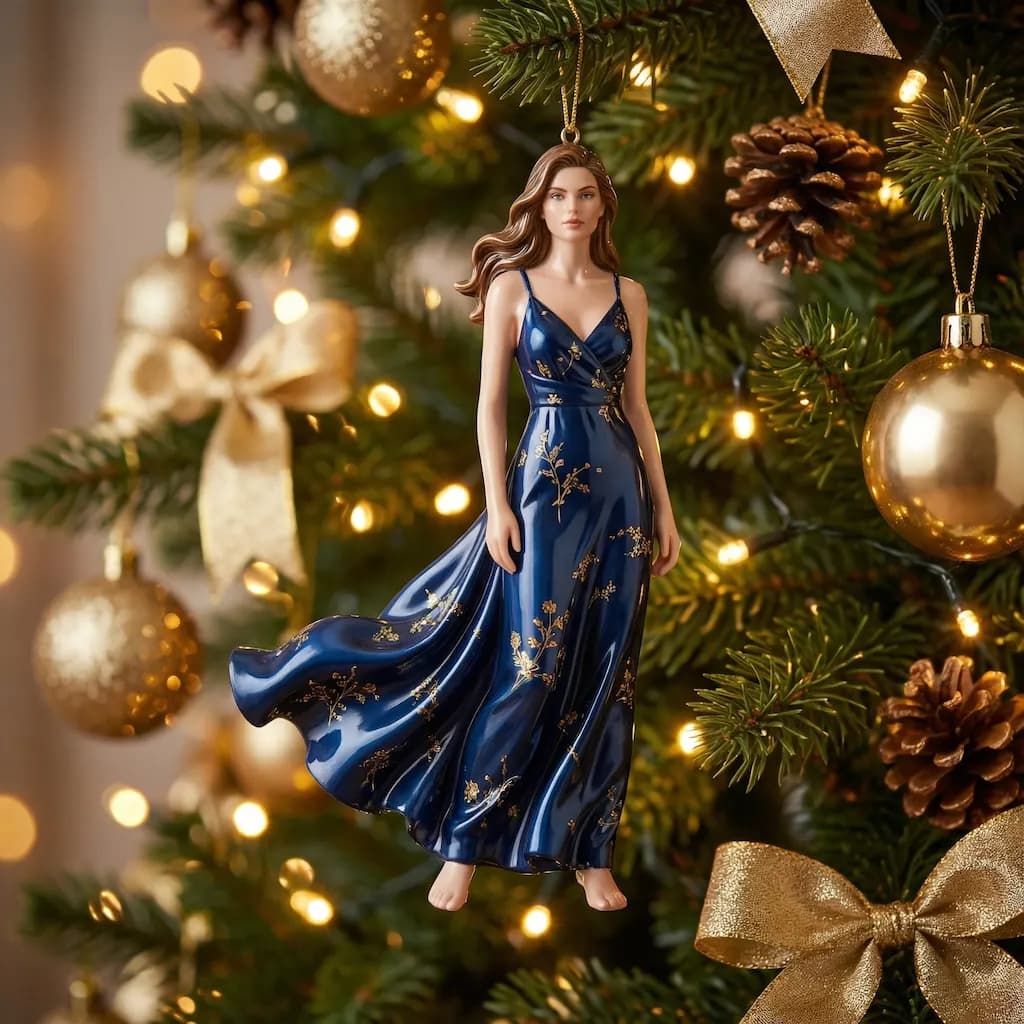
Christmas Doll
Transform your portrait into a magical Christmas doll with festive holiday decorations
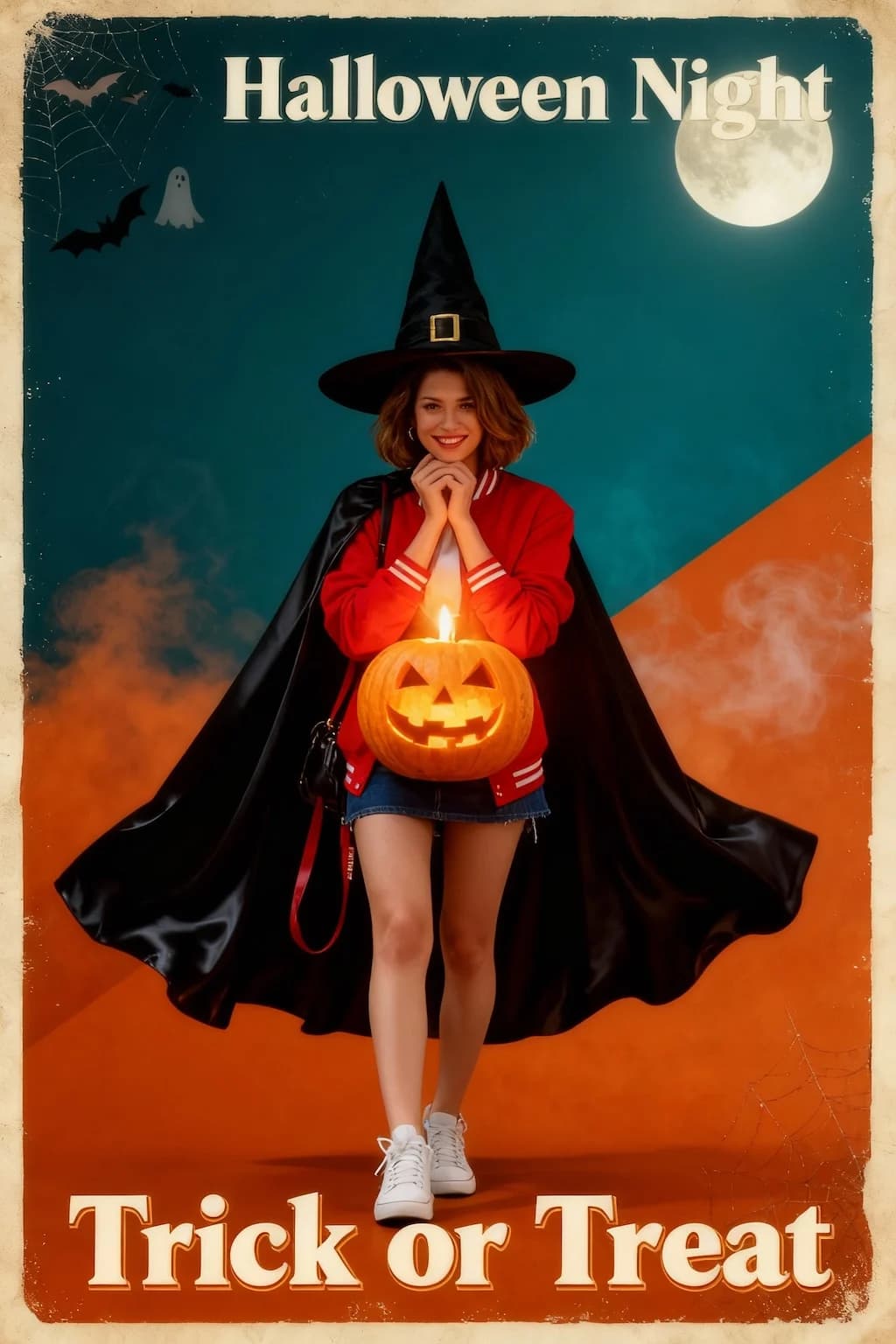
Halloween Poster
Create spooky vintage Halloween poster art with dramatic horror movie aesthetics
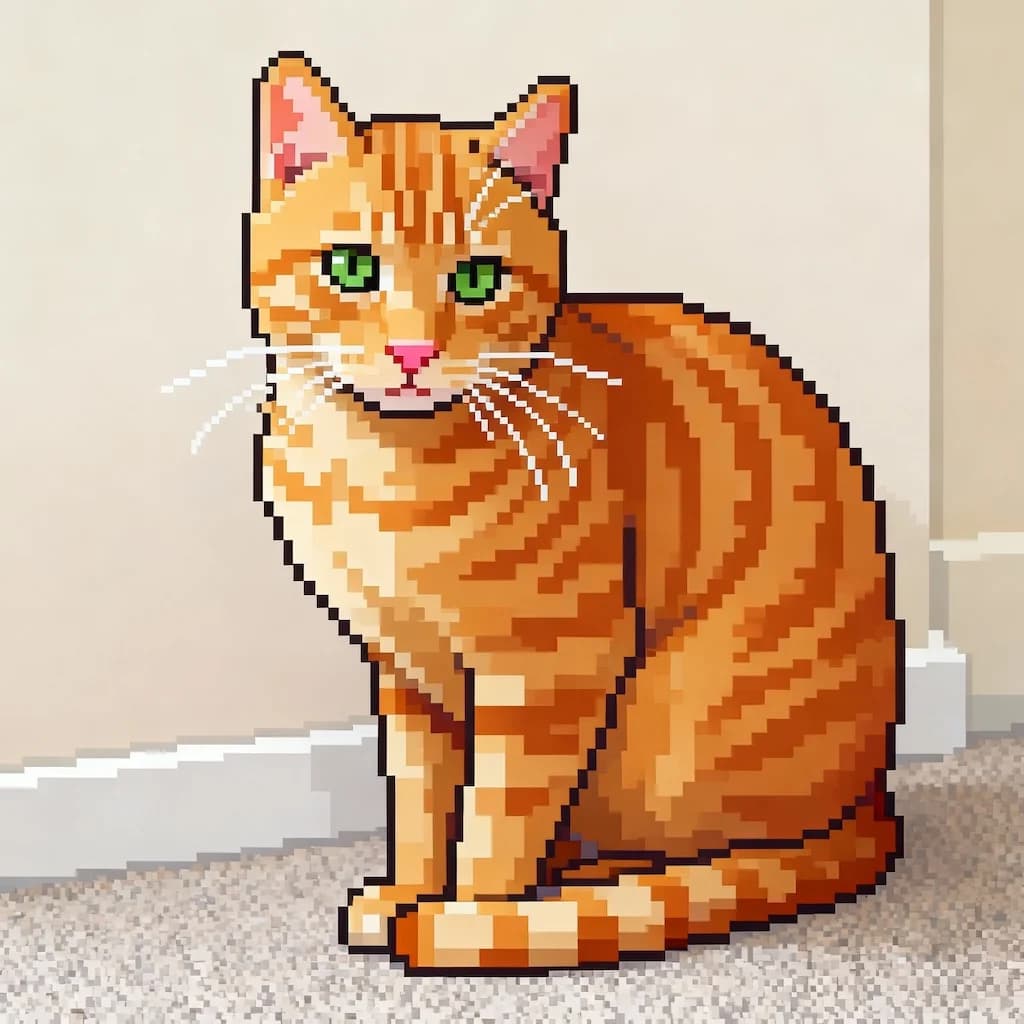
Image To Pixel
Convert any image into retro 16-bit pixel art style perfect for games
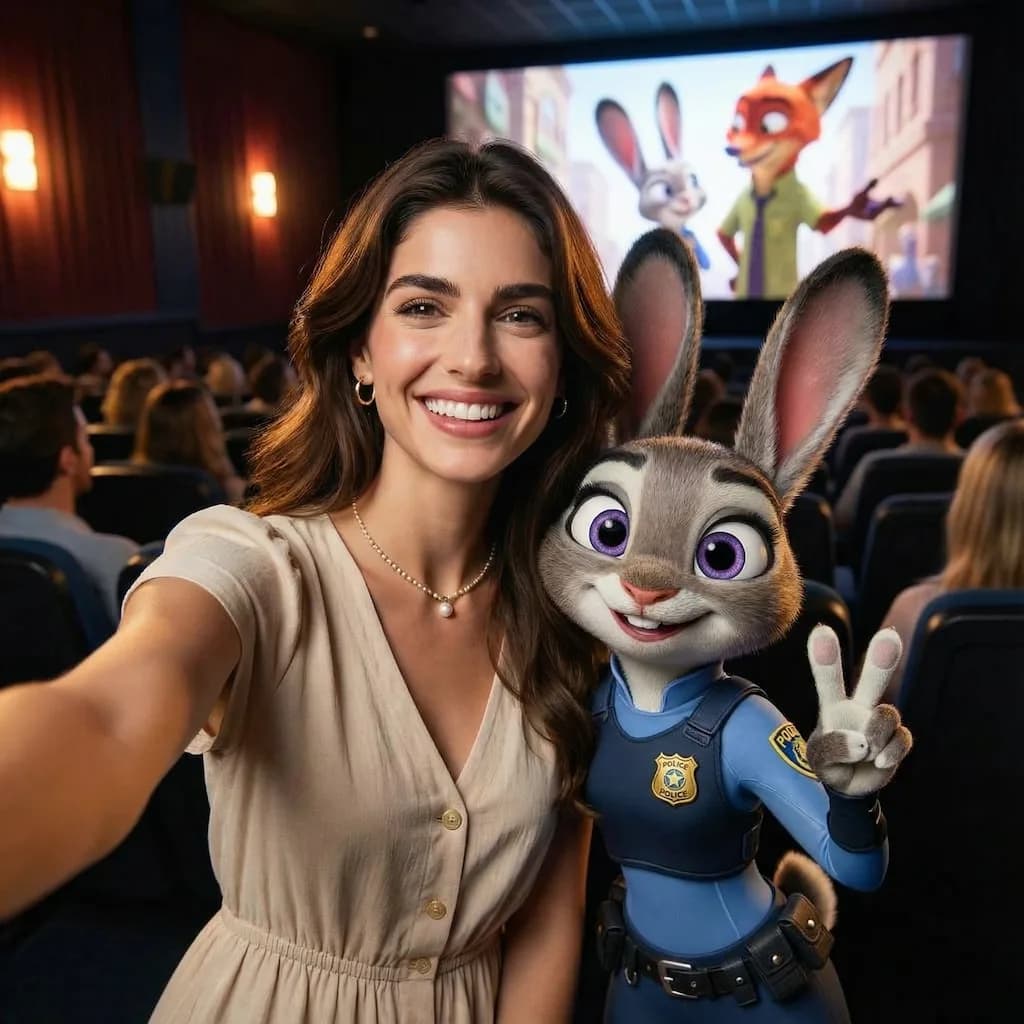
Zootopia Selfie
Transform into an adorable Zootopia-style anthropomorphic animal character
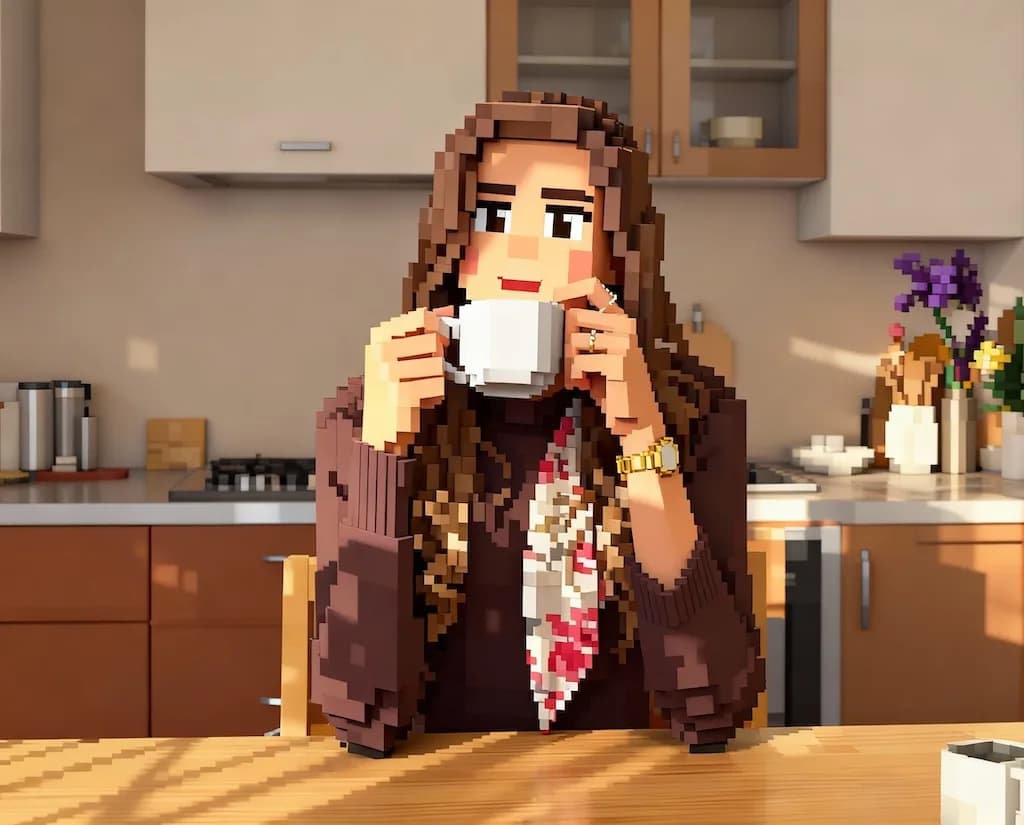
AI Minecraft Filter
Convert photos into blocky Minecraft-style 3D voxel art
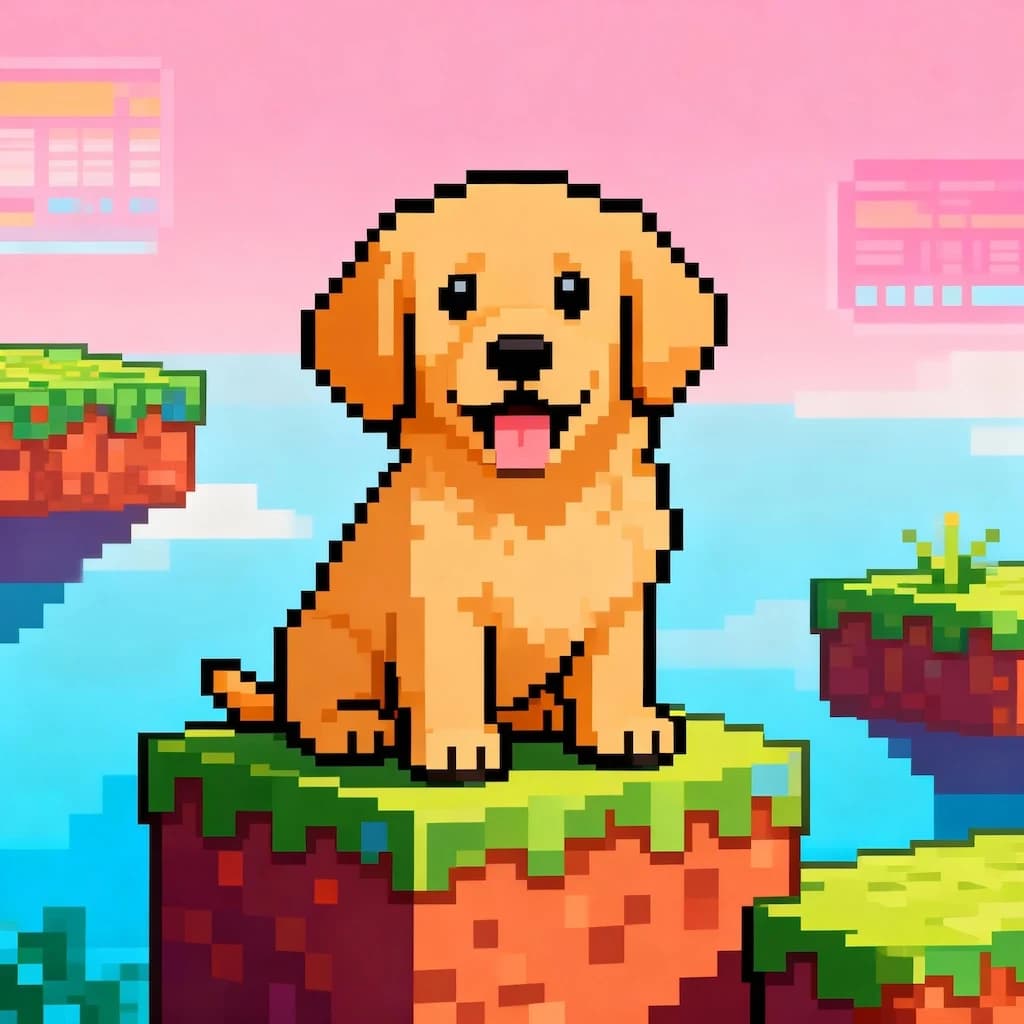
16-bit Video Game Character
Transform portraits into classic 16-bit video game character sprites
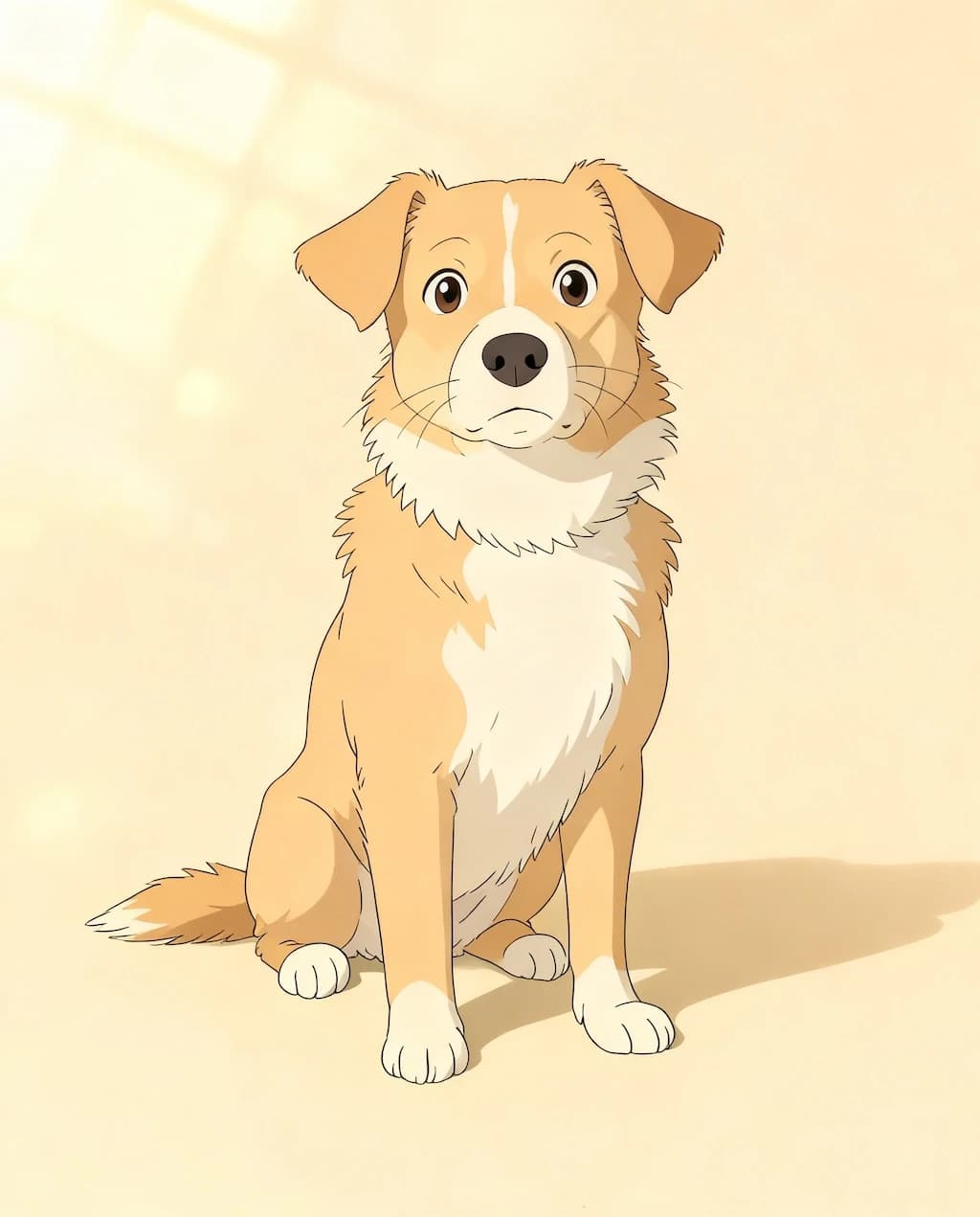
GHIBSKY Illustration
Transform photos into dreamy Studio Ghibli-inspired artwork with magical skies
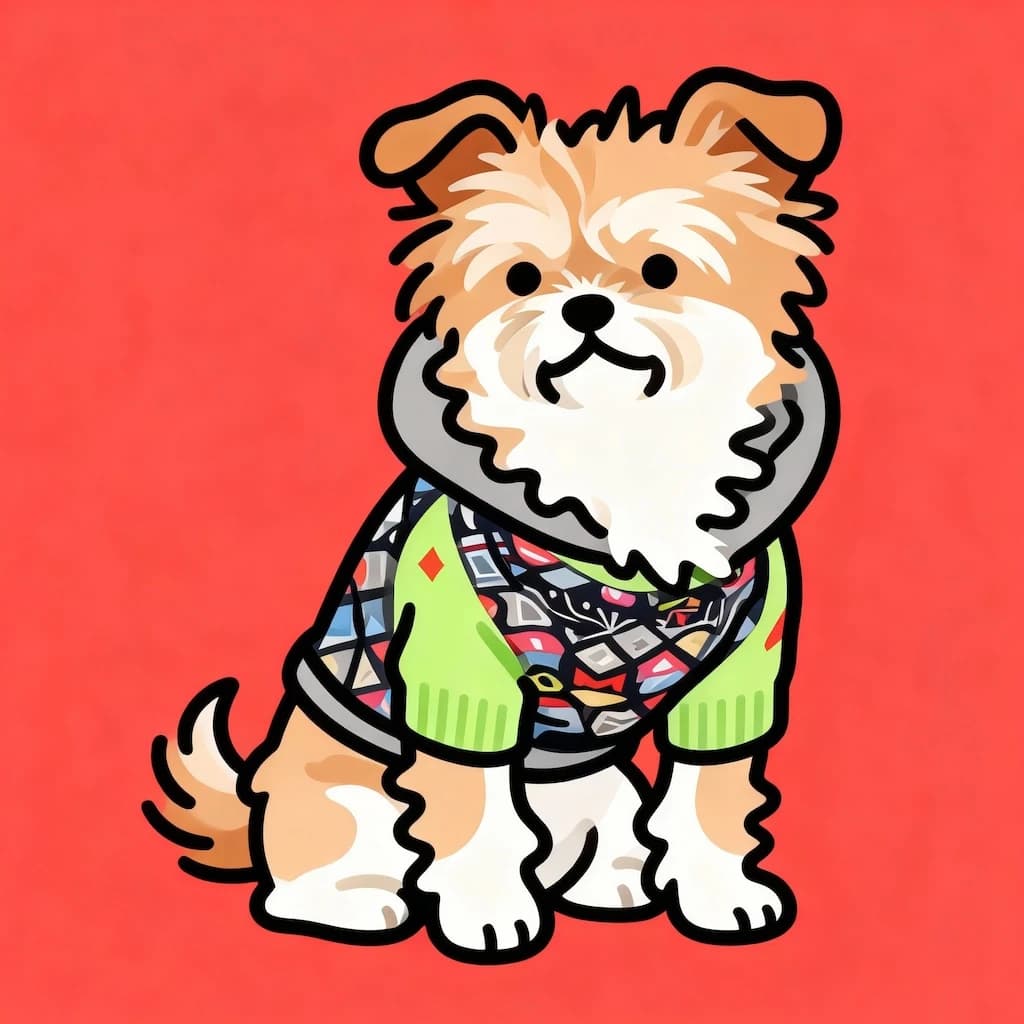
Flat Illustration
Create modern flat design illustrations with clean vectors and bold colors
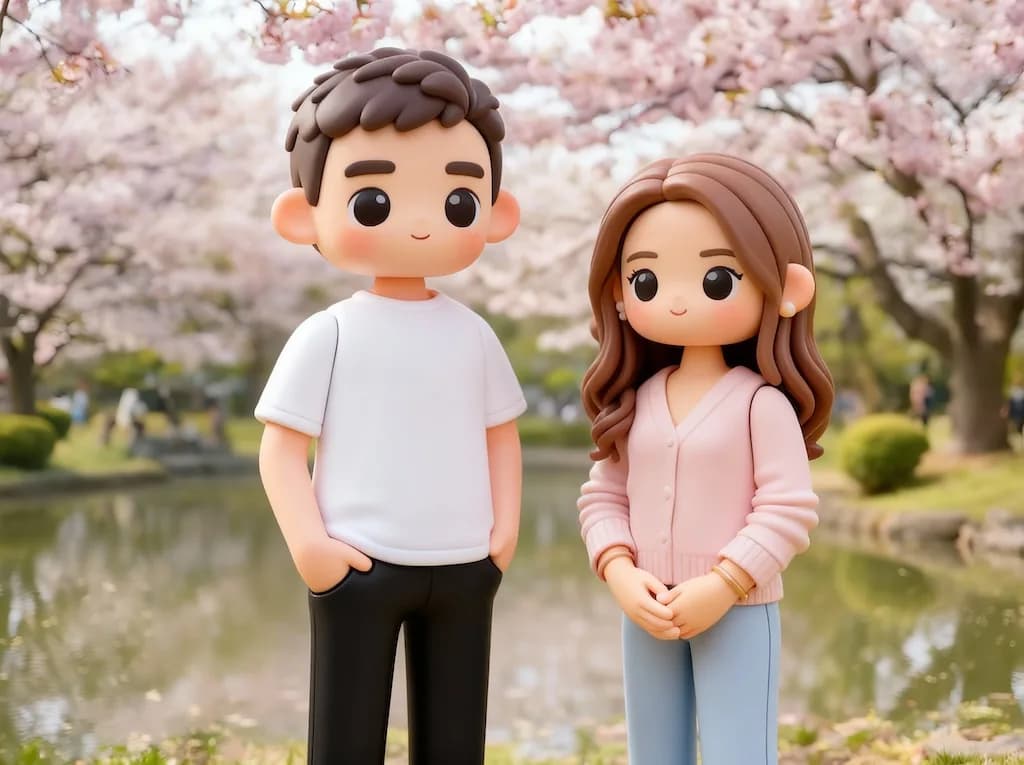
3D Toy
Transform photos into adorable 3D toy figurine renders
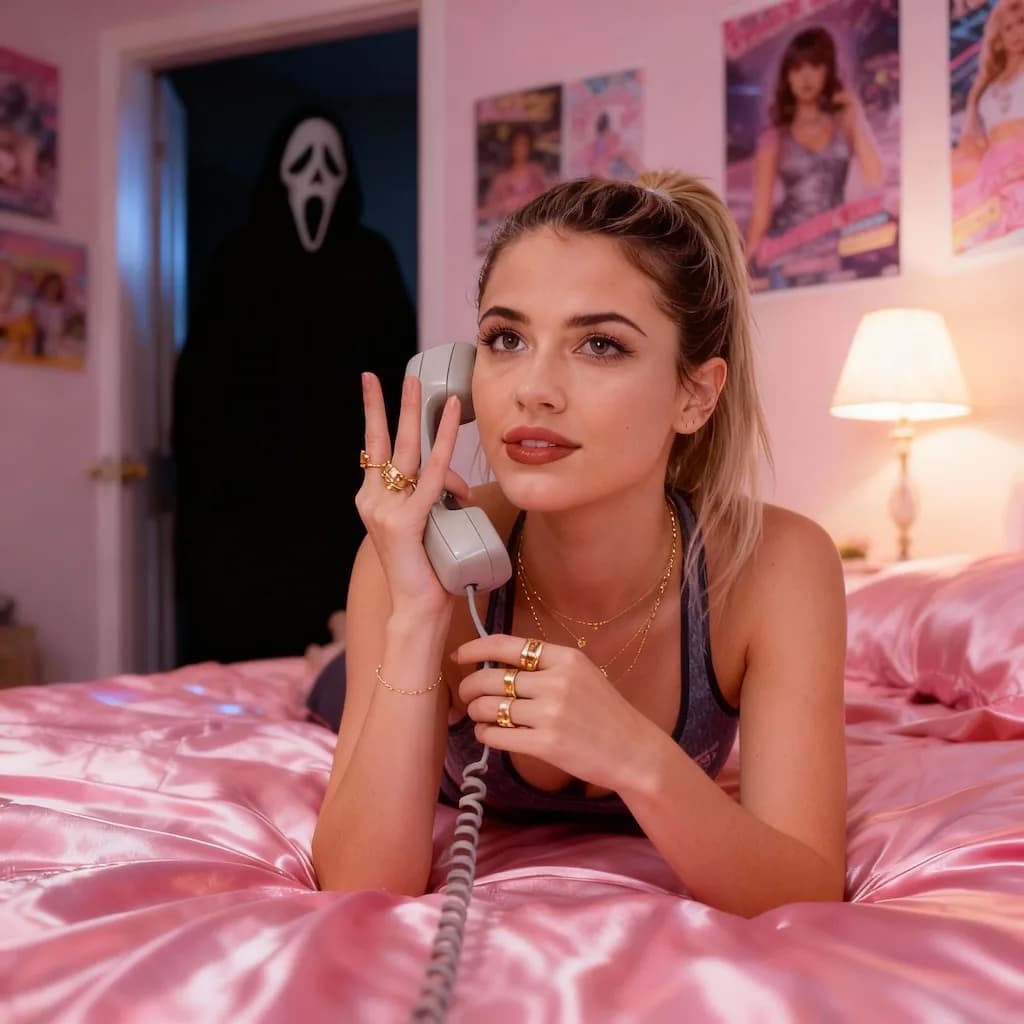
Scream AI Picture Trends
Create dramatic screaming portrait effects inspired by viral AI trends
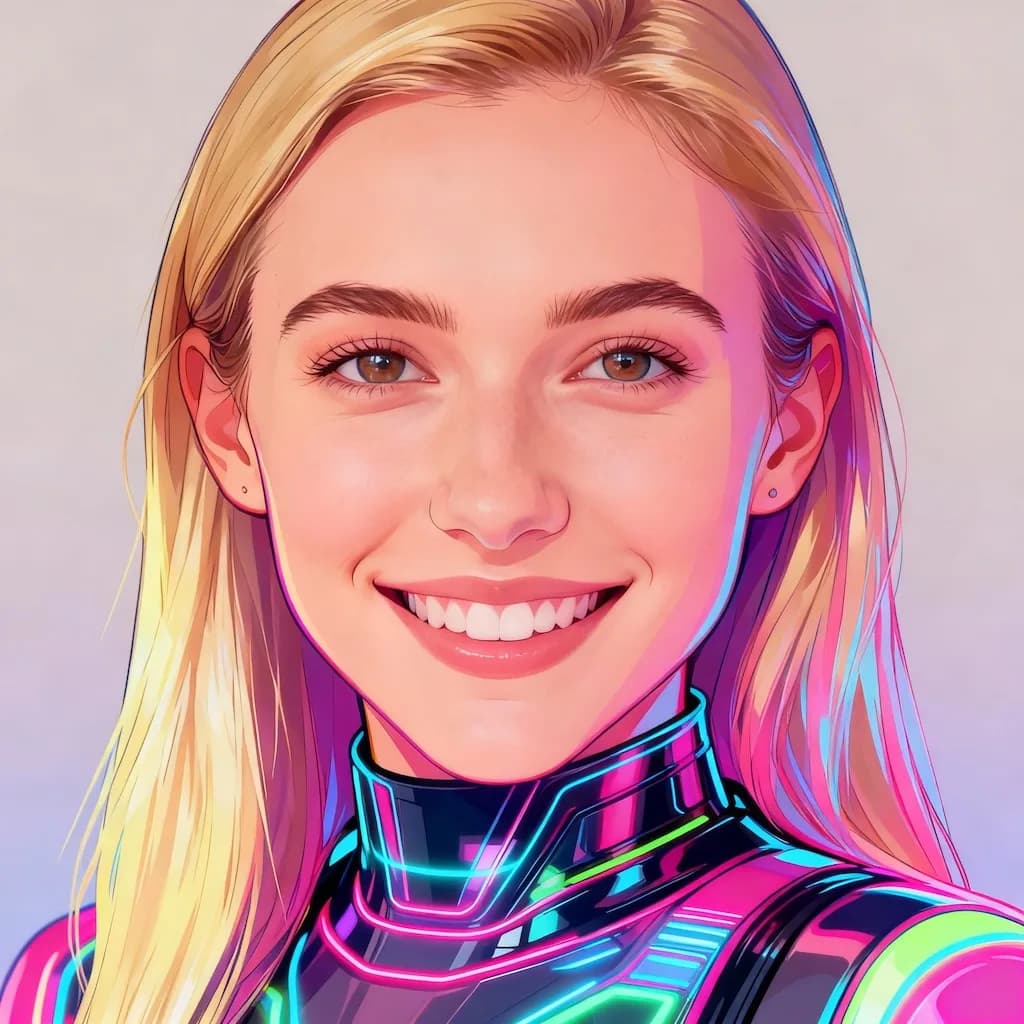
Y2K Style AI Of Yourself
Create nostalgic Y2K aesthetic digital fashion illustrations
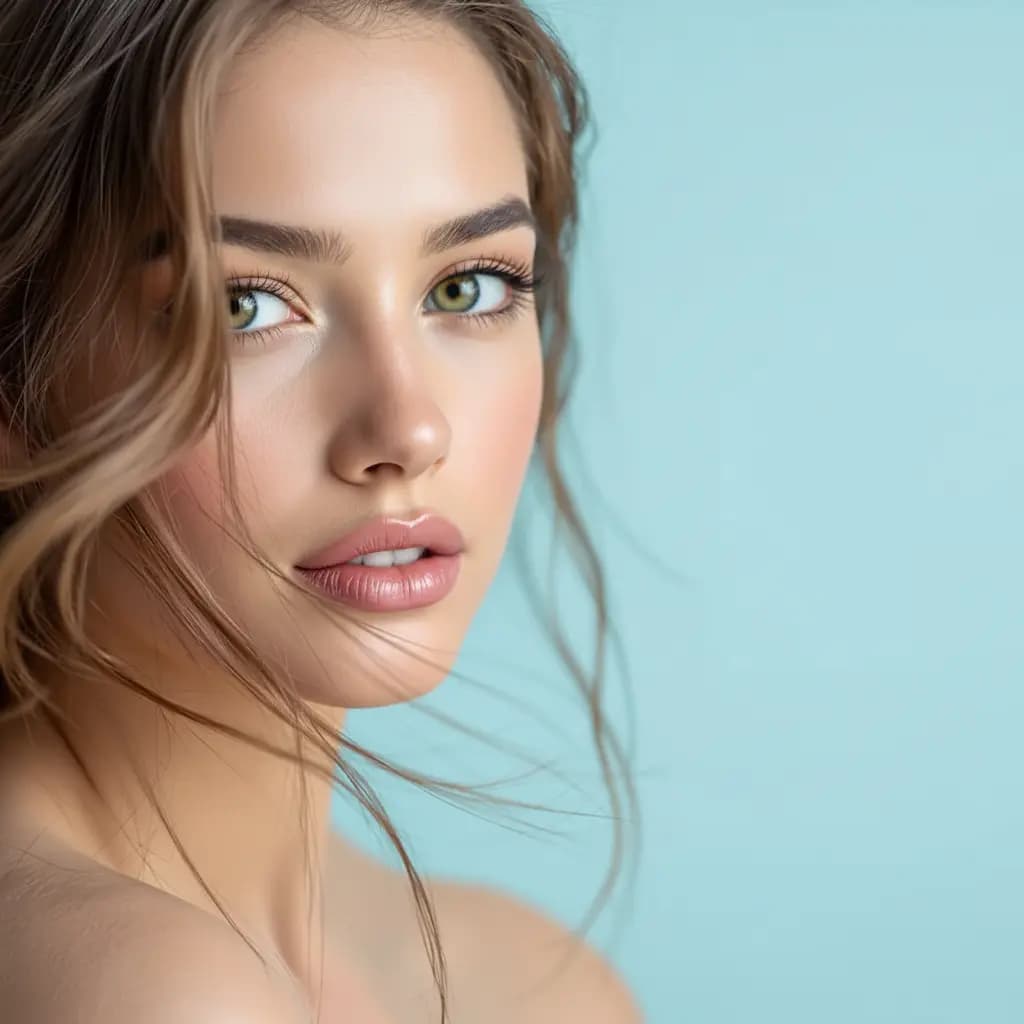
Inverted Face Filter
Create surreal inverted face artistic effects
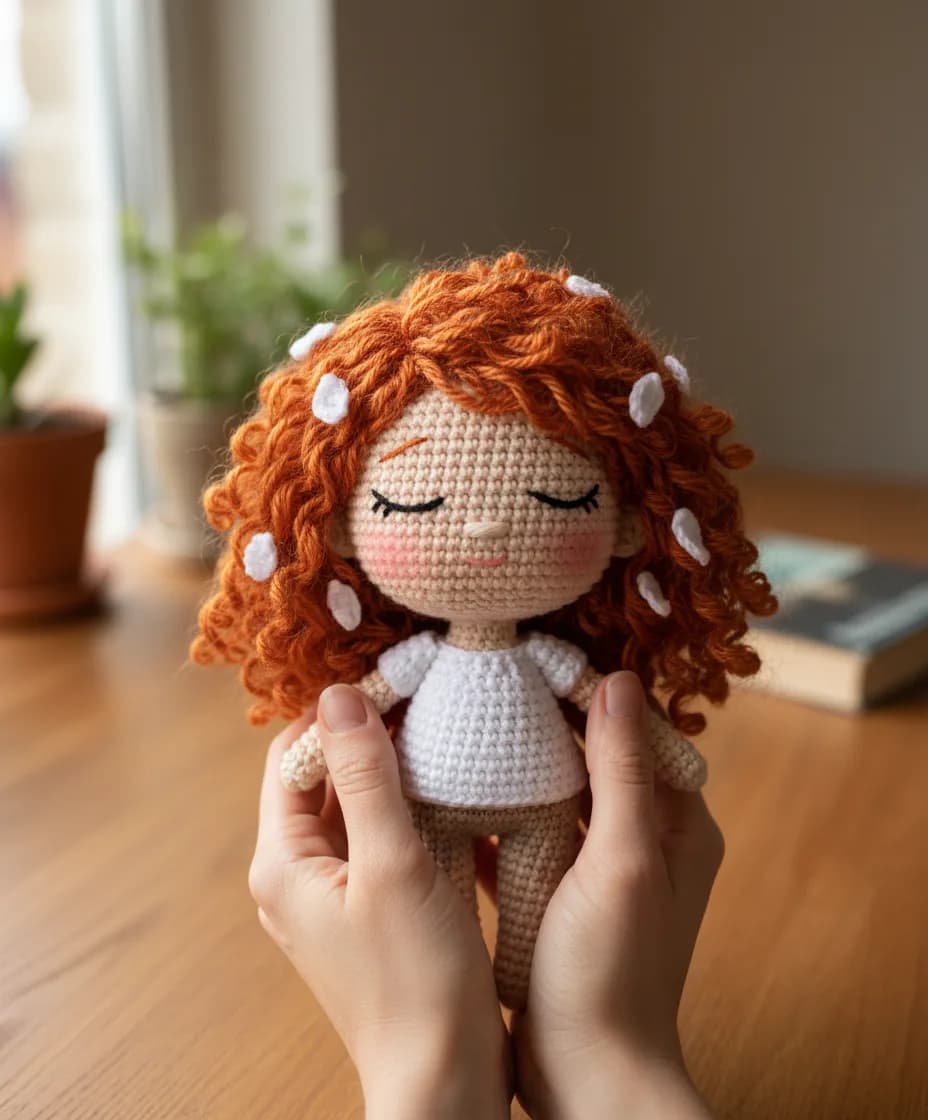
Chibi Knitted Doll
Transform into adorable chibi-style knitted doll characters
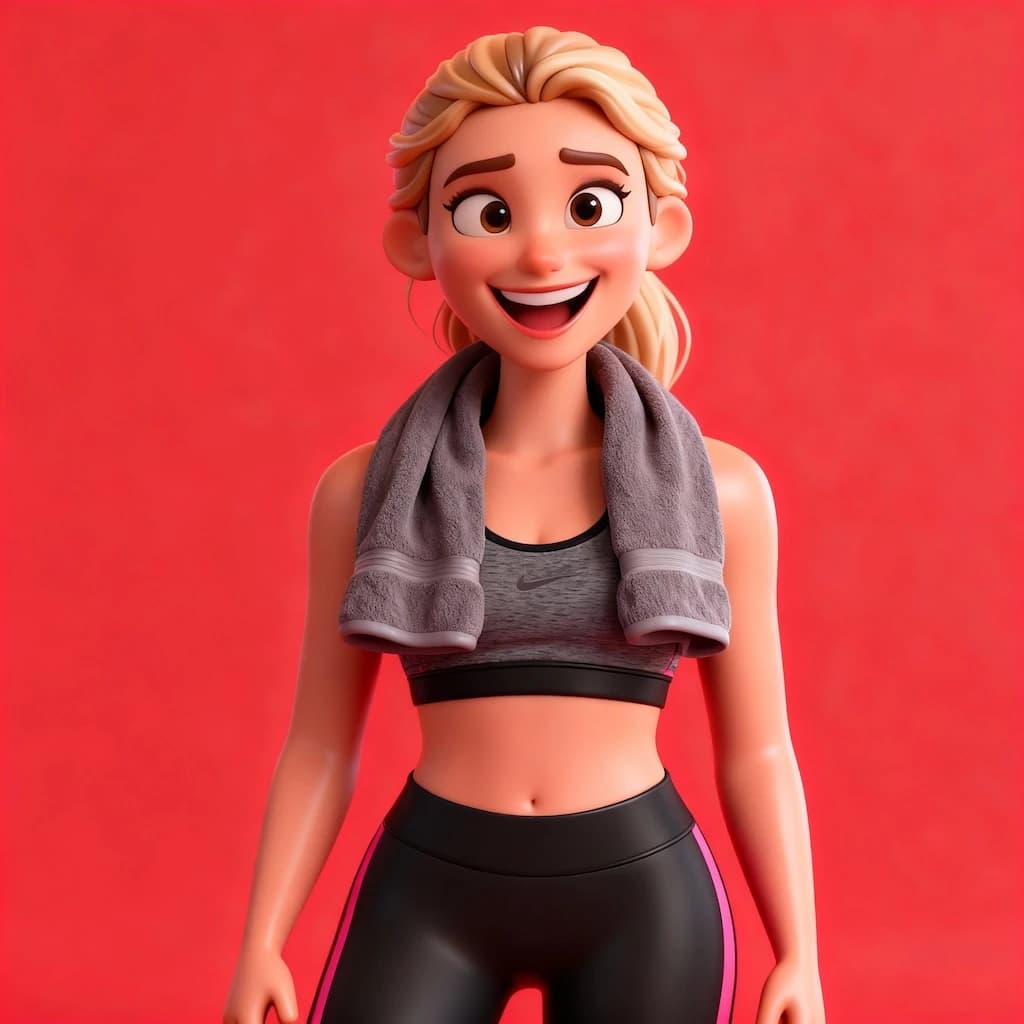
3D Caricature Of Yourself
Create fun 3D caricature portraits with exaggerated features
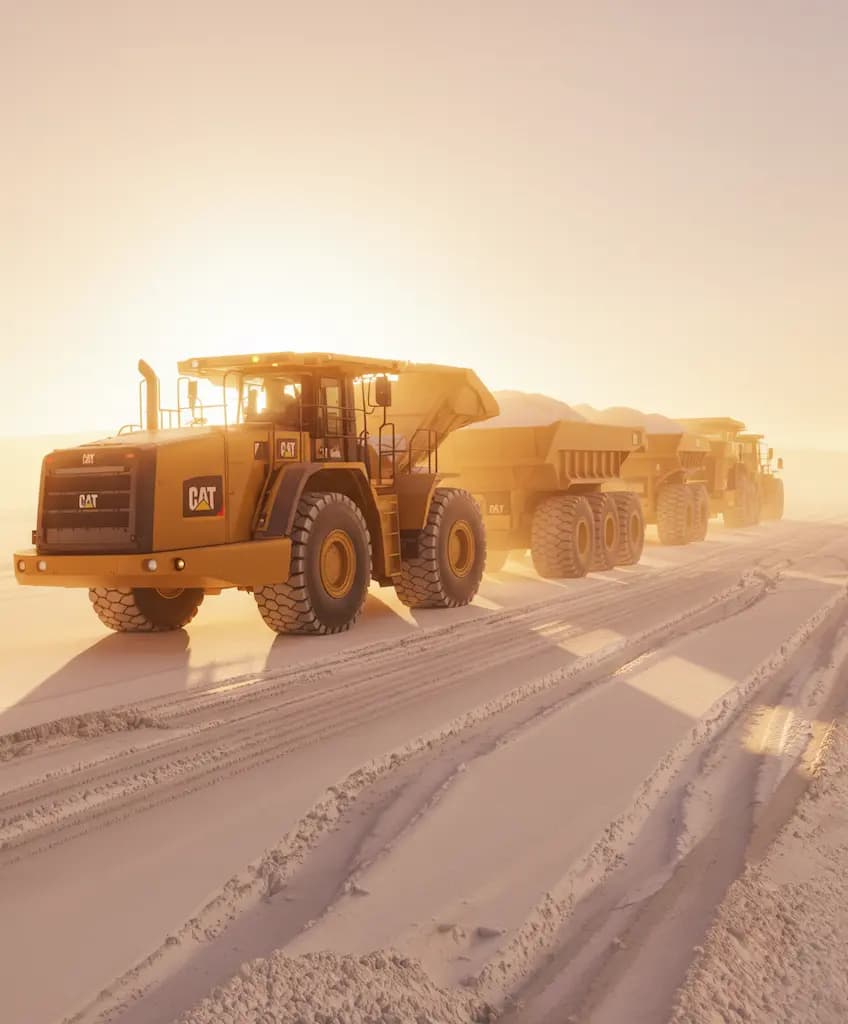
Time-Based Image Edit
Apply time-travel aging or de-aging effects to portraits
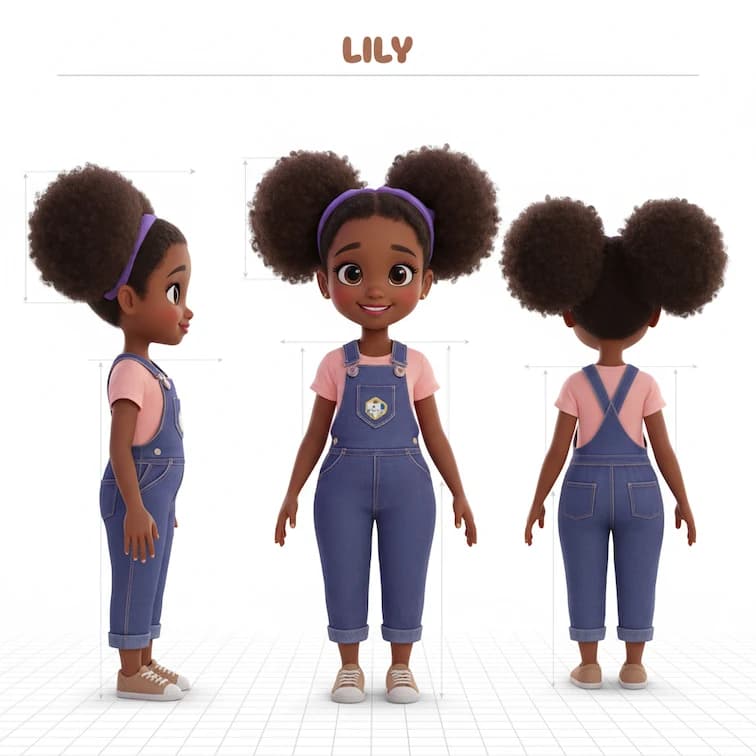
Three-view Drawing
Create character model sheets with front, side, and back poses
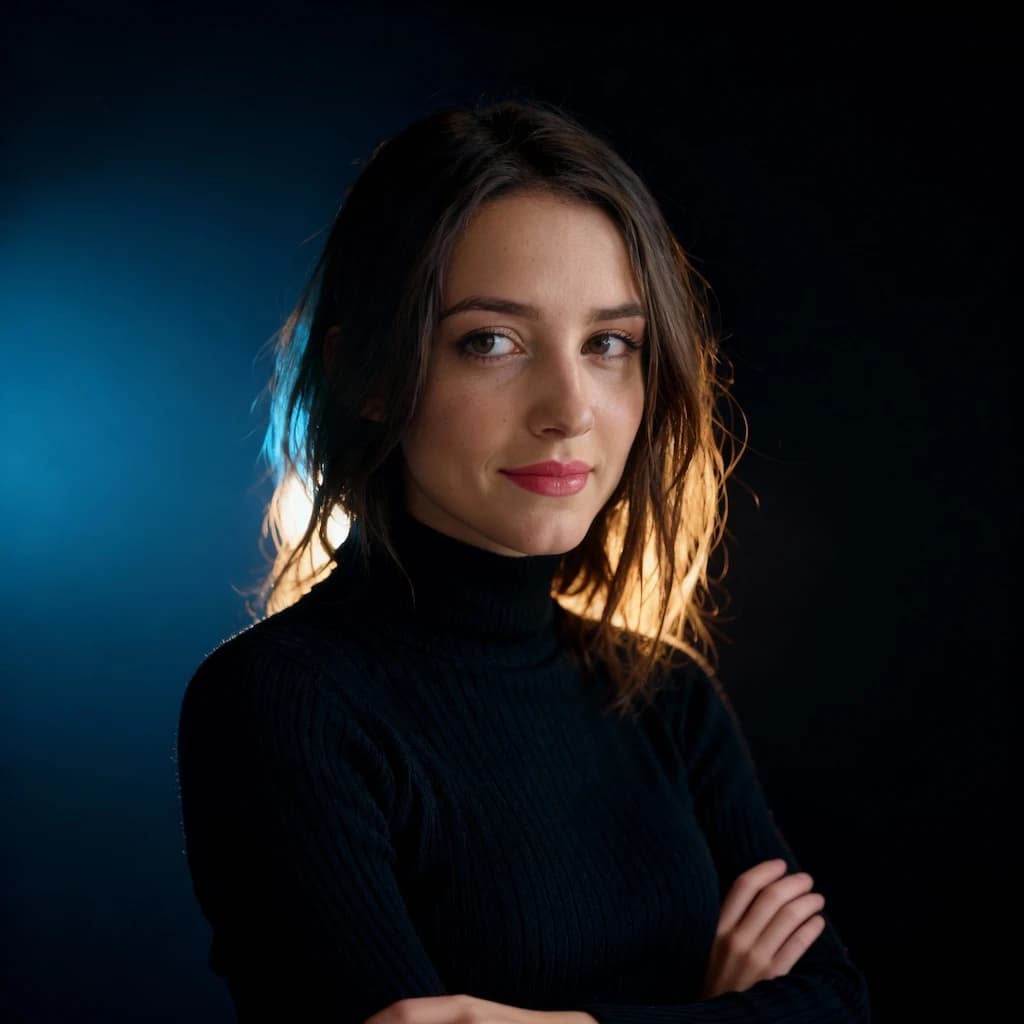
Rim Light Portrait
Add dramatic rim lighting effects for stunning backlit portrait photography
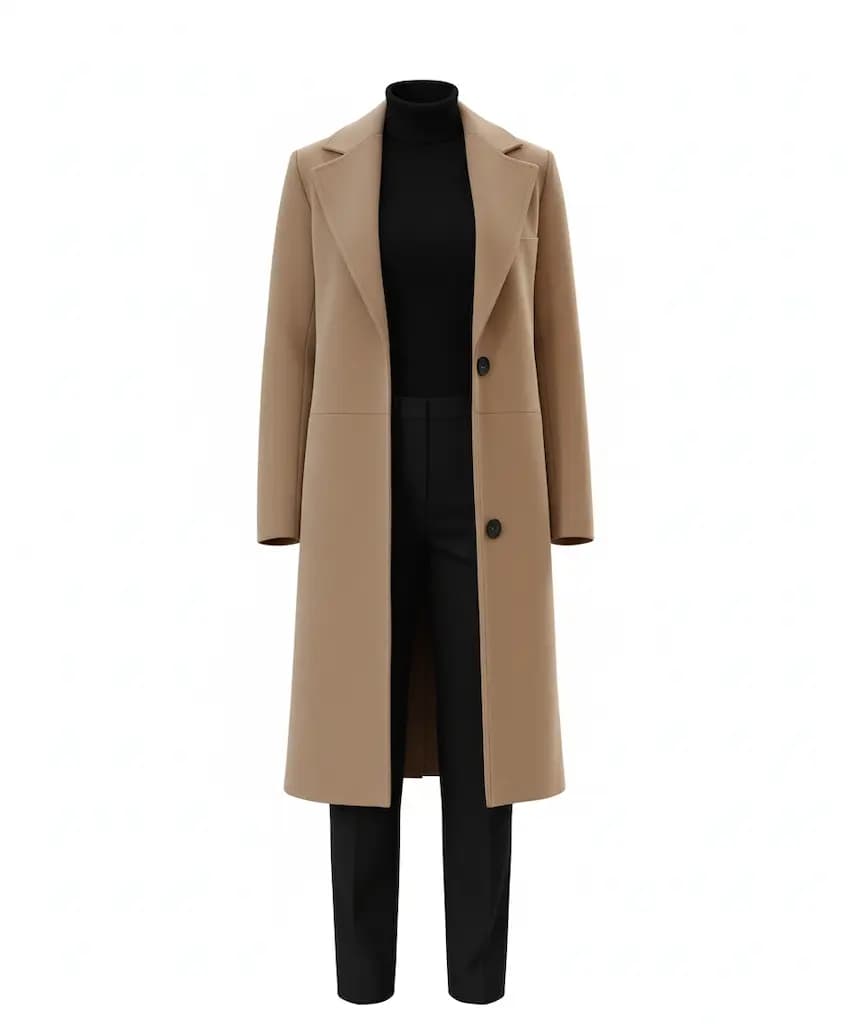
Object Extraction
Cleanly extract objects or subjects from their backgrounds
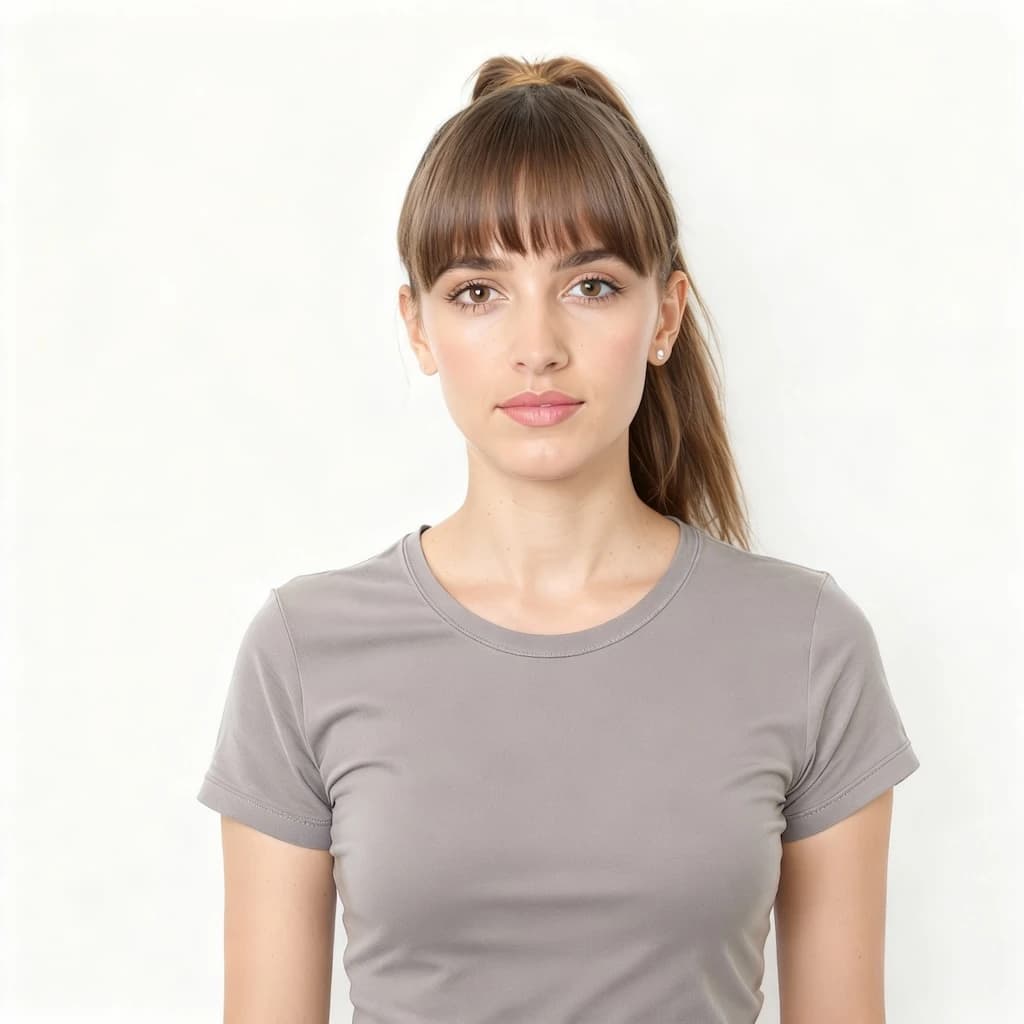
Bangs Filter
Try virtual bangs hairstyle - see how you look with fringe before cutting
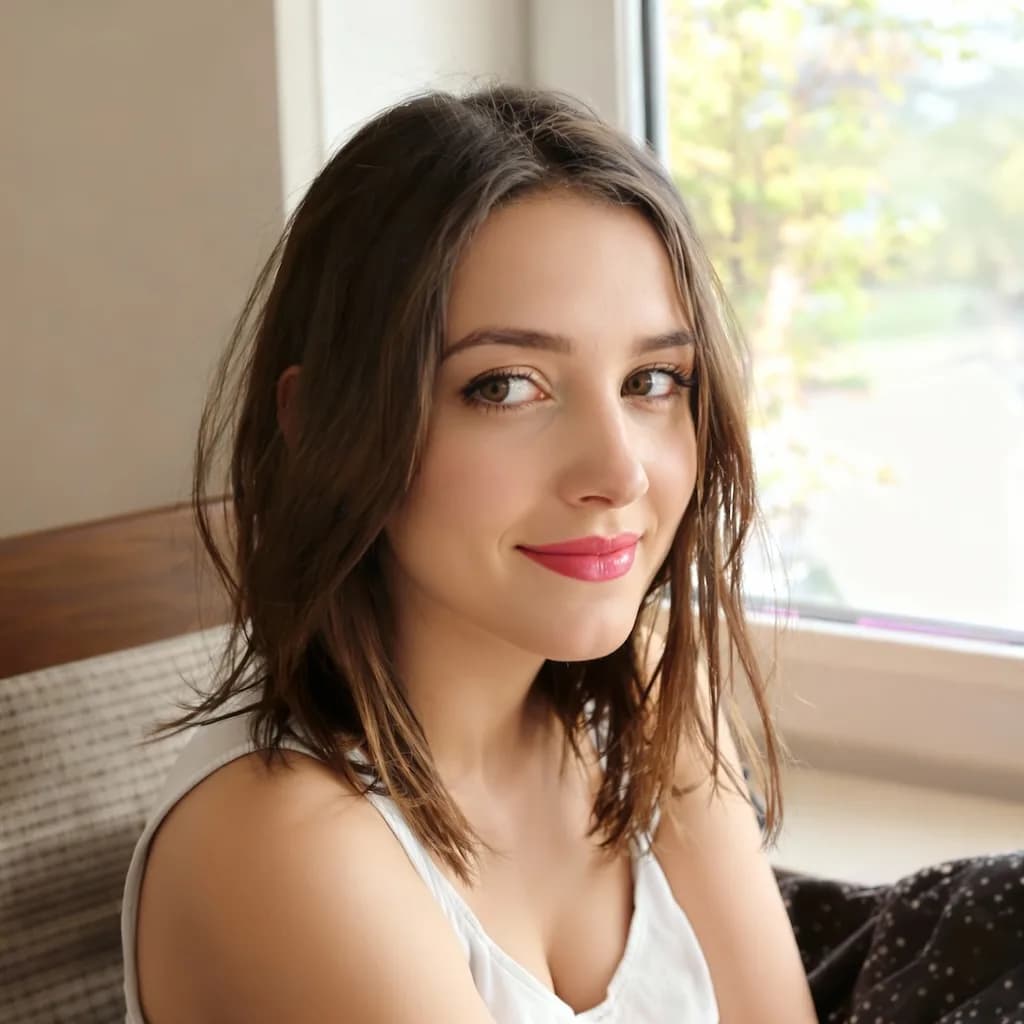
AI Beauty Filter
Natural AI-powered skin enhancement with subtle smoothing and brightening
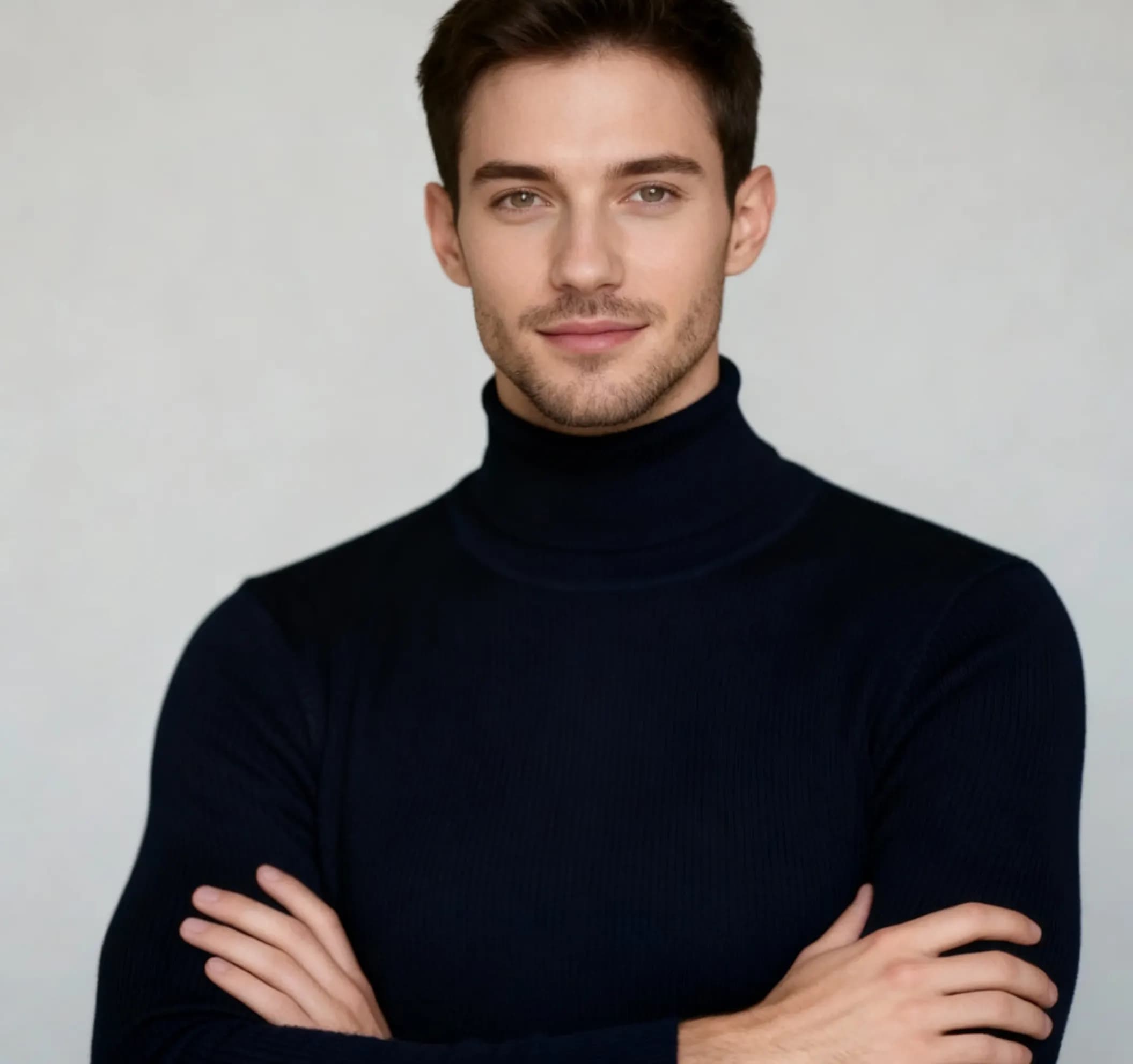
AI Man Filter
Transform appearance into masculine version with realistic gender swap
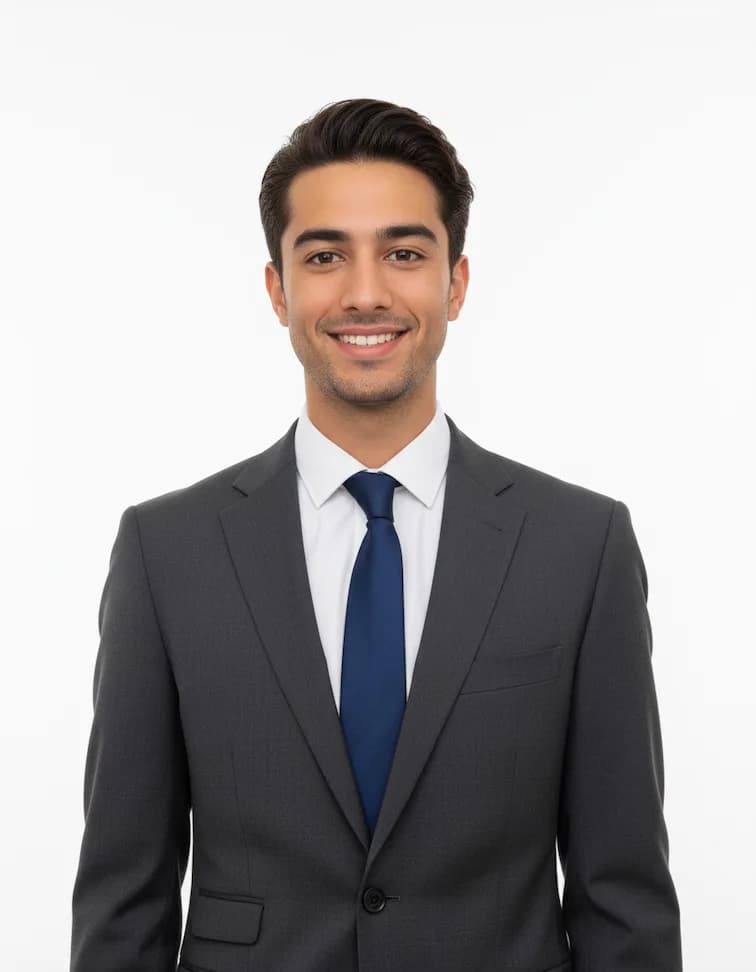
Professional Headshots
Create polished corporate headshots with professional lighting
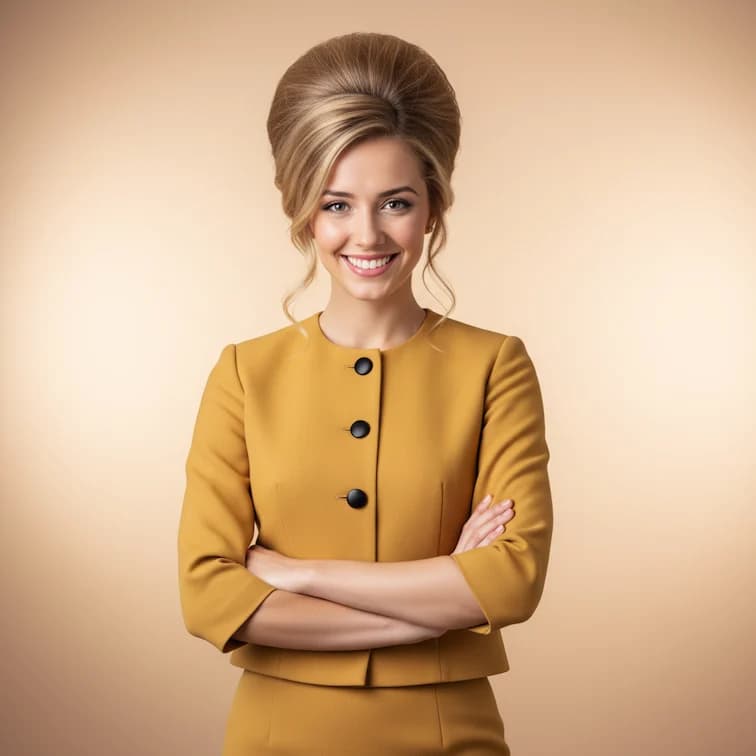
1960s Beehive Hairstyle
Transform with classic 1960s beehive hairdo and vintage styling

LinkedIn Profile Photo
Create polished professional photos perfect for LinkedIn profiles
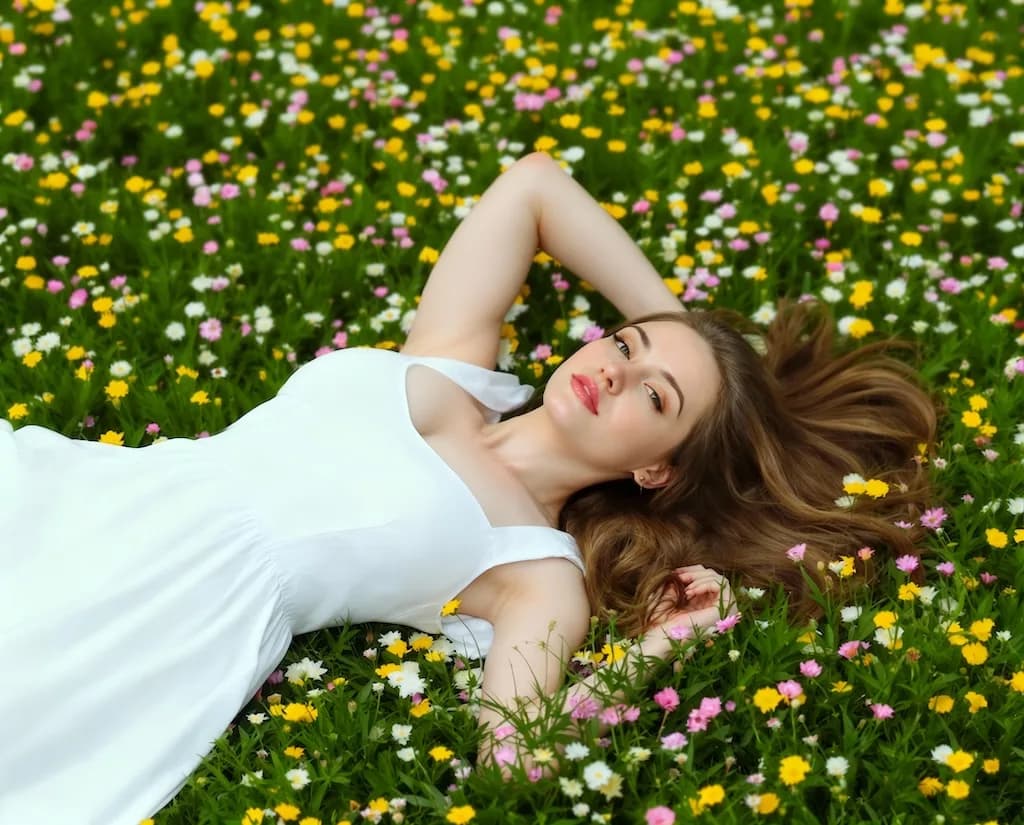
Boob Boost Effect
Artistic body enhancement filter for creative portrait effects
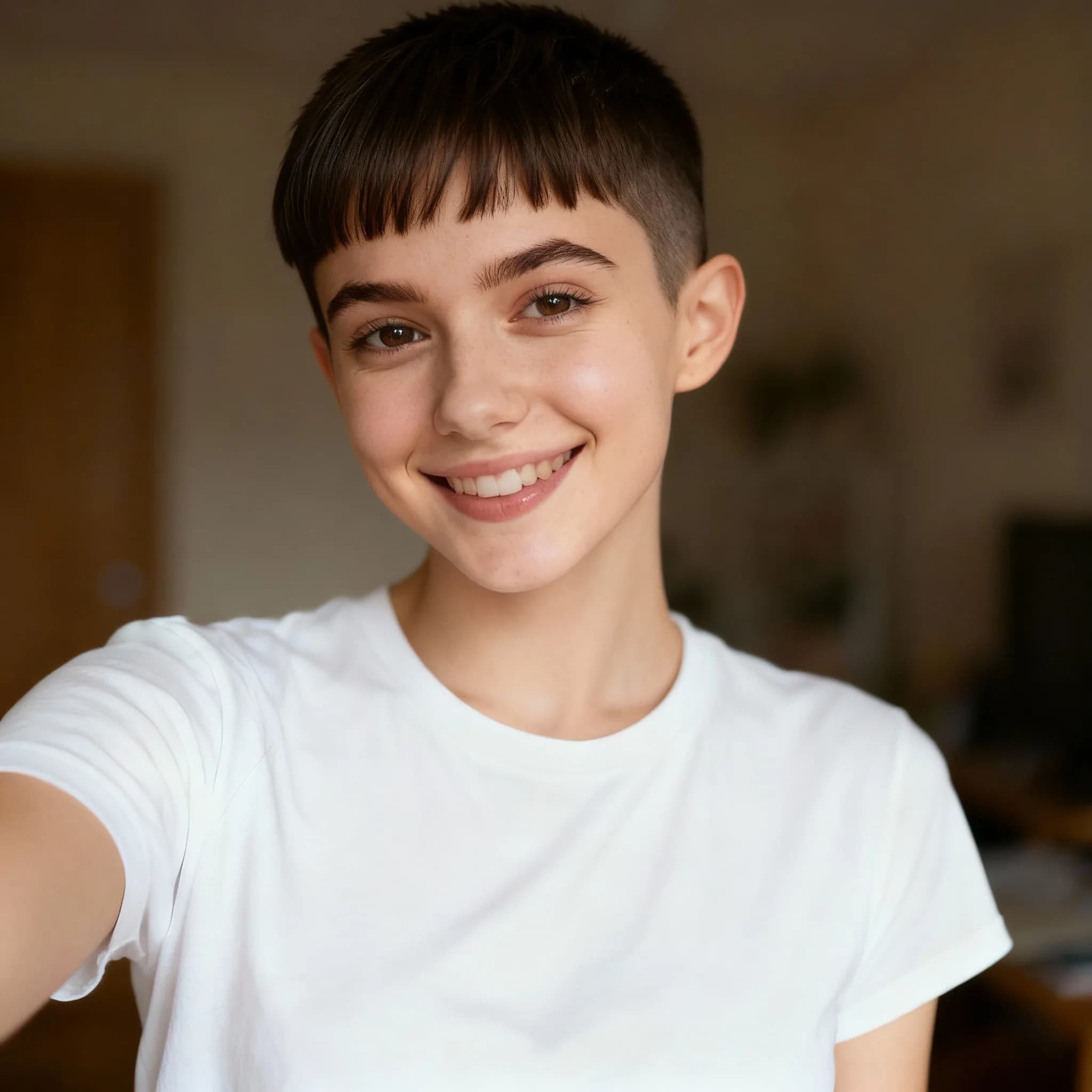
Pixie Cut Filter
Try virtual pixie cut hairstyle transformation
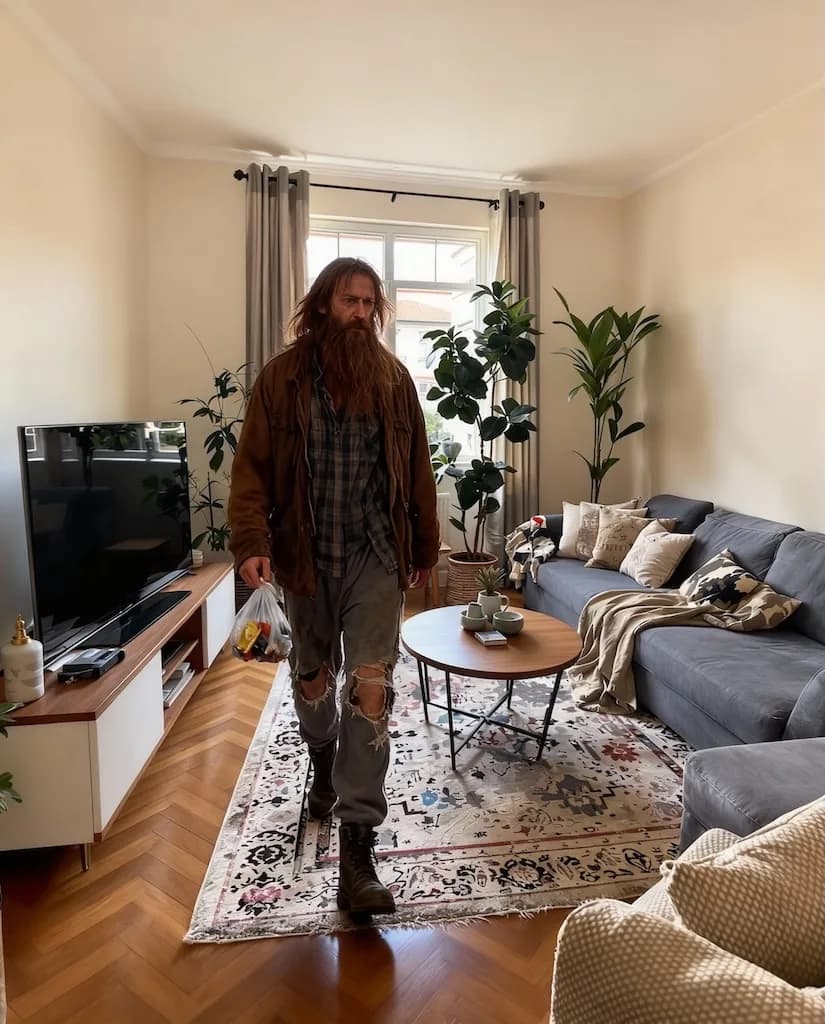
AI Homeless Man
Artistic transformation into weathered, rugged character with life experience
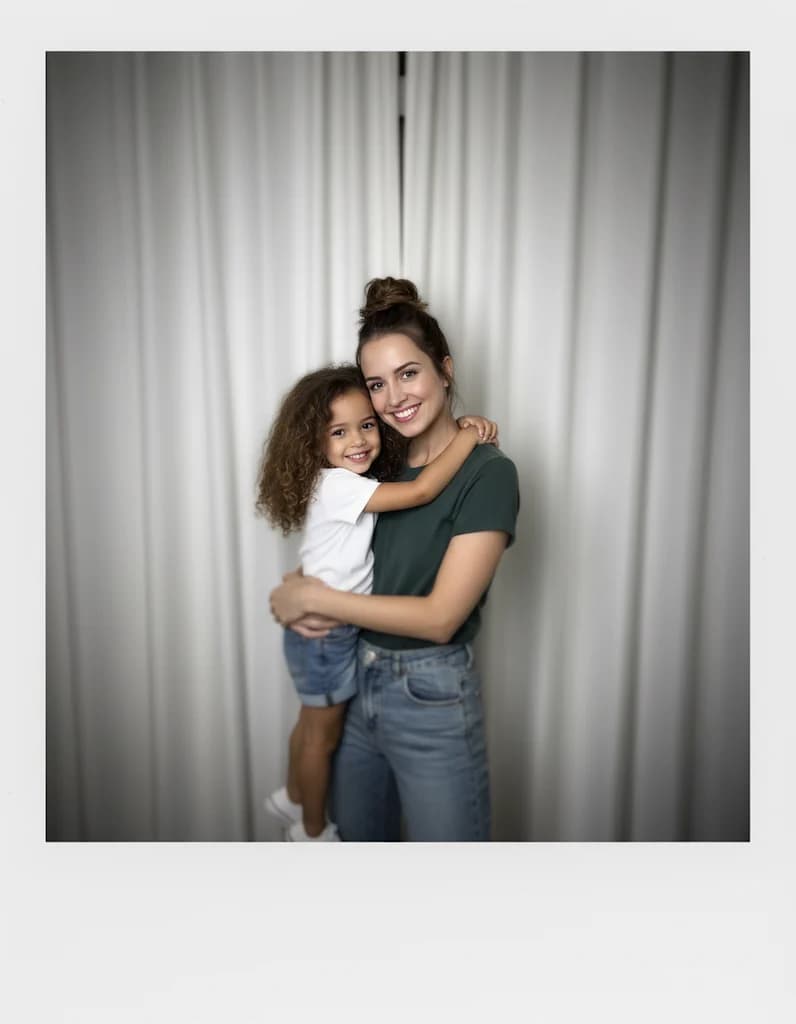
Gemini Hug My Younger Self
Create heartwarming scenes of hugging your younger self
What is Nanobanana Prompt?
Nanobanana Prompt is a curated library of AI image generation prompts designed by professional creators. Unlike random prompt generators, each Nanobanana Prompt is manually tested and optimized for consistent, high-quality results. The collection includes prompts for portraits, artistic styles, photo restoration, anime conversion, and creative effects. Every Nanobanana Prompt works seamlessly with advanced AI models including exclusive Nano Banana LoRA models for enhanced output quality.
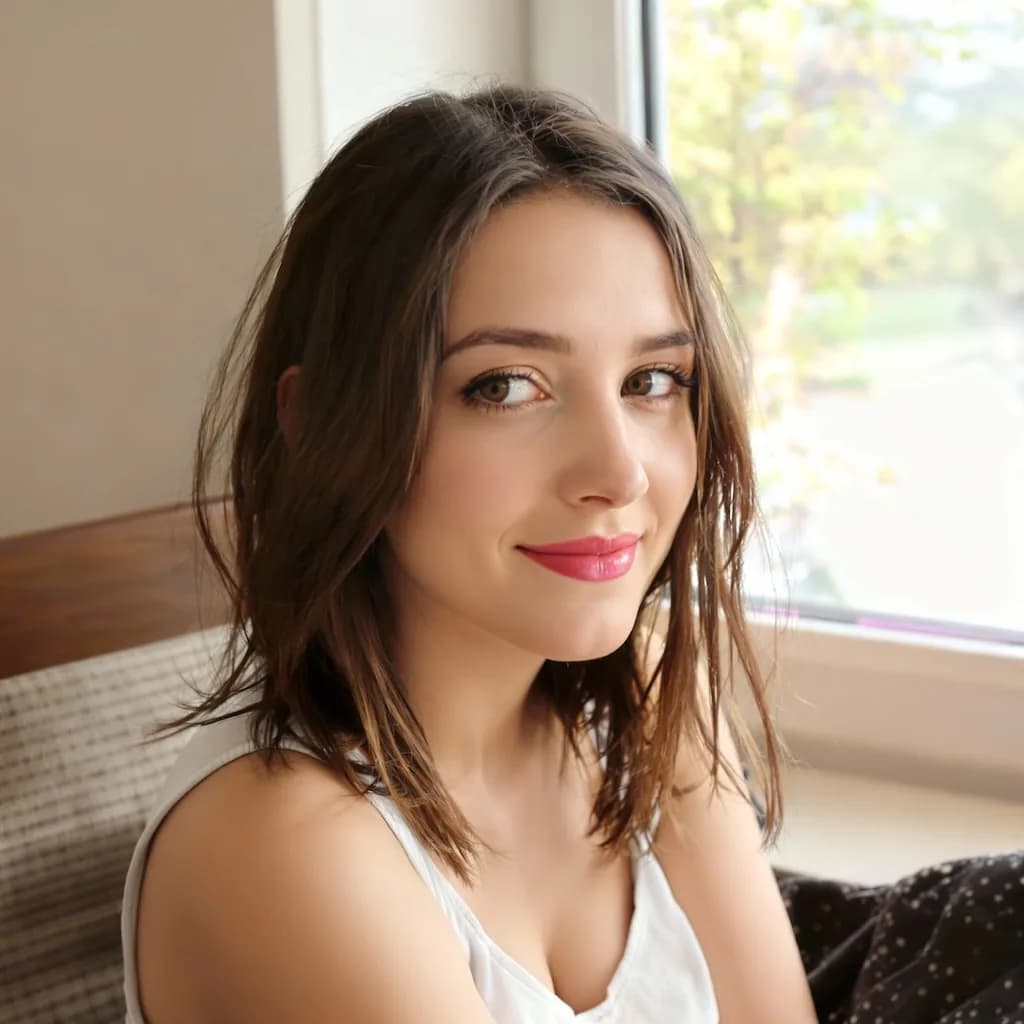
Nanobanana Prompt for Portraits
Portrait prompts in our Nanobanana Prompt collection deliver professional headshots, beauty enhancements, and character transformations. Each portrait Nanobanana Prompt includes optimized parameters for facial features, lighting, and composition. These prompts maintain natural appearance while applying stunning visual improvements.
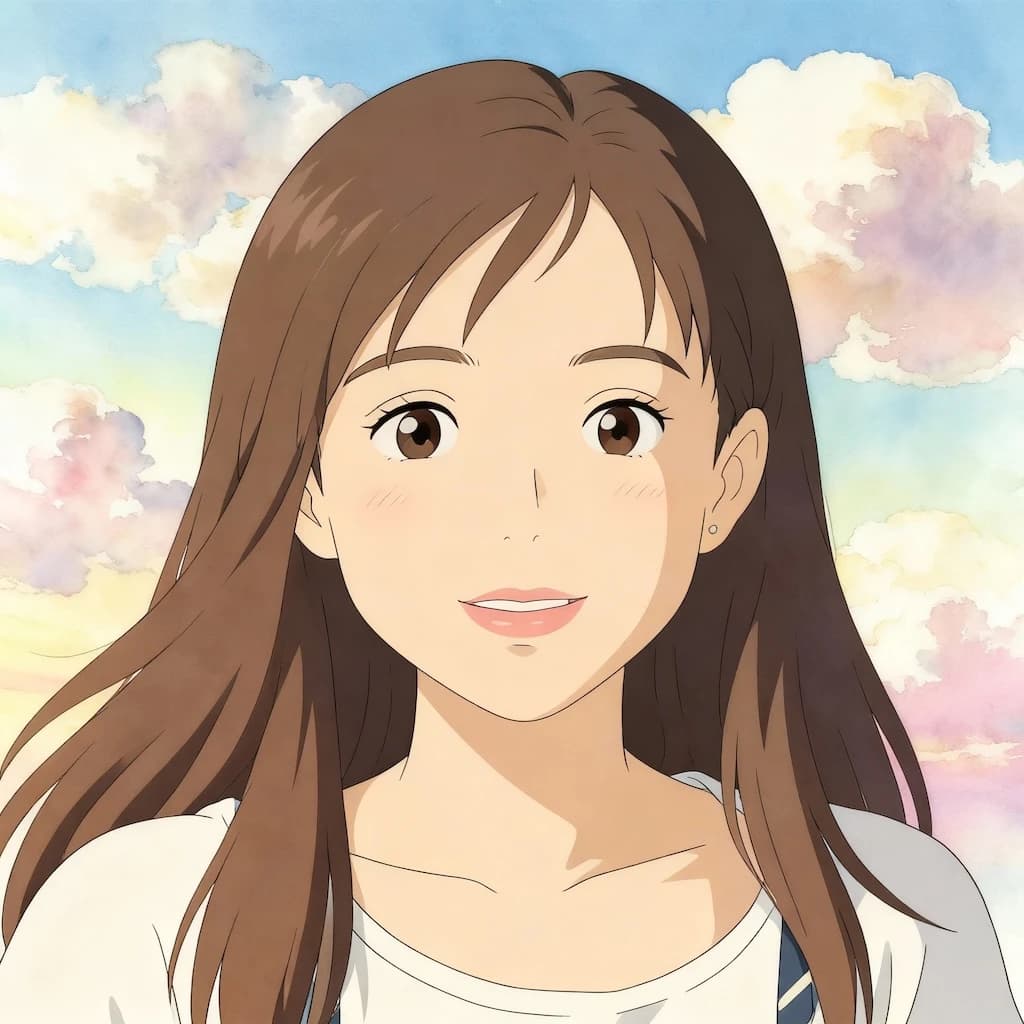
Nanobanana Prompt for Artistic Styles
Artistic prompts transform ordinary photos into anime, illustrations, pixel art, and paintings. Our Nanobanana Prompt library includes styles inspired by Studio Ghibli, vintage aesthetics, and modern digital art. Each artistic Nanobanana Prompt captures authentic style characteristics while preserving subject identity.
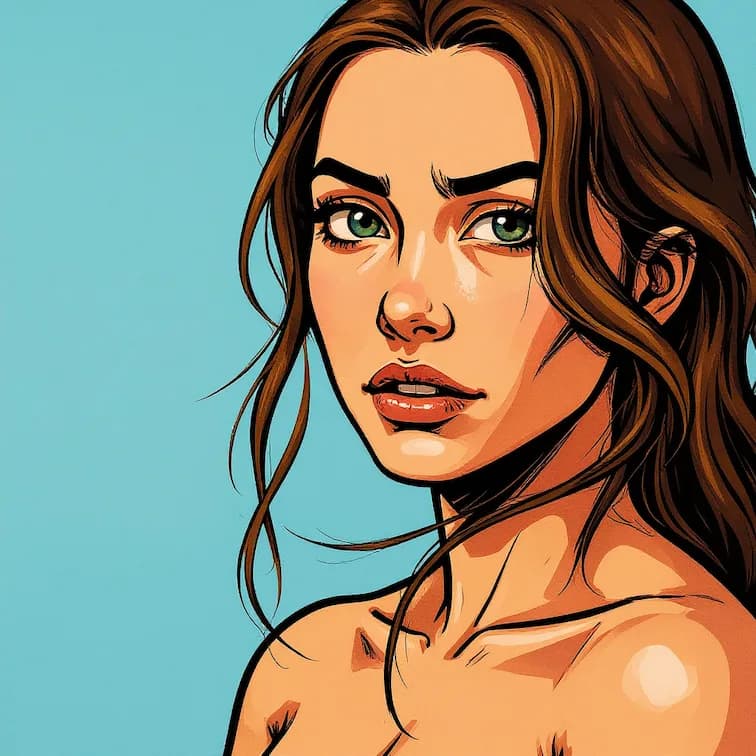
Nanobanana Prompt for Special Effects
Special effect prompts create unique visual transformations including holiday themes, game styles, and creative filters. The Nanobanana Prompt collection features Halloween posters, Christmas transformations, GTA-style filters, and Minecraft aesthetics. These Nanobanana Prompt options deliver eye-catching results perfect for social media.
How to Use Nanobanana Prompt
Getting started with Nanobanana Prompt takes just seconds. Browse our categorized collection, select a prompt that matches your creative vision, and generate stunning AI images instantly. Each Nanobanana Prompt is ready to use with no technical knowledge required.
1. Browse Nanobanana Prompt Categories
Explore our organized Nanobanana Prompt library featuring 30+ categories. Each category displays example results so you can preview the visual style before selecting. Categories include portraits, artistic, restoration, effects, and more.
2. Select Your Nanobanana Prompt
Click any prompt card to view the complete Nanobanana Prompt details. Each listing shows the full prompt text, recommended settings, and before/after examples. Copy the prompt directly or customize it to match your specific needs.
3. Upload Your Image
Upload your source image in PNG, JPG, or WebP format. For optimal Nanobanana Prompt results, use clear photos with good lighting. The system automatically optimizes your image for AI processing.
4. Generate and Download
Apply your selected Nanobanana Prompt and watch the AI transform your image. Generation typically completes in 10-30 seconds. Download your result in high resolution or try different Nanobanana Prompt variations for creative exploration.
Nanobanana Prompt Categories
Every Nanobanana Prompt in our collection is organized into intuitive categories. Browse by style, effect type, or use case to find the perfect prompt for your creative project. New Nanobanana Prompt additions are published weekly based on trending styles and user requests.
Portrait Enhancement Prompts
Nanobanana Prompt portrait collection includes AI Beauty Filter, Professional Headshot, Rim Light Portrait, and Hair Style transformations. These prompts enhance photos naturally while maintaining authentic facial characteristics. Perfect for LinkedIn photos and social media profiles.
Artistic Style Prompts
Nanobanana Prompt artistic prompts include GHIBSKY Illustration, Flat Illustration, Line Drawing, and Oil Painting styles. Each prompt captures authentic artistic characteristics learned from professional artworks. Transform photos into stunning digital art pieces.
Photo Restoration Prompts
Nanobanana Prompt restoration prompts include Old Photo Restore and Image Enhancement effects. These AI prompts repair scratches, remove stains, and restore faded colors. Perfect for preserving vintage family photographs with professional quality.
Game Style Prompts
Nanobanana Prompt game collection features Pixel Art Conversion, Minecraft Filter, GTA Style, and Retro Gaming aesthetics. Transform photos into authentic video game visuals perfect for gaming content creators and indie developers.
Holiday Theme Prompts
Nanobanana Prompt holiday prompts include Christmas Doll Transformation, Halloween Poster, and seasonal celebration effects. Create festive content with optimized prompts designed for maximum visual impact during holiday seasons.
Character Transformation Prompts
Nanobanana Prompt character prompts include Zootopia Selfie, 3D Caricature, Baby Face Generator, and Emoji Icon Creator. These fun transformation prompts create shareable, entertaining content perfect for viral social media posts.
What Users Say About Nanobanana Prompt
Discover how creators and professionals use our Nanobanana Prompt collection for AI image generation projects.
Michael Roberts
Content Creator
“The Nanobanana Prompt library saved me hours of prompt engineering. Every prompt I've tried delivers consistent, professional results. The categorized organization makes finding the right prompt incredibly easy.”
Emma Chen
Digital Artist
“I use Nanobanana Prompt daily for my social media content. The artistic style prompts produce gallery-quality results that my followers love. Best free prompt collection I've found.”
James Wilson
Marketing Director
“The portrait enhancement Nanobanana Prompt transformed my headshots into professional-quality images. Much better than spending hours writing my own prompts from scratch.”
Lisa Park
Game Developer
“Nanobanana Prompt game style collection is perfect for my indie game assets. The pixel art and retro prompts produce authentic visuals that would take hours to create manually.”
David Thompson
Family Historian
“The photo restoration Nanobanana Prompt saved my grandmother's vintage photos. The AI perfectly repaired damage while keeping the historical authenticity intact.”
Frequently Asked Questions
Find answers about using our prompt collection, customization options, and compatibility with AI models.
What is Nanobanana Prompt and how does it work?
Nanobanana Prompt is a curated collection of AI image generation prompts. Each prompt is tested and optimized for consistent, high-quality results. Simply browse our categories, select a prompt, copy it, and use it with your preferred AI image generation tool. All Nanobanana Prompt prompts are free to use.
Are all Nanobanana Prompt prompts free to use?
Yes, the entire Nanobanana Prompt collection is completely free to browse and use. You can copy, customize, and apply any prompt without cost. Premium features like high-resolution output and batch processing require credits for the actual AI generation.
Can I customize Nanobanana Prompt prompts?
Absolutely. Every Nanobanana Prompt is designed as a starting point that you can modify. Adjust parameters, combine elements from multiple prompts, or add your own creative touches. The prompts are optimized but flexible for your creative vision.
Which AI models work with Nanobanana Prompt?
Nanobanana Prompt prompts are optimized for all major AI image generation models including Flux, Stable Diffusion, and exclusive Nano Banana LoRA models. The prompts work best with LoRA-enhanced models for maximum quality and consistency.
How often are new Nanobanana Prompt prompts added?
New prompts are added to the Nanobanana Prompt collection weekly. We continuously expand our library based on trending styles, user feedback, and emerging AI capabilities. Subscribe to updates to be notified when new prompts are available.
Do I need technical knowledge to use Nanobanana Prompt?
No technical knowledge is required. Every Nanobanana Prompt includes the complete prompt text ready to copy and use. We provide recommended settings and before/after examples so you know exactly what results to expect.
Can I use Nanobanana Prompt for commercial projects?
Yes, all Nanobanana Prompt prompts can be used for both personal and commercial projects. The images you generate using our prompts are yours to use. Please review our terms of service for complete licensing details.
What categories are available in Nanobanana Prompt?
Nanobanana Prompt features 30+ categories including portraits, artistic styles, photo restoration, game aesthetics, holiday themes, character transformations, beauty filters, and utility tools. Each category contains multiple tested prompts.