

GPT Image 1.5
Generate stunning AI images with GPT Image 1.5 - OpenAI's cost-efficient multimodal model powered by GPT-5 architecture. Create high-fidelity images from text prompts or edit existing images with advanced language understanding. Perfect for UI design, concept art, and creative visualization.


Loved by 10,000+ creators
GPT Image 1.5
Upload 1-3 images (max 10MB each)
Low: 1 credit • Medium: 2 credits • High: 3-5 credits
Example GPT Image 1.5 Results
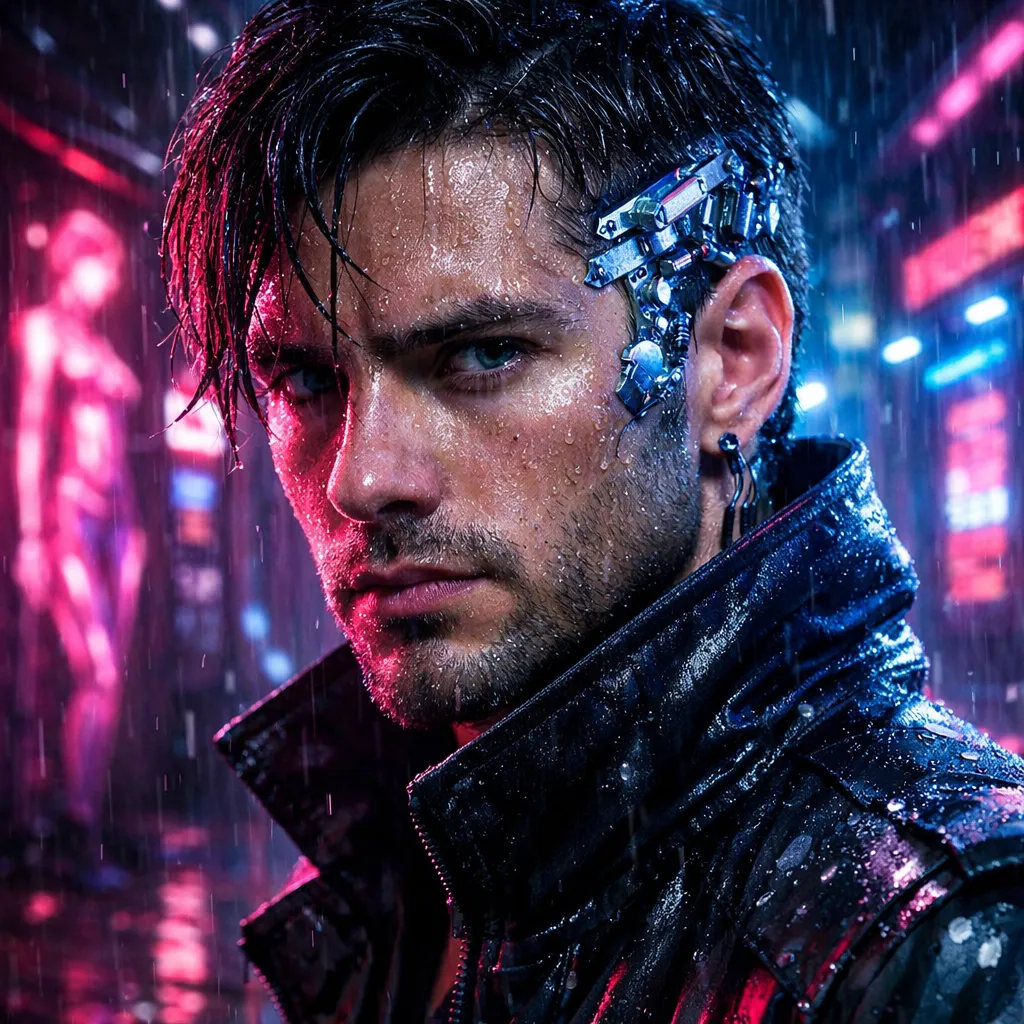
GPT Image 1.5 Examples
Explore stunning examples created with GPT Image 1.5. See what's possible with GPT-5 powered image generation and editing.
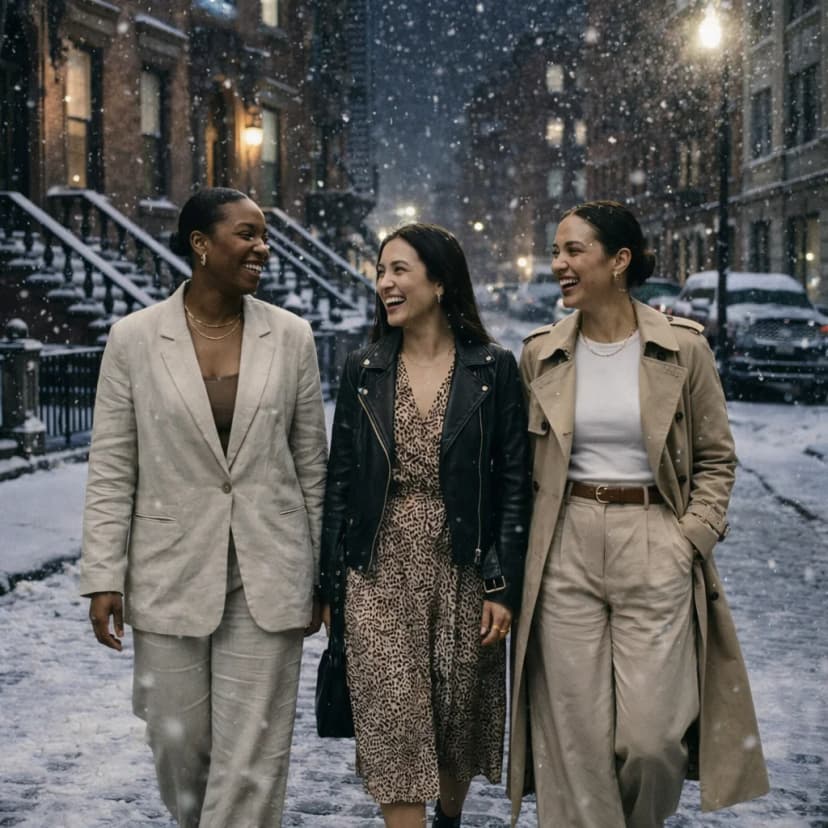
Change the background to the snowy night.
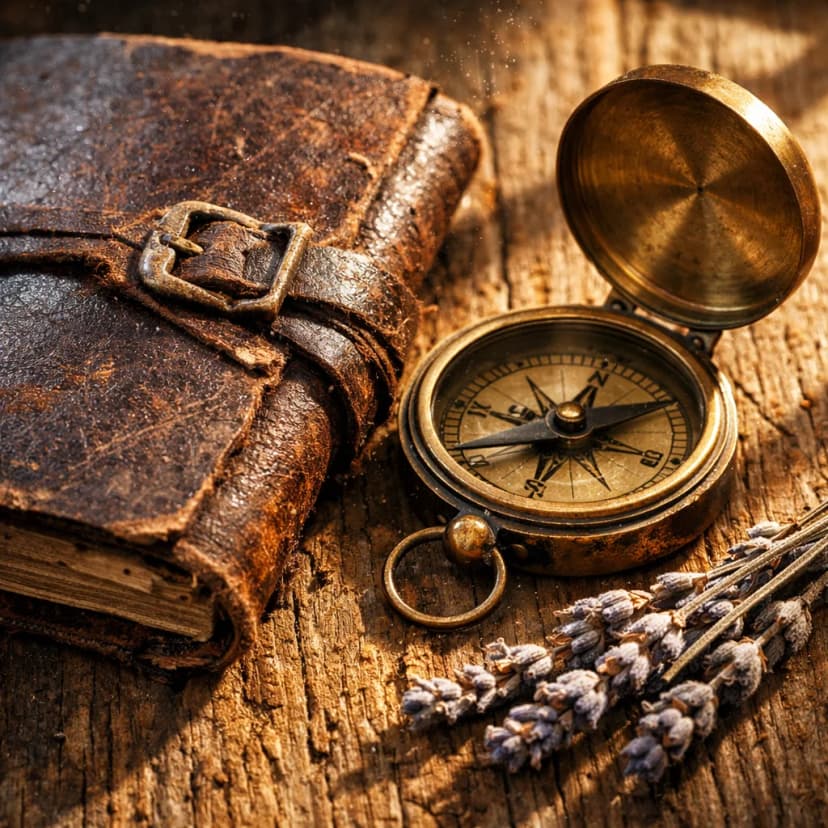
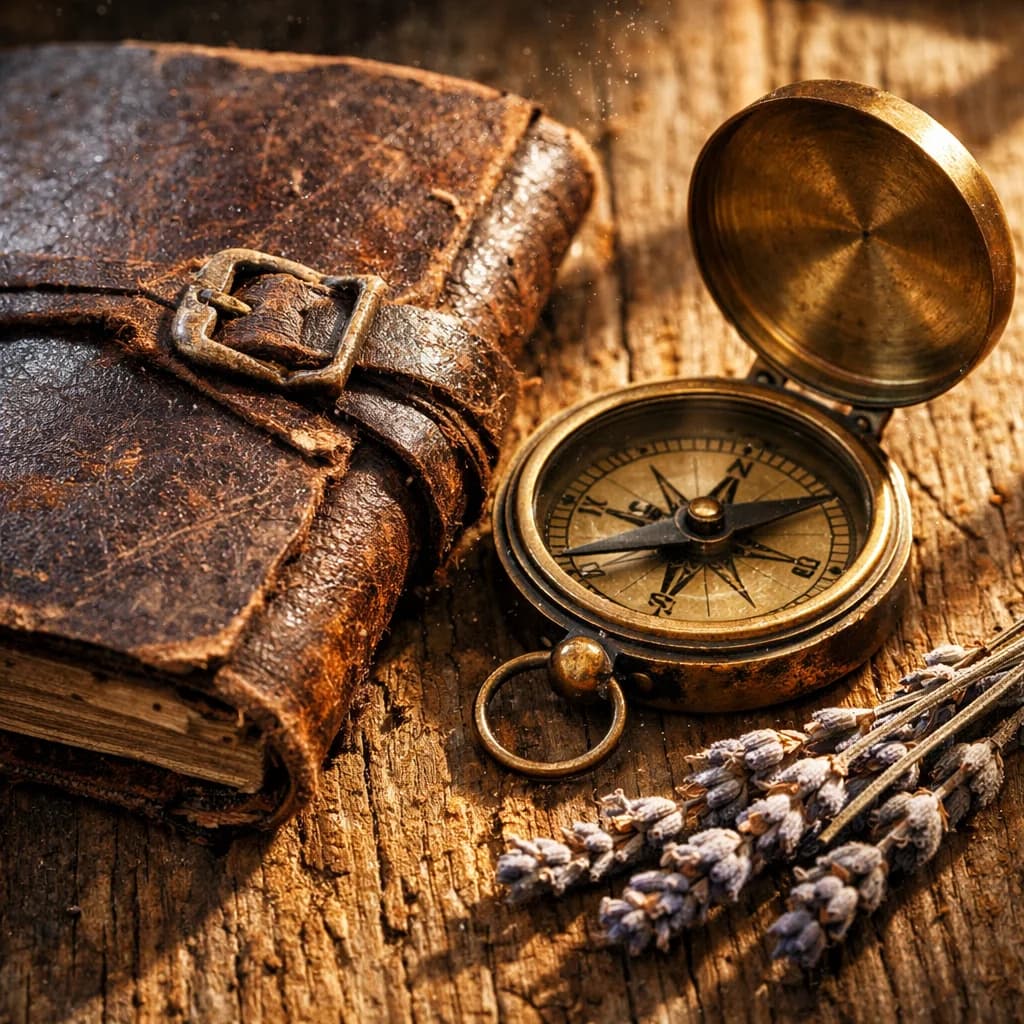
Still life of a weathered leather journal, antique brass compass, dried lavender sprigs, on rough oak table, window light casting long shadows, dust particles in air, extreme texture detail, 100mm macro
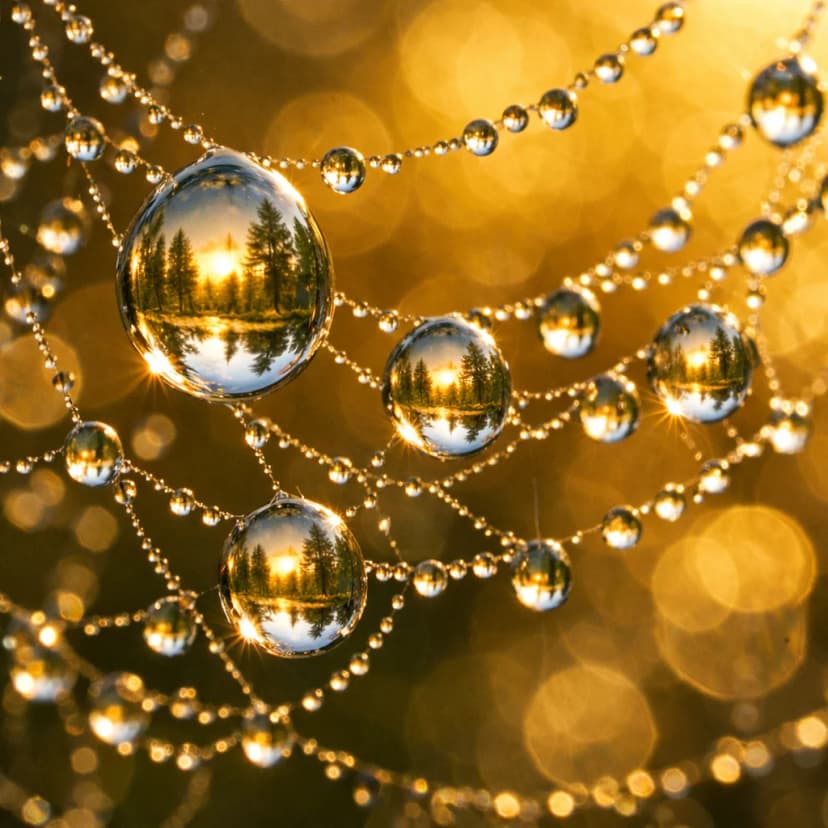
Macro photograph of morning dew drops on spider web, each droplet reflecting a tiny forest landscape, soft bokeh background, golden backlight, extreme detail, nature photography
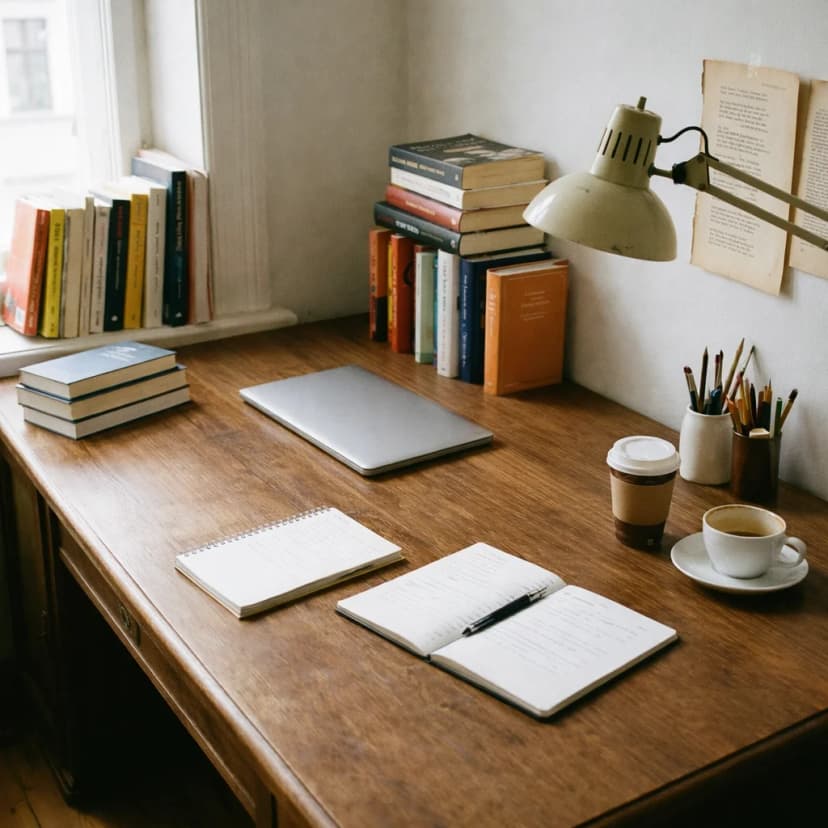
Make the desktop tidy
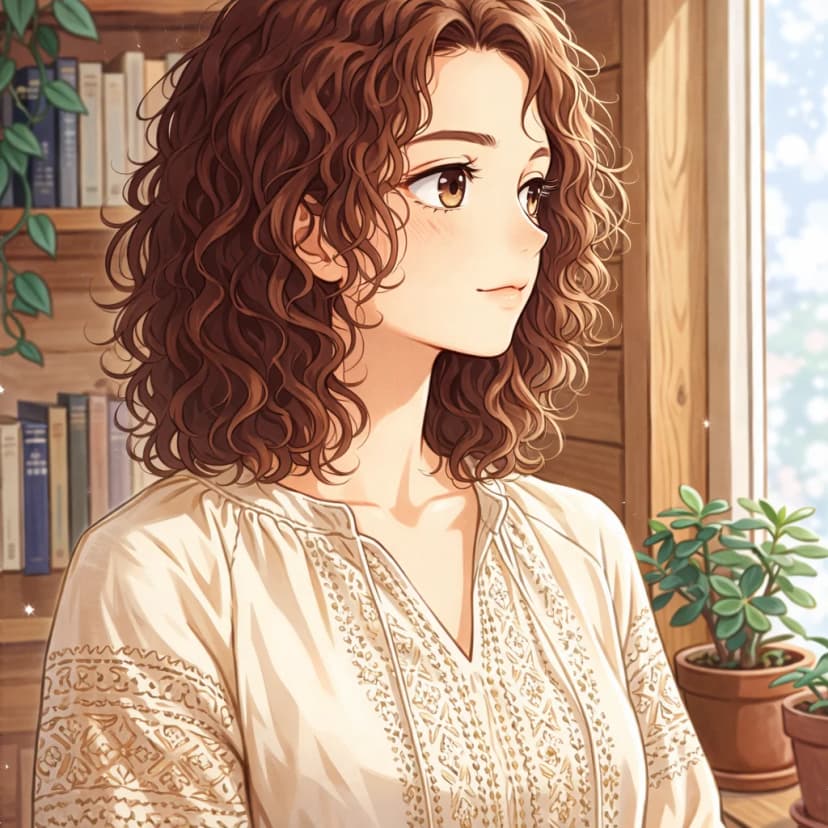
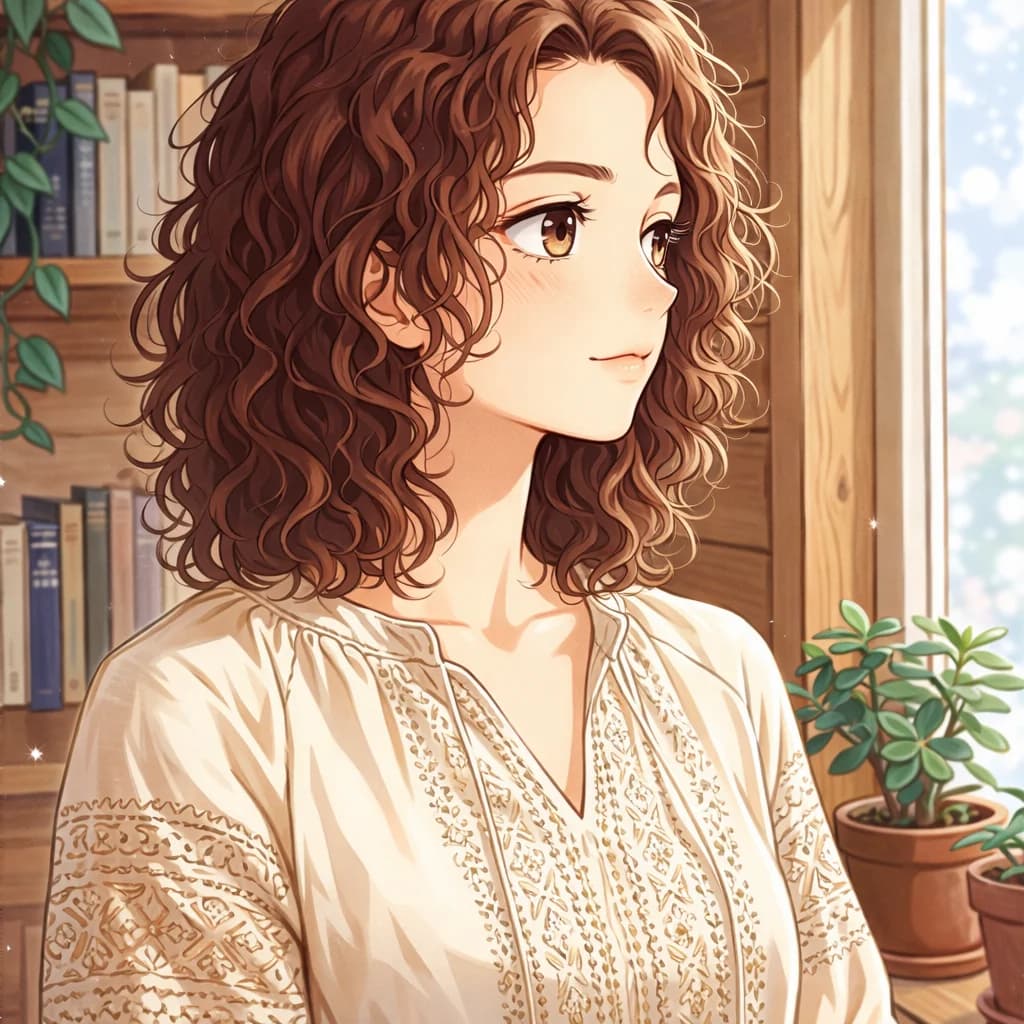
Transform this painting into a Japanese manga style
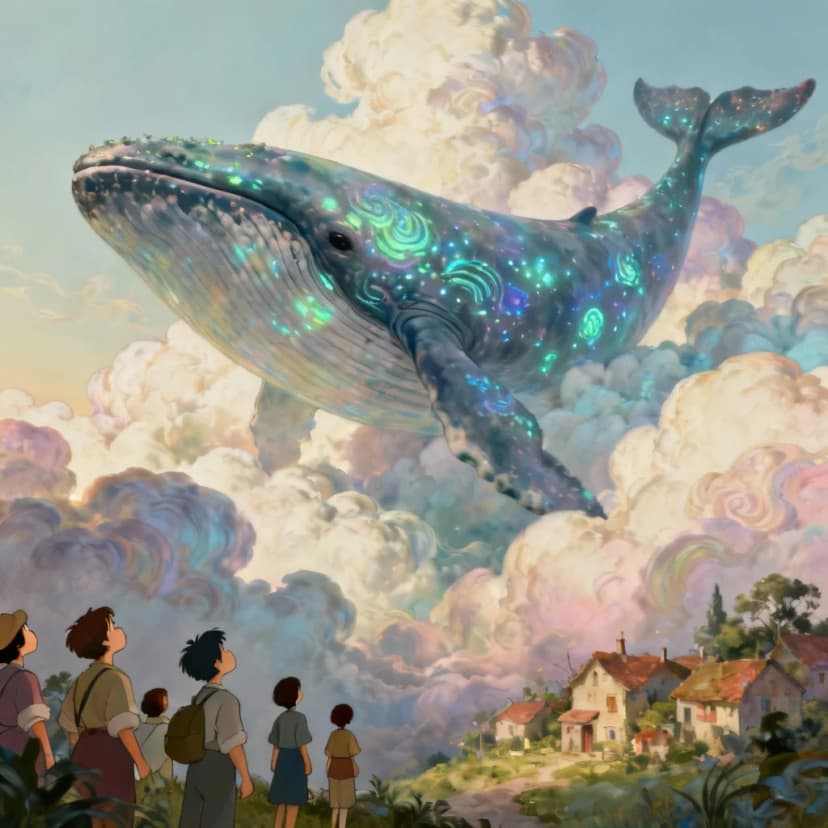
Surrealist artwork of a giant whale swimming through clouds above a tiny village, bioluminescent patterns on whale skin, villagers looking up in wonder, dreamlike atmosphere, style of Salvador Dalí meets Hayao Miyazaki
Explore More AI Tools
Explore our comprehensive suite of AI-powered creative tools designed to enhance your workflow.
Veo 3.1 Video
Google Veo 3.1 with native audio and realistic physics for cinematic video generation.
Seedance 1.5 Pro
ByteDance Seedance 1.5 Pro with joint audio-video generation for professional results.

Nano Banana Pro Image Generator
Advanced text-based image editing with enhanced AI capabilities and professional-grade results.

Seedream 4.5 Image Generator
Ultra-fast professional image generation in under 1 second with 4K resolution support.

Qwen Image 2512
20B MMDiT model with best-in-class bilingual text rendering for stunning AI images.

GPT Image 2
OpenAI's newest image model. 13 aspect ratios, up to 4 reference photos, batches of 1-4.

Z-Image Generator
Ultra-fast image generation with Z-Image AI in under 1 second.

AI Music Generator
Generate music with AI, customize styles, and produce royalty-free tracks instantly.
Why Choose GPT Image 1.5
GPT Image 1.5 combines GPT-5's advanced language understanding with optimized image synthesis. Generate polished, high-fidelity images while maintaining low latency and minimal compute cost. Perfect for professional design workflows.
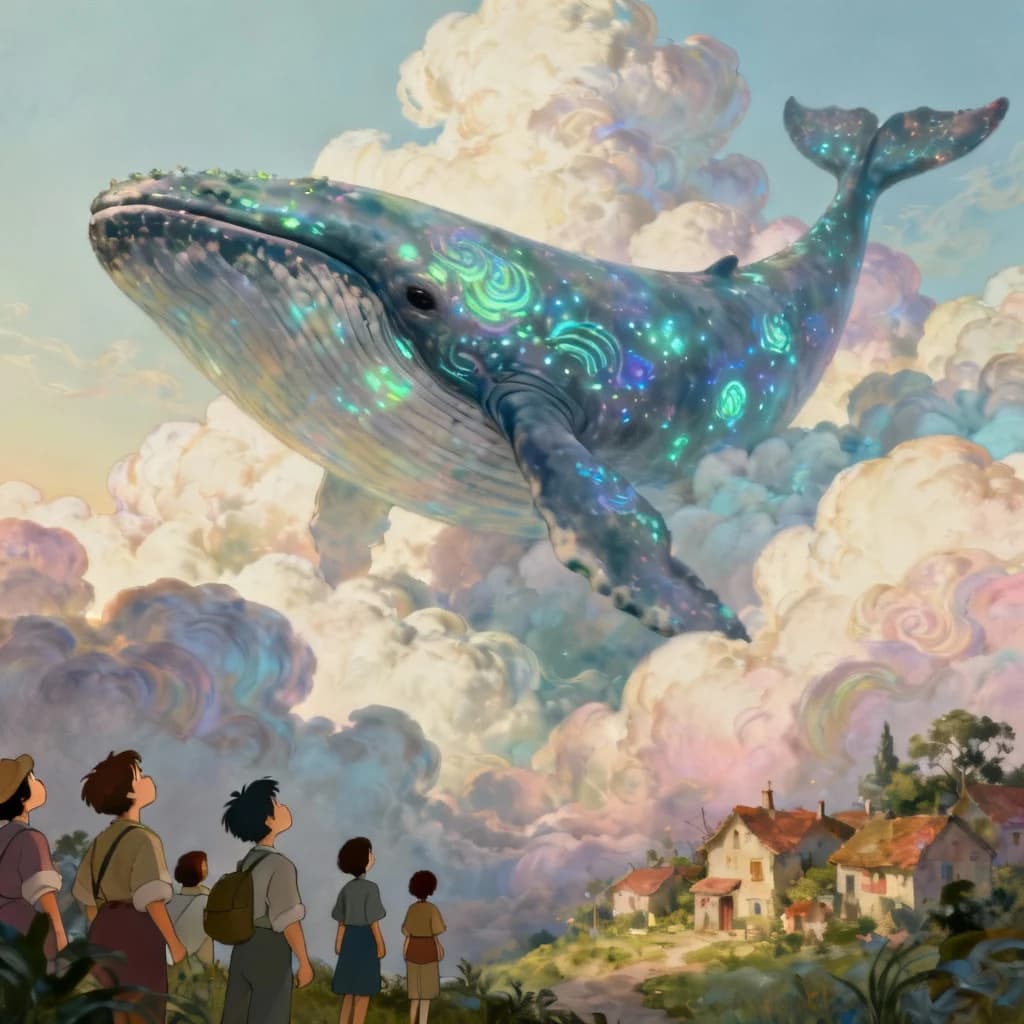
GPT-5 Language Understanding
GPT Image 1.5 precisely interprets complex text prompts and stylistic descriptions to deliver coherent, context-aware visuals using GPT-5's advanced language processing capabilities.
Cost-Efficient Generation
Generate professional-grade images at a fraction of standard model pricing. Starting from just $0.01 per image with low quality, up to $0.20 for high-quality large images.
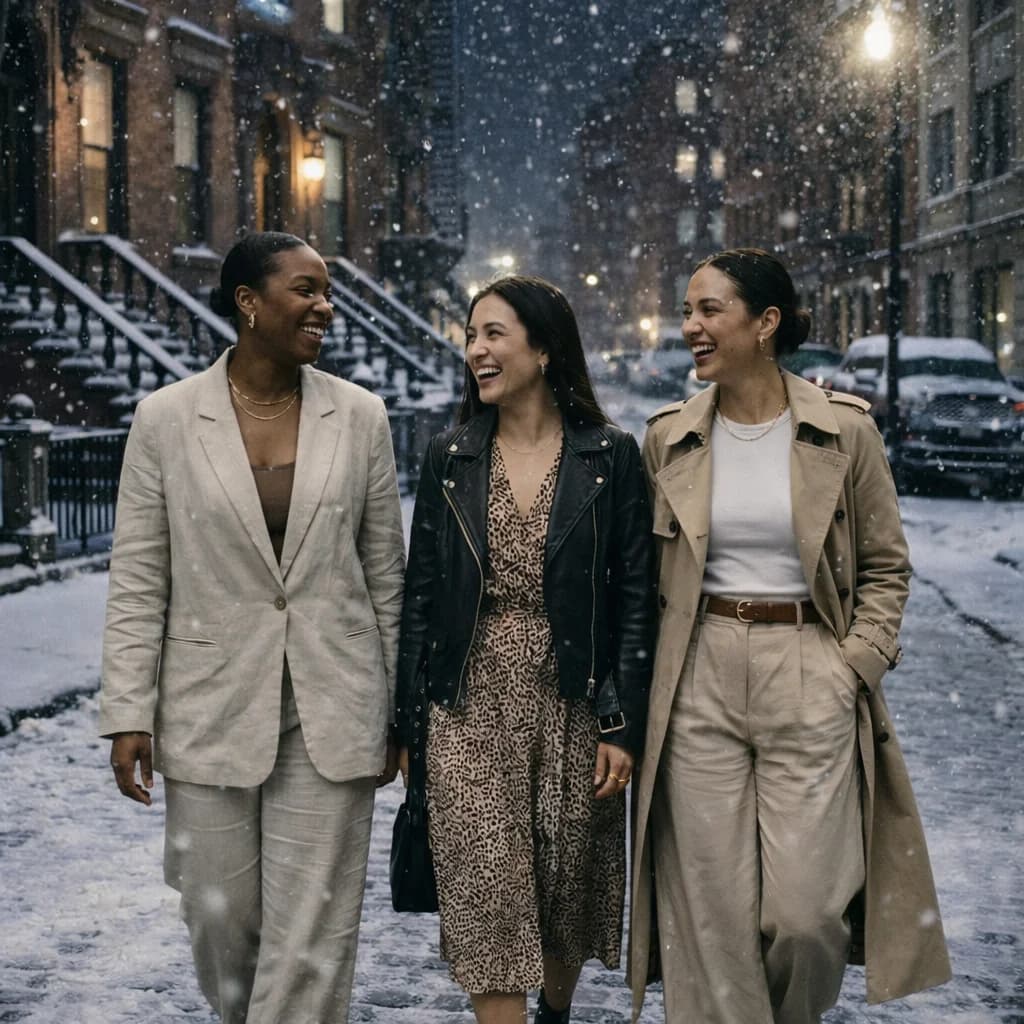
Image Editing with AI
Edit existing images with natural language descriptions. Change backgrounds, modify elements, or transform styles while preserving important details with high input fidelity control.
Flexible Quality Options
Choose between Low, Medium, and High quality settings based on your needs. Balance between speed, cost, and output quality for optimal workflow efficiency.
How to Use GPT Image 1.5
Create stunning AI images in minutes with GPT Image 1.5
Choose Generation Mode
Select Text to Image for creating new images from prompts, or Image Edit mode to modify existing images with natural language instructions.
Enter Your Prompt
Describe the image you want to create or the edits you want to make. GPT-5's language understanding interprets complex descriptions accurately.
Select Quality & Size
Choose from Low (1 credit), Medium (2 credits), or High quality (3-5 credits). Select your preferred aspect ratio: 1:1, 2:3, or 3:2.
Generate & Download
Click generate and receive your high-quality AI image. Download in your preferred format for immediate use.
GPT Image 1.5 Features
Explore the powerful features of GPT Image 1.5 for professional image generation
GPT-5 Architecture
Built on OpenAI's GPT-5 architecture, GPT Image 1.5 delivers superior language understanding for precise prompt interpretation and coherent visual outputs.
Text-to-Image Generation
Create stunning images from detailed text descriptions. Perfect for UI concepts, product visualizations, and creative artwork.
Image Editing Mode
Edit existing images using natural language. Change backgrounds, modify objects, or apply style transformations with precise control.
Input Fidelity Control
Control how closely edited images match the original with Low, Medium, or High fidelity settings for perfect preservation.
Multiple Quality Levels
Choose between Low, Medium, and High quality outputs. Optimize for speed with Low, or maximize detail with High quality.
Cost-Effective Pricing
Starting from just $0.01 per image with Low quality. Medium quality at $0.03, and High quality from $0.13 per image.
What Creators Say About GPT Image 1.5
Trusted by designers and developers for professional AI image generation
Alex Chen
“GPT Image 1.5 transformed our design workflow. The GPT-5 understanding interprets complex UI concepts perfectly. We create 50+ mockups daily at a fraction of the cost.”
Maria Rodriguez
“The image editing mode is game-changing. We modify product photos with natural language descriptions - no Photoshop needed. High quality results at minimal cost.”
James Wilson
“Perfect for rapid prototyping. GPT Image 1.5's language understanding means our prompts are interpreted accurately. The quality options let us balance speed and detail.”
Sarah Kim
“As a freelancer, cost matters. GPT Image 1.5 gives me studio-quality results starting at just $0.01. The input fidelity control for editing is incredibly precise.”
David Thompson
“We use GPT Image 1.5 for all our product imagery now. The consistency across different sizes and the ability to edit backgrounds with natural language saves us hours every day.”
GPT Image 1.5 FAQ
Find answers about GPT Image 1.5 - the cost-efficient AI image generator powered by GPT-5 architecture.
What is GPT Image 1.5?
GPT Image 1.5 is a cost-efficient multimodal generation model built on OpenAI's GPT-5 architecture. It combines advanced language understanding with optimized image synthesis to generate high-quality visuals from natural text prompts, ideal for UI design, concept art, and creative visualization.
How much does GPT Image 1.5 cost?
GPT Image 1.5 offers flexible pricing based on quality and size. Low quality: 1 credit ($0.01). Medium quality: 2 credits ($0.02). High quality at 1024x1024: 3 credits ($0.03). High quality at larger sizes (1024x1536 or 1536x1024): 5 credits ($0.05). This makes it one of the most cost-efficient professional AI image generators.
What's the difference between Text-to-Image and Image Edit modes?
Text-to-Image mode creates entirely new images from your text descriptions. Image Edit mode allows you to modify existing images using natural language - change backgrounds, replace objects, or apply style transformations while preserving the original image's important elements.
What does Input Fidelity control?
Input Fidelity (available in Image Edit mode) controls how closely the edited output maintains fidelity to the original image. High fidelity preserves more of the original image's details and style, while Low fidelity allows for more dramatic transformations.
What image sizes are supported?
GPT Image 1.5 supports three aspect ratios: 1:1 (1024x1024), 2:3 (1024x1536), and 3:2 (1536x1024). All resolutions deliver professional-quality outputs suitable for various use cases from social media to print.
How long does image generation take?
Generation time varies by quality level. Low quality typically completes in a few seconds, Medium quality in 10-20 seconds, and High quality may take 30-60 seconds. The async processing ensures optimal quality for each generation.
Can I use GPT Image 1.5 for commercial projects?
Yes, images generated with GPT Image 1.5 can be used for commercial purposes. The model is designed for professional workflows including UI/UX design, marketing campaigns, product mockups, and creative content creation.
What makes GPT Image 1.5 different from other AI image generators?
GPT Image 1.5 leverages GPT-5's advanced language understanding for superior prompt interpretation. It offers the best balance of quality, speed, and cost-efficiency, with native multimodal capabilities for both text-to-image and image editing workflows.