
GPT Image 2 — OpenAI's Next Image Model
GPT Image 2 turns one prompt into up to 4 polished images. Pick from 13 aspect ratios. Drop in up to 4 reference photos to remix style, subject, or composition. Built on OpenAI's newest image model. Try GPT Image 2 free.
Explore More AI Tools
Explore our comprehensive suite of AI-powered creative tools designed to enhance your workflow.
Veo 3.1 Video
Google Veo 3.1 with native audio and realistic physics for cinematic video generation.
Seedance 1.5 Pro
ByteDance Seedance 1.5 Pro with joint audio-video generation for professional results.

Nano Banana Pro Image Generator
Advanced text-based image editing with enhanced AI capabilities and professional-grade results.

Seedream 4.5 Image Generator
Ultra-fast professional image generation in under 1 second with 4K resolution support.

Qwen Image 2512
20B MMDiT model with best-in-class bilingual text rendering for stunning AI images.

Z-Image Generator
Ultra-fast image generation with Z-Image AI in under 1 second.

AI Music Generator
Generate music with AI, customize styles, and produce royalty-free tracks instantly.
Sora2 Video Generator - No Watermark
Generate virus videos with Sora2 - featuring lifelike motion, synchronized sound, and multi-shot continuity. No watermark exports ready for YouTube, TikTok, Instagram, and commercial projects.
Why Designers Choose GPT Image 2
GPT Image 2 is OpenAI's newest image generation model, served through APIMart on LoraAI. It reads prompts the way you write them — long, layered, full of intent — and returns clean, brand-ready images. Multi-reference input lets you blend up to 4 source photos in a single render. No prompt-engineering tricks. No upscale step. Just describe what you want and GPT Image 2 returns it.
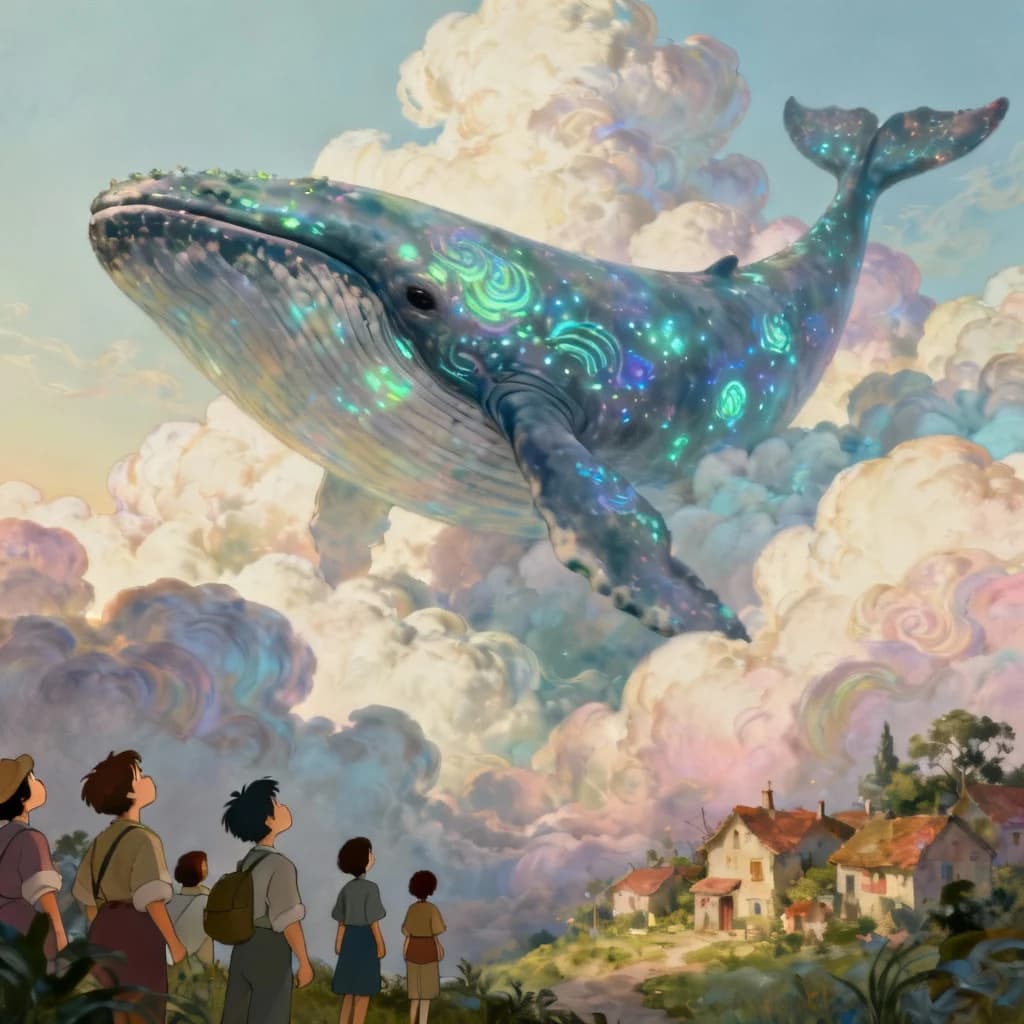
Up to 4 Images Per Prompt
Generate 1, 2, 3, or 4 variations in a single render. GPT Image 2 charges only for images that pass safety review, so rejected outputs never hit your credit balance. Pick the variant that lands and ship.
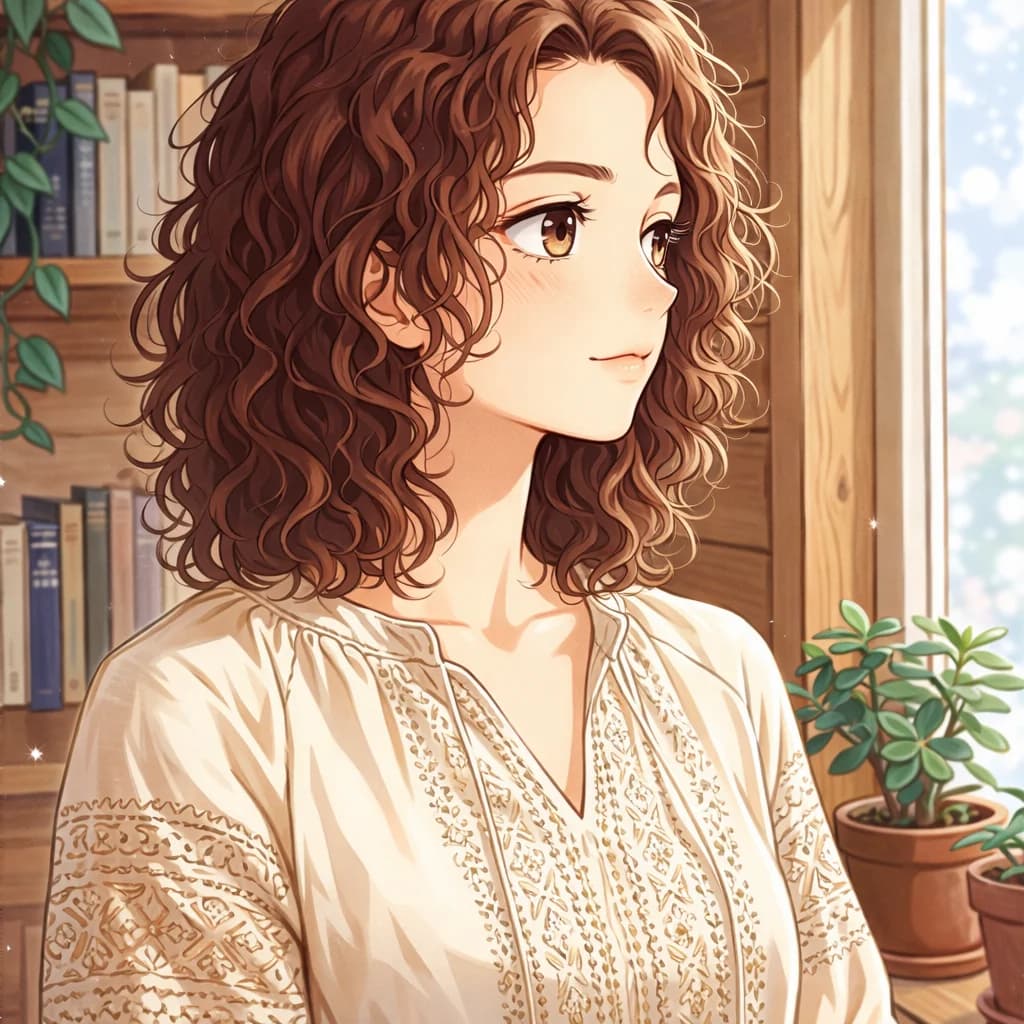
Reference Up to 4 Source Photos
Drop in subject, background, lighting reference, or style guide. GPT Image 2 blends every reference into a single coherent output that respects each input's strongest signal. Keep characters consistent. Match a brand palette. Stay on style.
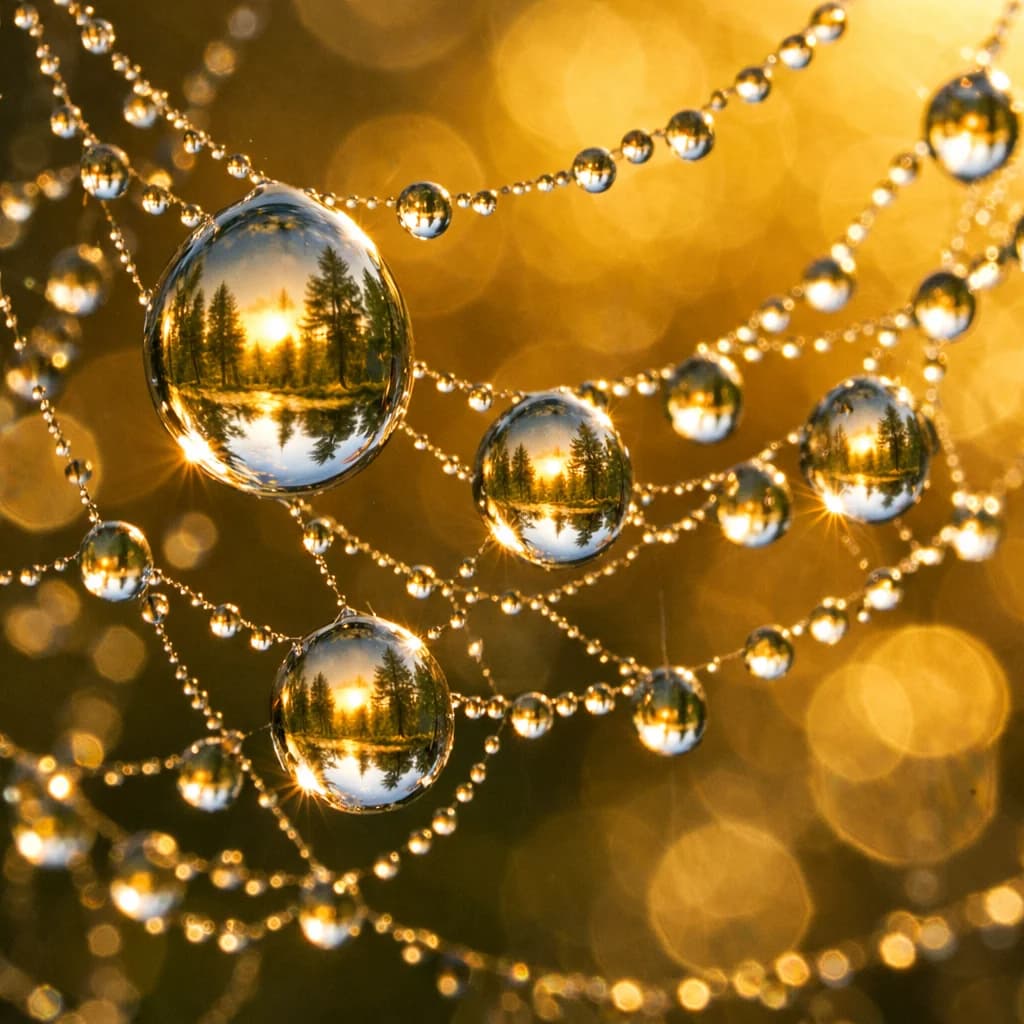
13 Aspect Ratios for Every Surface
Square for Instagram. Vertical 9:16 for Reels and Shorts. Ultra-wide 21:9 for cinematic banners. GPT Image 2 covers 13 ratios — including 5:4, 4:5, 3:2, and 2:3 — so you ship the right frame the first time.
Predictable Credit Pricing
GPT Image 2 charges a flat 2 credits per successful image. A batch of 4 costs 8 credits. Safety-rejected outputs do not bill, so the number you see on the button is the number you actually pay.
How to Use GPT Image 2
Generate, edit, or remix images with GPT Image 2 in four steps. No tutorials needed.
Step 1: Open GPT Image 2
GPT Image 2 is preselected on this page in the model picker above. The form loads with the right defaults for text-to-image generation. No setup, no API key.
Step 2: Write Your Prompt
Describe what you want in plain language. Names, styles, moods, composition — GPT Image 2 reads context the way OpenAI's GPT models do, so your full brief gets reflected.
Step 3: Add Reference Images (Optional)
Drop in up to 4 reference photos for style transfer, character consistency, or background swap. GPT Image 2 switches to image-to-image automatically when you upload anything.
Step 4: Pick Aspect Ratio and Batch Size
Choose 1 of 13 aspect ratios. Pick 1 to 4 images per generation. Hit generate and GPT Image 2 returns finished outputs in roughly 45 seconds for a single image.
GPT Image 2 Features
Everything GPT Image 2 ships with — laid out plainly, no marketing fluff.
Long-Prompt Understanding
GPT Image 2 holds every detail from a long brief — character descriptions, camera notes, color palette, brand requirements all get reflected. You write a paragraph, GPT Image 2 reads the whole thing instead of guessing.
Multi-Reference Composition
Feed in up to 4 source images. GPT Image 2 blends them — subject from photo one, lighting from photo two, palette from photo three — into one unified result that respects each input.
13 Aspect Ratios
Square, vertical, wide, ultra-wide, portrait. GPT Image 2 covers 1:1, 16:9, 9:16, 4:3, 3:4, 3:2, 2:3, 5:4, 4:5, 2:1, 1:2, 21:9, and 9:21. Pick the frame, ship the asset.
Batch 1 to 4 in One Click
Run a single hero shot or four variations in one request. GPT Image 2 processes the batch in parallel and returns whatever passes safety review. Rejected images do not count against your credits.
Text-to-Image and Image-to-Image
Use a clean prompt for fresh creation. Add references to edit, restyle, or extend an existing image. GPT Image 2 handles both flows with the same model and the same predictable pricing.
Pay Only for Successful Outputs
GPT Image 2 returns 4 images if you ask for 4. If safety review rejects one, that one does not bill. Predictable cost per shot, no surprise charges, no minimum commitment.
What Creators Say About GPT Image 2
Designers, marketers, and indie creators using GPT Image 2 on real projects.
Alex Chen
“GPT Image 2 reads our 300-word design briefs without us having to chop them up. The 4-image batch saves a round of iteration every time. We replaced two other generators with it.”
Maria Rodriguez
“Multi-reference is the killer feature. I drop in a brand color palette, a product photo, and a lighting reference — GPT Image 2 ties them together in one render. Used to take a half-day in Photoshop.”
James Wilson
“We use GPT Image 2 for storyboards and onboarding visuals. The 13 aspect ratios mean we ship to web, mobile, and print without resizing. Pricing is predictable enough to bake into our roadmap.”
Sarah Kim
“GPT Image 2 hit OpenAI quality at a price I can pass to clients without padding the invoice. Reference inputs let me keep character consistency across a 20-image series. That used to be impossible.”
David Thompson
“Product photography on demand. We feed GPT Image 2 a product shot plus a lifestyle reference and get a campaign-ready image. Saves us a weekly studio session.”
GPT Image 2 FAQ
Everything worth knowing before you start generating with GPT Image 2.
What is GPT Image 2?
GPT Image 2 is OpenAI's latest image generation model, served on LoraAI. It supports text-to-image and image-to-image with up to 4 reference photos, 13 aspect ratios, and batches of 1 to 4 images per request. Each successful image costs 2 credits.
How much does GPT Image 2 cost?
GPT Image 2 costs a flat 2 credits per successful image. A batch of 4 images costs 8 credits. Safety-rejected images do not bill, so you only pay for outputs you can actually use.
How is GPT Image 2 different from GPT Image 1.5?
GPT Image 2 is OpenAI's newer model with stronger long-prompt comprehension and multi-reference composition. It covers 13 aspect ratios versus 3 in 1.5, and it runs on flat per-image credits instead of tiered quality and size charges.
Can GPT Image 2 edit my existing images?
Yes. Upload up to 4 reference photos and GPT Image 2 switches to image-to-image automatically. Use it for style transfer, background swap, character consistency, or compositing multiple sources into one image.
What aspect ratios does GPT Image 2 support?
GPT Image 2 supports 13 aspect ratios: 1:1, 16:9, 9:16, 4:3, 3:4, 3:2, 2:3, 5:4, 4:5, 2:1, 1:2, 21:9, and 9:21. There is no 'auto' option — pick the ratio you need before generating.
How long does GPT Image 2 take to generate?
A single image from GPT Image 2 typically returns in 44 to 52 seconds. A batch of 4 may take 90 seconds or longer. The page polls automatically, so you do not need to refresh.
Can I use GPT Image 2 commercially?
Yes. Images generated with GPT Image 2 can be used commercially under OpenAI's standard usage terms. You retain rights to outputs you generate, subject to the platform's content policy.
Why are some GPT Image 2 outputs missing from a batch?
OpenAI runs a safety review on every output. If a generation fails review, GPT Image 2 returns the remaining images and does not bill the rejected one. Adjust the prompt — usually loosening sensitive descriptors fixes it.