

Train LoRA Models Online - No GPU Required
Train LoRA in 15-30 minutes. Upload your images, pick a trainer, and start training your custom AI model. No coding. No expensive hardware needed.


Loved by 10,000+ creators
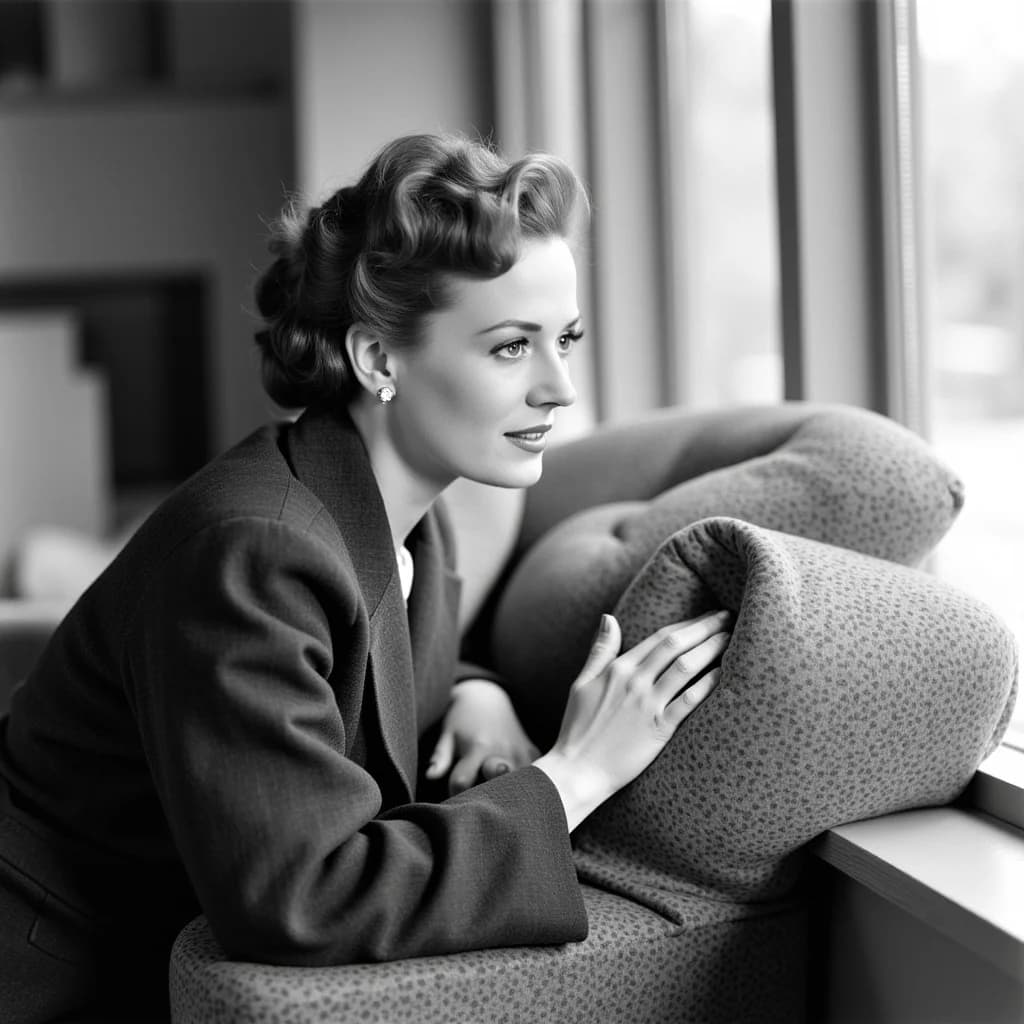
Flux Portrait
FLUX LoRA training optimized for portrait generation with bright highlights and detailed results
Best Use Cases
Portrait Photography — Train high-quality portrait LoRAs with consistent lighting, skin detail, and expression variety. Optimized for bright highlights and natural skin rendering.
Character Design — Create consistent fictional characters with detailed facial features. Auto subject crop ensures the model focuses on the most important details.
Headshot Generation — Professional headshots with consistent identity. Multiresolution training ensures quality at various output sizes.
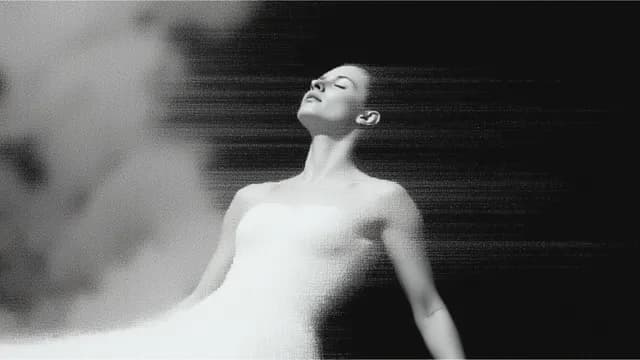
Flux Dev
Best for character and person training. 32B architecture delivers consistent faces and poses.
Best Use Cases
Personal Portrait & Face LoRAs — The most popular use case. Flux needs only 15-30 images to learn a face consistently — compared to 70-200 for SD 1.5. Maintains identity across poses, lighting, and expressions.
Art Style Transfer — Capture specific artistic aesthetics — illustration, anime, watercolor, or photography styles. Style LoRAs converge quickly at 1500-3000 steps and generalize well across different prompts.
Character LoRAs — Create consistent fictional characters with specific outfits, features, and accessories. 15-30 curated images with varied poses and angles give the best results.
Product & Object LoRAs — Train on specific clothing, accessories, or products. Requires fewer steps (~500) because the model needs to stay flexible about how the item appears in different contexts.
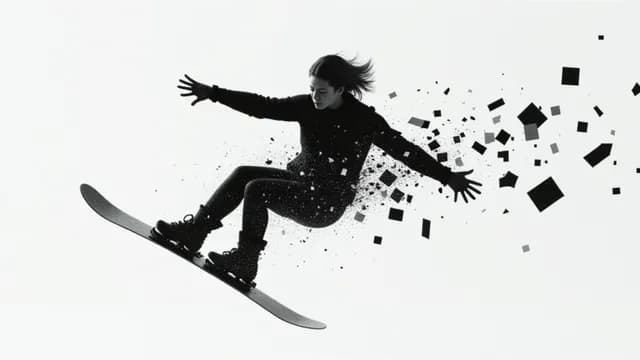
Qwen Image
Optimized for Chinese content and images with text. Handles bilingual prompts.
Best Use Cases
Character & Person LoRAs — The most popular use case. Train with 20-40 diverse images showing varied poses, angles, and lighting. Include close-ups, medium shots, and full-body shots for best face consistency.
Product Photography — Train LoRAs for consistent product imagery. Oxen.ai cut production costs from $46,800 to $6,500 (86% reduction) by fine-tuning Qwen for 1.2 million furniture catalog images.
Bilingual Text Rendering — Generate images with accurate Chinese AND English text in a single image. 97.29% single-character Chinese accuracy — far ahead of any competitor.
Style Transfer — Qwen has a relatively narrow default style, making style LoRAs particularly valuable. Train artistic styles (illustration, realism, GTA5 aesthetics) to expand its creative range.
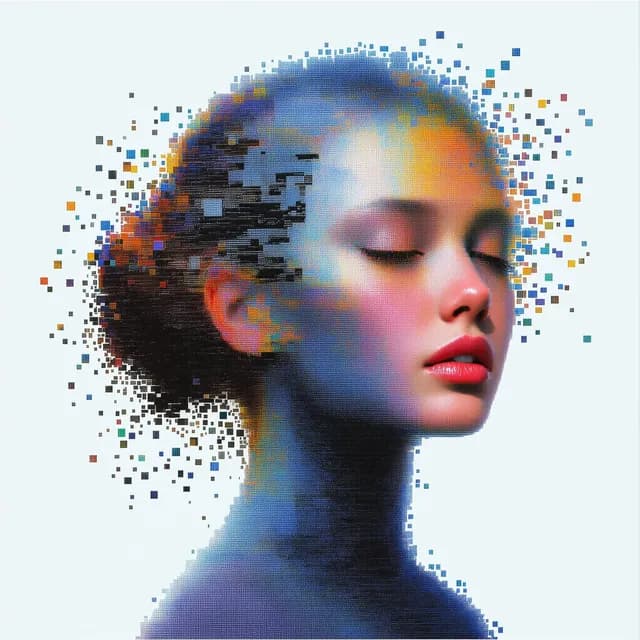
Z-Image
Ultra-fast training for product images. 8-step generation means quick testing.
Best Use Cases
Anime Character LoRAs — The most popular Z-Image use case. CitronLegacy trained 100+ anime models on Civitai — tag-based training works without captions. Z-Image excels at generating high-detail anime artwork, surpassing Flux.
Realistic Character & Likeness — Train with just 5-15 photos for consistent identity. 9 images at 1024x1024 proved sufficient for reliable subject imprinting in community testing.
Brand Identity & Marketing — Create custom visual styles for consistent marketing imagery. Z-Image's speed (3 seconds per image vs 30+ for Flux) makes rapid iteration practical.
Product Photography & E-Commerce — Generate consistent product imagery across variations. Z-Image's good natural language understanding enables nuanced prompt control for product shots.
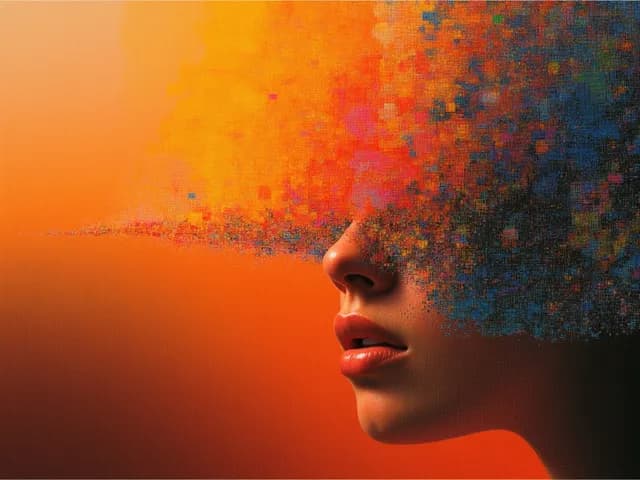
Z-Image Base
High-quality base model for versatile image generation. Plug-and-play compatible with Z-Image Turbo.
Best Use Cases
Character Consistency — Train on character images to maintain identity with consistent features across generations.
Brand Visual Styling — Create custom visual styles for consistent marketing and brand imagery.
Artistic Aesthetic Capture — Capture specific artistic aesthetics — illustration, painting, anime, or photography styles.
Product Photography — Train on product photos for uniform visual presentations across AI-generated outputs.
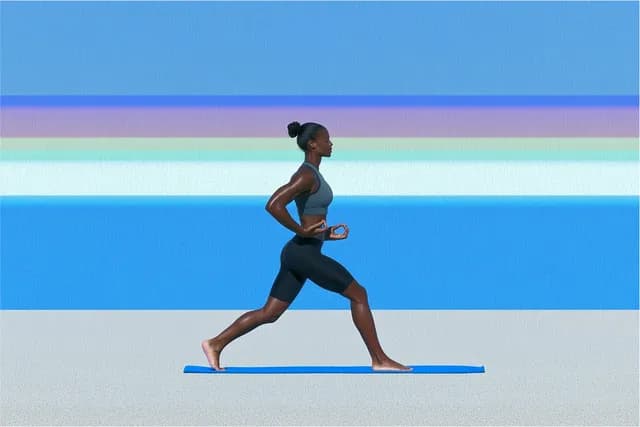
WAN 2.2 Image
Train LoRA for video-compatible characters. MoE architecture for consistent results.
Best Use Cases
Character & Identity LoRAs — The most popular WAN use case. 18 images is the community-tested magic number. 8-12 images can anchor a specific person or product with consistent identity across generations.
Ultra-Realistic Portraits — WAN 2.2 already excels at crisp portraits with cinematic lighting. LoRA training pushes it further — producing studio-quality portraits with consistent skin rendering and smooth gradients.
Style LoRAs — Train artistic or visual styles. Use 15-30 images for identity+mild style, 30-50 for complex styles. Do NOT caption style elements — let the trigger word carry the style.
Dual-Purpose (Image + Video) — The unique advantage: a LoRA trained for T2I can also be applied to video generation workflows. Train once, use in both image and video pipelines.
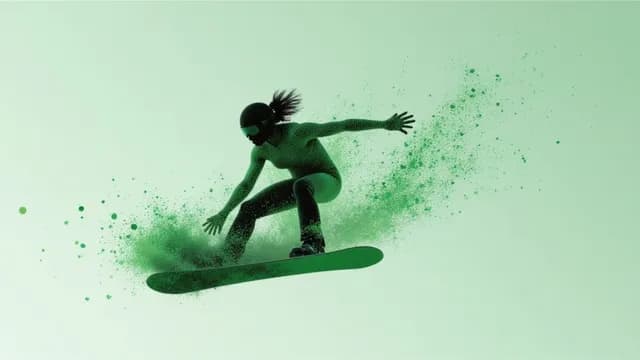
WAN 2.2 Video
Train motion patterns and camera movements. Perfect for I2V workflows.
Best Use Cases
Character & Person Video — The most popular video LoRA use case. Maintain consistent character appearance across generated videos. Combine with image LoRA for strongest identity preservation.
Action & Motion LoRAs — Train specific movements, gestures, or dance sequences. 15-25 video clips showing the action from different angles produce the best generalization.
Camera Movement Styles — Learn cinematic camera techniques — pans, zooms, tracking shots, and dolly moves. These specifically require video (not image) training data.
Anime Style Video — Convert WAN's default 3D CG look to 2D anime style. Heavy training on the high-noise model is key — it lays the groundwork that the low-noise model follows.
Why Train LoRA on LoRA AI
Skip the complex local setup. Train LoRA models in the cloud with zero configuration and get production-ready results every time.
Zero Setup to Train LoRA
No Python, no Kohya, no SimpleTuner. Upload images and start training your LoRA in under 2 minutes. Everything runs in the cloud.
Train LoRA 5x Faster
Cloud A100 GPUs finish training in 15-30 minutes. Local setups take 2-4 hours to train the same LoRA model.
Train LoRA from Any Device
No GPU required. Train LoRA from a laptop, tablet, or even your phone. All the heavy lifting happens on our servers.
Production-Ready LoRA Output
Every trained LoRA outputs standard .safetensors files. Use in ComfyUI, A1111, or our built-in generators after training.
Skip the Local LoRA Training Headaches
Trying to train LoRA locally? Here is what you are up against — and why thousands of creators choose to train LoRA on our platform instead.
Setting up Kohya or SimpleTuner takes hours of debugging
Upload your images and start training in 2 minutes. Zero setup required to train LoRA on LoRA AI.
Need an expensive GPU (RTX 3090+) to train LoRA locally
Our cloud A100 GPUs handle all the compute. Train LoRA from any device — even your phone.
Local LoRA training takes 2-4 hours per session
Start training and finish in 15-30 minutes. Same quality, 5x faster when you train LoRA in the cloud.
Confusing parameters: learning rate, epochs, rank, optimizer
Smart defaults that produce great results. Adjust if you want, but most users start training with defaults and get excellent LoRA models.
How to Train LoRA Models Online
From images to a trained LoRA model in under 30 minutes. No GPU, no coding — just upload and start training.
Prepare Your Training Images
Collect 10-20 high-quality images of your subject. Varied angles, lighting, and backgrounds help train LoRA models that generalize well.
Choose Your LoRA Trainer
Each trainer is built for a specific use case. Pick Flux Dev to train LoRA for characters, Z-Image for products, or WAN to train LoRA for video.
Upload and Configure
Upload your images as a ZIP file, set your trigger word, and adjust training steps. Smart defaults make it easy to start training right away.
Start Training Your LoRA
Click start training and wait 15-30 minutes. Our cloud GPUs handle the compute so you can train LoRA without any local hardware.
Download Your Trained LoRA
Download your trained LoRA file in .safetensors format. Use it in our generators, ComfyUI, or any compatible tool. Train LoRA here, use everywhere.
Train LoRA FAQ
What is LoRA and why should I train one?
LoRA (Low-Rank Adaptation) lets you teach AI models new concepts - your face, your art style, your product. Train LoRA once and use it unlimited times in image generation. When you train LoRA on LoRA AI, the entire process is handled in the cloud.
How many images do I need to train LoRA?
Minimum 4-10 images depending on the trainer you choose. For best results when you train LoRA, use 15-20 varied images showing different angles and lighting. More diverse training data produces more flexible LoRA models.
How long does it take to train LoRA?
15-30 minutes to train LoRA on our cloud platform. Much faster than the 2-4 hours needed to train LoRA on local hardware. Start training and your LoRA will be ready before your coffee gets cold.
Which trainer should I use to train LoRA?
Flux Dev is best to train LoRA for characters and art styles. Z-Image to train LoRA for products. Qwen to train LoRA for Chinese content. WAN Image/Video to train LoRA for video-compatible outputs.
Can I use my trained LoRA in other tools?
Yes. Download your trained LoRA file and use it in ComfyUI, Automatic1111, or any compatible tool. Train LoRA here, use everywhere. All LoRA files are standard .safetensors format.
How much does it cost to train LoRA?
50 credits per training session across all trainers. Start free with 50 credits when you sign up - enough to train LoRA once at no cost. Additional credits are available through our pricing plans.
What makes LoRA AI different from local LoRA training?
When you train LoRA locally, you need a powerful GPU (RTX 3090+), hours of setup, and deep technical knowledge. LoRA AI lets you train LoRA in the cloud with zero setup - just upload images and start training. Same quality output, fraction of the effort.
Can I train LoRA for video generation?
Yes. Use WAN 2.2 Image LoRA Trainer to train LoRA for video-compatible characters, or WAN 2.2 Video LoRA Trainer to train LoRA for custom motion patterns and camera movements. Start training your video LoRA today.
Does LoRA AI support NSFW content?
No. loraai.io strictly prohibits NSFW, illegal, harmful, graphic-violence, and copyright-infringing content. We do not generate NSFW content. If your prompt, uploaded training data, or generation attempt triggers an NSFW review and is classified as NSFW, the related credits will not be refunded. We use SightEngine for NSFW detection: https://sightengine.com/.
Ready to Train Your LoRA?
Pick a trainer, upload your images, and start training. Your custom LoRA model will be ready in under 30 minutes. Join thousands of creators who train LoRA on LoRA AI every day.
50 free credits on signup · No credit card required · Train LoRA in minutes