
Riverflow: AI Images with Text That Actually Works
Stop fixing garbled letters in Photoshop. Riverflow generates images with clean, readable text on the first try. Product labels, ad banners, YouTube thumbnails - your words come out right, not as hot garbage.


Loved by 10,000+ creators
4K resolution, up to 10 reference images, font control
Generated Images
Riverflow 2.0 - Professional Typography
Your generated images will appear here
Riverflow AI Image Generator Tips
Create professional images with perfect typography
Perfect Typography
Riverflow renders readable text with sharp, legible fonts in any style.
Two Speed Modes
Pro mode for 4K quality (4-8 credits), Fast mode for quick iterations (1 credit).
Reference Images
Upload up to 10 reference images to guide composition and style.
Up to 4K Resolution
Generate professional images in 1K, 2K, or 4K resolution.
Prompt Examples
Click to use these prompts with Riverflow
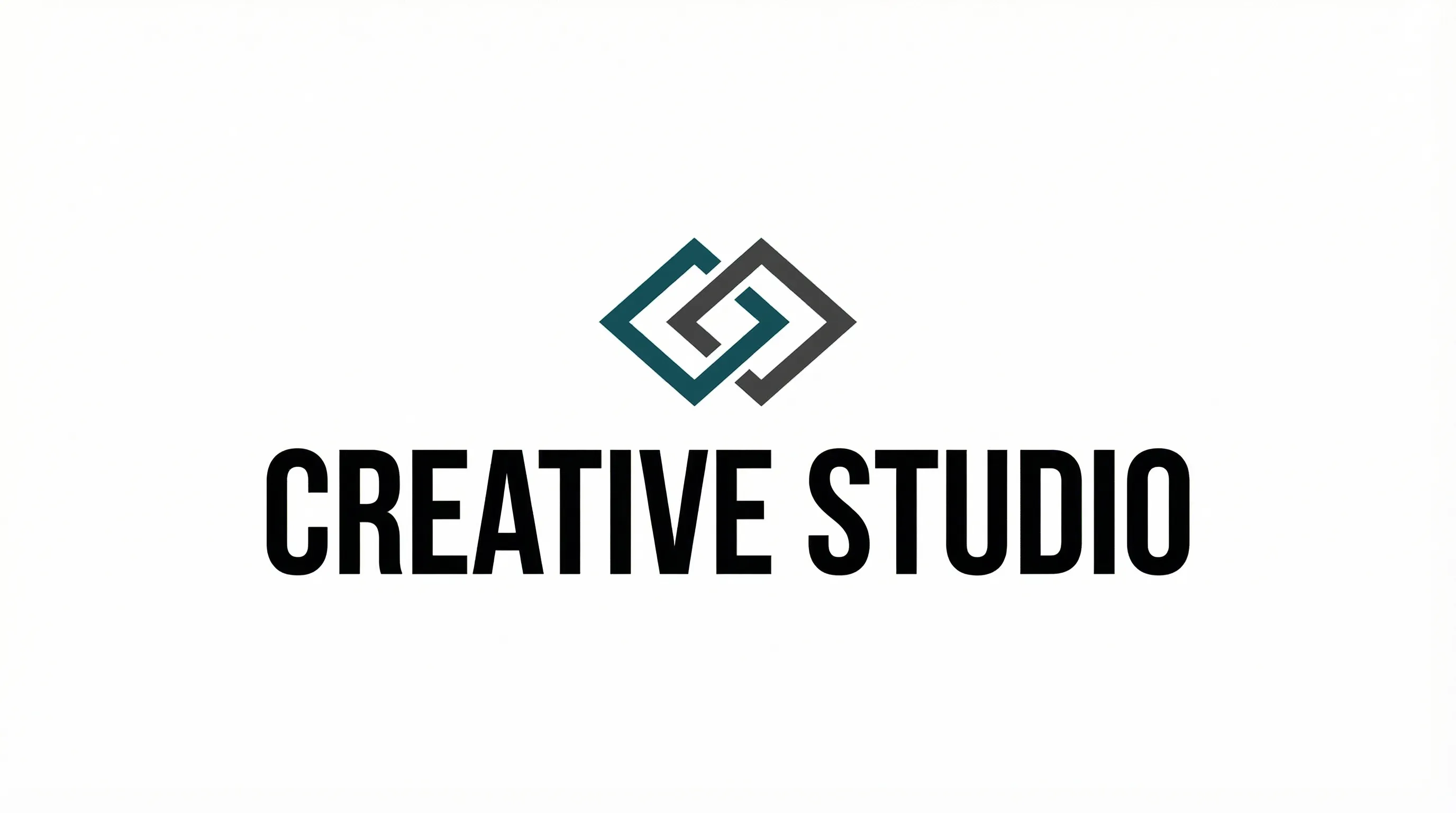
Brand DesignTypography
Logo with perfect text rendering
Modern minimalist logo design, bold sans-serif text reading "CREATIVE STUDIO", clean white background, geometric accent shapes, professional branding
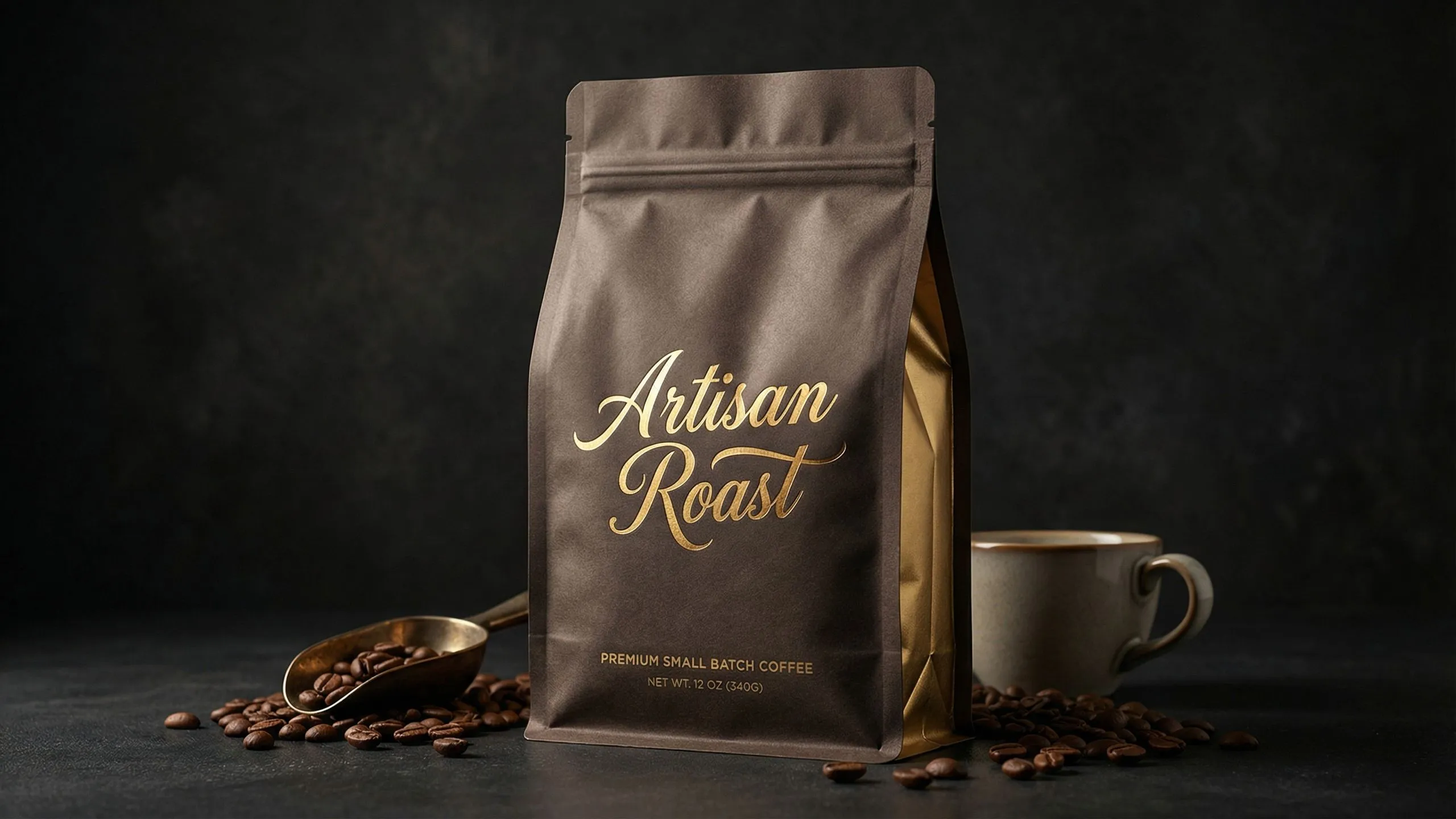
Product MockupPackaging
Premium packaging with typography
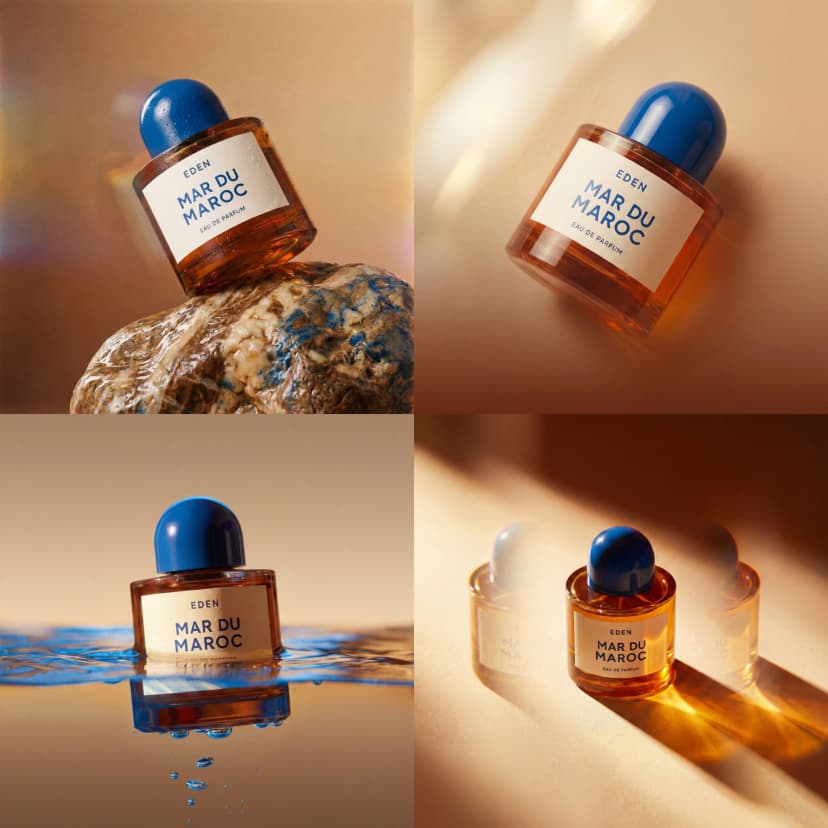
Premium coffee bag packaging mockup, elegant script font reading "Artisan Roast", dark background, photorealistic lighting, 4K resolution

Social MediaMarketing
Eye-catching thumbnail design
Eye-catching YouTube thumbnail, bold text reading "TOP 10 AI TOOLS 2026", vibrant gradient background, dynamic composition, professional design
Riverflow Gallery
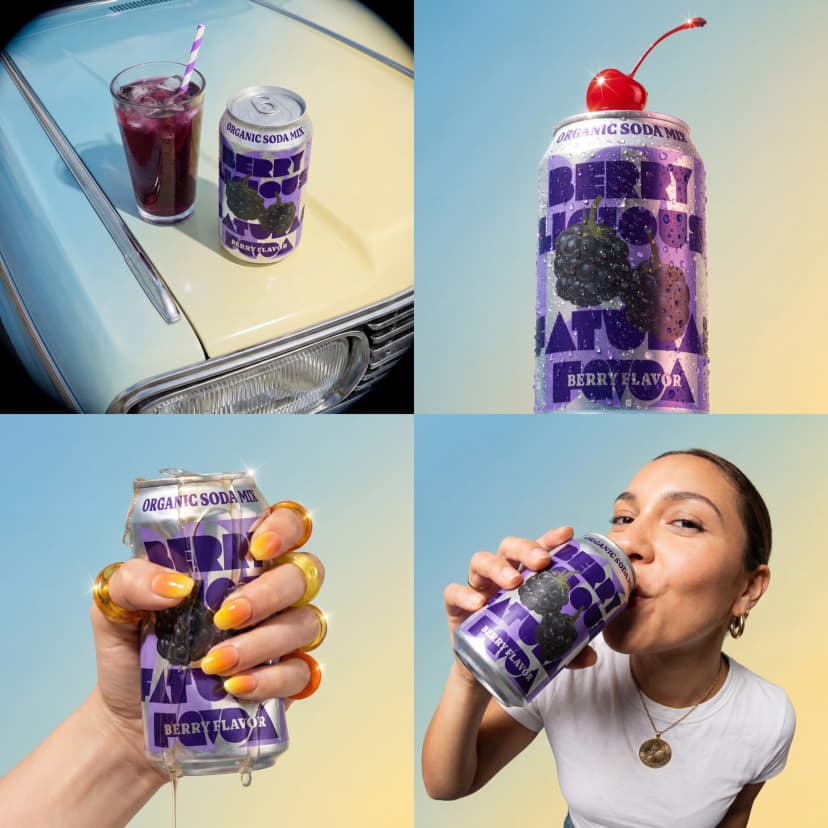
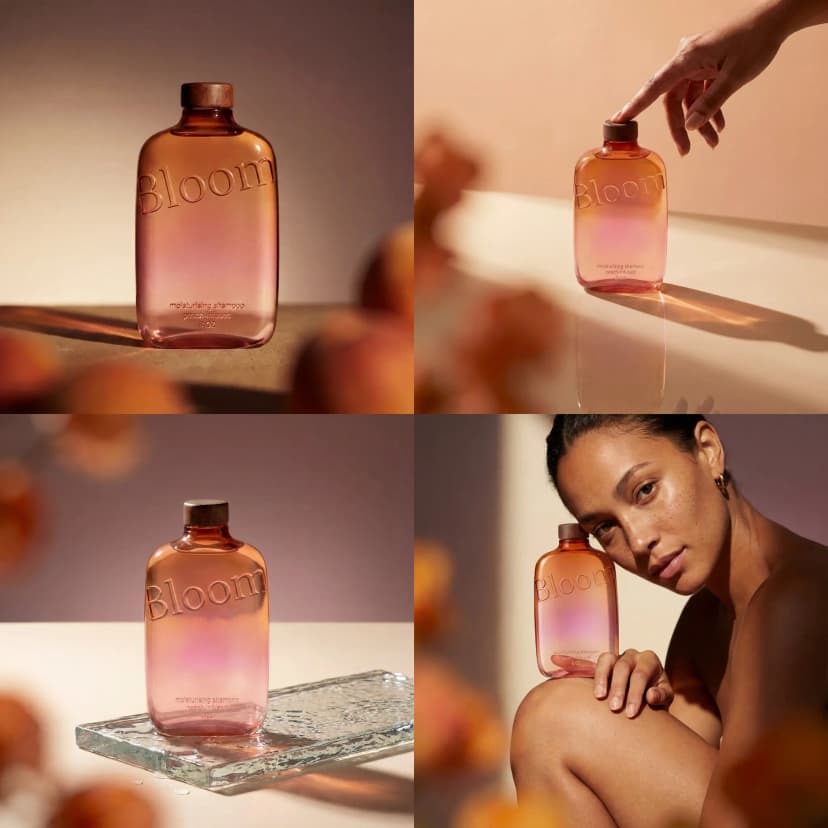
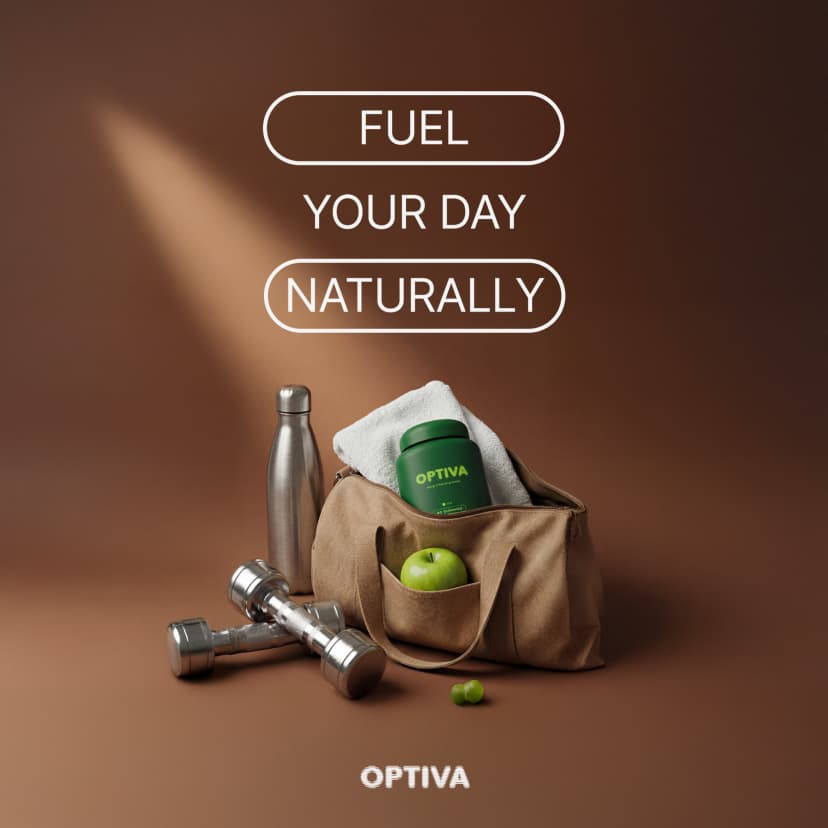
Images created with Riverflow. Notice the text - it actually reads correctly.
E-commerce banner, bold text 'FLASH SALE 40% OFF TODAY', product photography style
Coffee bag packaging, text 'Mountain Roast Premium Blend', ingredient list, 4K
Business infographic, bar chart with percentage labels, section headers
Mobile app dashboard, navigation labels, button text, clean design
YouTube thumbnail, bold text 'COMPLETE GUIDE 2026', high contrast
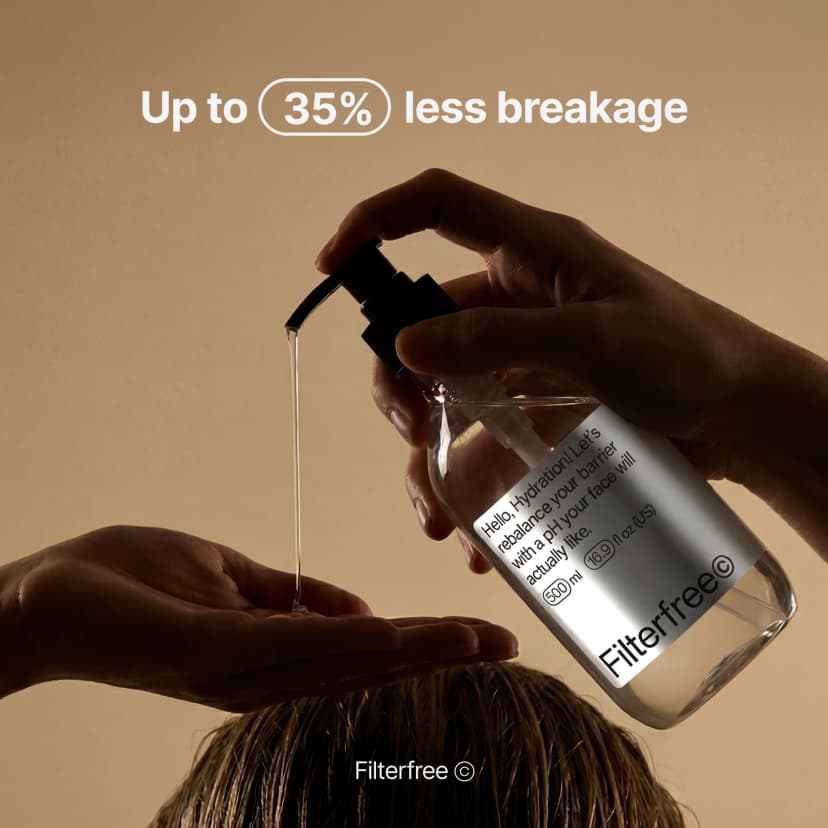
Marketing banner, brand slogan, product showcase, professional layout
Explore More AI Tools
Explore our comprehensive suite of AI-powered creative tools designed to enhance your workflow.
Veo 3.1 Video
Google Veo 3.1 with native audio and realistic physics for cinematic video generation.
Seedance 1.5 Pro
ByteDance Seedance 1.5 Pro with joint audio-video generation for professional results.

Nano Banana Pro Image Generator
Advanced text-based image editing with enhanced AI capabilities and professional-grade results.

Seedream 4.5 Image Generator
Ultra-fast professional image generation in under 1 second with 4K resolution support.

Qwen Image 2512
20B MMDiT model with best-in-class bilingual text rendering for stunning AI images.
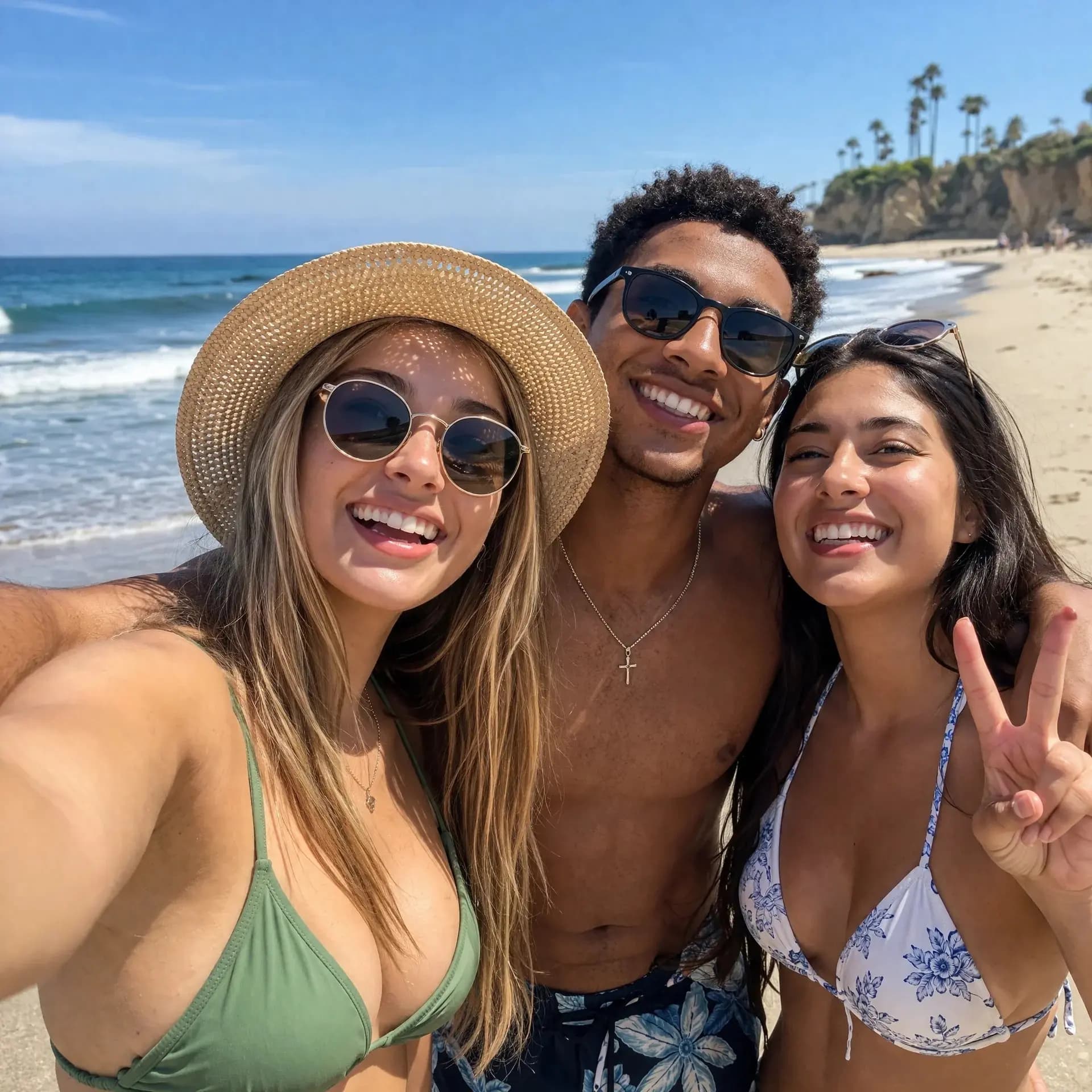
GPT Image 2
OpenAI's newest image model. 13 aspect ratios, up to 4 reference photos, batches of 1-4.
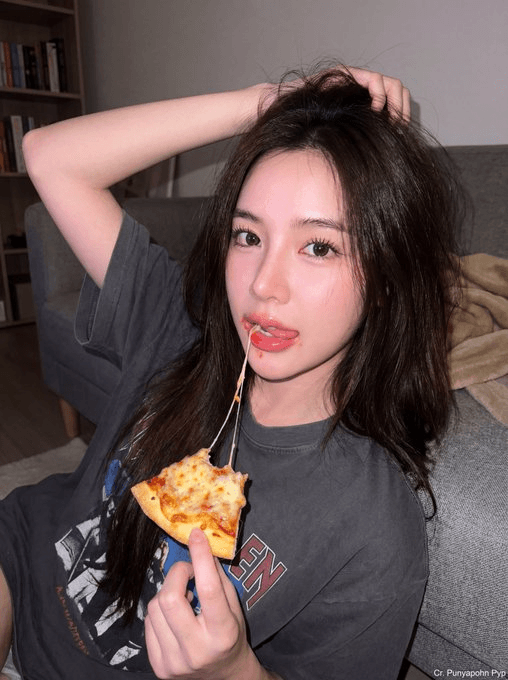
Z-Image Generator
Ultra-fast image generation with Z-Image AI in under 1 second.

AI Music Generator
Generate music with AI, customize styles, and produce royalty-free tracks instantly.
Tired of AI Text That Looks Like Garbage?
You have tried Midjourney. The image looks great. Then you zoom in on the text. Gibberish. Random letters. Words that make no sense. You spend 30 minutes in Photoshop erasing AI nonsense and adding real text. Riverflow fixes this. The AI scans every image for broken text and corrects it automatically. Your labels read correctly. Your headlines make sense. No post-editing required.
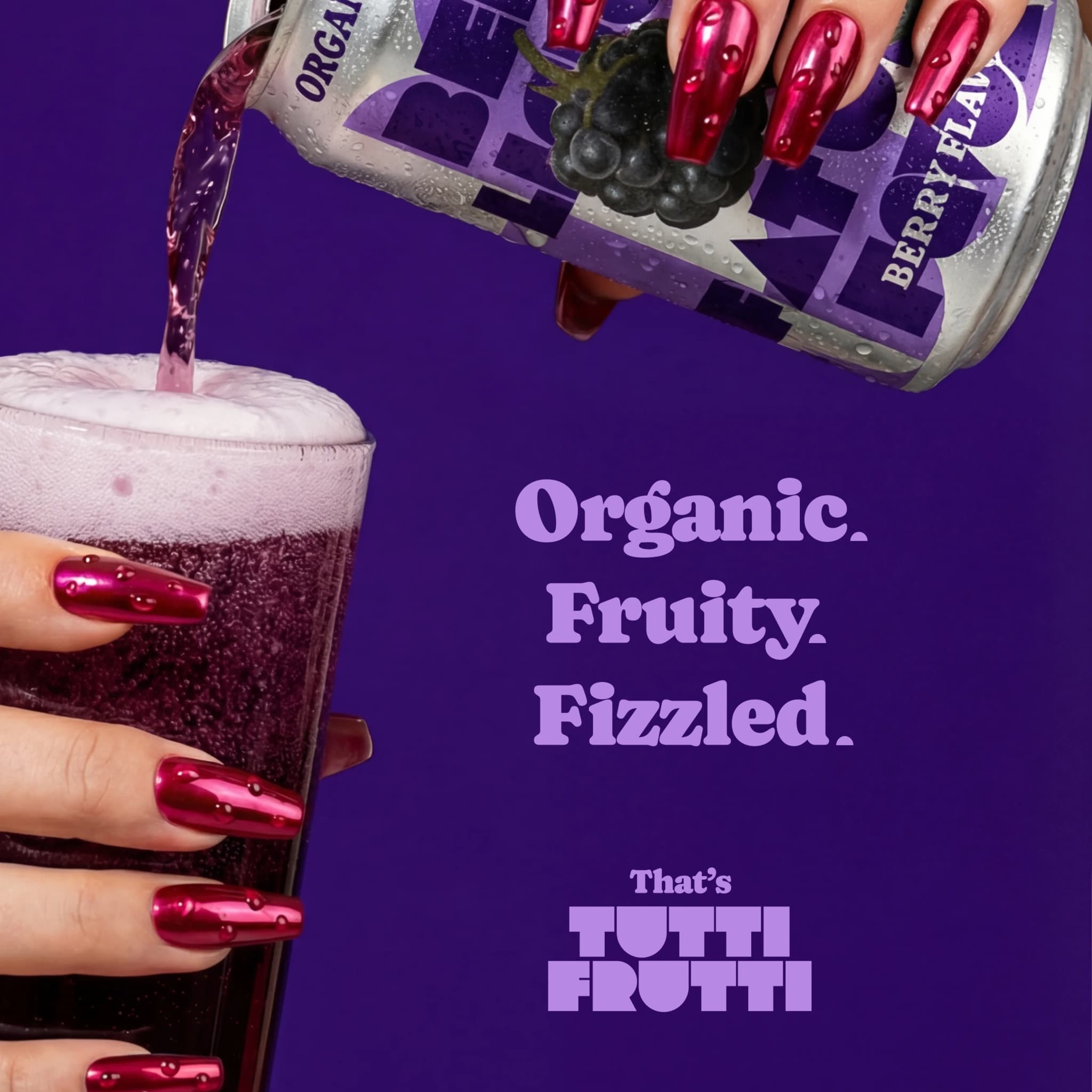
Self-Correcting Text Engine
Riverflow spots garbled letters, misspellings, and hallucinated words. It fixes them before output. Other AI tools treat text as random shapes. Riverflow understands that 'SALE' should not become 'SAEL' or 'S4LE'.
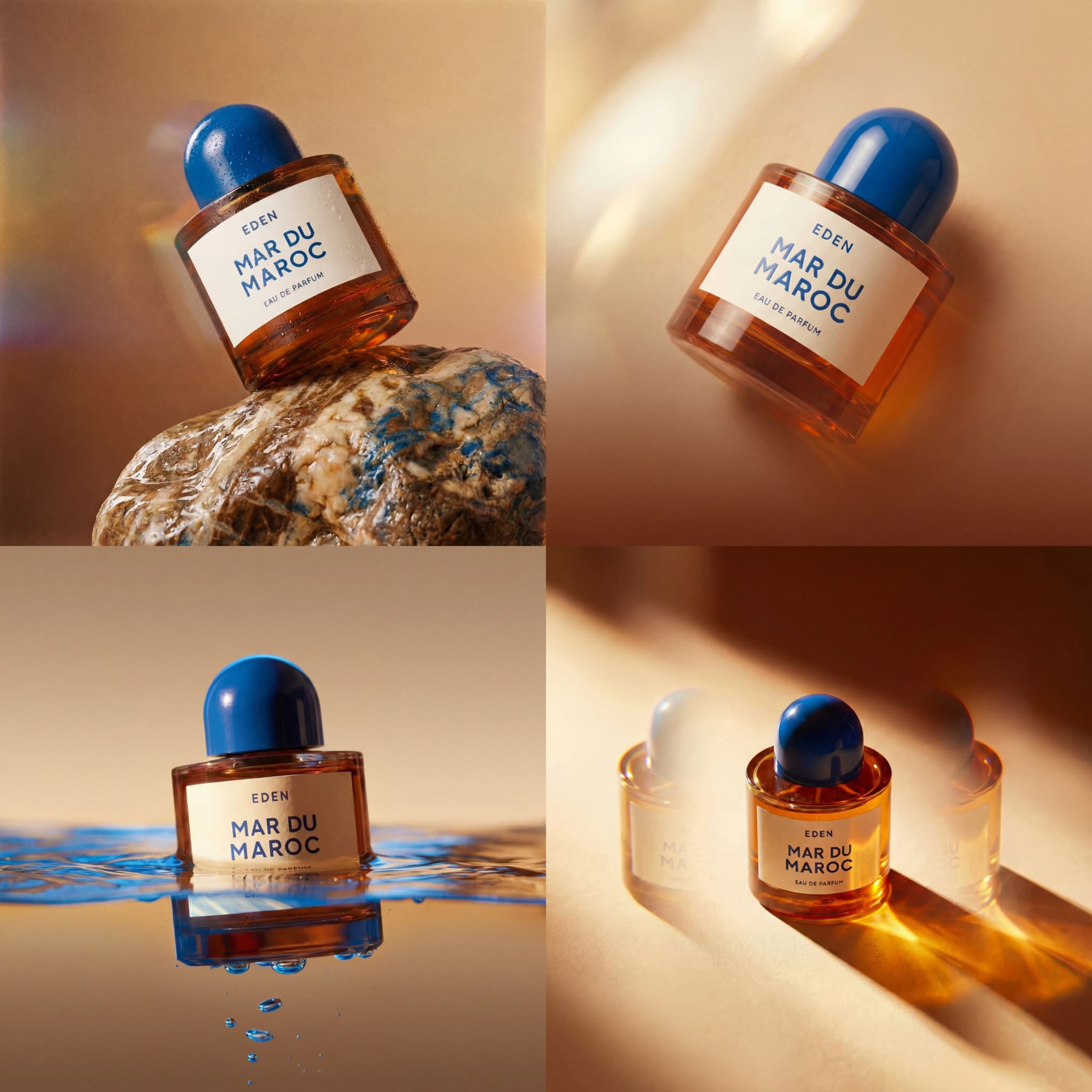
4K Resolution Without Upscaling
Riverflow Pro outputs native 4K. No stretching, no artifacts, no quality loss. Print a billboard or a business card - the text stays sharp at any size.
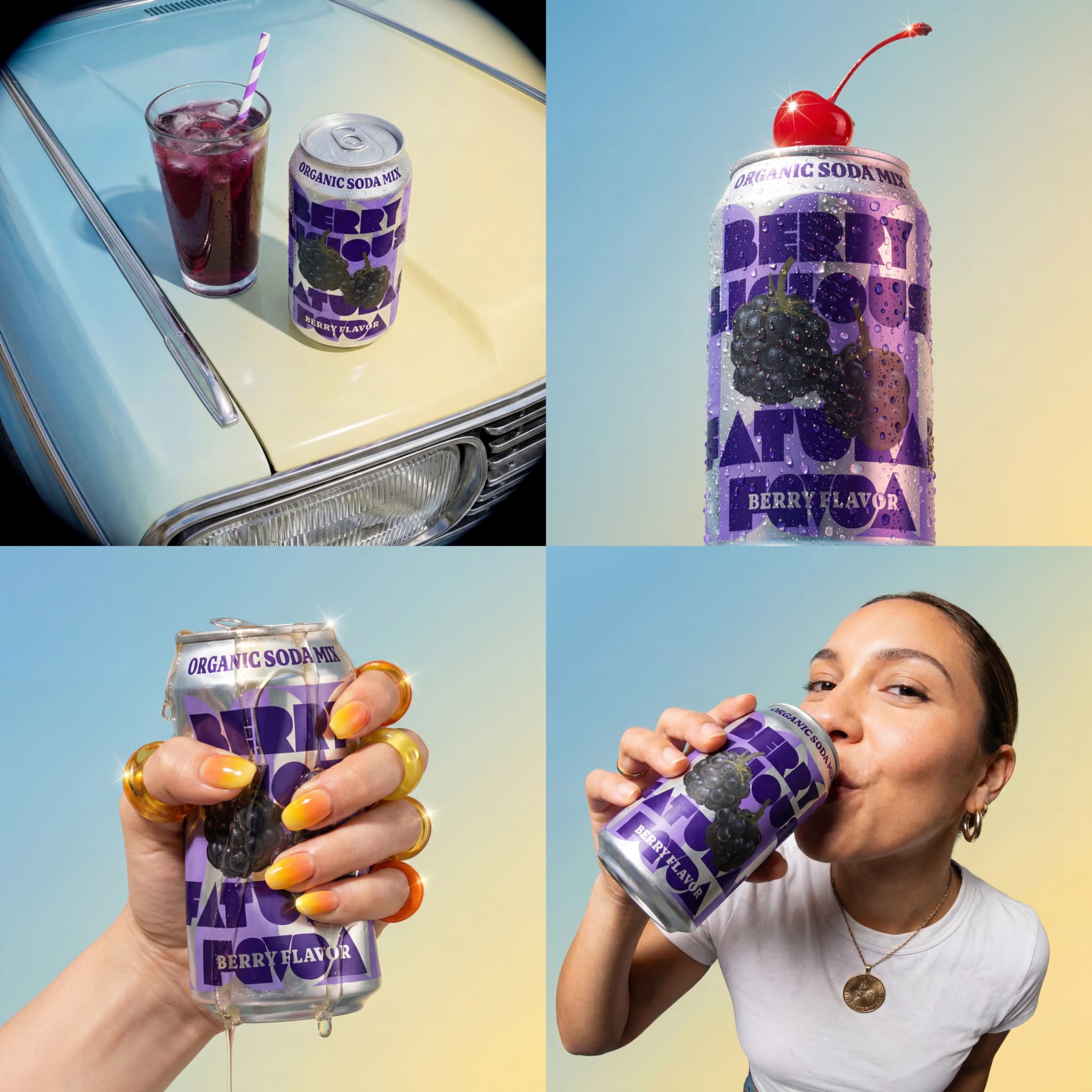
Your Fonts, Rendered Right
Upload TTF, OTF, or WOFF files. Riverflow renders your brand fonts accurately. No more 'close enough' typography. Your exact typeface, in your image.
How Riverflow Works
Describe your image. Pick your settings. Riverflow handles the hard part - making text look right.
1. Write Your Prompt
Tell Riverflow what you want. Include any text that should appear in the image. Plain language works.
2. Pick Pro or Fast
Riverflow Pro for final work: 4K, font control, best text accuracy. Riverflow Fast for drafts: quick, cheap, good enough to review.
3. Add References (Optional)
Upload style references. Riverflow Pro takes up to 10 images. Helps match your brand look.
4. Download and Use
Riverflow generates, scans for text errors, fixes them, delivers. Your image is ready. No Photoshop needed.
What Riverflow Does Better
Built for designers who need text that works, not text that needs fixing.
Readable Product Labels
Ingredients, prices, brand names - Riverflow gets them right. E-commerce teams use Riverflow for mockups that clients can actually read.
Ad Banners That Convert
Your CTA needs to be clear. '50% OFF' should not become '5O% 0FF'. Riverflow keeps your sale text readable.
YouTube Thumbnails People Click
Viewers decide in milliseconds. Garbled text kills clicks. Riverflow makes your titles pop, not confuse.
Infographics with Accurate Data
Charts need correct numbers. Labels need correct spelling. Riverflow handles data visualizations without turning '2026' into '20Z6'.
UI Mockups with Real Text
Client presentations need realistic interfaces. Riverflow generates screens with actual button labels, not lorem ipsum nonsense.
Social Posts Ready to Publish
No more editing AI images before posting. Riverflow outputs are social-ready. Text reads correctly. Colors pop. Done.
What Users Say About Riverflow
Designers and marketers who switched from other AI tools.
Michael Torres
Product Designer
“I was spending 20 minutes per image fixing text in Photoshop. With Riverflow, I download and use. My product mockups finally look professional.”
Jessica Chen
Marketing Director
“Our ad team runs 50+ creatives weekly. Riverflow Fast for drafts, Riverflow Pro for finals. Cut our production time by 60%.”
David Park
Creative Director
“The 4K output changed everything for our print work. Riverflow billboards look sharp. Text stays readable even at huge sizes.”
Amanda Foster
YouTube Creator, 127K subs
“My YouTube thumbnails finally have text people can read. CTR went up 23% after switching to Riverflow. The AI actually spells correctly.”
Robert Kim
Data Analyst
“Infographics were impossible with Midjourney - numbers came out wrong constantly. Riverflow gets our data right. Every chart is accurate now.”
Riverflow FAQ
What you need to know before trying Riverflow.
Why does Riverflow handle text better than Midjourney?
Midjourney treats text as visual shapes, not language. Riverflow was built specifically to understand that text has meaning. It scans outputs for errors and auto-corrects them before delivery.
What is the difference between Riverflow Pro and Fast?
Riverflow Pro: 4K output, custom fonts, strongest text correction, 10 reference images. Best for final deliverables. Riverflow Fast: 1K-2K output, basic correction, 4 references. Best for drafts and iterations.
Can Riverflow use my brand fonts?
Yes. Upload TTF, OTF, WOFF, or WOFF2 files. Riverflow Pro renders your exact fonts in the image. No more 'similar' typography.
How long does Riverflow take?
10-30 seconds per image. Riverflow Fast is quicker. Riverflow Pro with 4K takes a bit longer. The text correction runs automatically - no extra wait.
What resolution does Riverflow output?
Riverflow Fast: 1K or 2K. Riverflow Pro: up to native 4K. All outputs support 11 aspect ratios. Print-ready without upscaling.
How much does Riverflow cost?
Riverflow Fast: 1 credit per image. Riverflow Pro: 4 credits (1K-2K) or 8 credits (4K). Custom fonts add 1 credit each. Check pricing page for credit packages.
Can I use Riverflow images commercially?
Yes. Full commercial rights on all outputs. No watermarks. Use for client work, products, ads - whatever you need.
What if the text still comes out wrong?
Rare, but possible on complex layouts. Re-generate with a clearer prompt, or try Riverflow Pro if you used Fast. The correction engine improves with better instructions.