

Qwen Image 2512 LoRA Generator
Generate AI images with Qwen Image 2512 LoRA. Stack up to 3 LoRAs, render text in English & Chinese. Ready in 6 seconds.


Loved by 10,000+ creators
Qwen Image 2512 LoRA
Try Qwen EditBe specific about style, composition, and any text elements for best results.
Try These Examples
Click to auto-fill and see results
Qwen Image 2512 LoRA Gallery
See what creators are making with Qwen Image 2512 LoRA. From photorealistic portraits to cinematic scenes, fantasy art to impressionist paintings.
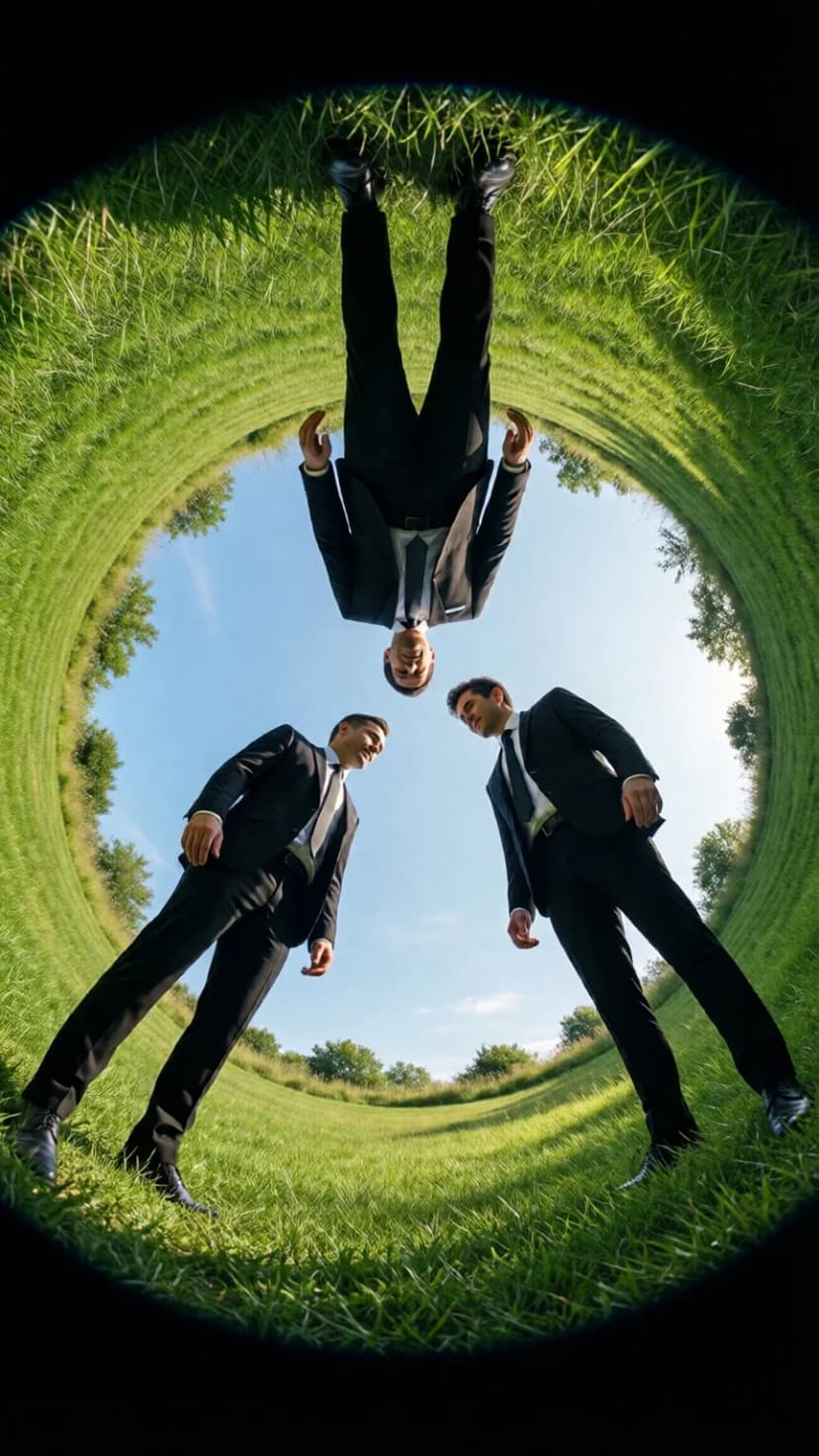
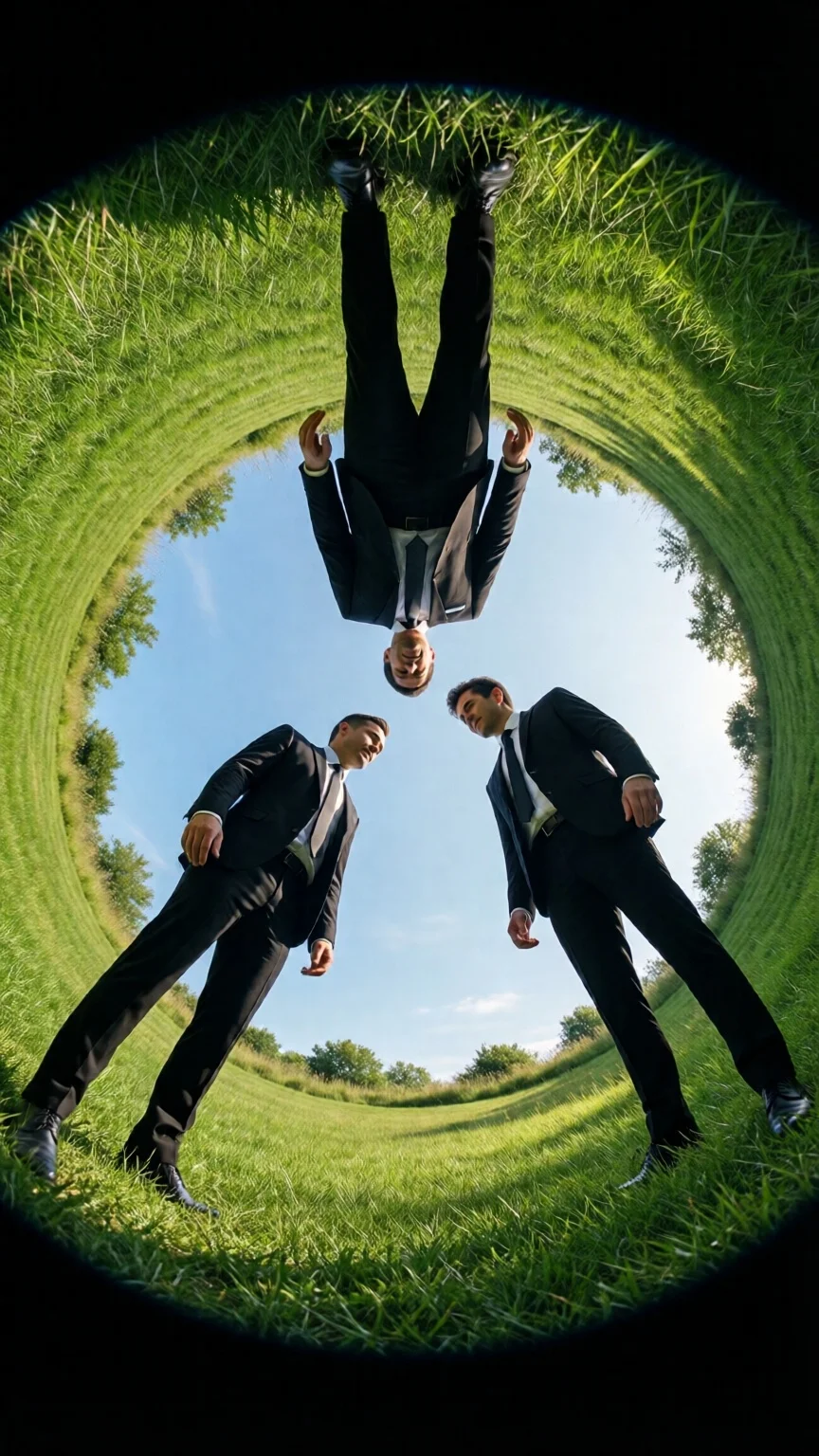
three people in black suits floating above the grassy ground, looking down at each other from different angles, seen through a circular hole in the top of a green lawn, with a blue sky and a symmetrical composition, captured with a fisheye lens in high resolution, resulting in a hyper-realistic, cinematic photographic style reminiscent of kodak film stock.
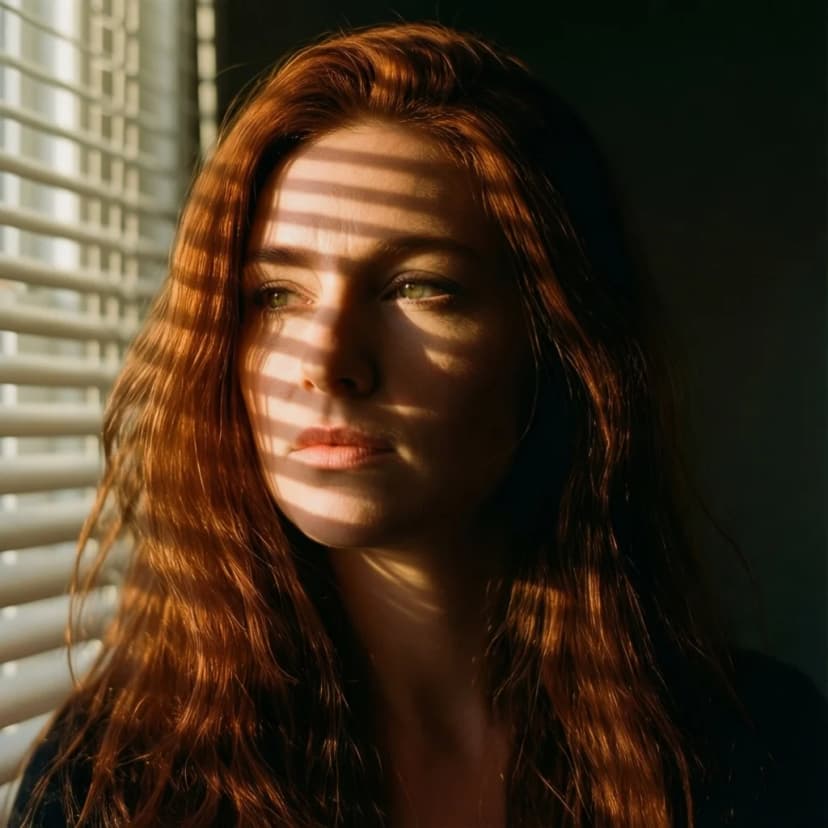
A 25-year-old woman with flowing auburn hair, captured in golden hour light streaming through venetian blinds, creating dramatic shadow patterns across her face. Shot on Hasselblad H6D-100c, 85mm f/1.4 lens, shallow depth of field, film grain, Kodak Portra 400 color science. Cinematic composition with negative space, melancholic atmosphere.
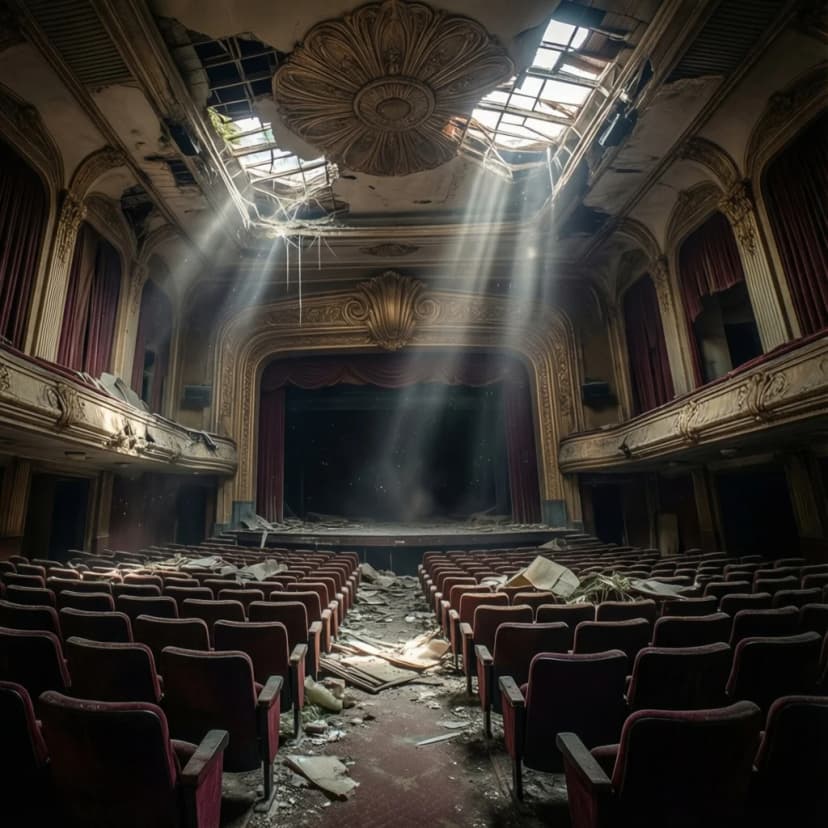
Abandoned Art Deco cinema interior, dust particles floating in shafts of light from broken skylights, ornate ceiling details crumbling, velvet seats covered in decades of debris. Wide angle lens distortion, HDR dynamic range, mysterious atmosphere, urbex photography aesthetic.
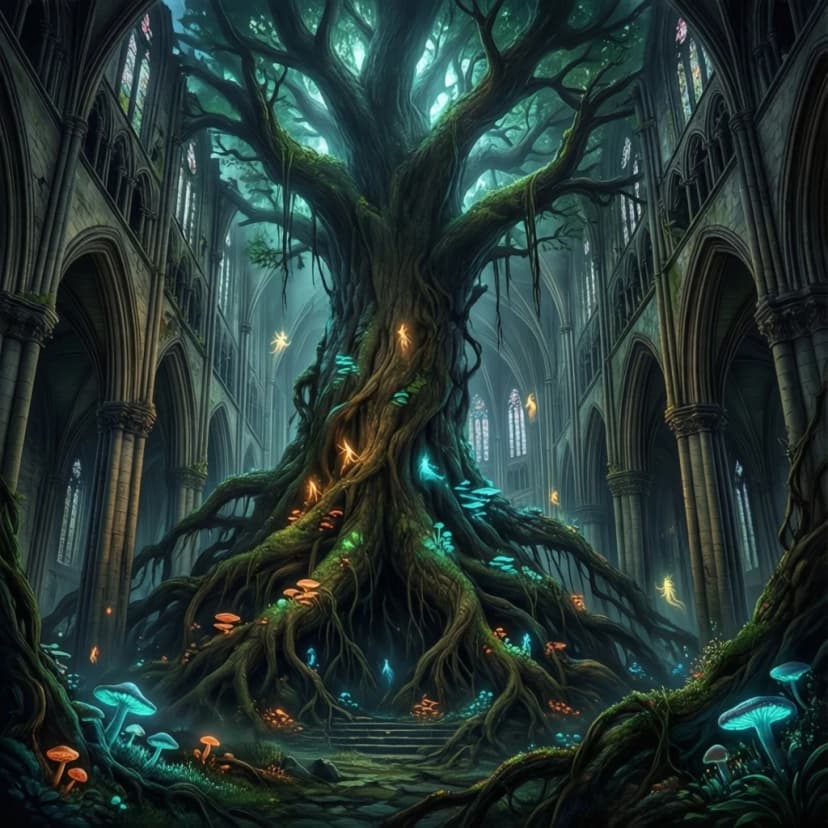
A colossal ancient tree growing through a collapsed cathedral, roots wrapped around gothic pillars, bioluminescent fungi illuminating the darkness, tiny floating spirits drifting upward like embers. Painted in the style of Craig Mullins meets Hayao Miyazaki, rich atmospheric perspective, matte painting quality, 8K resolution, epic scale.
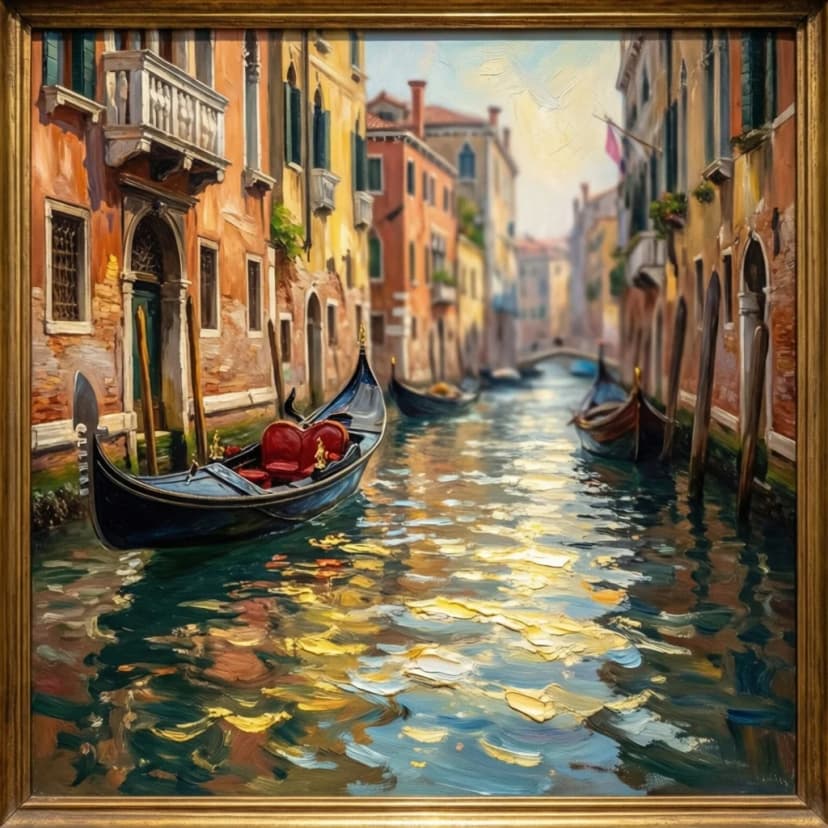
Venice canal scene in the style of John Singer Sargent, loose impressionistic brushwork capturing light dancing on water, gondolas in soft focus background, palazzo facades in warm terracotta and faded ochre. Oil painting texture, visible canvas weave, museum quality reproduction, gilt frame crop.
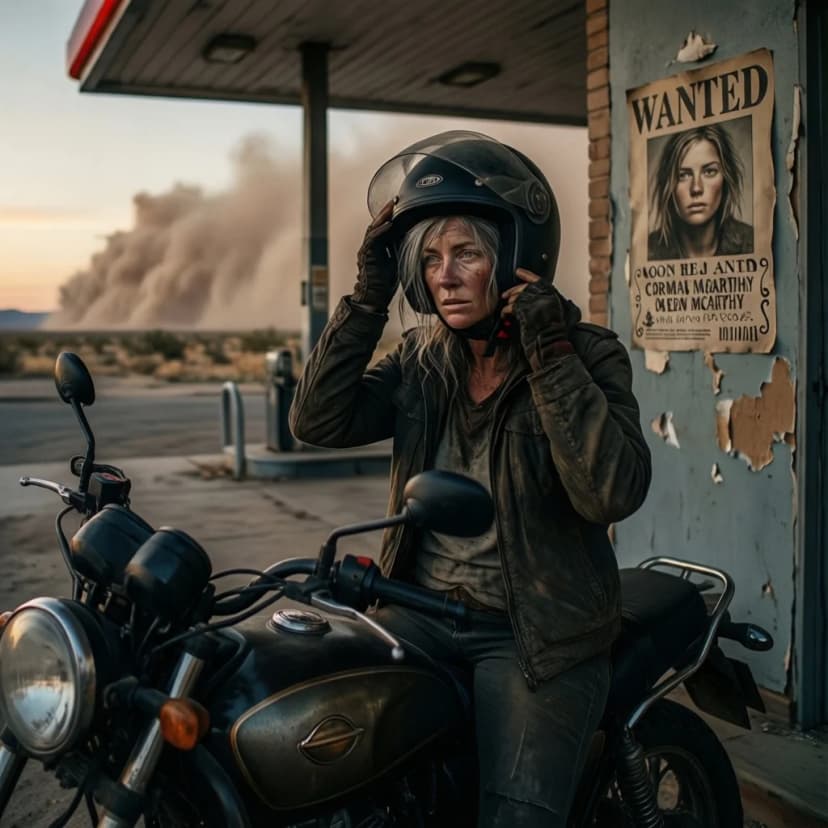
Lone motorcyclist stopped at abandoned gas station at dusk, removing helmet to reveal weathered face and grey hair, wanted poster with her younger face peeling off the wall behind her, dust storm approaching on the horizon. Coen Brothers Americana, Cormac McCarthy desolation, you can hear the silence, she's been running for decades.
Explore More AI Tools
Explore our comprehensive suite of AI-powered creative tools designed to enhance your workflow.
Veo 3.1 Video
Google Veo 3.1 with native audio and realistic physics for cinematic video generation.
Seedance 1.5 Pro
ByteDance Seedance 1.5 Pro with joint audio-video generation for professional results.
Nano Banana Pro Image Generator
Advanced text-based image editing with enhanced AI capabilities and professional-grade results.

Seedream 4.5 Image Generator
Ultra-fast professional image generation in under 1 second with 4K resolution support.
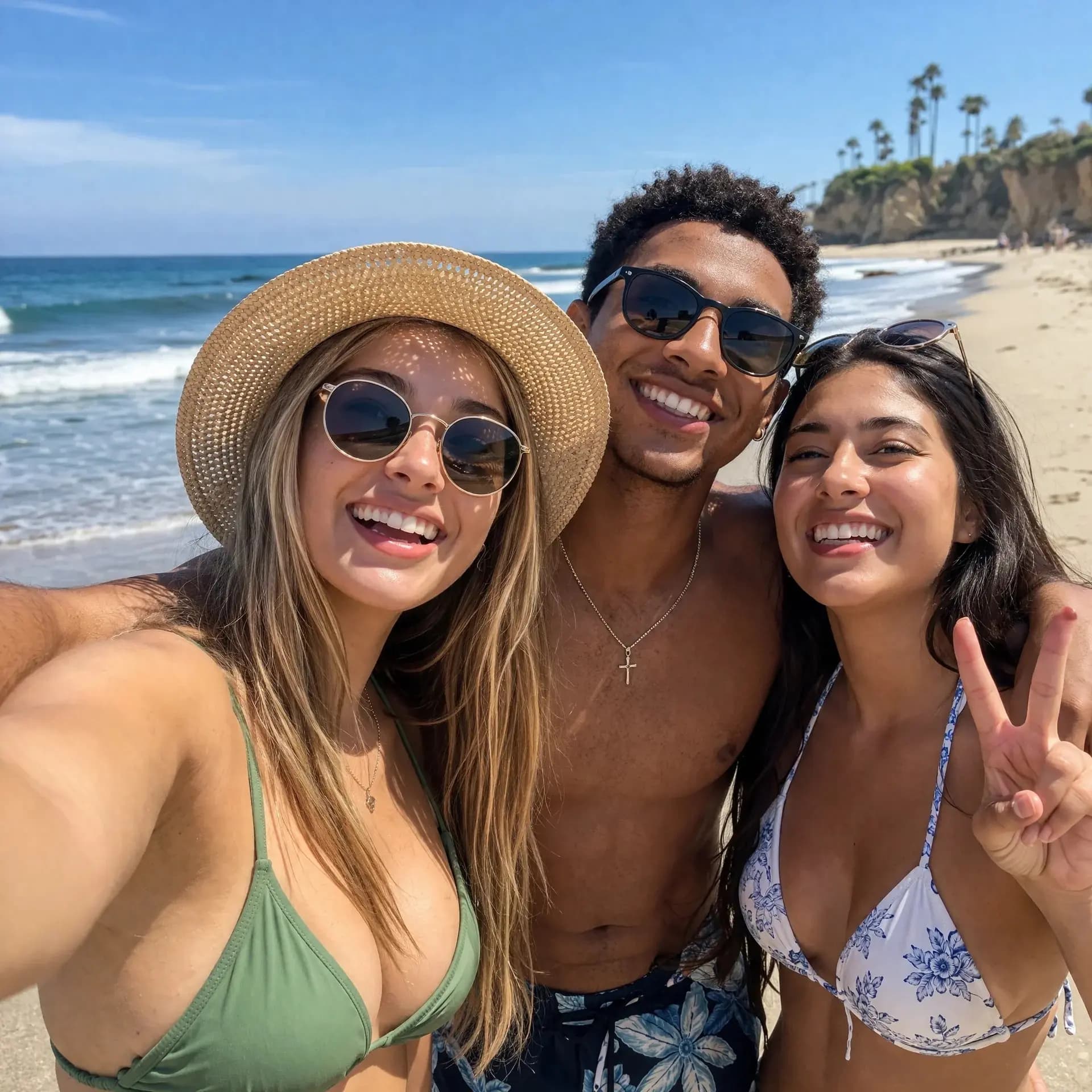
GPT Image 2
OpenAI's newest image model. 13 aspect ratios, up to 4 reference photos, batches of 1-4.
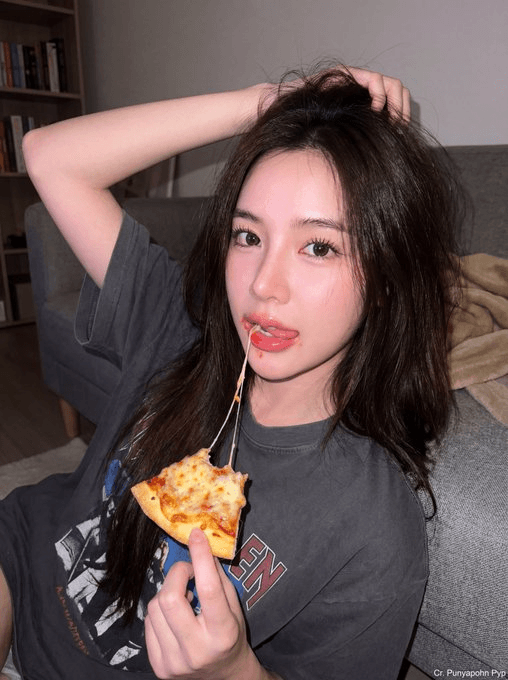
Z-Image Generator
Ultra-fast image generation with Z-Image AI in under 1 second.
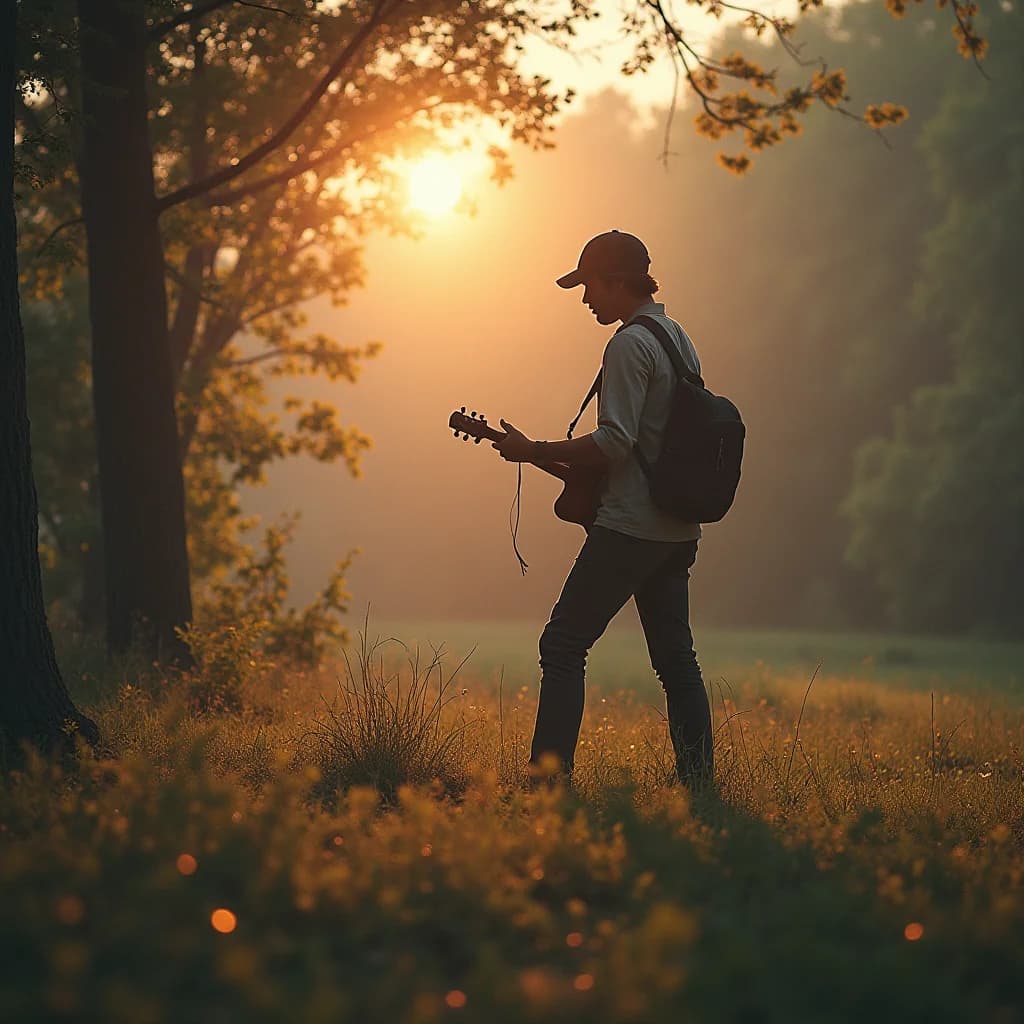
AI Music Generator
Generate music with AI, customize styles, and produce royalty-free tracks instantly.
Sora2 Video Generator - No Watermark
Generate virus videos with Sora2 - featuring lifelike motion, synchronized sound, and multi-shot continuity. No watermark exports ready for YouTube, TikTok, Instagram, and commercial projects.
Why Qwen Image 2512 LoRA?
Qwen Image 2512 LoRA gives you full control over AI image generation. Add your own LoRAs for custom characters and styles. Get perfect text in any language.
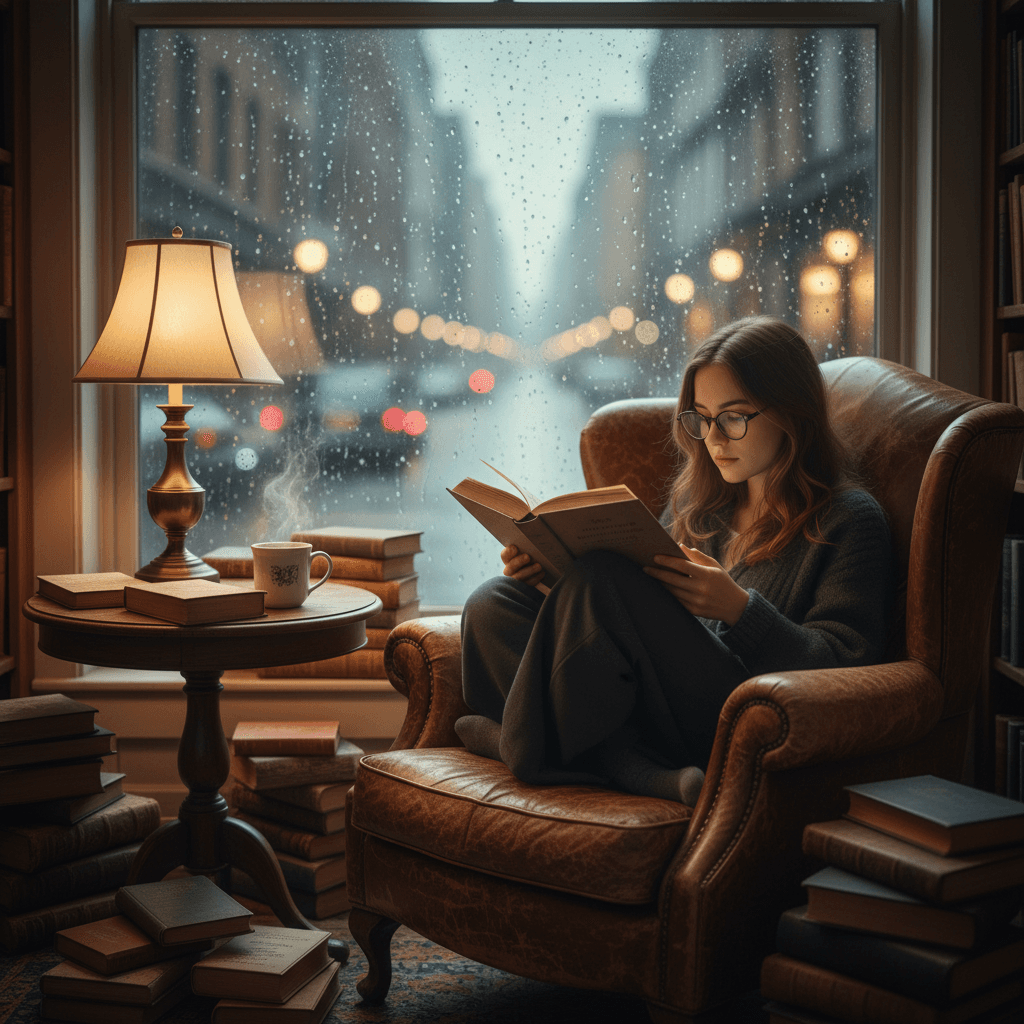
Stack Up to 3 LoRAs
Import .safetensors LoRA files from Civitai or Hugging Face. Adjust each LoRA's scale from 0 to 4. Mix character LoRAs with style LoRAs for unique results.
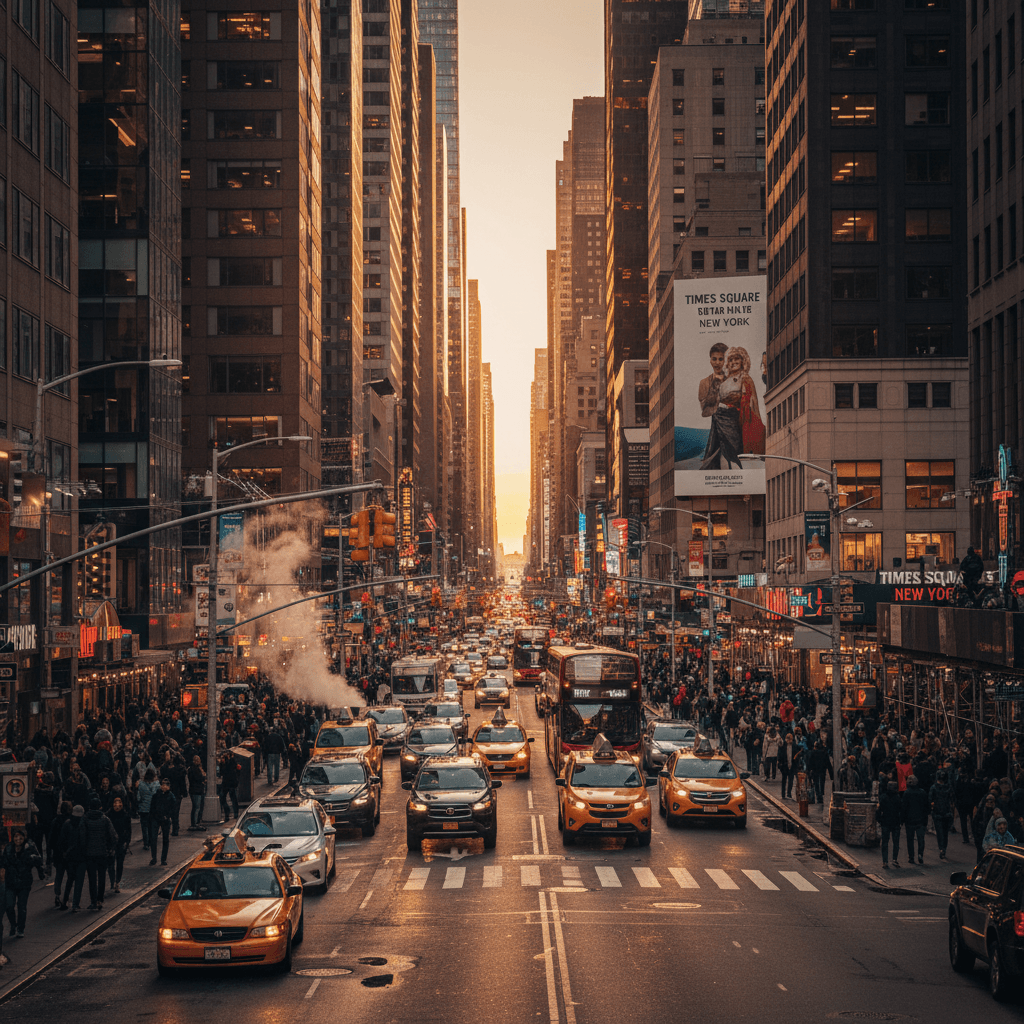
Perfect Text in Images
Qwen Image 2512 renders English and Chinese text correctly. No garbled letters. No weird fonts. Text appears naturally integrated, not pasted on top.
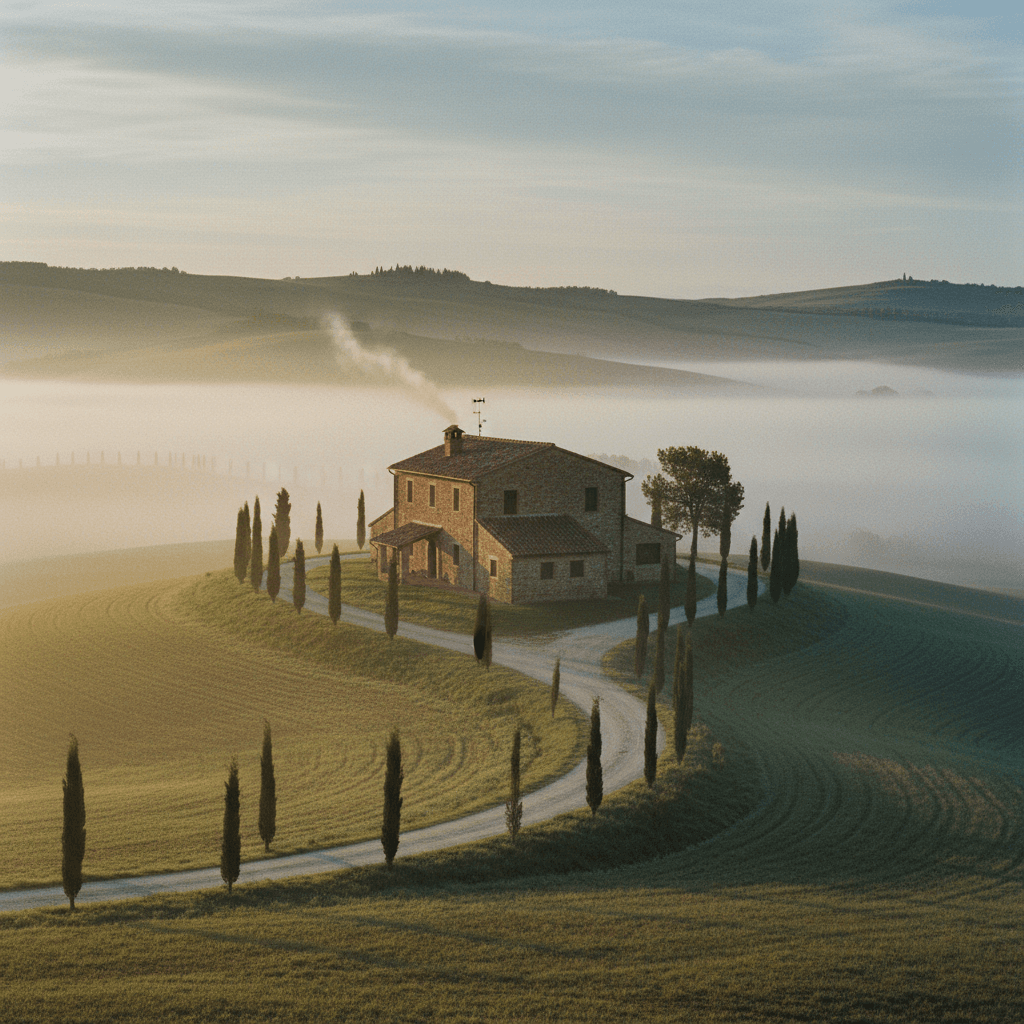
Any Style You Want
Photorealistic portraits. Anime characters. Oil paintings. Qwen Image 2512 LoRA handles them all. Use the same seed to keep subjects consistent across generations.
How to Use Qwen Image 2512 LoRA
Generate your first image with Qwen Image 2512 LoRA in under a minute. No complex setup. No learning curve.
1. Write Your Prompt
Describe what you want. Include style, mood, and any text that should appear in the image. Qwen Image 2512 understands detailed prompts.
2. Add LoRAs (Optional)
Paste up to 3 LoRA paths or URLs. Set scale 0.5 for subtle effect, 1.0 for full effect. Mix styles and characters freely.
3. Choose Size & Format
Pick from 1:1, 16:9, 9:16 and more. Output up to 1536x1536 pixels. Save as JPEG, PNG, or WebP.
4. Generate & Download
Click Generate. Wait 6-10 seconds. Download your image. Qwen Image 2512 LoRA costs 2 credits per generation.
Qwen Image 2512 LoRA Features
Everything you need for professional AI image generation with Qwen Image 2512 LoRA. Custom LoRAs, perfect text, fast results.
20B Parameter Model
Qwen Image 2512 uses a 20-billion parameter architecture. More parameters mean better understanding of your prompts and higher quality output.
Multi-LoRA Stacking
Combine 3 LoRAs at once with Qwen Image 2512 LoRA. One for character, one for style, one for lighting. Each with independent scale control.
English & Chinese Text
Qwen Image 2512 LoRA renders both languages perfectly. Signage, logos, watermarks - all come out readable and properly styled.
6-10 Second Generation
Qwen Image 2512 delivers results fast. No waiting minutes for a single image. Generate, iterate, perfect your vision quickly.
Flexible Output
Qwen Image 2512 LoRA supports sizes up to 1536x1536. Choose JPEG for web, PNG for transparency, WebP for best compression.
Train Your Own LoRAs
Use LoRAs from Civitai or Hugging Face. Or train custom LoRAs with our Qwen Image LoRA Trainer for your characters and brand assets.
Qwen Image 2512 LoRA Reviews
Real feedback from creators using Qwen Image 2512 LoRA for their projects.
Sarah Mitchell
Creative Director
“Qwen Image 2512 LoRA finally gives me consistent characters. I trained a LoRA for my mascot and now every image matches our brand perfectly.”
James Chen
Digital Artist
“The Chinese text rendering in Qwen Image 2512 is unmatched. Other AI models mangle Chinese characters. This one gets them right every time.”
Maria Rodriguez
Brand Manager
“I stack 3 LoRAs in Qwen Image 2512 - character, lighting, and style. The results are exactly what I need for client presentations.”
Qwen Image 2512 LoRA FAQ
Common questions about Qwen Image 2512 LoRA image generation.
What is Qwen Image 2512 LoRA?
Qwen Image 2512 LoRA is an AI text-to-image generator that supports custom LoRA models. It uses a 20B parameter architecture and excels at rendering text in English and Chinese.
How many LoRAs can I use with Qwen Image 2512?
Qwen Image 2512 LoRA supports up to 3 LoRAs simultaneously. Each LoRA has a scale setting from 0.0 to 4.0 to control its influence on the final image.
What image sizes does Qwen Image 2512 support?
Qwen Image 2512 LoRA generates images from 256x256 up to 1536x1536 pixels. Common presets include 1:1, 16:9, 9:16, 4:3, and 3:4 aspect ratios.
How fast is Qwen Image 2512 LoRA generation?
Qwen Image 2512 generates images in 6-10 seconds. Each generation costs 2 credits regardless of size or number of LoRAs used.
Where can I get LoRAs for Qwen Image 2512?
Qwen Image 2512 LoRA works with .safetensors files from Civitai, Hugging Face, or custom-trained LoRAs. Use our Qwen Image LoRA Trainer to create your own.
Why is Qwen Image 2512 better at text rendering?
Qwen Image 2512 LoRA was specifically trained for bilingual text generation. It renders English and Chinese typography correctly, integrating text naturally into images.