
AI Prompt Generator for Better AI Image Prompts
Turn rough ideas into clean prompts for Midjourney, Flux, GPT Image, and more. Great for ai image prompts, prompt examples, and fixing vague input fast.


Loved by 10,000+ creators
0/2000
Automatically detect the best category based on your input
Your generated prompt will appear here
Explore More AI Tools
Explore our comprehensive suite of AI-powered creative tools designed to enhance your workflow.
Veo 3.1 Video
Google Veo 3.1 with native audio and realistic physics for cinematic video generation.
Seedance 1.5 Pro
ByteDance Seedance 1.5 Pro with joint audio-video generation for professional results.
Nano Banana Pro Image Generator
Advanced text-based image editing with enhanced AI capabilities and professional-grade results.

Seedream 4.5 Image Generator
Ultra-fast professional image generation in under 1 second with 4K resolution support.

Qwen Image 2512
20B MMDiT model with best-in-class bilingual text rendering for stunning AI images.
GPT Image 2
OpenAI's newest image model. 13 aspect ratios, up to 4 reference photos, batches of 1-4.
Z-Image Generator
Ultra-fast image generation with Z-Image AI in under 1 second.
AI Music Generator
Generate music with AI, customize styles, and produce royalty-free tracks instantly.
Turn Rough Ideas into AI Image Prompts That Work
Most failed generations start with vague prompt input. This tool turns short descriptions into structured AI image prompts with clearer subject, style, lighting, and composition details.
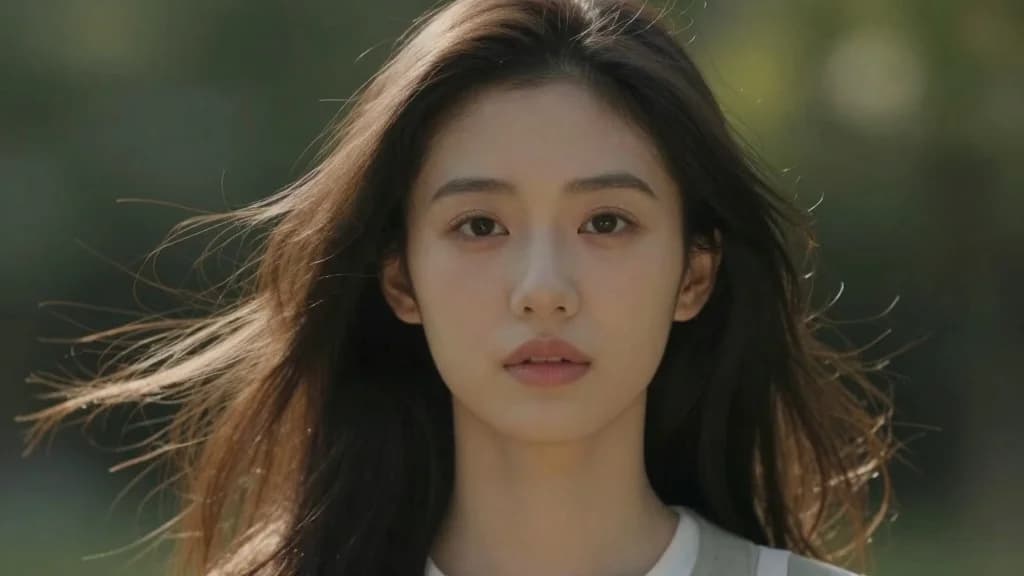
Vague Input → Vague Output
"Nice portrait" tells AI nothing. It needs details: lighting direction, skin texture, eye contact, background blur. This tool adds 15-20 technical keywords your description is missing.
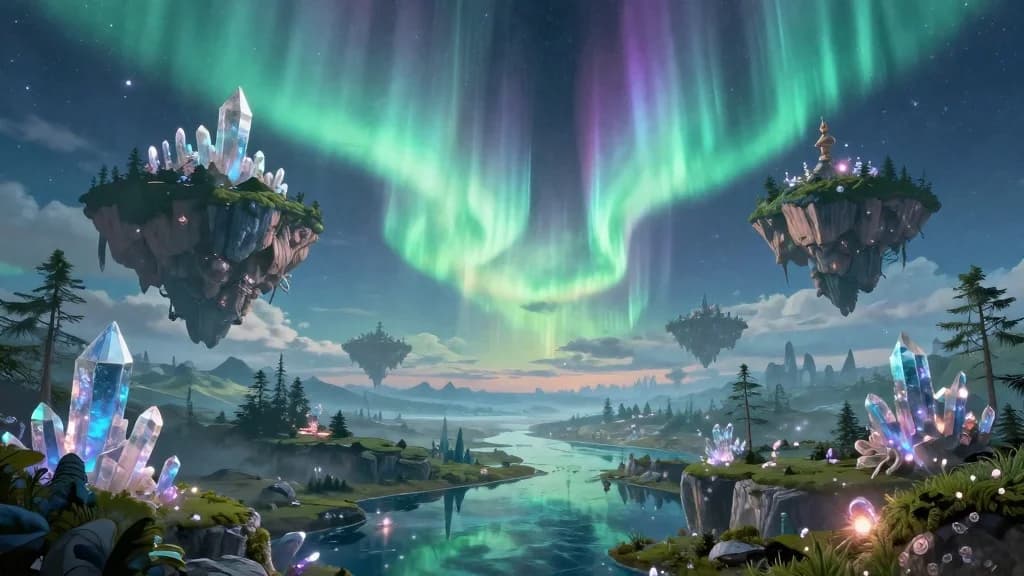
AI Speaks Keywords, Not Sentences
"Please create a photo of..." confuses the model. It strips the fluff and outputs pure descriptive commands. Same idea, 3x better results.
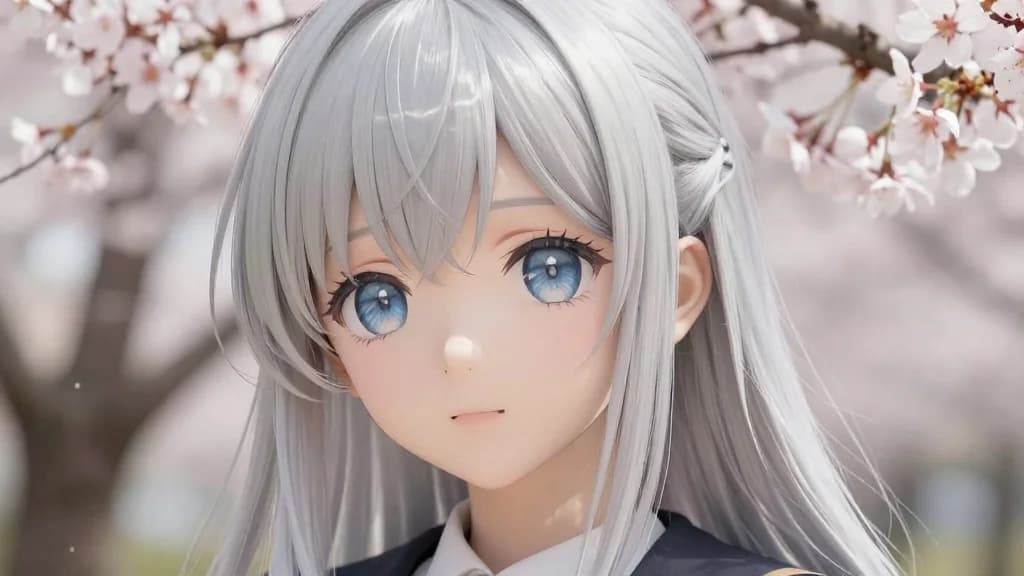
Different Subjects Need Different Structures
Portrait prompts need facial details. Design prompts need color theory. It detects your subject and applies the right prompt structure automatically.
Write in Chinese, Get English Prompts
Input "电影级亚洲女性肖像" and get an optimized English prompt. Works with any image generator worldwide.
How to Use the AI Prompt Generator
From idea to optimized prompt in 10 seconds
Type Your Idea
Write in plain English or Chinese. "Cute anime girl with blue hair" or "科技感的产品图" - both work perfectly.
Select a Mode
Auto mode works for most cases. Pick Portrait for people, Design for graphics, or Cross-Domain for creative mashups.
Generate Prompt
Click Generate and watch your simple idea transform into a detailed, optimized prompt with professional keywords.
Copy & Use
One click copies to clipboard. Paste into Midjourney, DALL-E, Stable Diffusion, Flux - any AI image generator you use.
AI Prompt Generator Features
Tools that make prompt writing effortless
Auto Mode
Not sure what mode to pick? Auto analyzes your input and chooses the best approach. It does the thinking for you.
Portrait Mode
Optimized for faces and people. Adds skin texture, lighting angles, expression details, and background treatment that make AI portraits look professional.
Design Mode
Built for graphics, logos, and marketing materials. Includes color schemes, composition rules, and commercial styling keywords.
Cross-Domain Mode
Blend artistic styles. "Art nouveau meets sci-fi" without knowing the terminology. It handles the creative translation.
Instant Copy
Click once, prompt copied. No selecting text, no formatting issues. Ready to paste into any AI image tool.
Learn as You Go
See what keywords get added. Over time, you'll learn prompt patterns and write better prompts yourself.
AI Prompt Generator Questions
Common questions about the AI prompt generator
What is an AI prompt generator?
It takes your simple description and converts it into an optimized prompt for AI image tools. You write "cool robot" and get a detailed prompt with style, lighting, materials, and composition keywords that AI models understand.
Which image generators work with these prompts?
Prompts from this AI prompt generator work everywhere: Midjourney, DALL-E, Stable Diffusion, Flux, Leonardo, and more. The output uses universal keywords that all AI image models recognize.
What do Portrait, Design, and Cross-Domain modes do?
Portrait mode adds face-specific keywords (skin texture, eye detail, lighting). Design mode adds graphic design terms (color theory, composition). Cross-Domain blends different artistic styles. The AI prompt generator picks keywords based on your chosen mode.
Can I input Chinese text?
Yes. Type in Chinese, get an English prompt. The AI prompt generator translates and optimizes in one step. Works with traditional and simplified Chinese.
Why are AI-generated prompts better than my own?
AI models respond to specific keyword patterns. Most people write conversationally. The AI prompt generator knows what keywords trigger better results and structures them in the order AI models expect.
Is the AI prompt generator free?
Yes. Sign in and generate unlimited prompts. No credit card needed. The AI prompt generator is free for all users.
Can I modify the output?
Absolutely. The AI prompt generator gives you a starting point. Add your own keywords, remove what you don't want, tweak until it's perfect.
How do I get better results?
Be specific in your input. "Woman in red dress" beats "woman." The more detail you give the AI prompt generator, the more targeted your output. Include style preferences, mood, and setting when possible.