




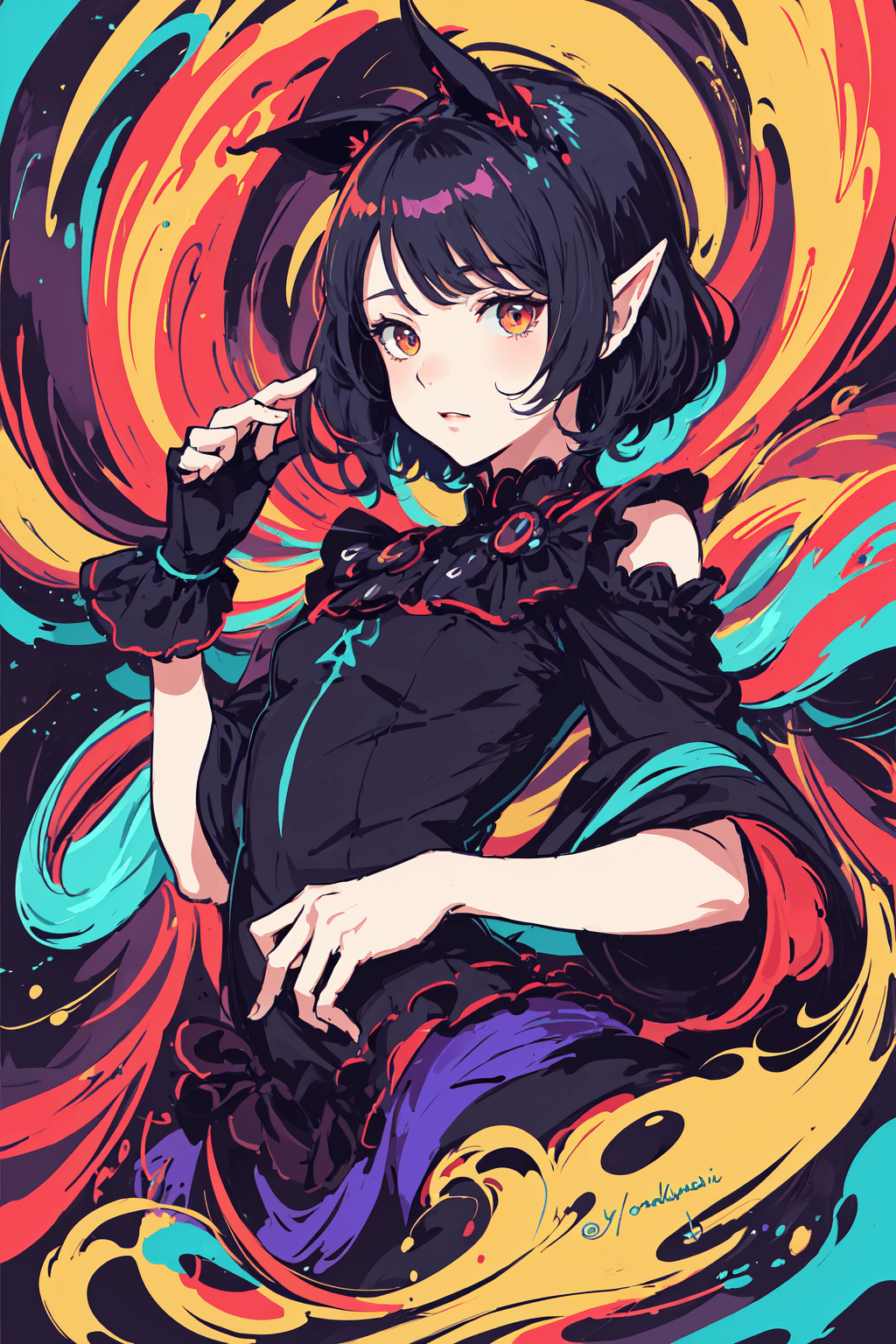
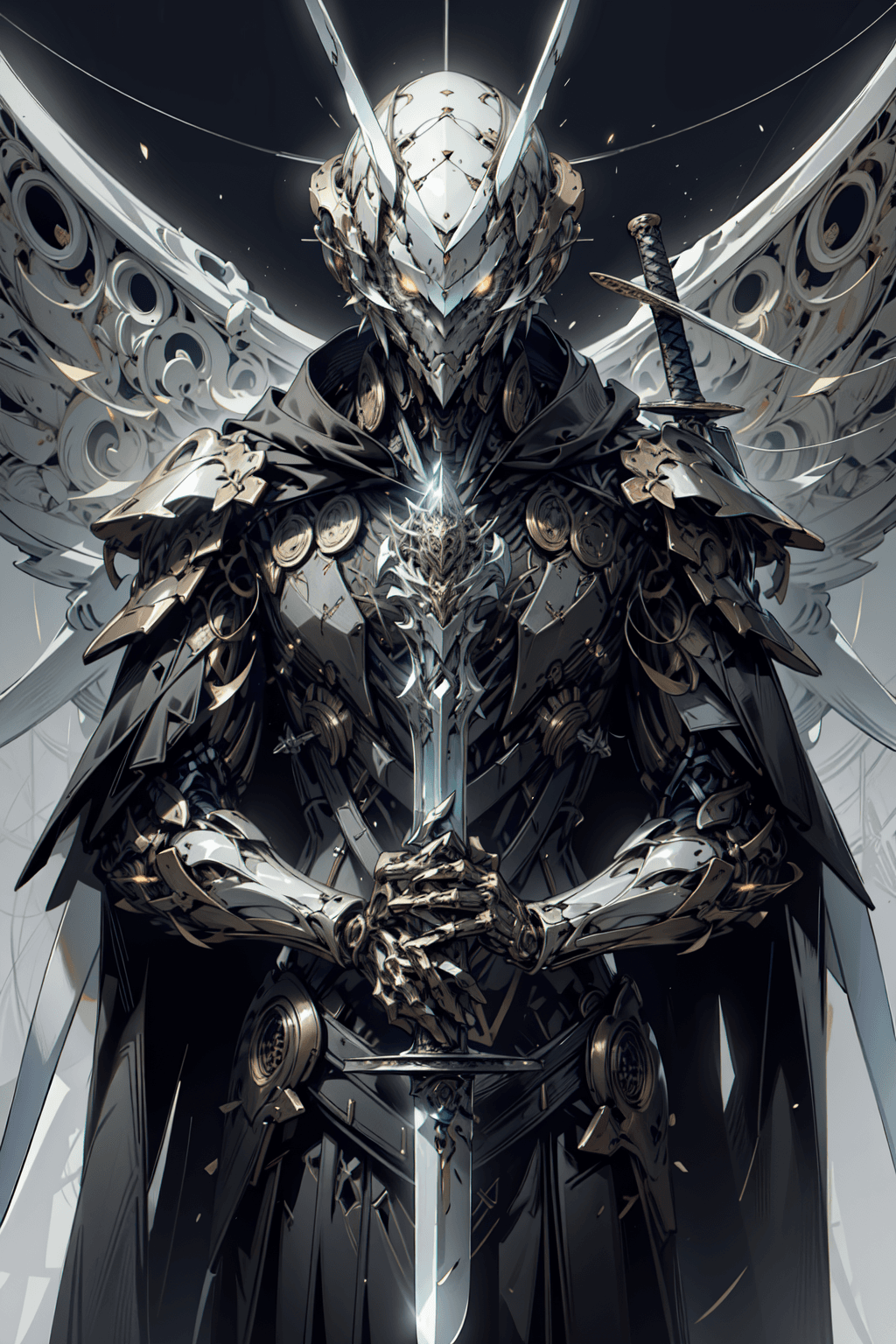


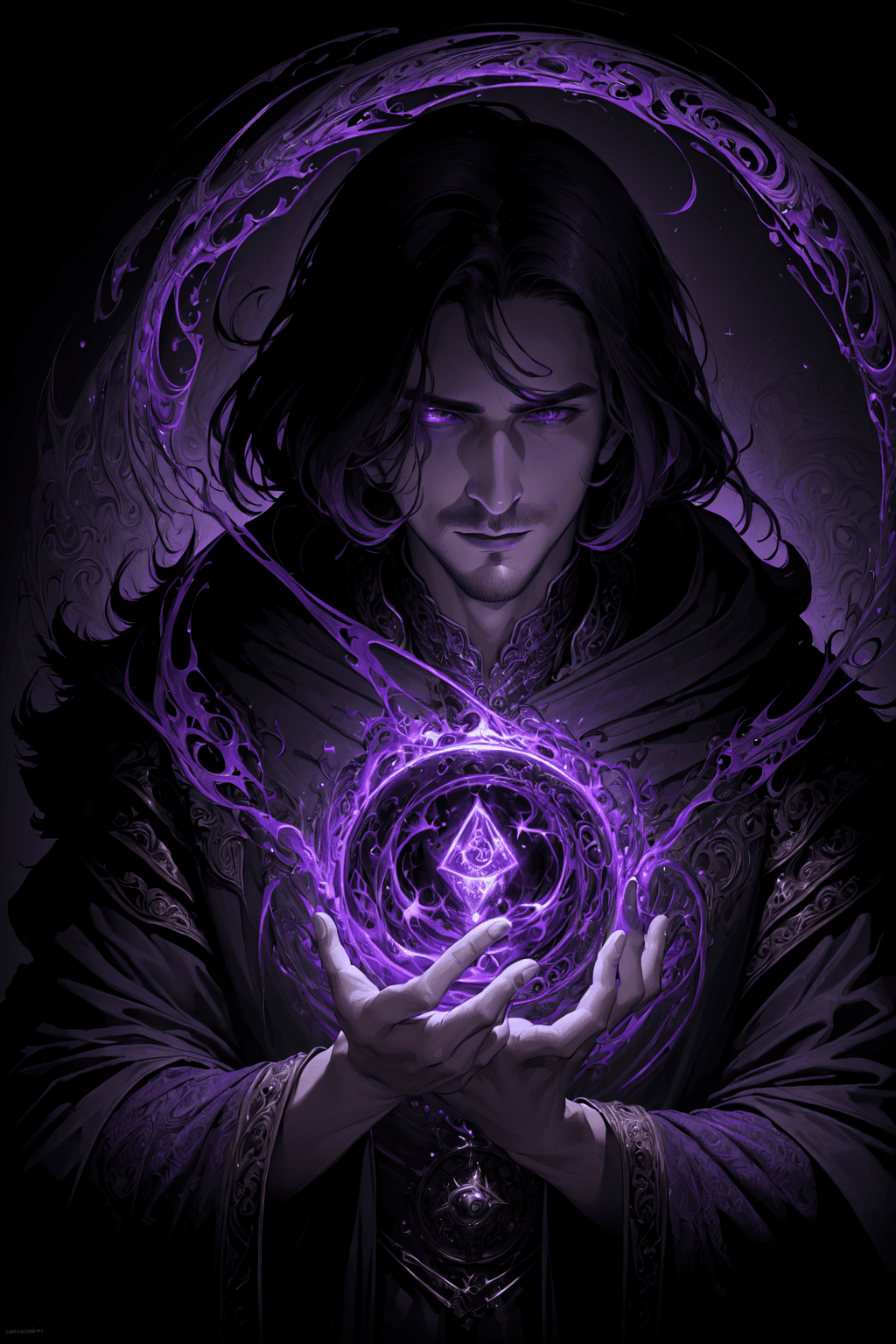

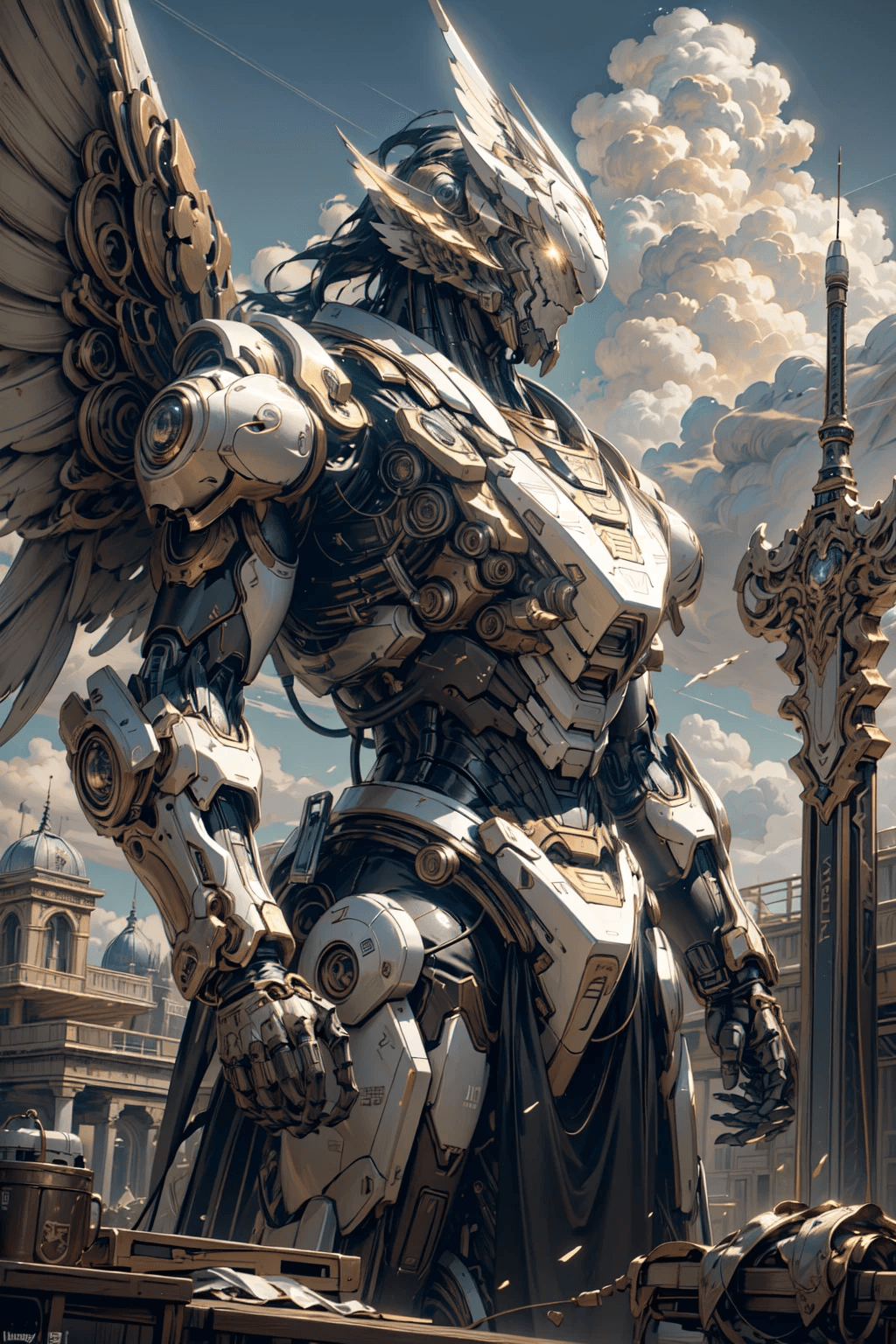

19 images
Introduction
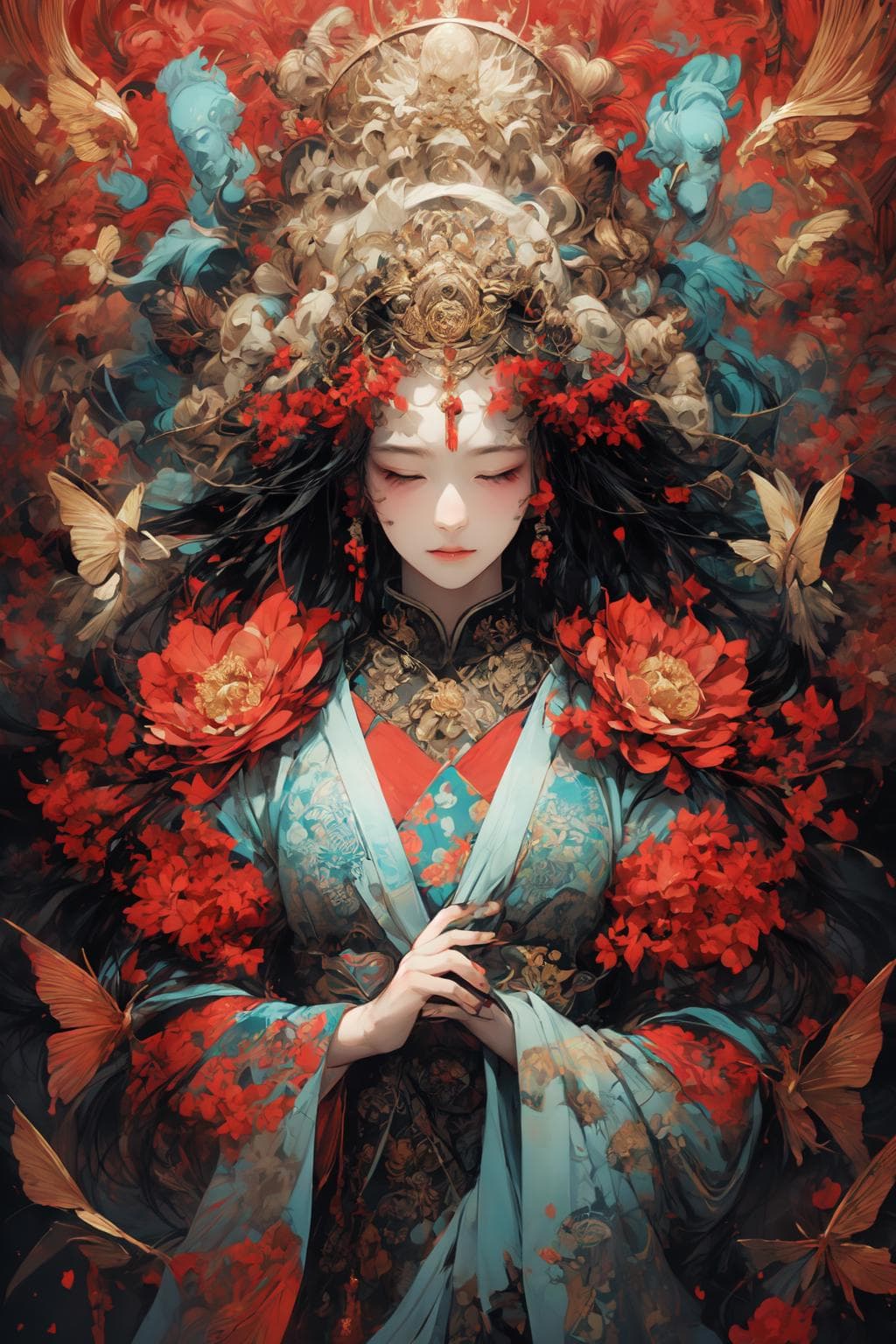
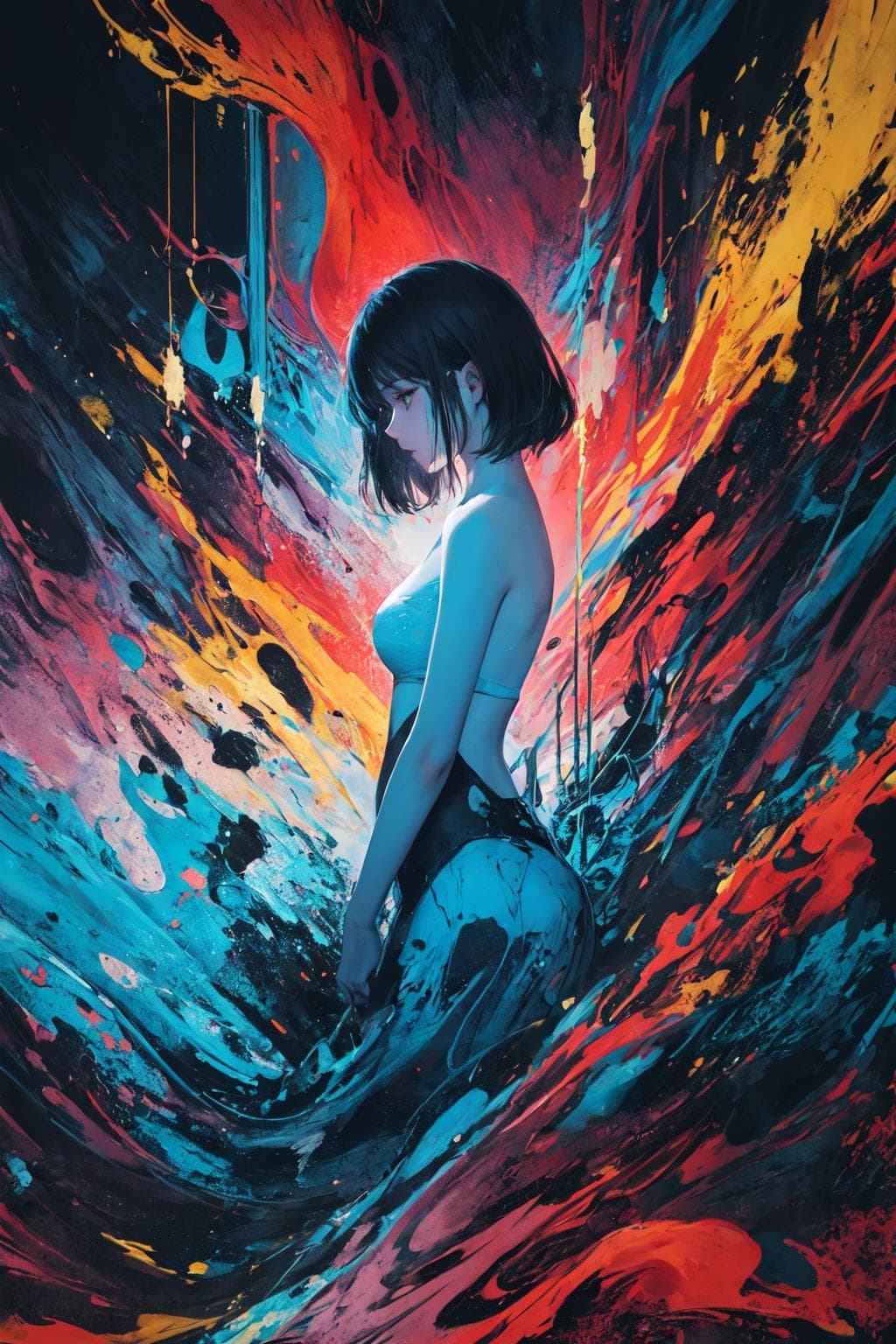
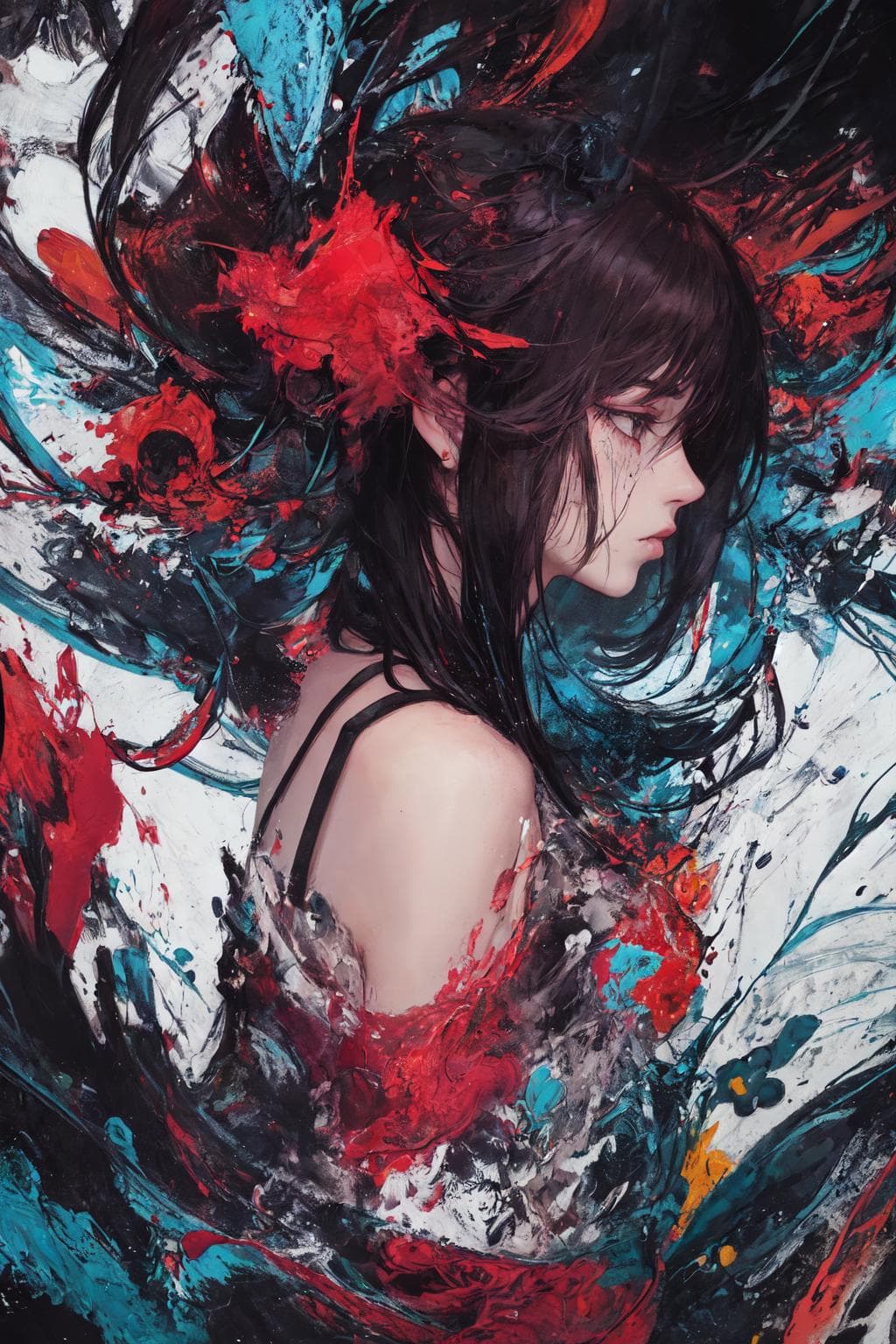
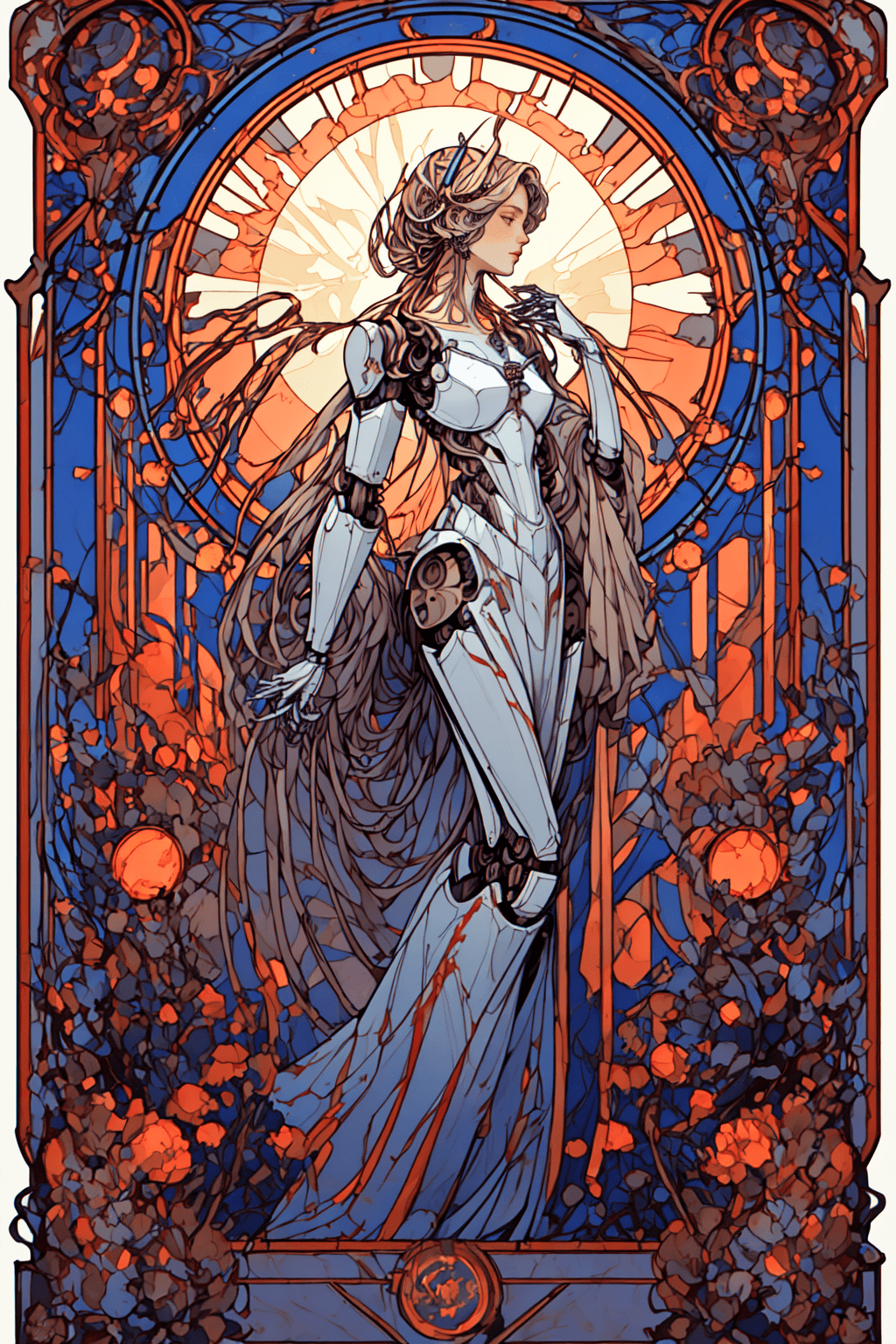
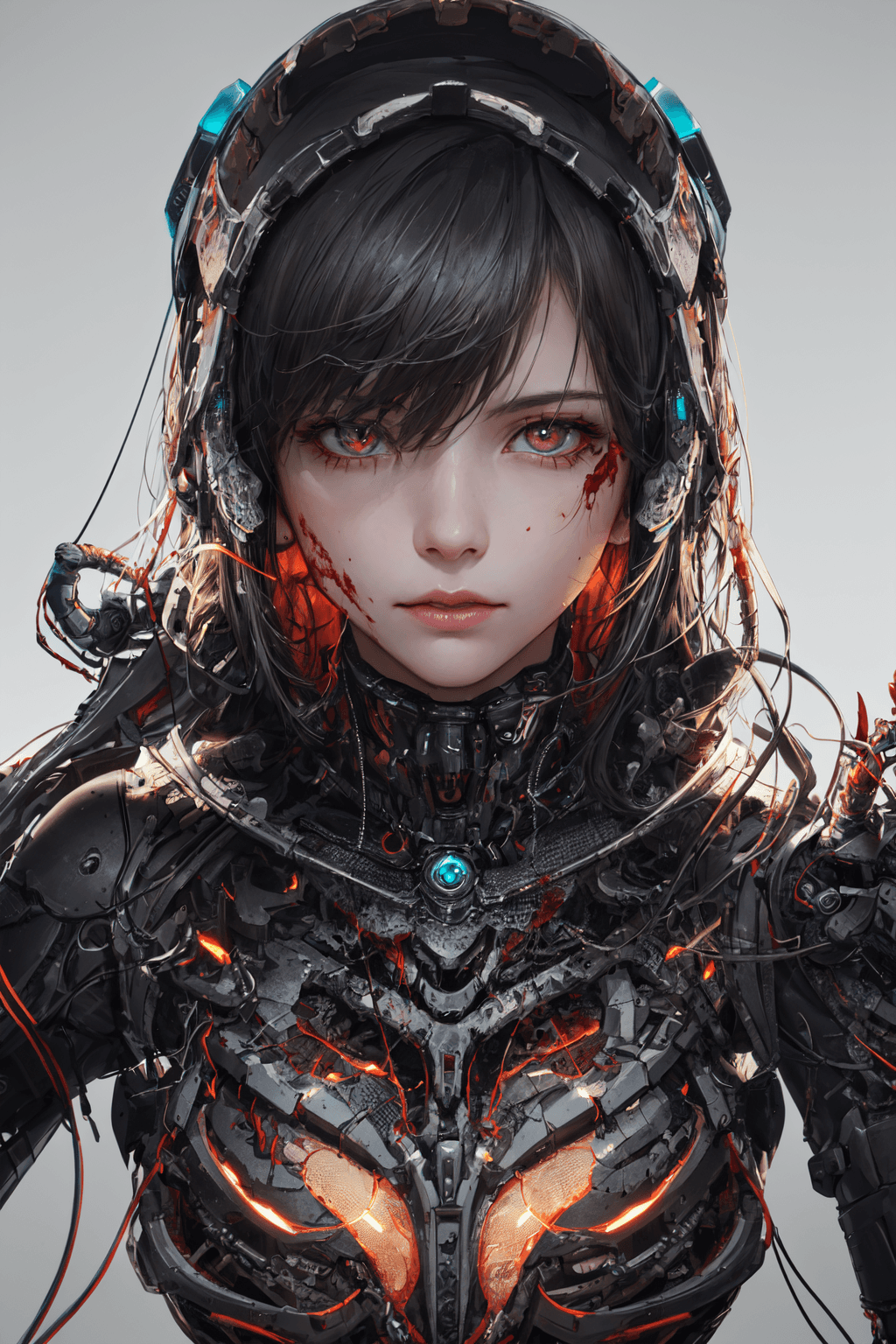
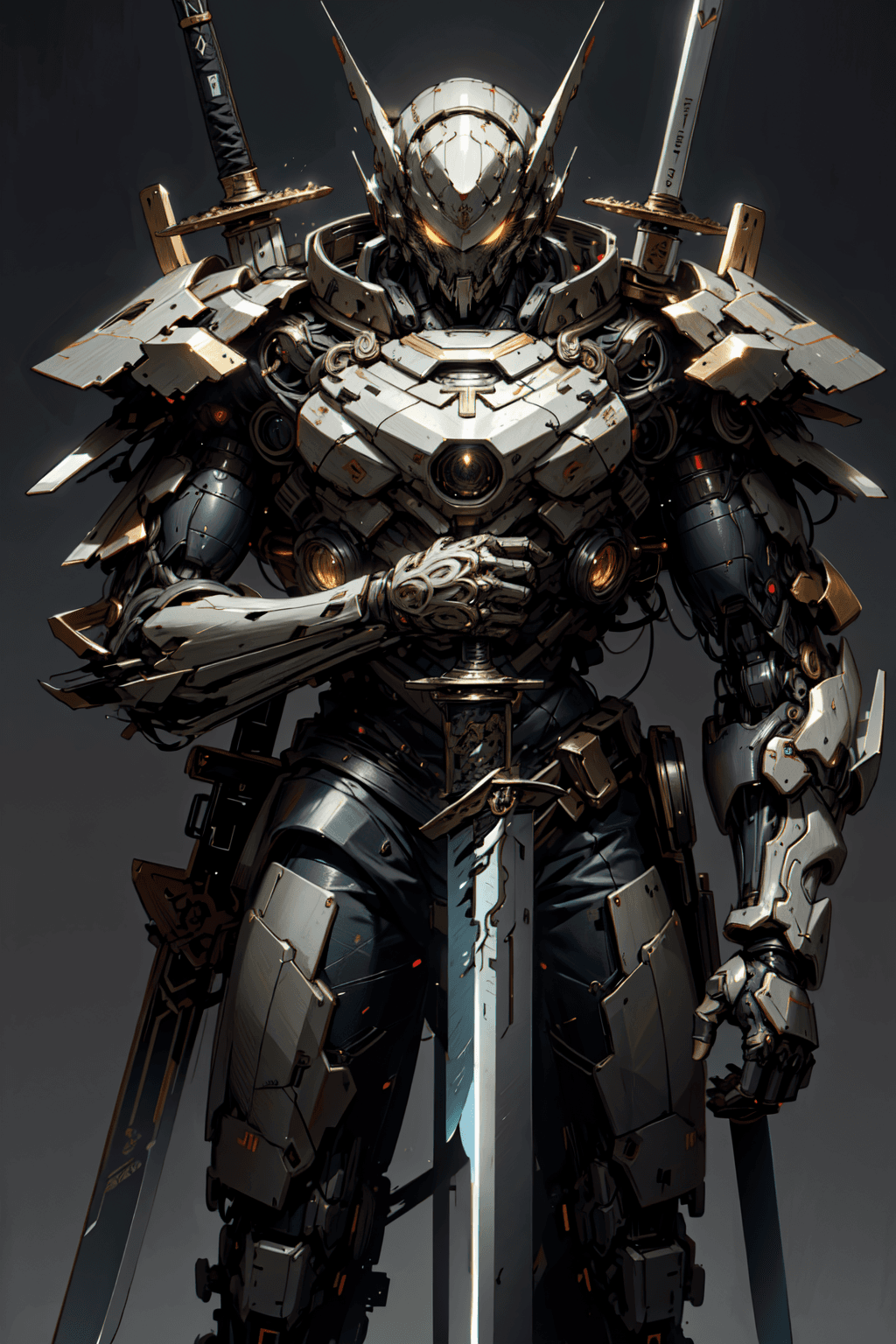
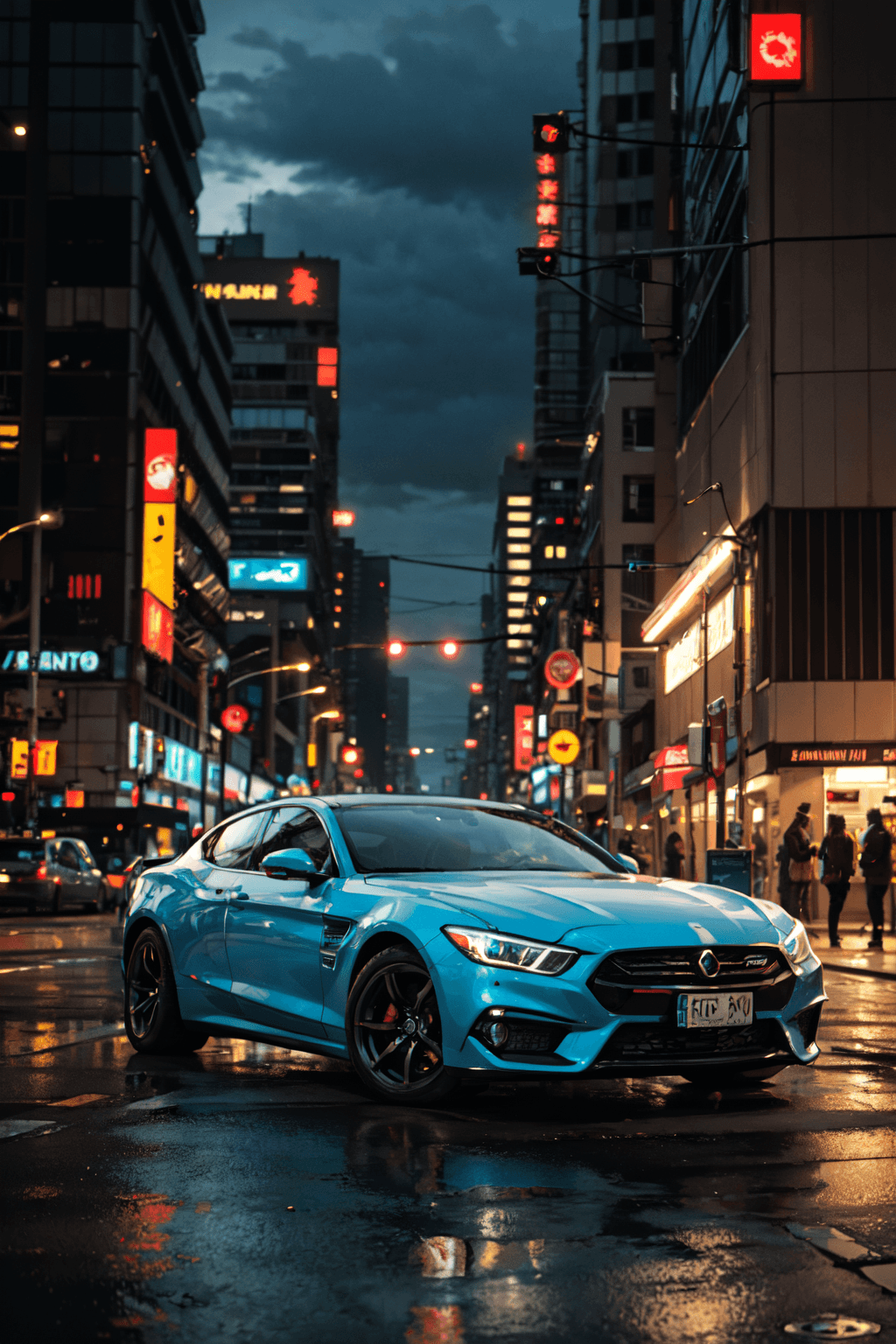
GhostMix (鬼混) is a versatile AI checkpoint model designed for generating high-quality images. This model emphasizes reproducibility and offers robust performance across various creative applications. It is particularly noted for its ability to produce consistent results when proper settings are applied, aiming for detailed and visually appealing outputs.
How to Use
Trigger Word
No specific trigger word is required to activate the GhostMix model.
Recommended Settings
- Steps: 20 (A range of 20-30 steps is generally effective.)
- CFG Scale: 7 (A range of 3-7 is suggested, with 7 often yielding the best results, and 3 sometimes producing surprising outcomes.)
- Weight: 1
- Sampler: DPM++ series is recommended.
- Resolution: For optimal results, consider starting with resolutions such as 1024x1024, or 1024x1536 for portrait-oriented images.
Tips for Best Results
- High-Resolution Fix: It is highly recommended to use High-Resolution Fix for improved detail and quality. * Option 1: 2x upscale with a Denoising strength of 0.4-0.5. * Option 2: 1.5x upscale with a Denoising strength of 0.5-0.65.
- Reproducibility: To achieve results consistent with examples, ensure your CLIP values (CLIP1 and CLIP2) match the original image's settings. You can often find these details in the PNG information of example images.
- Random Number Generation: If you encounter issues with reproducibility, especially when using online platforms, it may be due to the random number generation source (GPU vs. CPU). It is recommended to download the model and run it locally, ensuring your advanced settings for random seed generation are set to GPU for consistent outcomes.
- Prompt Compatibility: Most prompts that worked with previous versions of the model should continue to generate similar results.
- Negative Prompts: * Recommended: Use
ng_deepnegative_v1_75tandeasynegative. * Avoid:BadHandV4andV5, as these can significantly alter the model's intended art style.
Example Prompts
No specific example prompts were provided for this model.
FAQ
Q: What trigger word should I use?
A: No trigger word is required.
Q: What are the recommended settings?
A: Steps: 20, CFG: 7, Weight: 1
Q: What resolution works best?
A: 1024x1024, 1024x1536 for portrait.