


Introduction
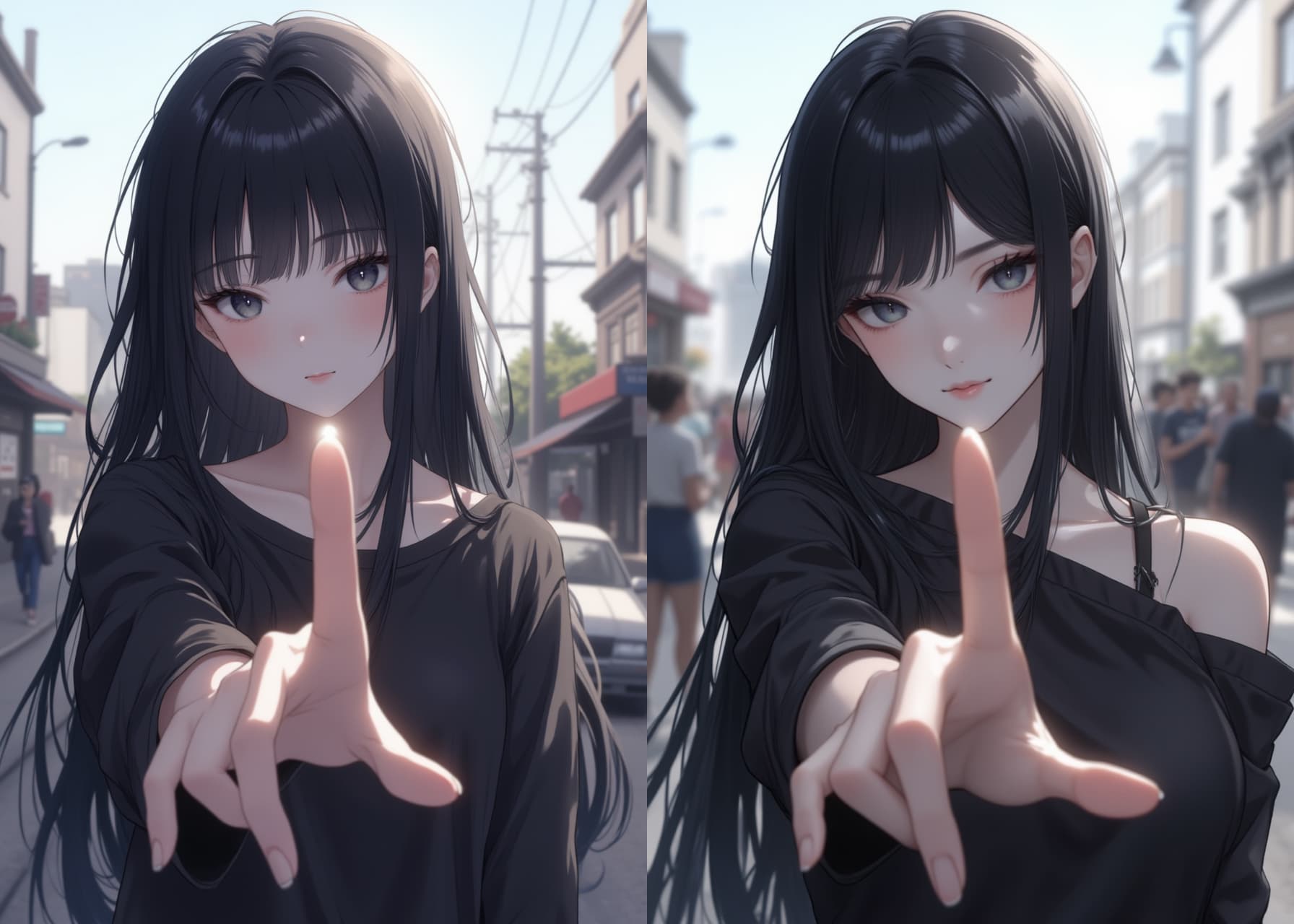
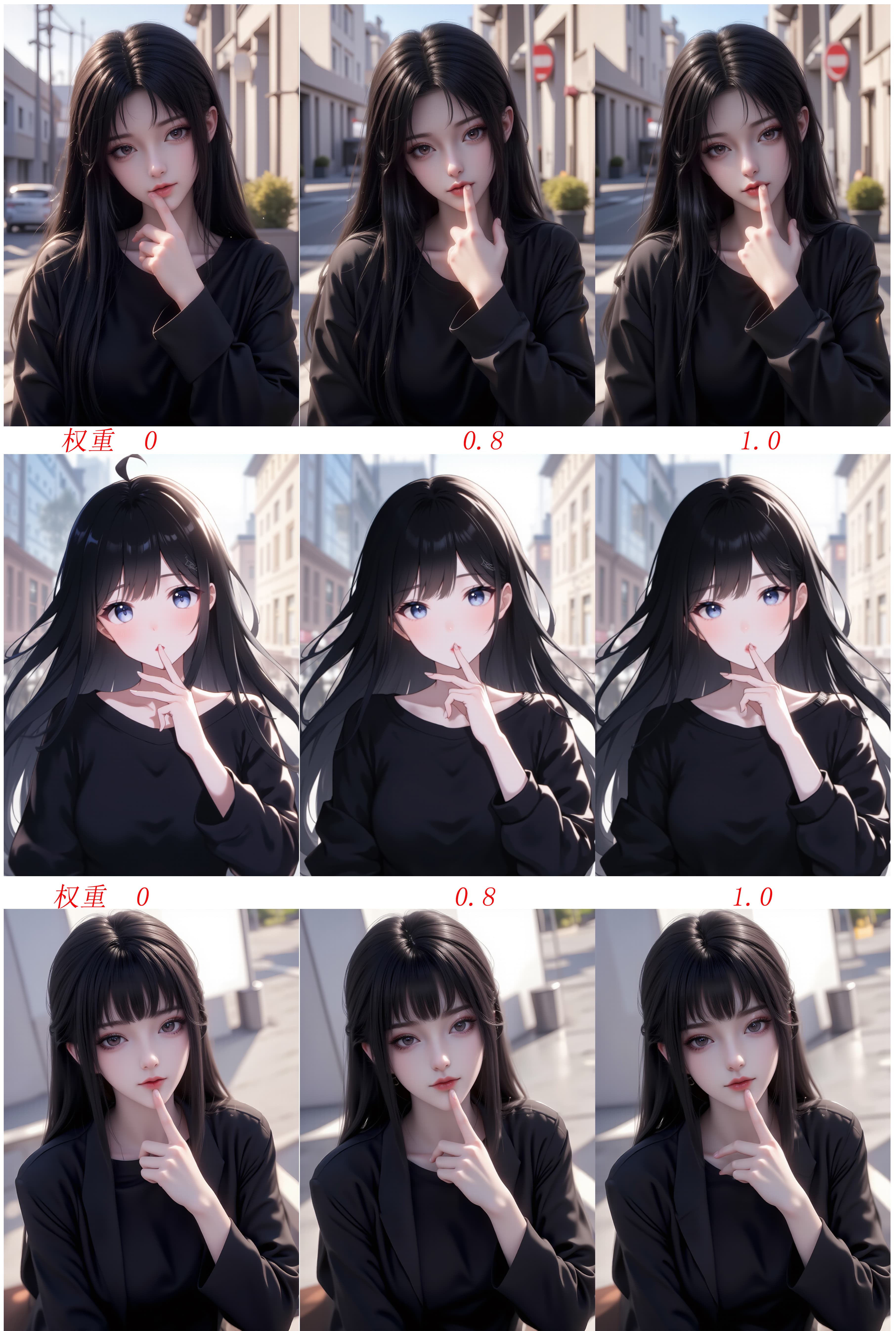
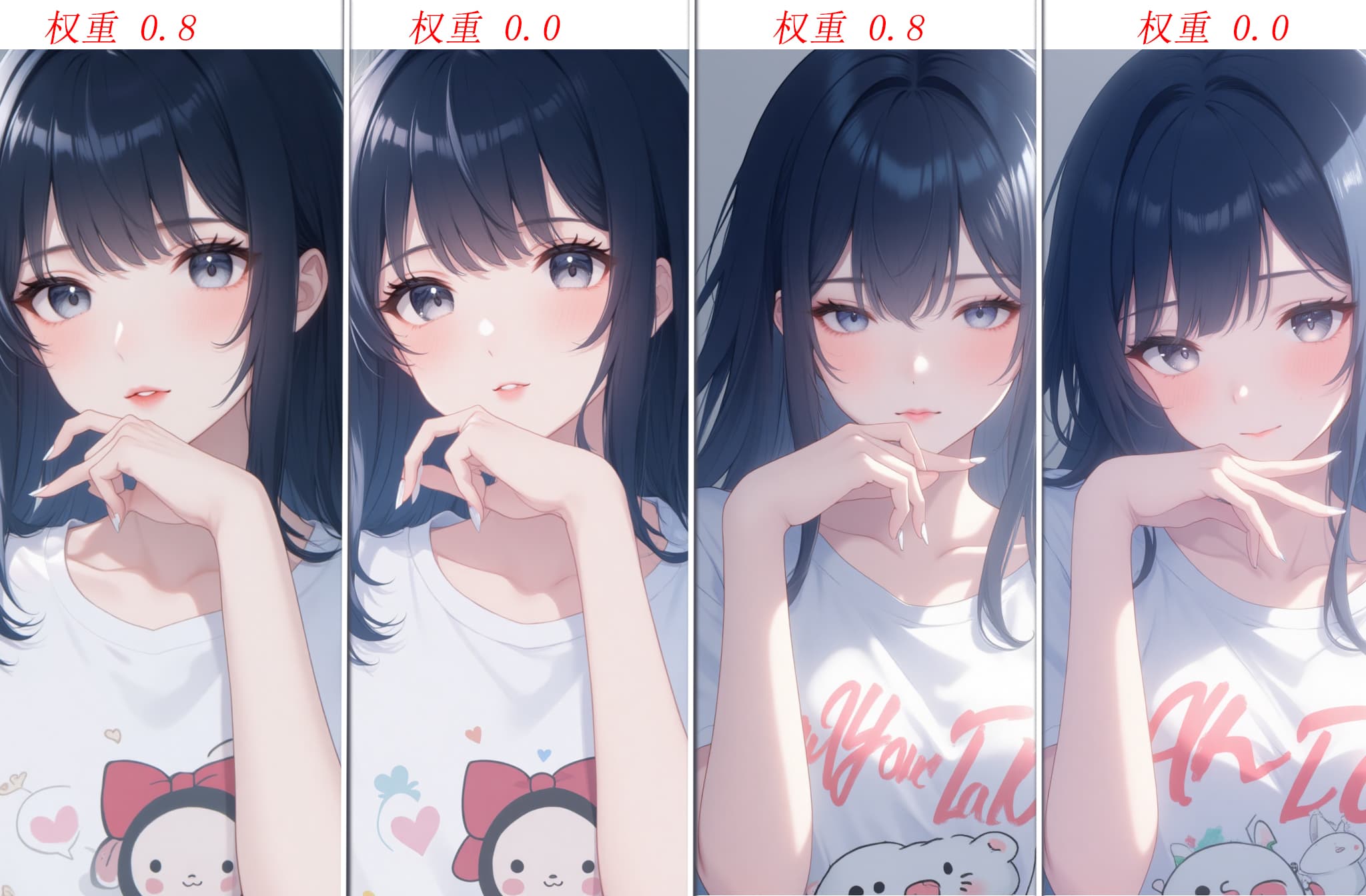
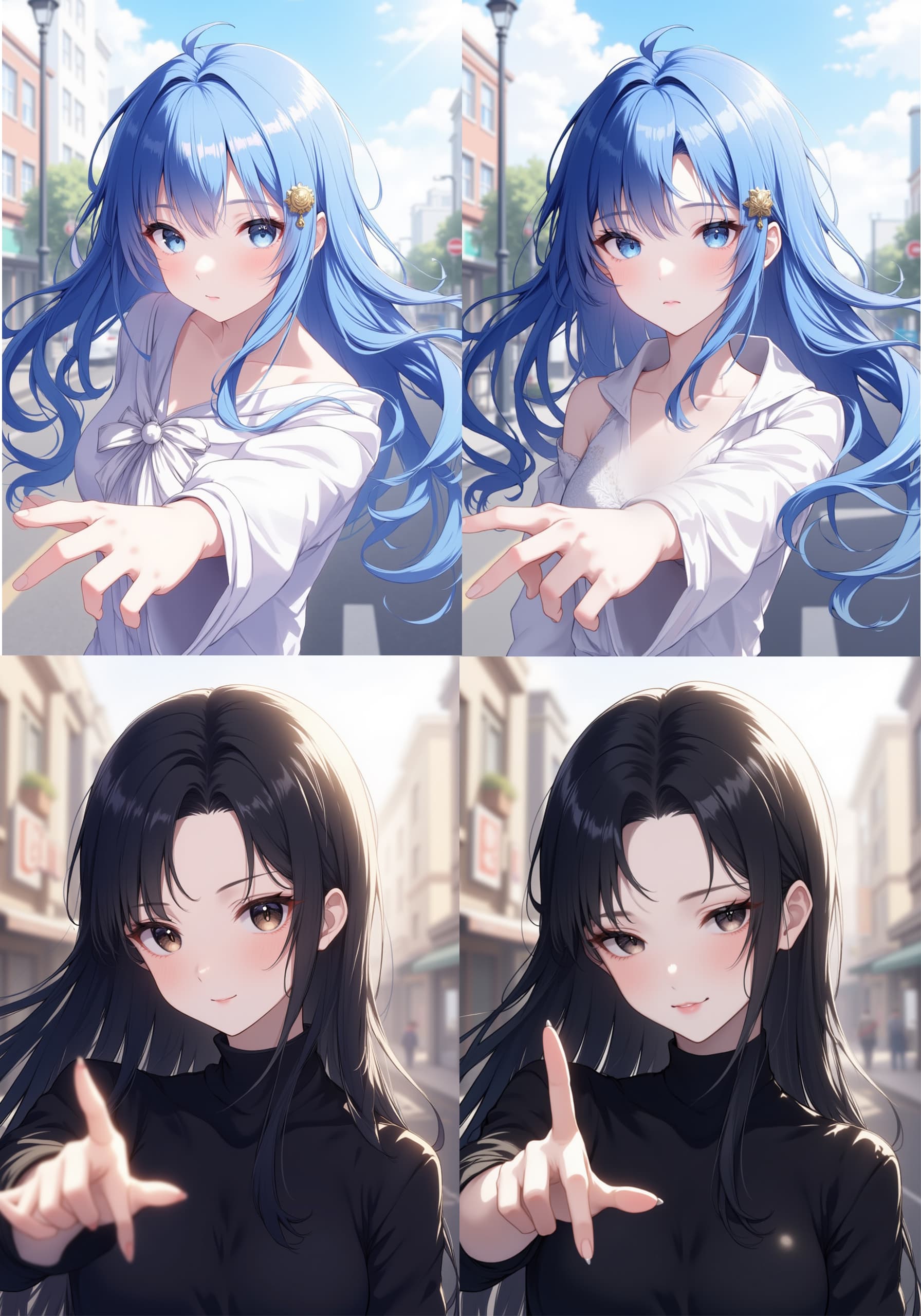
The Xian-T Hand Repair Lora is a specialized AI model designed to significantly improve the quality and realism of hands in AI-generated images. It addresses the common issue of "broken" or anatomically incorrect hands often seen in AI art, allowing for more natural and aesthetically pleasing results. This Lora functions as a utility model, meaning it integrates seamlessly with your chosen base model without imposing a specific art style or aesthetic. Its primary goal is to enhance hand anatomy and posing, ensuring that generated hands appear correct and natural within the context of your image. It does not negatively affect the overall art style, character clothing, composition, or the performance of other LORAs used simultaneously.
How to Use
To achieve optimal results with the Xian-T Hand Repair Lora, follow these guidelines: * Trigger Word: No trigger word is required. The Lora automatically applies its effects when active.
- Recommended Settings: * Steps: 20 * CFG Scale: 3.5 * Lora Weight: 0.8 (for direct image generation)
- Tips from the Creator: * Base Model Compatibility: This Lora is highly versatile and works well with any base model. Feel free to experiment with your favorites. * Direct Generation: For most scenarios, simply enable the Lora with the recommended weight during text-to-image generation. It excels at producing natural hand poses. * Advanced Usage (Challenging Poses): If you're aiming for more complex or extreme hand poses, consider these advanced techniques: * Image-to-Image (Img2Img): Start by drawing a basic outline of the desired hand pose. Then, use img2img with a denoising strength of 0.7 and increase the Lora weight up to 1.2 for more pronounced effects. * Inpainting: For specific areas, use inpainting. Apply a small amount of paint to the hand region and generate multiple times until you achieve the desired outcome.
Example Prompts
No specific example prompts were provided for this Lora. It is designed to enhance hands within any prompt you use for image generation.
FAQ
Q: What trigger word should I use?
A: No trigger word is required for the Xian-T Hand Repair Lora.
Q: What are the recommended settings?
A: For direct image generation, the recommended settings are: Steps: 20, CFG Scale: 3.5, and Lora Weight: 0.8.
Q: What resolution works best?
A: The optimal resolution may vary depending on your base model and desired output. Common resolutions like 512x512, 768x768, or 1024x1024 are good starting points.