




20 images
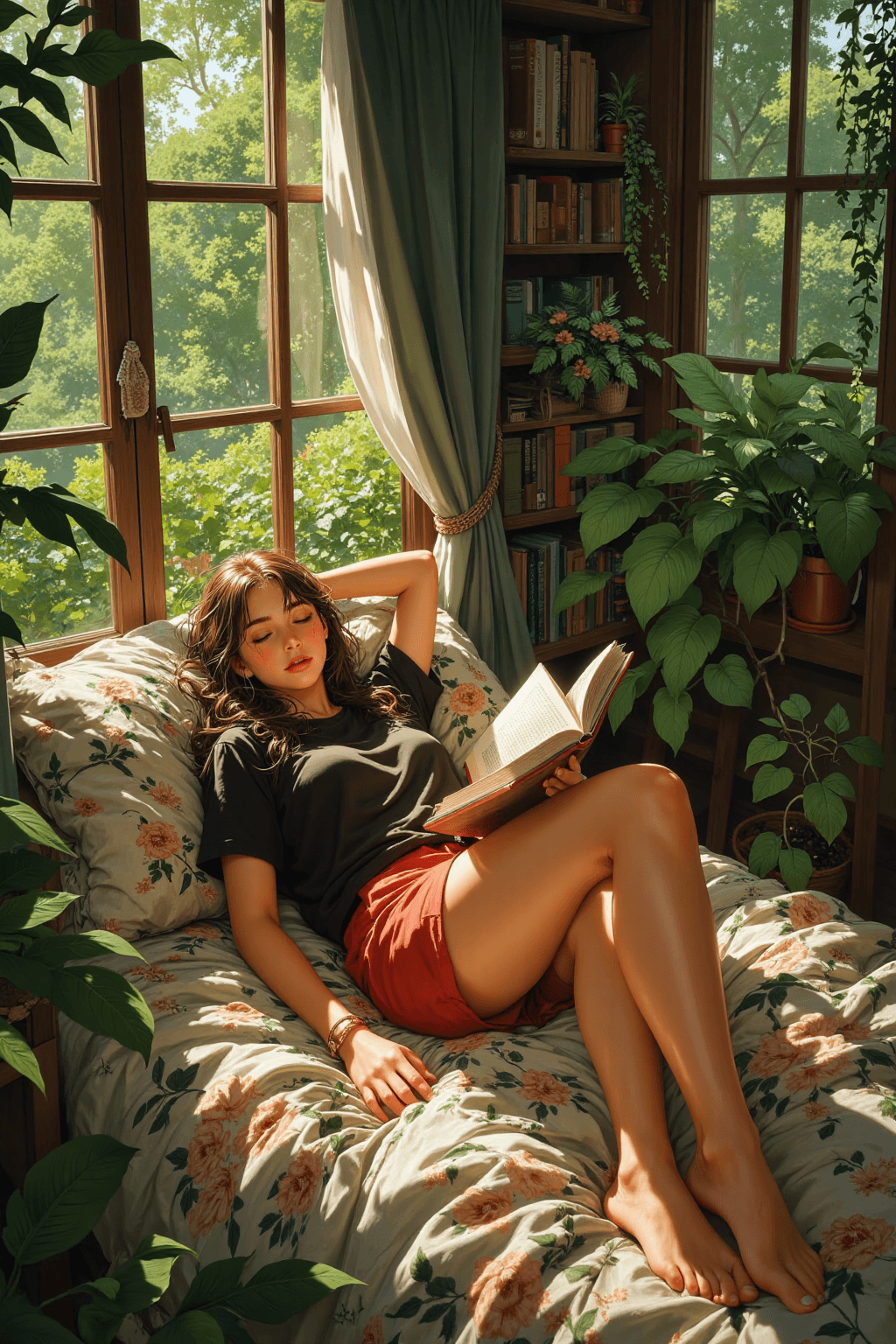
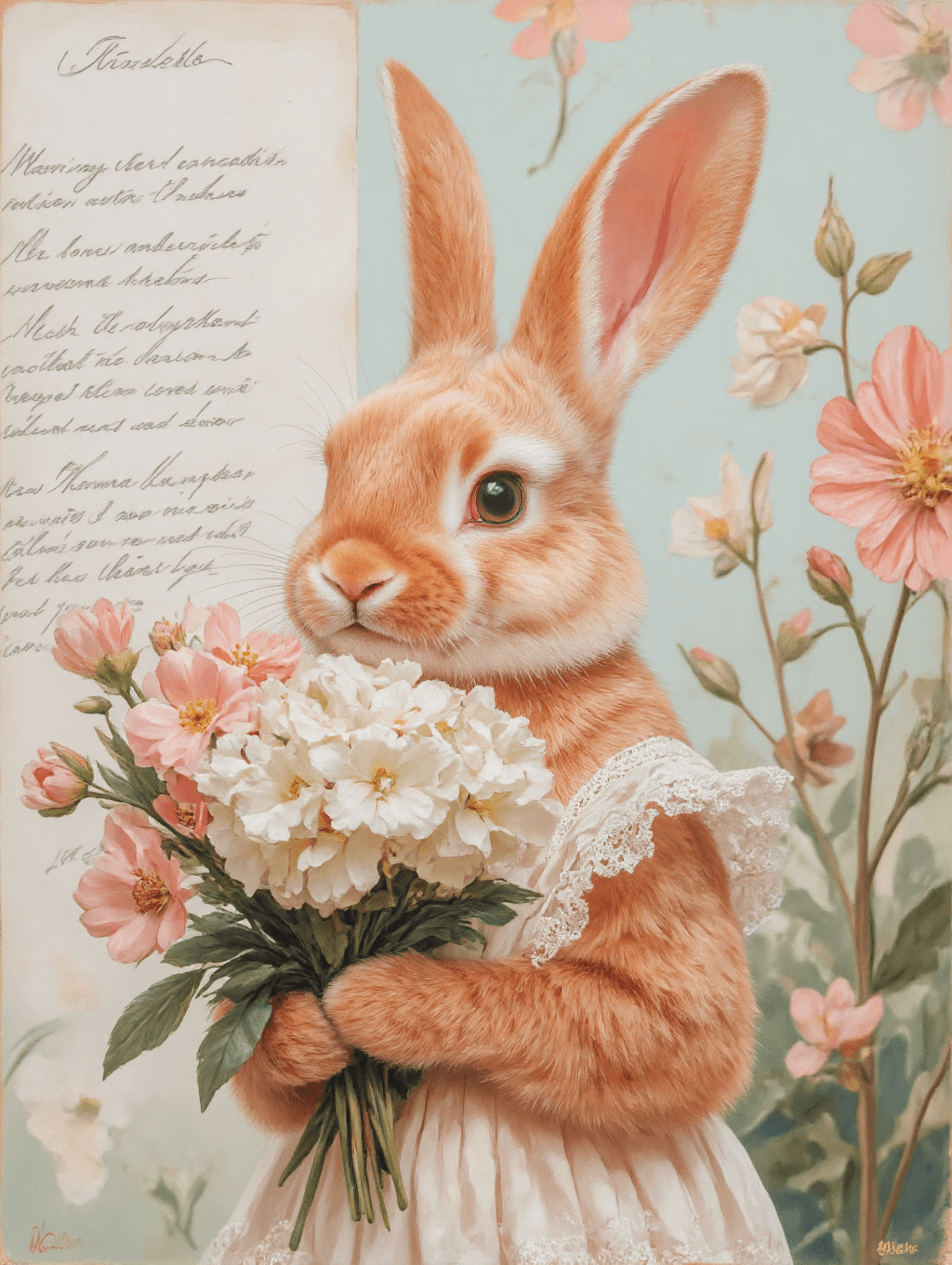
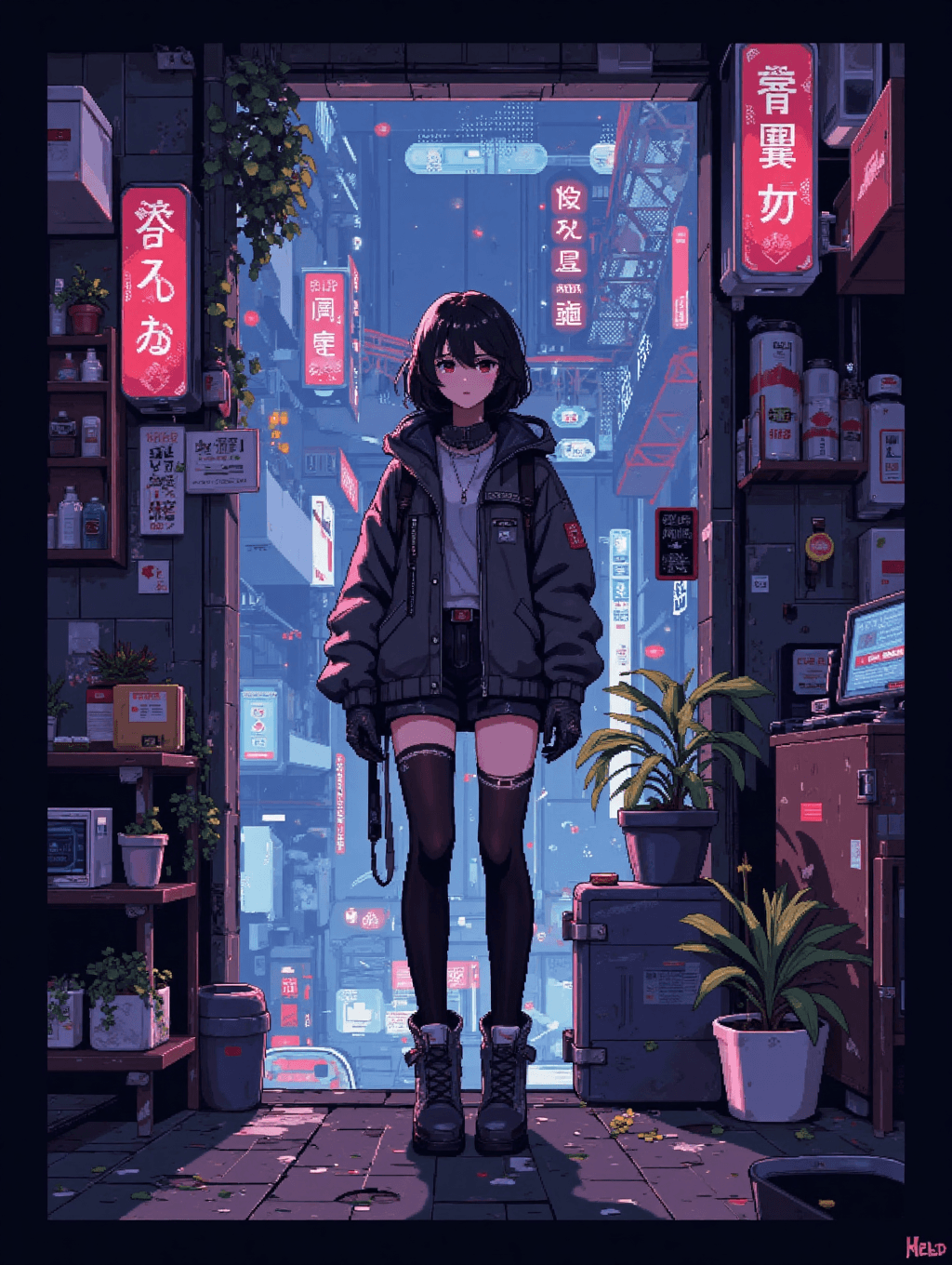
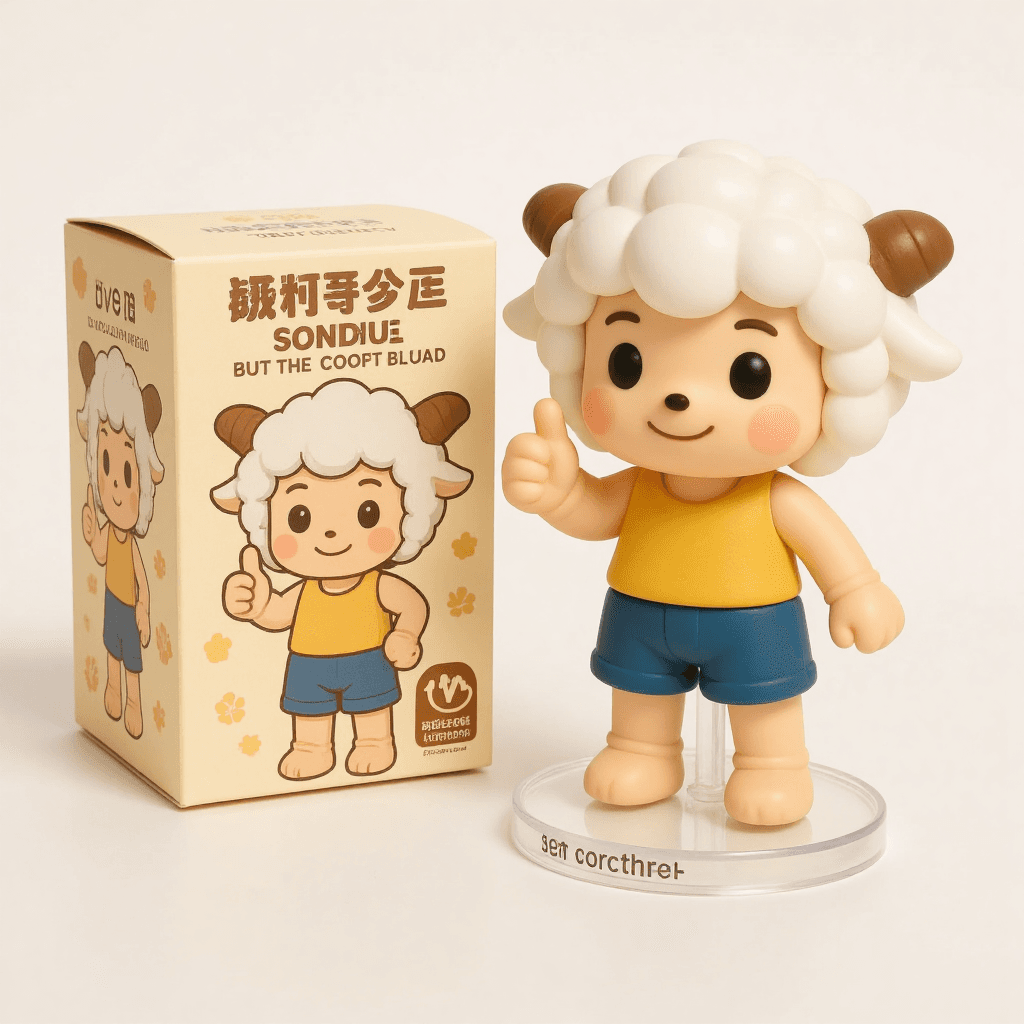
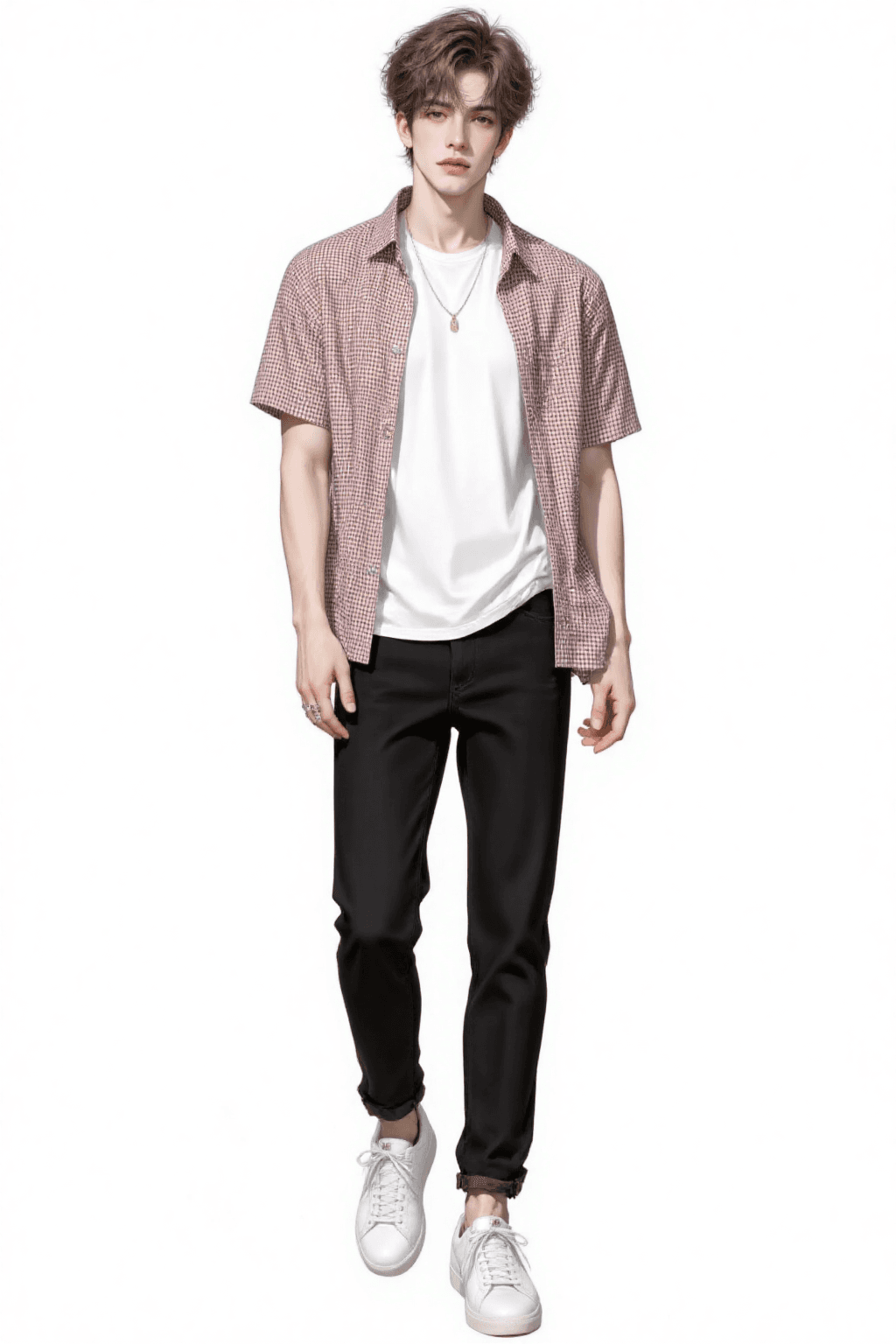
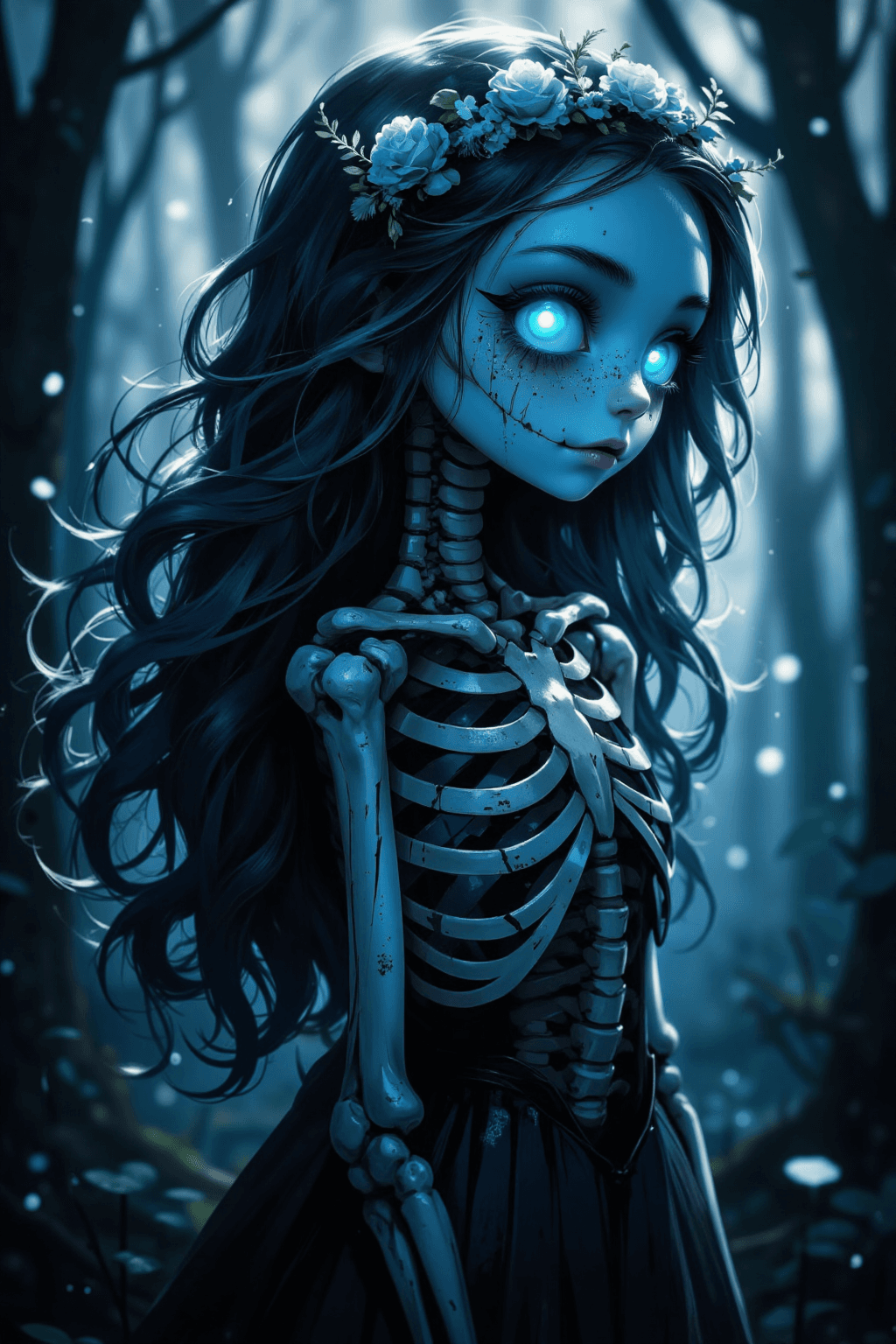
Introduction The "Starlight Anything: Everything FLUX" is an advanced checkpoint model designed to significantly enhance the capabilities of the base FLUX architecture. This model addresses common issues found in official FLUX outputs, such as blurriness, by improving overall image quality, texture, and detail. It boasts exceptional compatibility with various LoRA models, making it an ideal choice as a versatile base model for diverse creative projects. A core strength of Starlight Anything is its ability to maintain the inherent diversity of the original FLUX model. Unlike many fused models that can inadvertently introduce a "celebrity face" bias, this model preserves natural facial structures and compositions while subtly enhancing skin texture and fine details. It aims to deliver high-quality, clear, and detailed portraiture and general imagery without imposing a specific, overly stylized aesthetic.
How to Use
Trigger Word
No trigger word is required to activate this model's style.
Recommended Settings
- Steps: 20 (The original description also suggests 30 steps for potentially more detail.)
- CFG Scale: 3.5
- Model Weight: 0.8
- Sampling Method: Euler
- Resolution: A base resolution of 1024x1024 is recommended. For different aspect ratios, use resolutions that are multiples of 64, such as 1024x1536, 1152x768, or 1344x896, ensuring one dimension is around 1024.
- High-Resolution Fix: If characters occupy a small portion of the image and structural errors occur, enable high-resolution fix. Use a denoising strength between 0.3 and 0.6 and an upscale factor of 2x. Note that a higher denoising strength will result in more significant changes to the image.
Tips
- Prompting: There is no fixed template for prompts. Simply describe your desired scene using natural language. For optimal results, consider finding a reference image and using an AI tool to generate descriptive keywords, then build your prompt from there.
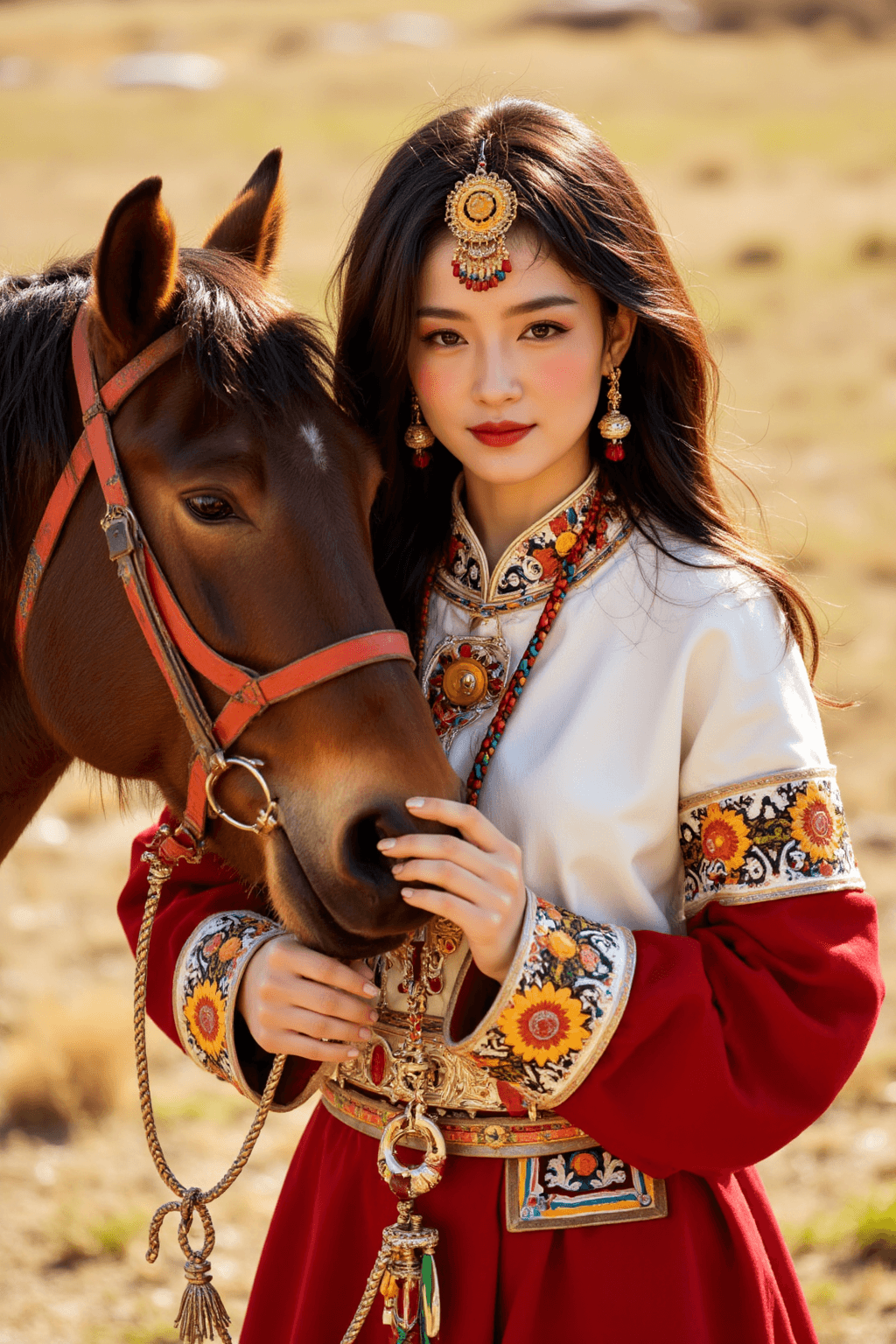
Example Prompts A little Tibetan girl
FAQ
Q: What trigger word should I use?
A: No trigger word is required.
Q: What are the recommended settings?
A: Steps: 20, CFG Scale: 3.5, Model Weight: 0.8. The original description also suggests 30 steps.
Q: What resolution works best?
A: A base resolution of 1024x1024 is recommended. For other aspect ratios, use resolutions that are multiples of 64, such as 1024x1536, 1152x768, or 1344x896, keeping one dimension around 1024.