
Introduction
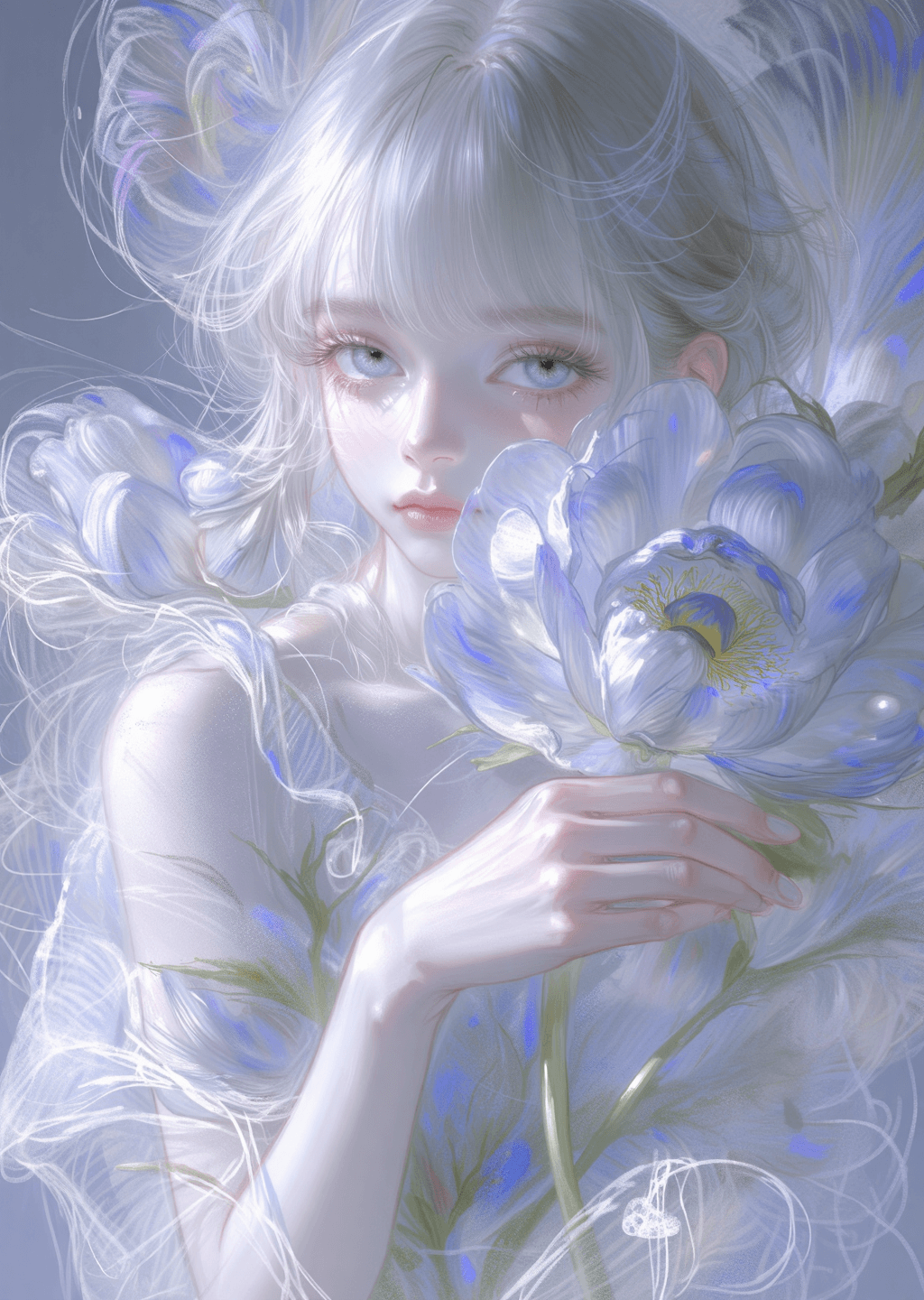
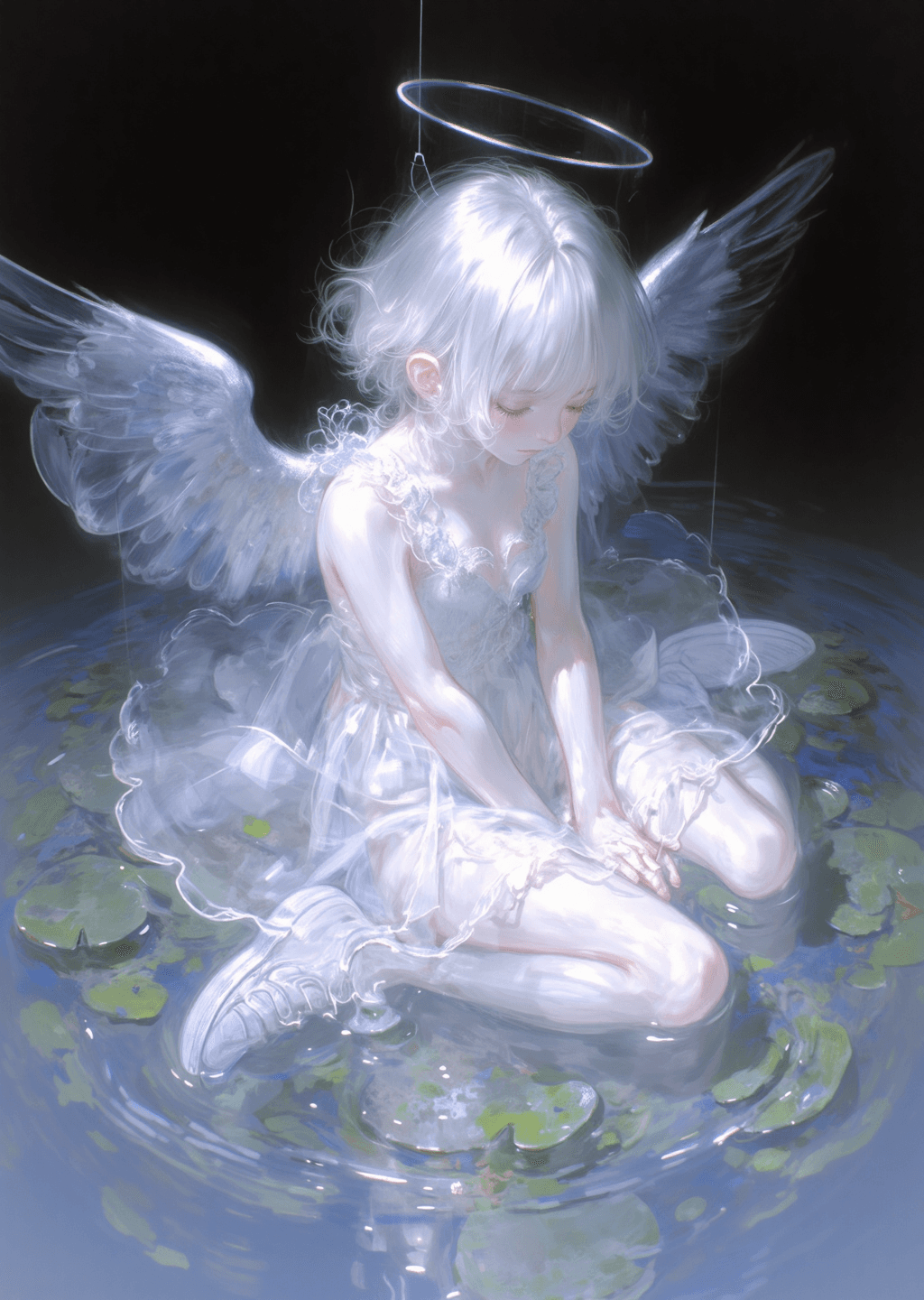
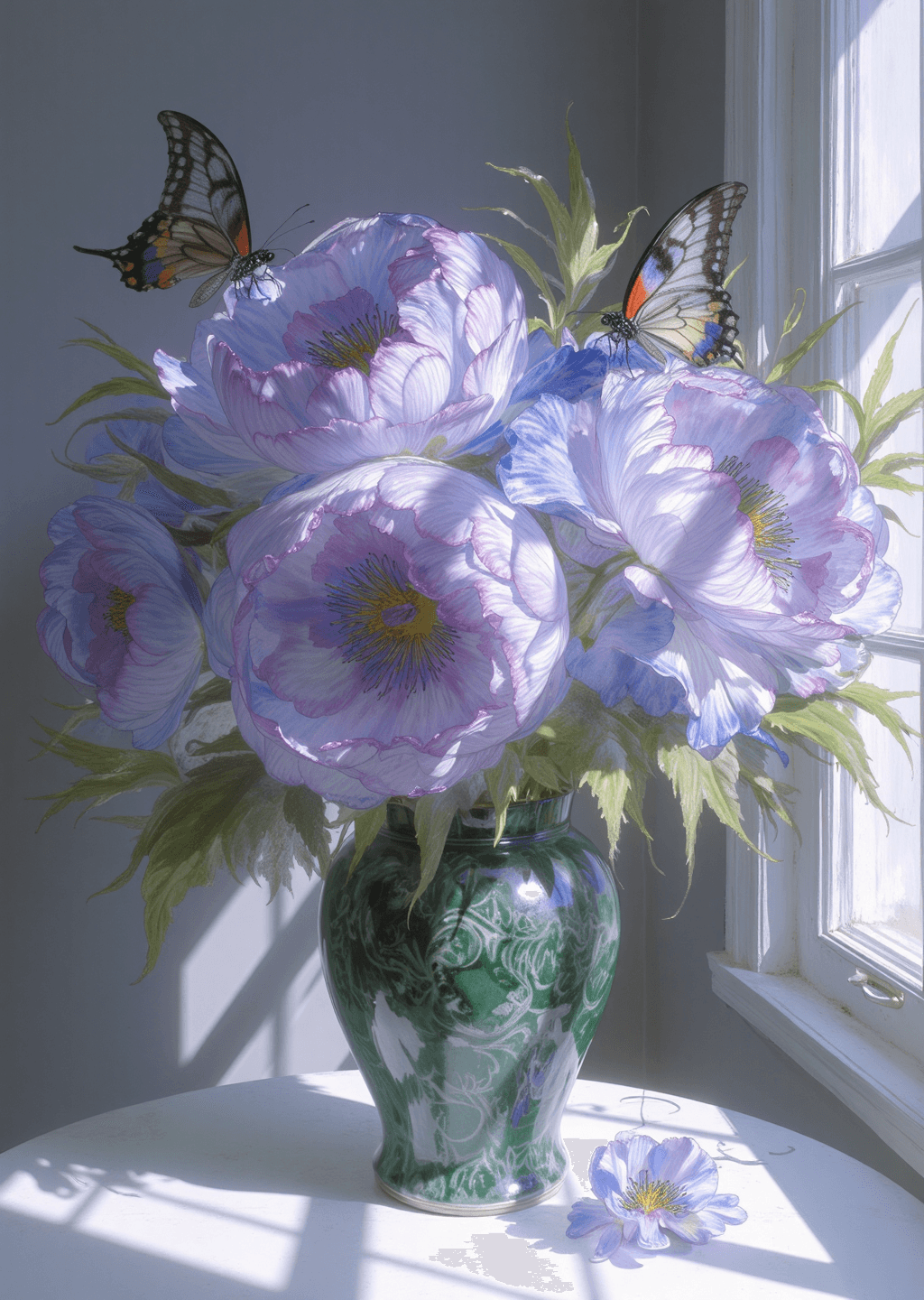
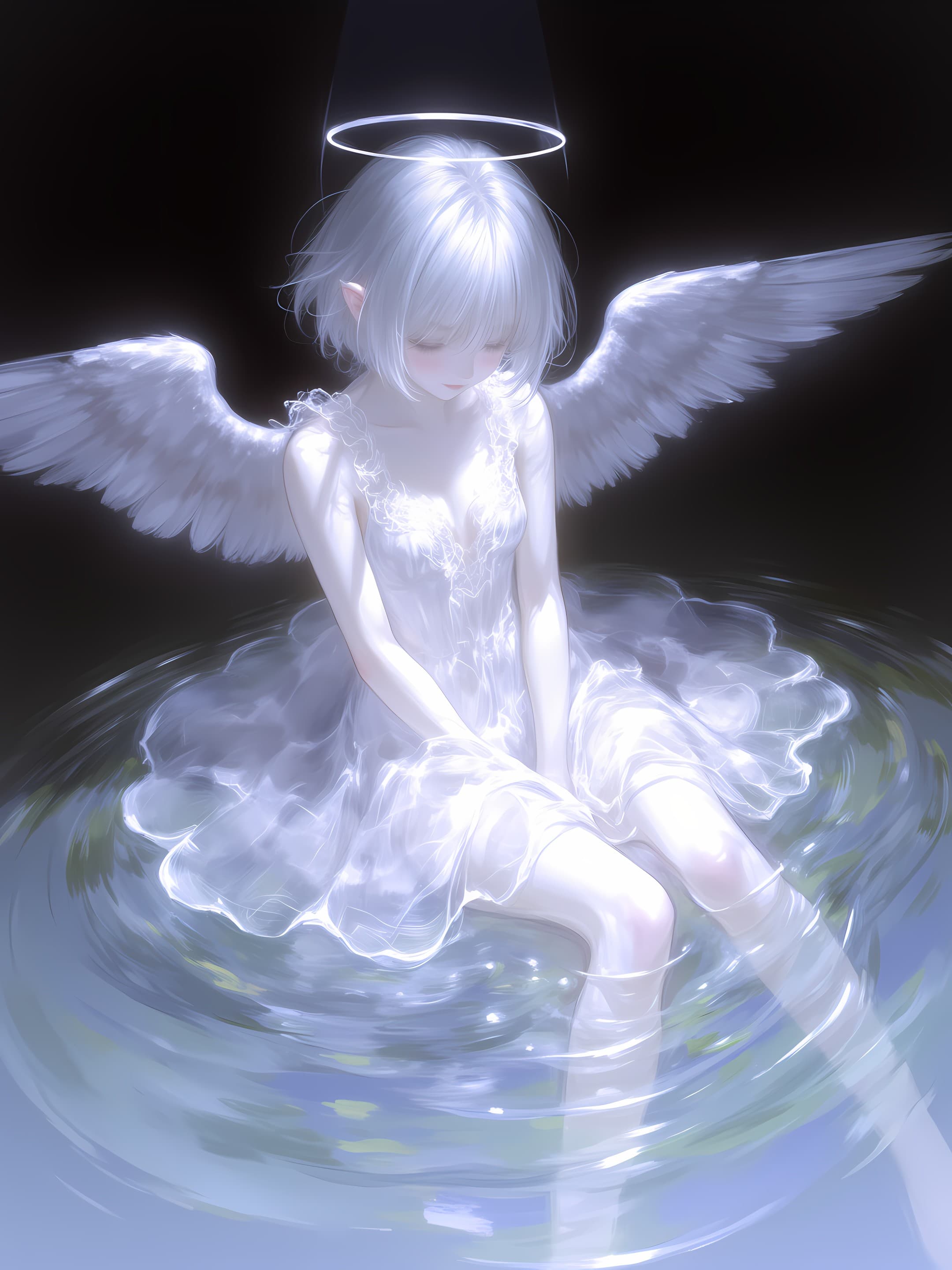
This LORA model, named "Shimmering Radiance | Impasto Style Illustration Avatar," specializes in generating captivating anime-style female characters with a distinctive impasto art style. It is designed to produce vibrant and textured illustrations, ideal for profile pictures, character concepts, or artistic renditions. The model's key feature is its ability to imbue images with a rich, painterly feel, characterized by visible brushstrokes and a sense of depth, reminiscent of traditional impasto painting techniques applied to a digital anime aesthetic.
How to Use
This LORA is straightforward to integrate into your workflow, requiring no specific trigger words to activate its unique style. * Trigger Word: No trigger word is required. The model's style will be applied automatically when activated.
- Recommended Settings: * Steps: 20 * CFG Scale: 3.5 * Weight: 0.8 (This value can be adjusted to control the intensity of the impasto style.)
- Resolution: Direct output at 1024x1440 is recommended and generally produces excellent results without the need for further upscaling.
- Tips: * While effective on its own, this LORA is designed to be particularly interesting when combined with other models, allowing for creative blending of styles and themes. * For prompt inspiration, users are encouraged to refer to any available example images, as their prompts were often AI-generated and can provide a good starting point.
Example Prompts
No specific example prompts are provided in this documentation. Users are advised to explore example images (if available) for prompt inspiration, as they can offer valuable insights into achieving desired results with this model.
FAQ
Q: What trigger word should I use?
A: No trigger word is required.
Q: What are the recommended settings?
A: Steps: 20, CFG: 3.5, Weight: 0.8
Q: What resolution works best?
A: 1024x1440.