





Introduction
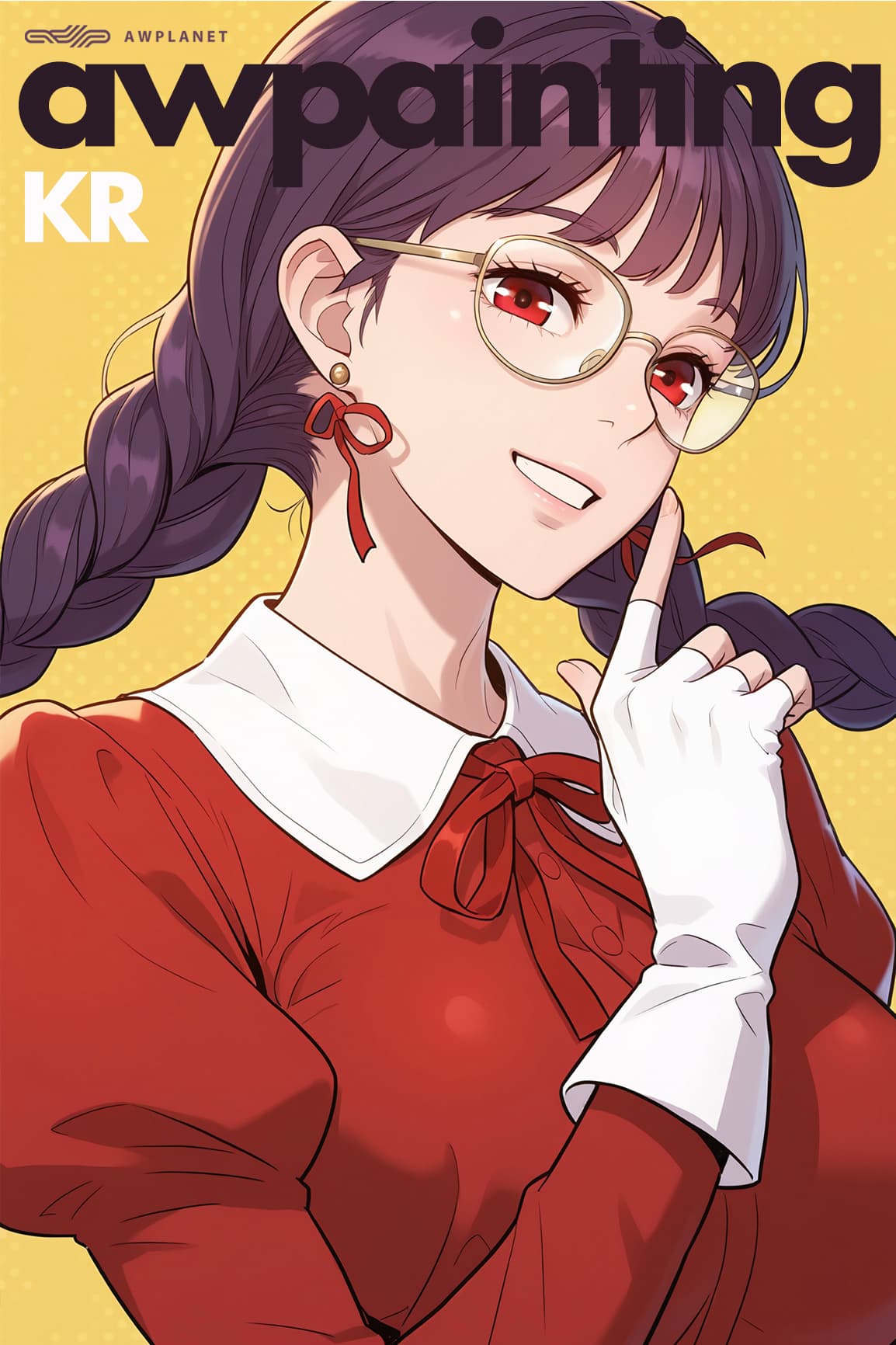
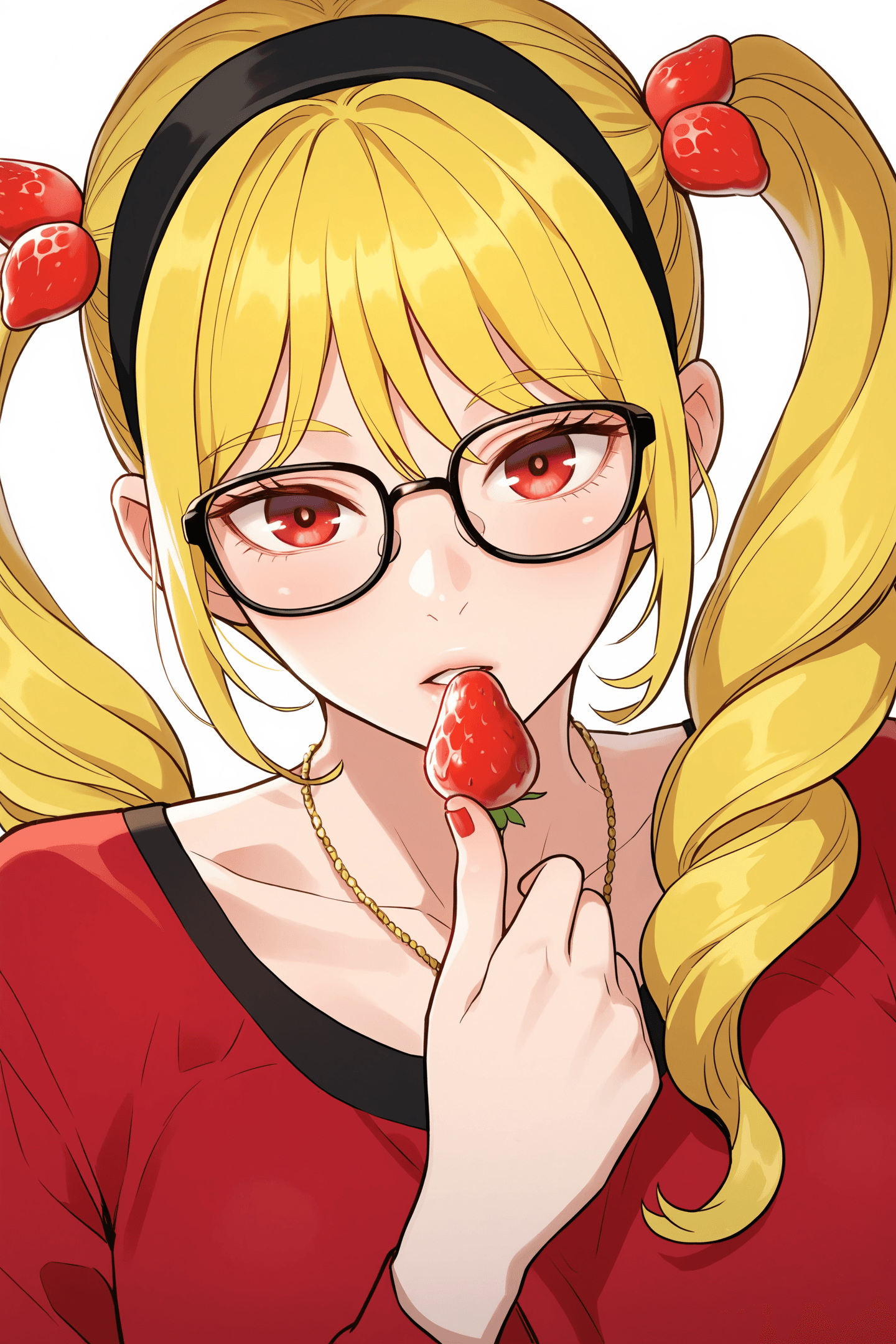
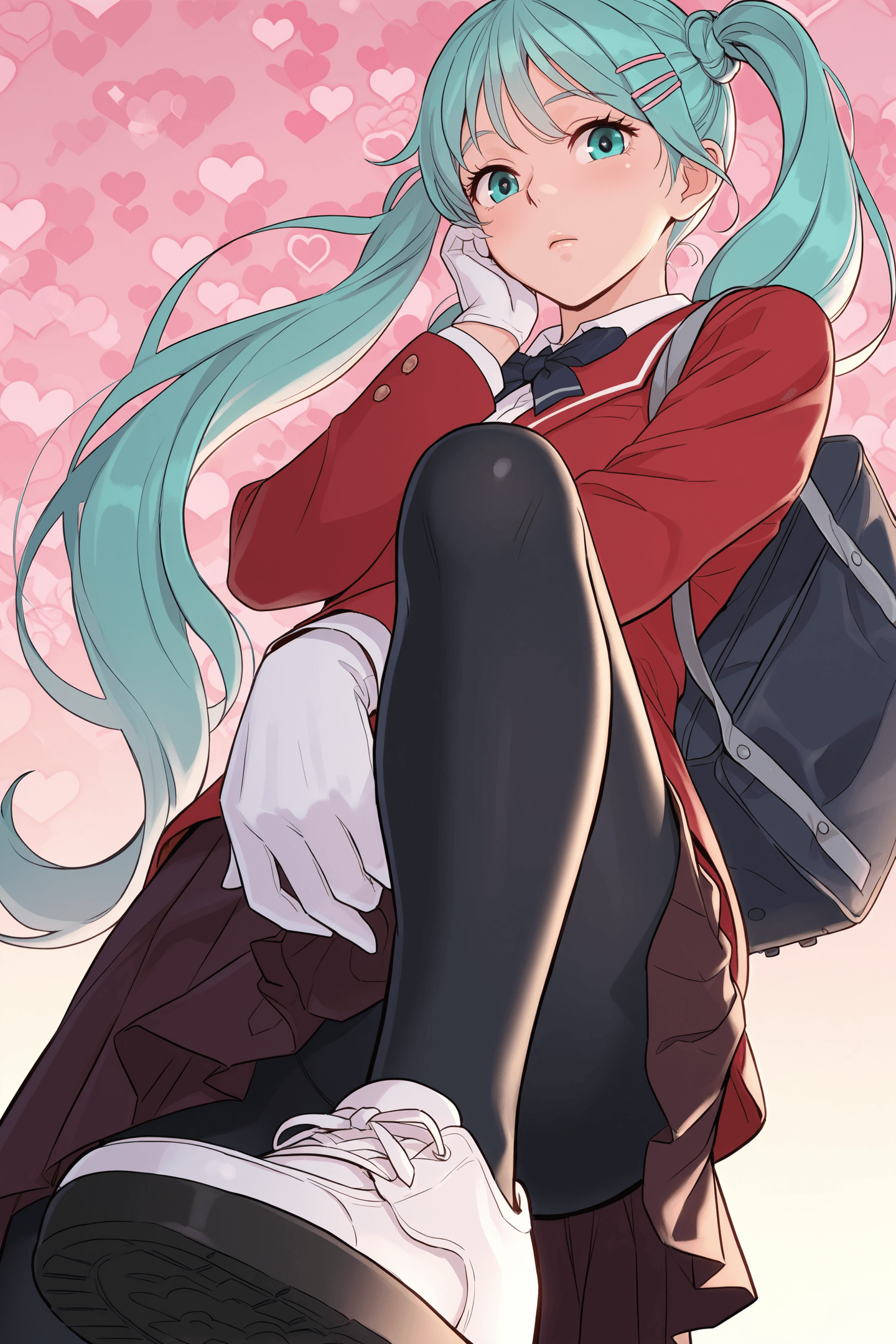
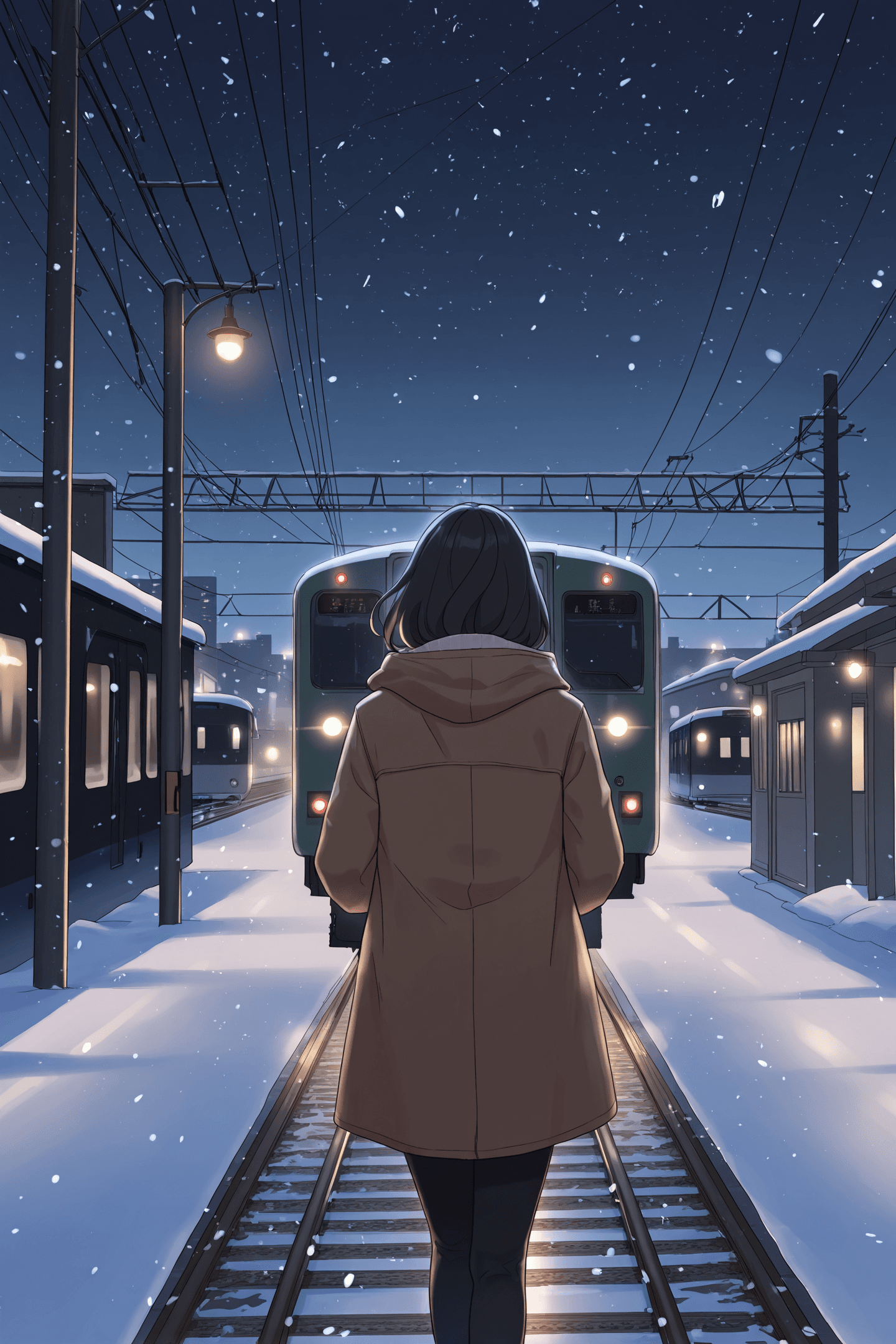
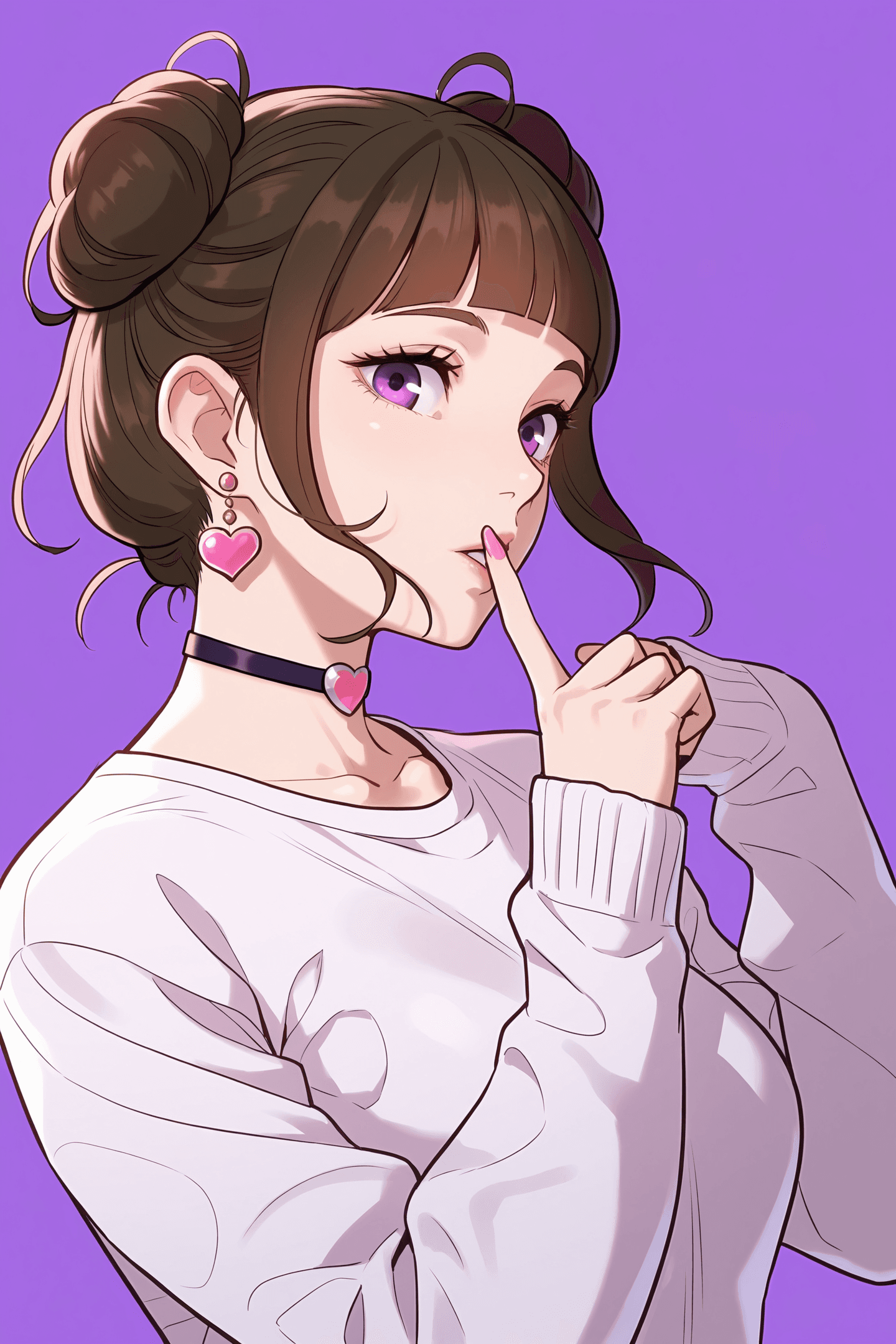
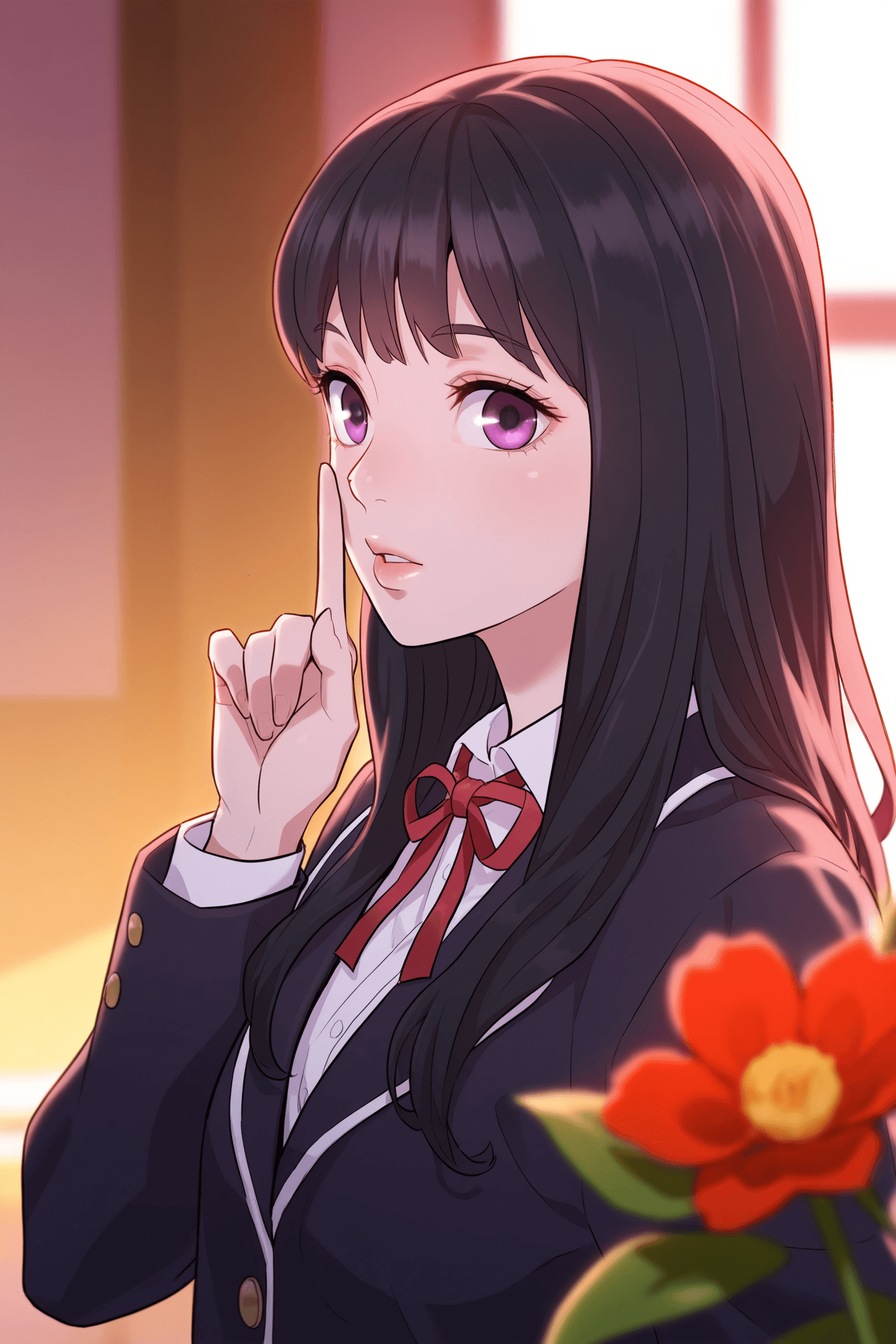
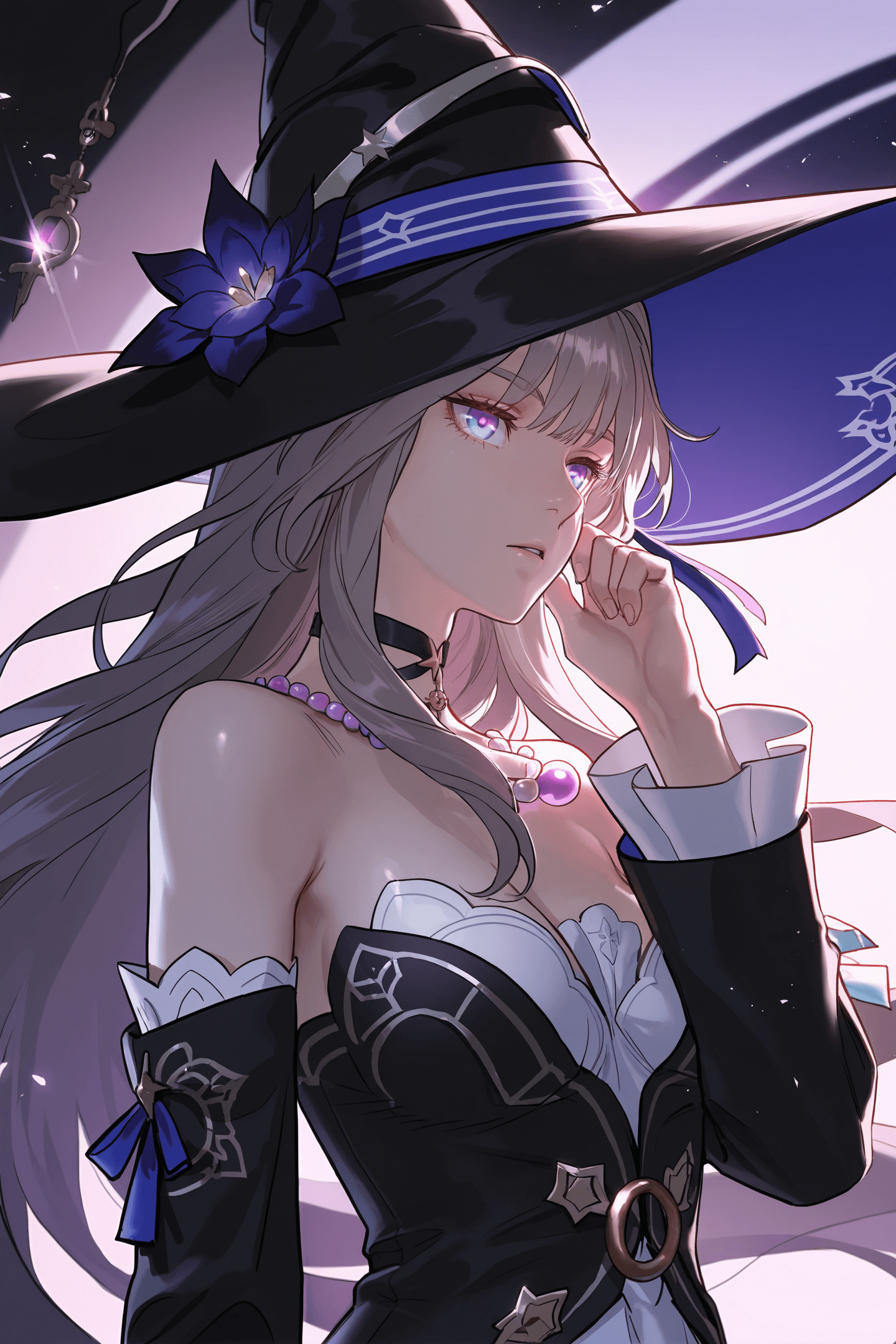
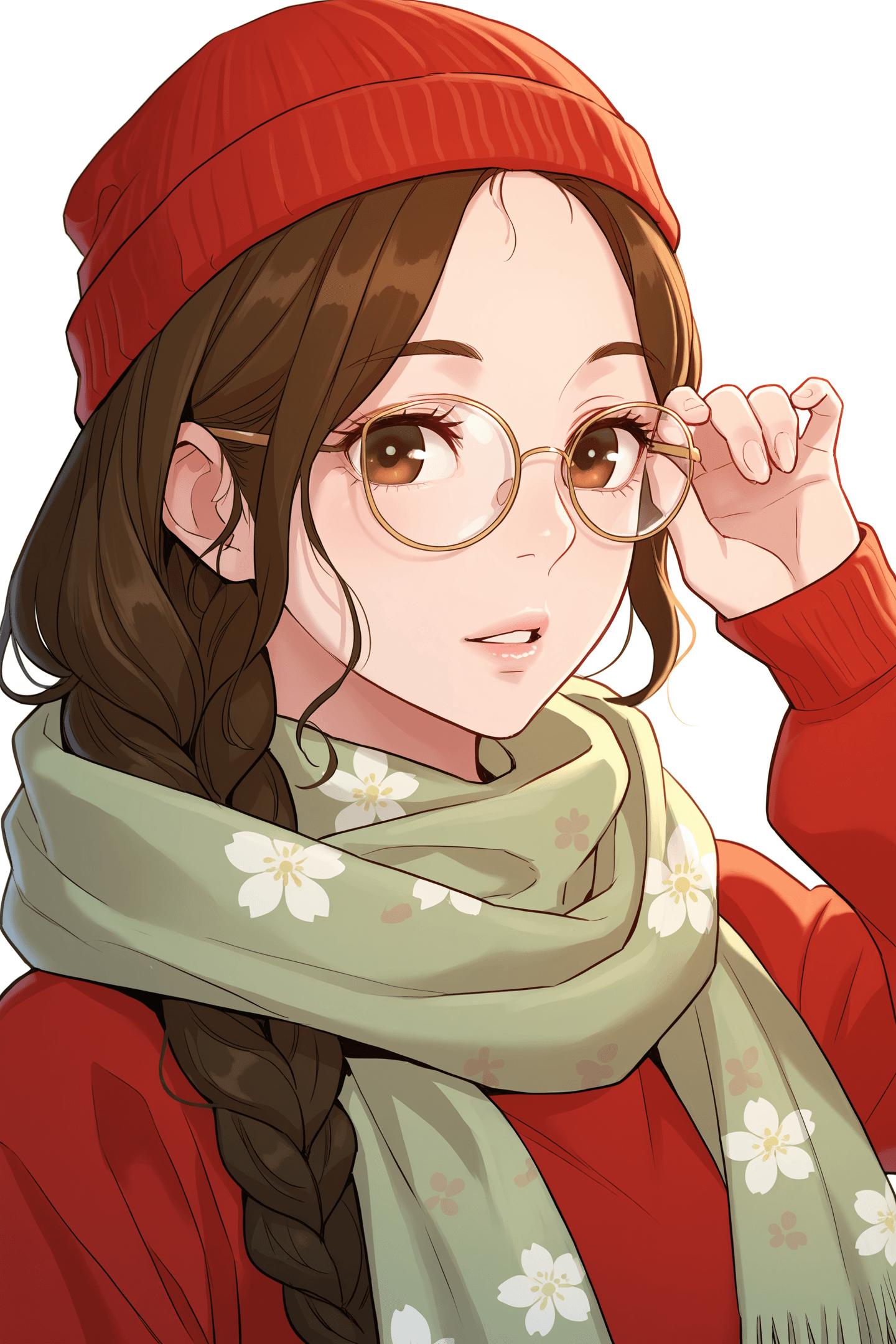
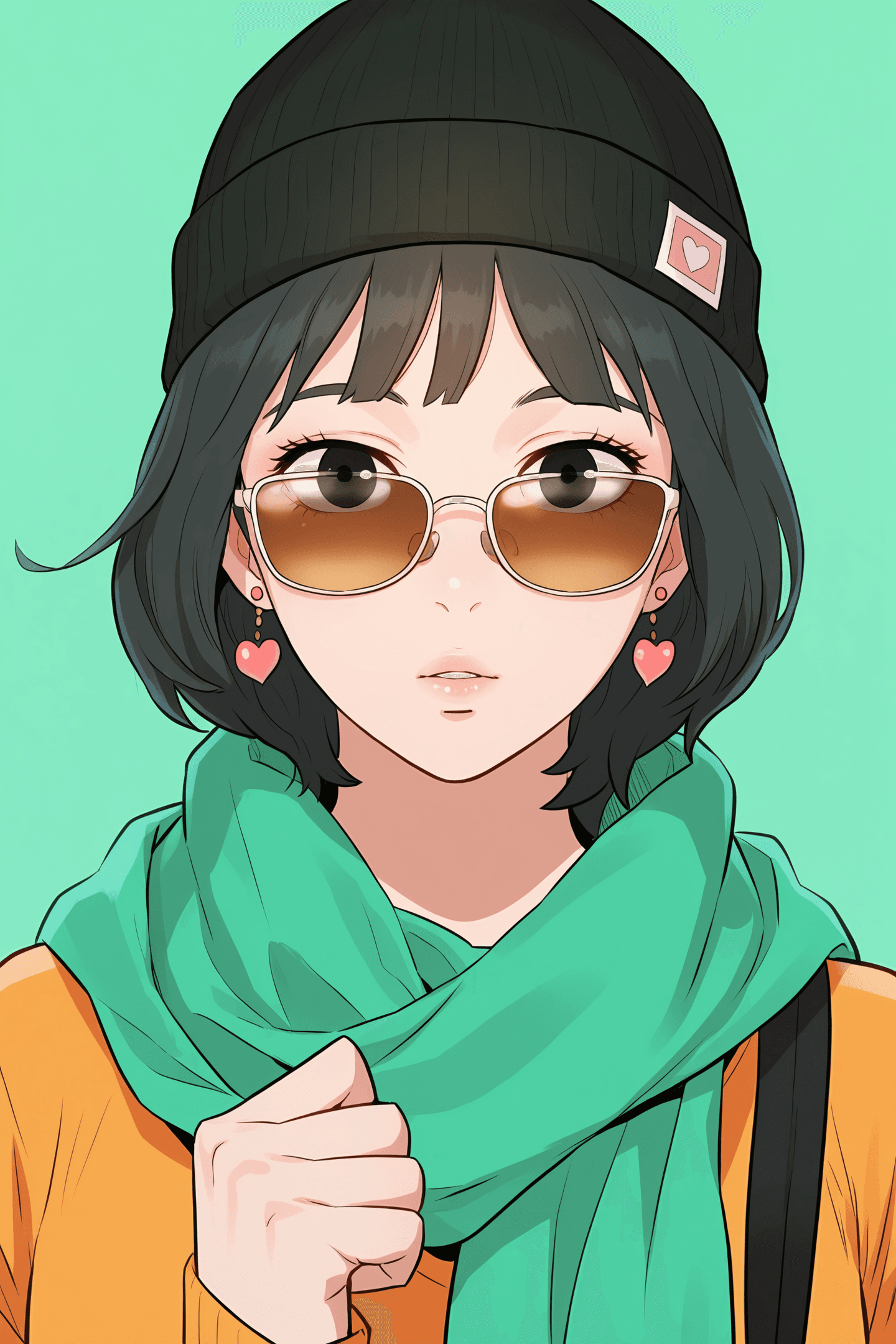
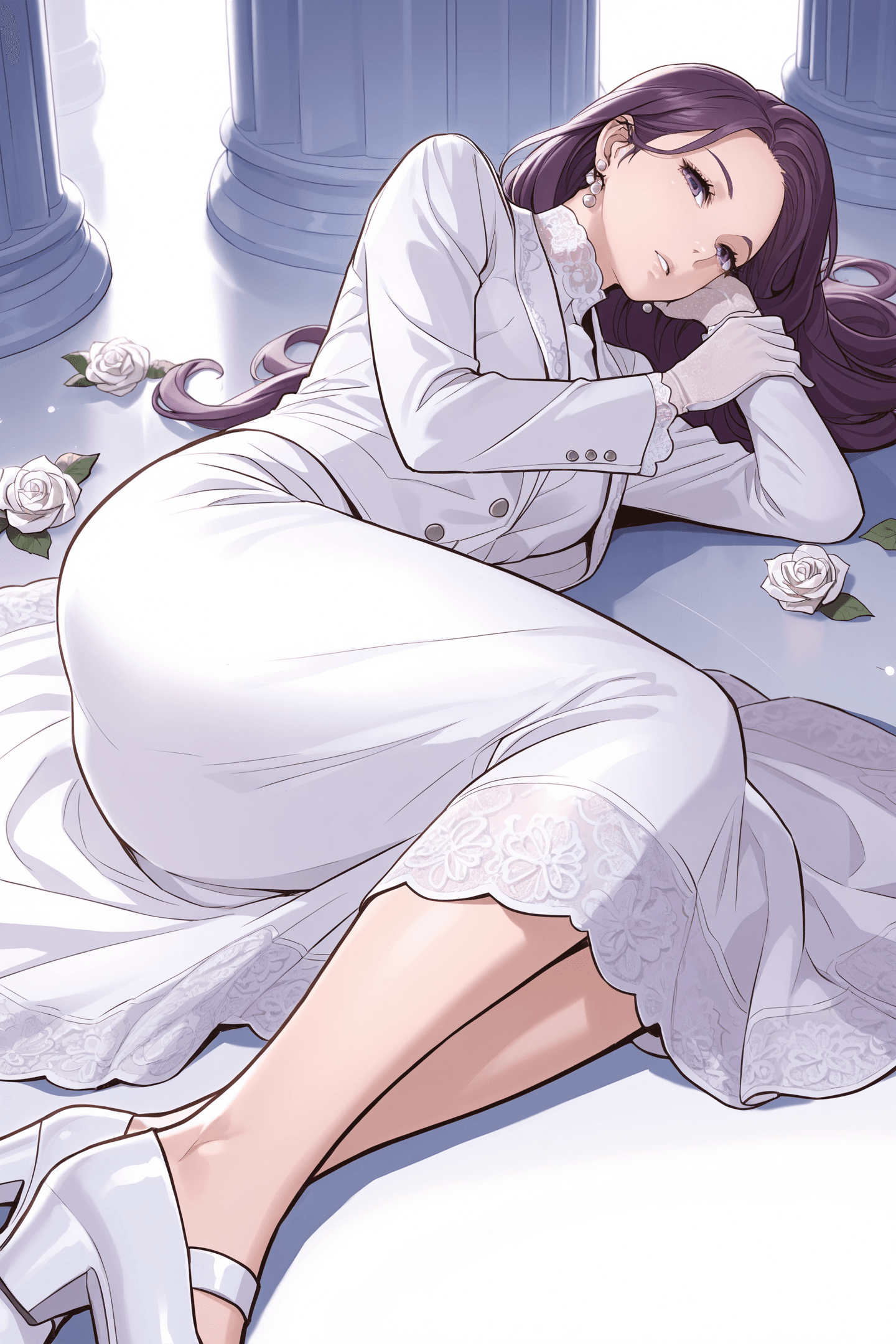
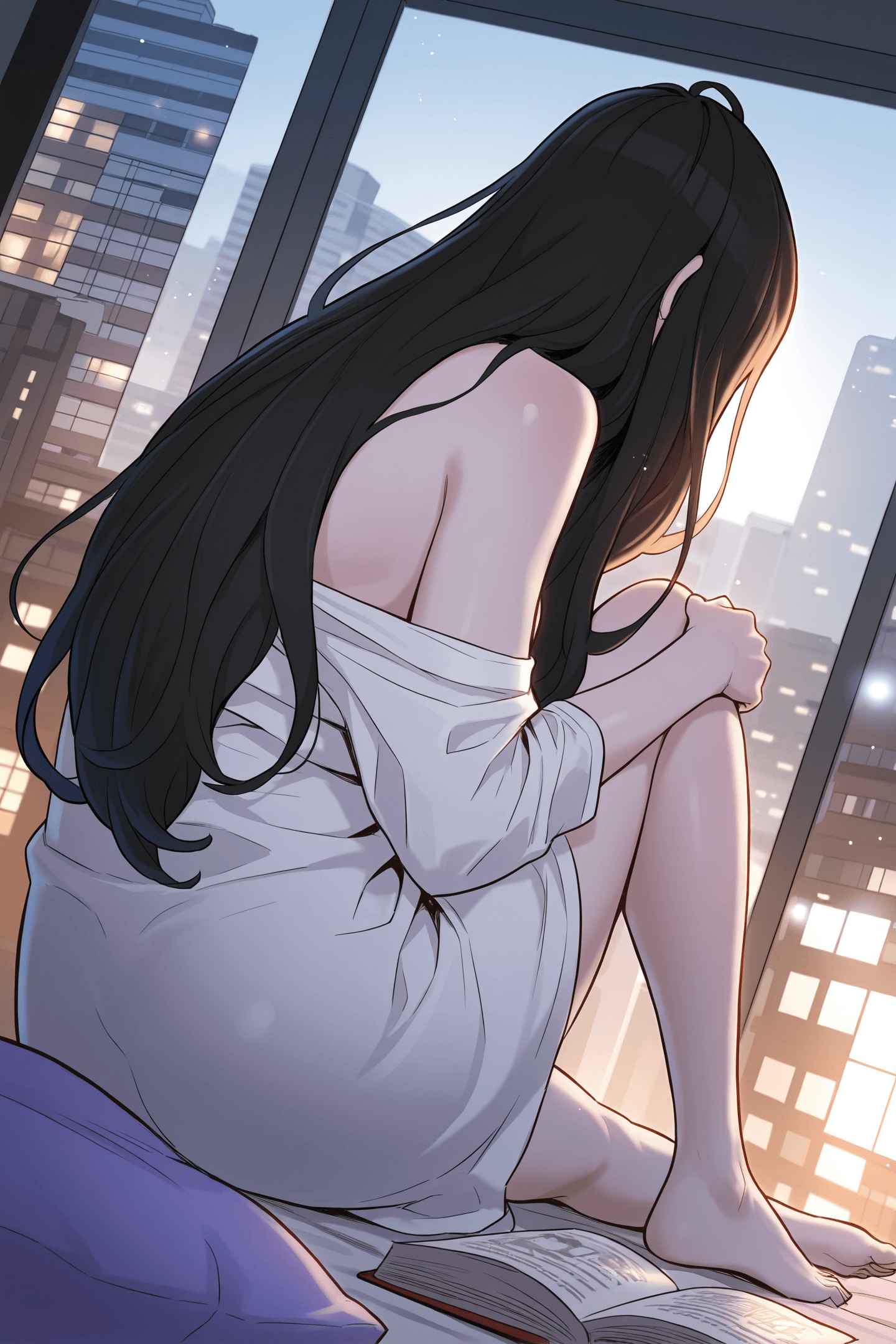
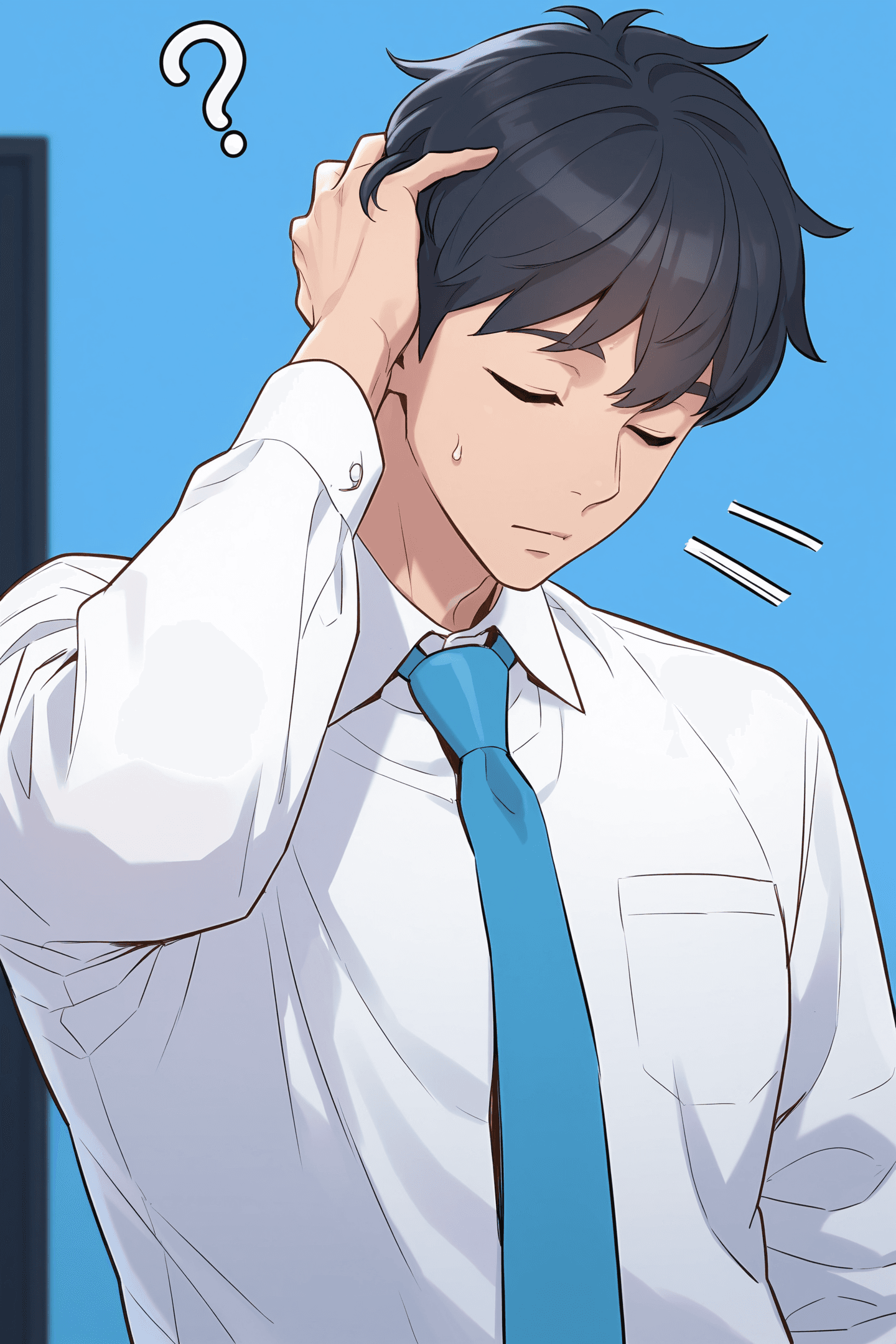
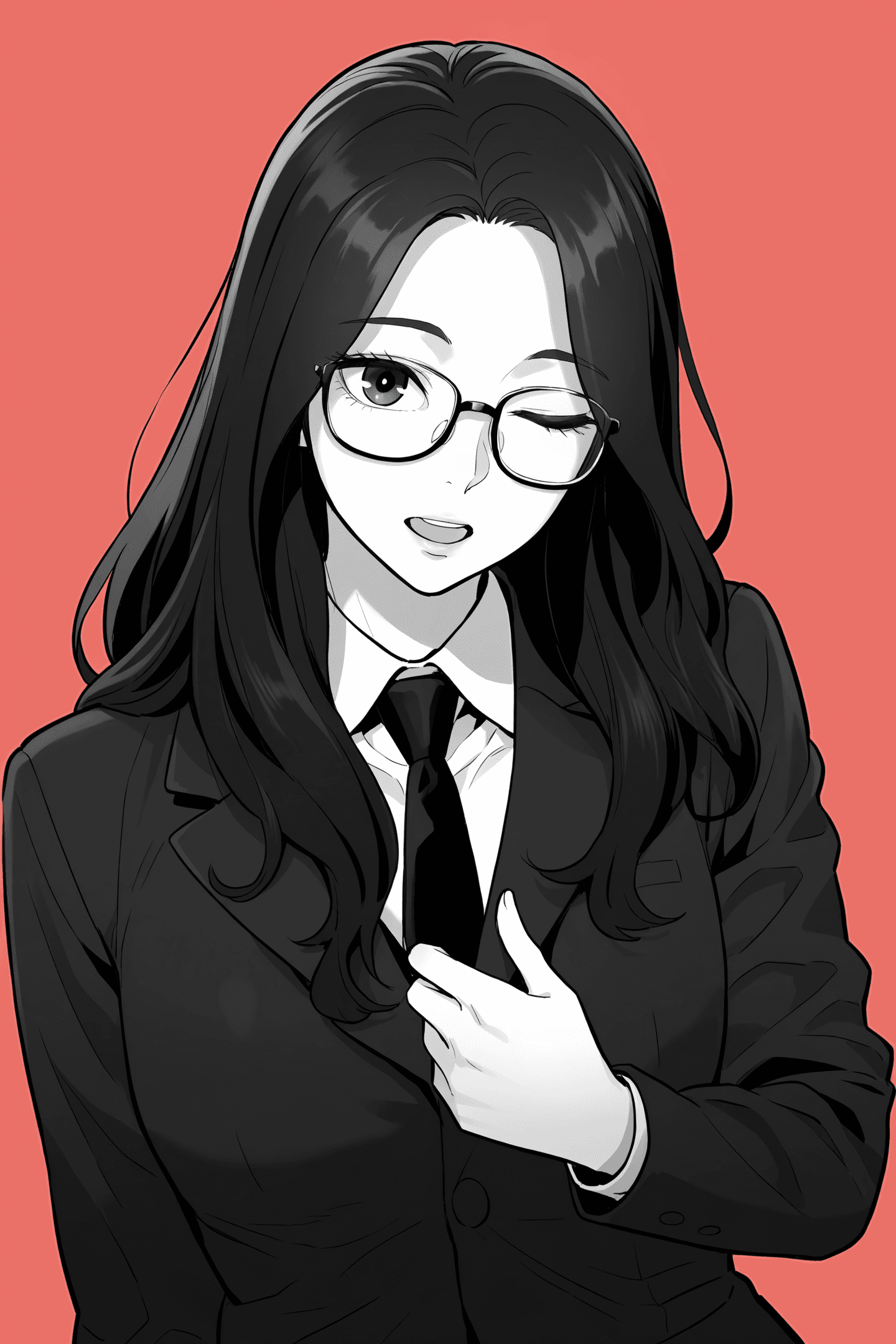
AWPainting KR is a specialized AI checkpoint model designed to generate stunning images in a distinct Korean manga (Manhwa) style. Built upon the AWPainting IL version, this model excels at producing diverse characters and dynamic scenes characterized by its signature bold and clear outlines. It's an ideal tool for creators looking to achieve a professional Manhwa aesthetic in their AI-generated art.
Key Features:
- Korean Manga (Manhwa) Style: Generates images with the unique visual characteristics of Korean comics.
- Bold Outlines: Emphasizes strong, clear linework for a striking visual impact.
- Diverse Characters & Scenes: Capable of creating a wide range of character designs and environmental settings.
- High-Quality Output: Optimized for generating visually appealing and detailed artwork.
How to Use
To achieve the best results with AWPainting KR, follow these guidelines:
Trigger Word: No specific trigger word is required to activate the model's style.
Recommended Settings:
- Steps: 30
- CFG Scale: 4.5
- Weight: 0.8
- Sampling Method: Euler a
- Resolution: For optimal image quality, use resolutions such as 960x1440 or 1024x1512.
- Upscaling: When upscaling, it is recommended to use R-ESRGAN 4x+ Anime6B with a denoising strength (Denoise) of 0.2-0.3 for enhanced detail and clarity.
Negative Prompts:
To avoid common generation issues, include the following negative prompts:
worst quality,bad quality,jpeg artifacts,(bad hands,bad finger,anatomy),(artist name,copyright name, watermark, text,english text:1.2),(bad feet,bad toes)
Example Prompts
No specific example prompts were provided for this model. Users are encouraged to experiment with their own creative prompts to explore the model's capabilities.
FAQ
Q: What trigger word should I use?
A: No trigger word is required for AWPainting KR.
Q: What are the recommended settings?
A: For optimal results, use Steps: 30, CFG: 4.5, Weight: 0.8, and Sampling Method: Euler a.
Q: What resolution works best?
A: For best results, use resolutions such as 960x1440 or 1024x1512.