


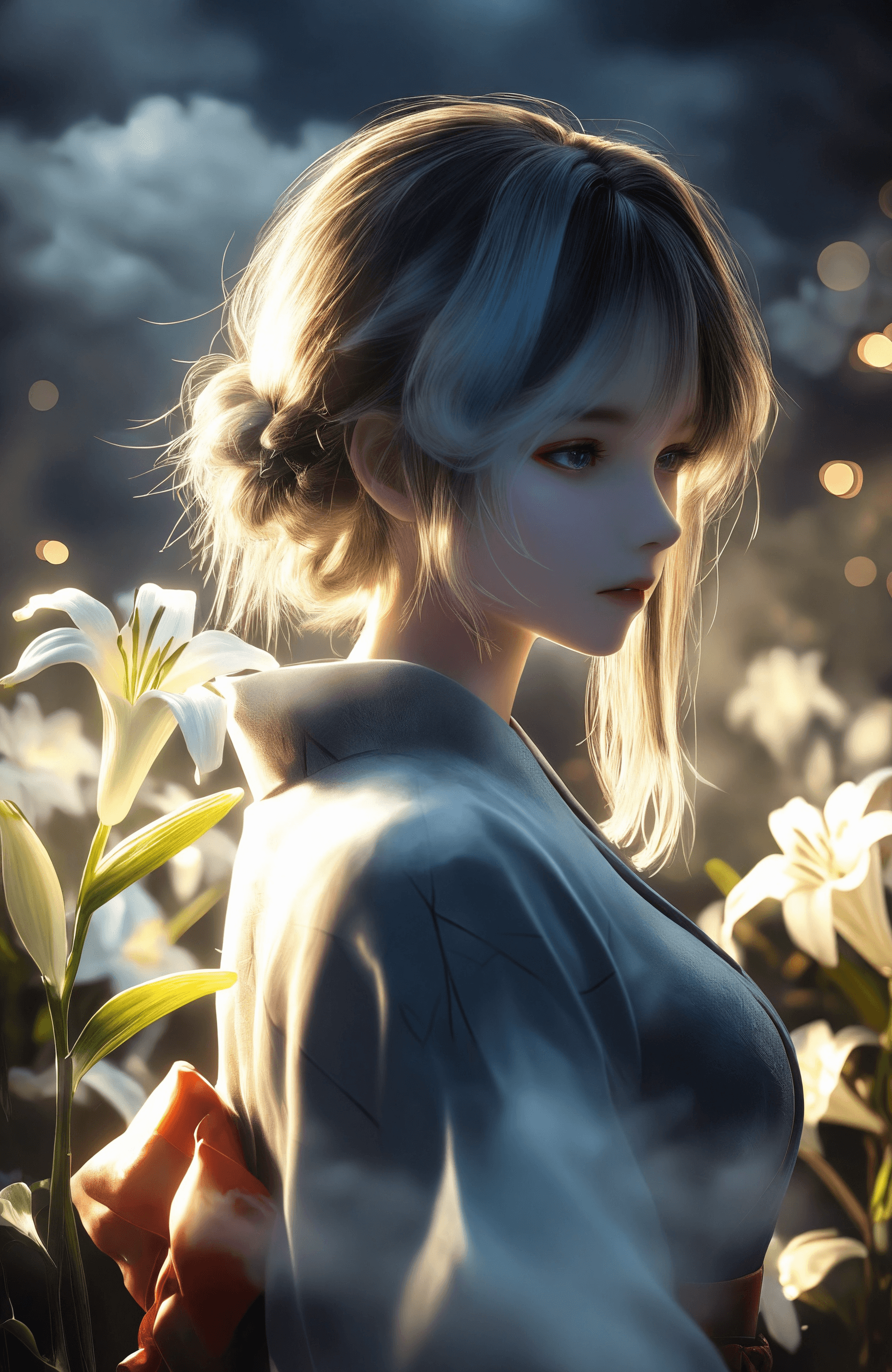
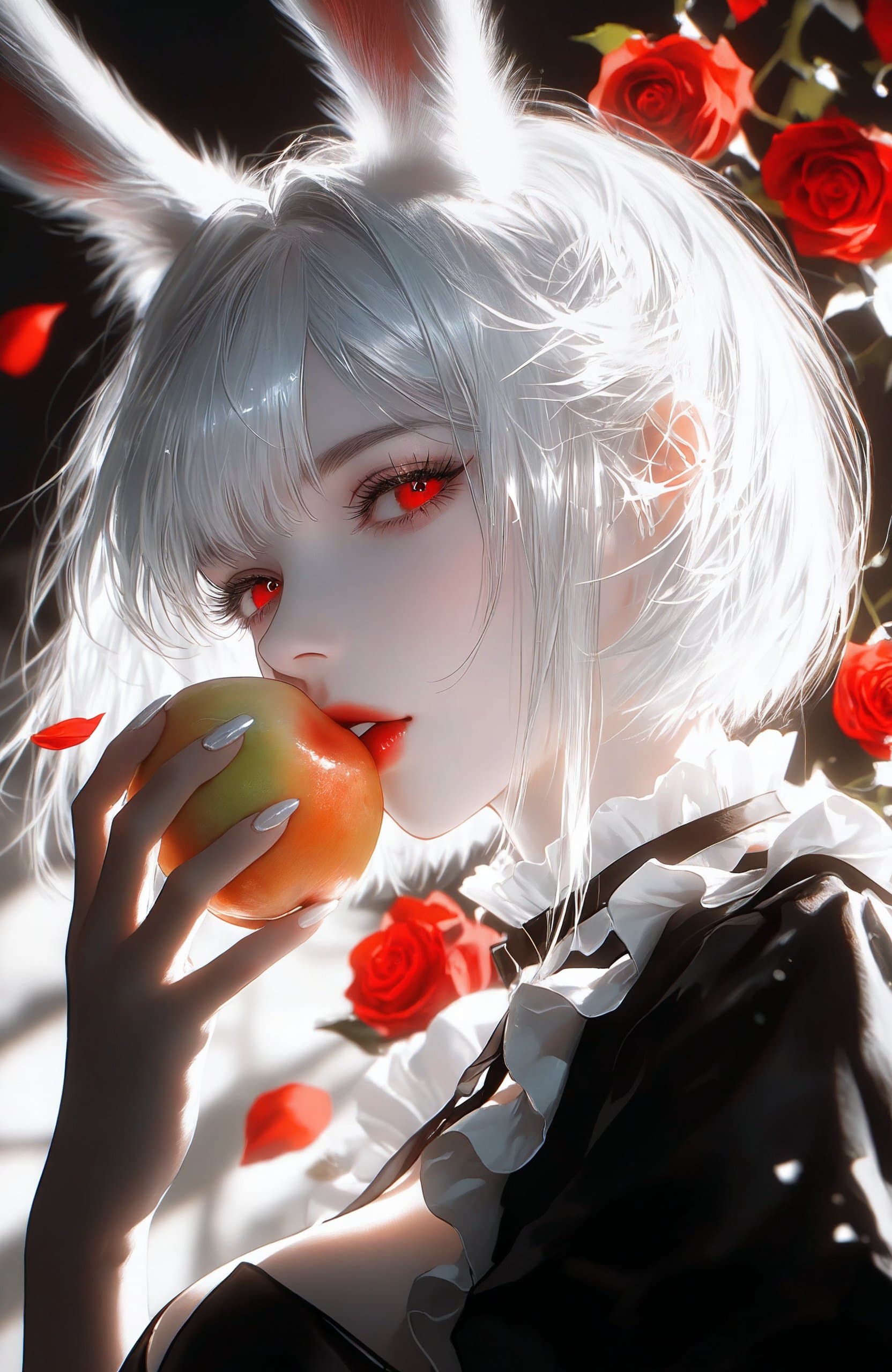
12 images
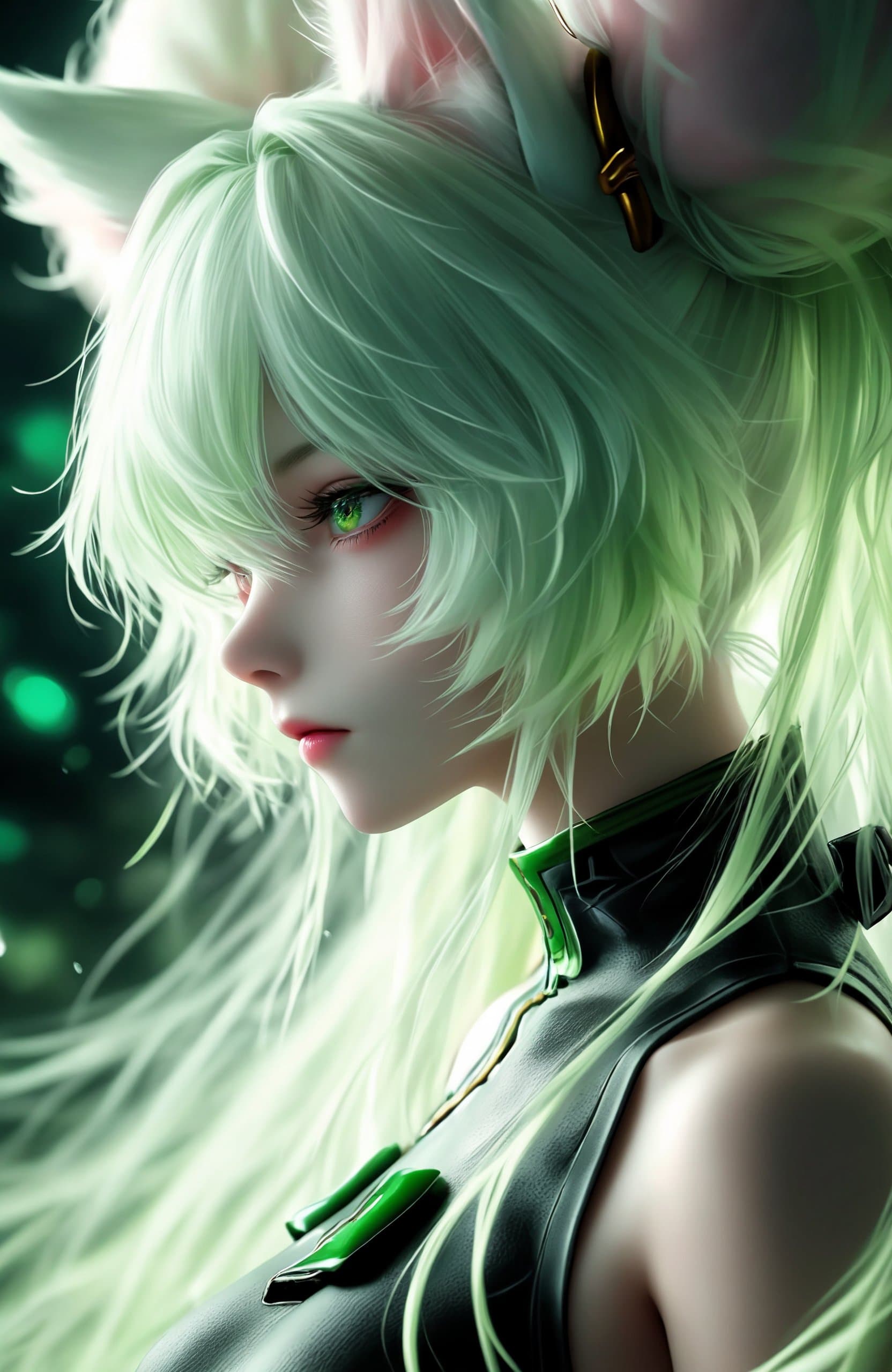
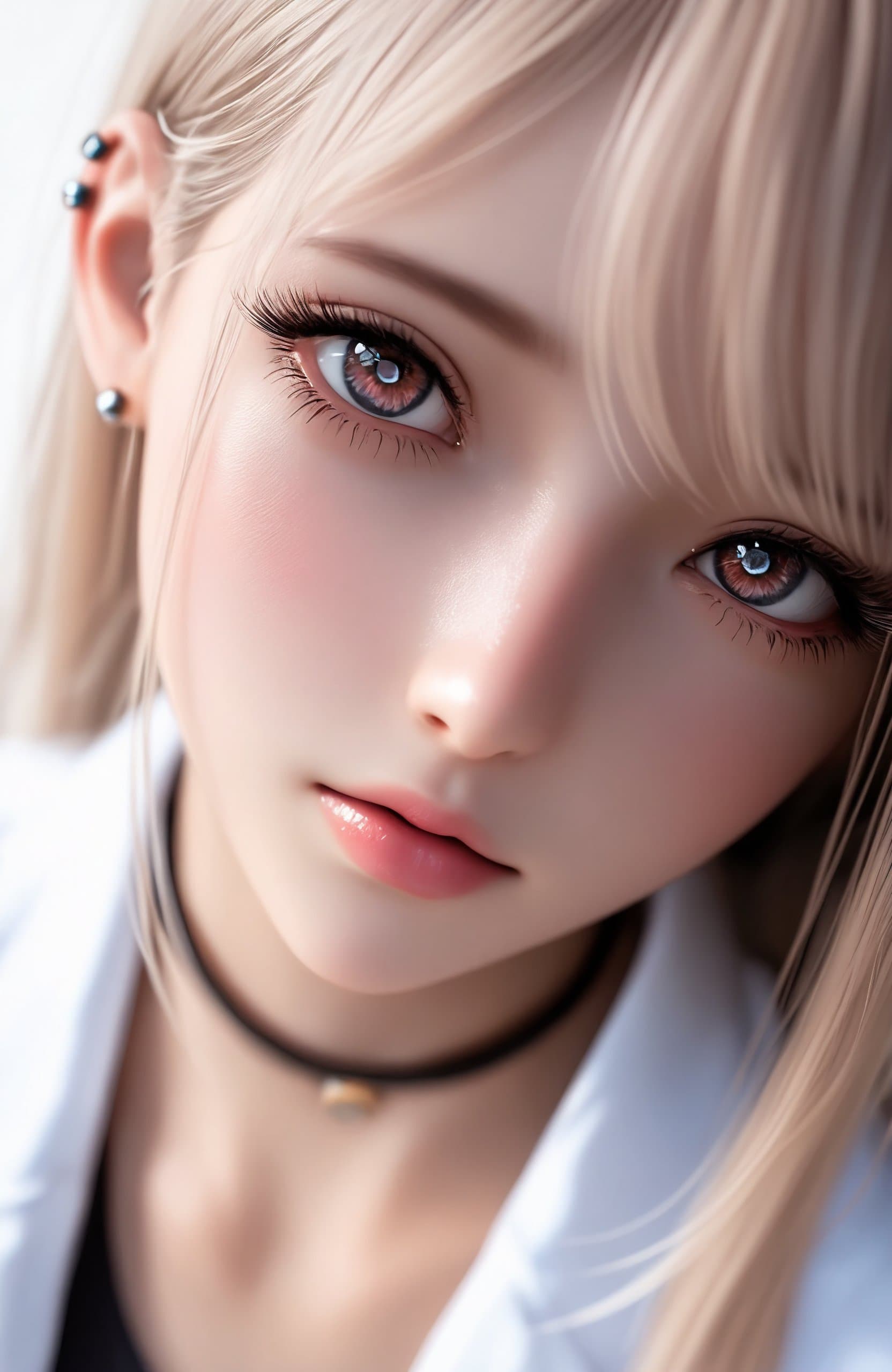
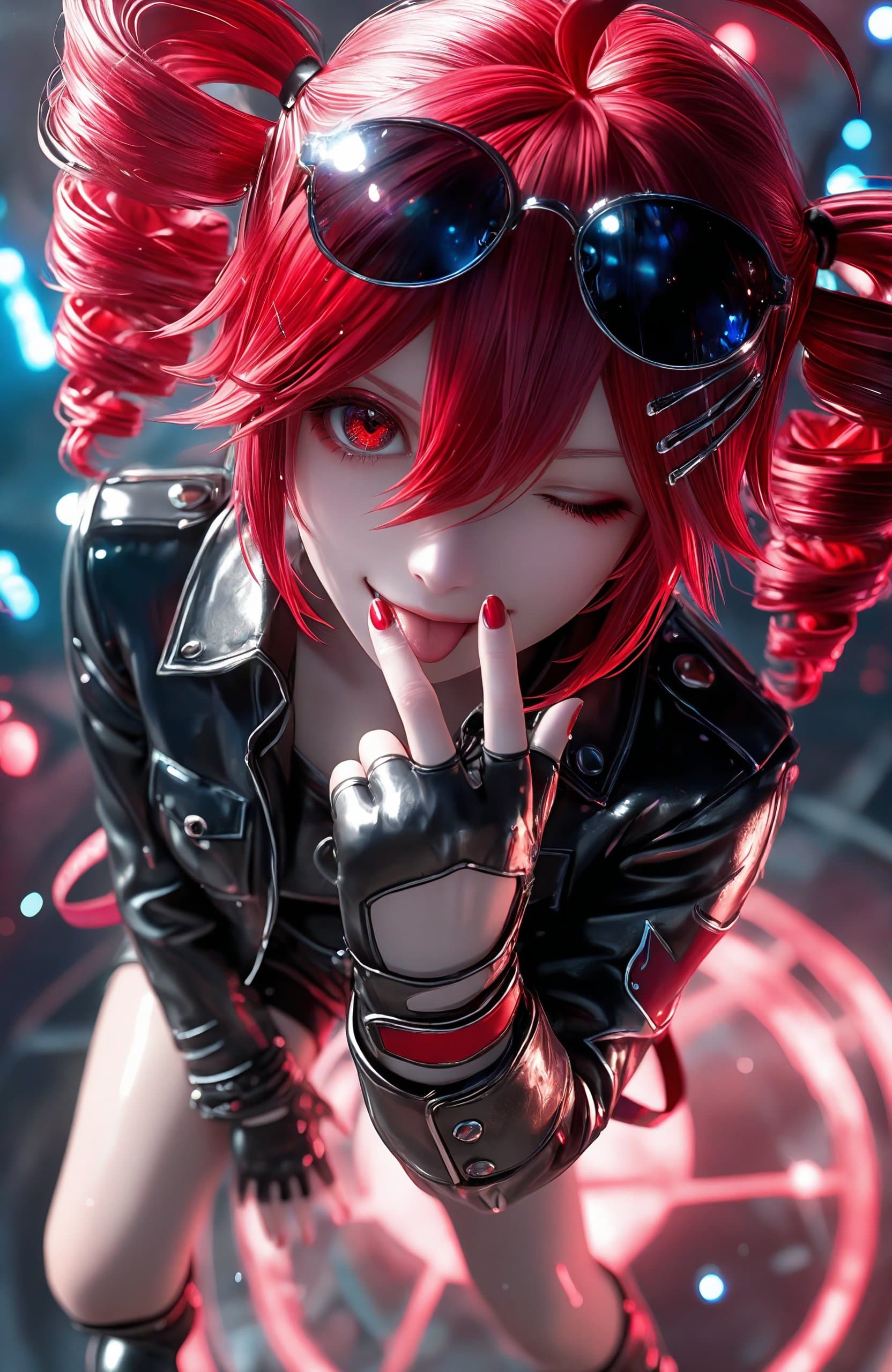
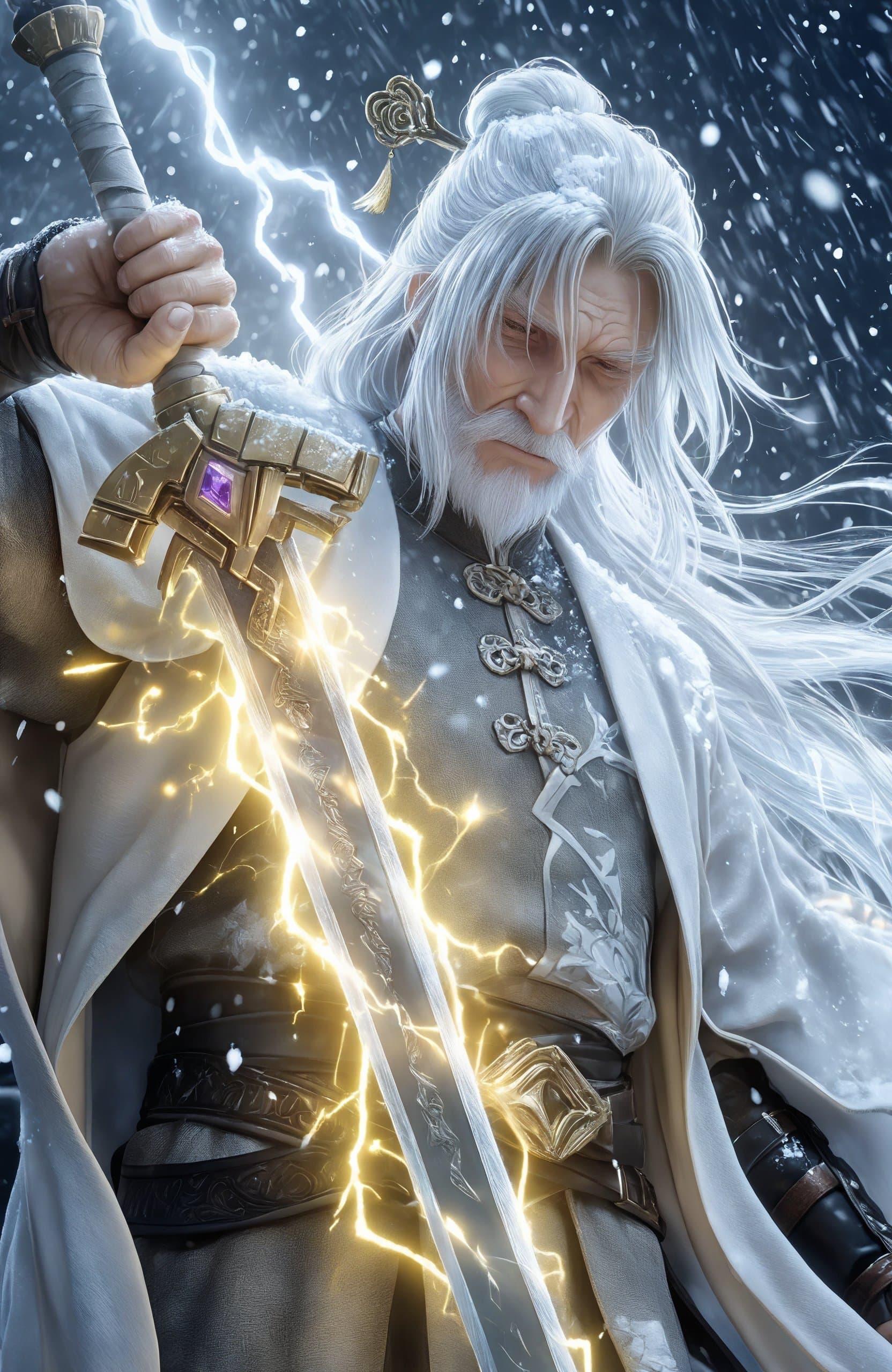
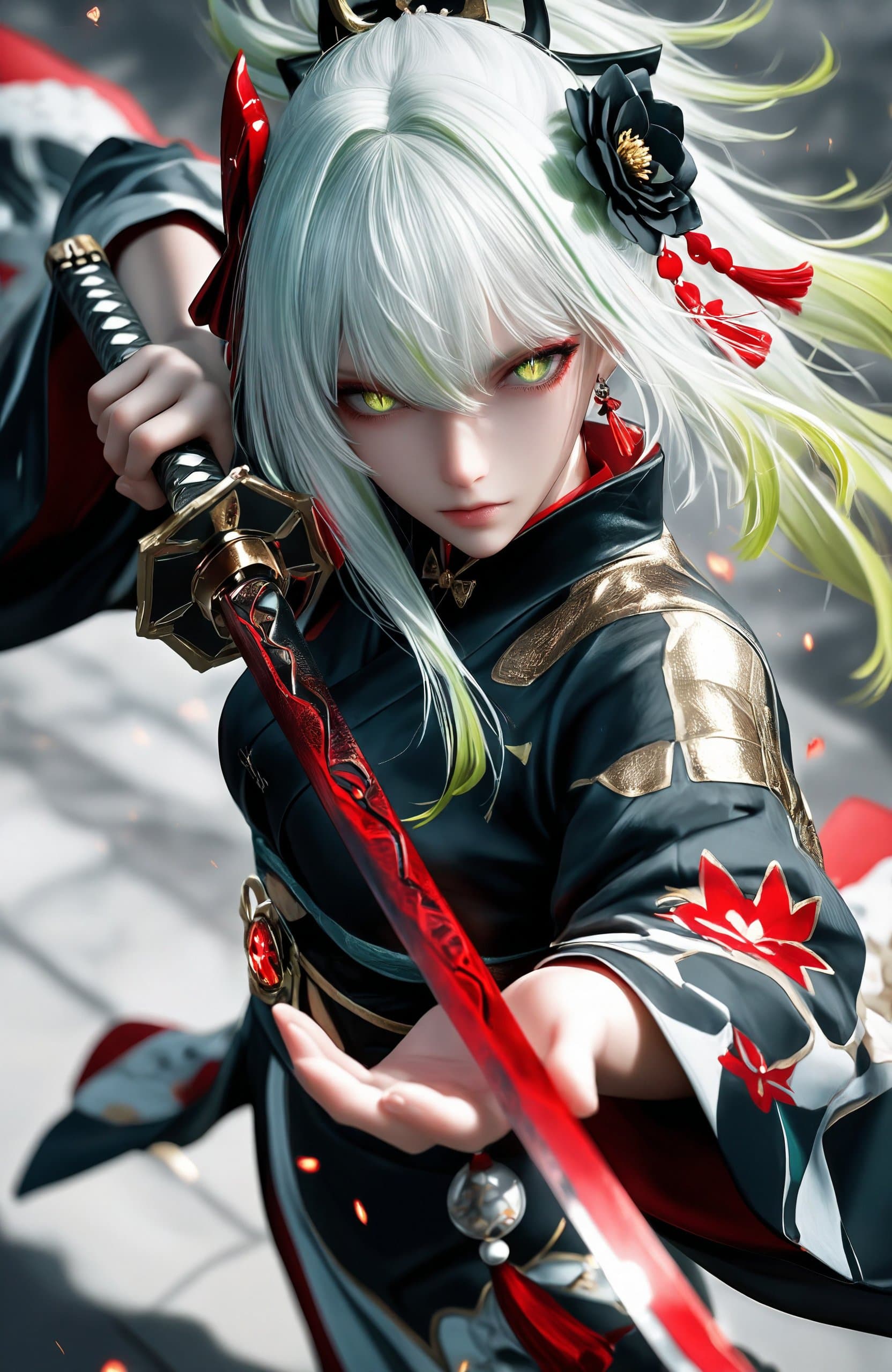
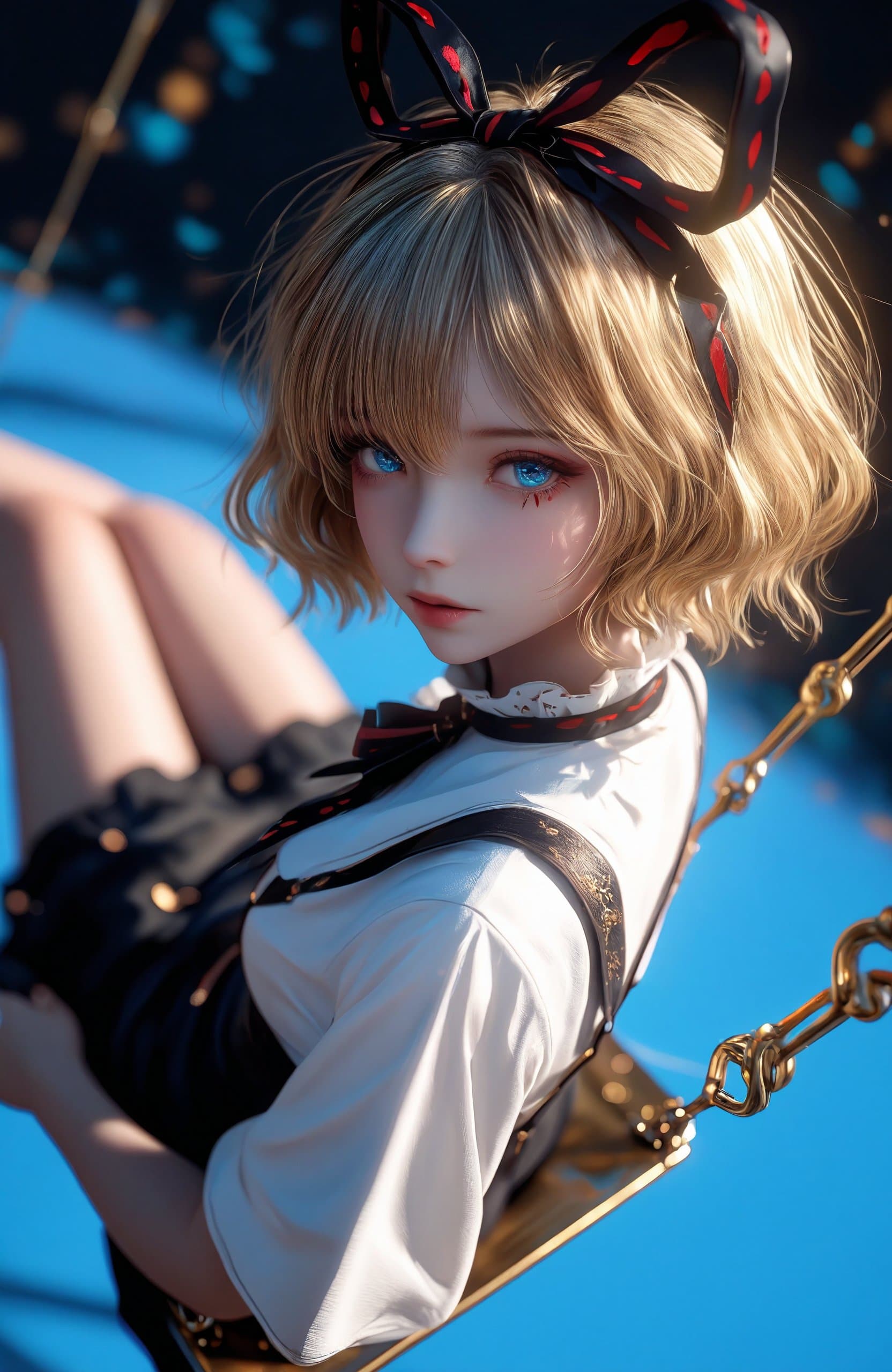
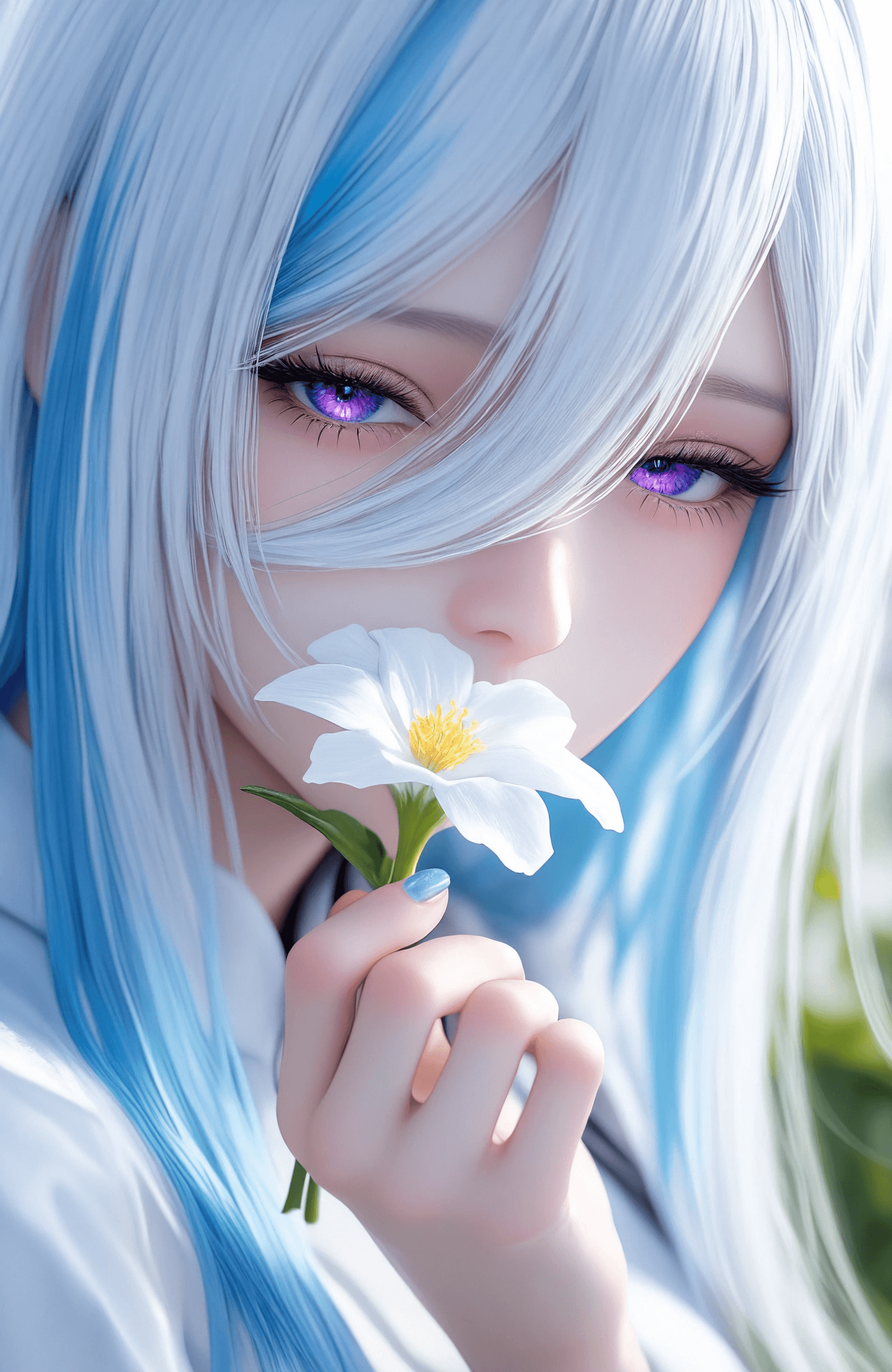
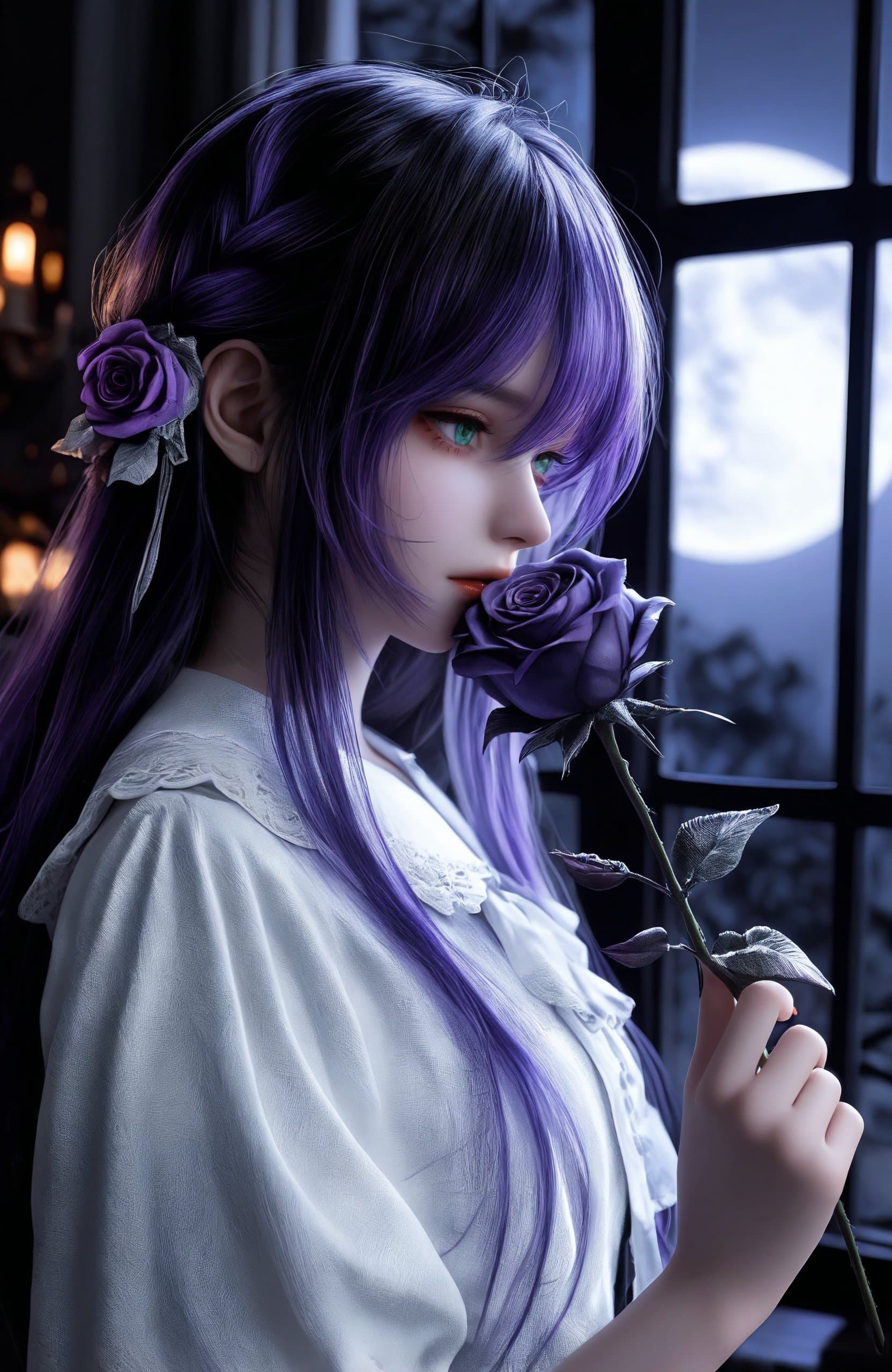
Introduction The YY-Radiant CG Quality Model is a powerful checkpoint designed to generate high-precision character illustrations with cinematic lighting and shadow quality. It expertly balances anime-style aesthetics with realistic rendering, making it ideal for producing commercial-grade character art, game CGs, and virtual avatar assets. This model excels in reproducing intricate details such as facial features, hair textures, clothing folds, and skin textures, creating rich, layered lighting, shadows, and atmospheric scenes. It supports a wide range of visual expressions, from beautiful anime to semi-realistic styles, and is compatible with Japanese illustrations, ACG character art, and 3D rendering textures. Its versatility makes it suitable for various applications, including:
- Gaming Industry: Character art, card illustrations, promotional posters, NPC design, and skin/fashion concepts.
- Content Creation: Fan art, HD wallpapers, merchandise assets (badges, standees), virtual streamer designs, novel covers, and comic storyboards.
- Commercial Marketing: Brand collaboration posters, product packaging illustrations, social media visuals, and virtual live backgrounds.
- Virtual Idol Ecosystem: Virtual idol designs, dynamic live backgrounds, emoji assets, and derivative short video visuals.
How to Use No trigger word is required to activate this model's unique style. Recommended Base Settings:
- Steps: 20
- CFG Scale: 5
- Weight: 0.8 Detailed Generation Tips:
- Sampler: DPM++ 2M Karras or Euler a (for a balance of speed and detail).
- Steps: 20-30 (25 steps recommended for optimal balance between efficiency and quality; higher steps yield more detail).
- Resolution: 1024x1536 or 1536x1024 (optimized for vertical illustrations/portraits, supports up to 2K output).
- Aspect Ratio: 2:3 for character portraits, 1:1 for avatars or cards.
- Prompt Weight: Positive prompts 1.0-1.2, Negative prompts -1.0 to -1.5 (to emphasize desired features and mitigate undesirable elements). Advanced Optimization:
- Hires. fix: Enable with an upscale factor of 1.5-2.0 and a denoising strength of 0.3-0.5 to enhance detail sharpness.
- Face Restoration: Enable CodeFormer with a strength of 0.6-0.8 for improved facial precision.
- Contrast Enhancement: Utilize Latent Upscale combined with a sharpening filter for better image clarity.
- Seed: Use a fixed seed for reproducible results or a random seed for diverse content generation.
Example Prompts Positive Prompt Template (adapted for example style):
(masterpiece, best quality, ultra-detailed), (anime CG, realistic painting style), 1girl, (detailed face, delicate skin texture, glossy hair), (intricate clothing design, detailed fabric texture), dramatic lighting, cinematic composition, (dynamic pose, vivid expression), background with depth, (soft shadows, high contrast), professional illustration
You can replace character features as needed (e.g., "1boy", "elf ears", "mecha armor"). Negative Prompt Template (to avoid low-quality effects):
lowres, bad anatomy, bad hands, text, error, missing fingers, extra digit, fewer digits, cropped, worst quality, low quality, normal quality, jpeg artifacts, signature, watermark, username, blurry, ugly, mutated, deformed, disfigured, poorly drawn face, extra limbs, floating limbs, disconnected limbs, malformed hands, long neck, duplicate, mutilated, morbid, out of frame
FAQ
Q: What trigger word should I use?
A: No trigger word is required.
Q: What are the recommended settings?
A: Steps: 20, CFG: 5, Weight: 0.8
Q: What resolution works best?
A: 1024x1536 or 1536x1024 for vertical illustrations/portraits. The model supports up to 2K output. Aspect Ratios: 2:3 for character portraits, 1:1 for avatars or cards.