


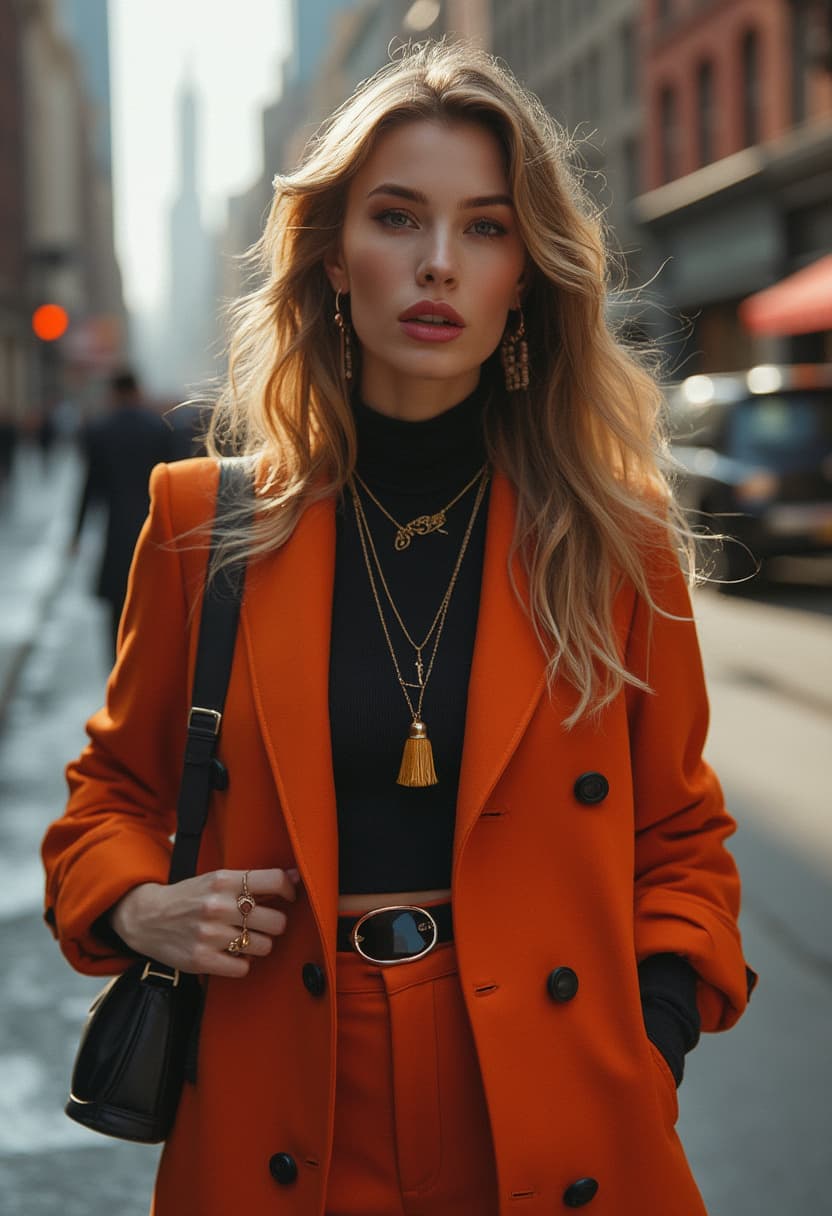
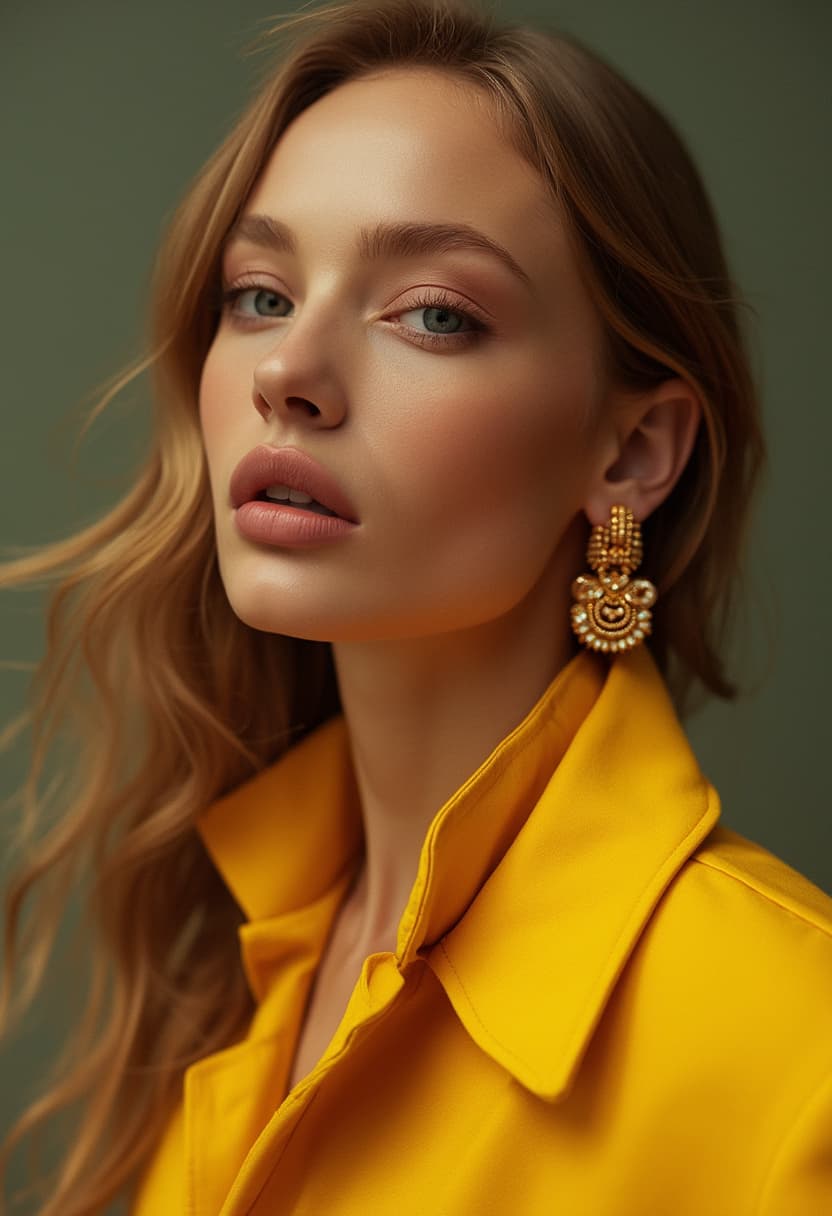

Introduction
The F.1 Basic Algorithm Model is a versatile checkpoint designed for image generation, focusing on providing a stable and efficient base for various creative applications. This model is optimized for performance, offering different versions to suit varying hardware capabilities, from fast, stable outputs to more memory-intensive options. It is built to be adaptable across different UI environments, including standard WEBUI and ComfyUI, allowing for flexible workflow integration.
How to Use
Trigger Word: No trigger word is required to activate this model.
Recommended Settings:
- Steps: 20 (Can be increased for potentially finer detail)
- CFG Scale: 3.5 (Adjustable based on desired adherence to prompt)
- Weight: 0.8
Tips from the Original Description:
- For WEBUI Users:
- The
fp8version is highly recommended for faster generation speeds and enhanced stability. - The
fp16version may load slightly slower and is more prone to VRAM exhaustion. - The
schnell(turbo) version is generally not recommended due to suboptimal results.
- The
- Sampling Method: Currently, the only supported sampling method is
FlowMatchEuler. - Embedding Compatibility: This model is compatible with SD1.5 embeddings. Using SDXL embeddings may lead to issues, though this is not absolute.
- For ComfyUI Users: This model offers greater combinatorial possibilities and can be extended with various streaming pipeline workflows.
- Hardware Considerations: The regular version of this model requires a minimum of 32GB of system RAM. It has been observed to fully utilize the VRAM of a 4090 GPU. For local execution, the
dev-fp8version is recommended due to its efficiency.
Example Prompts
No specific example prompts were provided for this model.
FAQ
Q: What trigger word should I use?
A: No trigger word is required.
Q: What are the recommended settings?
A: Steps: 20, CFG: 3.5, Weight: 0.8
Q: What resolution works best?
A: While not explicitly stated, common resolutions for this type of model include 1024x1024 for square images and 1024x1536 for portrait images. Be mindful of your VRAM, especially with higher resolutions.