
7 images
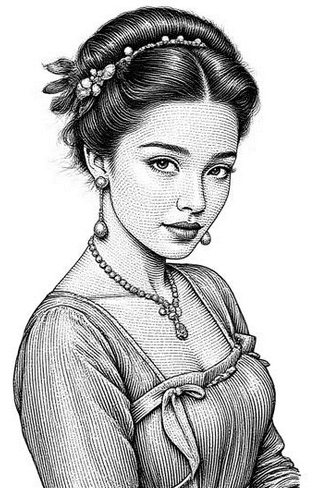
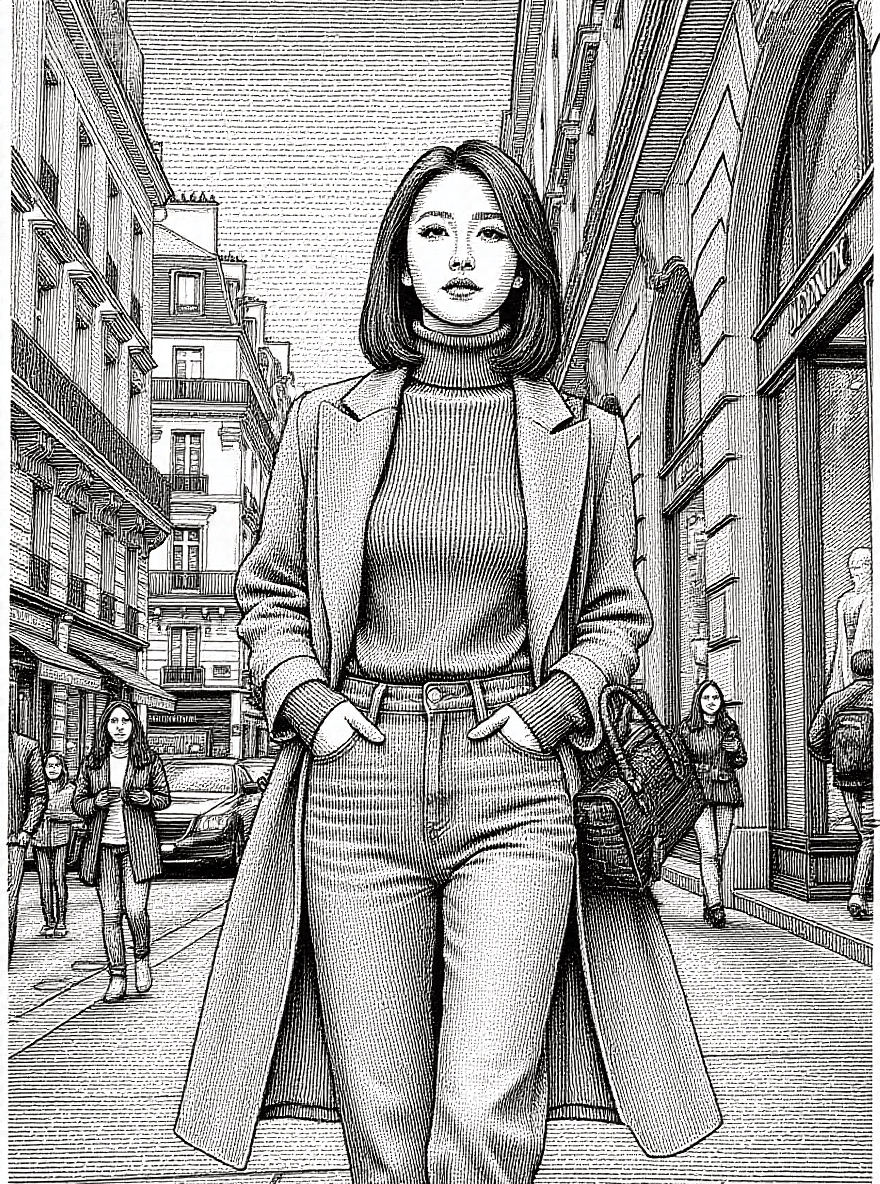
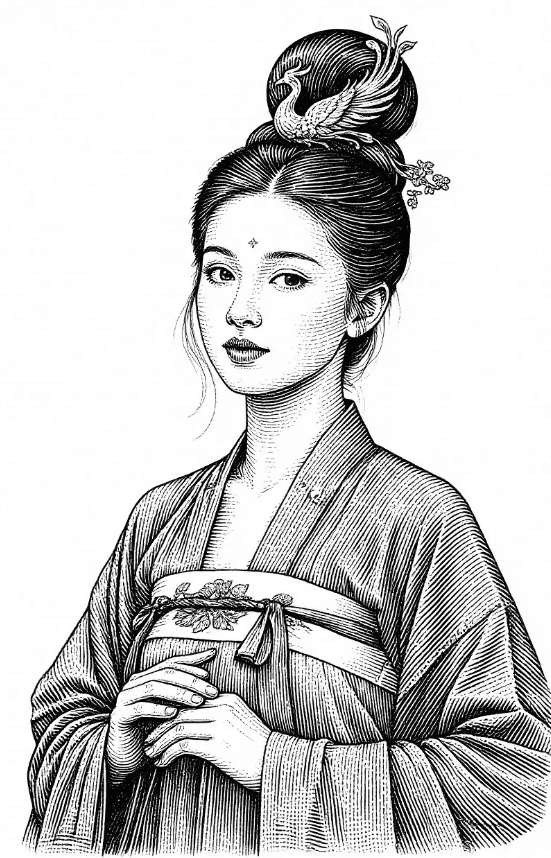
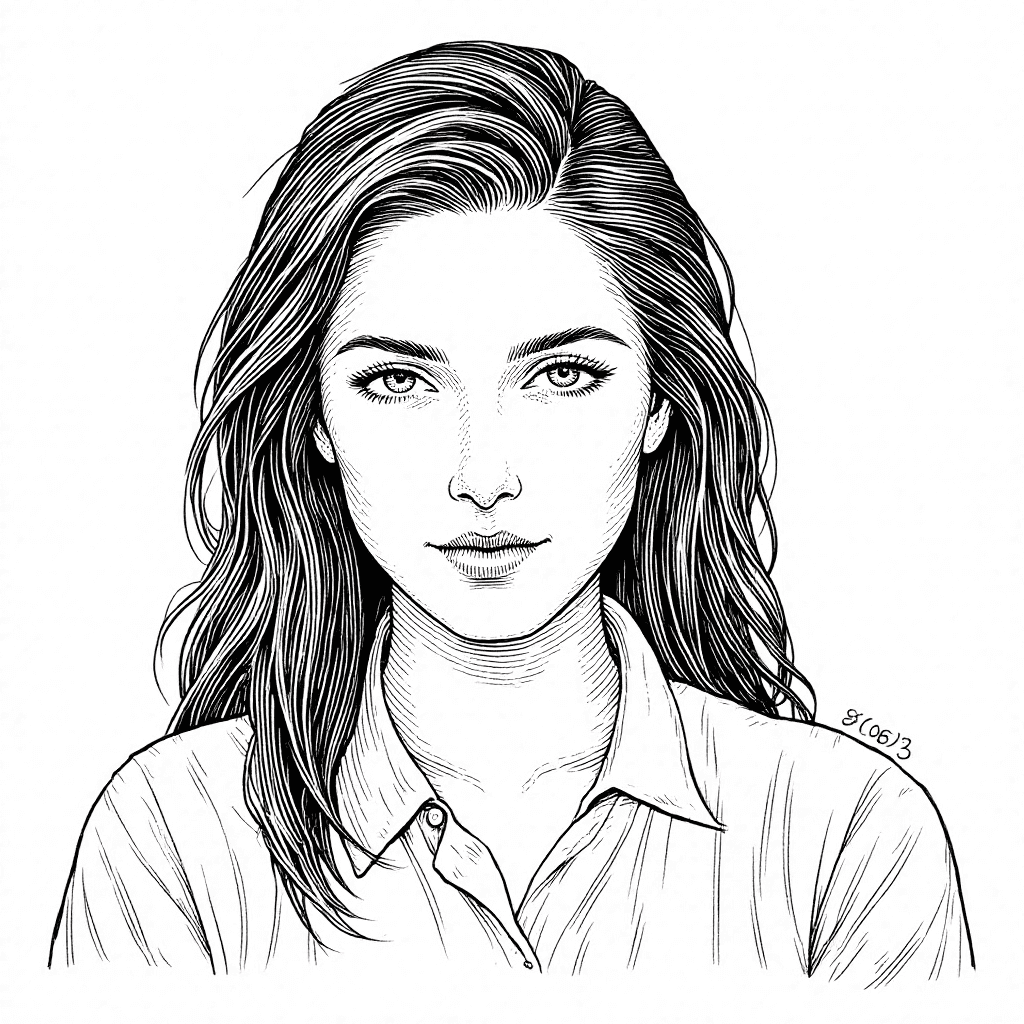
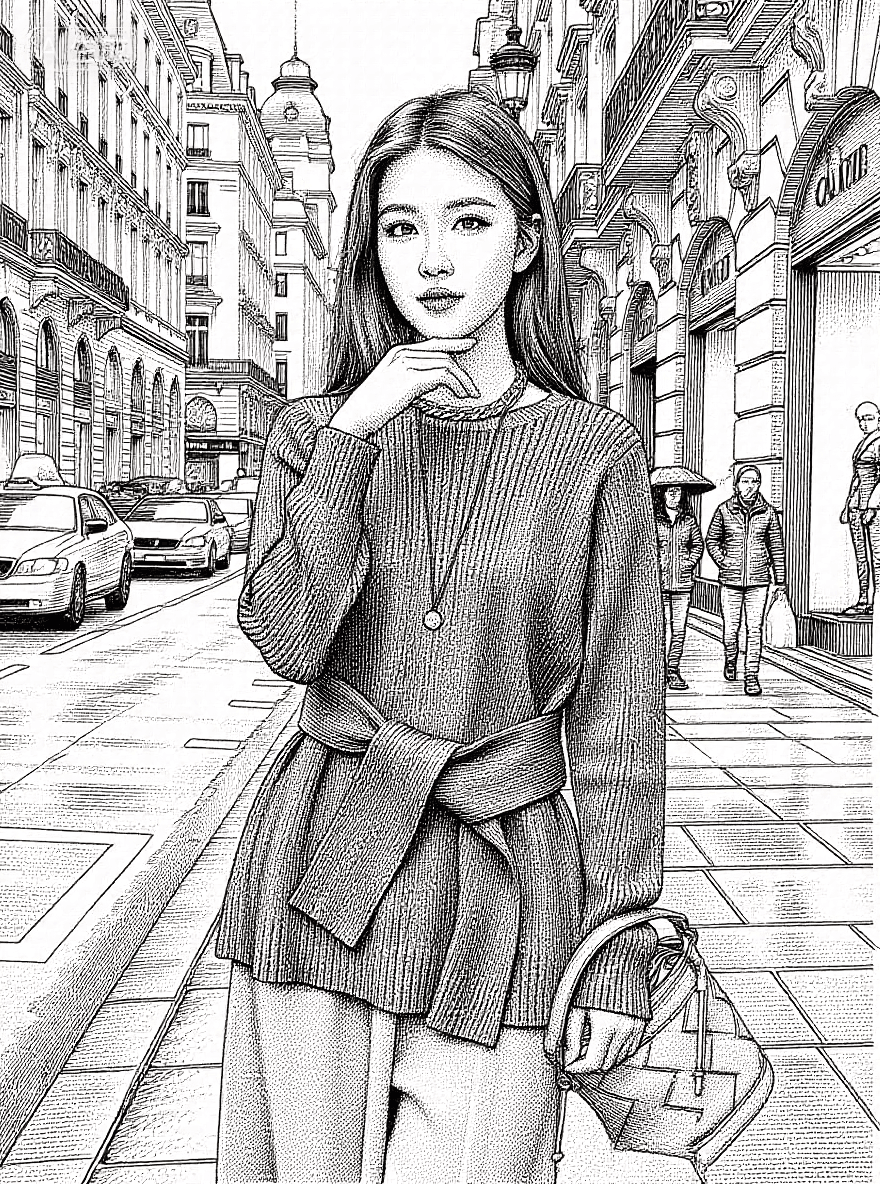
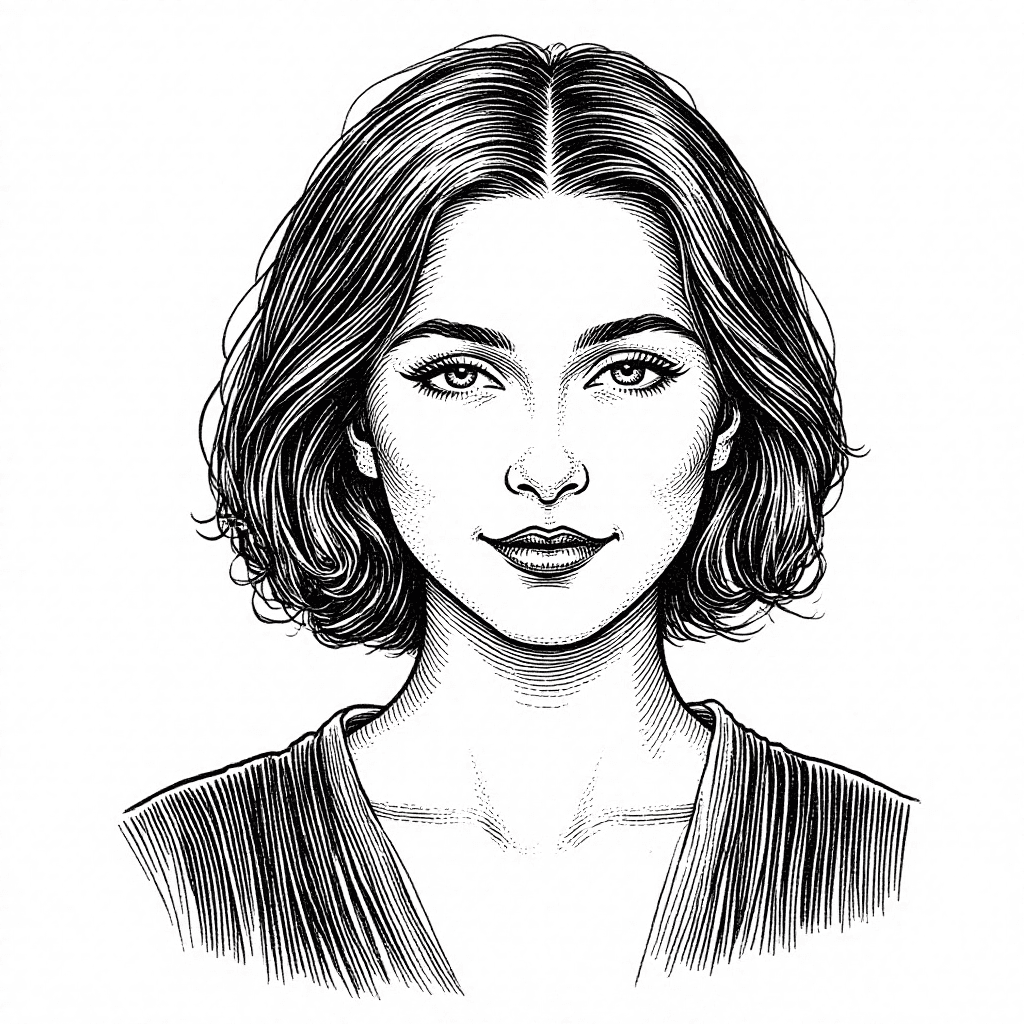
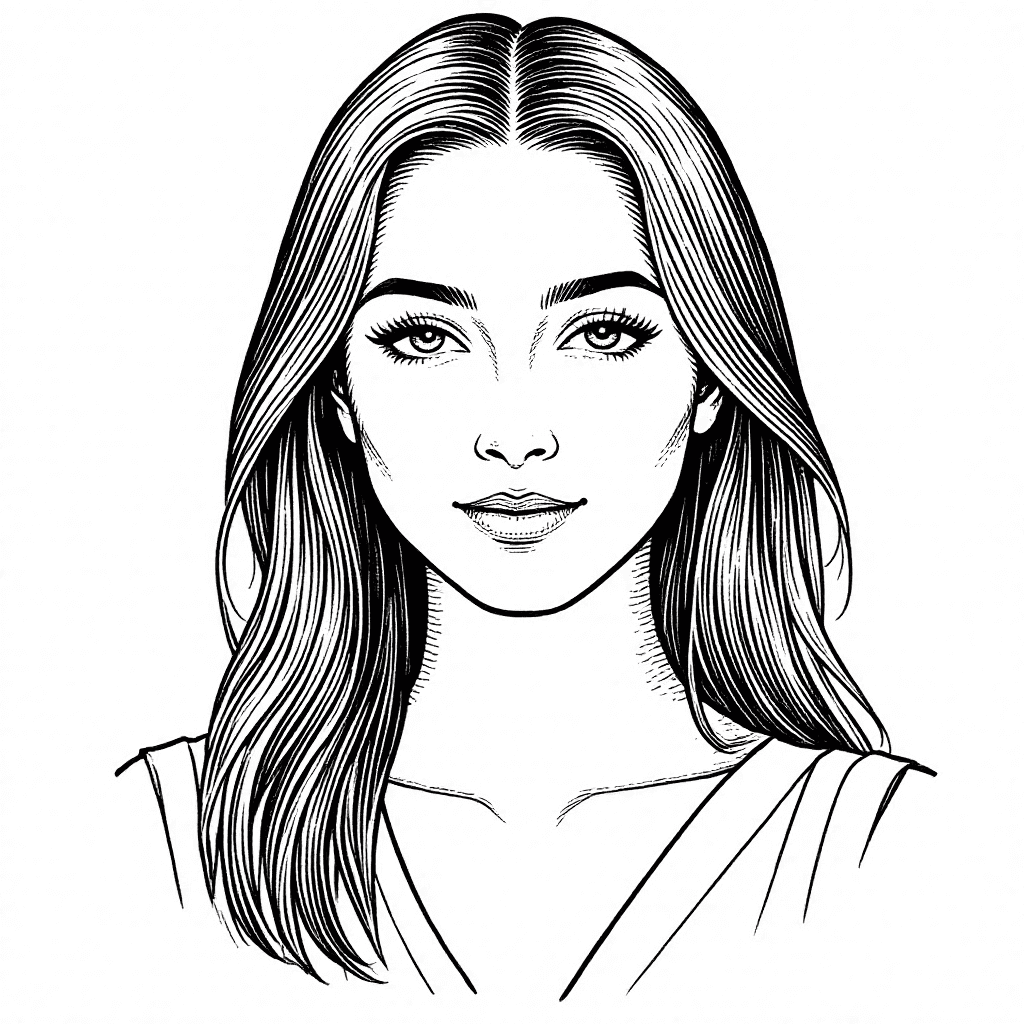
Introduction The Flux Kontext LORA model specializes in generating images with a distinctive etching, woodcut, and sketch-like printing style. It excels at creating black and white line art with a clean, artistic aesthetic. This model is ideal for artists and creators looking to produce stylized illustrations, character drawings, and graphic designs that evoke traditional printmaking techniques. Key Features:
- Etching and Woodcut Style: Renders images with the characteristic textures and line work of traditional printmaking.
- Black and White Line Art: Primarily focuses on crisp, neat black and white lines, offering a classic and elegant look.
- Clean Backgrounds: Often produces images with uncluttered backgrounds, emphasizing the subject.
- Character Drawing: Particularly adept at generating stylized human figures and portraits.
How to Use To achieve the best results with the Flux Kontext LORA model, follow these guidelines: * Trigger Word: No specific trigger word is required to activate this LORA model.
- Recommended Settings: * Steps: 20 * CFG Scale: 7 * LORA Weight: 0.8 * Sampling Method: Euler * Resolution: For optimal output, use resolutions such as 1024x1500 or 1500x1024.
- Tips: * Focus your prompts on simple lines and a clean background to enhance the etched printing style. * Emphasize "black and white" in your prompt for classic print aesthetics.
Example Prompts Here's an example prompt to get you started: * "A woodblock print of a lady, neat black and white lines, clean background. Simple lines, etched printing style"
FAQ
Q: What trigger word should I use?
A: No trigger word is required.
Q: What are the recommended settings?
A: Steps: 20, CFG: 7, Weight: 0.8
Q: What resolution works best?
A: Optimal resolutions include 1024x1500 or 1500x1024.