
Introduction
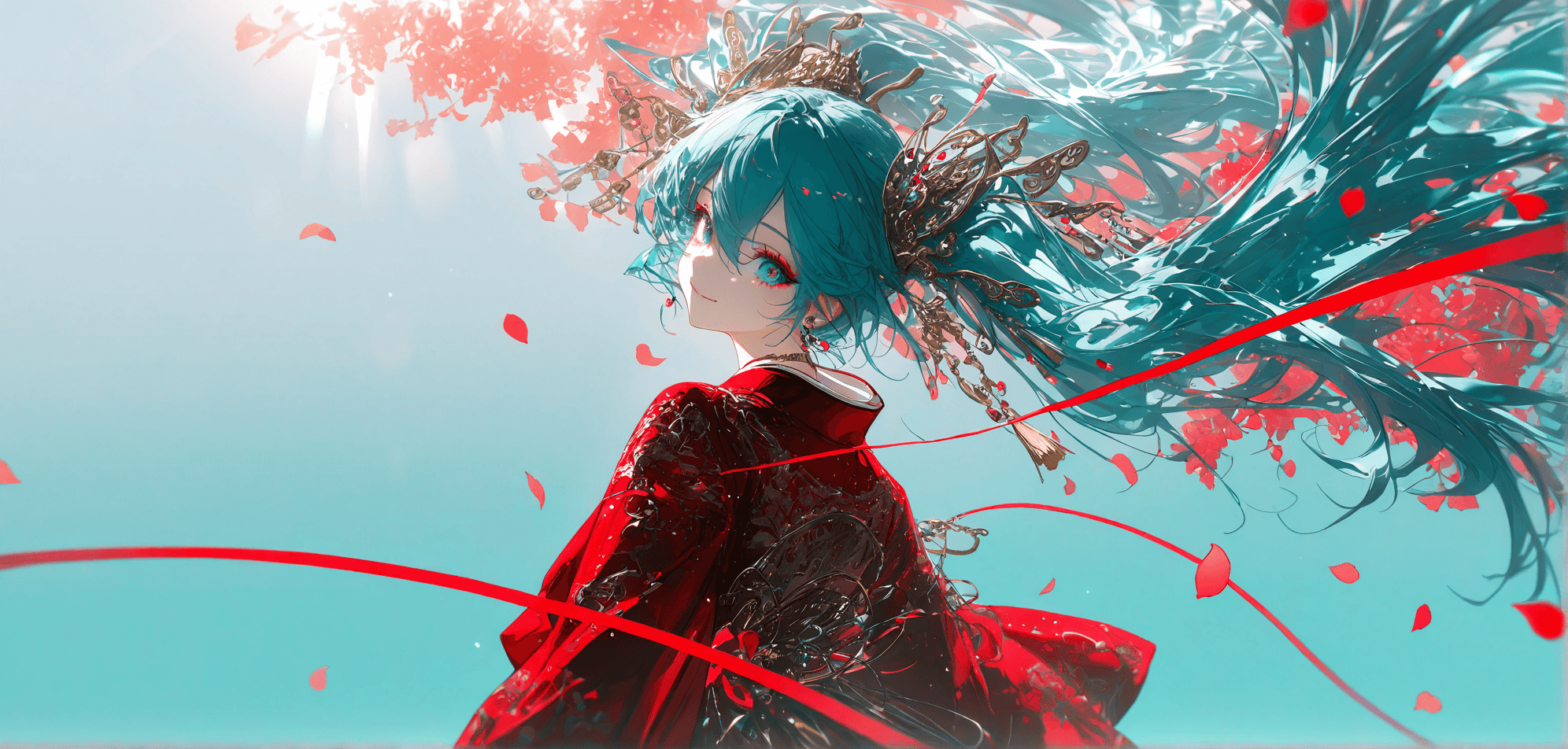
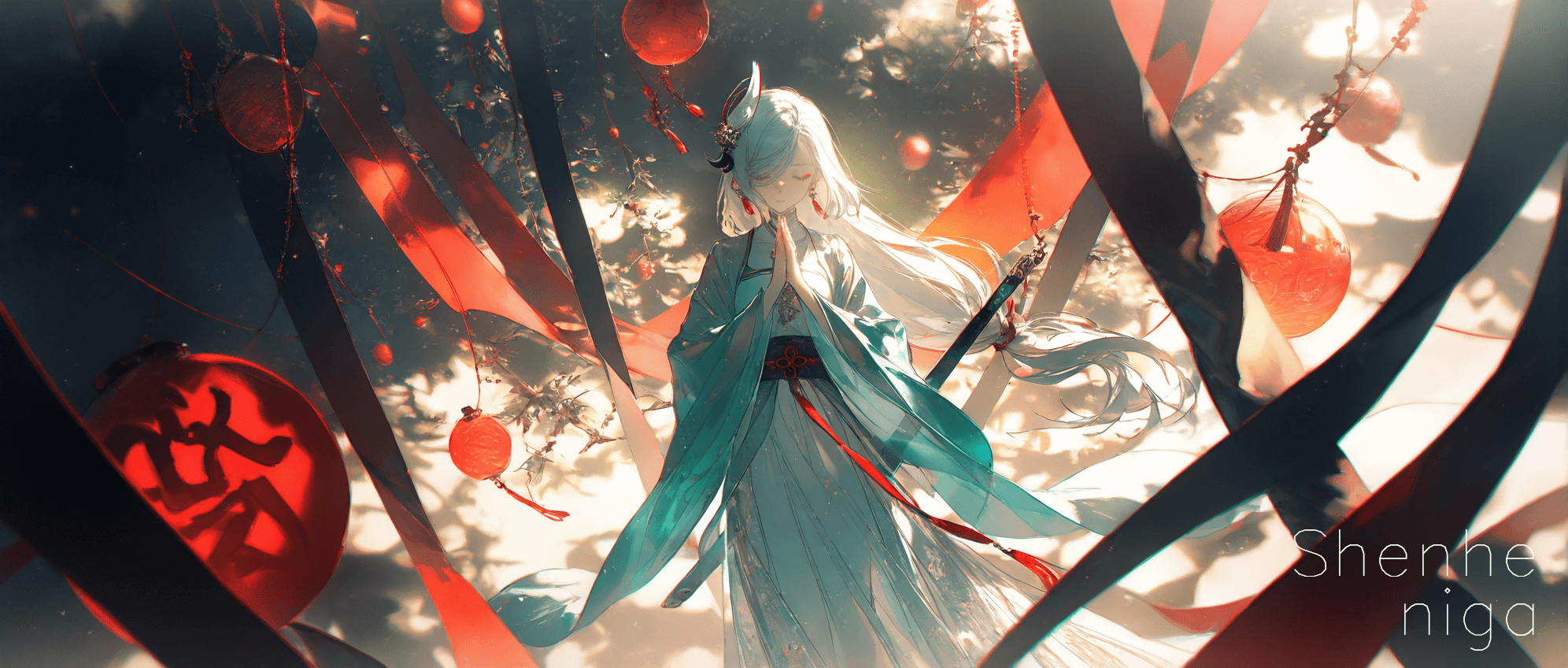
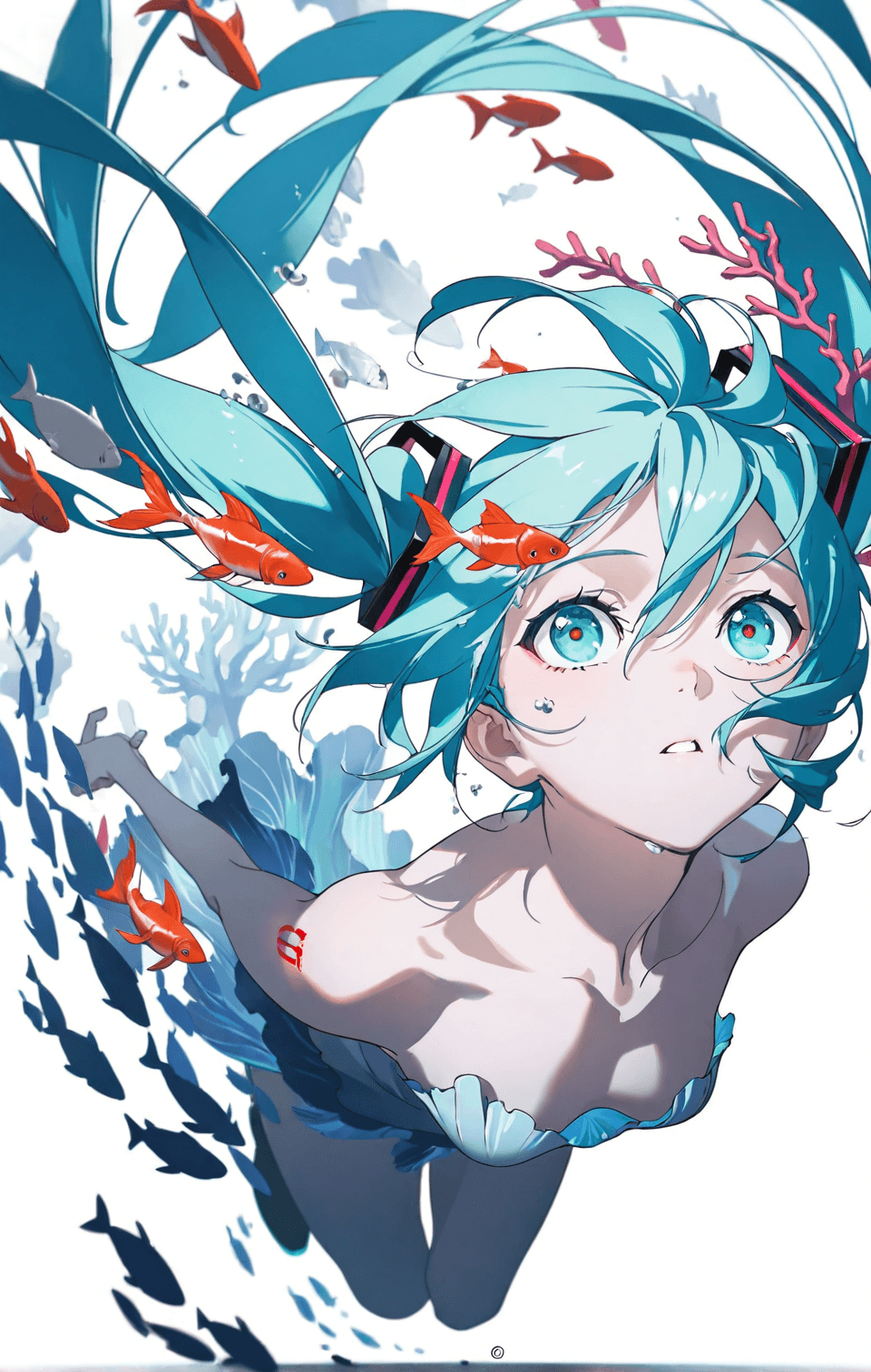
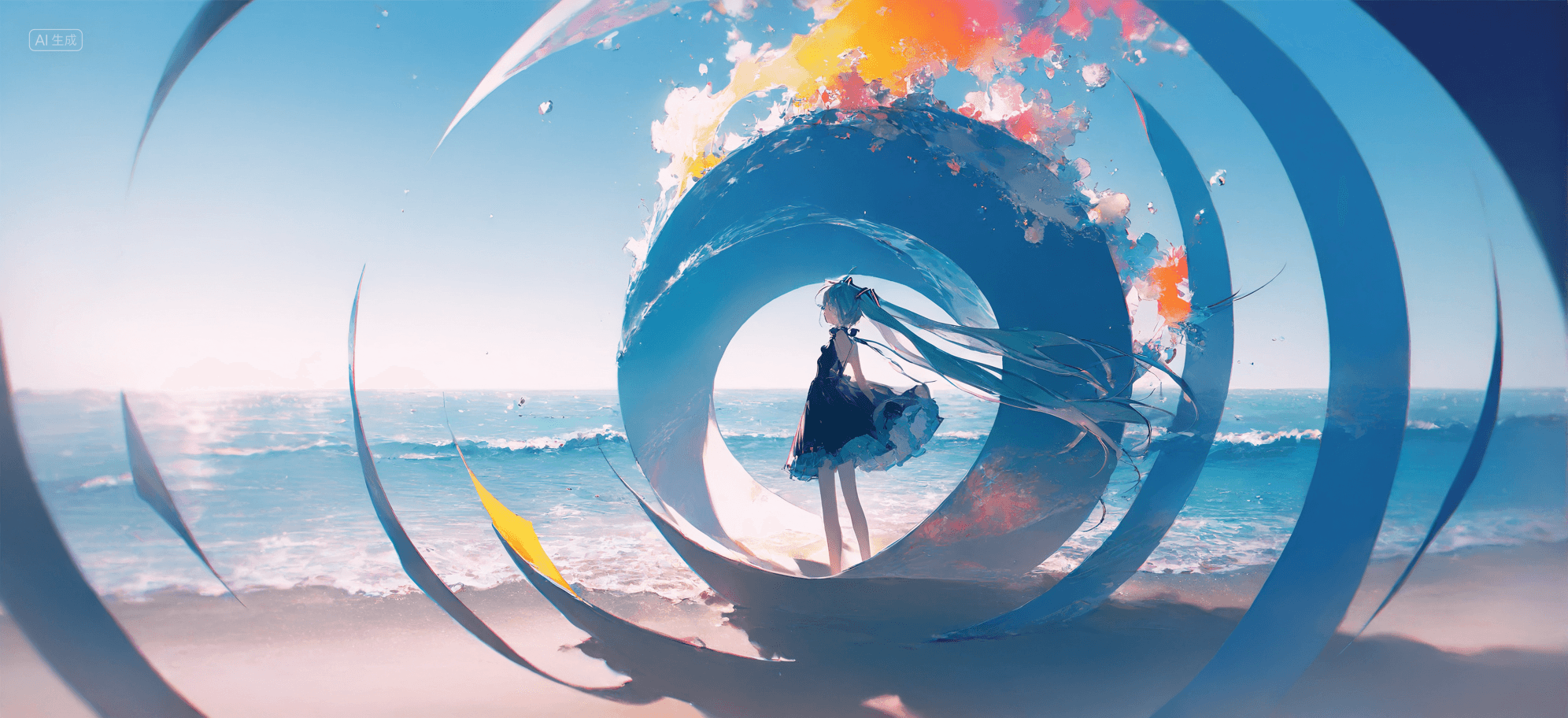
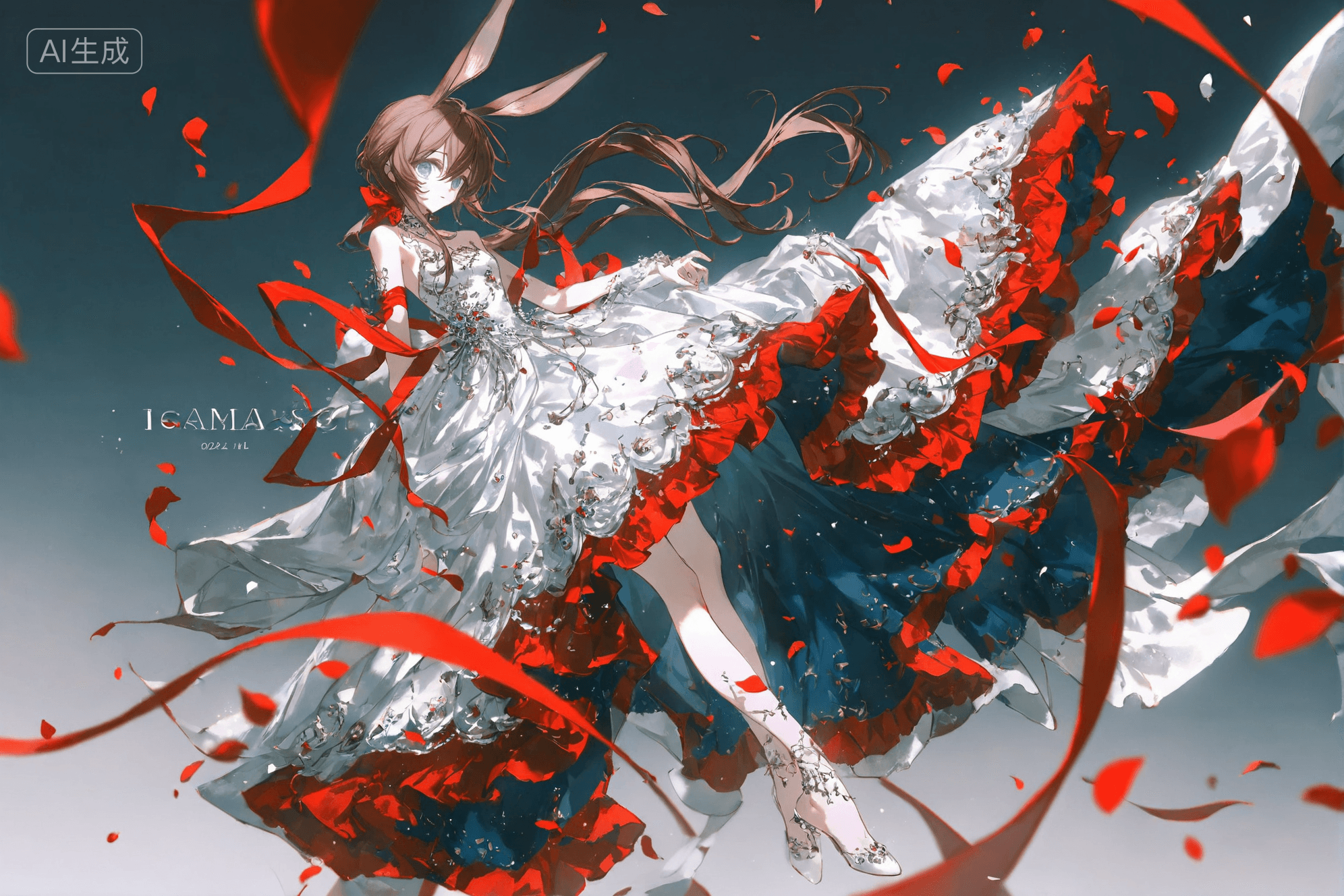
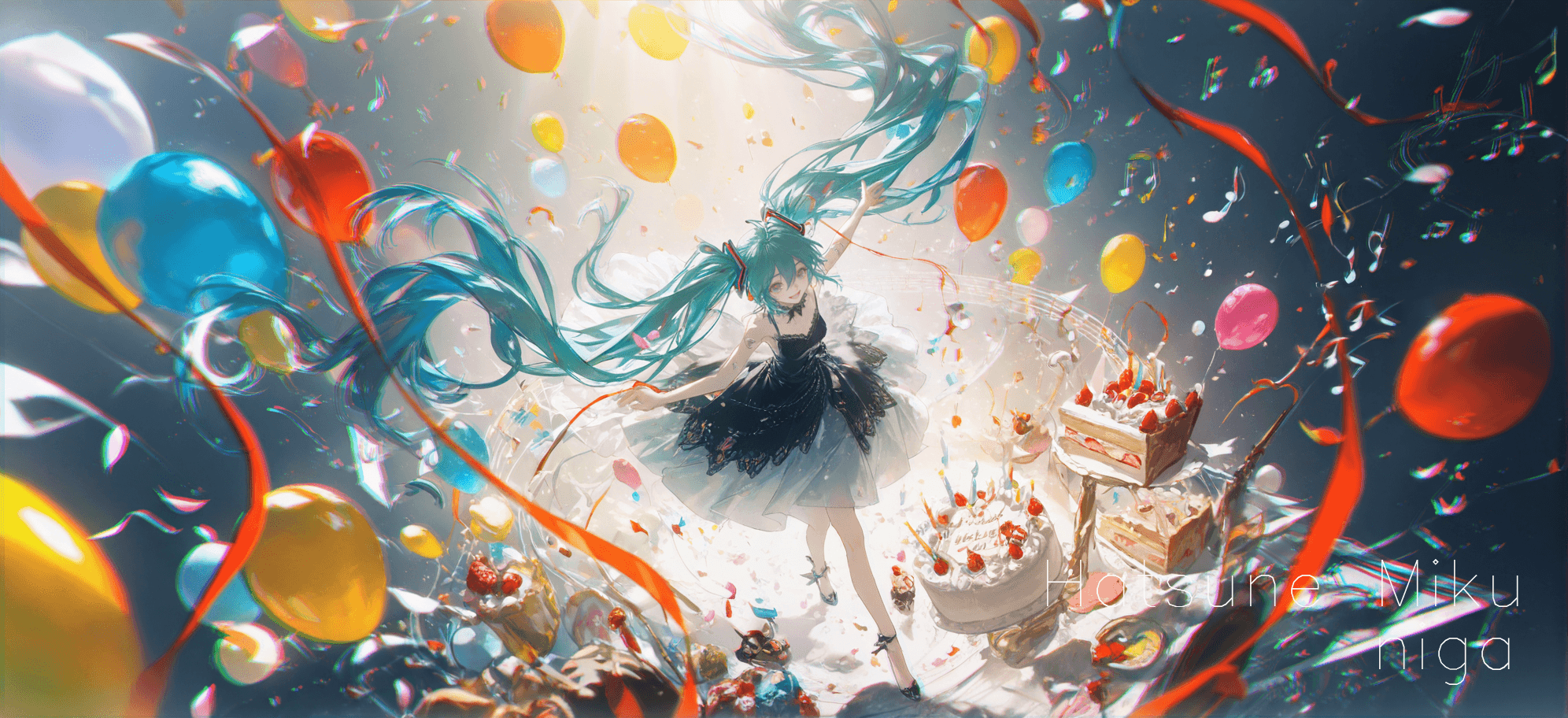
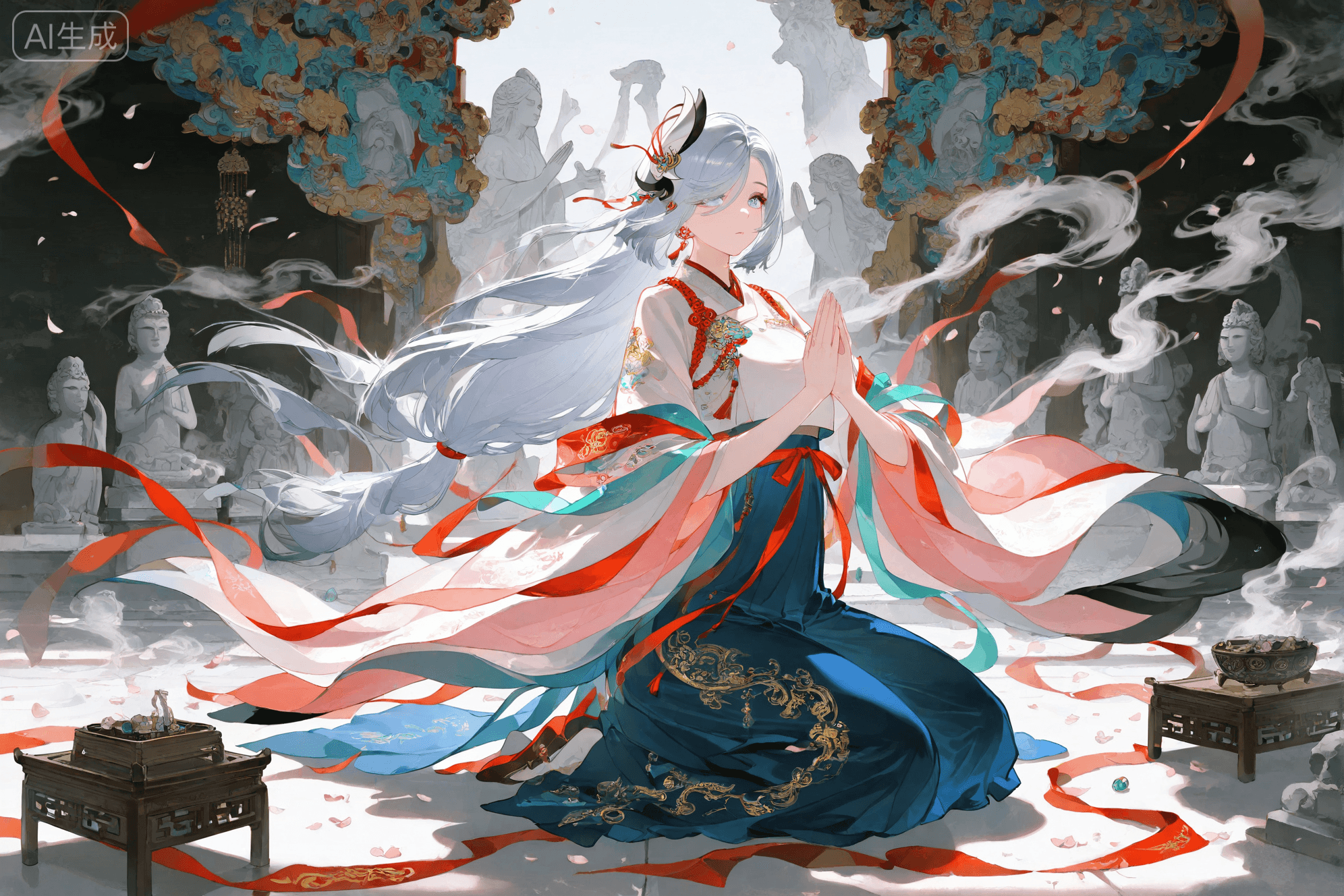
The "失约梦境" (Shīyuē Mèngjìng), or "Dream of Missed Appointment," is an advanced AI checkpoint model designed to generate unique artistic images. This model excels at blending distinct painting styles, offering a fresh aesthetic for AI art enthusiasts and creators.
Its key feature lies in its ability to seamlessly integrate the rich, tactile quality of impasto (thick, textured paint strokes) with the clean, defined appearance of flat painting. This combination results in images that possess both depth and clarity, providing a sophisticated and painterly feel. Users can expect outputs with a distinctive artistic texture, making it ideal for generating visually striking and expressive artwork.
How to Use
To achieve the best results with the 失约梦境 model, follow these guidelines:
- Trigger Word: No specific trigger word is required to activate this model's unique style. Simply describe your desired image.
- Recommended Settings:
- Steps: 20
- CFG Scale: 7
- Weight: 0.8 (This refers to the model's influence if used as a LoRA or similar, or a general recommendation for its strength in a generation pipeline. For a checkpoint, it implies its inherent strength.)
- Resolution: For optimal image quality and detail, it is recommended to use a resolution of 1024x1024 for square images or 1024x1536 for portrait orientations.
- Tips: This model naturally blends impasto and flat painting textures. Experiment with prompts that describe artistic styles, lighting, and subjects to fully explore its capabilities. Users are encouraged to share their creations and discoveries with the community.
Example Prompts
No specific example prompts were provided in the original model description. Users are encouraged to experiment with various descriptive prompts to discover the model's full artistic range and unique interpretations. Try combining different subjects with artistic descriptors to see how the impasto and flat painting textures manifest.
FAQ
Q: What trigger word should I use?
A: No trigger word is required for the 失约梦境 model.
Q: What are the recommended settings?
A: For optimal results, use these settings: Steps: 20, CFG Scale: 7, Weight: 0.8.
Q: What resolution works best?
A: For optimal results, consider using 1024x1024 for square images or 1024x1536 for portrait orientations.