



9 images
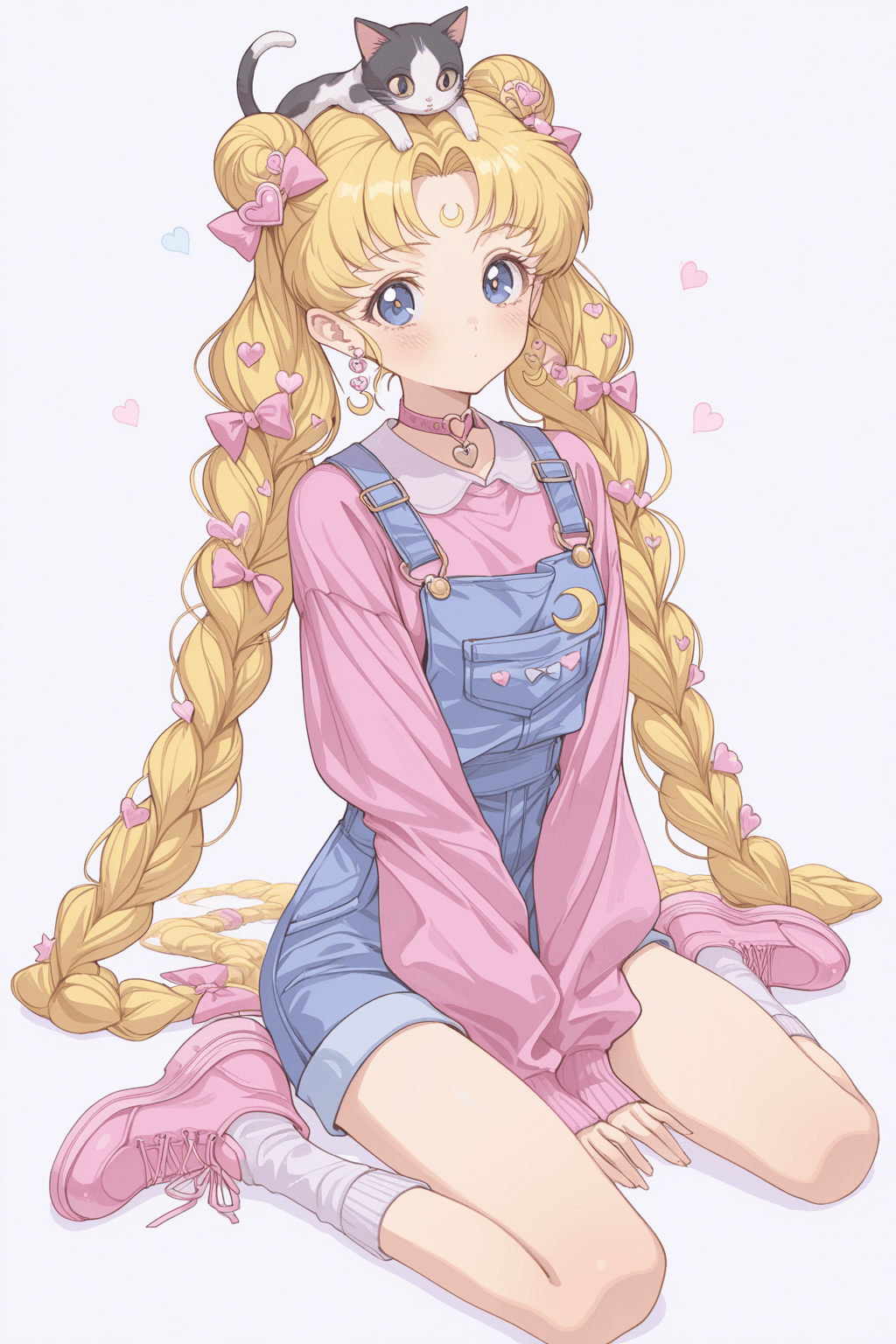
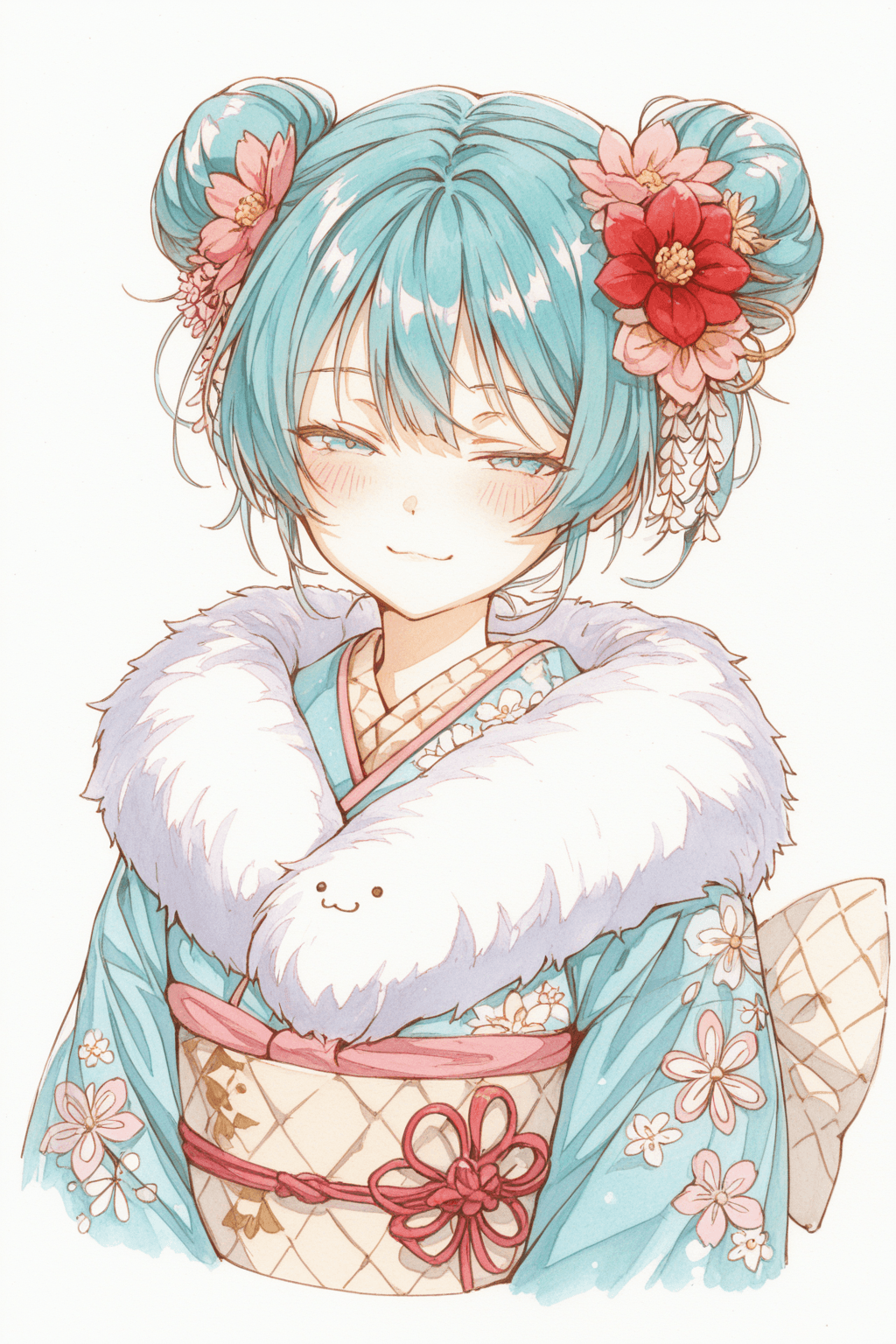
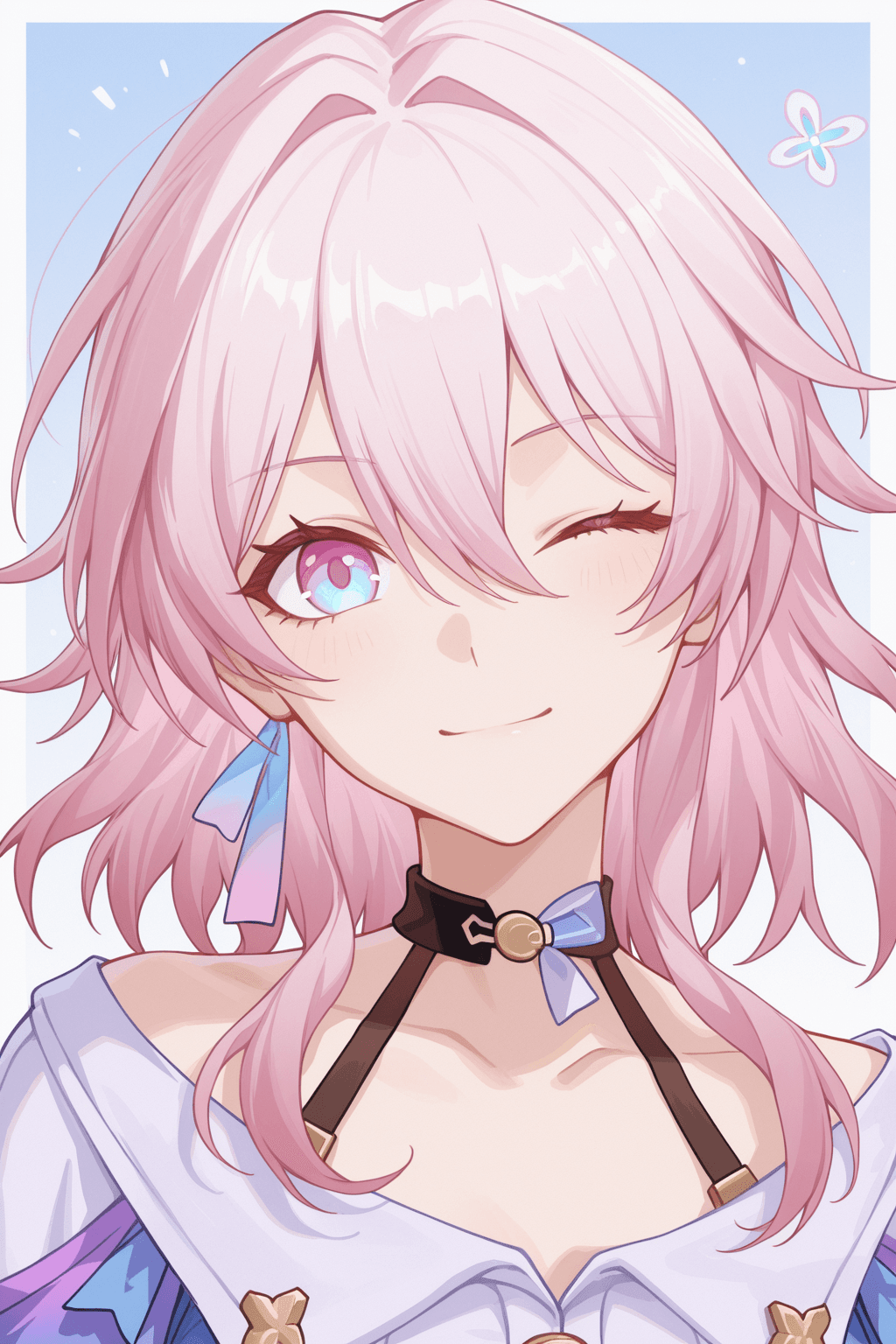
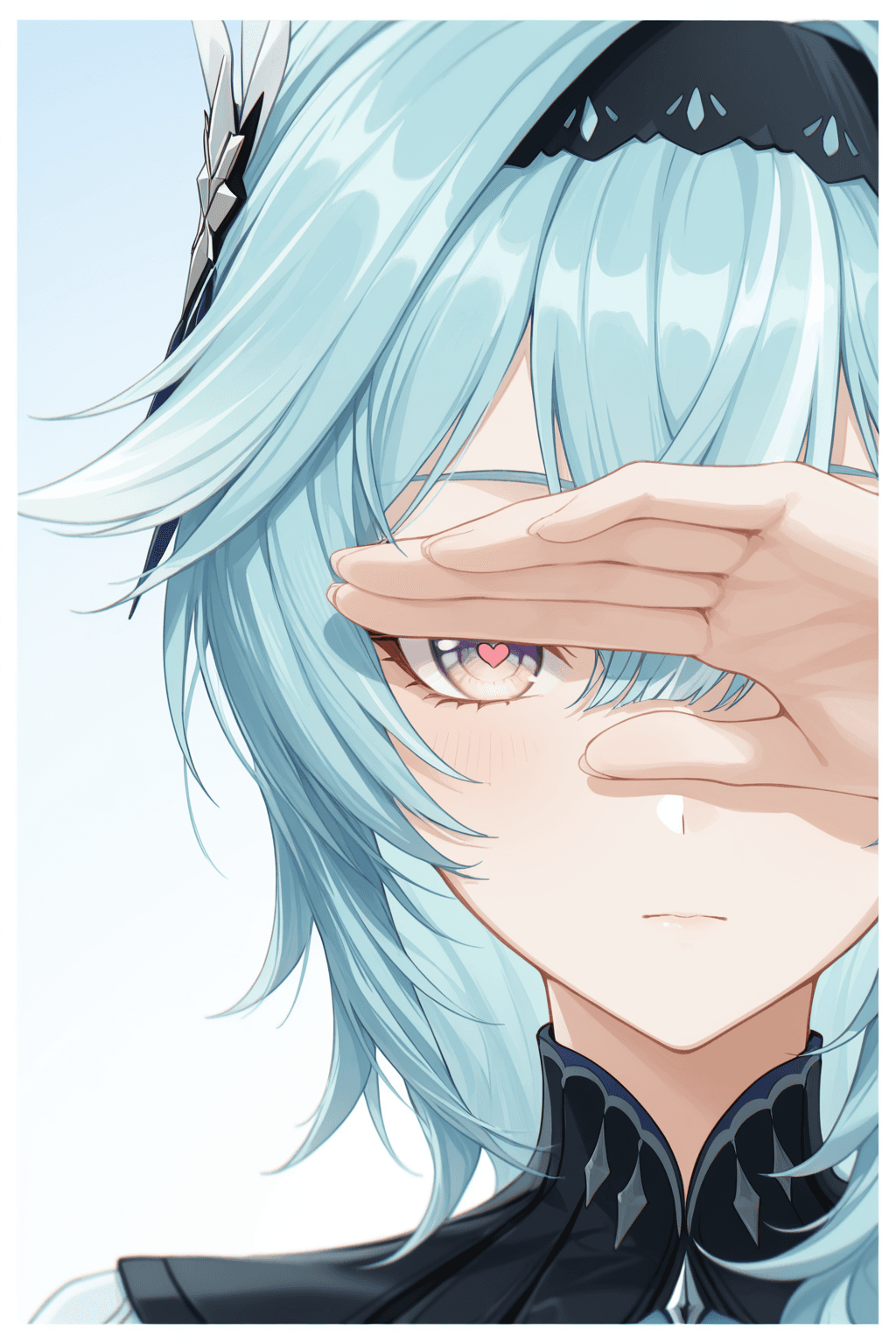
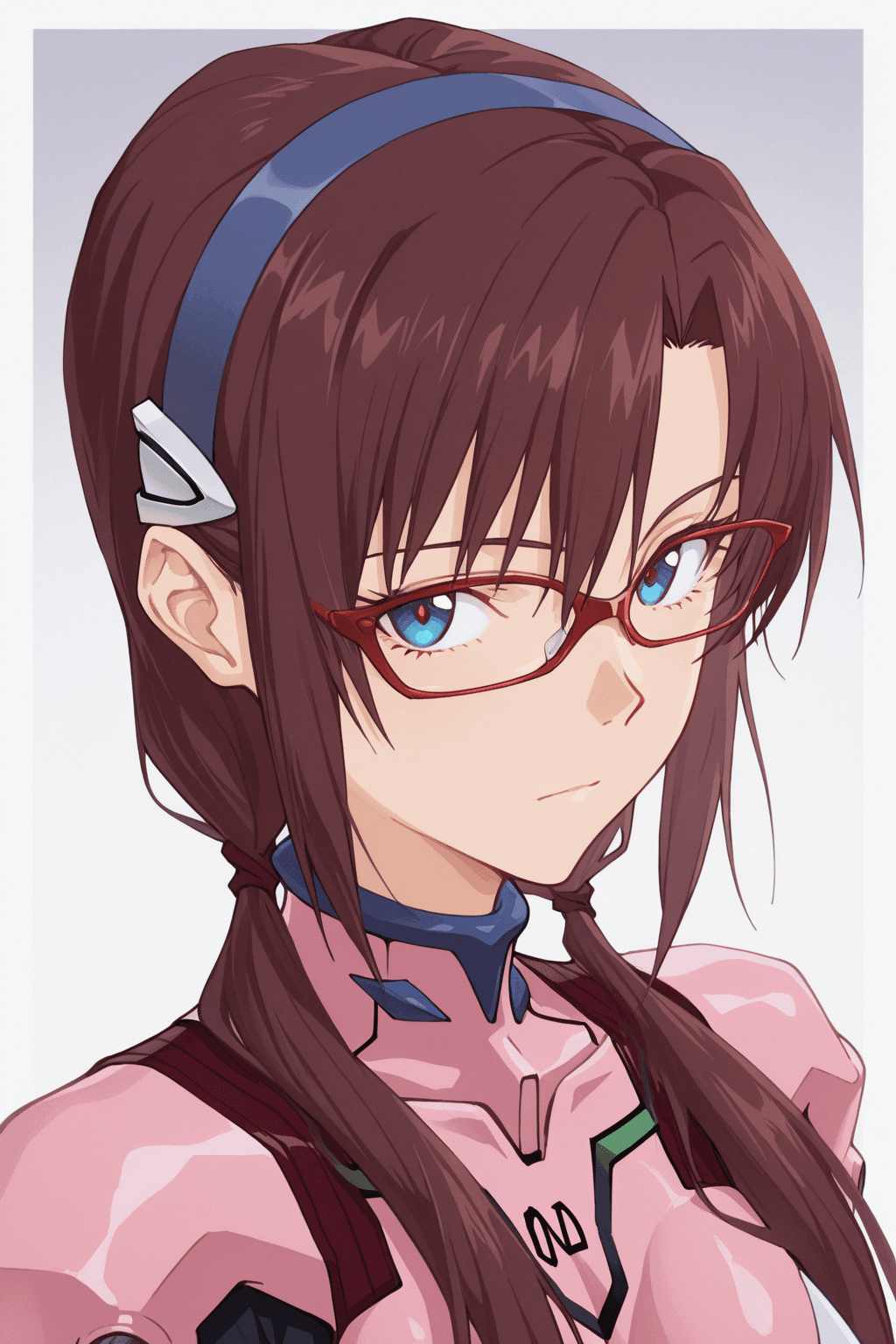
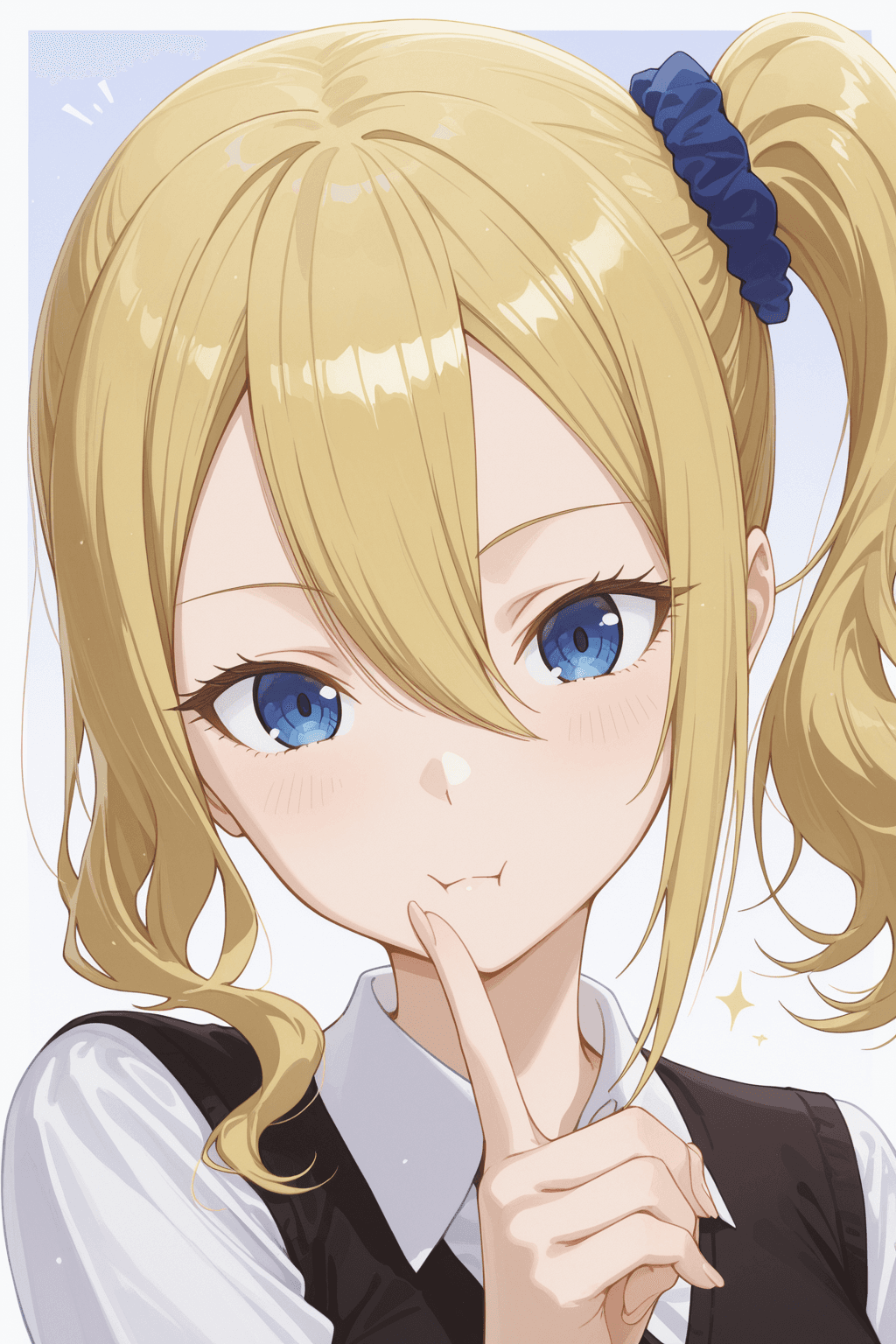
Introduction The HG2512_Illustrious is a specialized LoRA (Low-Rank Adaptation) model designed to infuse your AI-generated images with a distinct and appealing anime art style. This model excels at creating captivating "waifu" characters, providing a consistent and high-quality aesthetic that anime enthusiasts will appreciate. It's perfect for users looking to generate images with a specific artistic flair, focusing on character design and overall visual harmony.
How to Use To effectively utilize the HG2512_Illustrious LoRA model, follow these guidelines: * Trigger Word: Always include HG2512 at the beginning of your prompt to activate the model's unique style.
- Recommended Settings: * Steps: 20 * CFG Scale: 4 * LoRA Weight: 0.7 (This is the recommended default, but you can experiment within a suggested range.)
- LoRA Weight Range: The model's original description suggests experimenting with a LoRA weight between 0.3 and 0.8. A lower weight (e.g., 0.3) will subtly influence the image, while a higher weight (e.g., 0.8) will apply the style more intensely. Adjust this value to find the perfect balance for your desired output.
Example Prompts No specific example prompts were provided for this model. However, you can combine the trigger word with descriptive text to generate various anime-style images.
FAQ
Q: What trigger word should I use?
A: Use "HG2512" at the beginning of your prompt.
Q: What are the recommended settings?
A: Steps: 20, CFG: 4, Weight: 0.7
Q: What resolution works best?
A: For optimal results, consider using resolutions such as 1024x1024 for square images, or 1024x1536 for portrait-oriented images.