
Introduction
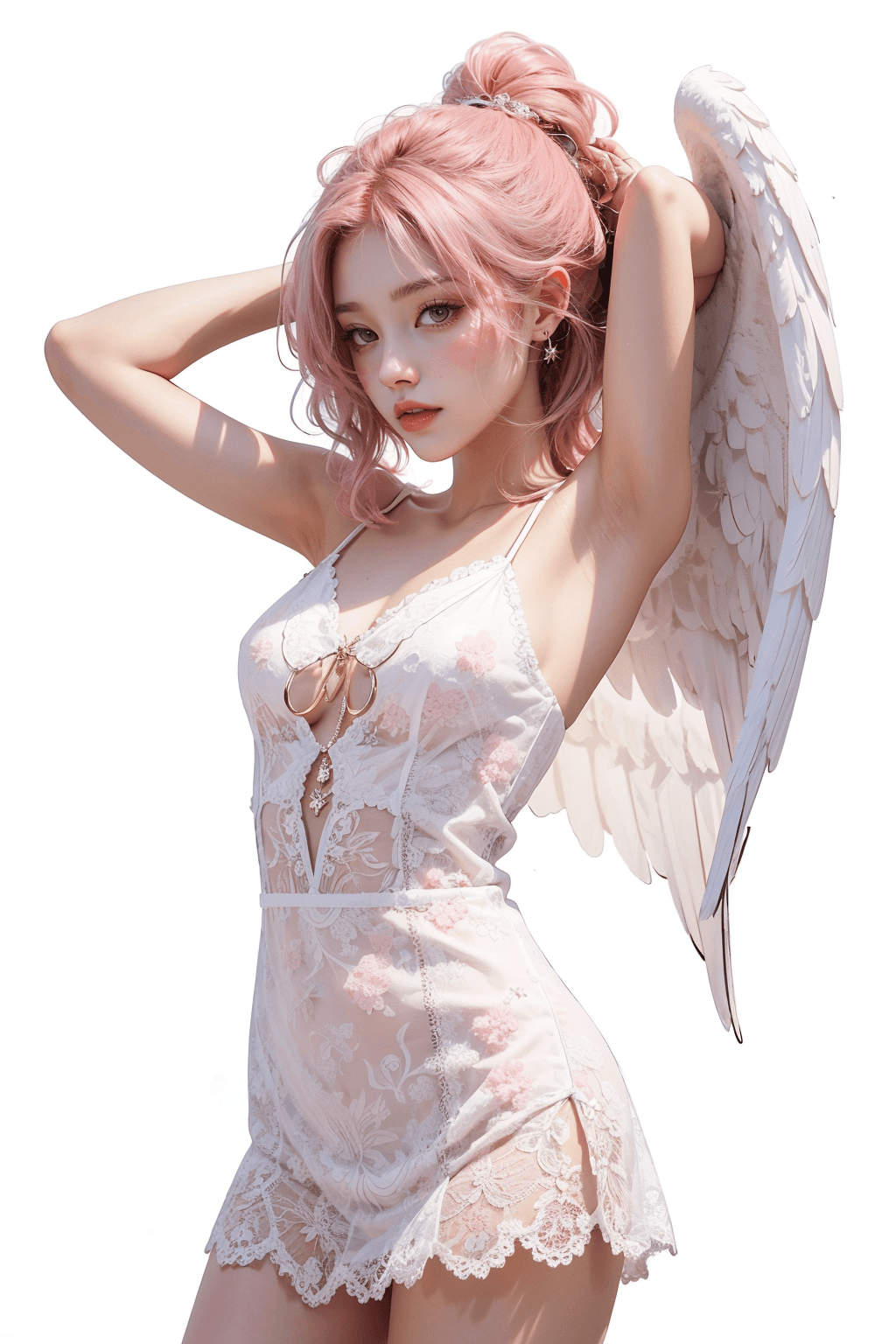
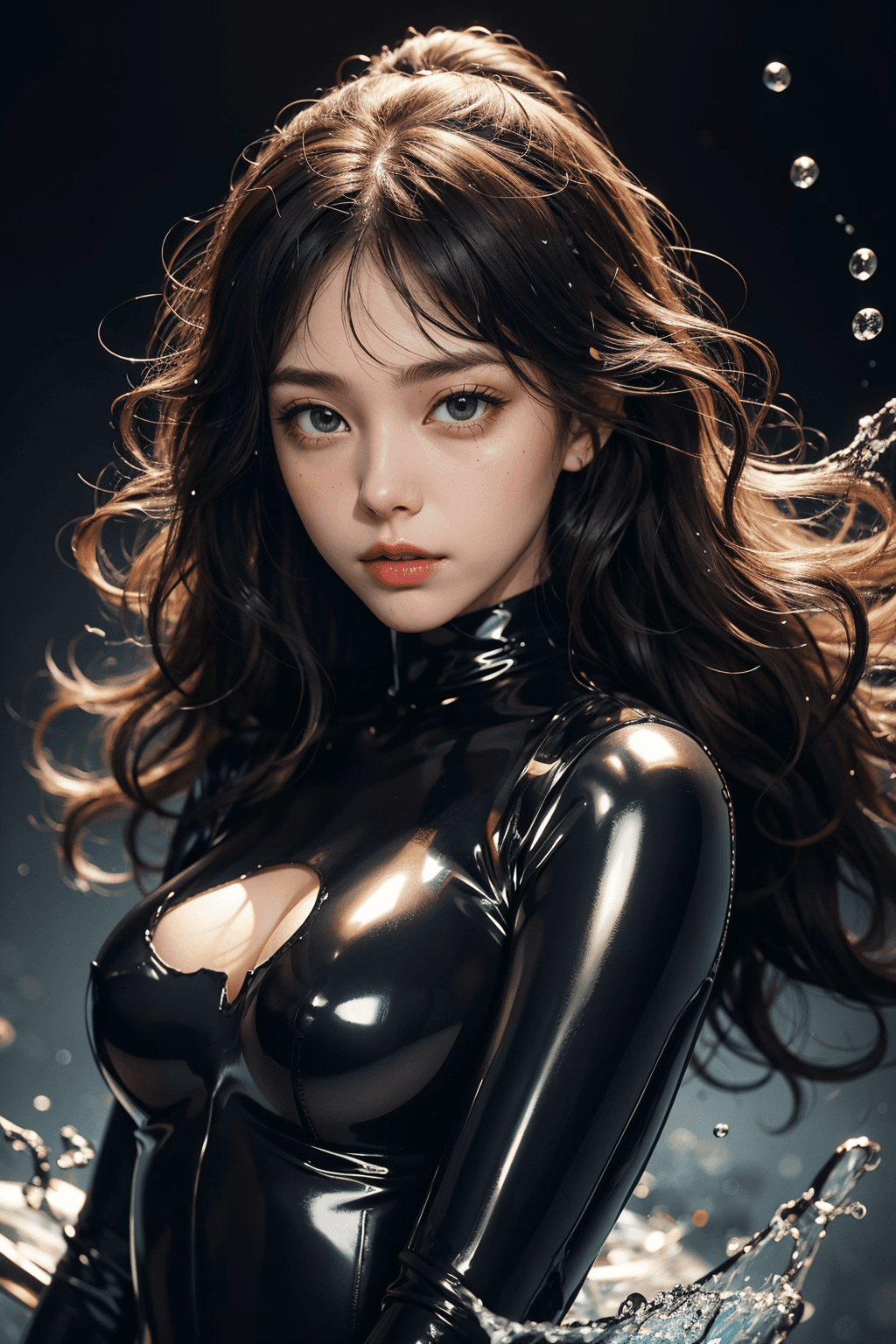
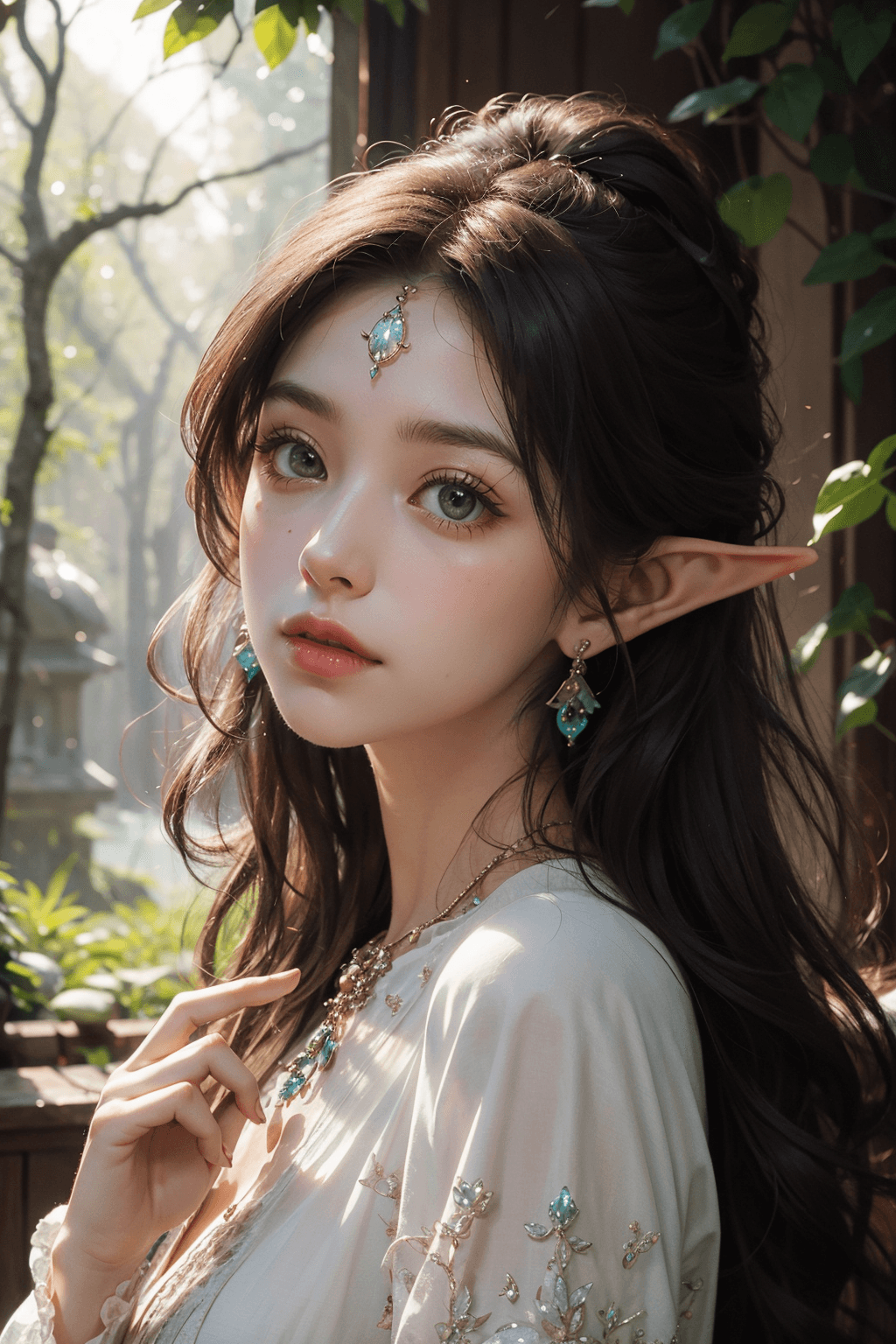
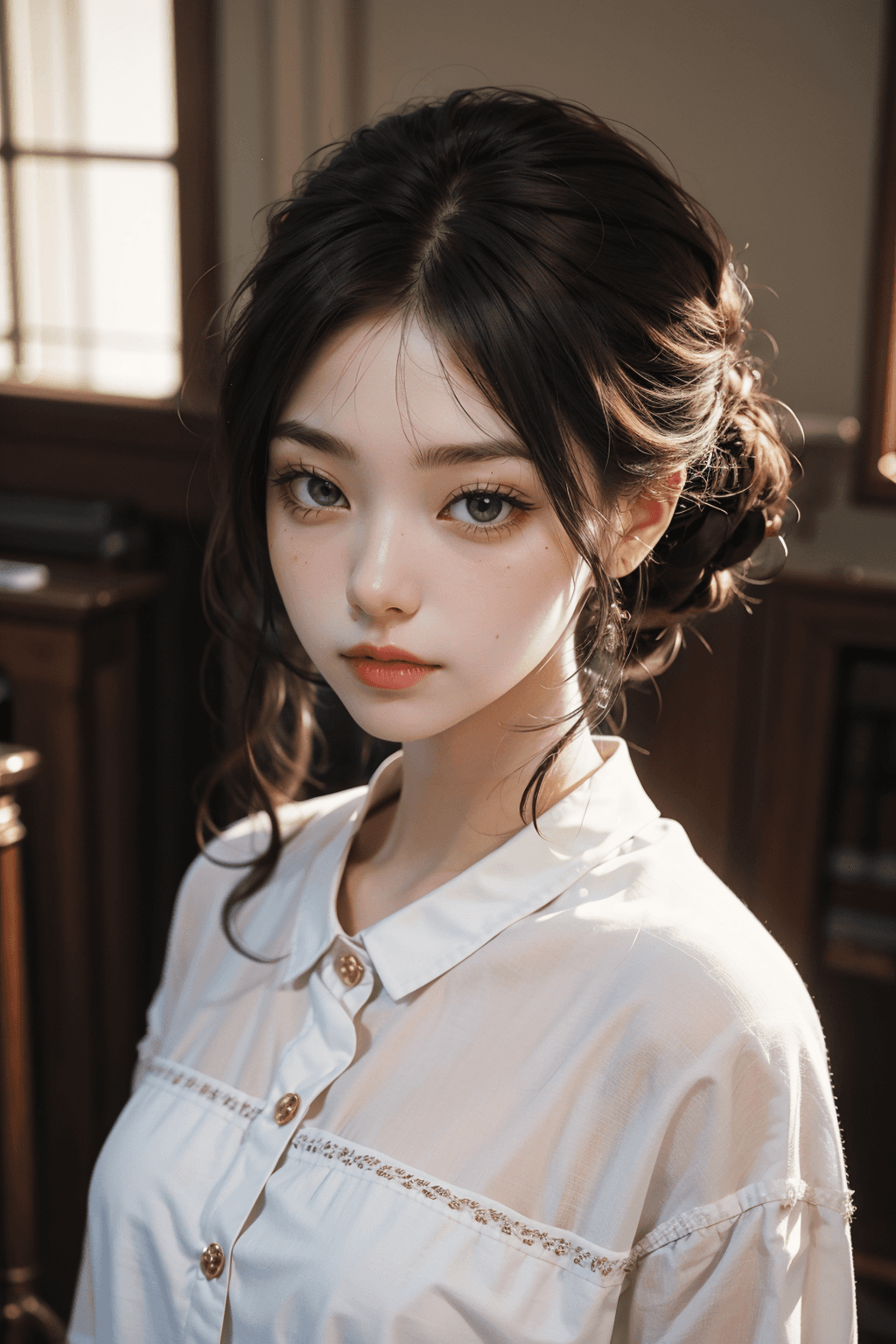
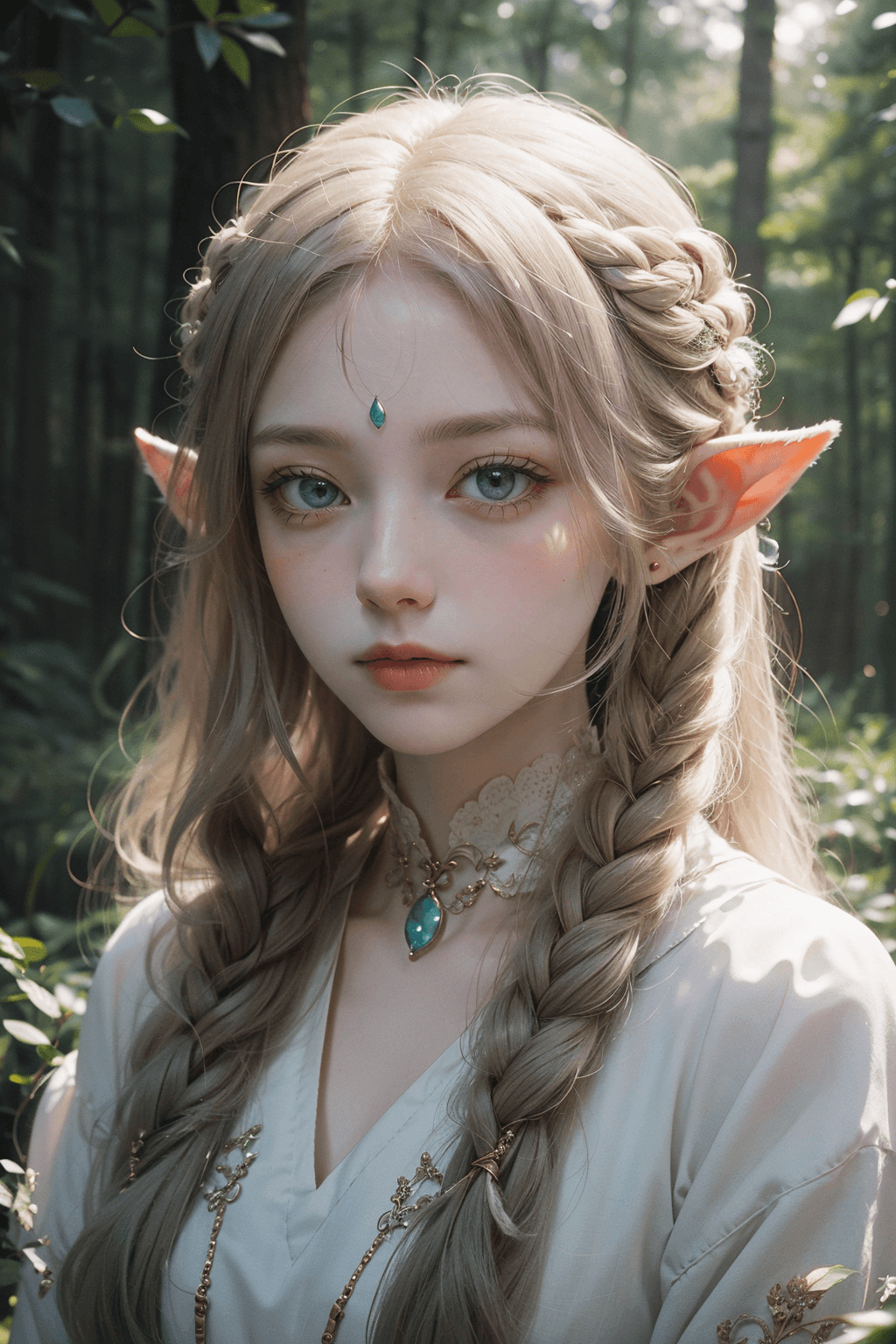
The majicMix sombre 麦橘唯美 checkpoint is an advanced AI model designed to generate high-quality, visually captivating images. Its unique name, combining "majicMix" with "sombre" and "麦橘唯美" (which translates to "Wheat Orange Aesthetic/Beautiful"), suggests a distinctive artistic approach. This model is adept at producing outputs that blend a sense of melancholic beauty or a moody atmosphere with a refined aesthetic, potentially incorporating warm, earthy tones reminiscent of "wheat orange." It aims to deliver images with a profound visual impact and a unique artistic signature. Target style/aesthetic: This model specializes in a unique, beautiful aesthetic, often characterized by a "sombre" or melancholic artistic touch. It can produce captivating and atmospheric visuals, potentially featuring rich, warm color palettes, resulting in images that are both striking and emotionally resonant.
How to Use
Trigger word: No specific trigger word is required to activate this model's inherent style. Simply describe your desired image in the prompt. Recommended settings: To achieve optimal results and experience the model's intended aesthetic, we recommend the following settings:
- Steps: 20
- CFG Scale: 7 (This controls how strongly the image generation adheres to your prompt. A value of 7 provides a good balance between creativity and prompt adherence.)
- Model Weight: 1 (This ensures the model's full influence is applied to the generation process.) Tips from the original description: The original description did not provide additional specific tips beyond the recommended settings. Users are encouraged to experiment with various positive and negative prompts, as well as different aspect ratios, to fully explore the diverse range of artistic expressions this model can achieve.
Example Prompts
No specific example prompts were provided in the original description. Users are encouraged to experiment with their own creative prompts.
FAQ
Q: What trigger word should I use?
A: No trigger word is required.
Q: What are the recommended settings?
A: Steps: 20, CFG: 7, Weight: 1
Q: What resolution works best?
A: While specific resolutions were not provided, common good starting points for image generation include 1024x1024 for square images, and 1024x1536 for portrait-oriented images.