
7 images
Introduction
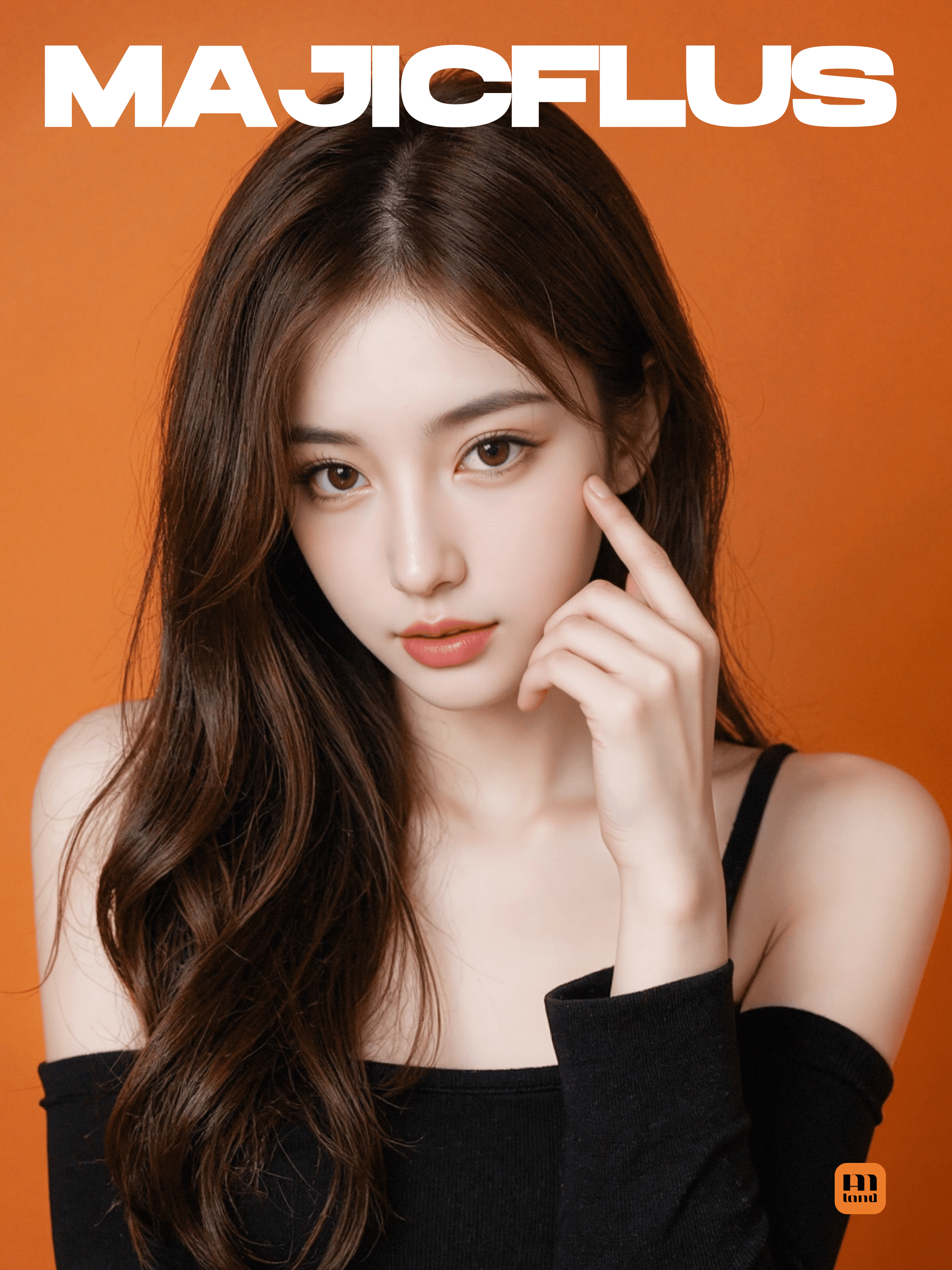
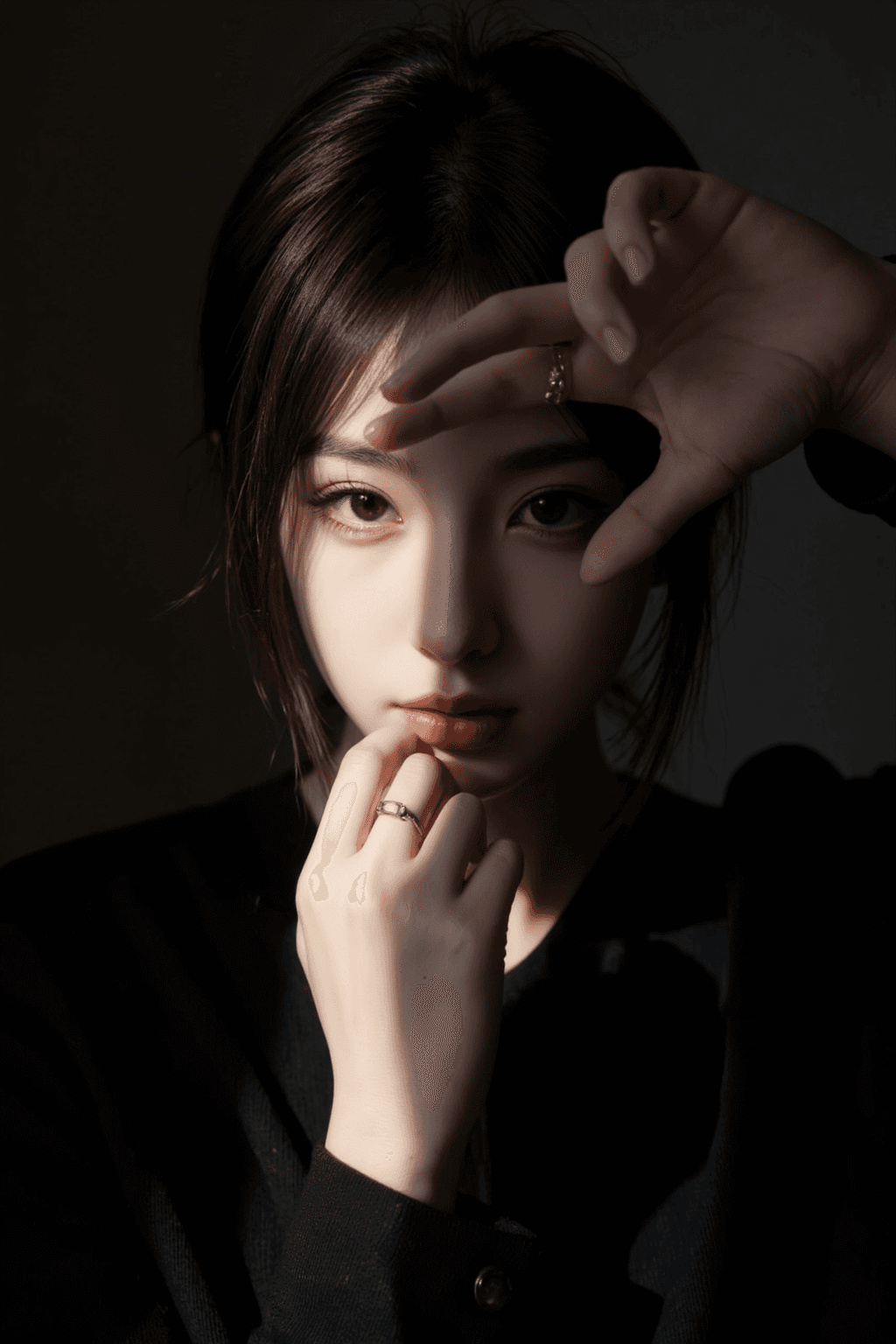
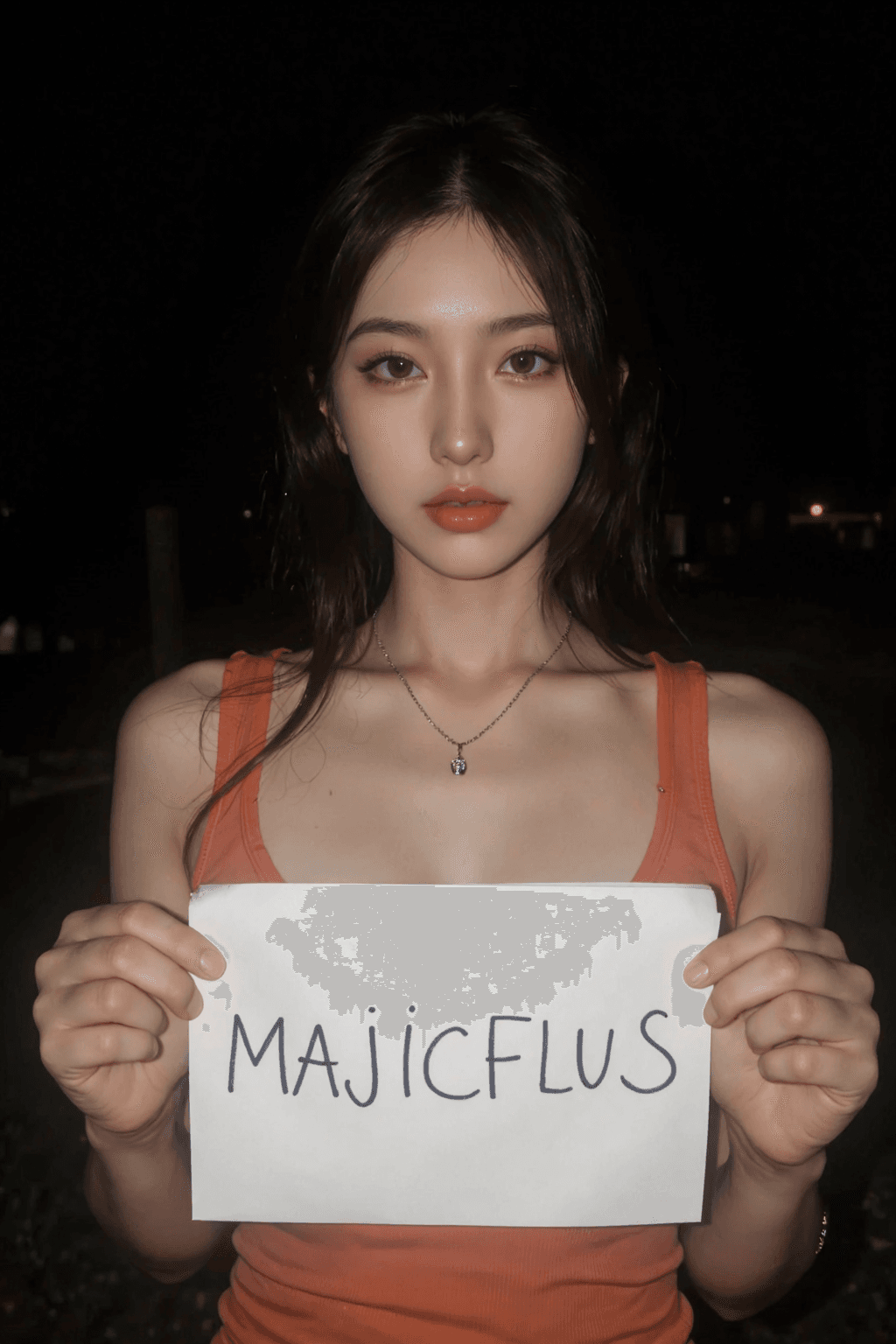
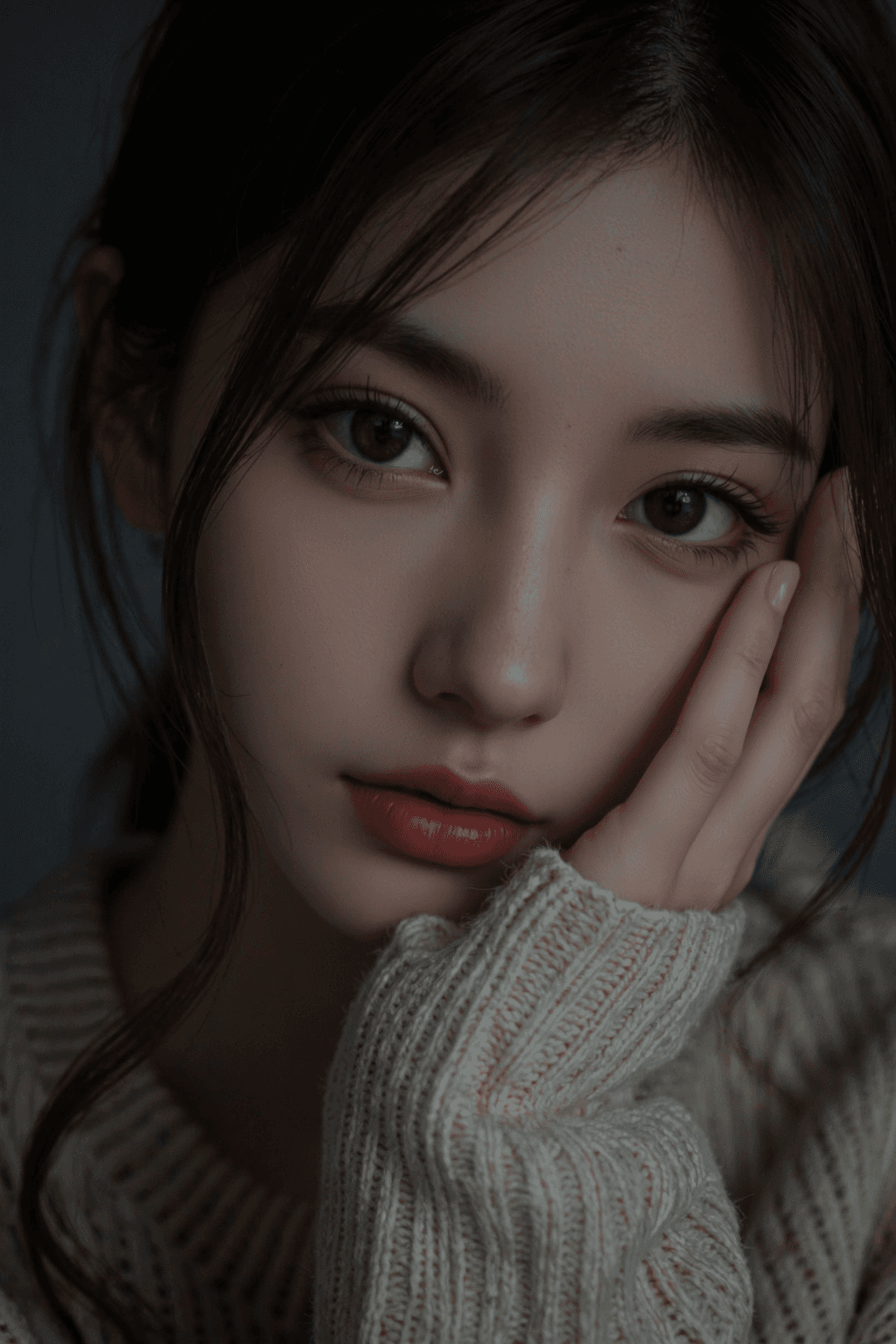
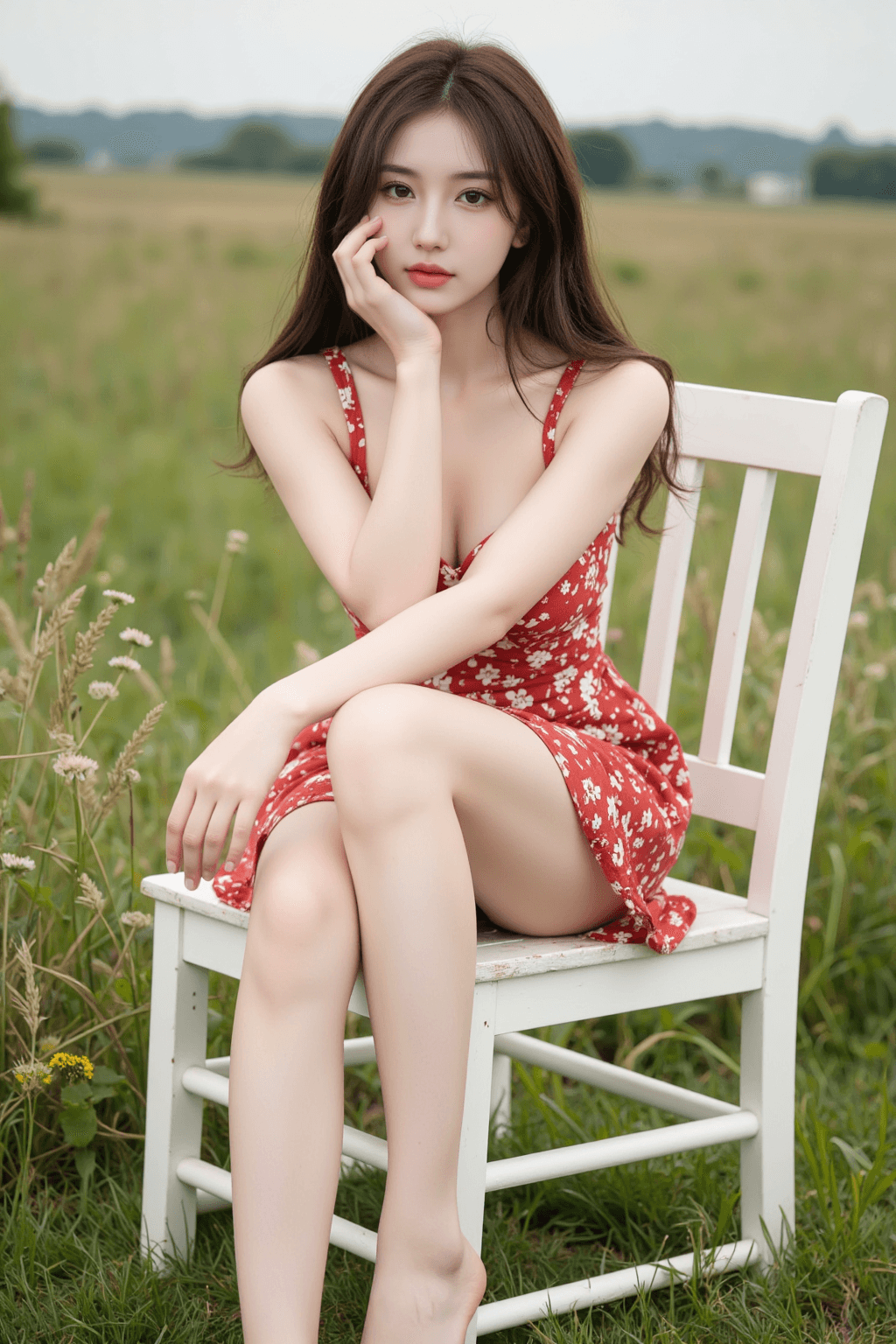
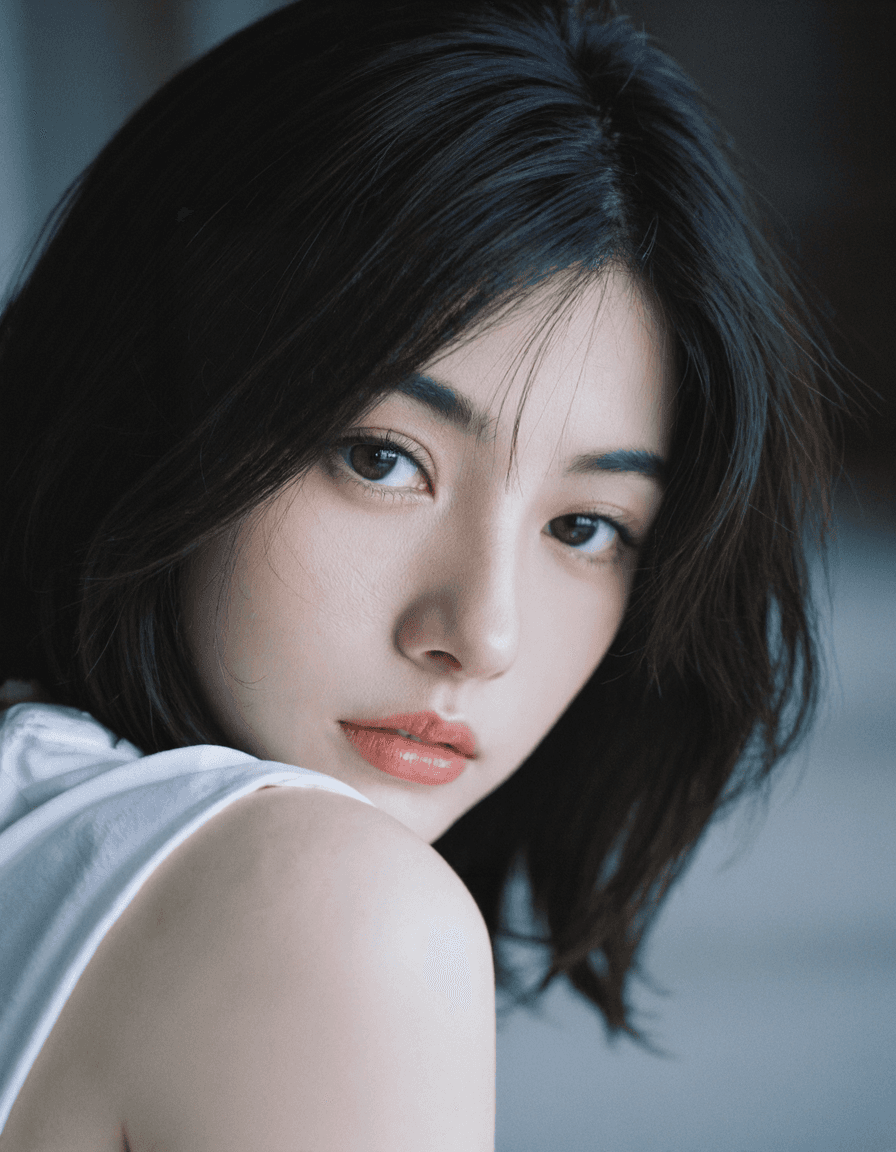
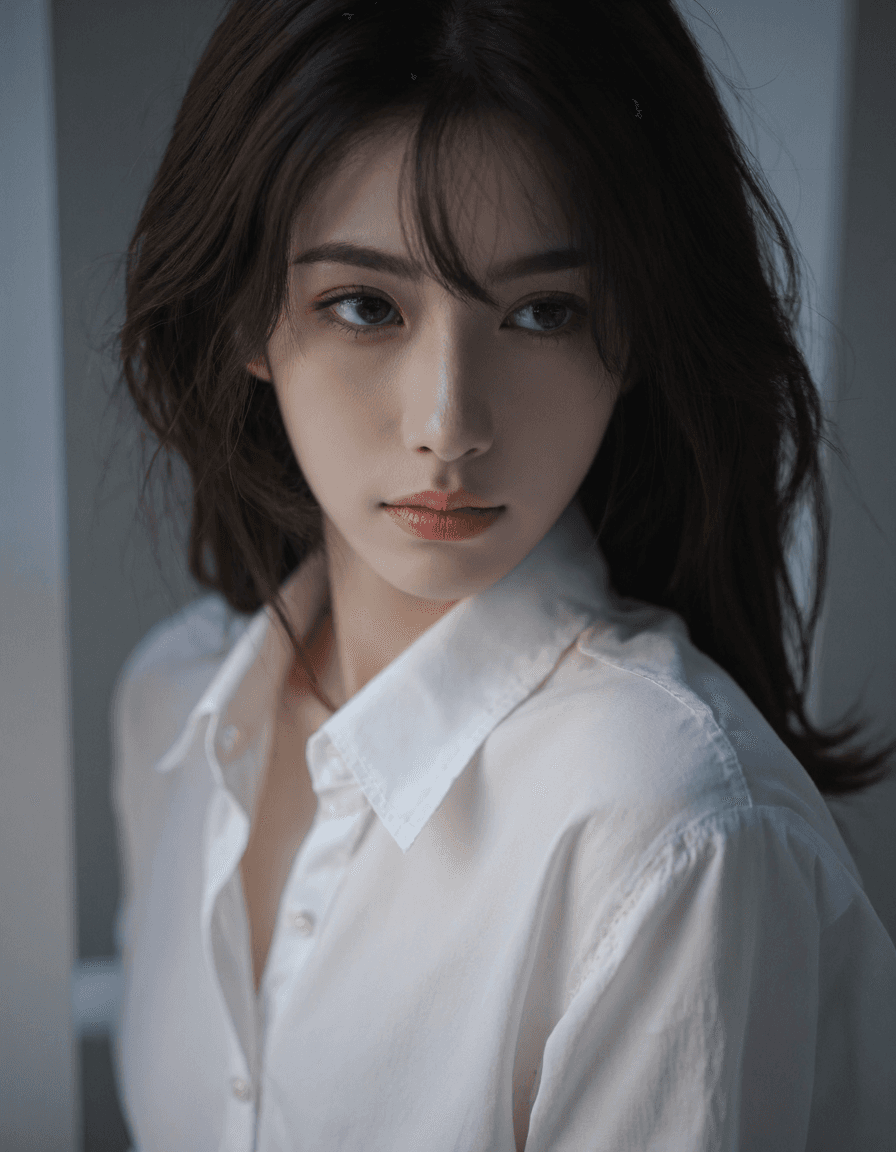
MajicFlus is a high-quality checkpoint model, fine-tuned and merged from flux.dev, specializing in generating stunning portraits. It particularly excels at capturing the delicate features and aesthetic beauty of Asian women. Key Features:
- Aesthetic Beauty & Realism: Designed to produce visually appealing and realistic images.
- Excellent Portrait Generation: Optimized for diverse lighting conditions, ensuring intricate facial details and accurate limb integrity across various compositions.
- Broad Applicability: While focused on portraits, the model also shows significant improvements in generating non-human creatures and scenes, offering versatility for various creative needs.
- Ease of Use: Capable of generating high-quality results with simple prompts, yet also provides fine-grained control for more complex and detailed prompts.
How to Use
MajicFlus is designed for straightforward use, allowing creators to achieve impressive results with minimal effort. Trigger Word: No specific trigger word is required to activate the model's style. Recommended Settings:
- Steps: 20-30 (A good starting point is 20)
- CFG Scale: 3.5
- Model Weight: 0.8
- Sampling Methods: * General Use: Euler + simple/beta * Skin Texture Focus: DPM2M + SGM uniform * Casual Realistic Look: DEIS + DDIM uniform
- VAE: flux vae (
ae.safetensors) - Clip:
clip_l.safetensorsandt5xxl_fp8_e4m3fn.safetensorsTips for Optimal Results: - LoRA Compatibility: As a fine-tuned merged model, MajicFlus may not be perfectly compatible with most general community LoRAs. If using external LoRAs, it is recommended to reduce their weight to below 0.5.
- Specialized LoRAs: For enhanced functionality and specific styles, consider using LoRAs specifically designed or adapted for MajicFlus. Many such LoRAs are available, often identifiable by "MajicFlus" in their name or tags.
- Focus on Asian Representation: MajicFlus is specifically developed to address the representation of Asian individuals. For generating images of non-Asian ethnicities, it is recommended to use other high-quality models.
Example Prompts
N/A
FAQ
Q: What trigger word should I use?
A: No trigger word is required.
Q: What are the recommended settings?
A: Steps: 20, CFG: 3.5, Weight: 0.8
Q: What resolution works best?
A: For high-quality portraits, a resolution such as 1024x1536 is recommended.