









20 images
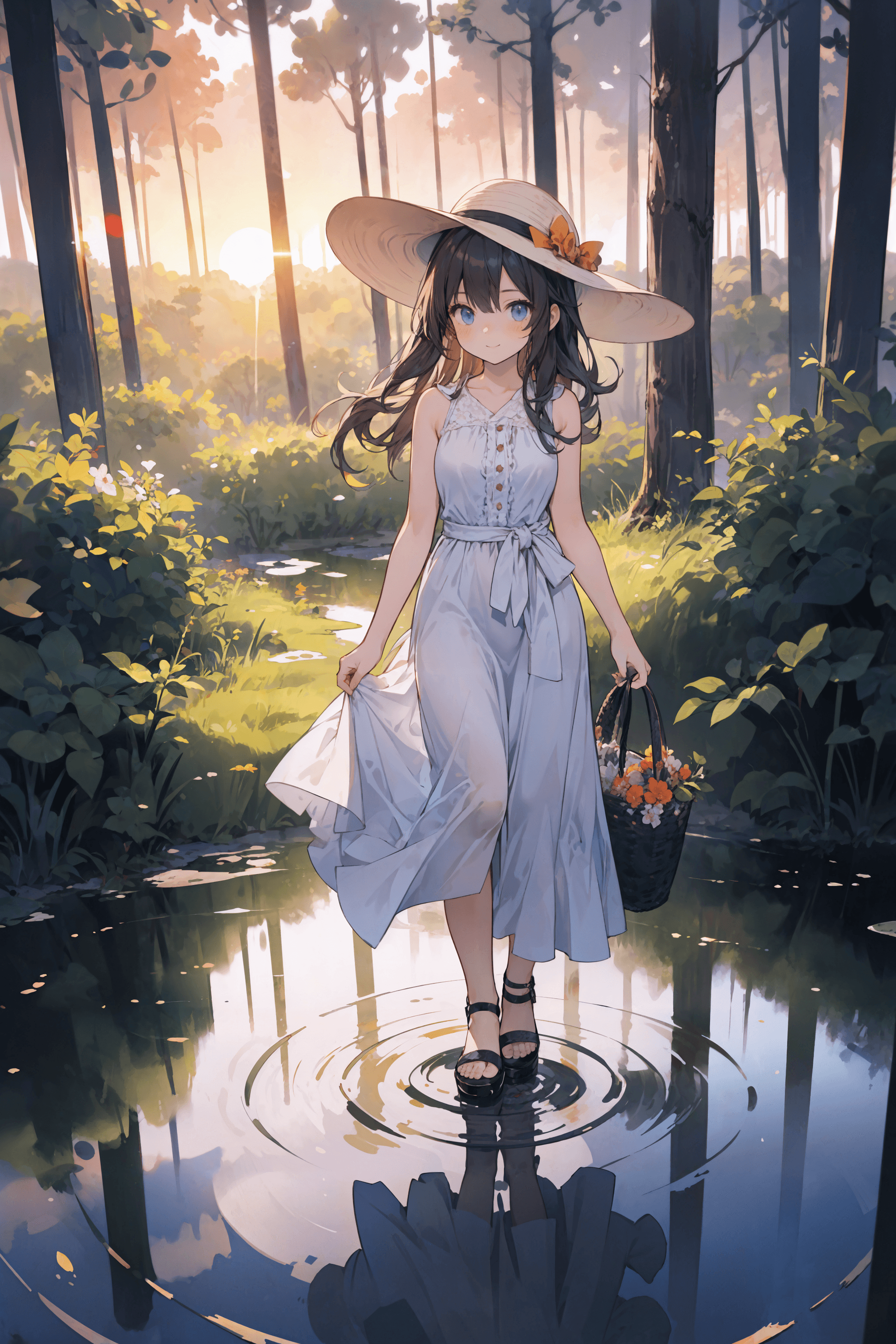
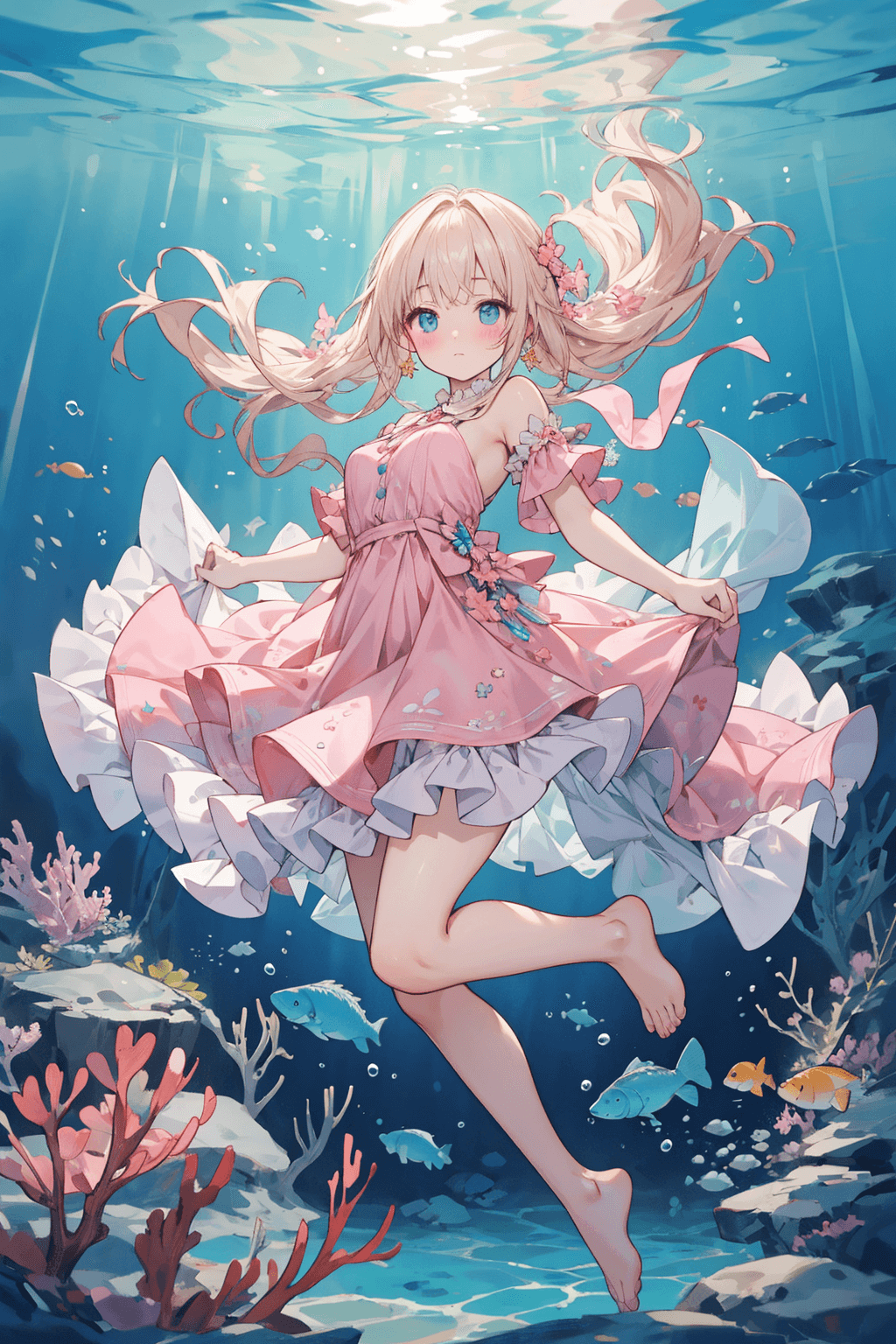
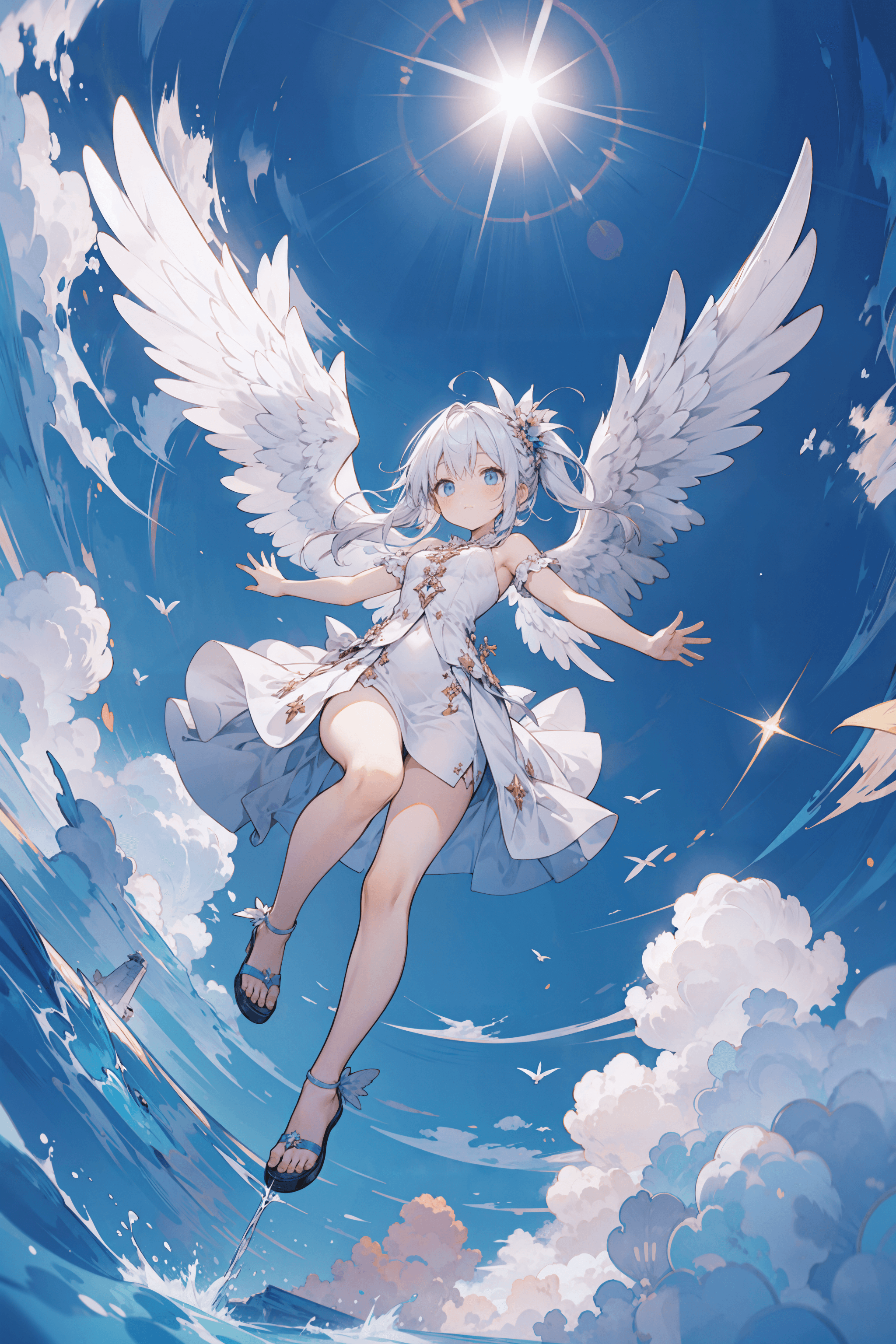
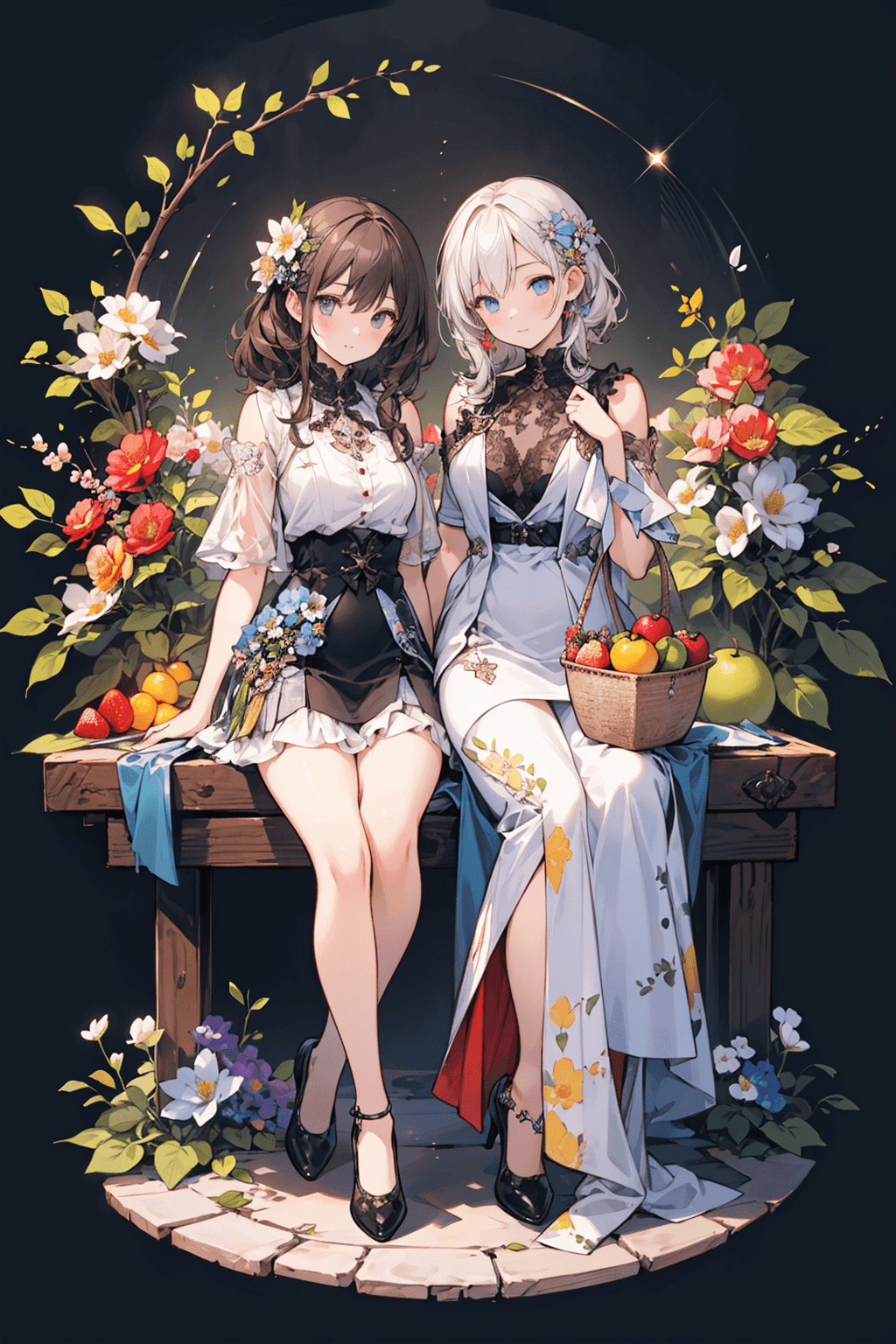
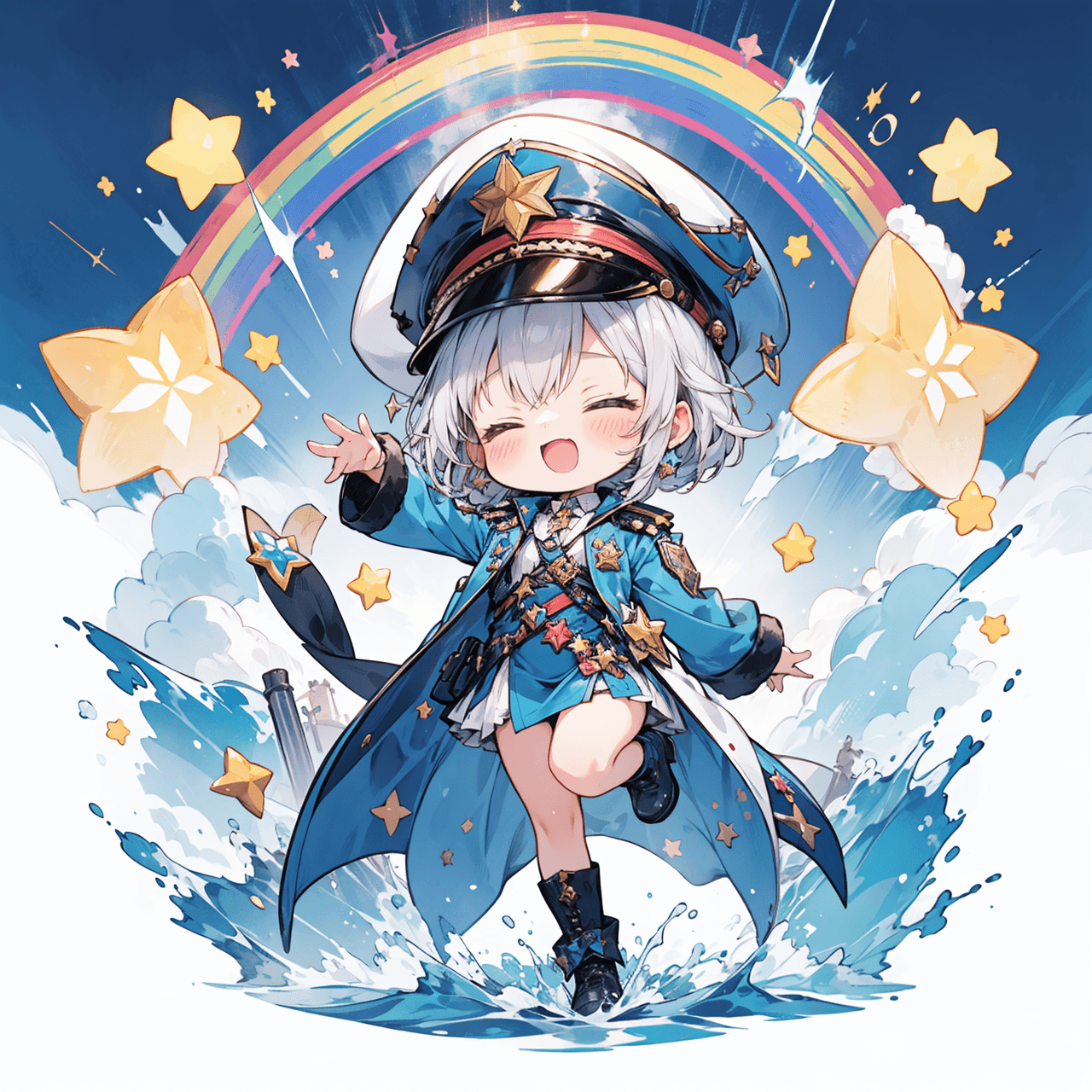
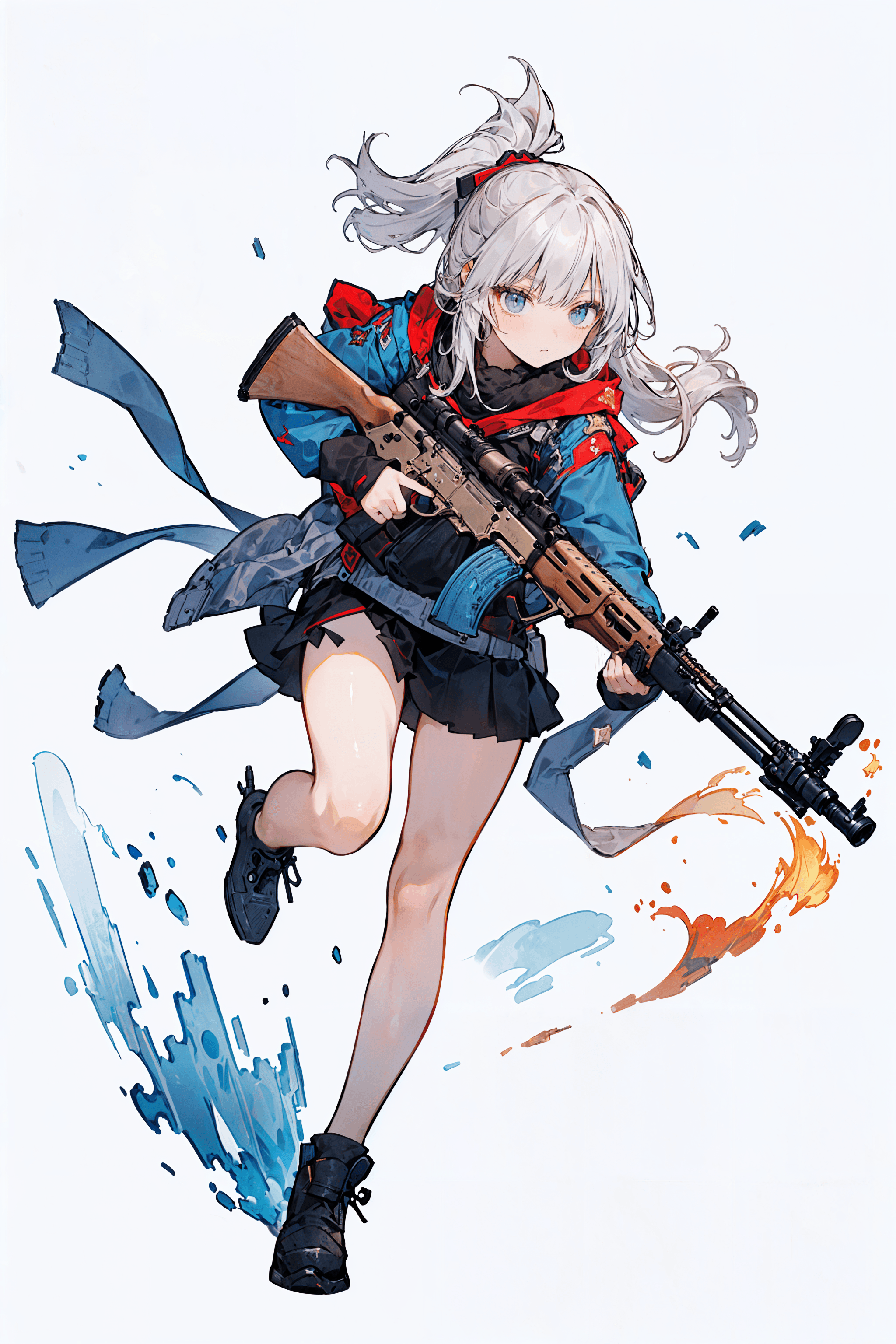
Introduction The Youkengi Cute Anime model is a highly versatile and cutting-edge checkpoint designed to generate stunning, adorable anime-style images. As a prominent member of the Youkengi animation series, it excels in delivering a charming and vibrant aesthetic. This model is renowned for its "hexagonal" capabilities, meaning it performs exceptionally well across all key parameters, placing it in the top tier of existing AI image generation models. Users can achieve impressive results with minimal prompting effort. Its core strengths include:
- Rich and Reasonable Details: Produces intricate character and background elements with natural precision, including well-rendered hands.
- Diverse Compositions: Offers a wide array of dynamic and varied compositional possibilities.
- Unrestricted Facial Expressions: Avoids "face locking," allowing for a broad range of character expressions and styles.
- Strong LORA Compatibility: Integrates seamlessly with LORA models, expanding creative potential.
- Broad Output Range: Capable of generating a wide variety of image types and themes.
- Advanced Text Understanding: Possesses excellent text comprehension, making prompts highly effective (within the typical limitations of Stable Diffusion 1.5 models).
- No Obvious Shortcomings: Extensive testing indicates a remarkably balanced and robust performance.
How to Use
Trigger Word
No trigger word is required to activate the Youkengi Cute Anime model.
Recommended Settings
- Steps: 20
- CFG Scale: 7
- Model Weight: 1
Tips from the Original Description
- VAE: The VAE is already merged into the model, eliminating common "gray image" issues. Users can still select and use custom VAEs to override the built-in effect.
- Sampling Methods: The model is flexible with sampling methods; common samplers work well without issues.
- High-Resolution Fix (Hires. fix): It is highly recommended to use Hires. fix for upscaling, with a denoising strength of approximately 0.4. Avoid using the 'latent' upscaling algorithm, as it may result in blurry images.
- Steps for Generation: Recommended base steps are between 25 and 50. For Hires. fix upscaling, use 10 to 20 steps.
- Default Negative Embeddings: The model comes pre-loaded with two negative embeddings:
negative_hand Negative Embeddingandverybadimagenegative_v1.3. These are automatically applied to enhance image quality, particularly for beginners. - Tone Switching: To easily change the image's color tone, add "[color] tone color" at the end of your prompt (e.g., "red tone color," "blue tone color").
- General Negative Prompt: For optimal results, use the following negative prompt:
(worst quality, low quality:1.4), 2girls, bad anatomy, bad hands, cropped, missing fingers,too many fingers, missing arms, long neck, Humpbacked, deformed, disfigured, poorly drawn face, distorted face, mutation, mutated, extra limb, ugly, poorly drawn hands, missing limb, floating limbs, disconnected limbs, malformed hands, out of focus, long body, missing toes, too many toes,monochrome, symbol, text, logo, door frame, window frame, mirror frame
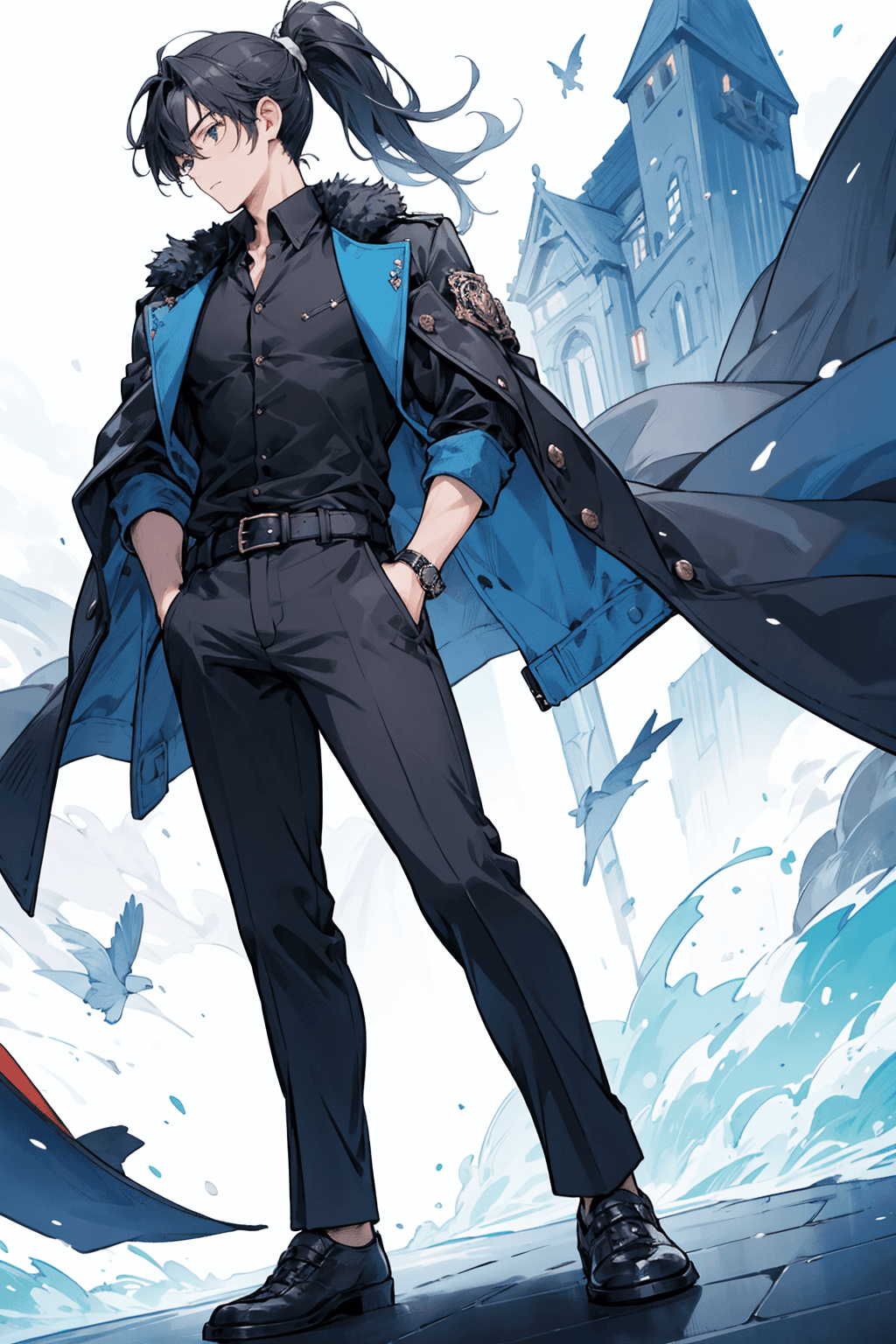
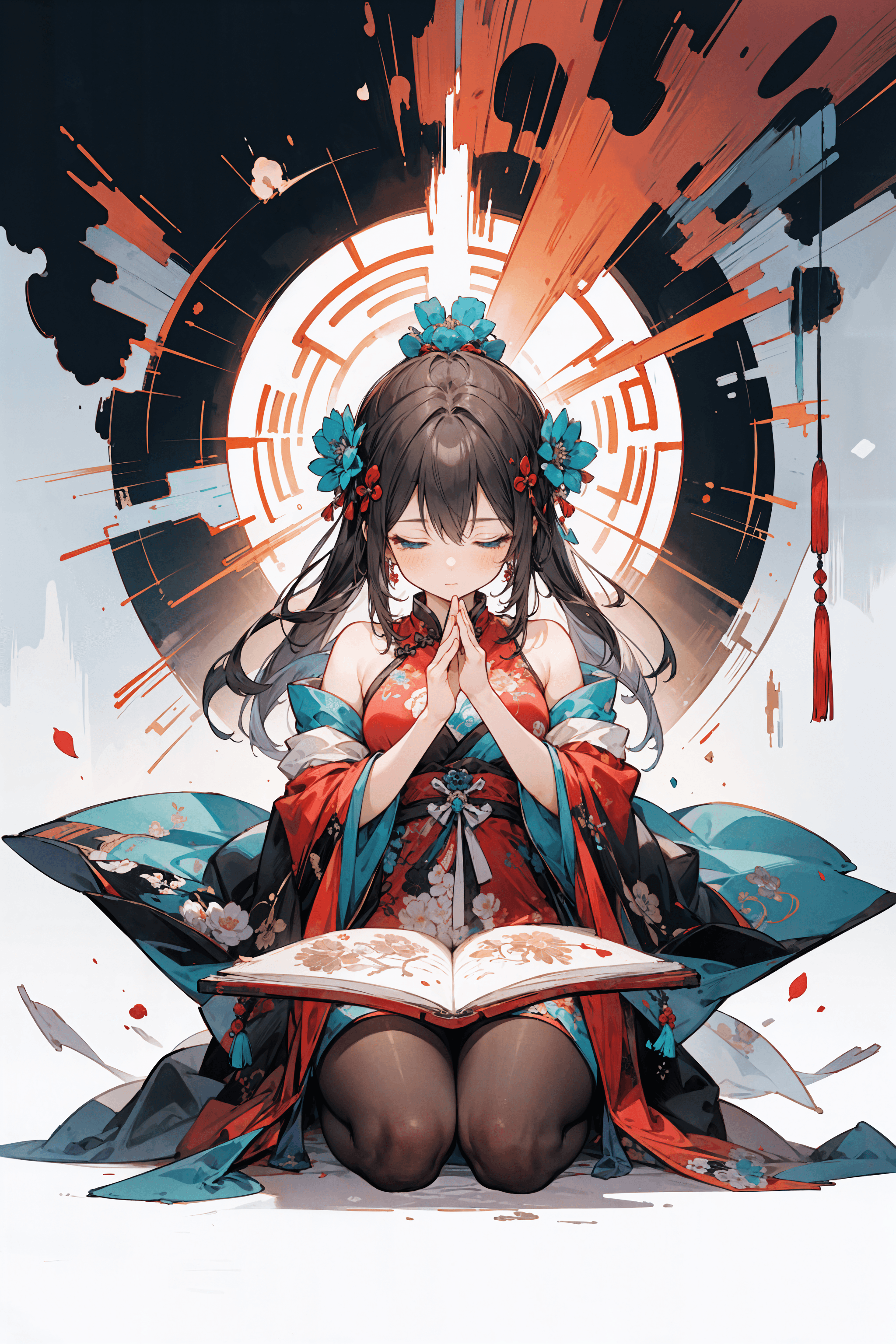
Example Prompts * Burst Illustration Background: 1girl,(((detailed background))), wallpaper,Parting art, mandala,chaos,Radial, streamlined,art design,burst, * Magic Circle Theme Background: 1girl,detailed background, magic circle, magic circle, magical power,Parting art, mandala,Magic Array * Drawing Male Characters (with temperament): 1man,solo,male focus,Sharp eyes, heroic and handsome,domineering
FAQ
Q: What trigger word should I use?
A: No trigger word is required.
Q: What are the recommended settings?
A: Steps: 20, CFG: 7, Weight: 1