
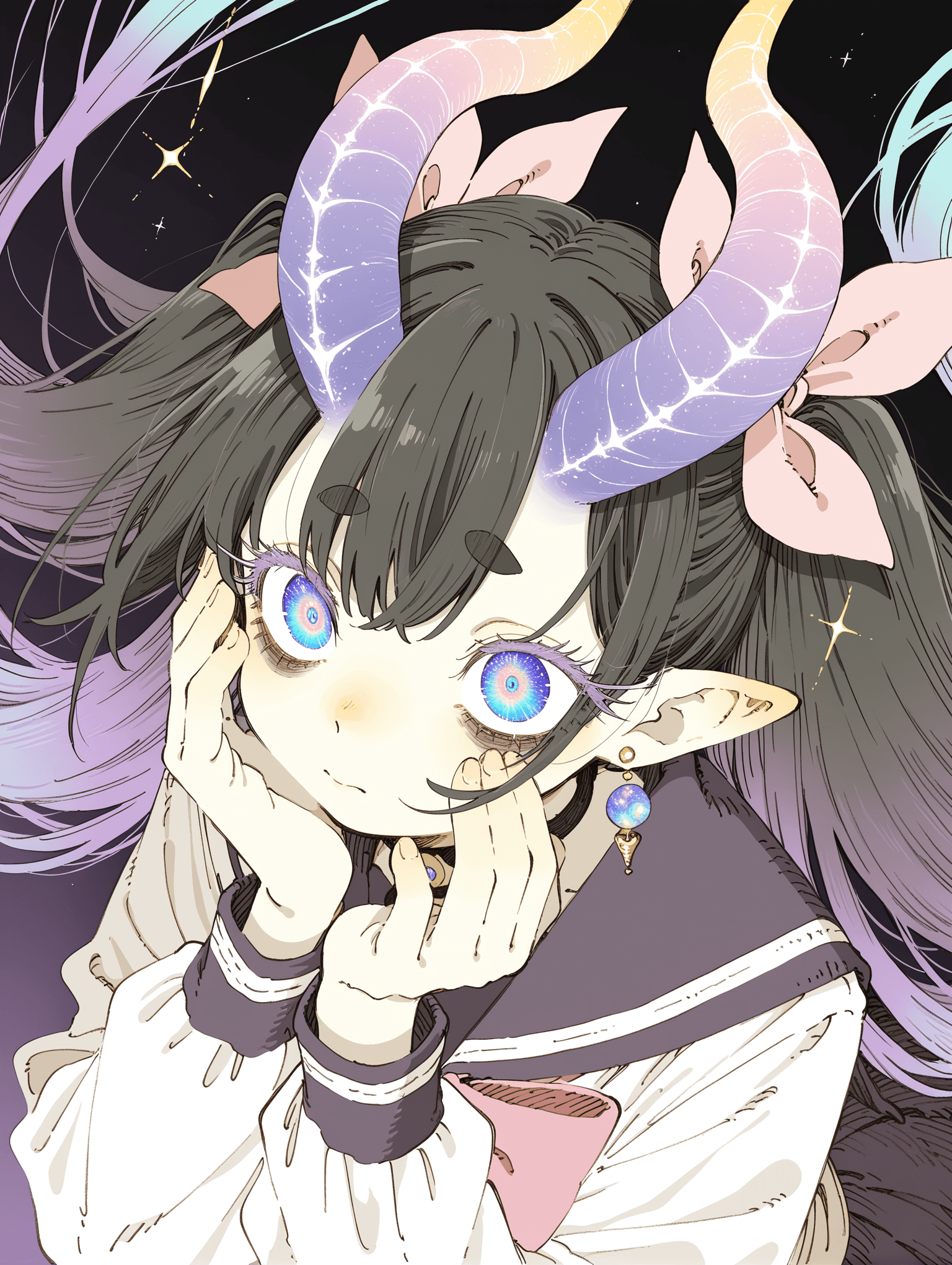
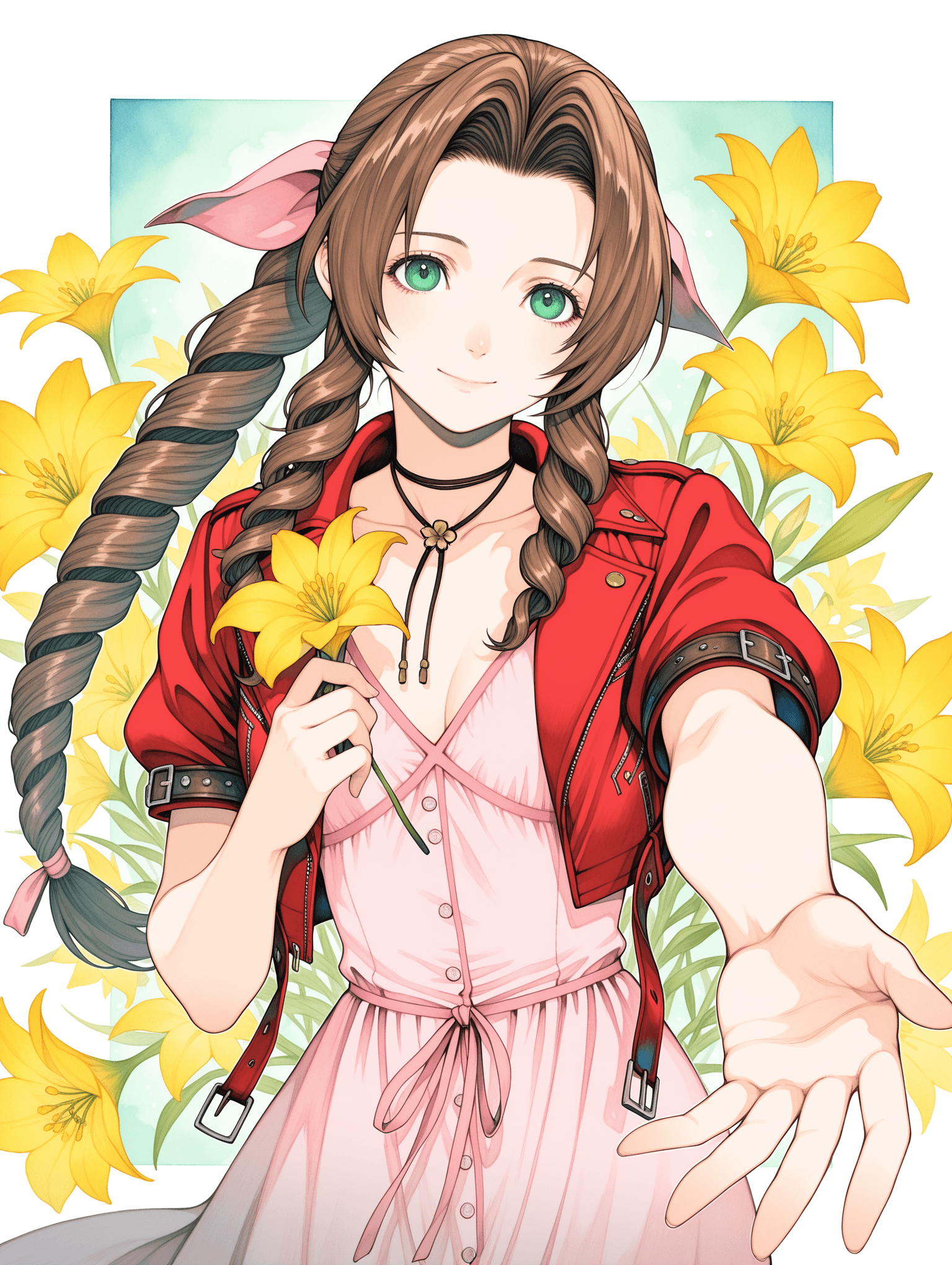
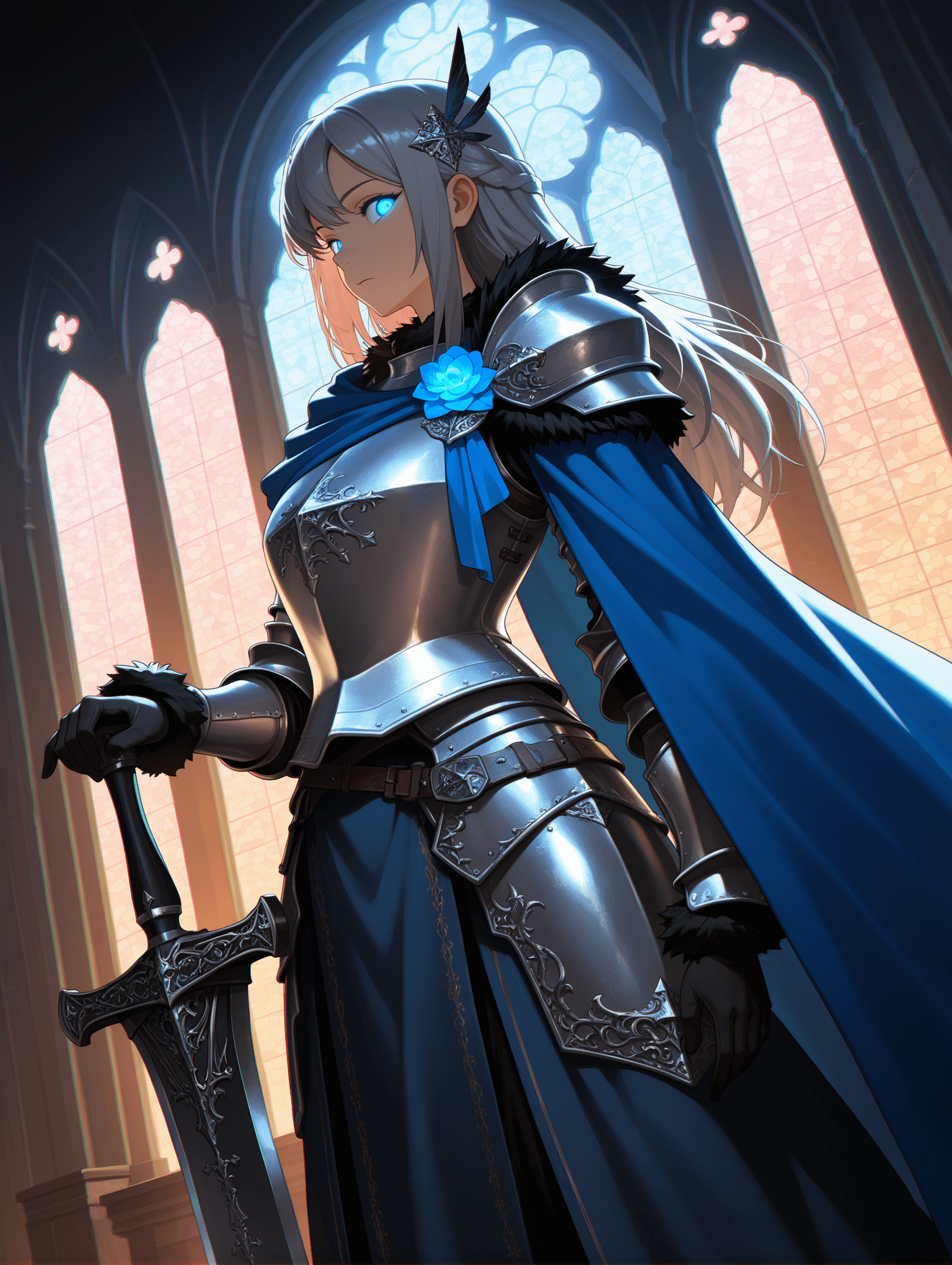
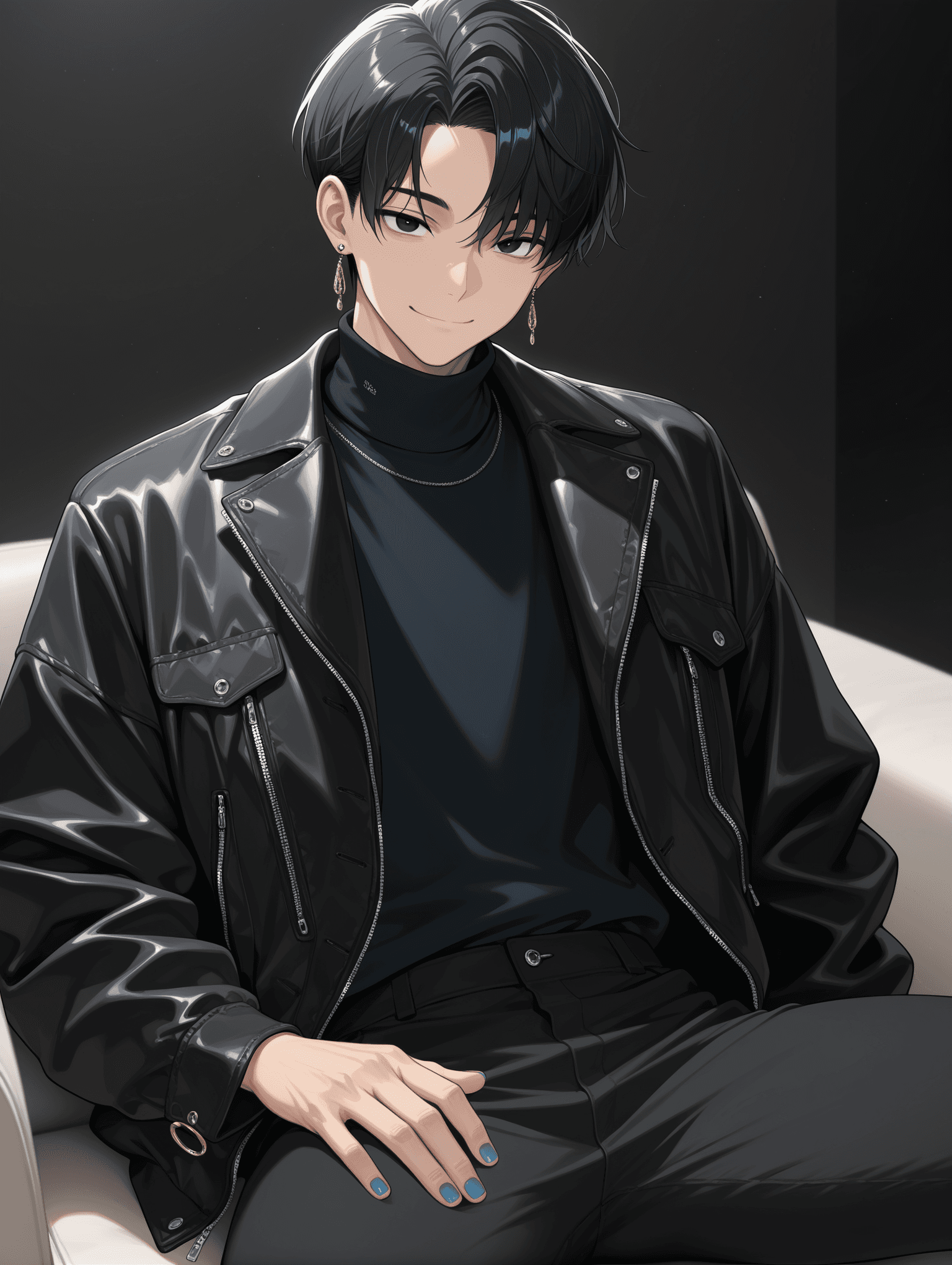
Introduction
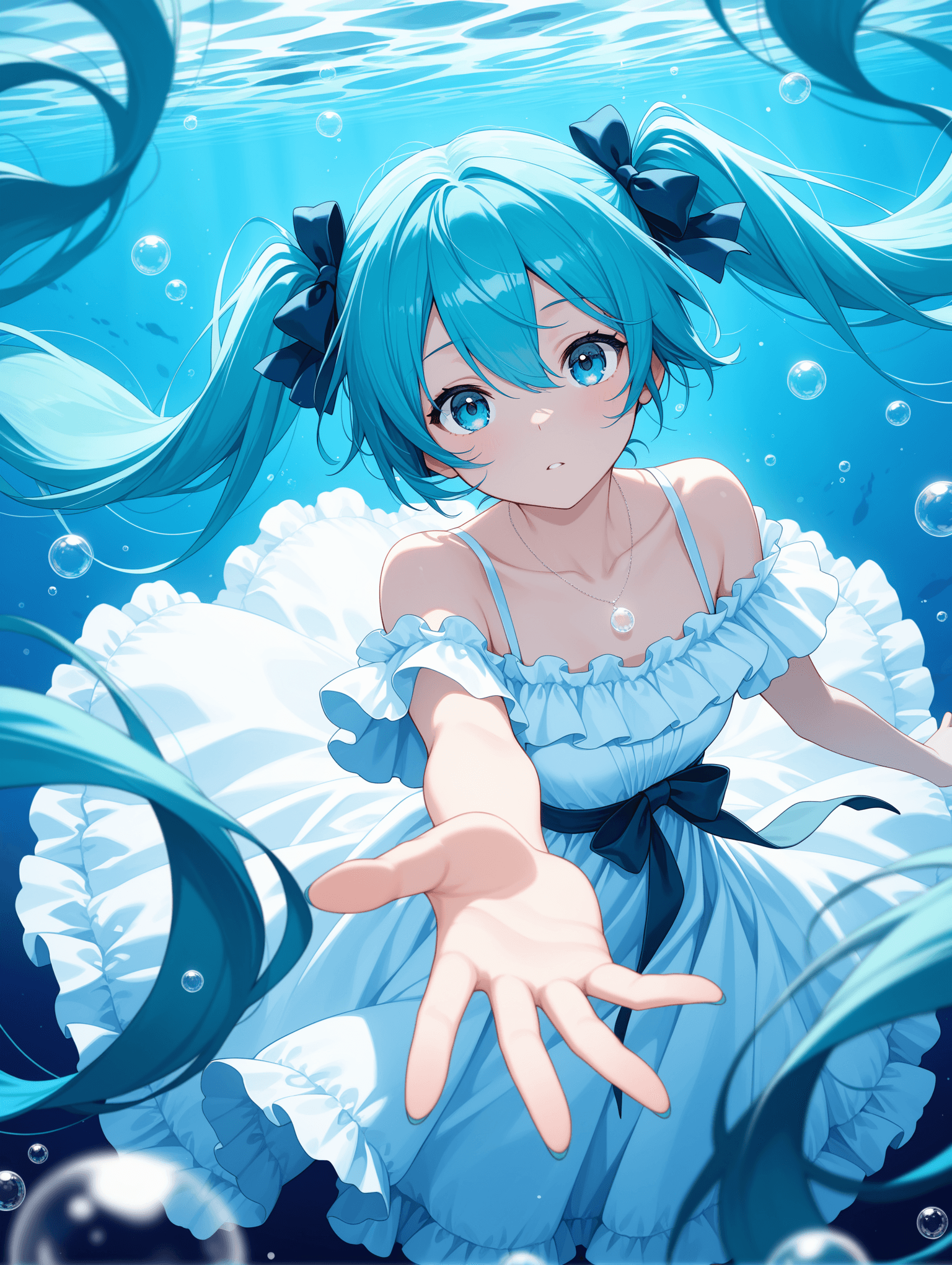
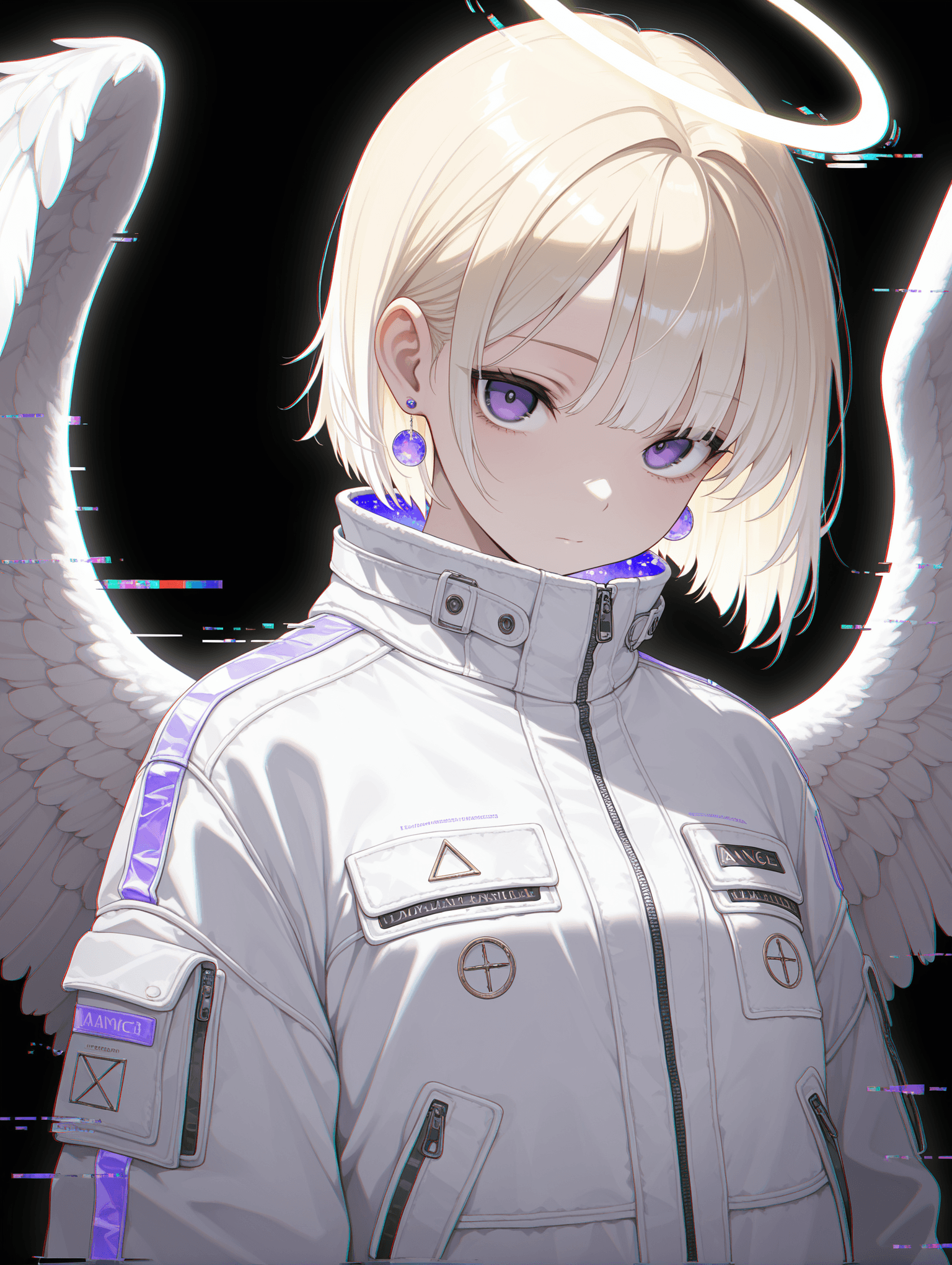
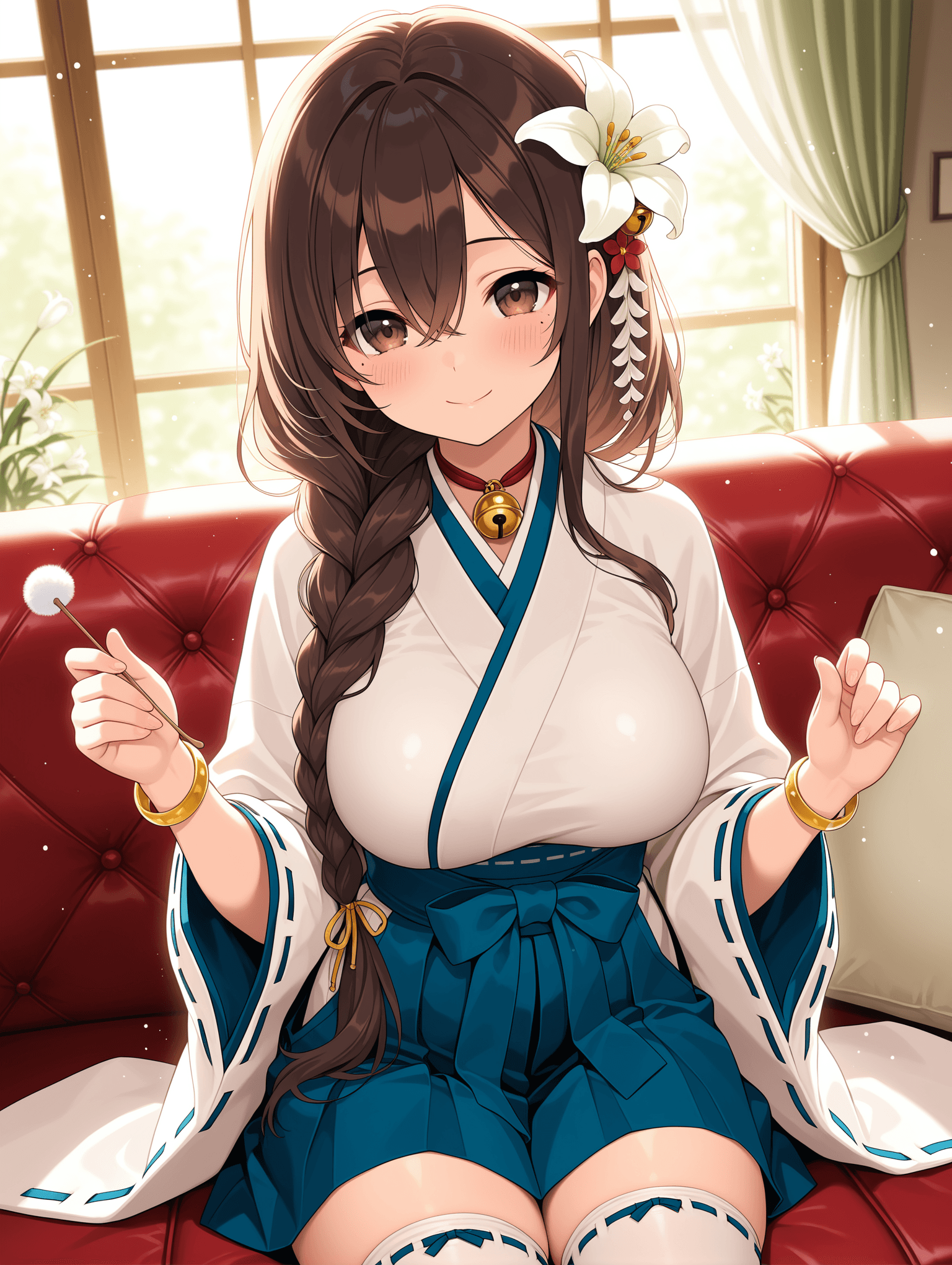
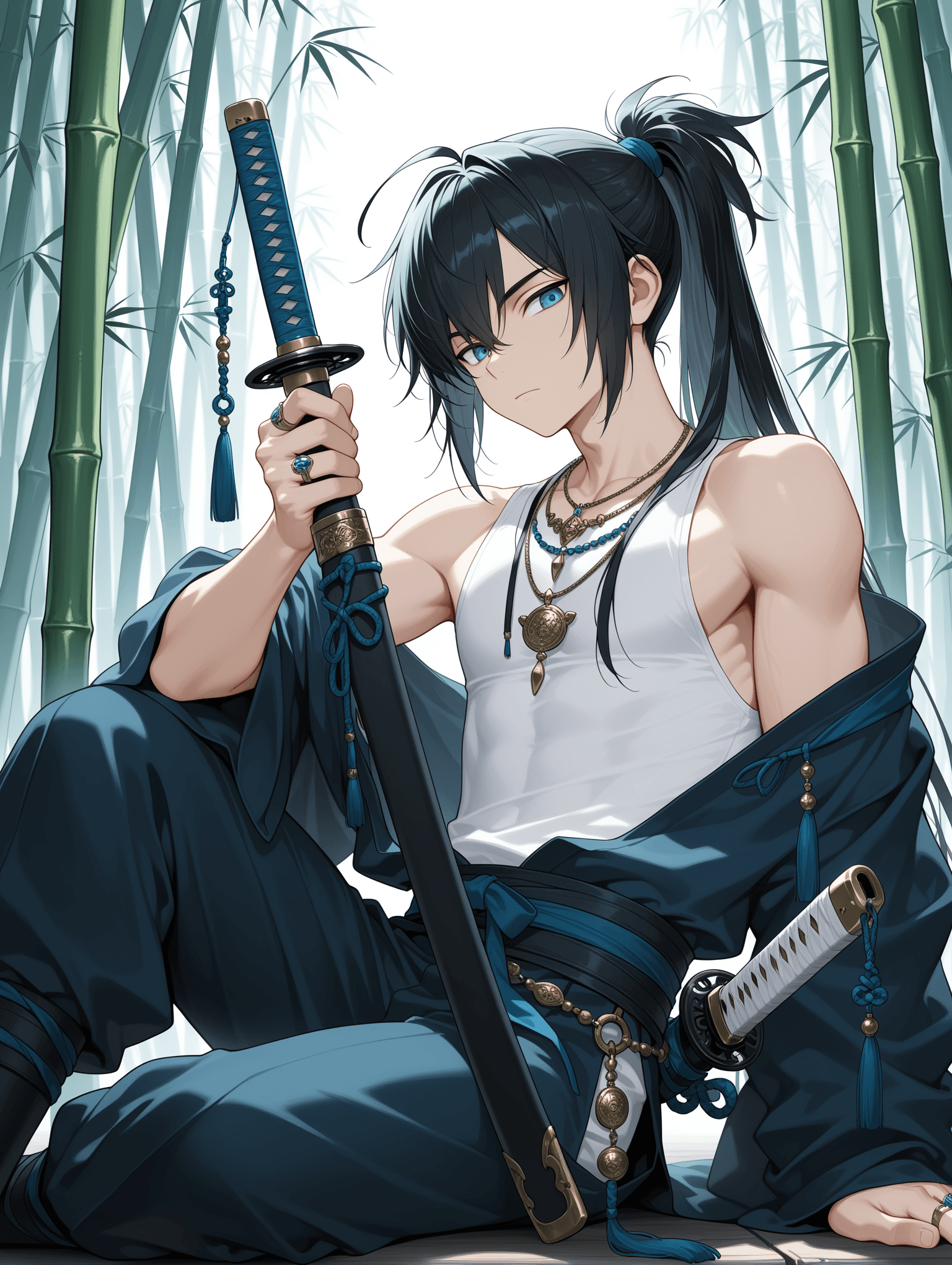
WAI_-illustrious-SDXL is a powerful AI checkpoint model designed to generate high-quality images with enhanced visual clarity and improved character accuracy. This model has been fine-tuned to adjust its overall default style, resulting in cleaner aesthetics and more precise character renditions. This model is ideal for users seeking a refined and visually clean output, particularly for character-focused art. Its primary aesthetic focuses on producing images with a polished look and accurate subject representation.
How to Use
To achieve the best results with WAI_-illustrious-SDXL, follow these recommendations: * Trigger Word: No trigger word is required to activate this model's unique style.
- Recommended Settings: * Steps: 20 (A range of 15-30 steps is also effective.) * CFG Scale: 7 (A range of 5-7 is also effective.) * Weight: 0.8 * Sampler: Euler a * Resolution: It is recommended to use dimensions larger than 1024x1024 for the original image generation.
- Integrated VAE: The VAE (Variational Autoencoder) is already integrated into the model, so no external VAE is needed.
- Hires Fix Settings: For upscaling and enhancing details, consider these settings: * Hires Upscale: 1.5 * Hires Steps: 20 * Hires Upscaler: R-ESRGAN 4x+ Anime6B * Denoising Strength: 0.35 ~ 0.5
- Prompting Tips: * Positive Prompt Suggestions: Include terms like
masterpiece, best quality, amazing qualityto guide the model towards high-fidelity outputs. * Negative Prompt Suggestions: To avoid undesirable elements, use terms such asbad quality, worst quality, worst detail, sketch, censor. * Content Filtering: Users are encouraged to utilize negative prompts to filter unwanted content. The model supports safety rating tags likegeneral,sensitive, andexplicit. You can add relevant tags to your negative prompt to consciously filter inappropriate content.
Example Prompts
No specific example prompts were provided for this model. Users are encouraged to experiment with descriptive prompts based on the recommended settings and prompting tips.
FAQ
Q: What trigger word should I use?
A: No trigger word is required.
Q: What are the recommended settings?
A: Steps: 20, CFG: 7, Weight: 0.8
Q: What resolution works best?
A: It is recommended to use dimensions larger than 1024x1024 for optimal results.