
2 images
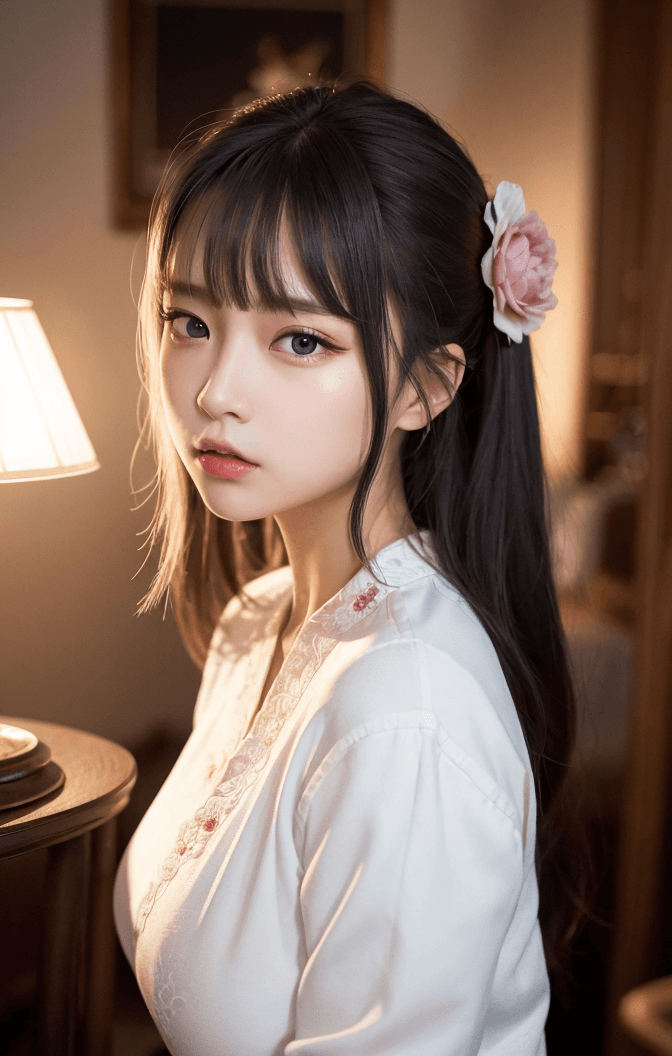
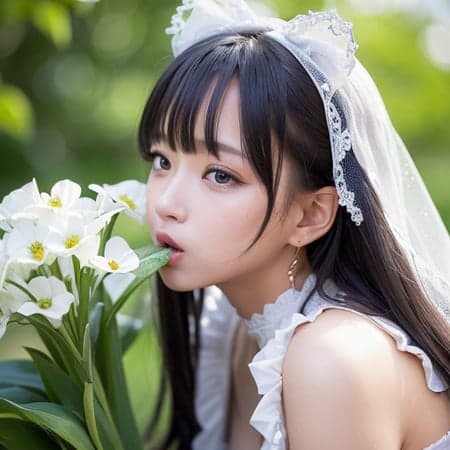
Introduction ChilloutMix is a highly acclaimed checkpoint model designed for generating stunningly realistic images. This model excels in creating photo-realistic portraits and figures, with a particular strength in rendering realistic Asian aesthetics, while also being versatile enough for other styles. It is a sophisticated merge of "Basilmix" and other high-quality realistic models, making it an essential tool for artists and creators seeking a true-to-life visual output.
How to Use
Trigger Word
No specific trigger word is required to activate the model's core style.
Recommended Settings
To achieve optimal results with ChilloutMix, apply the following settings in your generation interface:
- Steps: 20
- CFG Scale: 8
- Weight: 1
Essential Tips for Best Results * VAE Usage: For clear and vibrant images, it is crucial to use a VAE (Variational AutoEncoder) with this model. Without it, your generated images may appear foggy or desaturated. * Recommended VAE: vae-ft-mse-840000-ema-pruned.safetensor * Installation: Download the VAE file and place it in your models/VAE folder. * Activation: In your web UI (e.g., Automatic1111), navigate to Settings > SD VAE, select the vae-ft-mse-840000-ema-pruned.safetensor file, and click "Apply settings."
- Upscaling: For high-quality, detailed outputs, it is recommended to upscale your generated images using methods like Highres. fix.
- Face Variation: The model's inherent face variation can be limited. To achieve a wider range of facial features and expressions, integrate LORAs (Low-Rank Adaptation) or embeddings. * Creator's Recommendation: The creator frequently used "Ulzzang-6500" embeddings for sample images, available at
https://moritz.pm/files/ulzzang-6500.pt. * Other Useful Embeddings: Consider "Pure Eros Face" or "Asian face mix" embeddings for diverse results. - Body Shape Control: The model tends to generate figures with larger breasts. If you prefer smaller breasts, incorporate prompts such as
(small breasts),(fantasy breasts), or(Slim girl)into your negative or positive prompts.
Example Prompts N/A
FAQ
Q: What trigger word should I use?
A: No trigger word is required.
Q: What are the recommended settings?
A: Steps: 20, CFG Scale: 8, Weight: 1.
Q: What resolution works best?
A: For general images, 1024x1024 is a good starting point. For portrait images, consider 1024x1536.