
Introduction
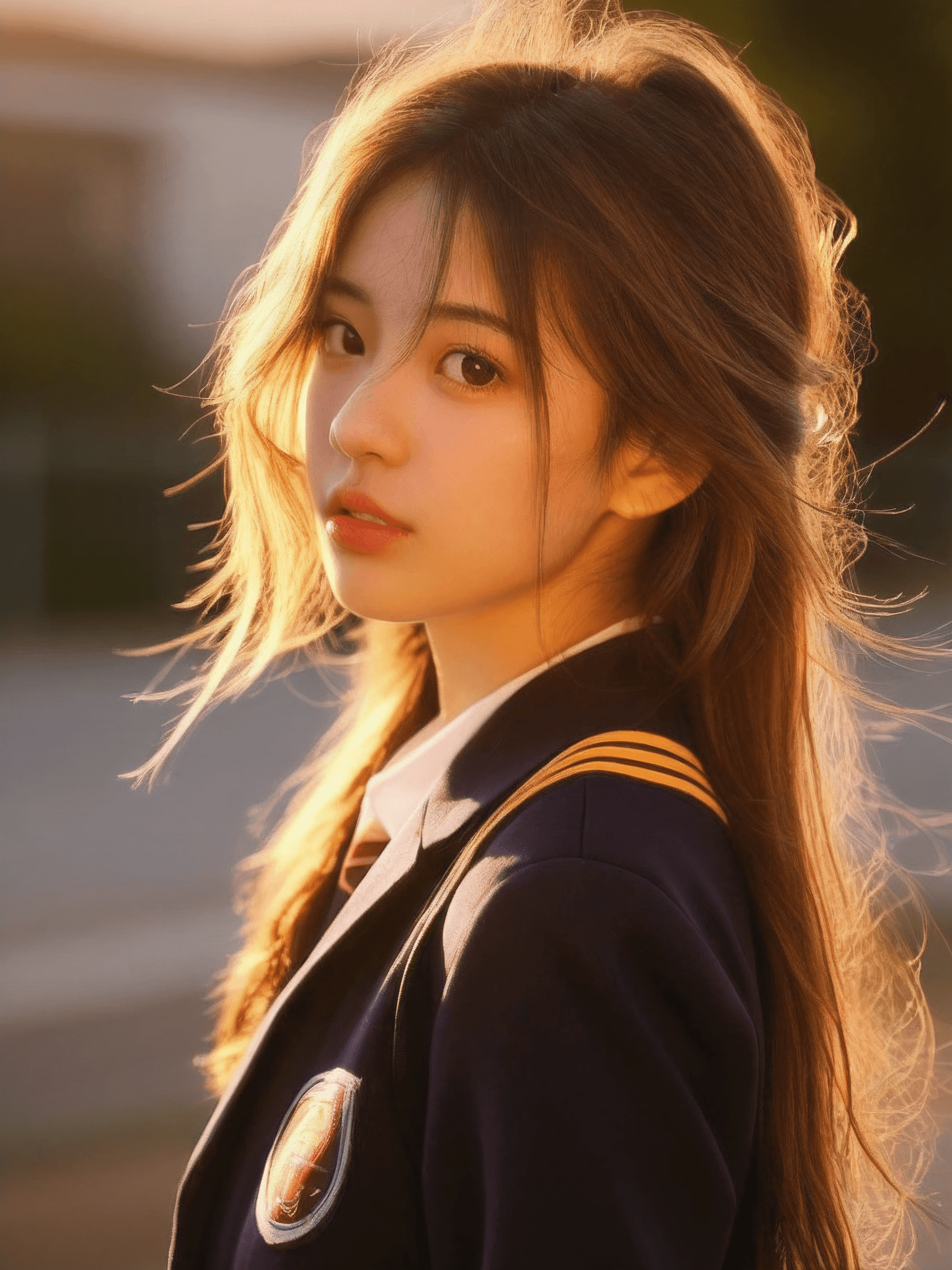
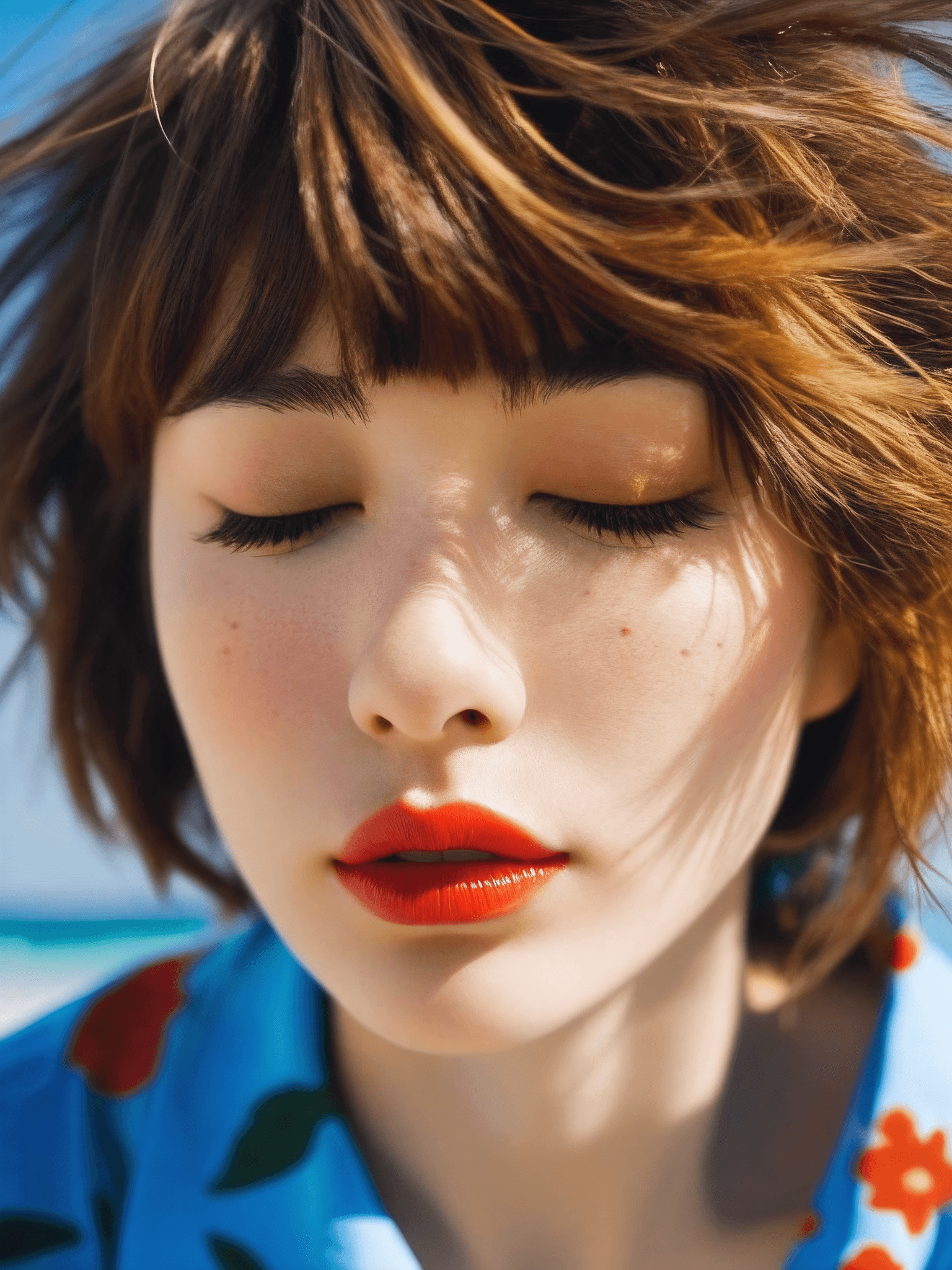
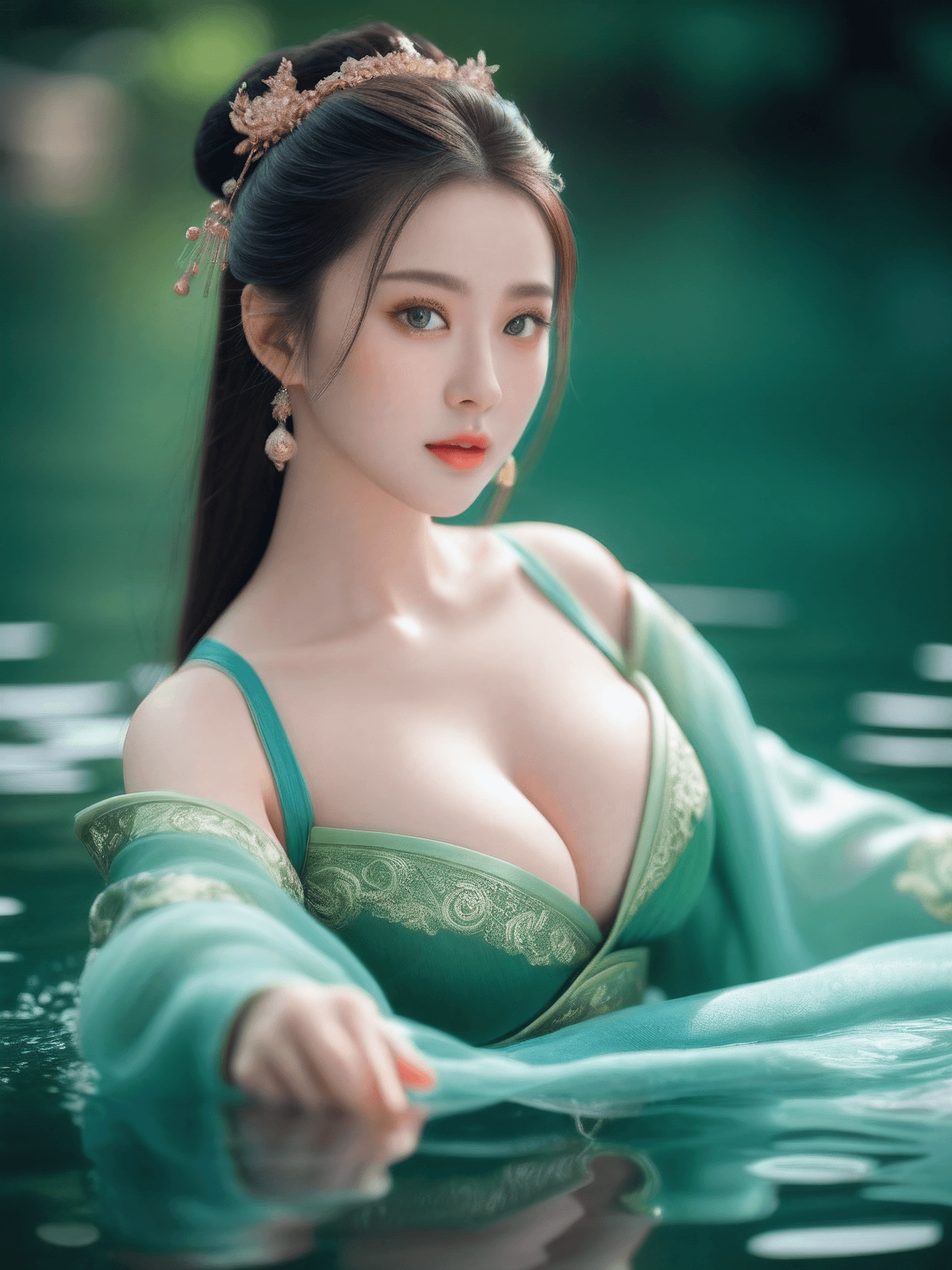
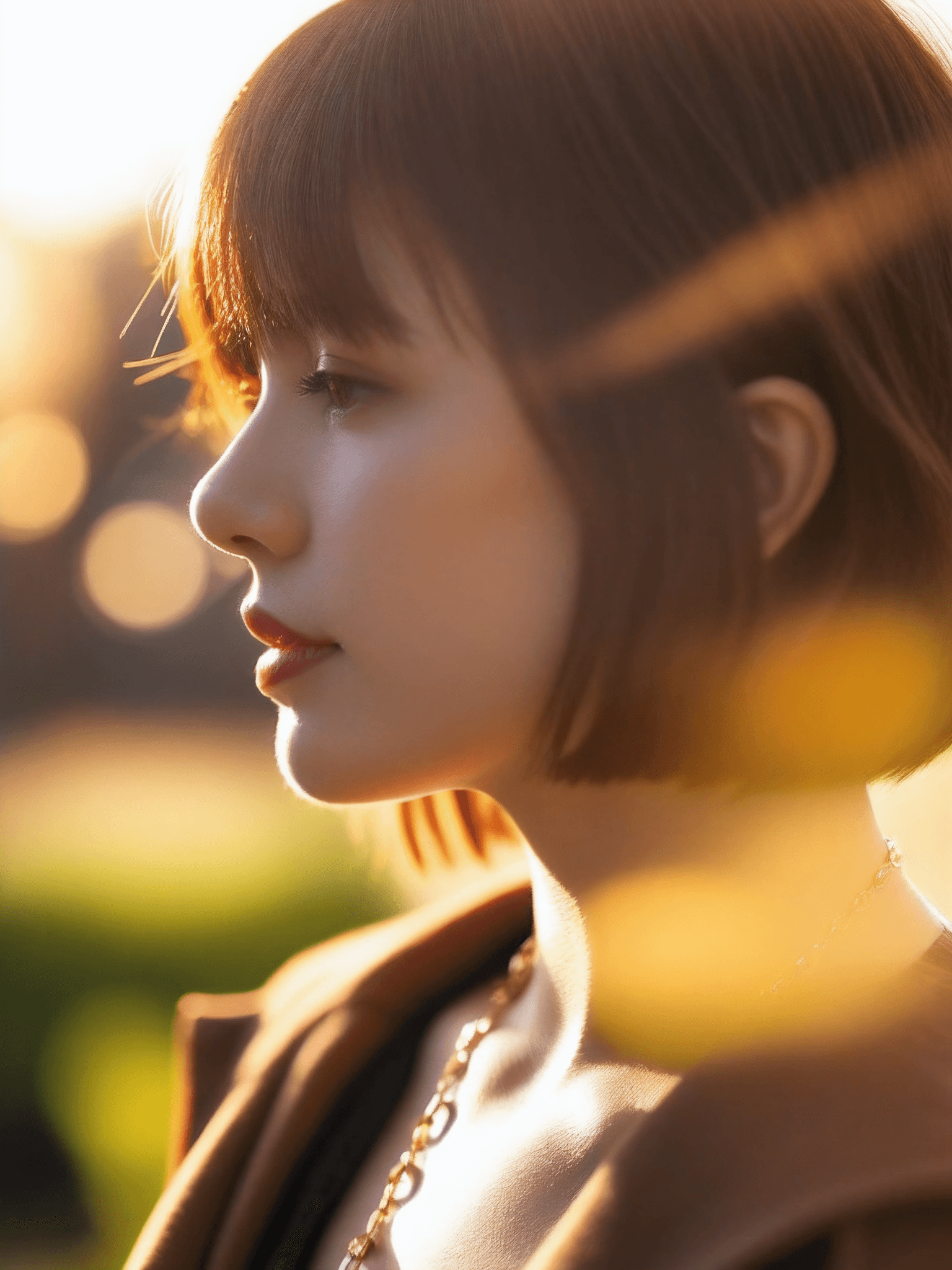
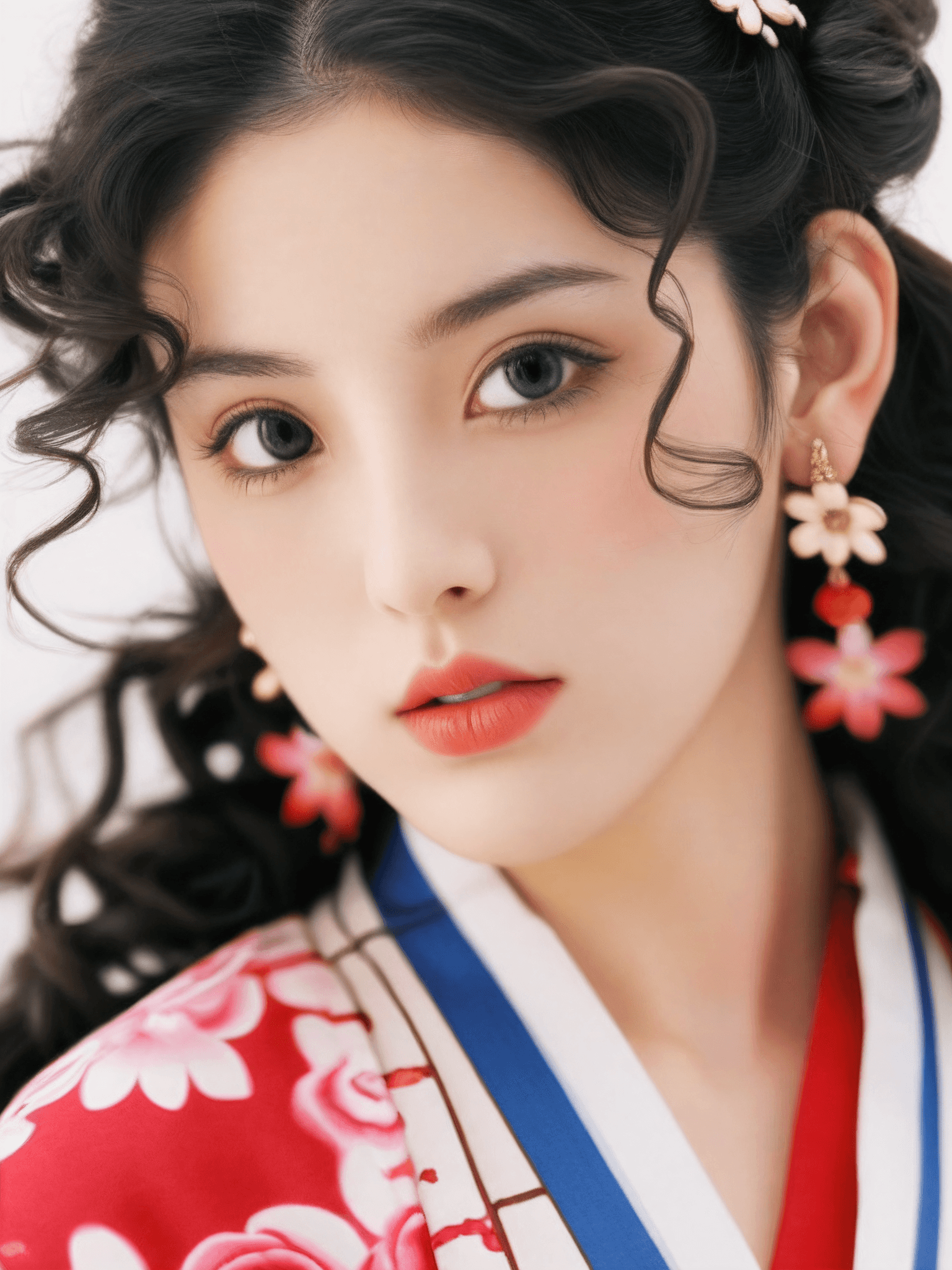
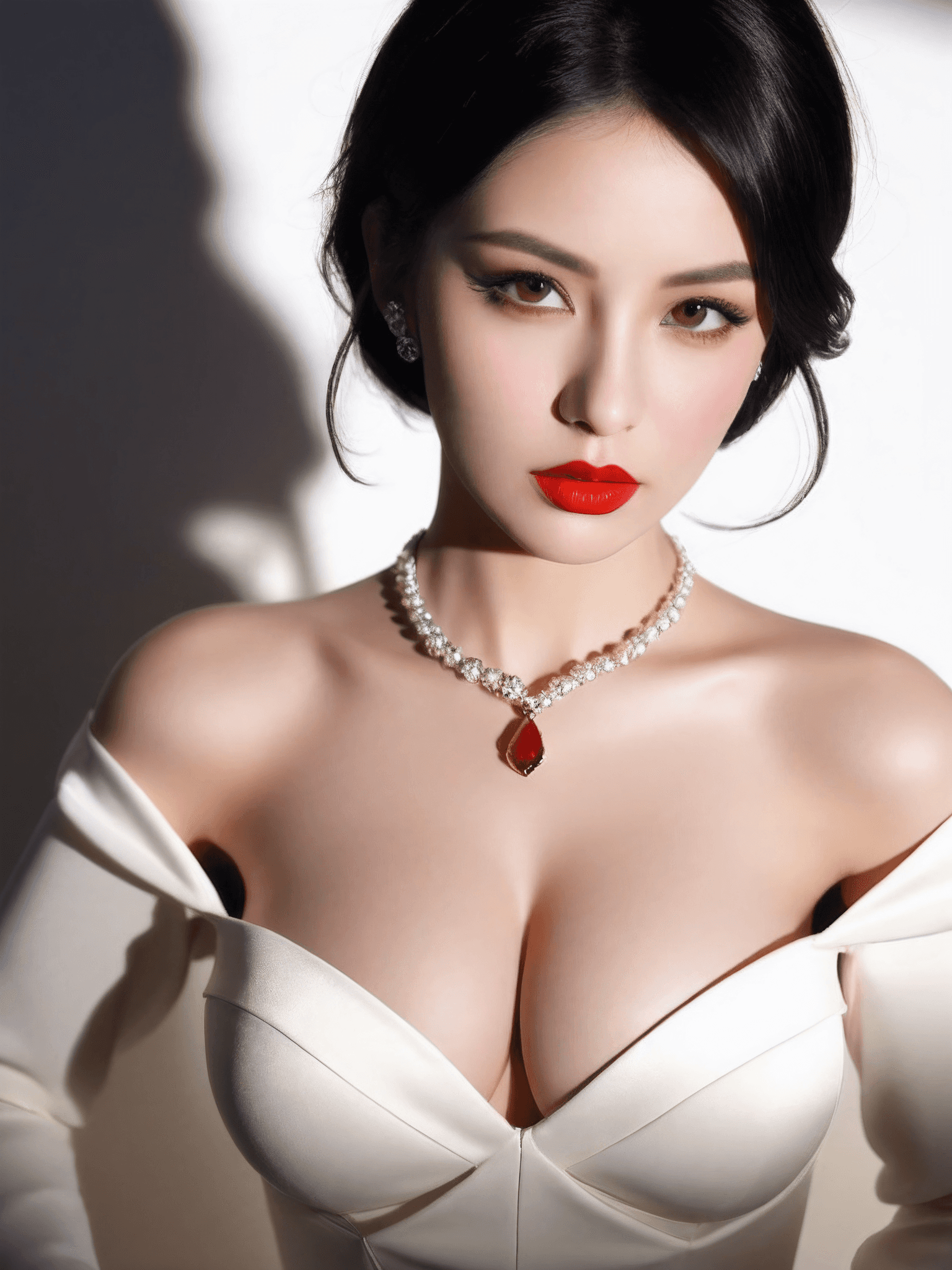
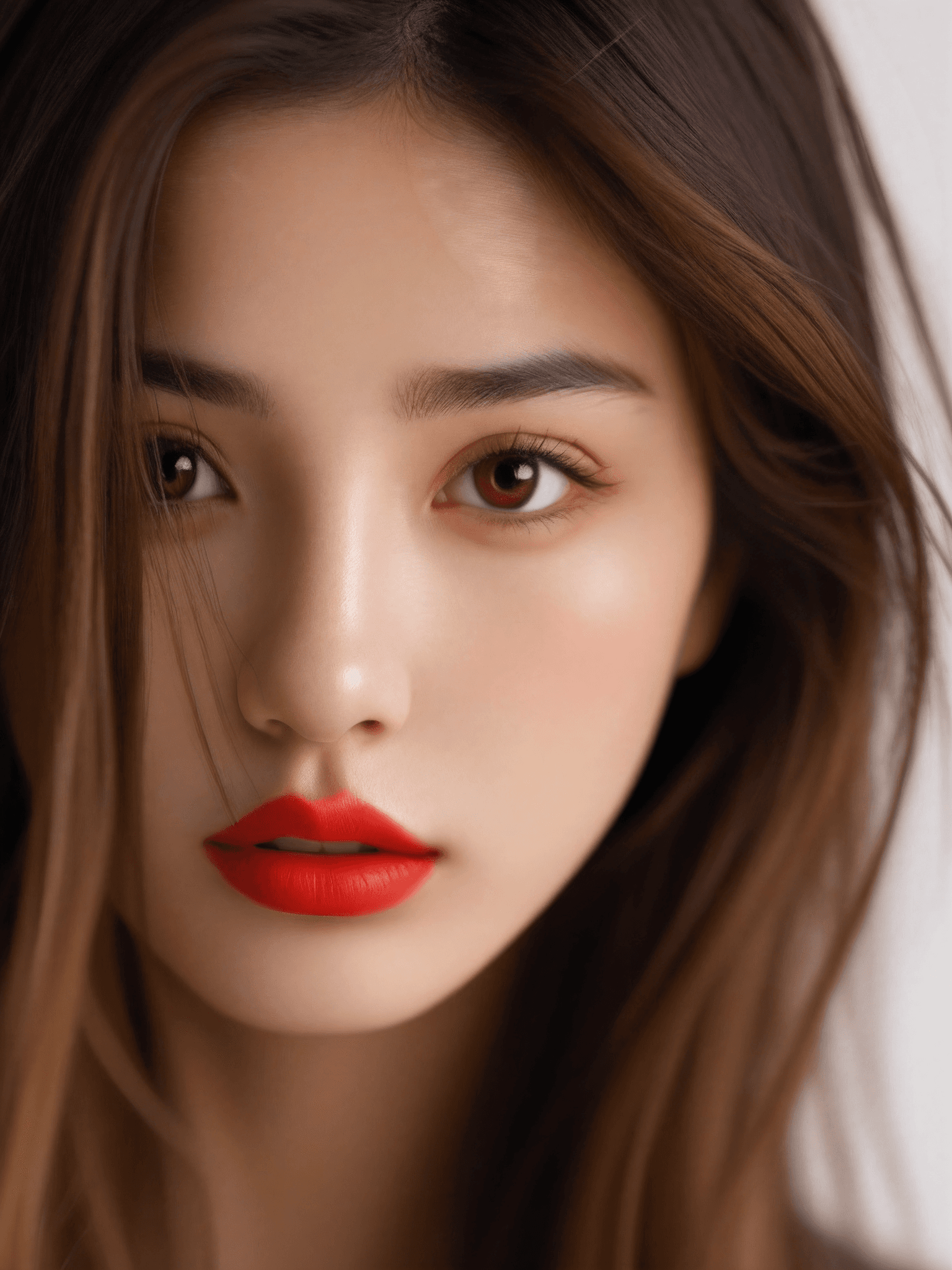
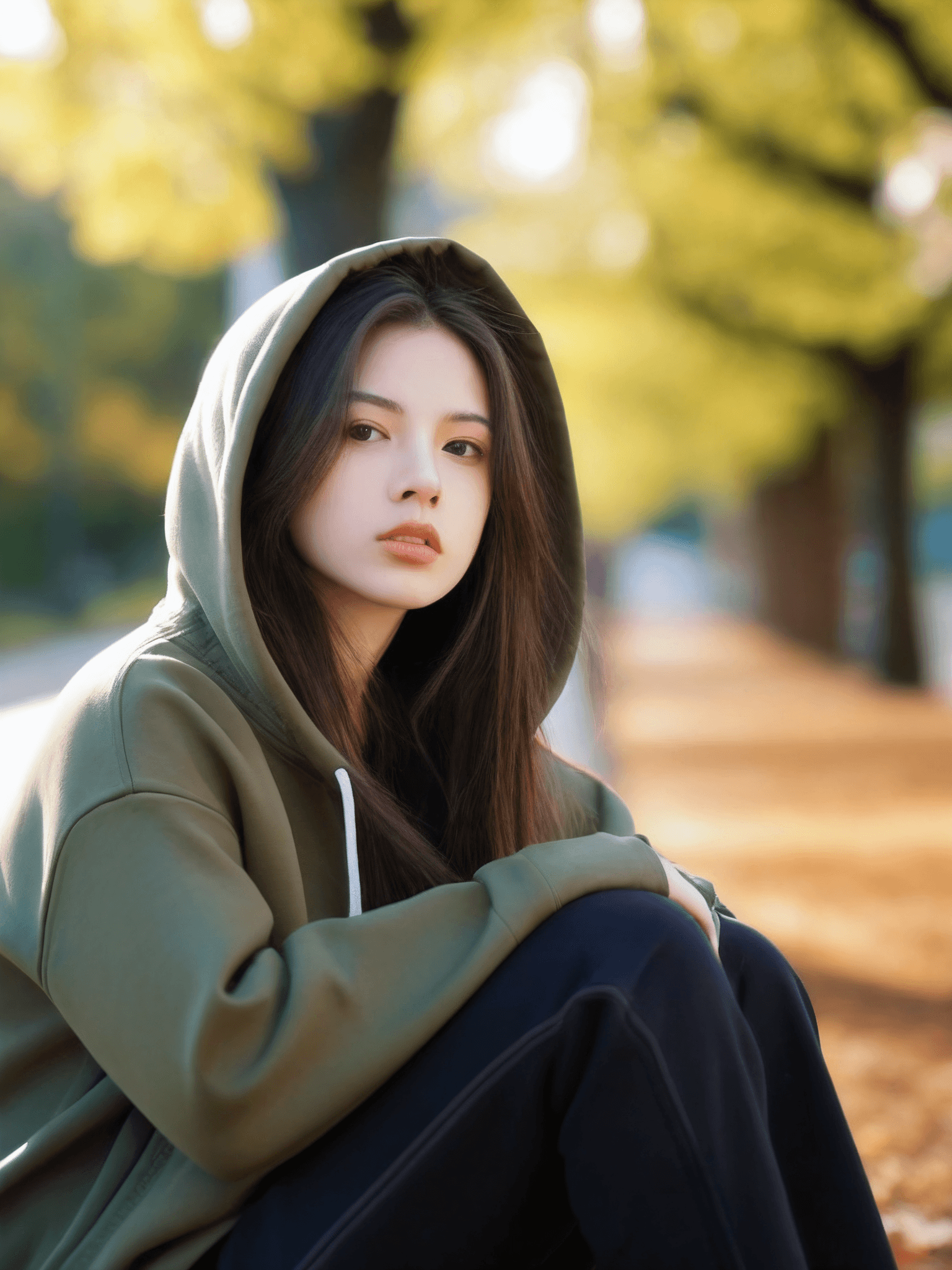
The SDXL Portrait Photography model is a highly optimized and fine-tuned checkpoint designed specifically for generating realistic, high-quality portrait photography. Built upon the robust foundation of the official SDXL 1.0, this model excels in producing images with enhanced detail and faster generation speeds. Its core strength lies in its ability to render subjects with a remarkably realistic and natural skin texture, contributing to an overall higher aesthetic quality. This makes it an ideal choice for creators looking to produce professional-grade portraits and photo shoot-style images.
How to Use This model is straightforward to use, requiring no specific trigger words to activate its unique style. You can describe your desired image using natural language prompts. * Trigger Word: None required.
- Recommended Base Settings: * Steps: 20 * CFG Scale: 5 * Weight: 0.8
Advanced Settings & Tips For optimal results and to explore the full capabilities of the model, consider these additional settings and tips: * Sampler: DPM++ 2M
- Steps: 30 (for potentially more refined details)
- Resolutions: This model performs well with various aspect ratios commonly used in photography, including: * 768x1024 (portrait orientation) * 1024x768 (landscape orientation) * 1024x1024 (square format)
- Negative Prompt: To avoid common imperfections, it's recommended to use a negative prompt. The original description suggests:
(worst quality:2), (low quality:2), (normal quality:2), lowres, bad anatomy, bad hands, ((monochrome)), ((grayscale)), watermark, molesExperimenting with reducing the intensity or number of negative descriptions can sometimes lead to better results. - LoRA Compatibility: The model exhibits good compatibility with various LoRA models, allowing for further customization and stylistic variations.
- Prompting: Feel free to use natural language to describe your desired scene and subject. Reviewing example images and their associated parameters can also provide valuable inspiration for your prompts.
Example Prompts
No specific example prompts were provided in the original description.
FAQ
Q: What trigger word should I use?
A: No trigger word is required.
Q: What are the recommended settings?
A: Steps: 20, CFG: 5, Weight: 0.8. For more detailed results, you can try Steps: 30 and Sampler: DPM++ 2M.
Q: What resolution works best?
A: The model is optimized for resolutions such as 768x1024, 1024x768, and 1024x1024.