





Introduction
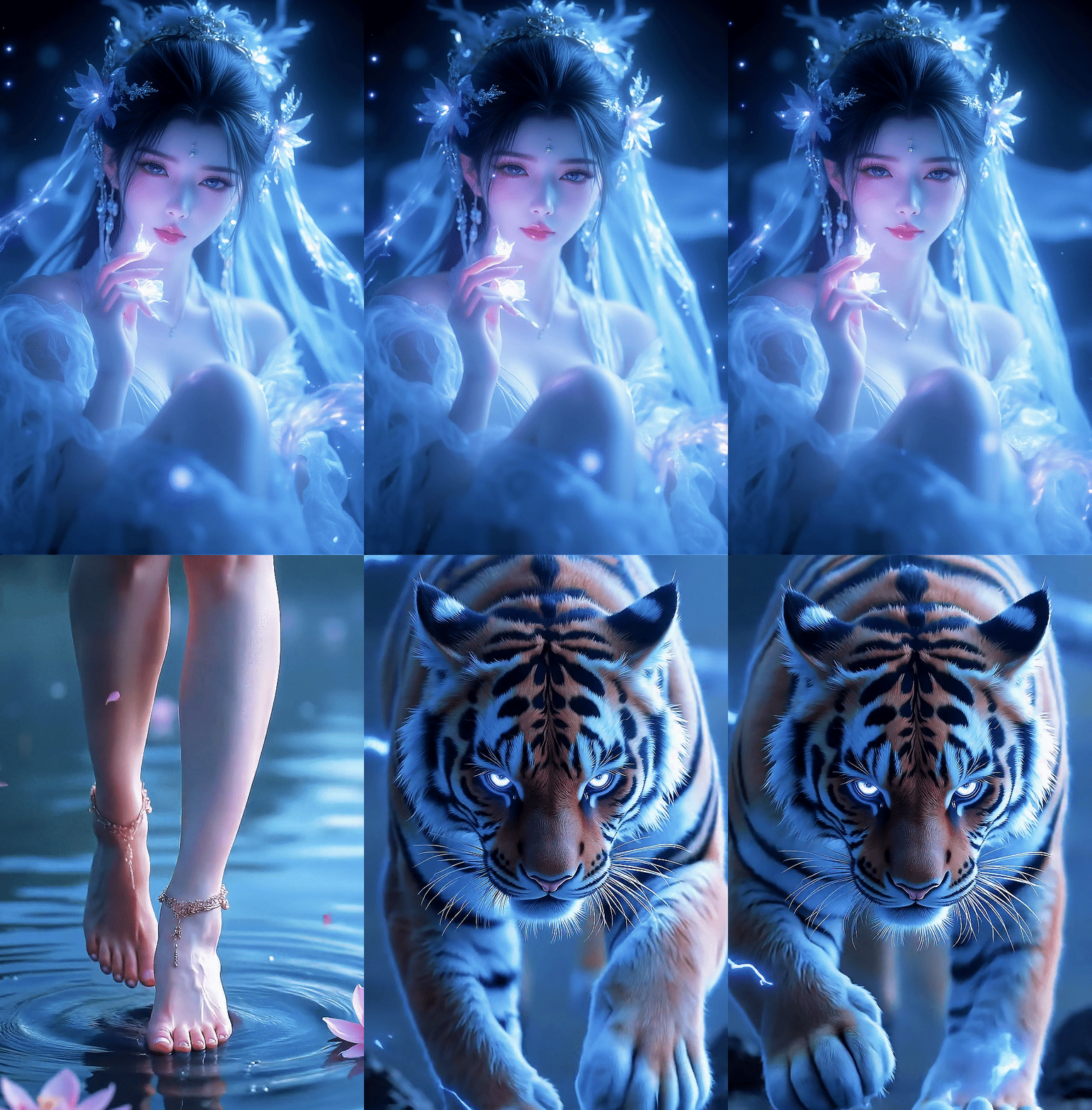
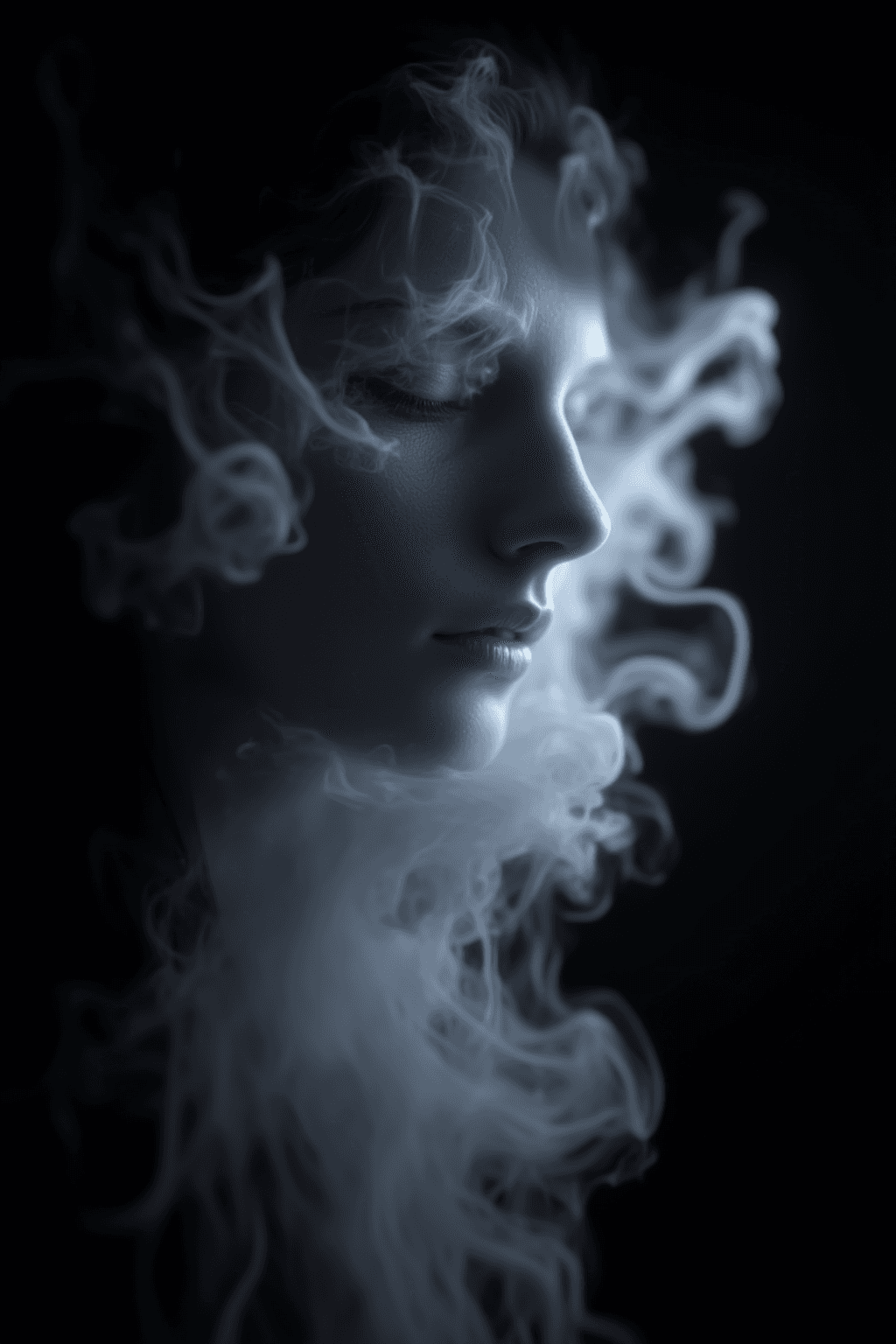
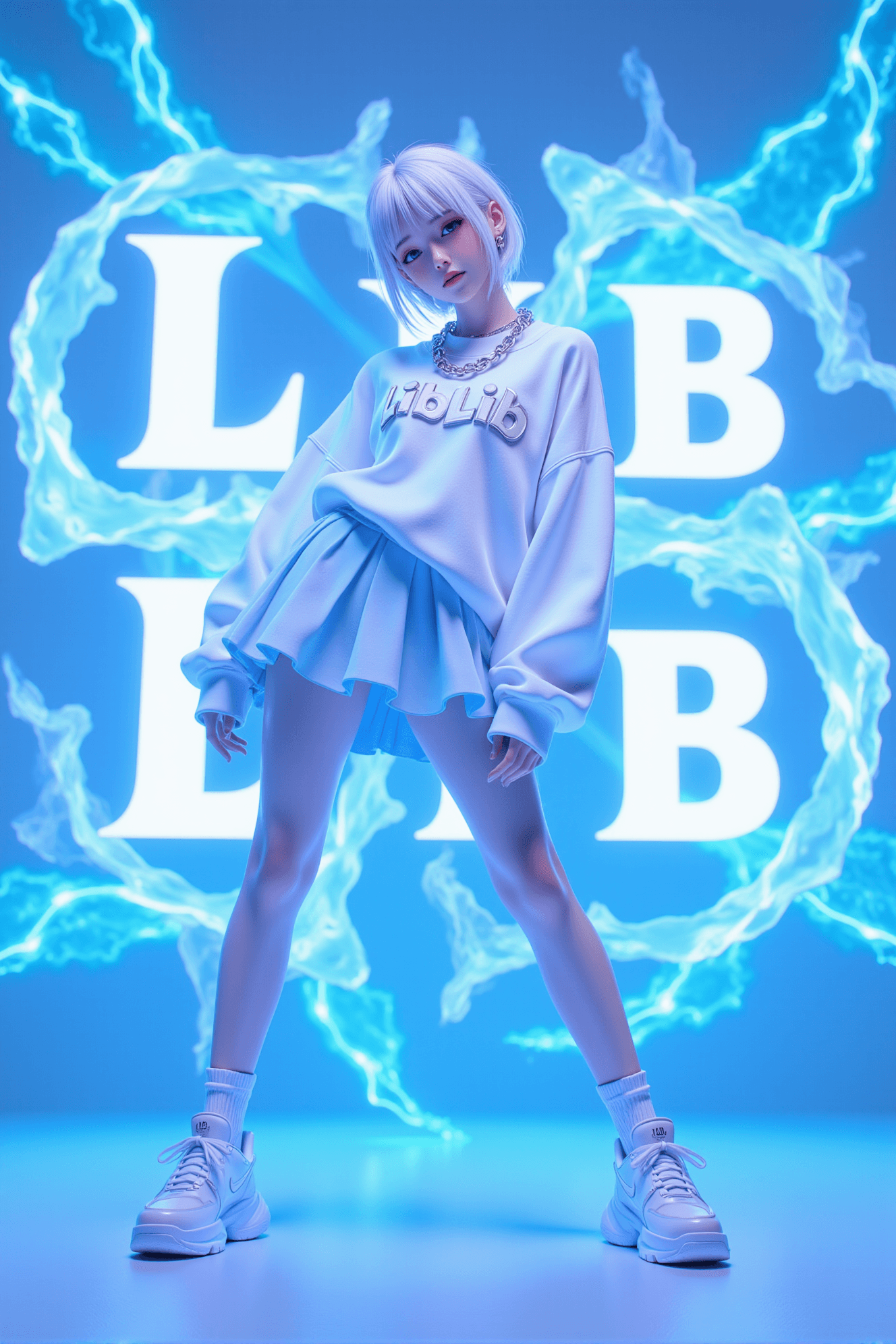
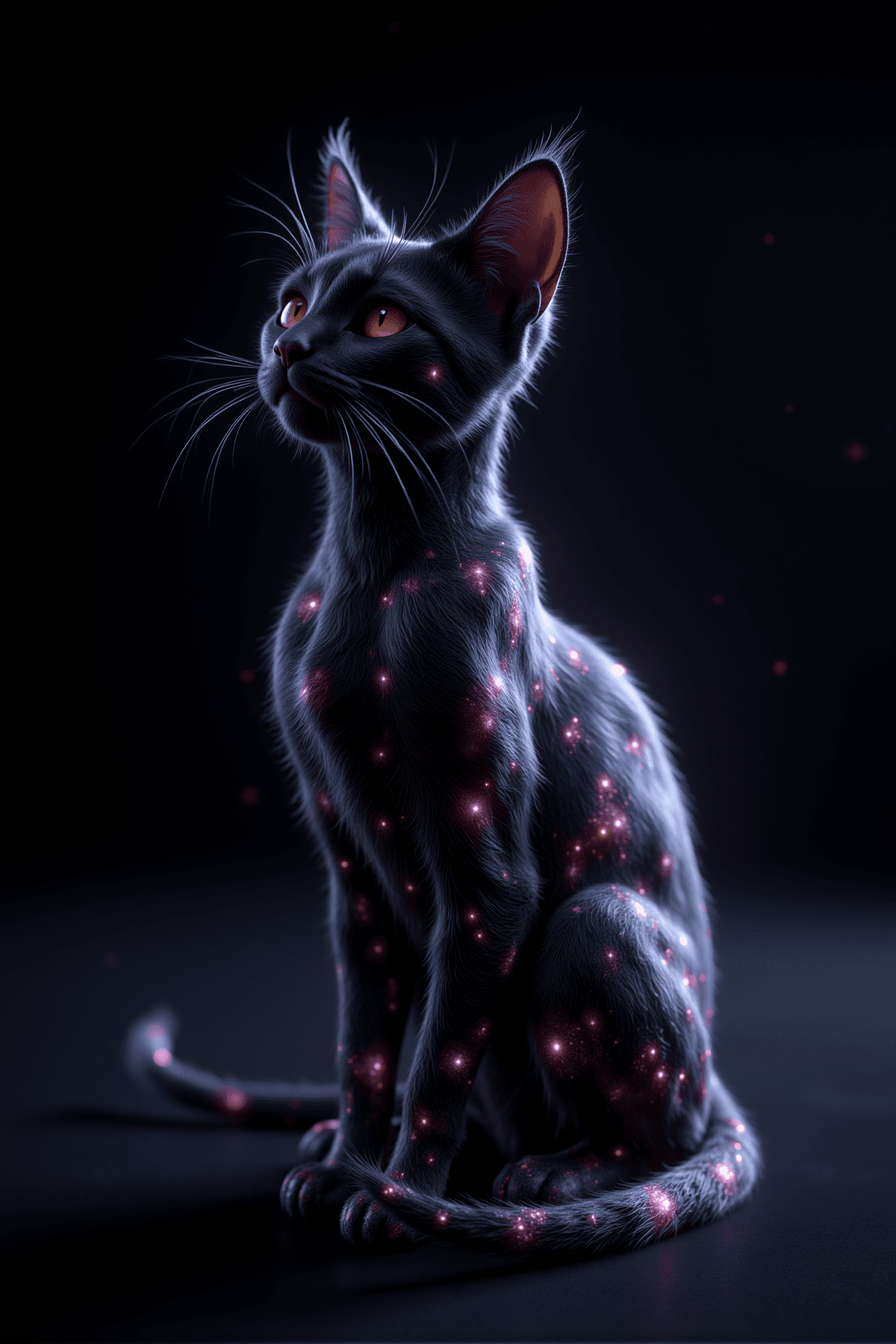
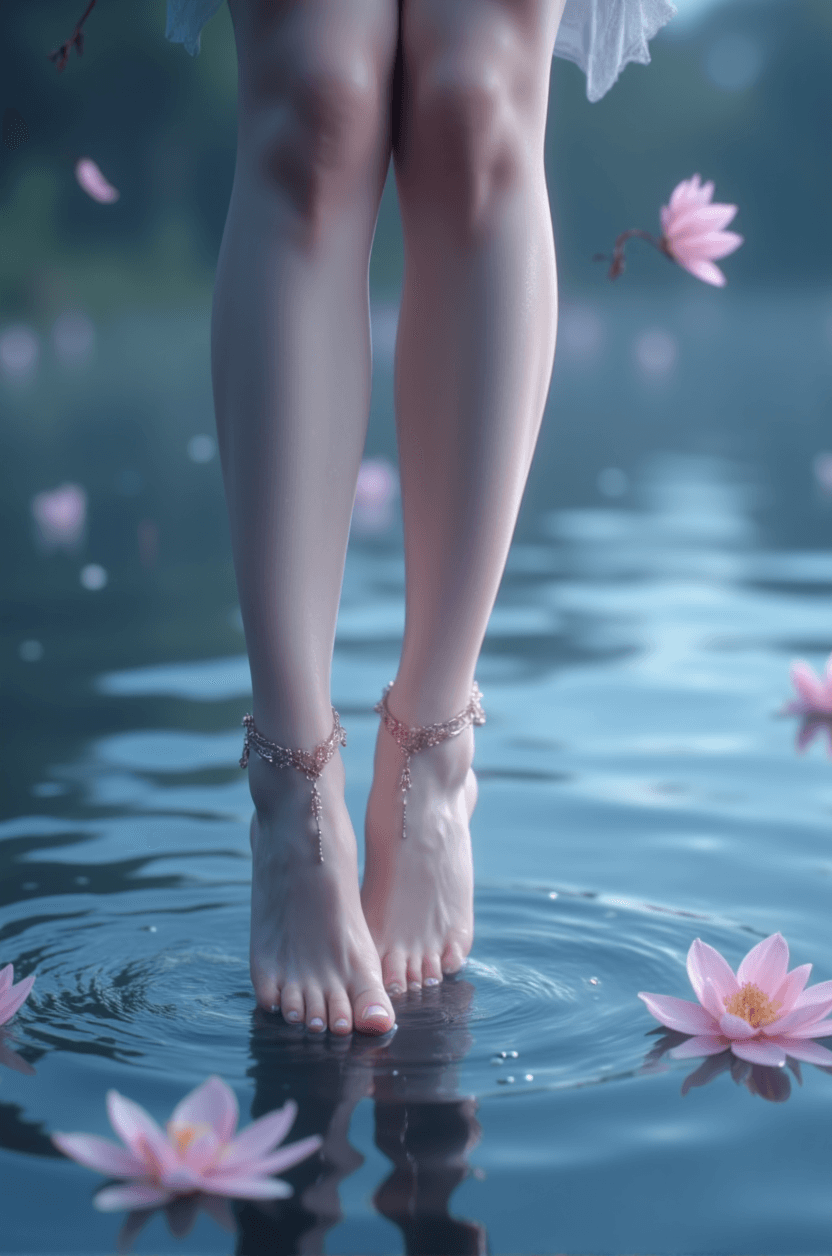
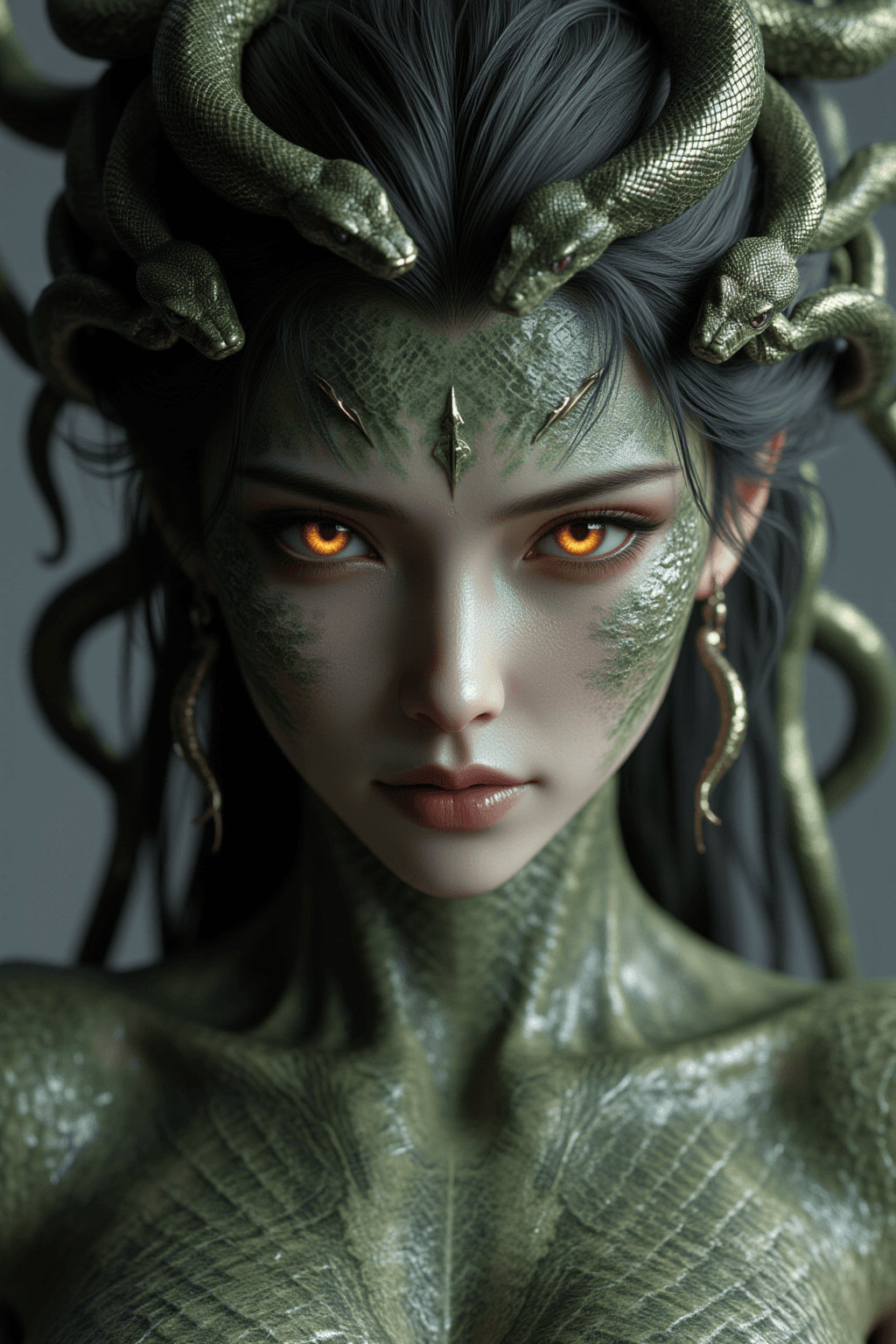
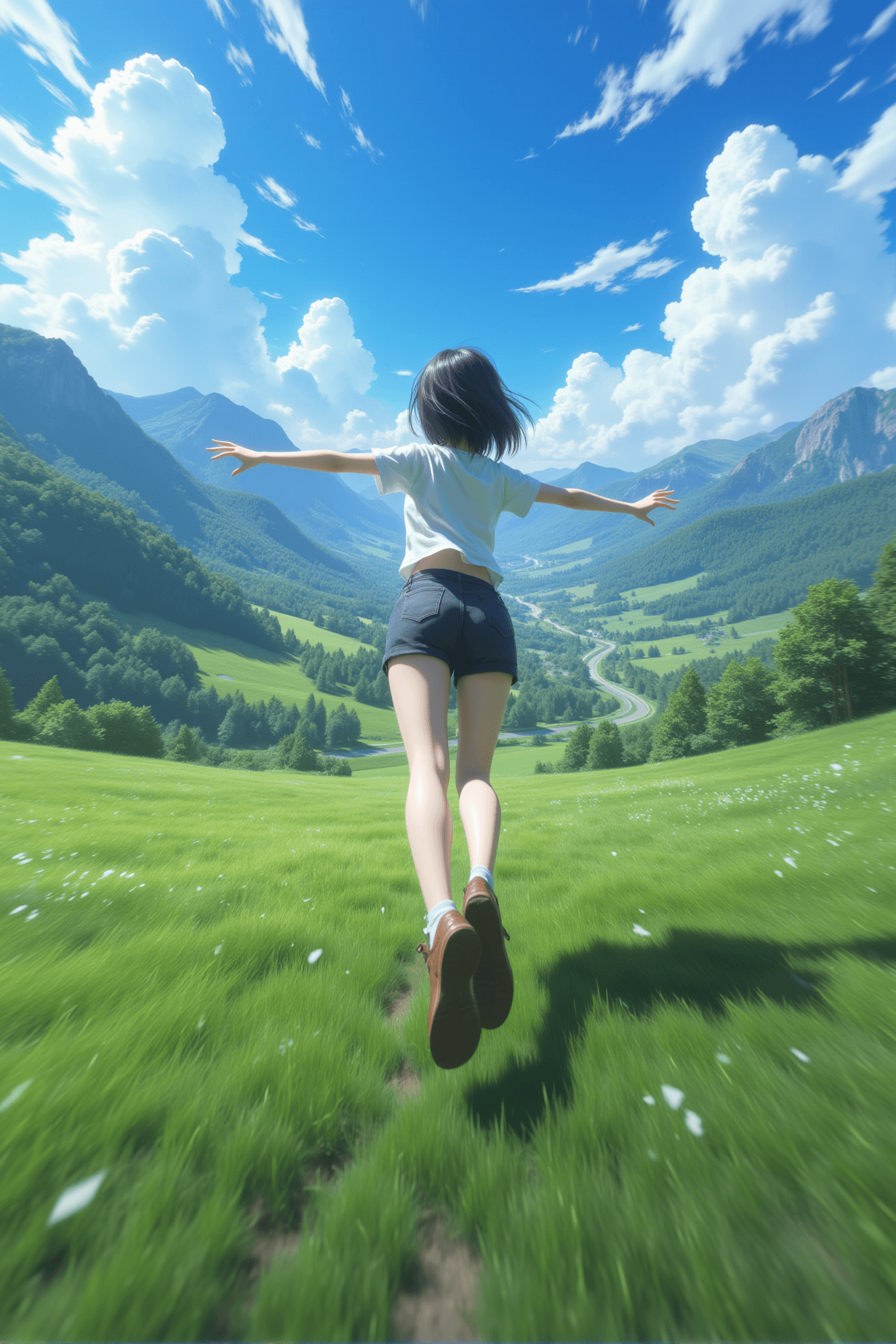
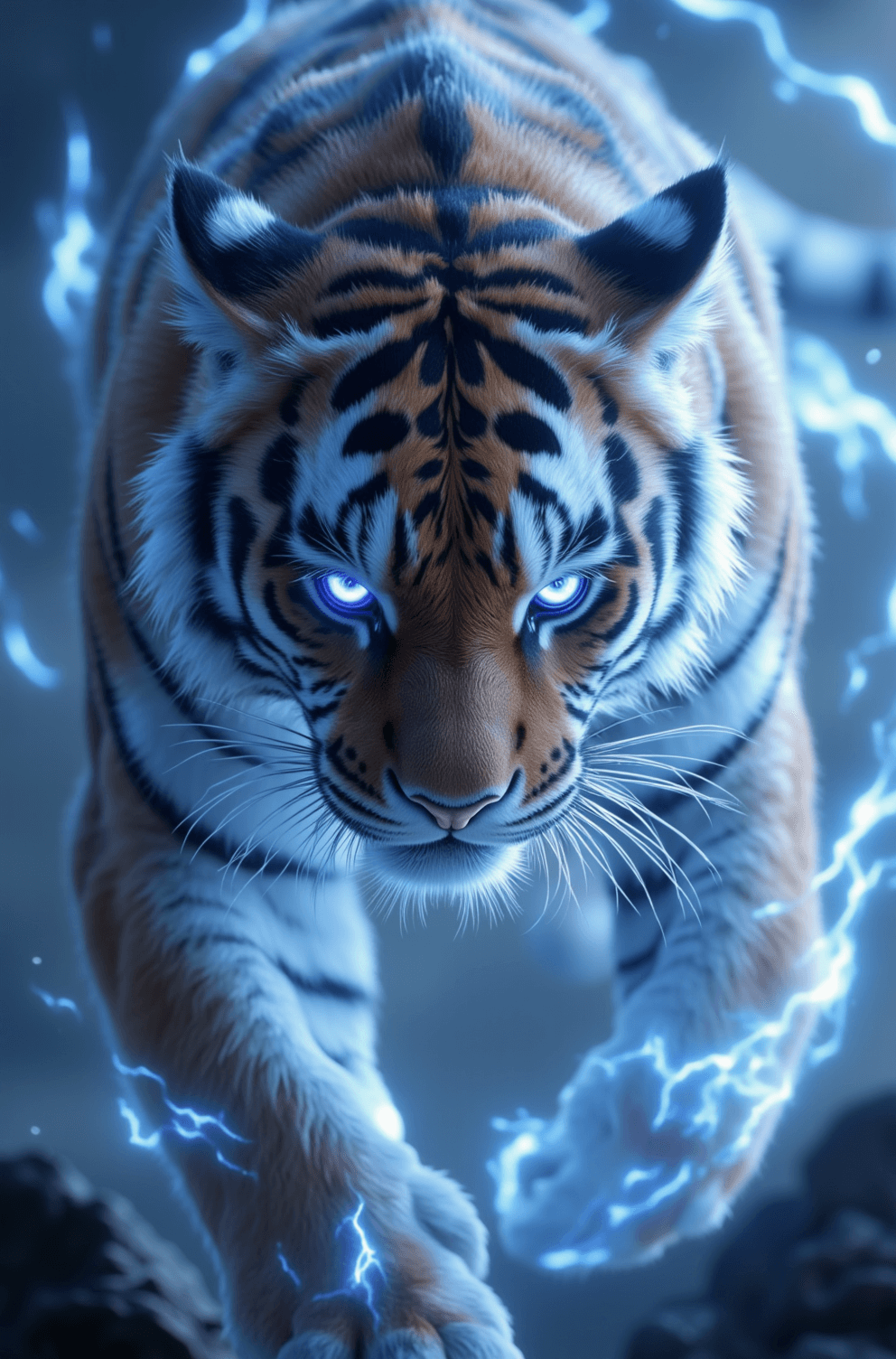
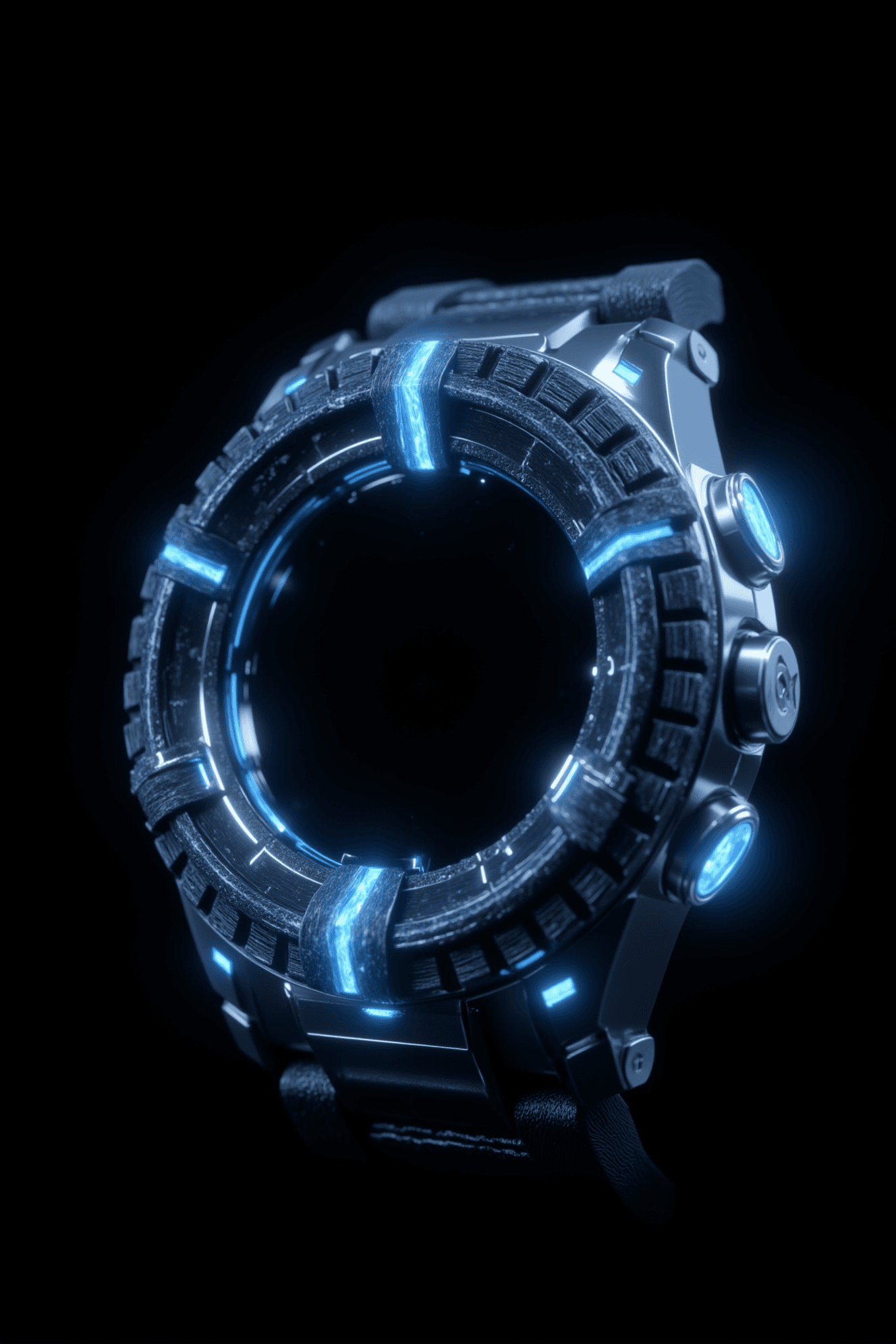
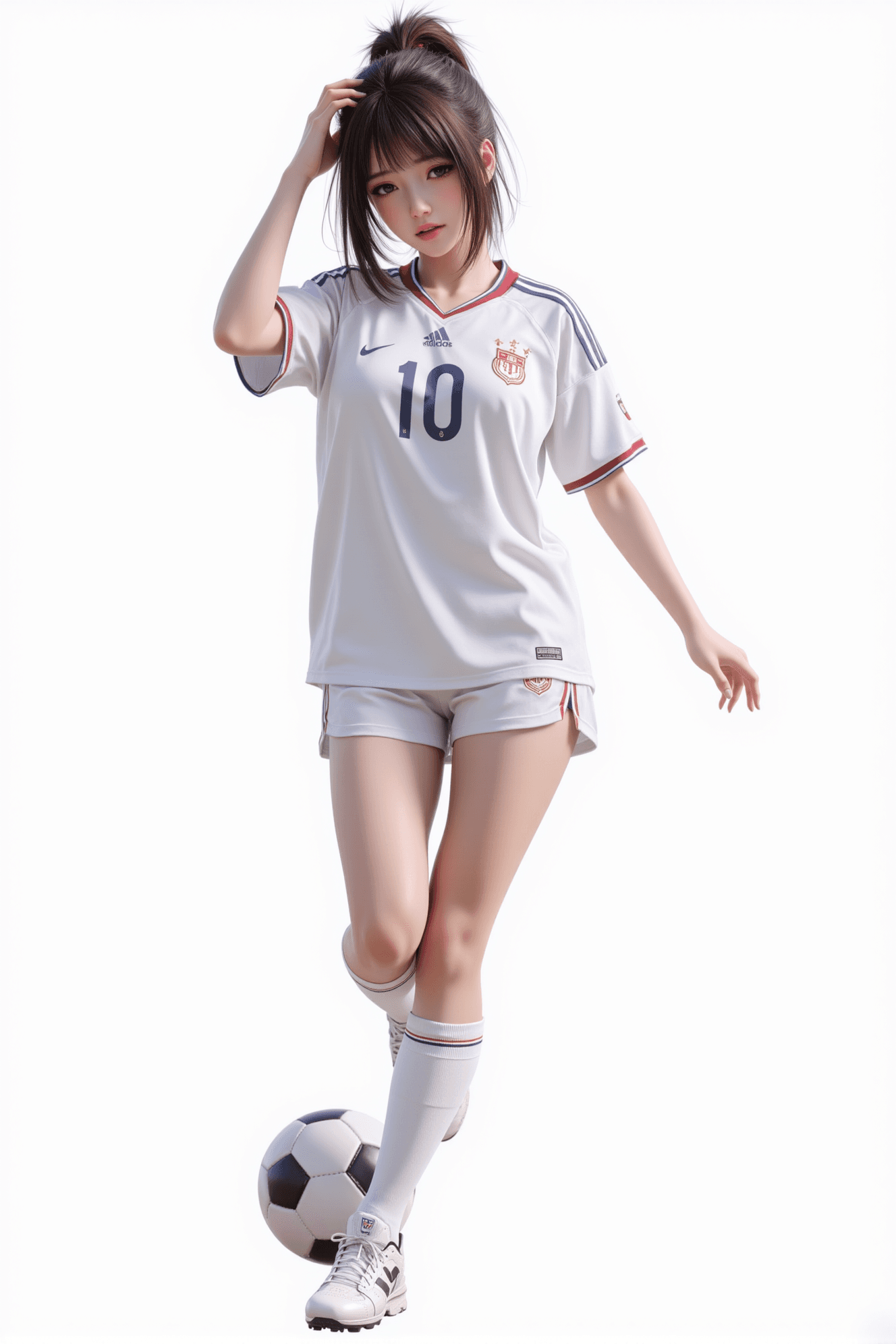
Xuan Guang: Hyper-Beautiful Cinematic CG Art Model is a checkpoint designed to generate stunning, hyper-beautiful images with a strong cinematic and CG aesthetic. Trained on a unique collection of original artwork, this model excels at creating captivating visuals, particularly in the ancient Chinese (Gu Feng) style. Key Features:
- Hyper-Beautiful CG Style: Produces highly aesthetic and polished CG-style artwork.
- Cinematic Feel: Imbues images with a dramatic and film-like quality.
- Enhanced Details: Improves clarity for limbs and hands, offering a stronger gender response in character generation.
- Scene Enhancement: Strengthens scene composition and improves responsiveness to dark tones.
- LORA Compatibility: Designed to be more compatible with LORA models, expanding creative possibilities.
- Reduced Blurriness: Minimizes blur for sharper, more defined outputs.
- Beginner-Friendly: Adapts to various prompt forms, including mixed tags and natural language, making it accessible for new users.
How to Use
Trigger Word
No trigger word is required to activate this model's style.
Recommended Settings
- Steps: 20 (A range of 20-30 is recommended. Higher steps can enhance detail but may cause deformation in small body parts like fingers or toes. Adjust based on desired outcome.)
- CFG Scale: 3.5 (The "Distilled CFG Scale" option, if available in your UI, can be set between 0-5 to adjust saturation.)
- Model Weight: 0.8
- Resolution: Do not exceed 2048 pixels on any side. Common starting points like 1024x1024 or 1024x1536 (for portrait) are good.
Tips
- Prompting: While the model adapts to natural language, tag response is stronger than previous versions. Start with simple, descriptive phrases and tags.
- Detail vs. Deformation: Experiment with steps between 20-30. If you encounter issues like multi-fingered hands or deformed small body parts, try adjusting the step count.
- Saturation Control: Utilize the "Distilled CFG Scale" option (0-5) in your interface to fine-tune image saturation.
Example Prompts
Here's an example prompt to get you started: 1.8K,depth of field,long,dark hair,intricate jewelry,Enchantress in moonlight, translucent veil reveals jade-like skin,white garment,hanfu,serene expression,swirling blue energy,mystical atmosphere,DTOC,looking at viewer,masterpiece,best quality,glowing blue eyes,glowing ribbon,front view,With both hands, one above and one below, in front of the chest, the fire glows in the hand,pale skin,white skin,shinny skin,light vibe,smile.from below,
FAQ
Q: What trigger word should I use?
A: No trigger word is required.
Q: What are the recommended settings?
A: Steps: 20, CFG: 3.5, Weight: 0.8
Q: What resolution works best?
A: Do not exceed 2048 pixels on any side. Common starting points like 1024x1024 or 1024x1536 (for portrait) are generally effective.