



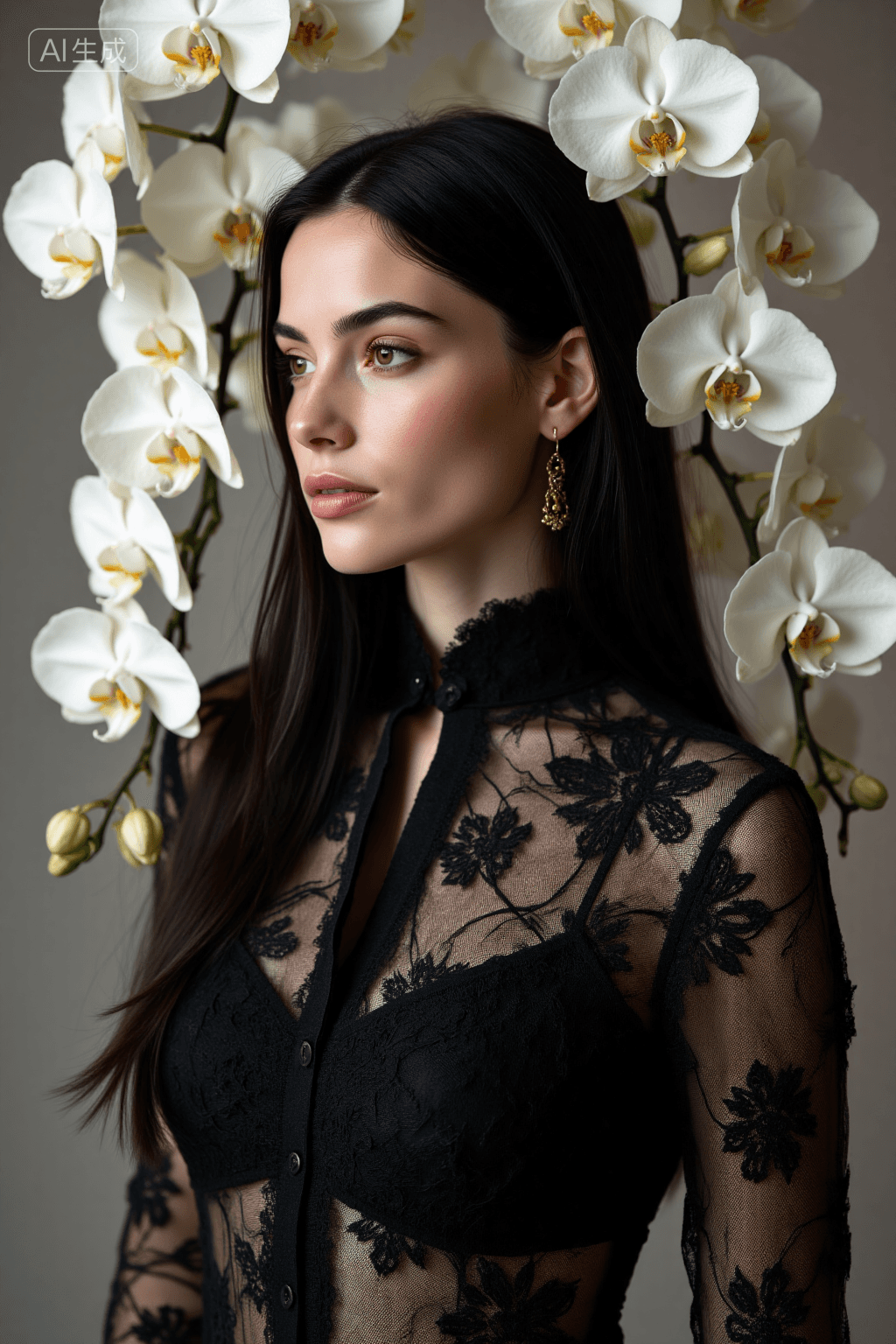
16 images
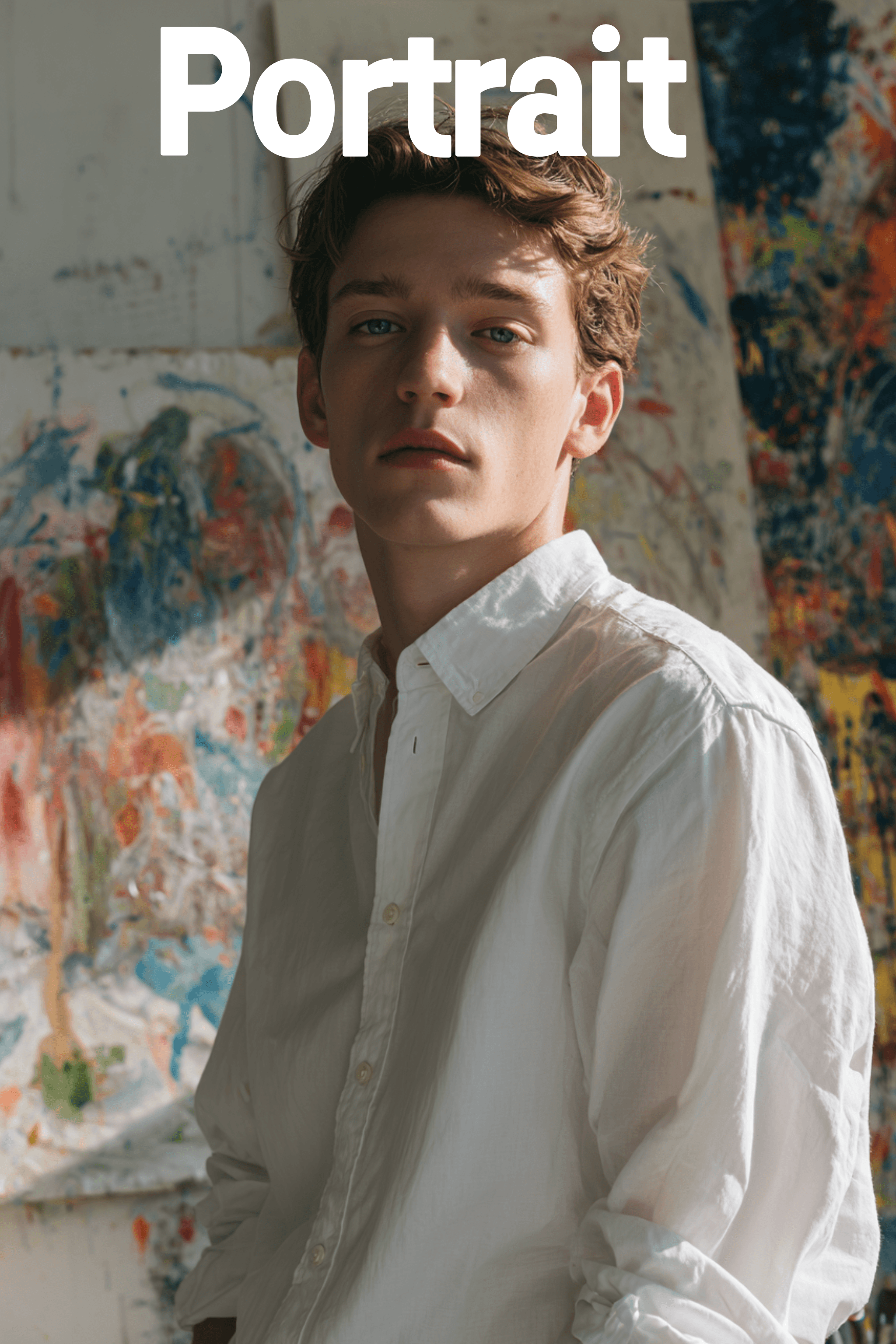
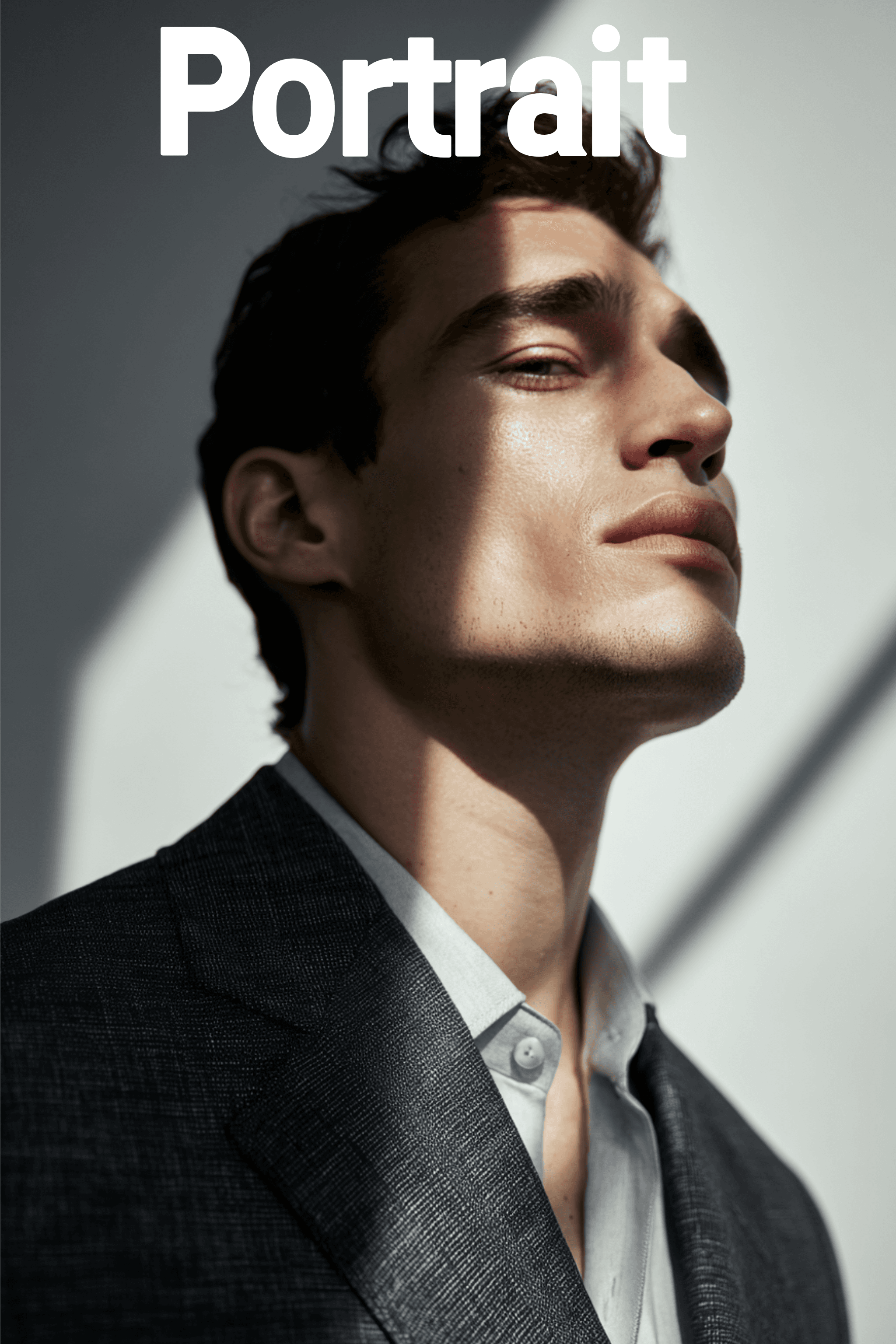
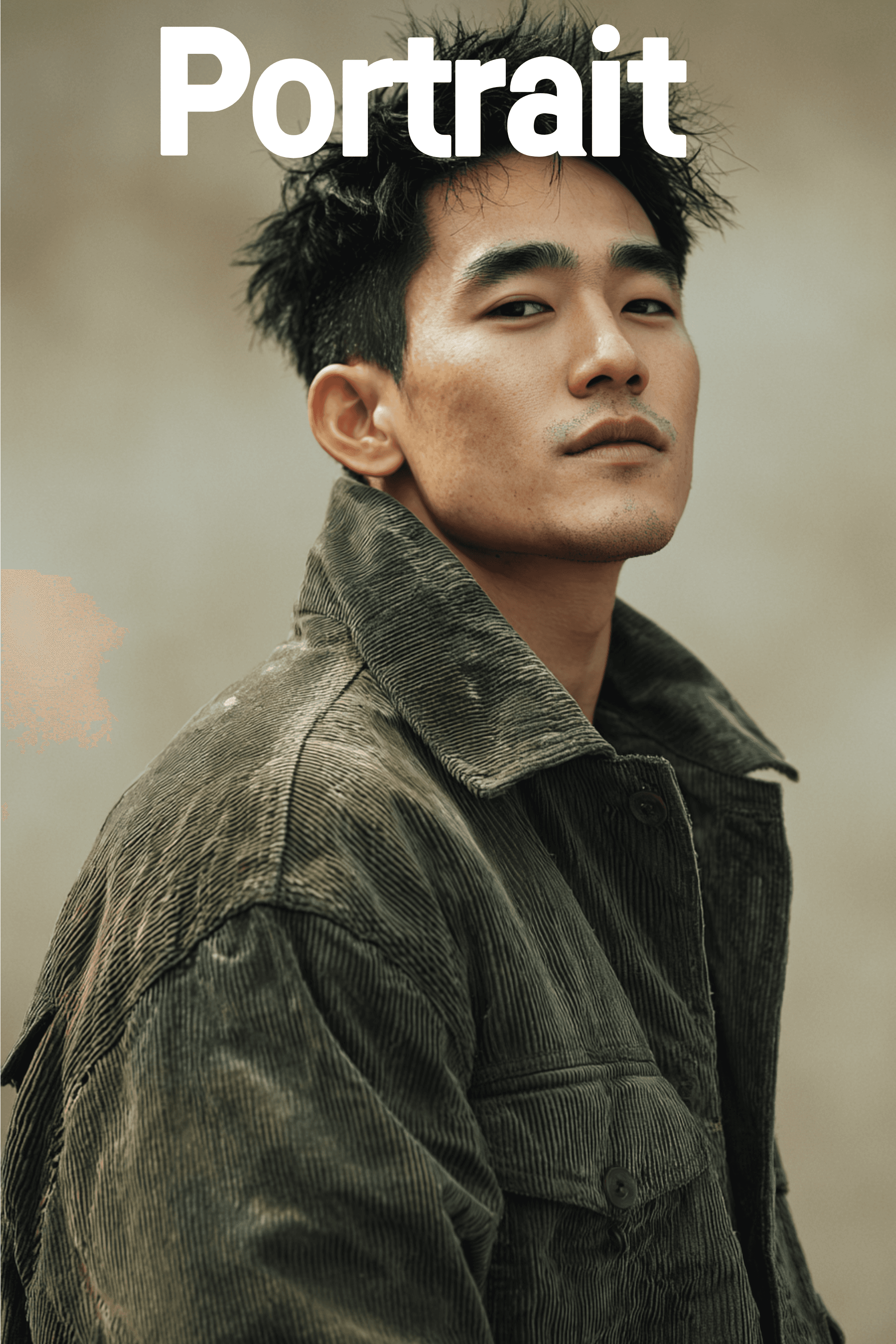
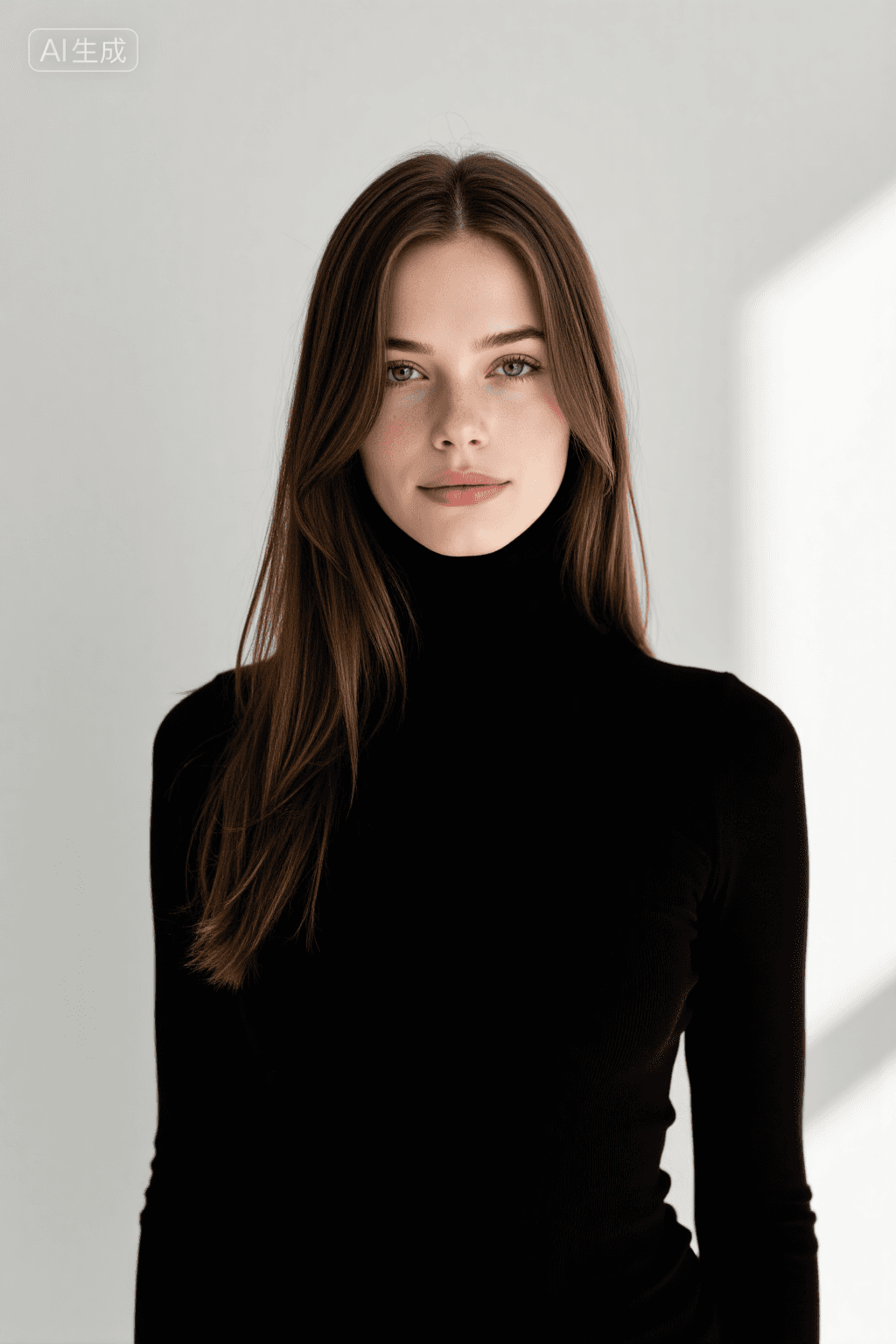
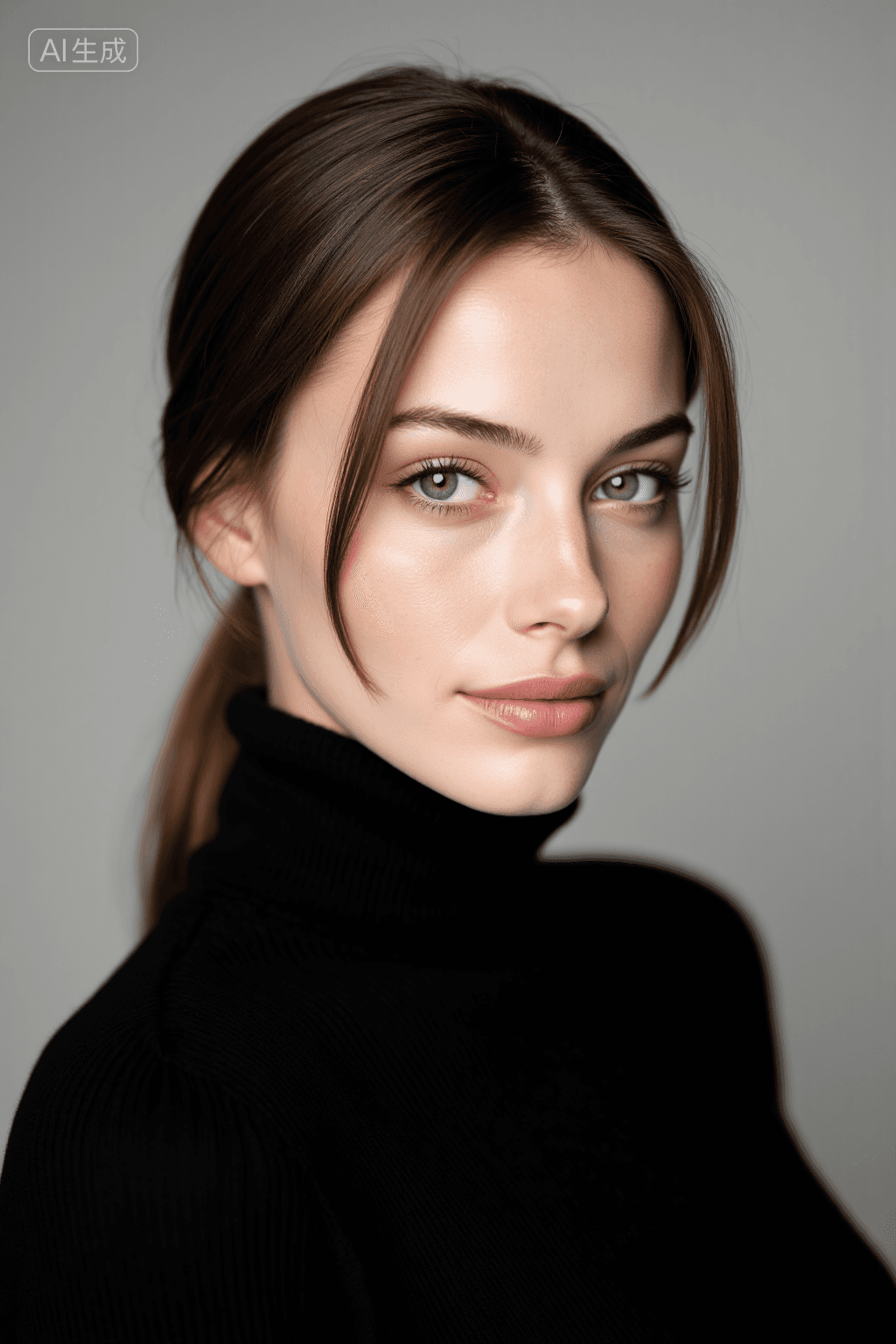
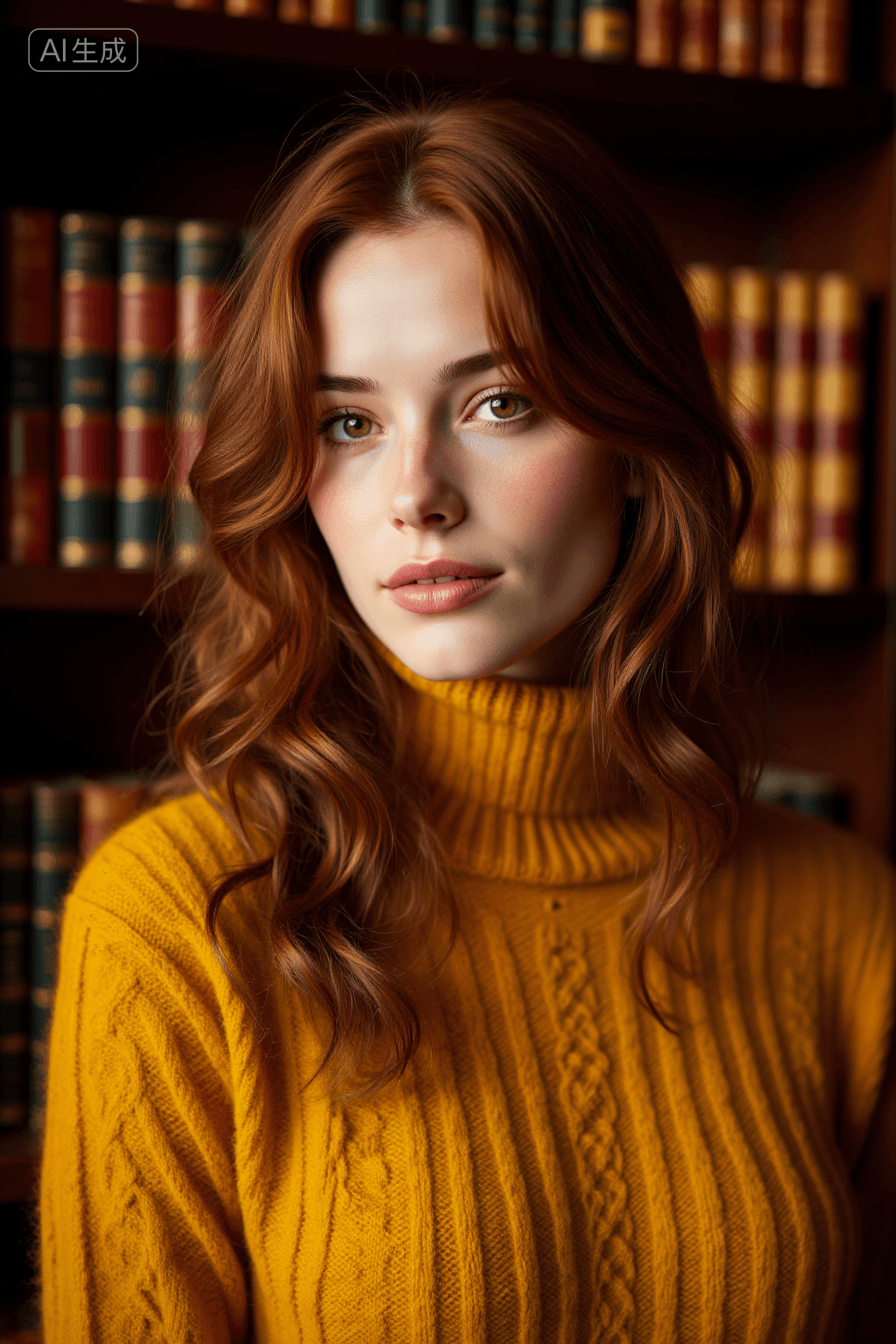
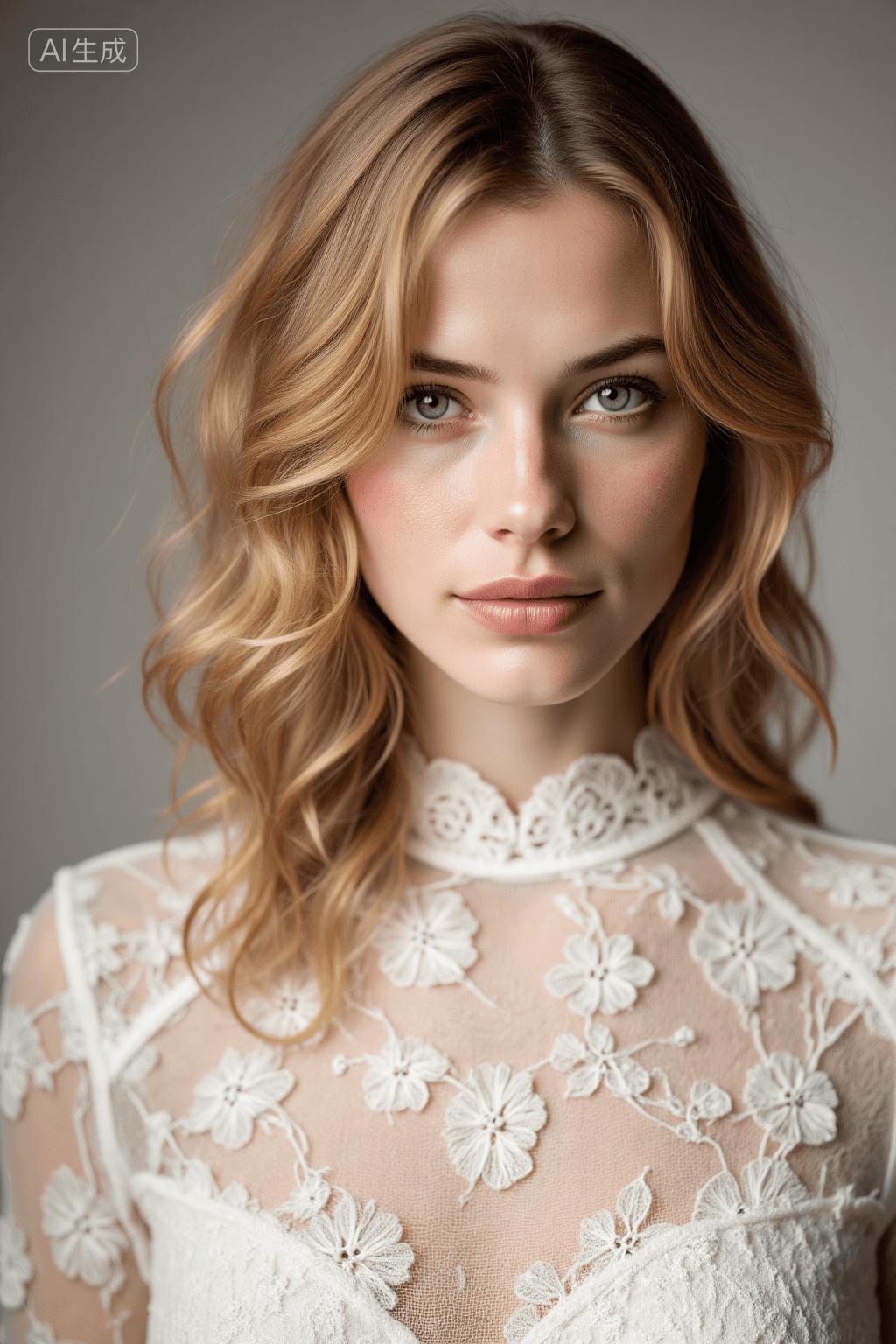
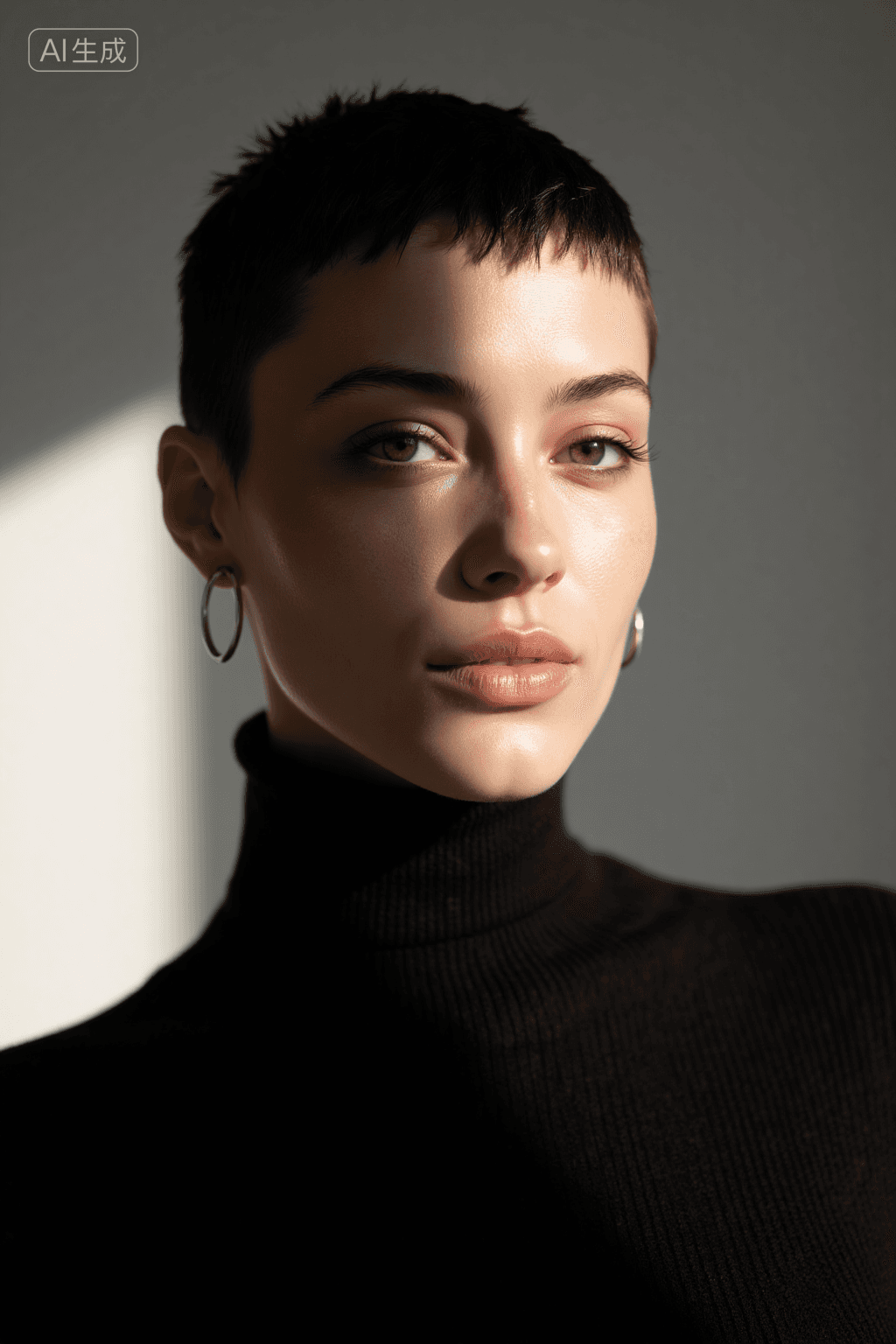
Introduction This AI model, named "Portrait photography," is an exclusive Lora designed for generating professional portraits with exceptional realism and emotional depth. It excels at creating "human-scene empathetic" images, where the subject harmonizes perfectly with their environment. The model is meticulously crafted to restore the true characteristics and aesthetic of subjects, achieving a precise balance between realistic skin textures, emotional expressiveness, and sophisticated light and shadow layering. It captures subtle facial details, natural skin tone transitions, genuine emotions in the eyes, and relaxed body postures, producing results akin to professional photographer's real shots. Each generated image aims to "capture a moment of the subject's unique temperament," effectively overcoming issues like over-smoothed, distorted skin or stiff, rigid emotions often seen in AI-generated images. Leveraging professional portrait photography techniques and training on diverse style data, this Lora inherently understands "human-scene harmony." Whether the setting is a minimalist interior, a natural outdoor scene, or styled with vintage, fresh, or personalized aesthetics, the model ensures the subject remains the visual core while the background elegantly enhances their aura. The output consistently delivers "warm and textured" portrait works suitable for a wide range of applications.
Key Features:
- Realistic Texture & Detail: Captures subtle facial features, natural skin tones, and realistic textures.
- Emotional Expressiveness: Conveys genuine emotions through eyes and body language.
- Sophisticated Lighting: Balances light and shadow for depth and dimension.
- Human-Scene Harmony: Integrates subjects seamlessly into various backgrounds, making the background enhance the subject's presence.
- Versatile Styles: Supports minimalist, natural, vintage, fresh, and personalized aesthetics.
- Professional Quality: Produces images comparable to professional photography, avoiding common AI generation pitfalls like over-smoothing.
Target Style/Aesthetic:
The "Portrait photography" Lora aims for a professional, realistic, and emotionally resonant portrait style. It focuses on capturing the unique temperament of individuals within harmonious settings, delivering images that are both "warm and textured."
How to Use
Trigger Word:
Use "Portrait" at the beginning of your prompt to activate the model's effects.
Recommended Settings:
- Steps: 30
- CFG Scale: 3.5
- LoRA Weight: 0.8 (A range of 0.8-1.0 is also effective)
- Resolution: 768x1024 or 1024x1536
- Sampler: euler
Tips:
- Versatile Application: This model is ideal for personal, commercial, and family portrait creation.
- Enhance Storytelling: Combine the Lora with "scene models" (e.g., minimalist studio, outdoor lawn, vintage room) or "prop models" (e.g., flowers, books, vintage cameras) to add narrative depth to your portraits.
- Parameter Adjustments for Style: * For a "fresh feel," increase image brightness and lower contrast. * For a "vintage feel," add film grain and adjust colors towards warm brown tones. * For "commercial hard shots," enhance light and shadow contrast, improve skin transparency, and emphasize the subject's presence.
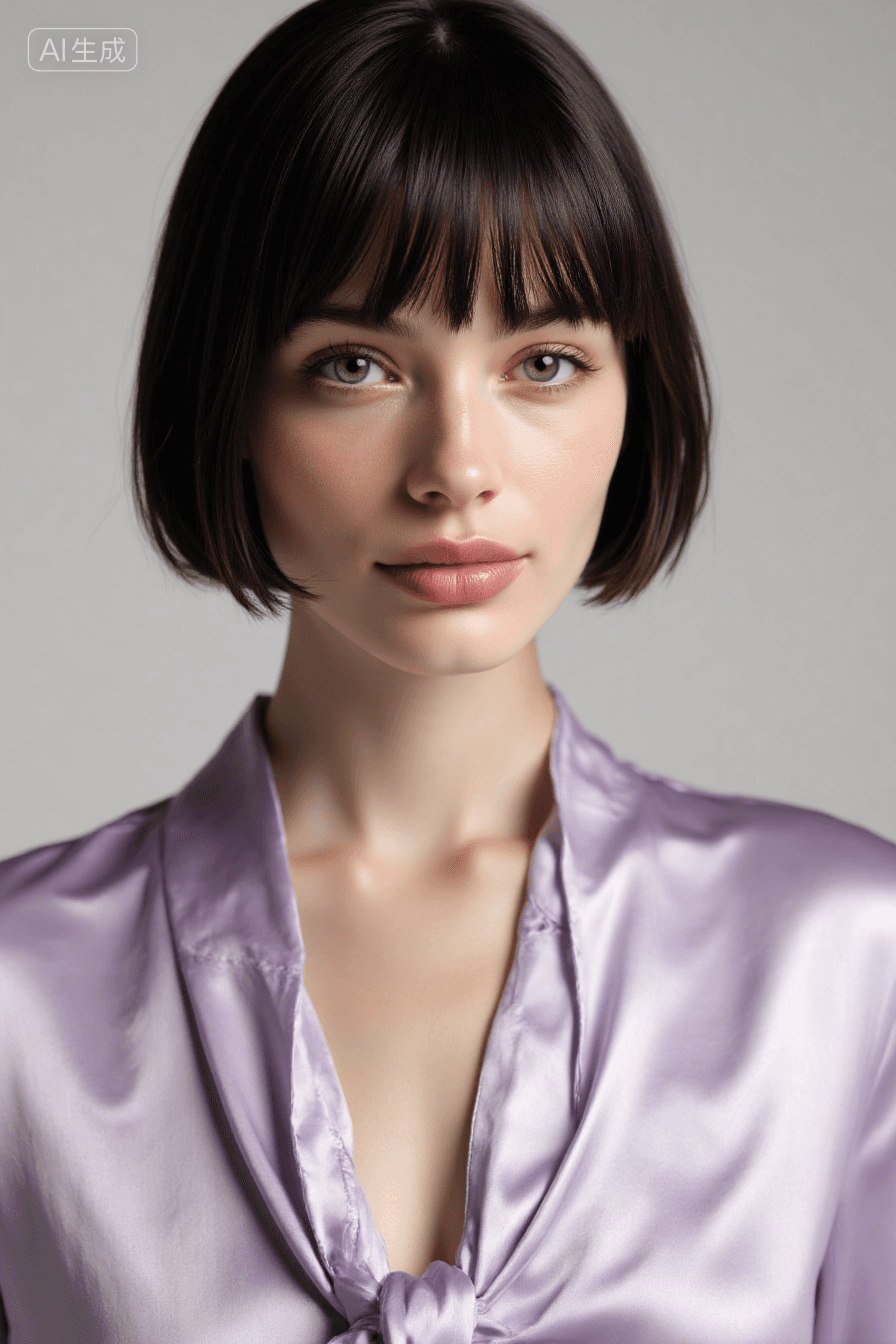
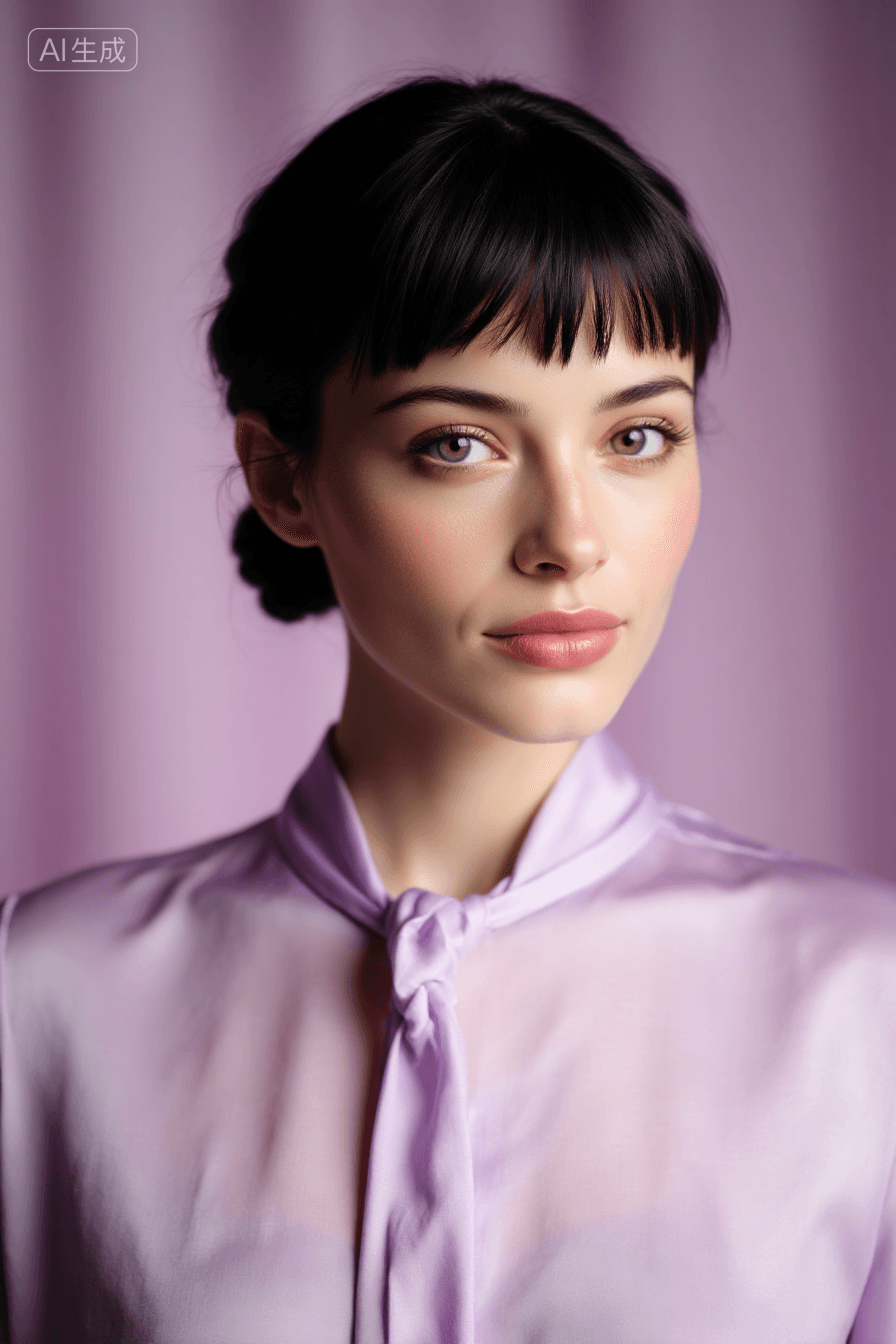
Example Prompts * Portrait A poised individual is captured in a moment of serene elegance, their dark hair styled with a fringe that frames the face delicately. The attire consists of a soft lavender shirt, loosely knotted at the collar to exude a relaxed yet sophisticated charm. The interplay of light and shadow on the fabric adds depth and texture, enhancing the overall aesthetic. The backdrop is minimalistic, ensuring the focus remains on the subject's composed demeanor and the subtle nuances of their expression.
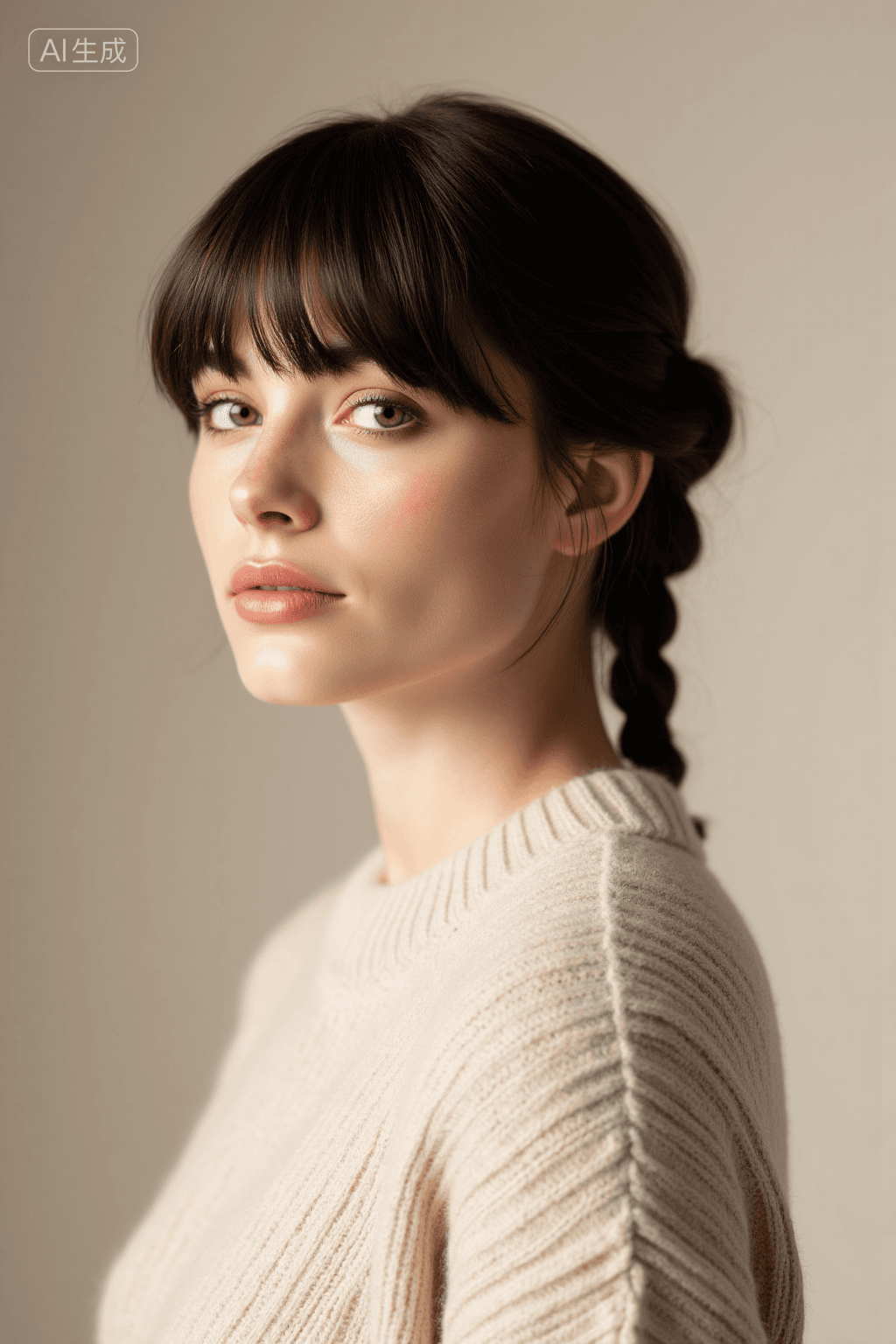
- Portrait A poised individual is captured in a side profile, exuding an air of serene contemplation. Their dark hair is elegantly styled into a braid that drapes gracefully over the shoulder, complementing the soft texture of their cream-colored cable-knit sweater. The neutral backdrop enhances the subject's composed demeanor, creating a harmonious blend of simplicity and sophistication. The lighting casts gentle shadows, accentuating the contours of the face and adding depth to the overall composition. This image conveys a sense of quiet introspection and timeless elegance.
FAQ
Q: What trigger word should I use?
A: Use "Portrait" at the beginning of your prompt.
Q: What are the recommended settings?
A: Steps: 30, CFG: 3.5, Weight: 0.8
Q: What resolution works best?
A: 768x1024 or 1024x1536