


5 images
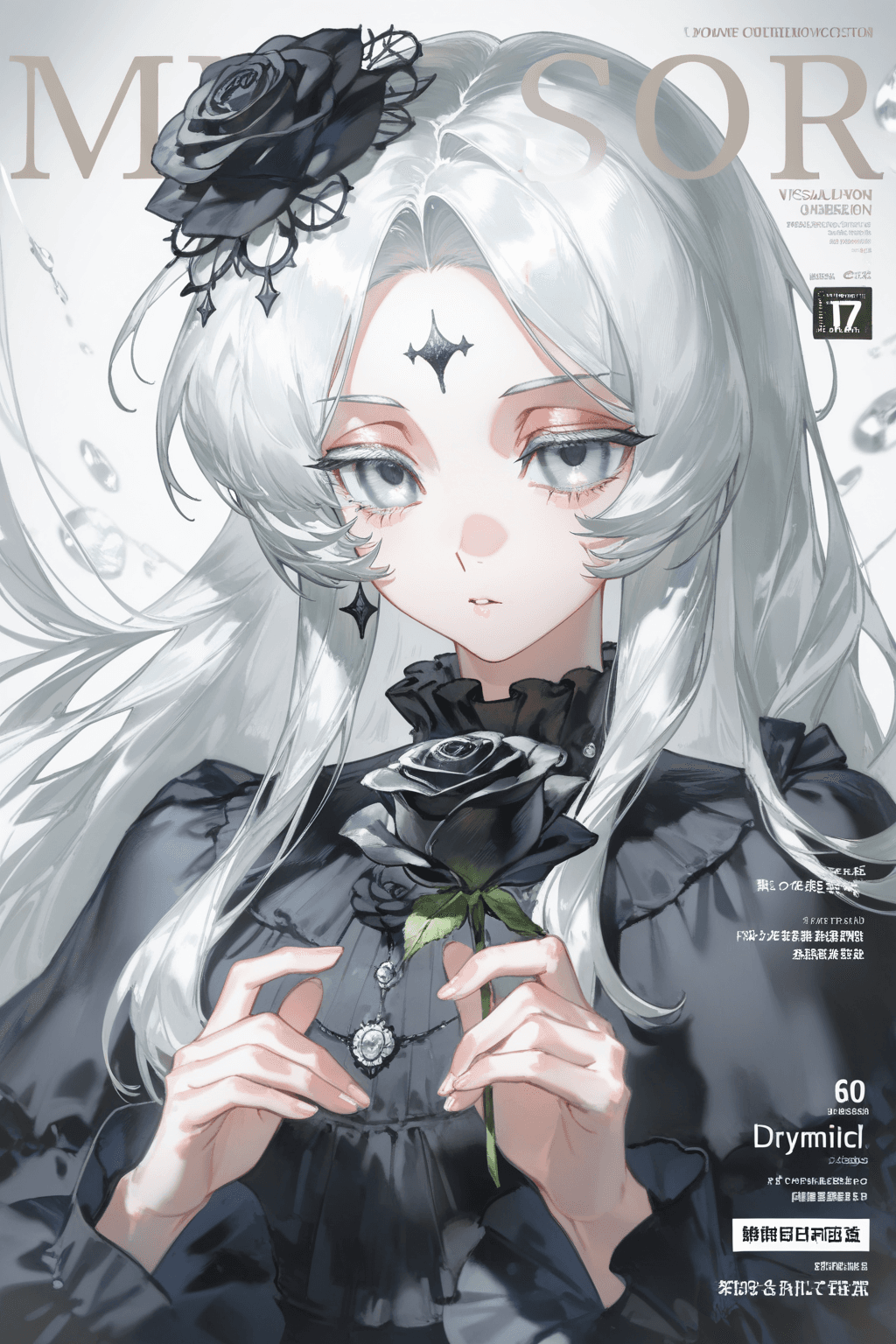
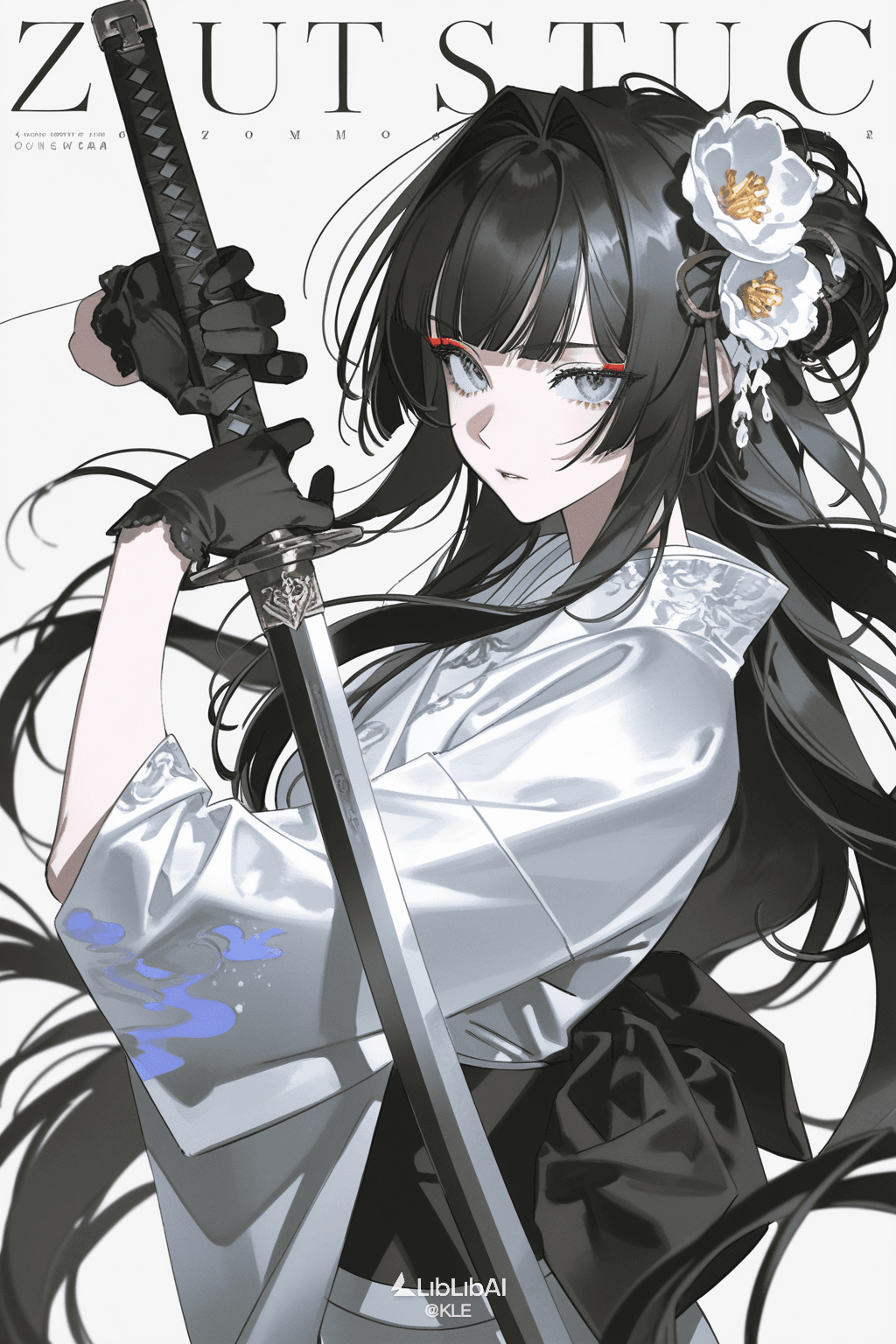
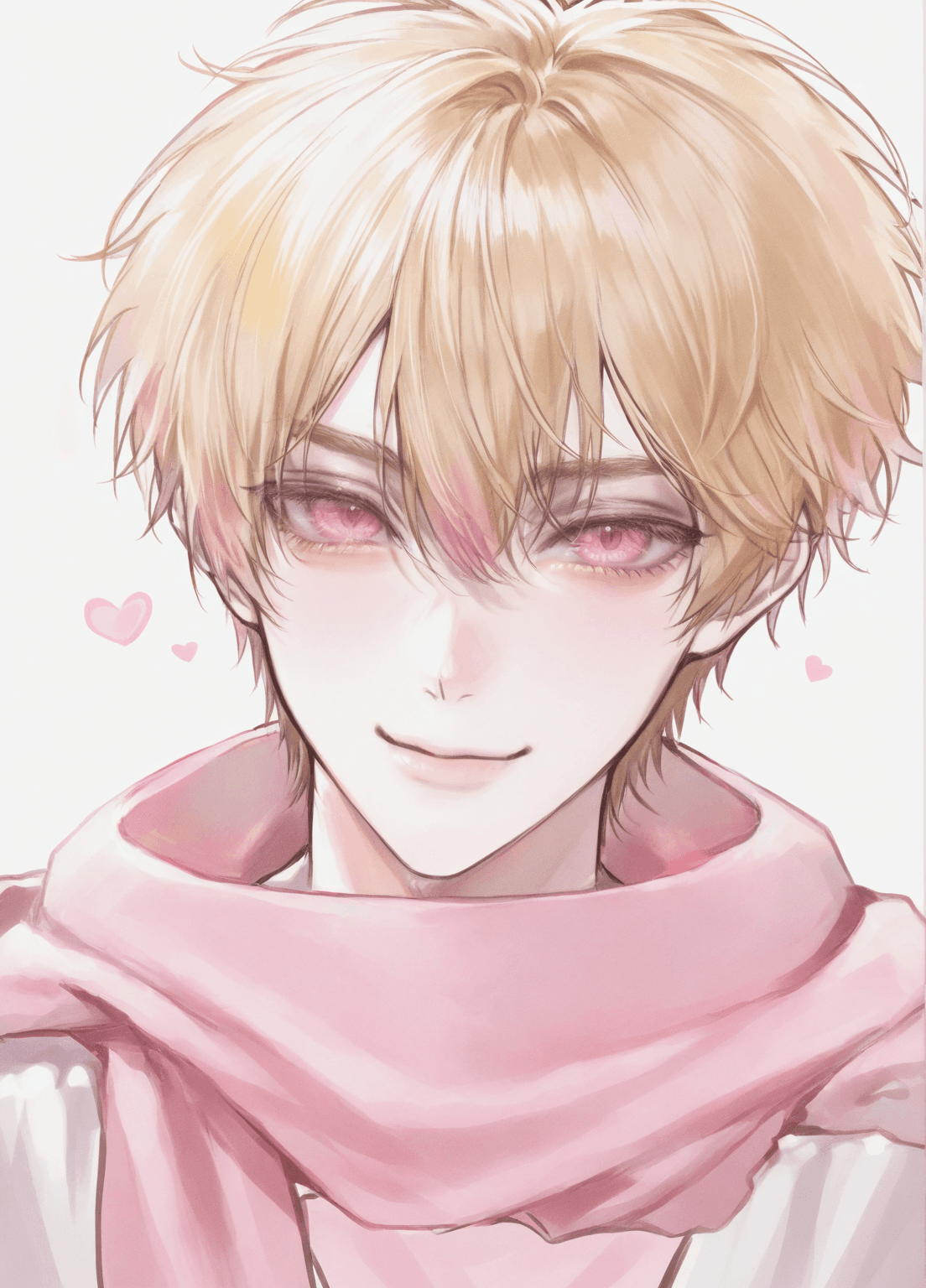
Introduction The illustrious_v20 is a specialized 2D flat-color anime checkpoint model designed for creating stunning illustrations. It excels at generating young male and female characters in a distinct Asian anime style. The model's signature flat-color aesthetic ensures images are clean, crisp, and highly amenable to post-production adjustments, making it an excellent choice for artists and designers. This model is suitable for commercial use. Its key features include:
- 2D Flat-Color Anime Style: Produces clean, vibrant images with a characteristic flat-color look.
- Asian Character Focus: Masterfully renders young male and female characters with an authentic Asian anime aesthetic.
- Illustration-Ready Output: Generates artwork that is easy to edit and integrate into various projects.
- Commercial Viability: Designed with commercial applications in mind, offering high-quality results for professional use.
How to Use
Trigger Word
No specific trigger word is required to activate the model's style.
Recommended Settings
To achieve optimal results with illustrious_v20, consider the following settings:
- Steps: 20
- CFG Scale: 7
- Model Weight: 0.8 (This refers to the overall model strength if used in a merge or blend.)
- Resolution: For best results, consider standard resolutions like 1024x1024 for square images, or 1024x1536 for portrait-oriented compositions.
Tips from the Original Description
- Prompt Weight: For initial composition generation, it is recommended to use a slightly lower prompt weight, typically in the range of 0.7 to 0.9.
- Detail Refinement: After generating the initial composition, utilize ControlNet to refine and add intricate details to your artwork.
- Sampling Steps: Experiment with sampling steps between 20 and 30 for varied results.
- Samplers: The DPM++ 2M and Euler a samplers are highly recommended for their effectiveness with this model.
Example Prompts Here are some recommended prompt elements that work well with illustrious_v20, which can be combined to create diverse illustrations: fantasy makeup, youth, 1girl, clean lineart, Asian anime style
FAQ
Q: What trigger word should I use?
A: No trigger word is required for the illustrious_v20 model.
Q: What are the recommended settings?
A: The recommended settings are Steps: 20, CFG: 7, and a Model Weight of 0.8. For sampling, 20-30 steps with DPM++ 2M or Euler a samplers are suggested.
Q: What resolution works best?
A: While specific resolutions are not strictly defined, typical effective resolutions for this type of model include 1024x1024 for square images, or 1024x1536 for portrait orientations.