



Introduction
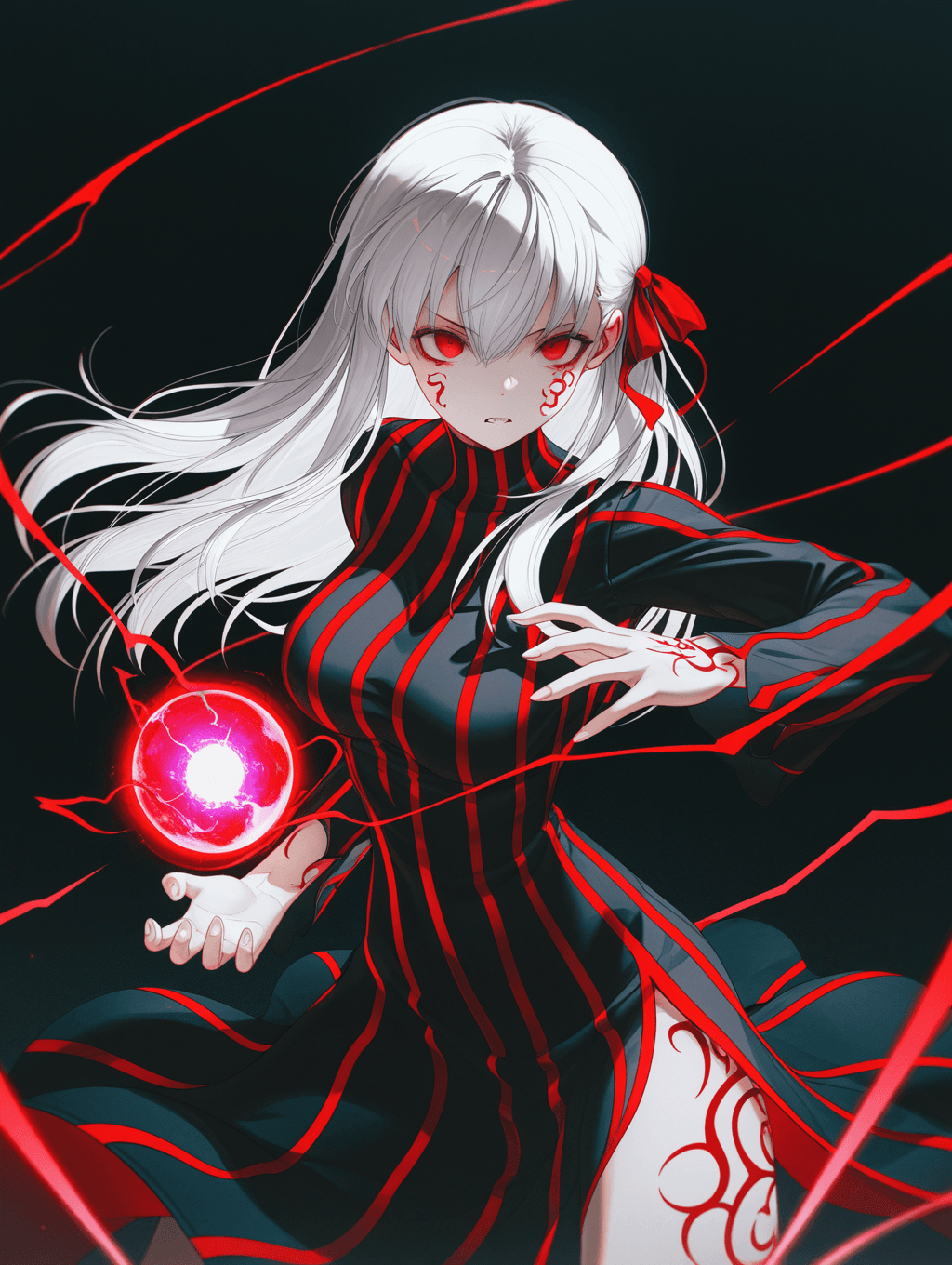
The WAI_-illustrious-SDXL is an advanced SDXL checkpoint model designed to produce high-quality, aesthetically refined images. This model has undergone significant adjustments to enhance its output, making it suitable for users seeking polished and visually striking results. Key features of this model include:
- Improved Color Balance: Adjustments have been made to ensure more natural and appealing color rendition in generated images.
- Reduced Overexposure: The model minimizes the probability of overexposed areas, leading to better detail preservation in highlights.
- Enhanced Composition: It incorporates more compositional elements, contributing to more dynamic and visually interesting image layouts.
- Special Effects Integration: The model includes various special effects, adding unique flair and depth to the generated artwork. The WAI_-illustrious-SDXL aims for a "masterpiece, best quality, amazing quality" aesthetic, making it ideal for generating professional-grade visuals across various creative applications.
How to Use
This model is straightforward to use, requiring no specific trigger words to activate its style. * Trigger Word: No trigger word is required.
- Recommended Settings: * Steps: 30 * CFG Scale: 5-7 * Sampler: Euler a * Resolution: 1024x1024 (standard for SDXL models) * Tips for Optimal Results: * ADetailer: Using ADetailer for correction is generally not very necessary with this model, indicating its strong performance in generating detailed faces and elements. * Positive Prompt Base: Always start your positive prompt with quality tags to guide the model:
masterpiece, best quality, amazing quality,* Negative Prompt Base: To avoid common issues, include these in your negative prompt:bad quality, worst quality, worst detail, sketch, censor,* Optional Negative Prompt: For specific background control, you may add:simple background, transparent background
Example Prompts
No specific example prompts were provided in the model description. Users are encouraged to experiment with various subjects and styles, leveraging the recommended positive and negative prompt bases to achieve desired outcomes.
FAQ
Q: What trigger word should I use?
A: No trigger word is required for this model.
Q: What are the recommended settings?
A: For optimal results, use Steps: 30, CFG Scale: 5-7, and Sampler: Euler a.
Q: What resolution works best?
A: A resolution of 1024x1024 is generally recommended for this SDXL checkpoint model.