


6 images
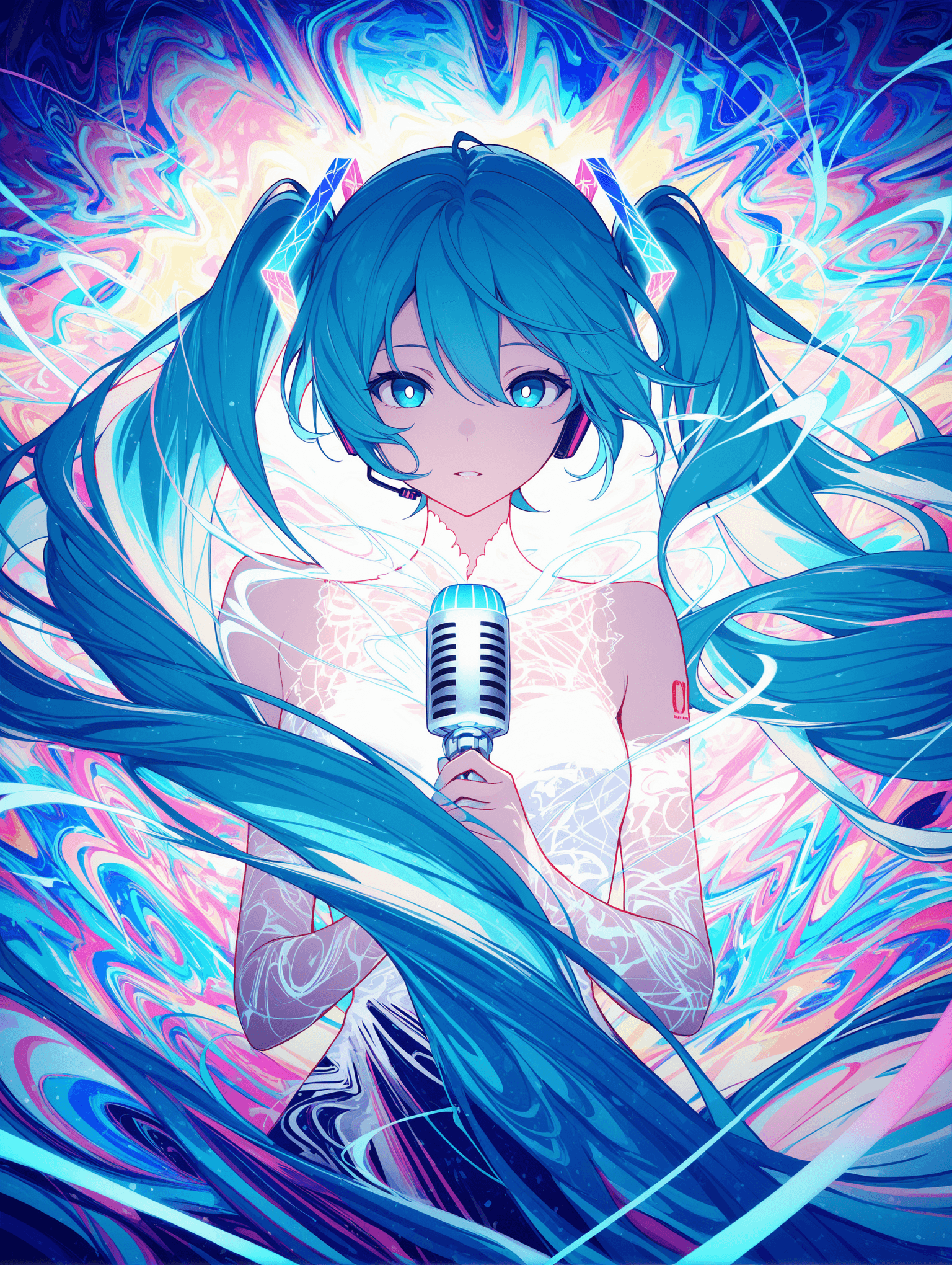
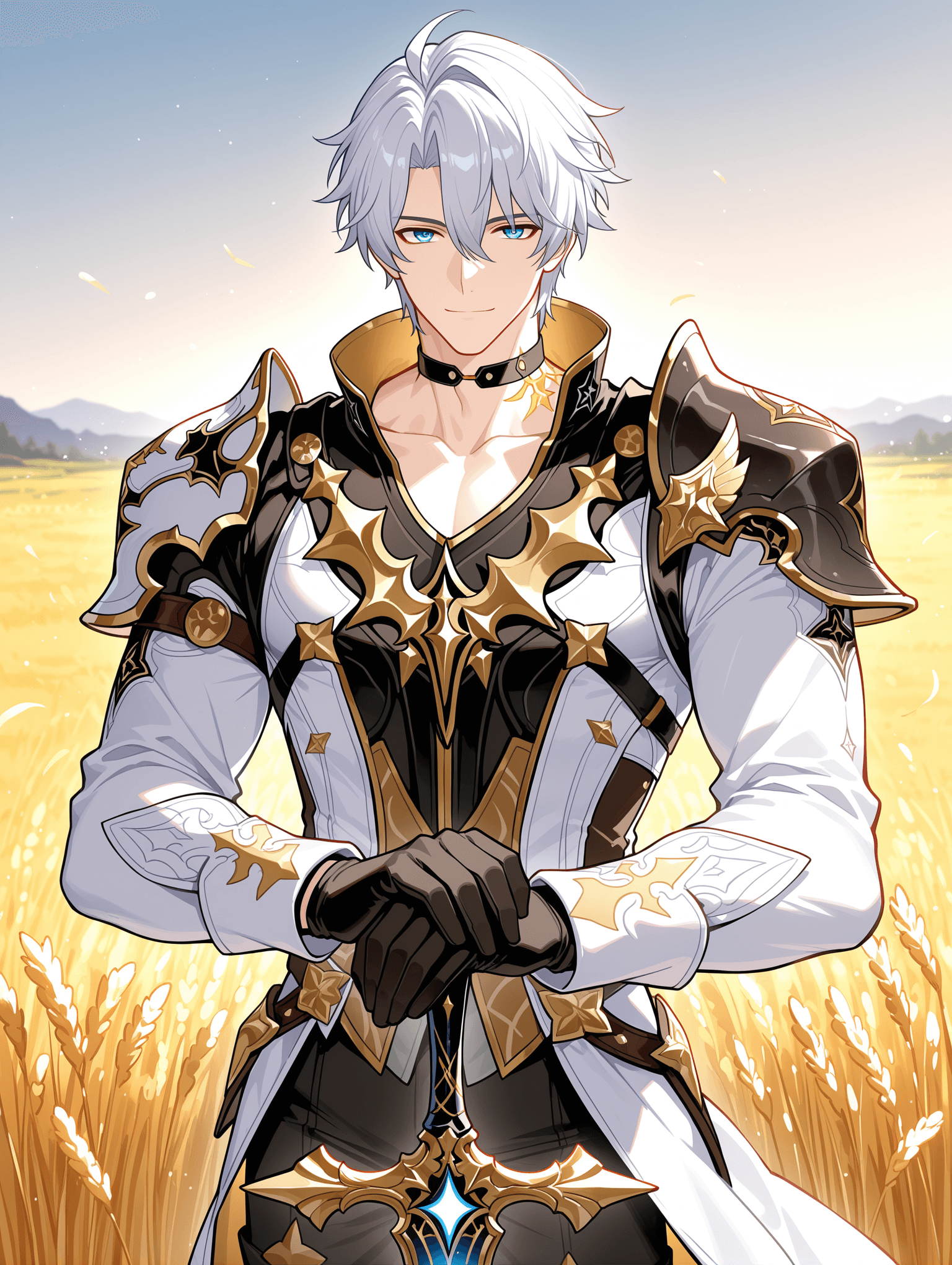
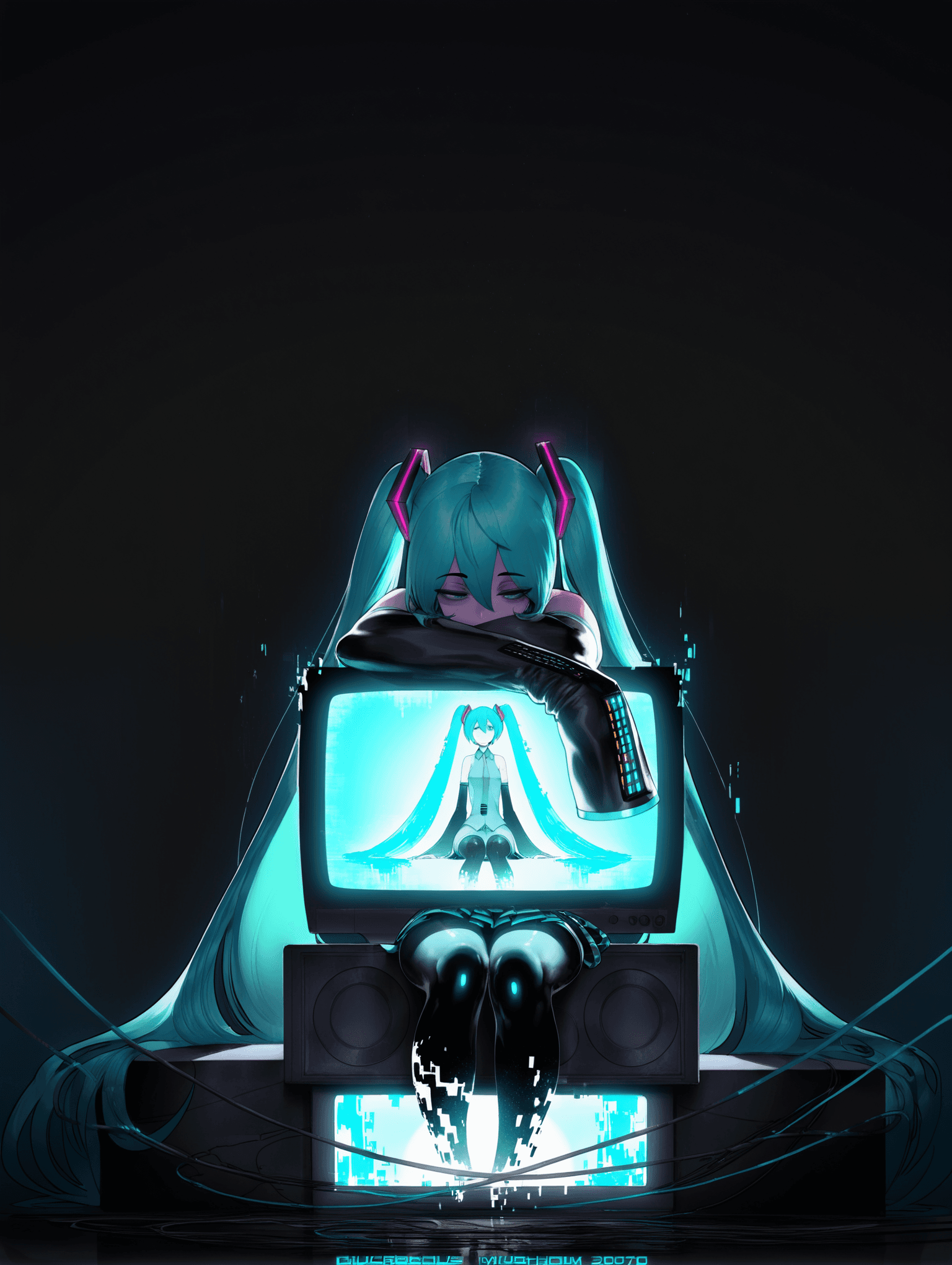
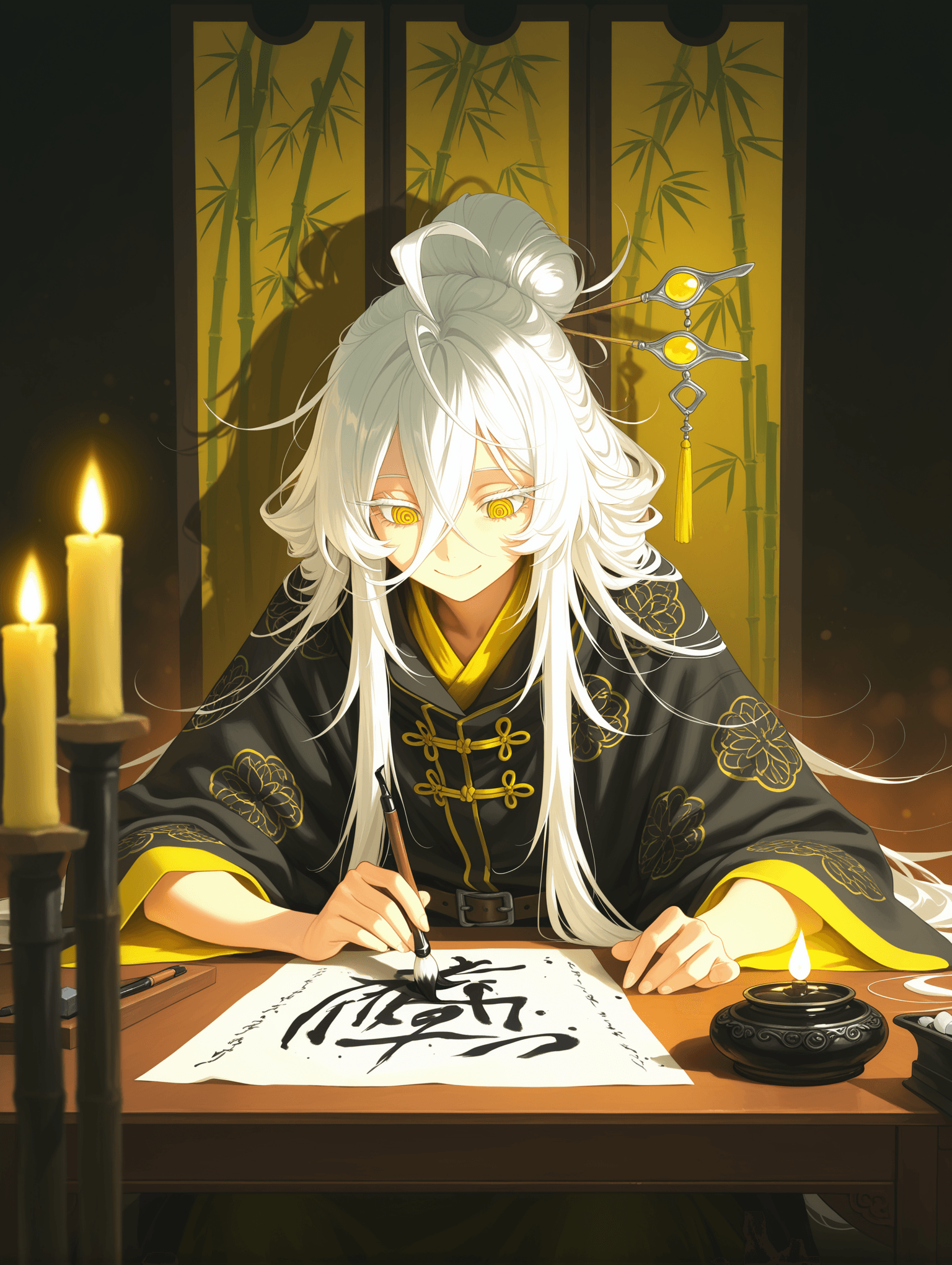
Introduction WAI_-illustrious-SDXL is a versatile checkpoint model designed for Stable Diffusion XL, focusing on generating high-quality images with a rich aesthetic. This model has been trained with an expanded dataset, incorporating popular social games and various anime styles, ensuring a broad range of creative possibilities. Key features of this model include:
- Updated Data: The model incorporates recent data (up to approximately May 2025), primarily from popular social games and anime, enhancing its ability to generate diverse characters and scenes.
- Watermark Reduction: Efforts have been made in data adjustment to minimize the appearance of watermarks in generated images.
- Integrated VAE: The Variational Autoencoder (VAE) is already integrated into the model, simplifying the generation process and ensuring consistent visual quality without requiring external VAE files.
- Ongoing Improvement: The model is under continuous development, with future versions aiming to further refine character data. The target aesthetic leans towards vibrant, detailed, and expressive imagery, particularly well-suited for character art and scene compositions inspired by modern game and anime aesthetics.
How to Use
Trigger Word
No specific trigger word is required to activate this model's style or features.
Recommended Settings For optimal results, consider the following settings:
- Steps: 20 (A range of 15-30 is also effective)
- CFG Scale: 7 (A range of 5-7 is also effective)
- Model Weight: 0.8
- Sampler: Euler a
- Original Dimensions: Use sizes larger than 1024x1024.
- High-Resolution Fix (Hires. fix): * Upscale: 1.5 * Hires Steps: 20 * Hires Upscaler: R-ESRGAN 4x+ Anime6B * Denoising Strength: 0.35 - 0.5
Tips from the Original Description
- The VAE is integrated; no separate VAE selection is needed.
- To filter inappropriate content, users are encouraged to consciously add relevant terms to their negative prompts.
Example Prompts No specific example prompts were provided beyond general quality tags. Positive Prompt Example:
masterpiece, best quality Negative Prompt Example:
bad quality, worst quality, worst detail
FAQ
Q: What trigger word should I use?
A: No trigger word is required for this model.
Q: What are the recommended settings?
A: Steps: 20, CFG: 7, Weight: 0.8.
Q: What resolution works best?
A: Original dimensions larger than 1024x1024 are recommended for optimal results.