






Introduction
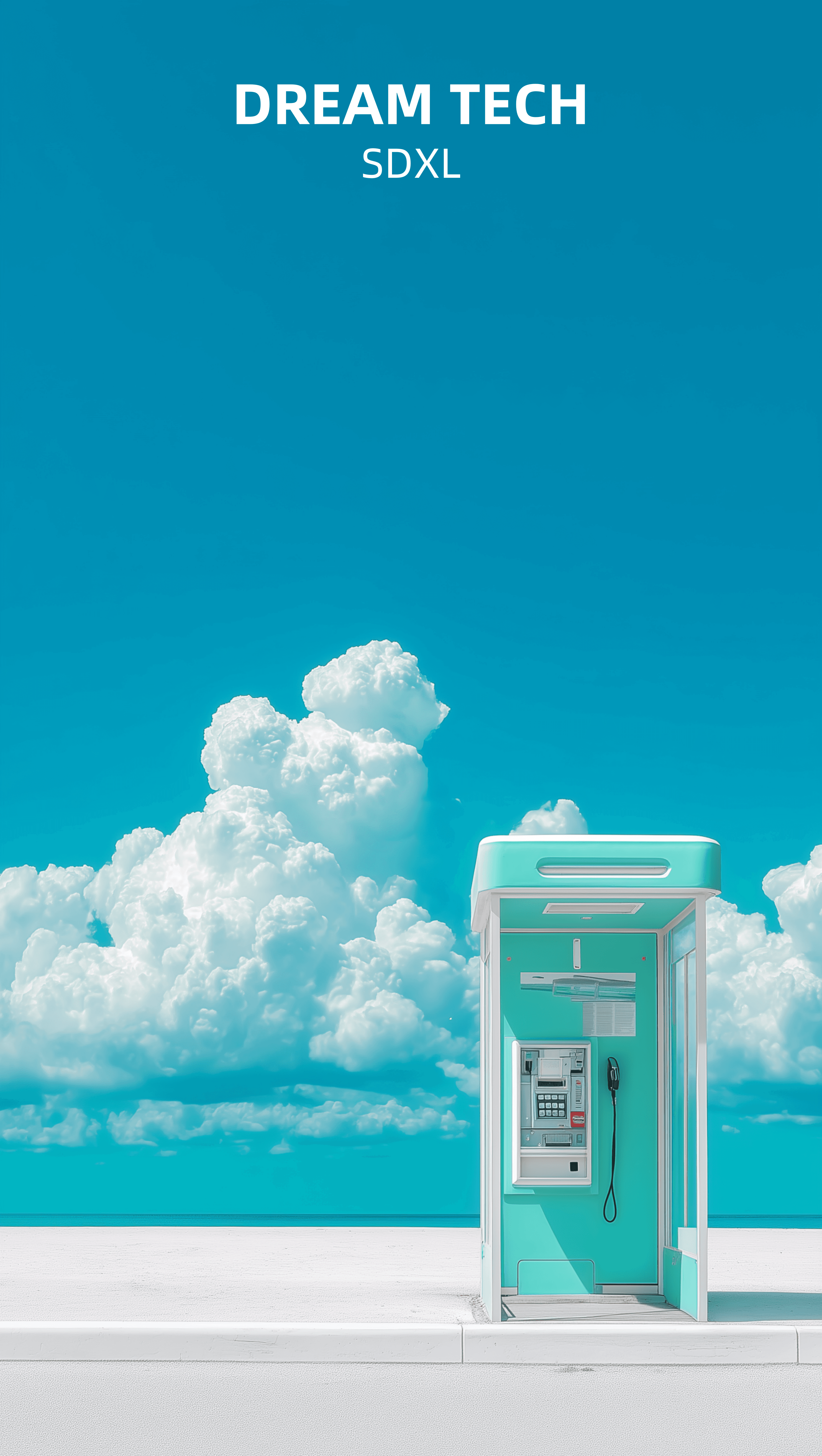
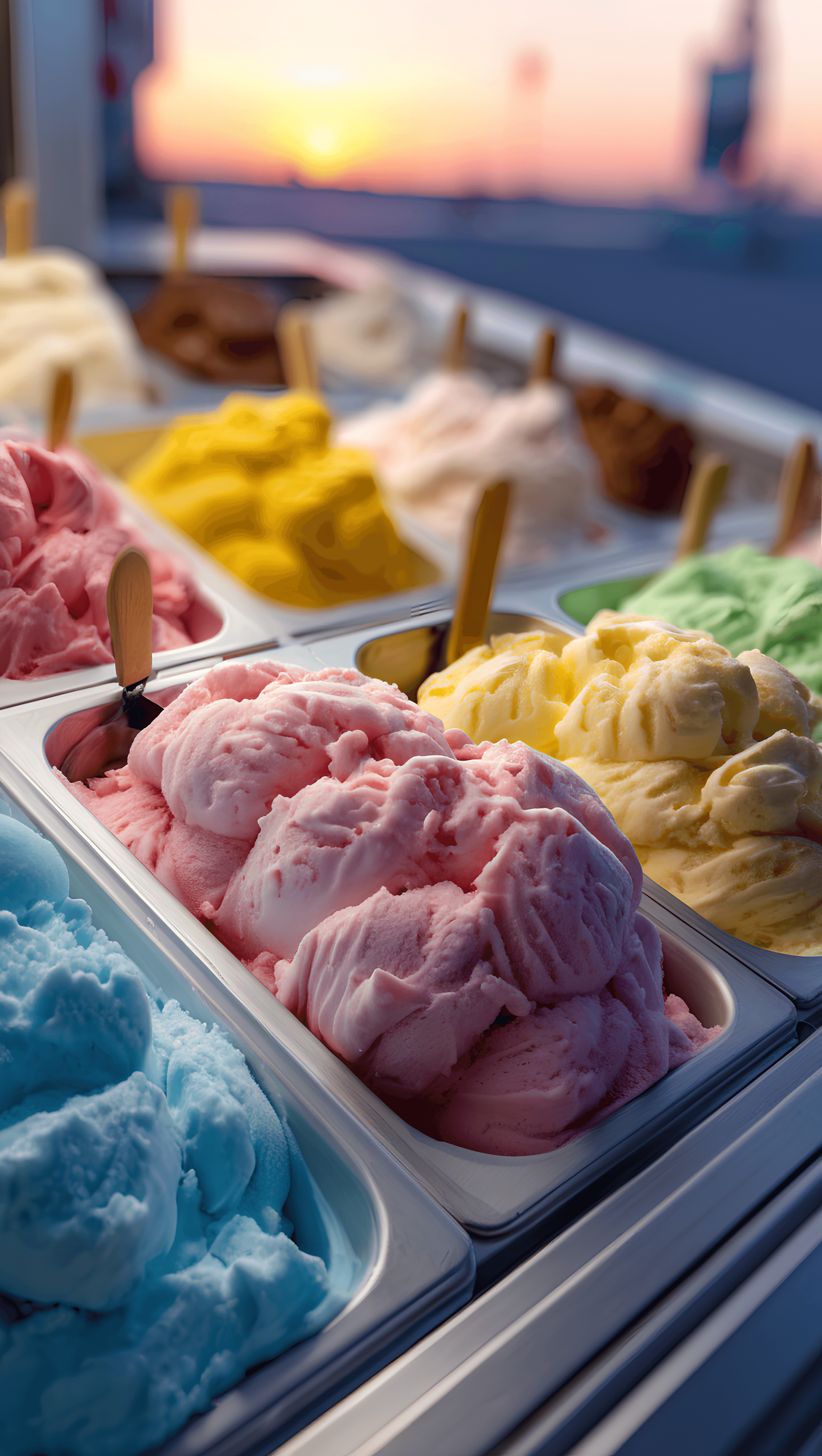
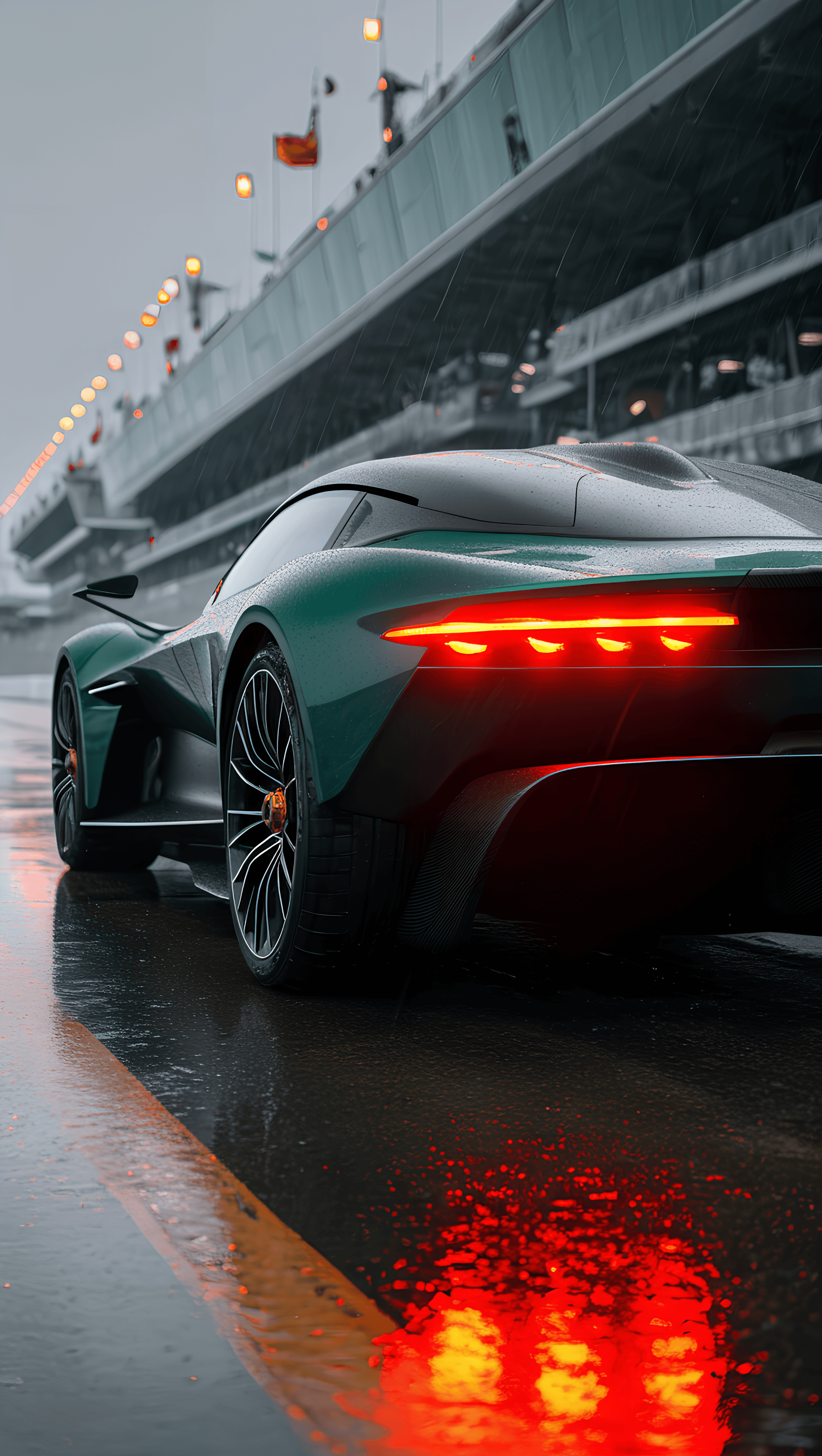
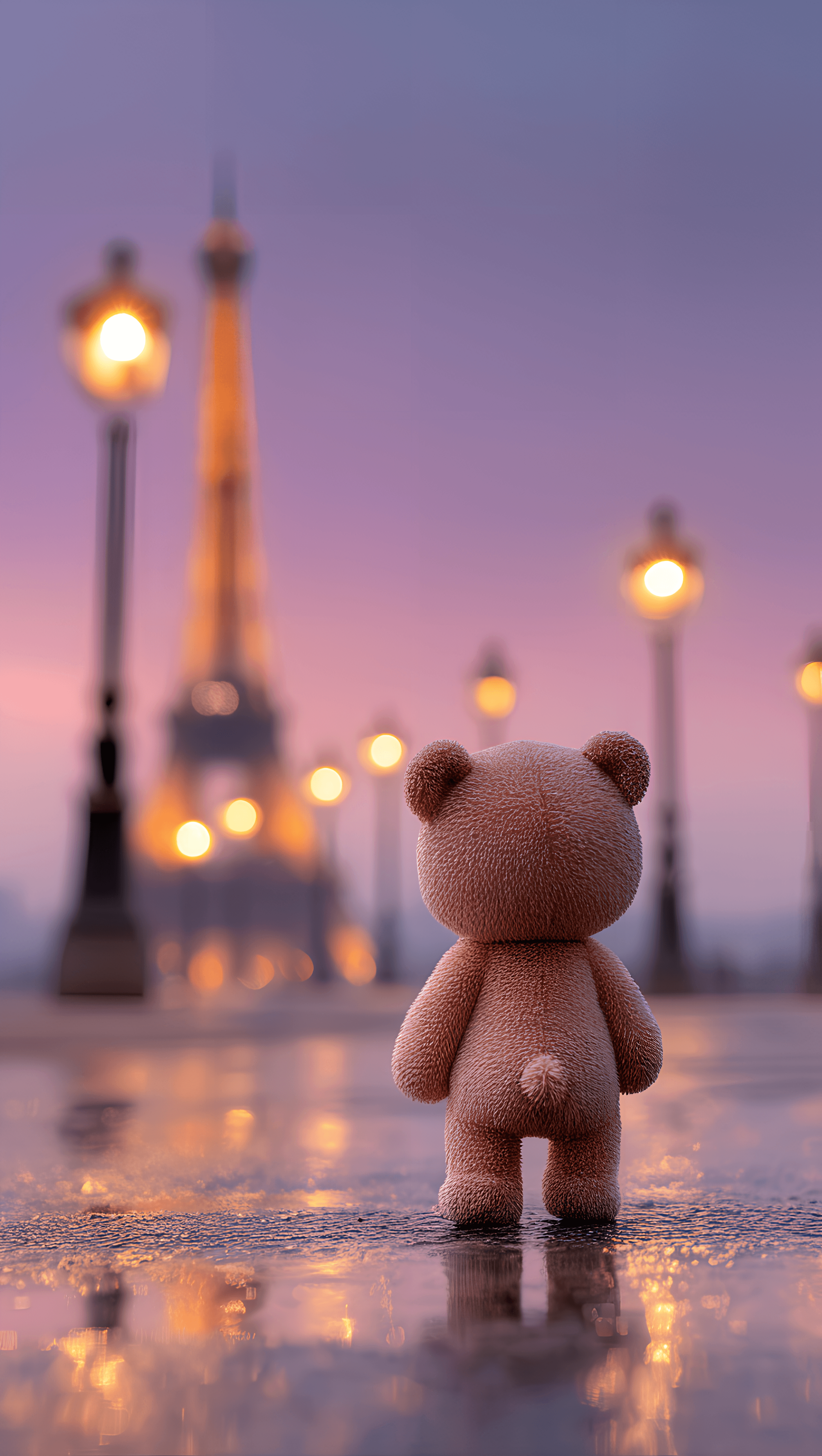
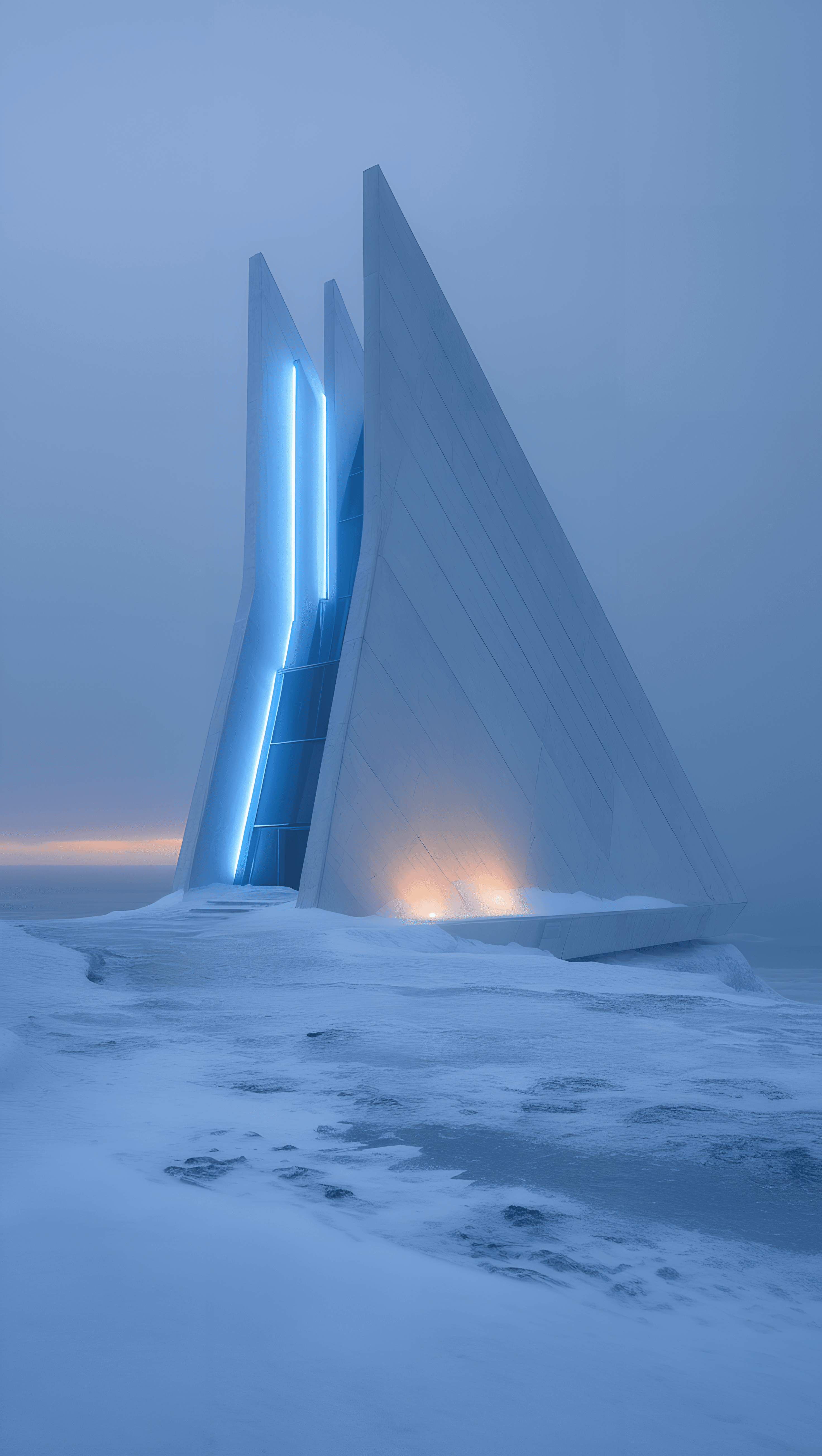
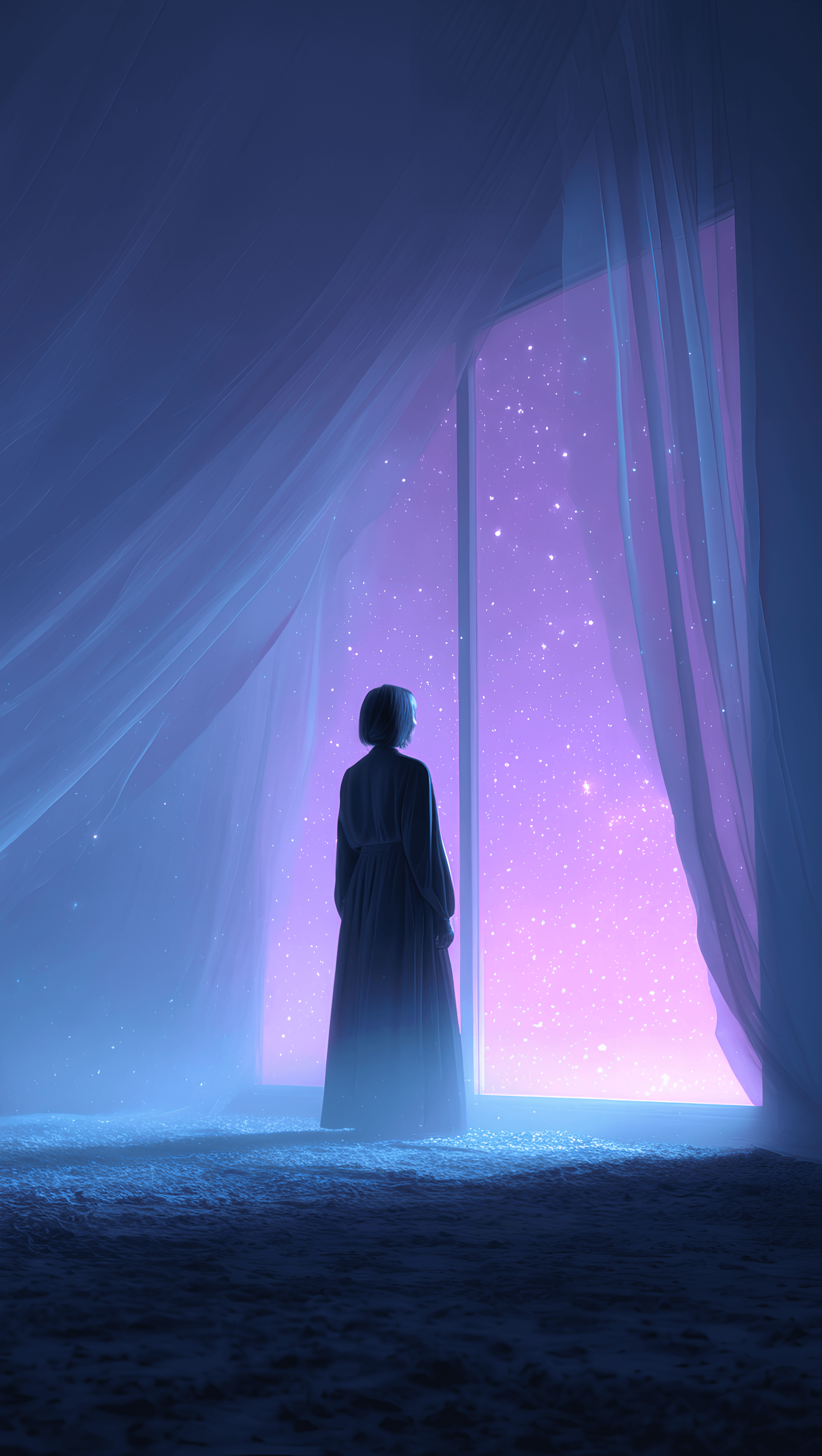
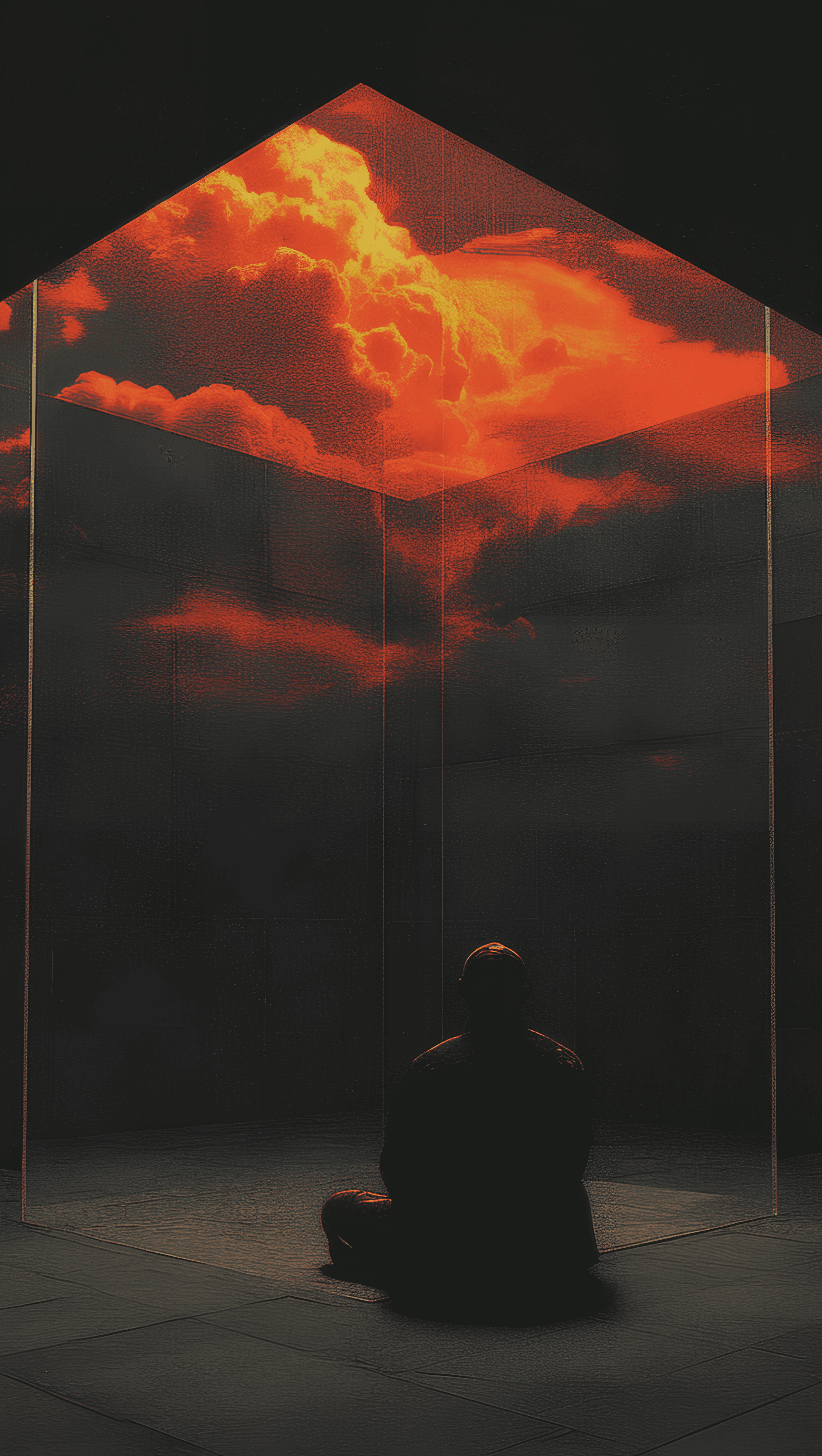
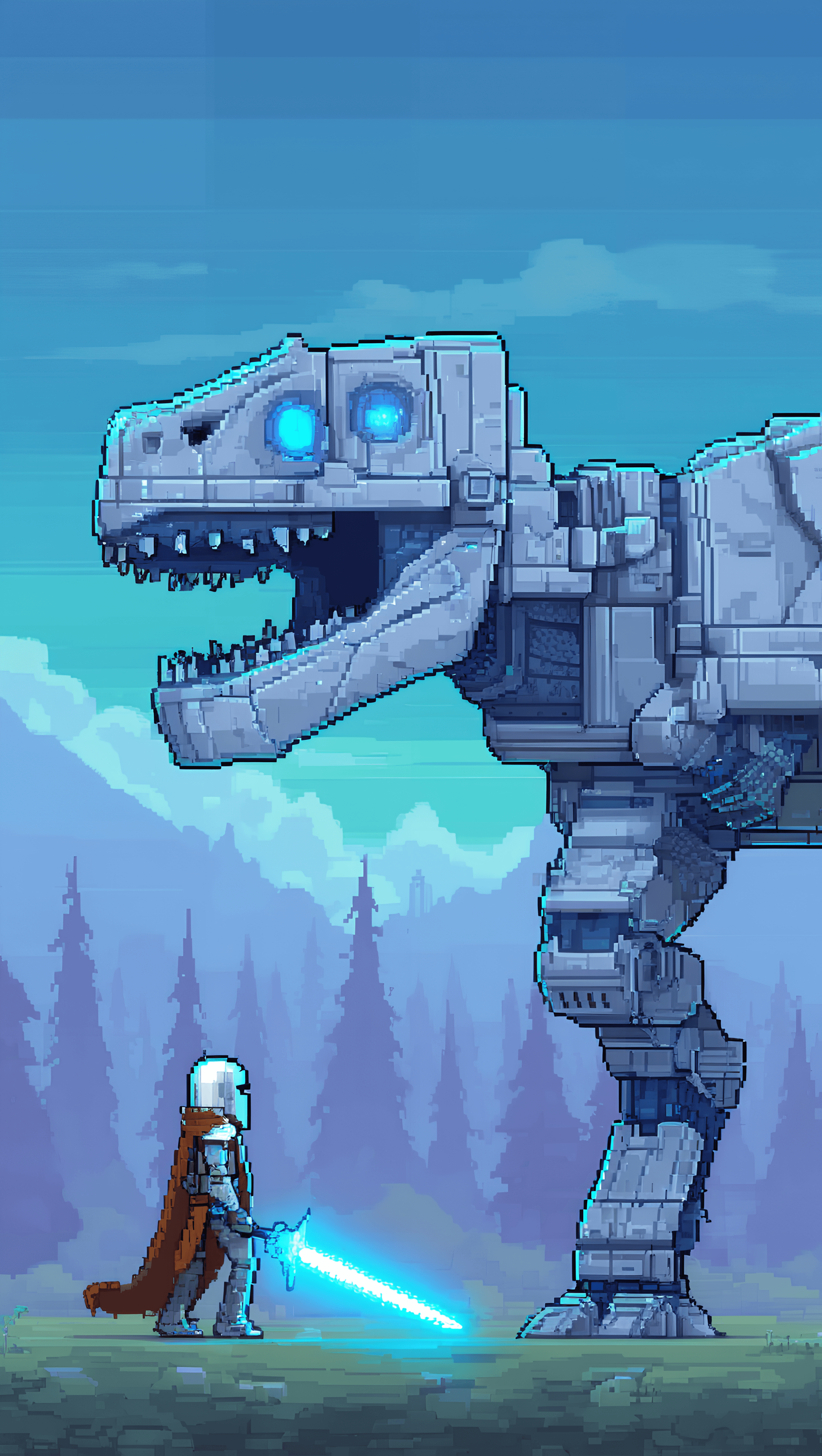
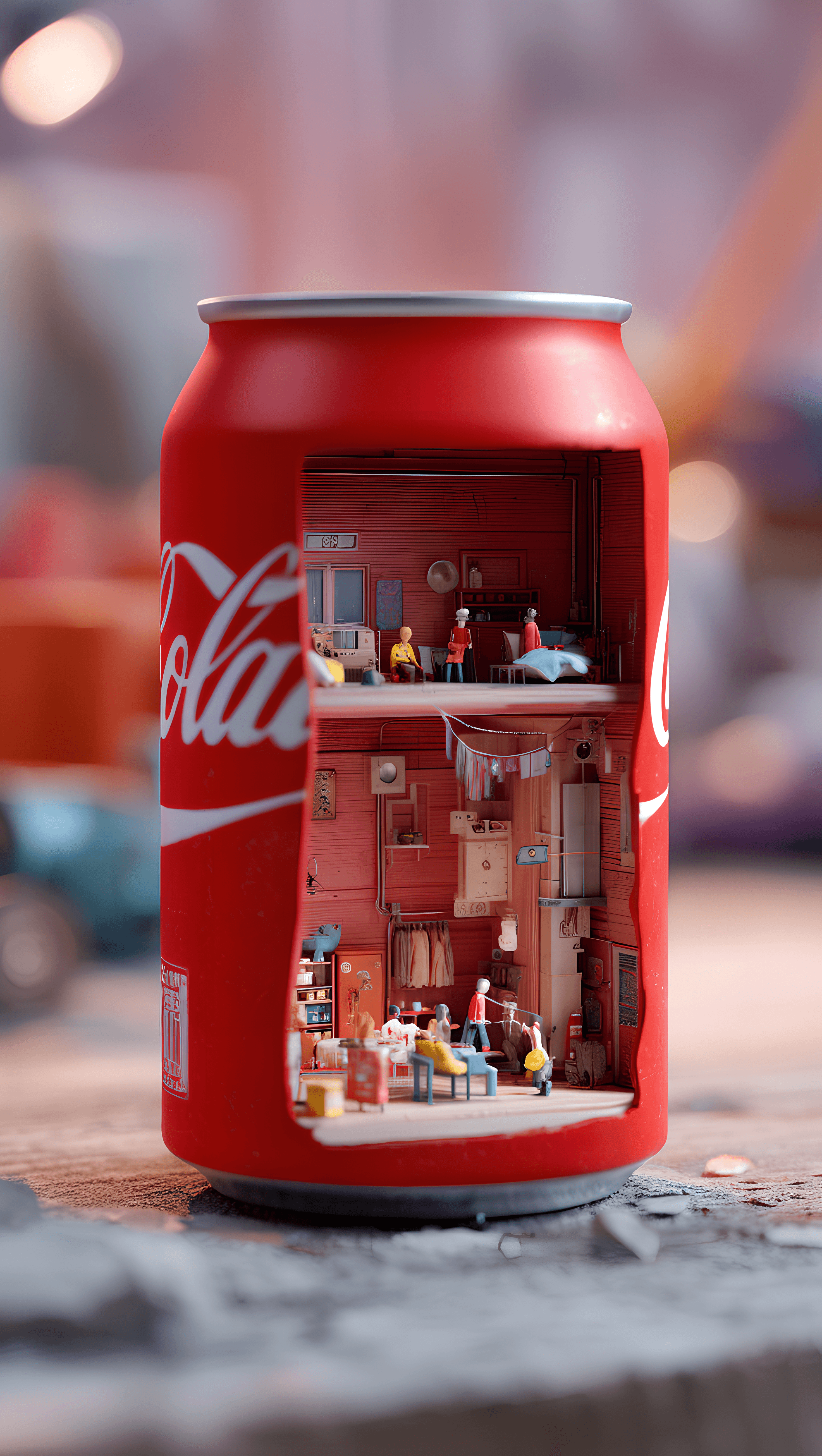
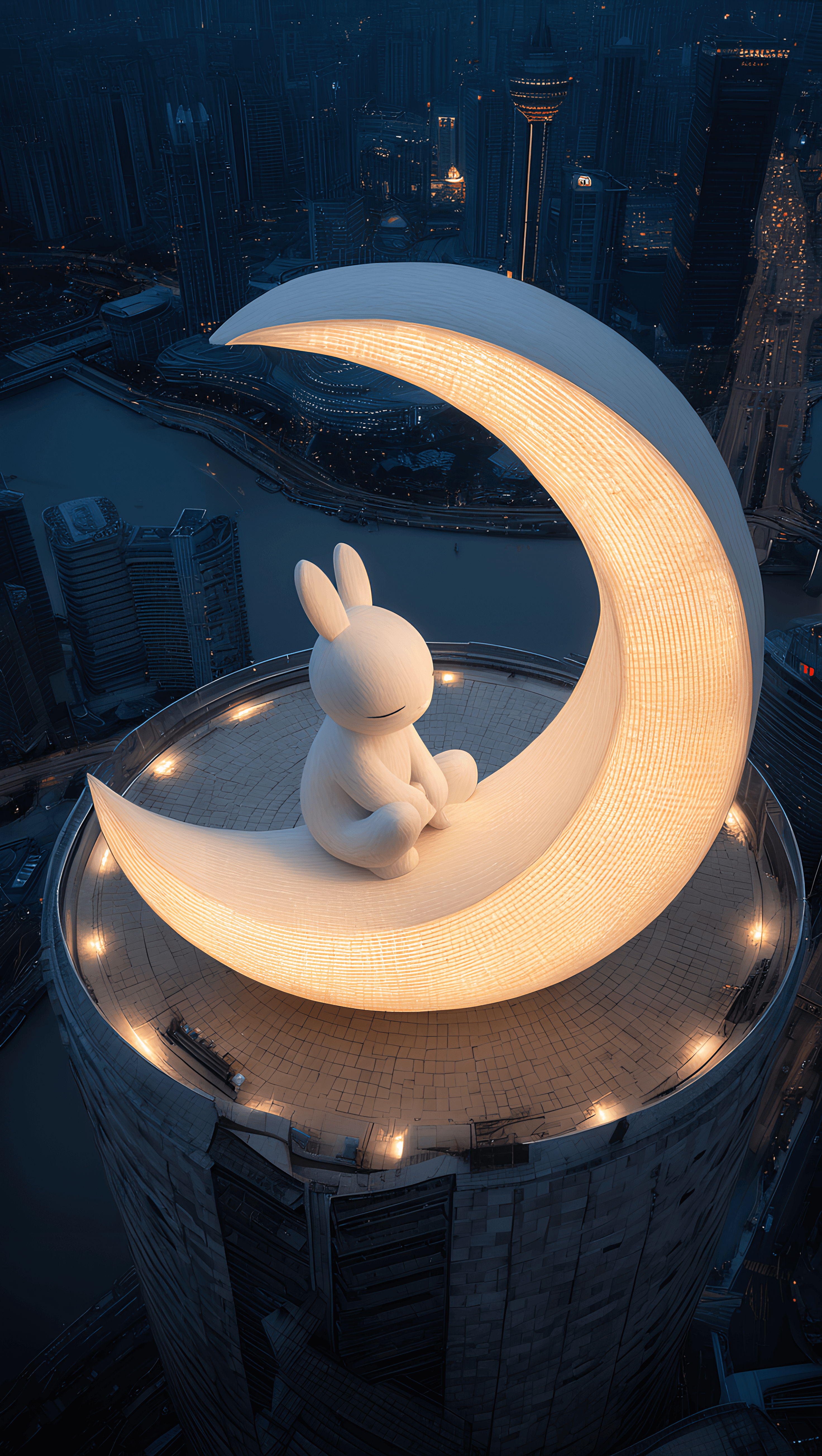
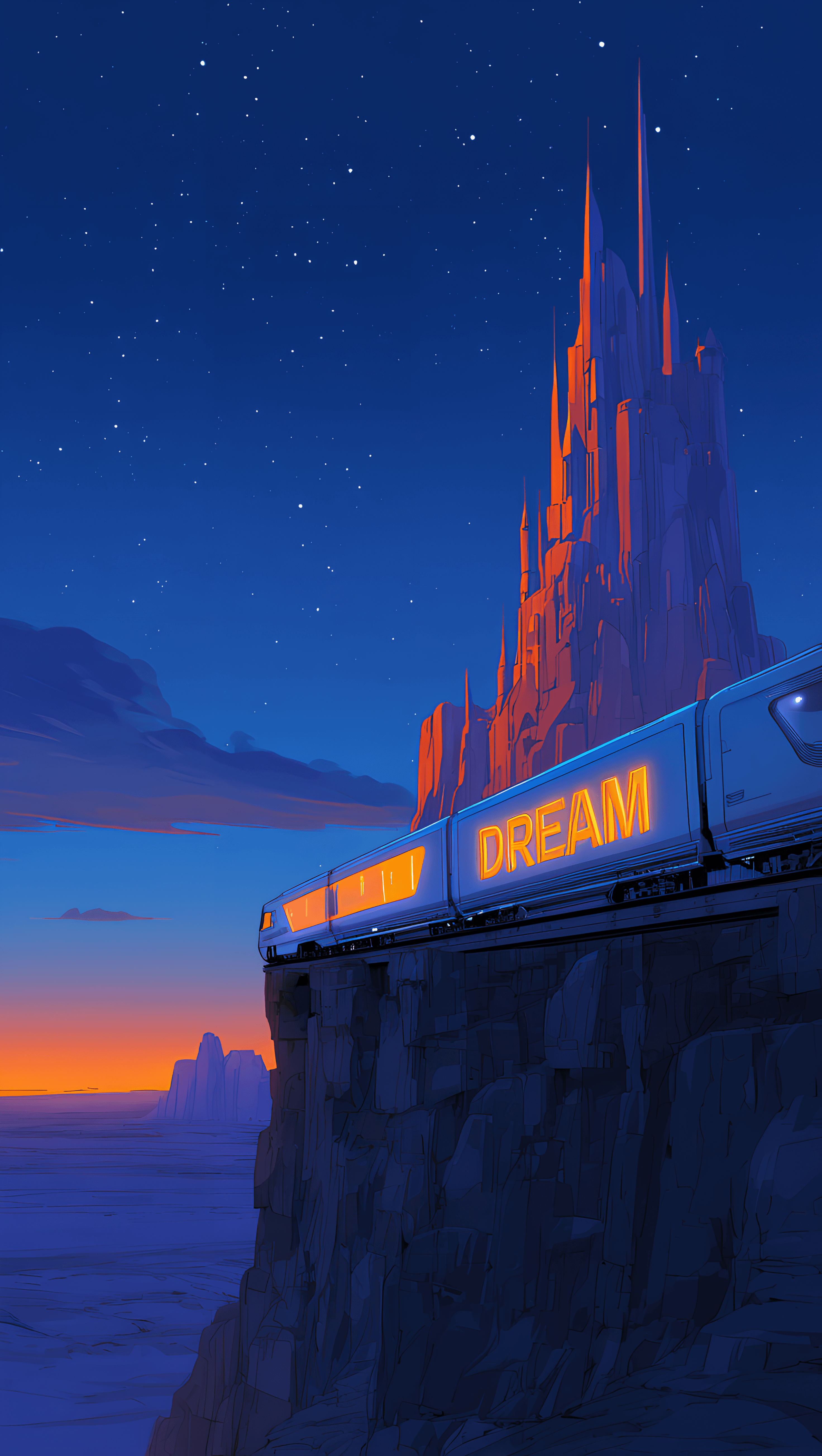
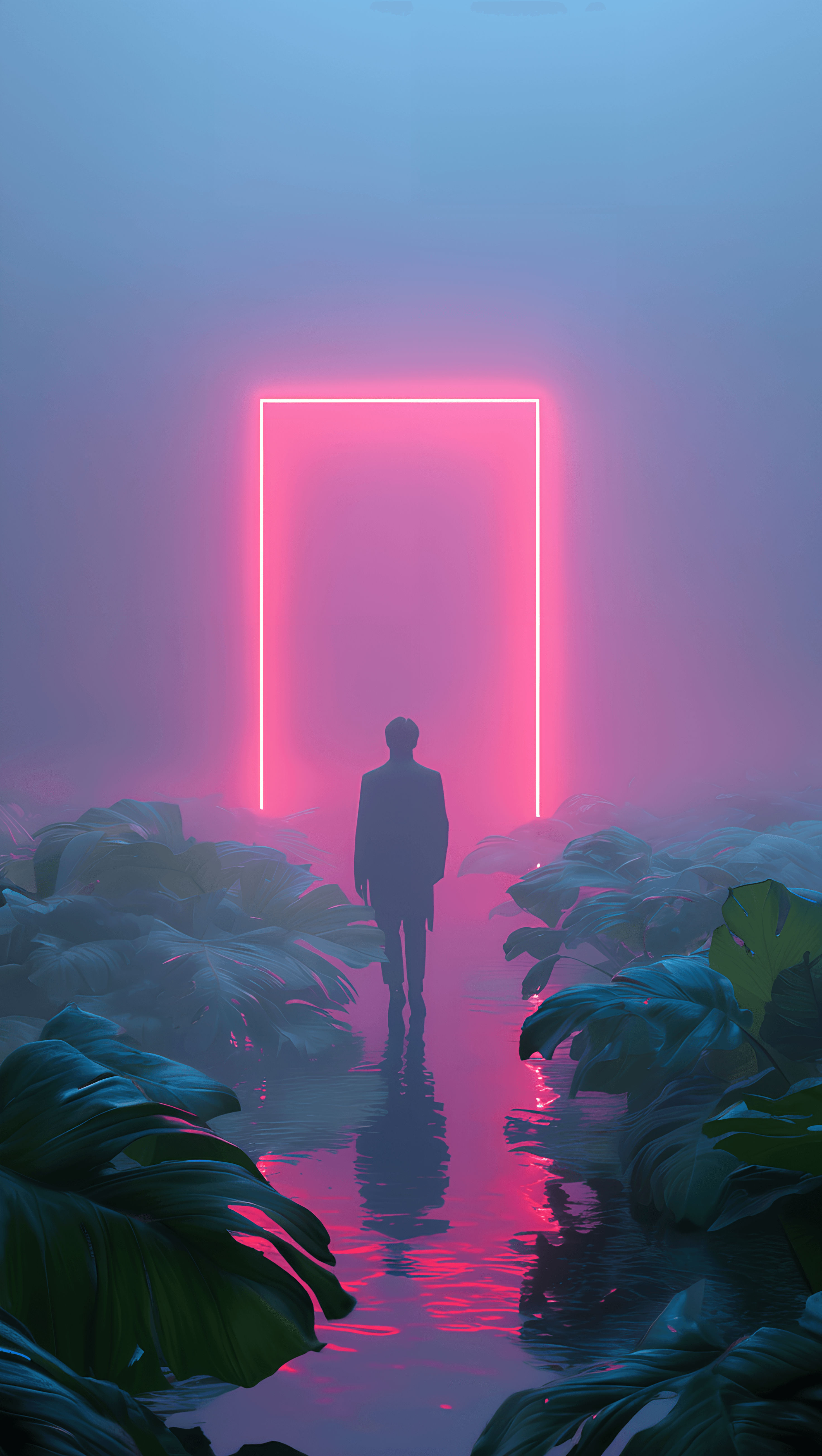
Dream Tech XL is a powerful checkpoint model, meticulously re-trained on the robust SDXL base using an extensive collection of new and diverse materials. This X1.0 version offers a significantly enhanced image generation experience, building upon and surpassing previous iterations. It excels at producing rich visual content and dramatic presentations, with particular strengths in light and shadow art and supernatural art, thanks to specialized training in these areas.
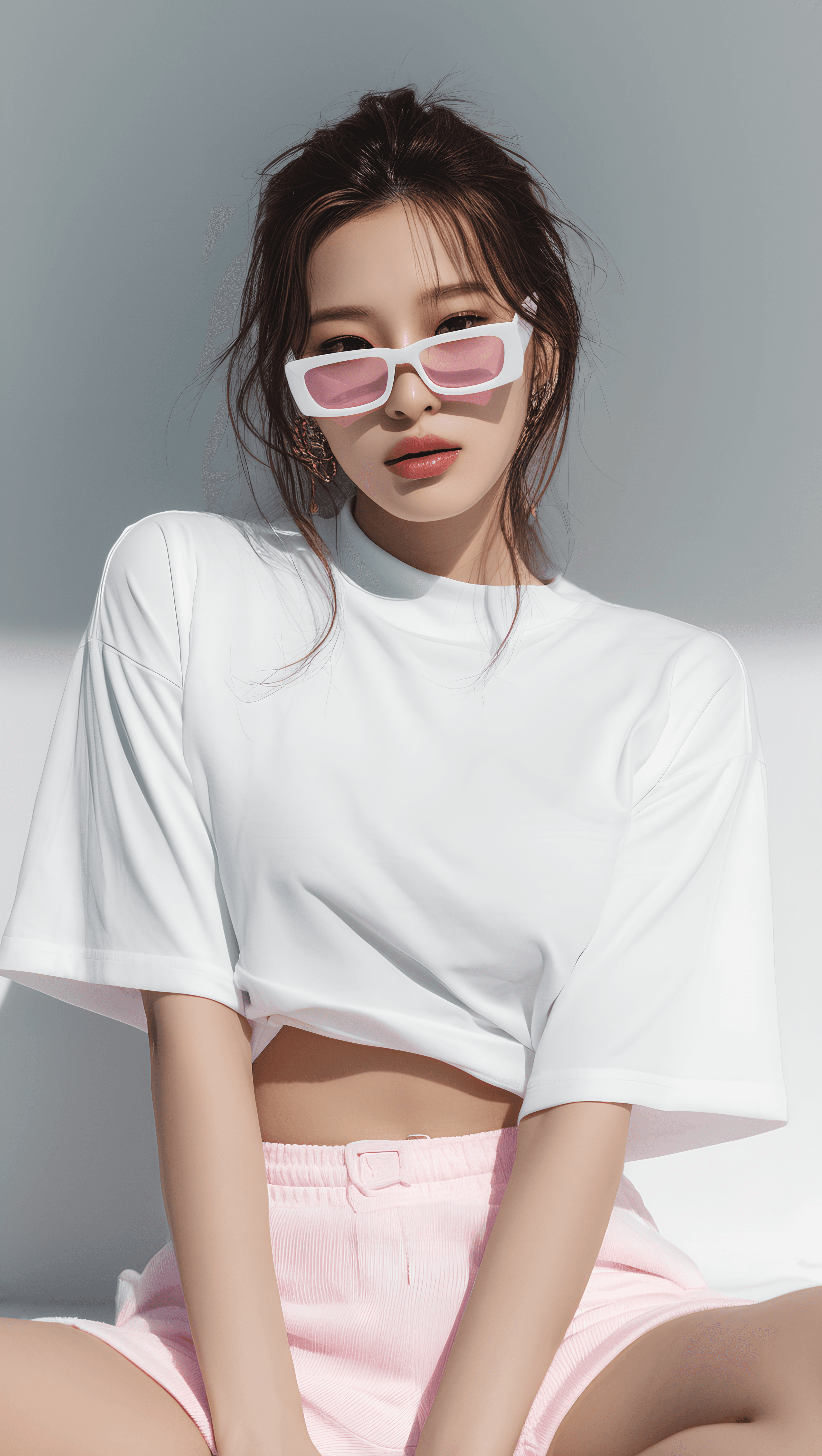
The model is also finely tuned for a wide range of common creative demands, including realistic portraits, cutting-edge fashion design, detailed product design, intricate architectural design, imaginative sci-fi scenes, and dynamic animation. Its balanced training ensures outputs are highly controllable and exceptionally responsive to prompt instructions, allowing creators to achieve their precise vision.
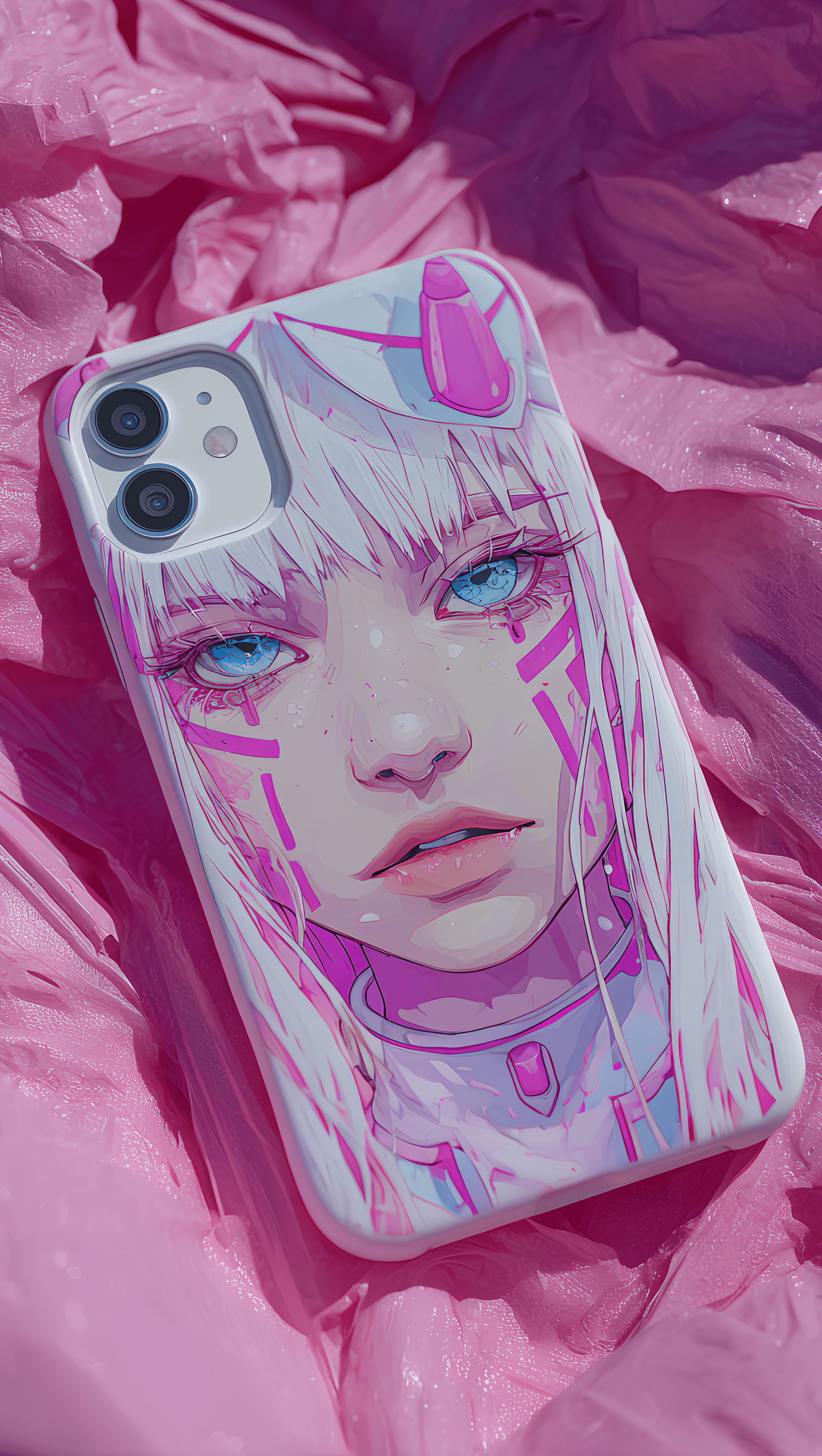
Target Style/Aesthetic: Cinematic Quality, Fashion Photography, Japanese Anime Style. It integrates diverse artist styles, focusing on dramatic light and shadow, and surreal elements to deliver stunning visuals.
How to Use
Trigger Word: No trigger word is required.
Recommended Settings:
- Steps: 20
- CFG Scale: 7
- Weight: 0.8
Tips for Optimal Generation:
- Prompting: For the best results, describe your desired scene using standard natural language that adheres to Natural Language Processing (NLP) principles. The model is exceptionally responsive to prompts, capable of generating precisely what you describe.
- Resolution: For the ultimate image quality experience, it is highly recommended that the base output resolution should not be lower than 1024 x 1024.
- Upscaling: Consider enabling high-definition upscaling for even better visual effects, especially when generating images for online use.
- ComfyUI Recommendation: Using ComfyUI for image generation is highly recommended. It can significantly reduce GPU performance requirements while offering advanced features such as quality improvement, style switching, inpainting, and face swapping, enabling a wide array of personalized image generation needs.
Example Prompts
N/A
FAQ
Q: What trigger word should I use?
A: No trigger word is required for Dream Tech XL.
Q: What are the recommended settings?
A: The recommended settings are: Steps: 20, CFG Scale: 7, Weight: 0.8.
Q: What resolution works best?
A: For the ultimate image quality experience, a base output resolution of at least 1024 x 1024 is recommended.