

Introduction
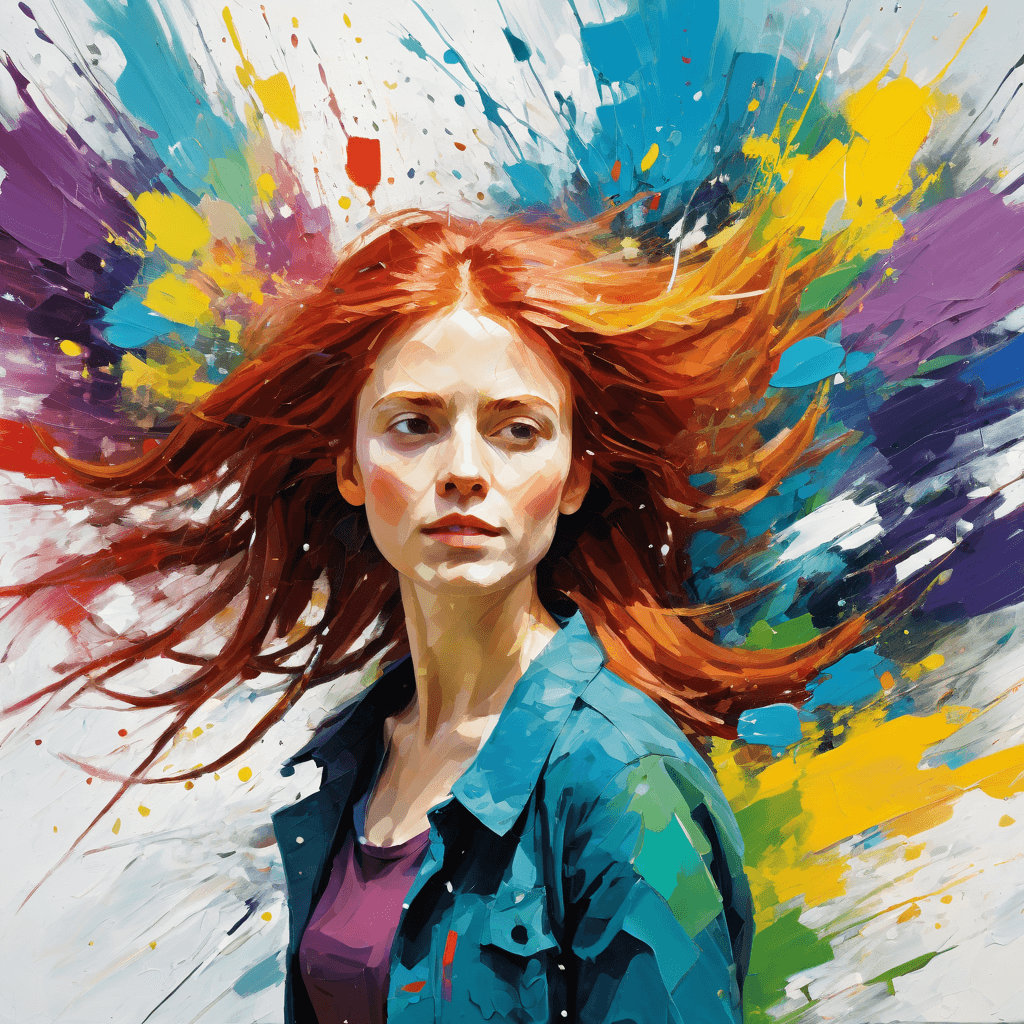
Base Model XL is a highly versatile AI checkpoint model engineered for broad creative applications in image generation. This robust model excels at producing a diverse spectrum of artistic styles, making it an indispensable tool for creators. Its primary strength lies in its exceptional capability to render both highly detailed, realistic imagery and captivating, expressive illustrations. Whether your project demands photographic accuracy or a distinct artistic flair, Base Model XL provides the foundational versatility to achieve your vision across various aesthetic domains. It's designed as a general-purpose solution, offering flexibility for a wide range of creative tasks.
How to Use
Leveraging Base Model XL effectively is straightforward. Follow these recommended settings and tips to maximize your creative output:
- Trigger Word: This model does not require a specific trigger word. You can directly input your desired scene or concept into the prompt.
- Recommended Settings: For optimal image quality and stylistic consistency, apply these parameters:
- Steps: 20 (This value balances generation speed with image detail.)
- CFG Scale (Classifier Free Guidance): 7 (A CFG scale of 7 provides a good balance between adhering to your prompt and allowing the model creative freedom.)
- Model Weight: 0.8 (Setting the model weight to 0.8 ensures the checkpoint's characteristics are prominent in the final output while allowing for subtle blending with other elements if used in conjunction with other models.)
- Resolution: For superior detail and clarity, we highly recommend generating images at 1024x1024 for square compositions. For portrait-oriented artwork, a resolution of 1024x1536 is ideal.
- Tips: As a powerful general-purpose model, Base Model XL thrives on descriptive prompts. Experiment with detailed descriptions to explore its full potential in generating both realistic art and varied illustration styles. Its adaptability makes it suitable for a wide range of creative endeavors, from character design to environmental art.
Example Prompts
No specific example prompts were provided for Base Model XL. Users are encouraged to unleash their creativity and experiment with their own unique and descriptive prompts to explore the model's extensive capabilities.
FAQ
Q: What trigger word should I use?
A: No trigger word is required for Base Model XL. You can simply write your prompt directly.
Q: What are the recommended settings?
A: For best results, use Steps: 20, CFG: 7, and a Model Weight of 0.8.
Q: What resolution works best?
A: For optimal image quality, we recommend 1024x1024 for square images, or 1024x1536 for portrait orientations.