
Introduction
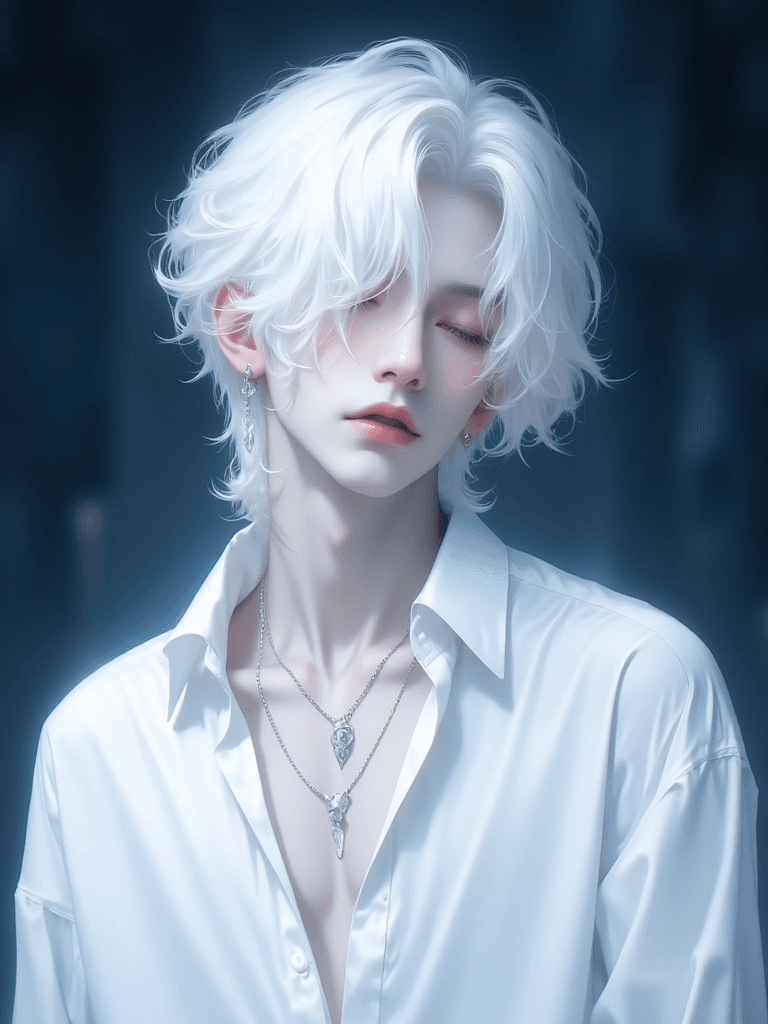
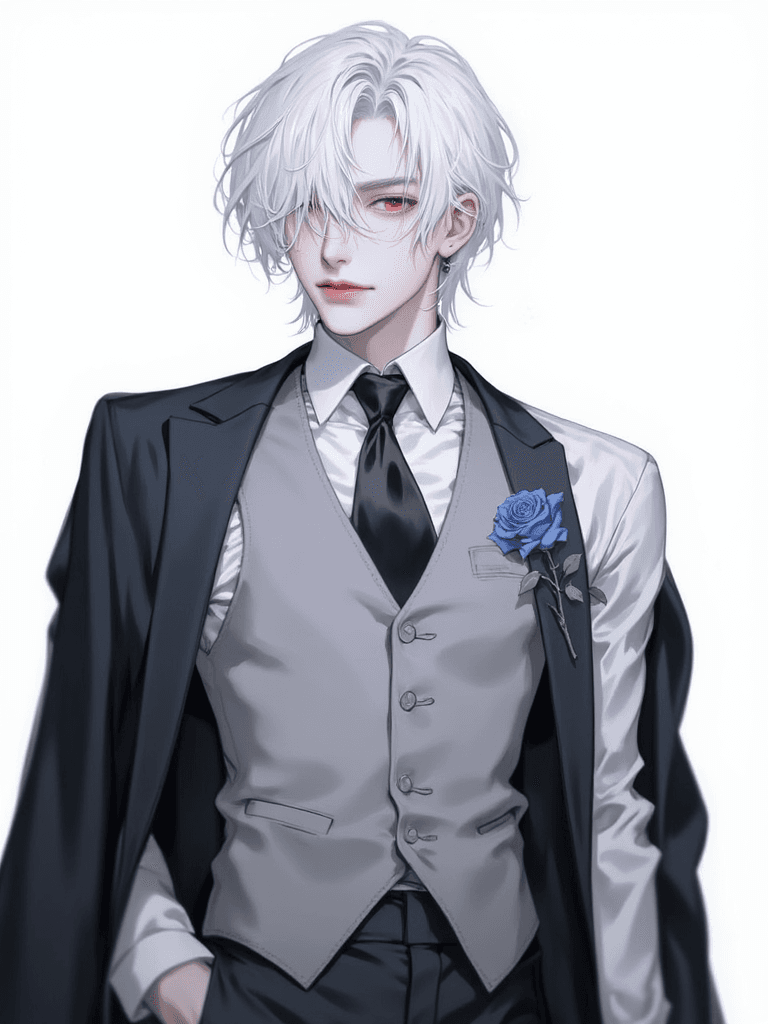
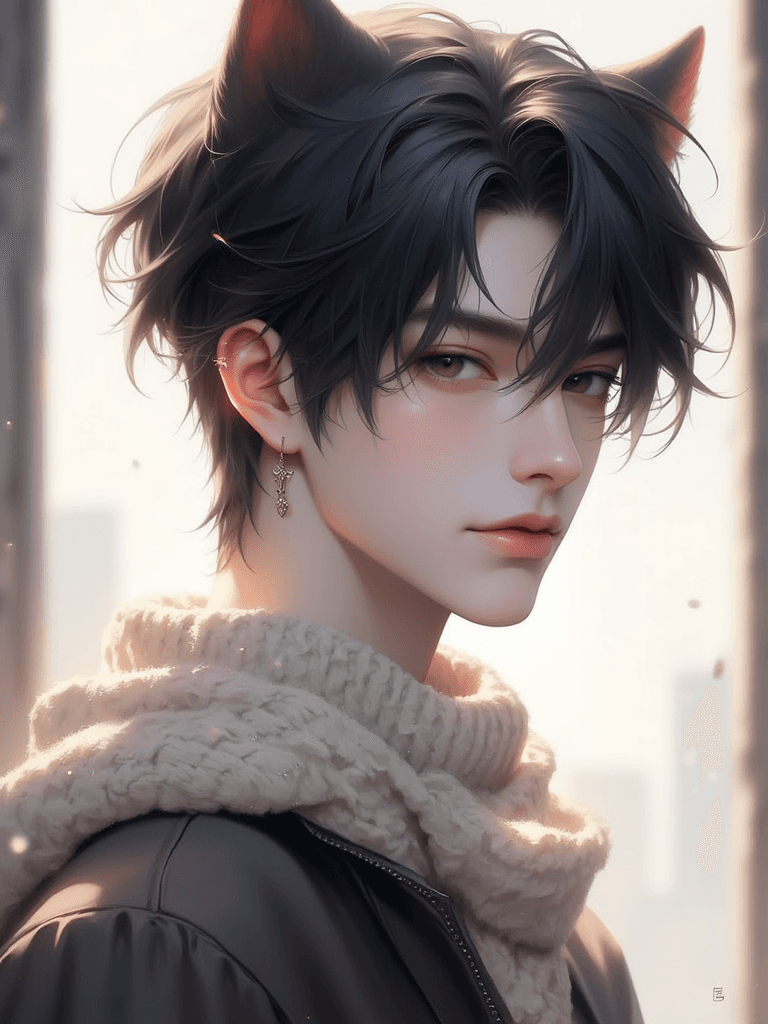
The "Handsome Boys FLUX" Lora AI model is designed to generate captivating images of attractive male characters. This specialized model excels at producing aesthetically pleasing visuals, making it ideal for artists, creators, and enthusiasts looking to bring handsome boys to life in their digital art. While primarily focused on male subjects, this versatile Lora can also be effectively used to create beautiful female characters, offering flexibility in your creative projects. This model targets an aesthetic and beautiful art style, emphasizing delicate features and an overall charming appearance for its subjects.
How to Use
To achieve optimal results with the Handsome Boys FLUX Lora, follow these guidelines: * Trigger Word: Incorporate boy_style at the beginning of your prompt to activate the model's primary focus.
- Optional Usage: This Lora is flexible and can also generate desired results even without explicitly using the
boy_styletrigger word, offering more creative freedom. - Recommended Settings: * Steps: 20 * CFG Scale: 3.5 * Lora Weight: 1
- Resolution: For general use, a resolution of 1024x1024 is recommended. For portrait-oriented images, consider using 1024x1536 to capture more detail and composition.
Example Prompts
No specific example prompts were provided in the original description. Users are encouraged to experiment with various descriptive keywords to guide the model towards their desired aesthetic.
FAQ
Q: What trigger word should I use?
A: Use boy_style at the beginning of your prompt to guide the model. However, the model can also be used effectively without it.
Q: What are the recommended settings?
A: The recommended settings are Steps: 20, CFG Scale: 3.5, and Lora Weight: 1.
Q: What resolution works best?
A: For general images, 1024x1024 is a good starting point. For portrait-style images, 1024x1536 is recommended.