


Introduction
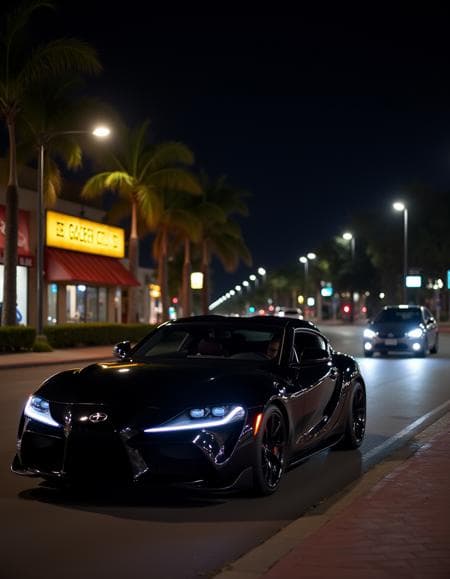
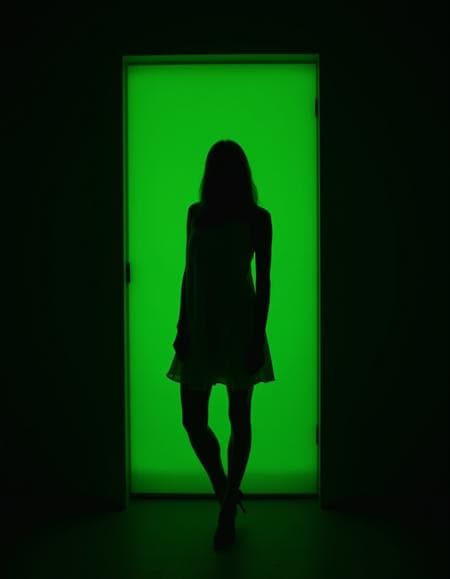
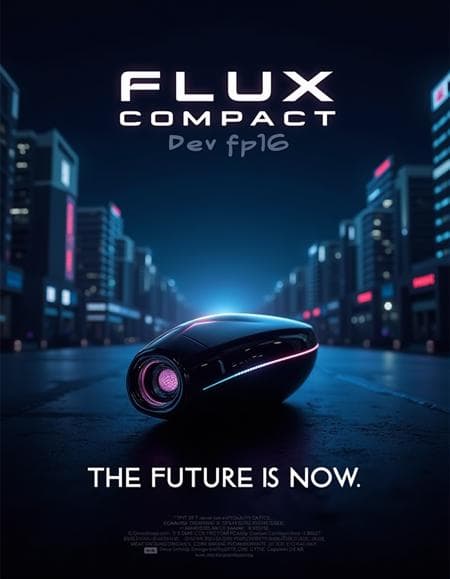
The F.1 Compact | CLIP and VAE included model is an optimized checkpoint designed to enhance accessibility and streamline workflows for the powerful Flux architecture. This model integrates both CLIP (Contrastive Language-Image Pre-training) and VAE (Variational AutoEncoder) components directly into a single, compact file, eliminating the need for separate configurations and simplifying the loading process. A key feature of this model is its significantly reduced file size, approximately 30% smaller than its full versions. This optimization allows for efficient use on a broader range of hardware, including machines with less powerful specifications, without compromising the quality of the generated outputs. The F.1 Compact model is versatile, offering general-purpose image generation capabilities that leverage the advanced features of the Flux diffusion architecture.
How to Use
Trigger Word
No trigger word is required to activate this model.
Recommended Settings
- Steps: 20
- CFG (Classifier Free Guidance): 7
- Weight: 1
Tips for Optimal Use
- Loading: The F.1 Compact model can be easily loaded directly using standard nodes such as 'CheckpointLoaderSimple', requiring no additional configuration.
- Samplers: * You can utilize samplers already present for SDXL, setting their CFG to 1. * Alternatively, for dedicated Flux optimization, use the 'SamplersCustomAdvanced' node.
- Guidance Management: * If employing the dedicated 'SamplersCustomAdvanced' Flux node, guidance can be managed using one of the 'Guiders' nodes. * When using other SDXL samplers, integrate the 'FluxGuidance' node between your prompt and the sampler. In this setup, maintain the SDXL sampler's CFG at 1 and adjust the guidance via the 'FluxGuidance' node.
- Specific Recommendations for Flux.1-Dev Compact: * Main Sampler: Euler + Simple * Normal CFG: 1 * Flux Guidance: 2+ * Steps: 20+
- Specific Recommendations for Flux.1-Schnell Compact: * Main Sampler: Euler + Simple * Normal CFG: 1 * Flux Guidance: 2+ * Steps: 4+
Example Prompts
N/A
FAQ
Q: What trigger word should I use?
A: No trigger word is required.
Q: What are the recommended settings?
A: Steps: 20, CFG: 7, Weight: 1
Q: What resolution works best?
A: For optimal results, consider standard SDXL resolutions such as 1024x1024 for square images, 1024x1536 for portrait, or 1536x1024 for landscape.