
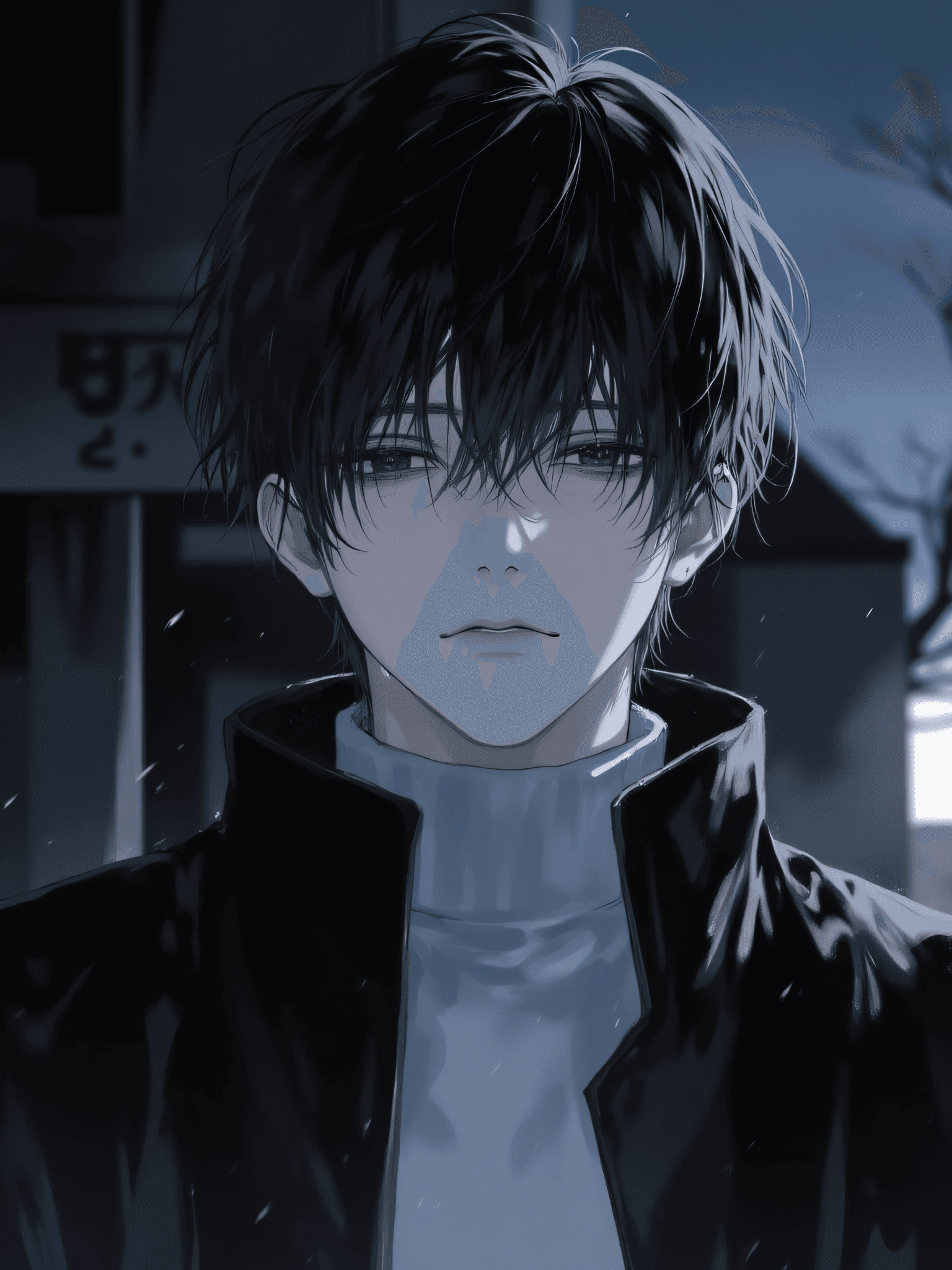
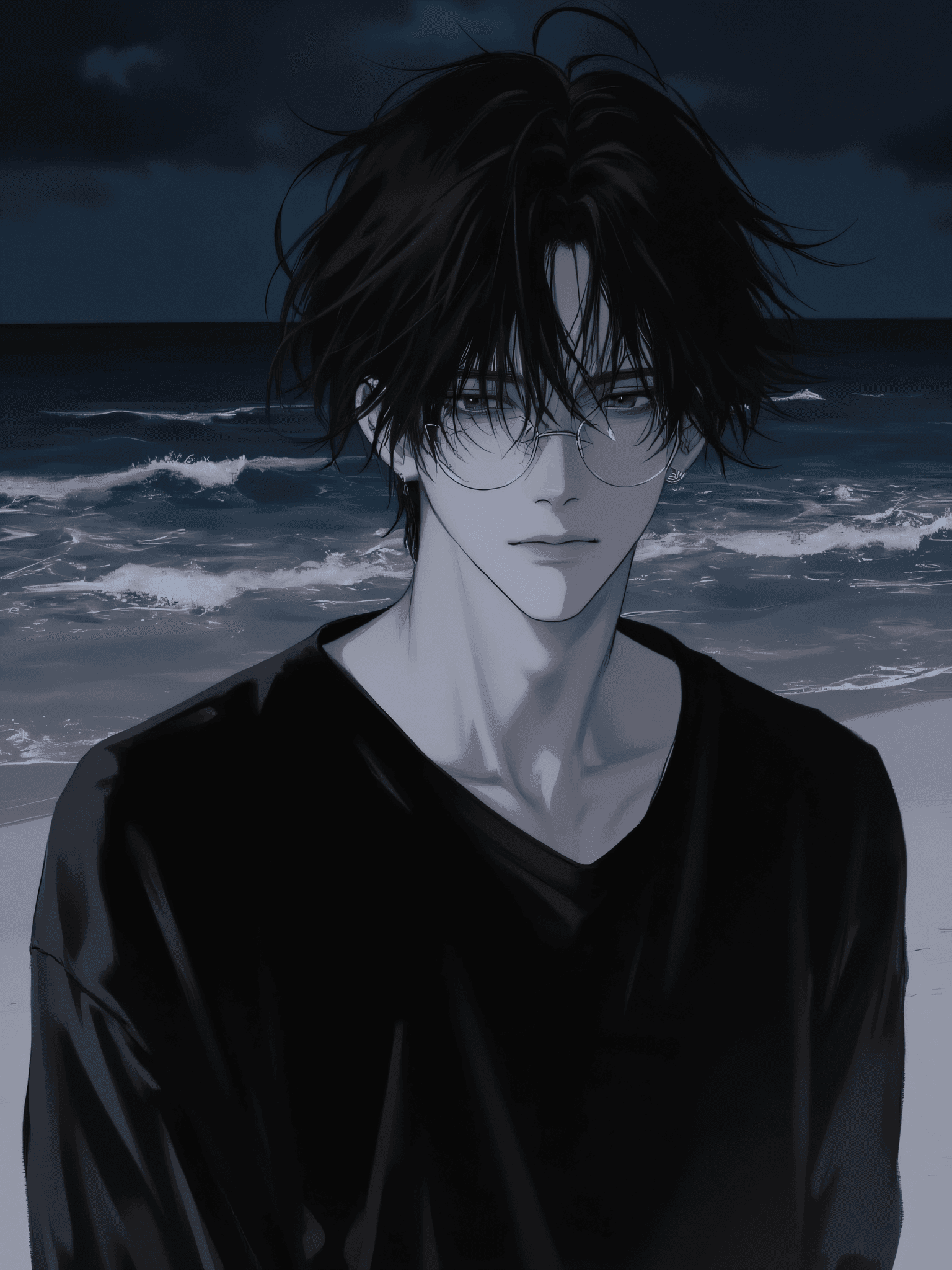


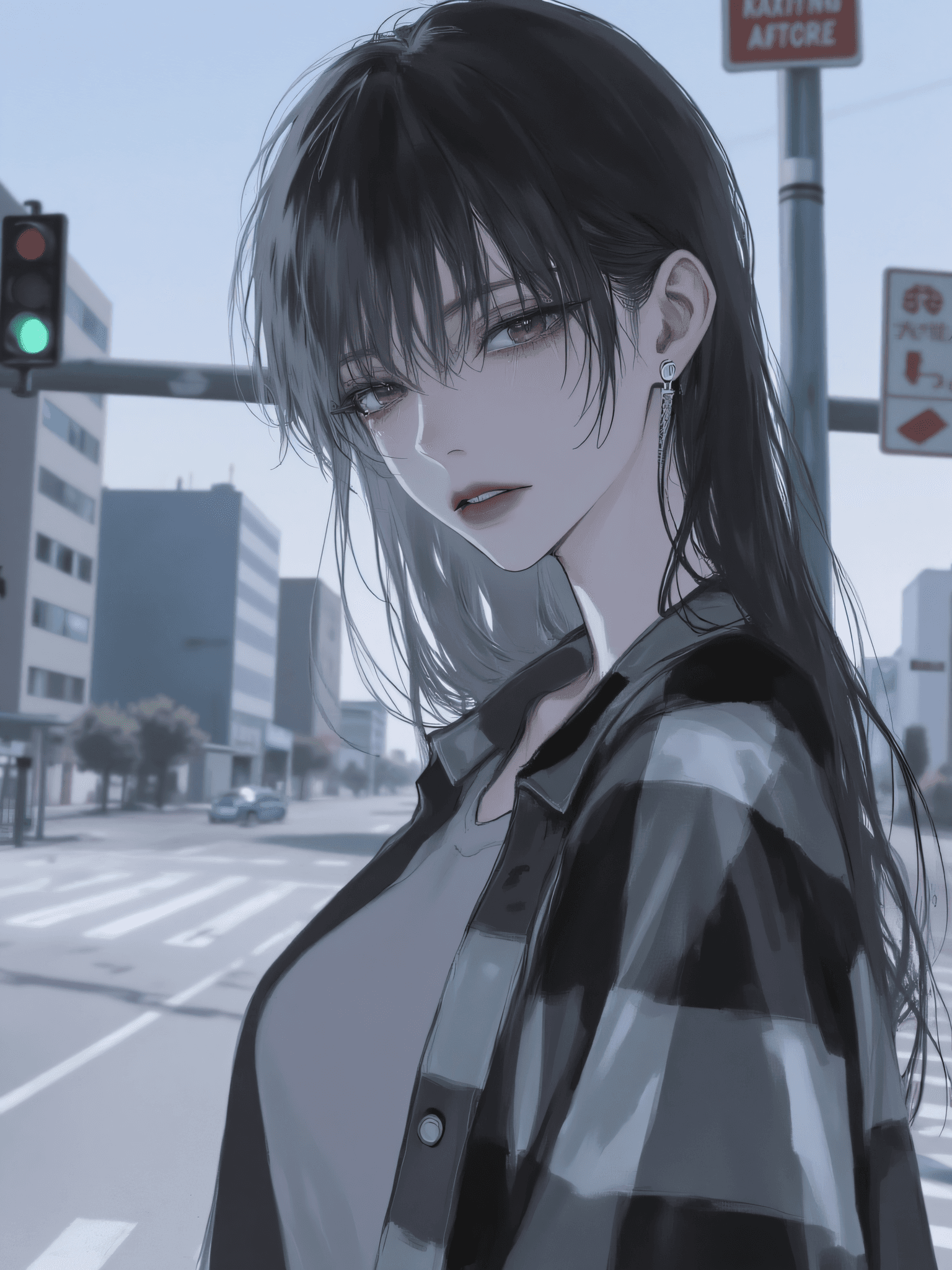
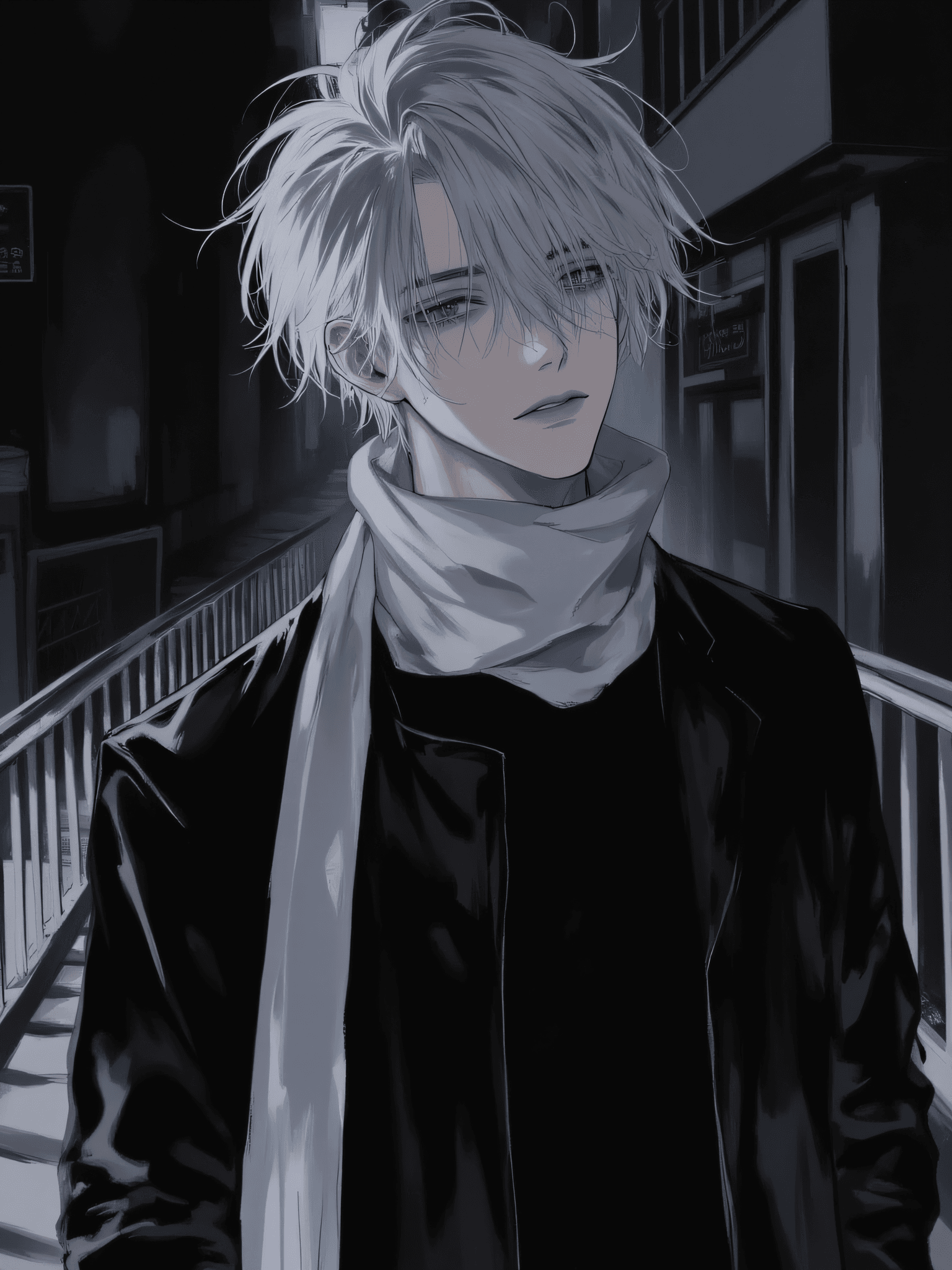
8 images
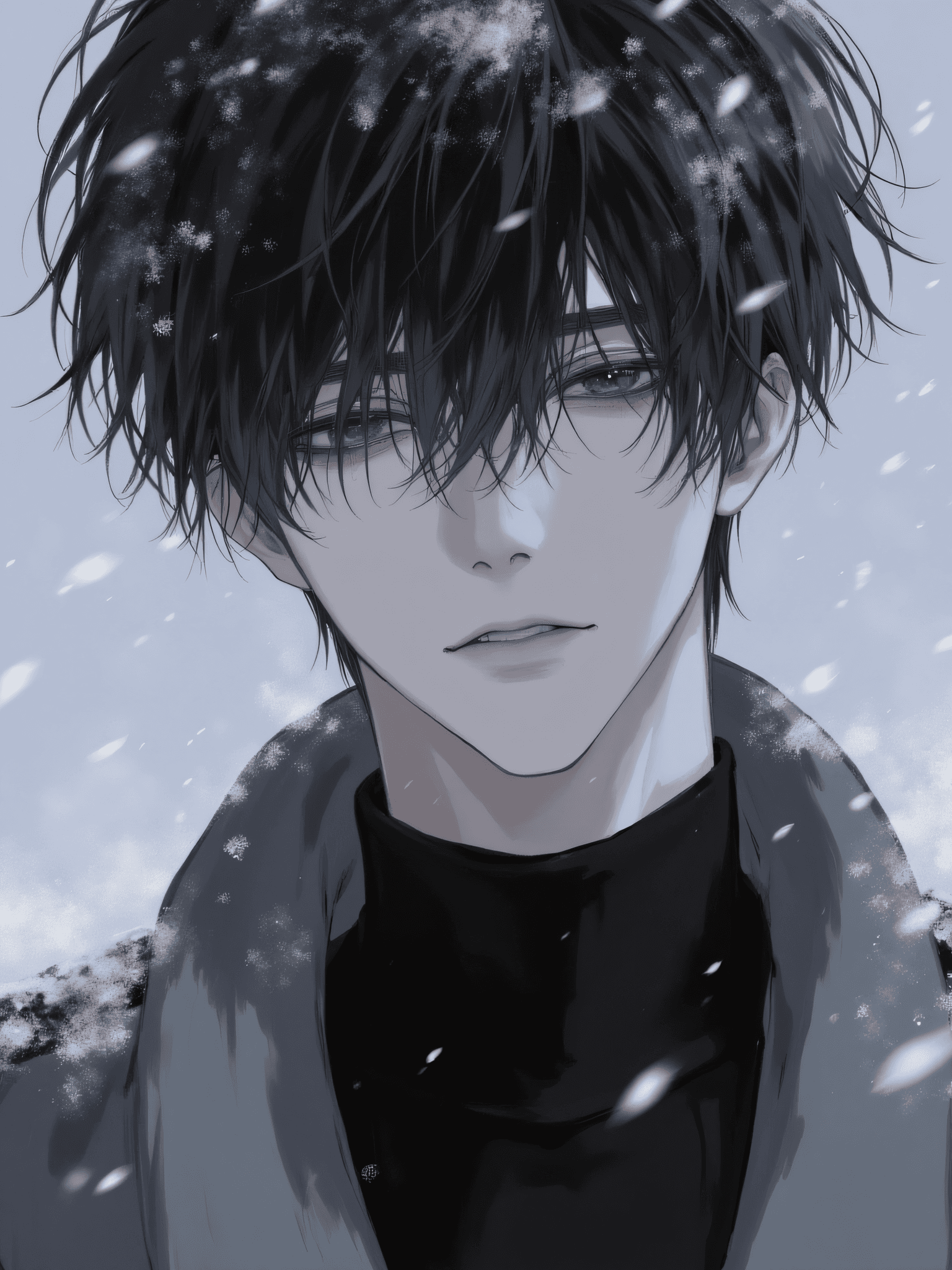
Introduction The 超酷帅气男生_flux LORA is a versatile AI model designed to generate high-quality anime-style characters. While its name translates to "Super Cool Handsome Guys," Version 2.0 introduces significant improvements in generating female characters, making it highly adaptable for a broader range of creative projects. This model excels at producing captivating anime aesthetics, perfect for users looking to create stunning visuals. Its key features include:
- Dynamic Anime Style: Generates characters with a distinct and appealing anime aesthetic.
- Enhanced Versatility: Improved generation of both male and female characters.
- Practical Applications: Ideal for crafting custom wallpapers, unique avatars, and engaging illustrations for various content.
How to Use To achieve the best results with the 超酷帅气男生_flux LORA, follow these guidelines: * Trigger Word: Always include anime style at the beginning of your prompt to activate the LORA's specific aesthetic. * Recommended Settings: * Steps: 20 * CFG Scale: 3.5 * LORA Weight: 0.9 * Tips for Optimal Generation: * Sampling Method: For consistent results, consider using the Euler sampling method. * High-Resolution Fix: When upscaling or applying a high-resolution fix, it is recommended to use the 4x-UltraSharp algorithm. Set the denoising strength to below 0.3 to maintain detail and prevent over-smoothing. * Character Variety: While the model is named for male characters, Version 2.0 significantly enhances its ability to generate beautiful female characters, offering greater creative freedom.
Example Prompts Here's an example prompt to get you started: ```
anime style, an anime character dressed in a black jacket and white hoodie, wearing glasses, with black hair, and a serious expression on his face. His eyes are half-closed, as if he is gazing ahead. The background is a rainy night city street, with some blurred lights and outlines of buildings.
## FAQ

### Q: What trigger word should I use?
A: Use "anime style" at the beginning of your prompt.

### Q: What are the recommended settings?
A: Steps: 20, CFG: 3.5, Weight: 0.9

### Q: What resolution works best?
A: For general use, try resolutions like 1024x1024 for square images, or 1024x1536 for portrait-oriented images. Remember to use a high-resolution fix with `4x-UltraSharp` and a denoising strength below 0.3 for upscaling.