
Introduction
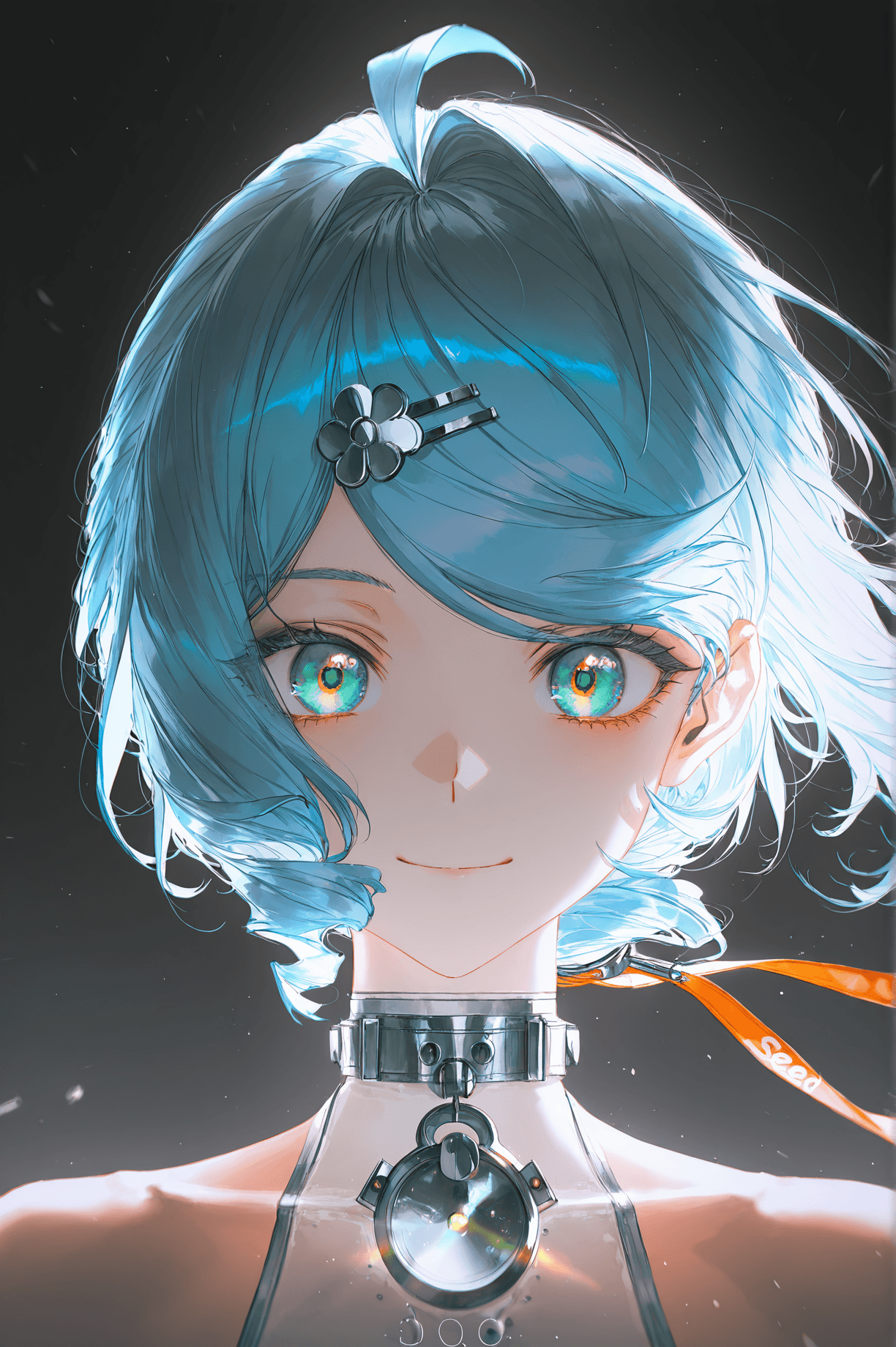
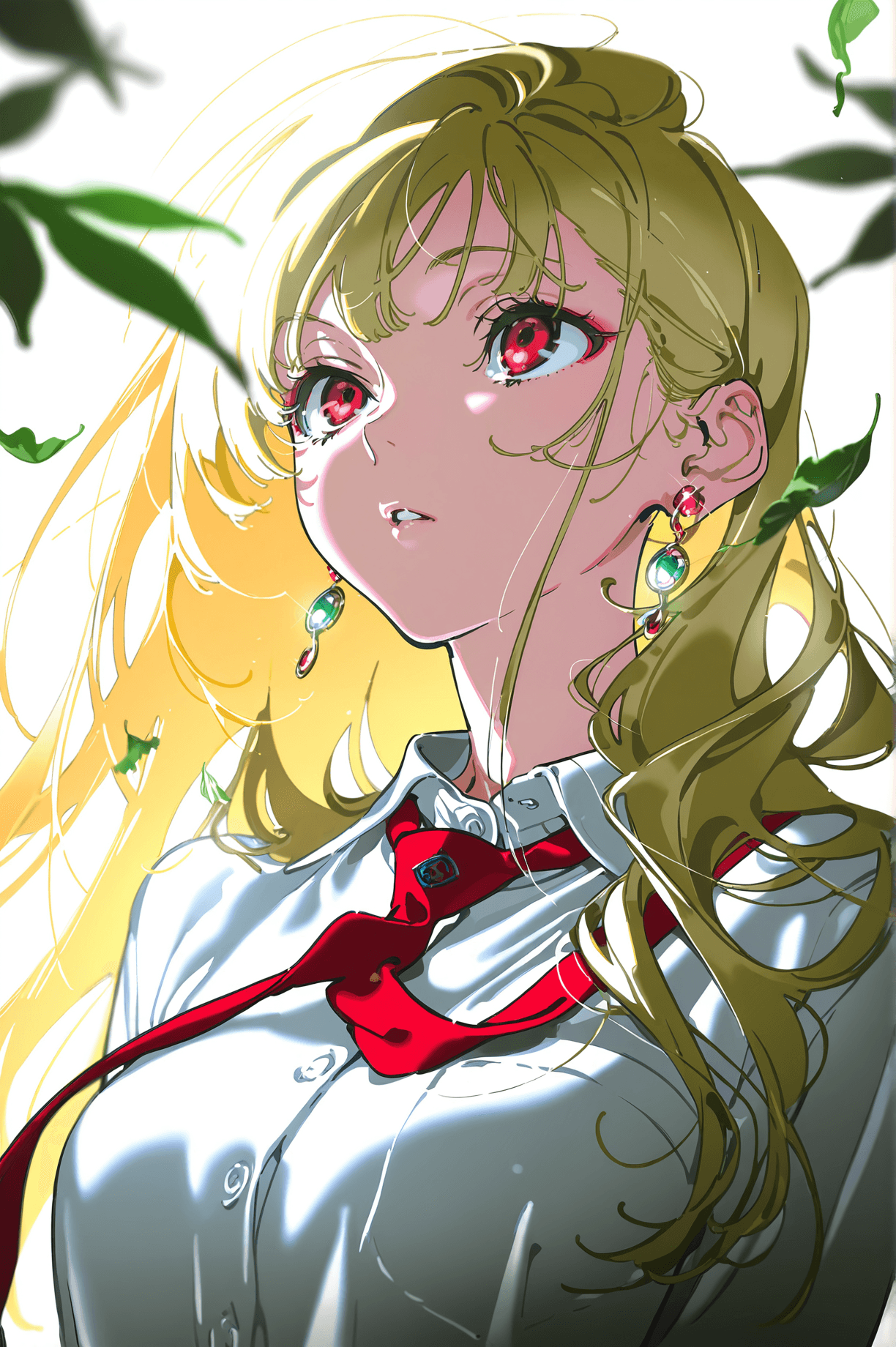
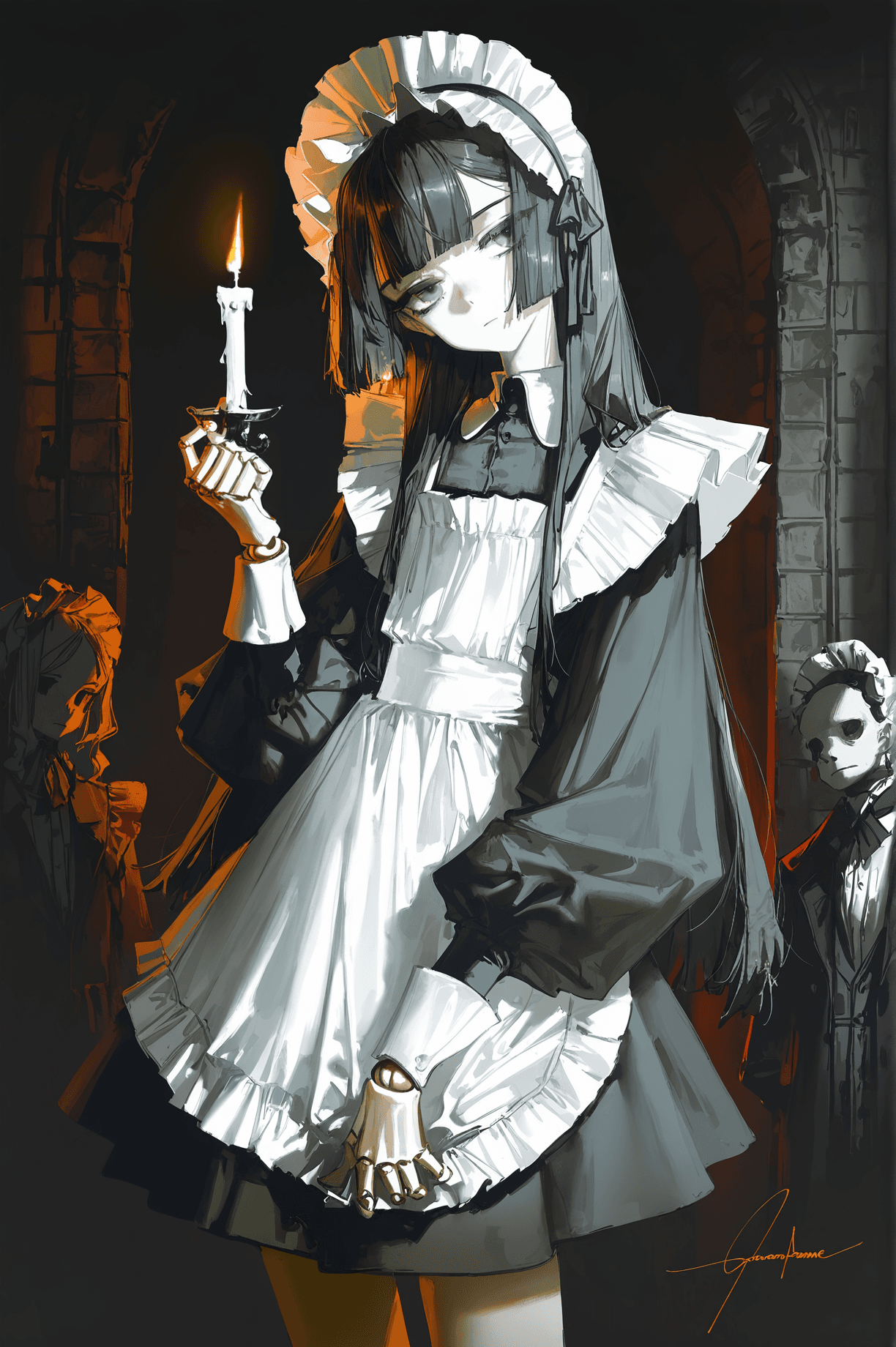
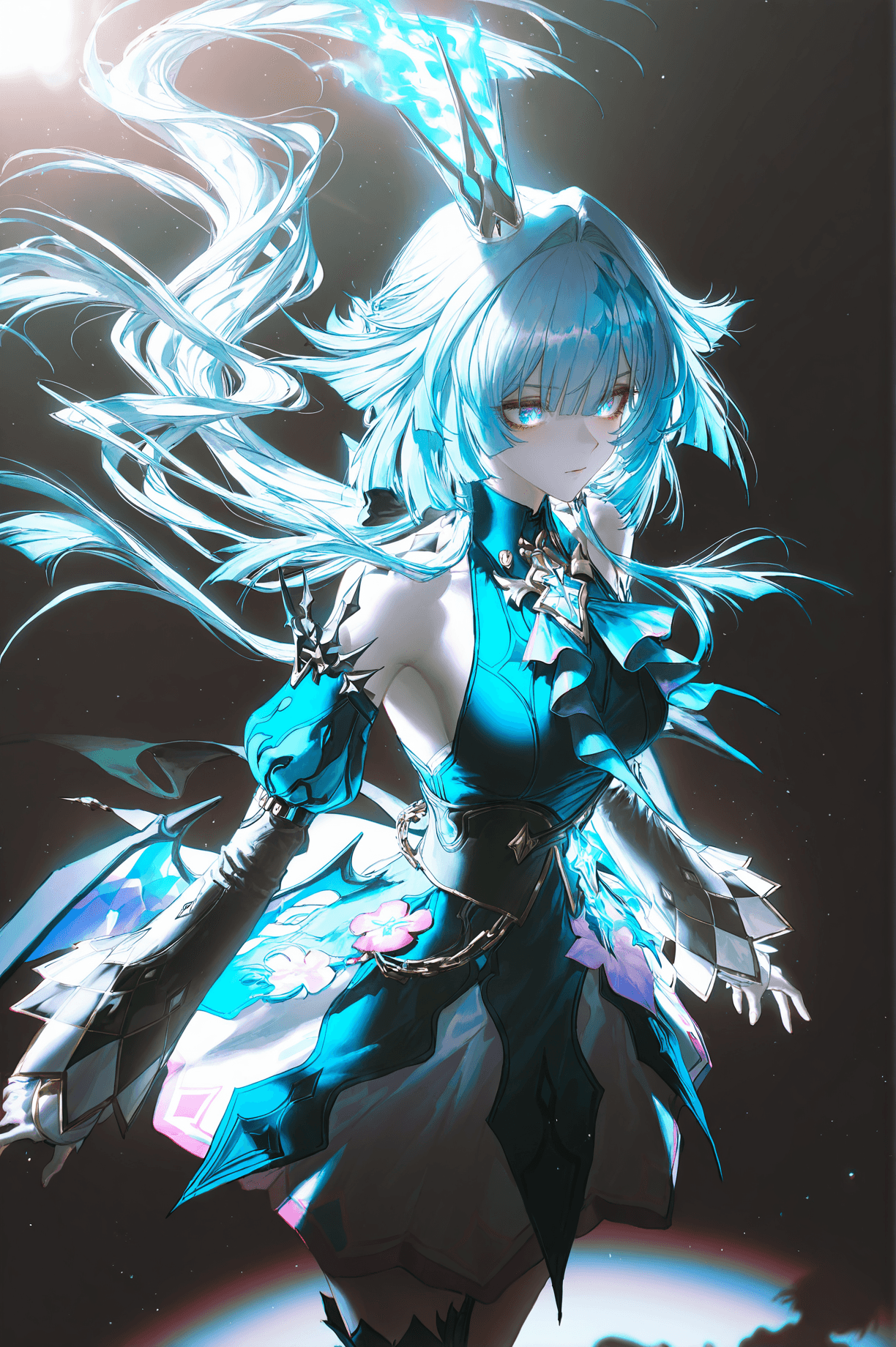
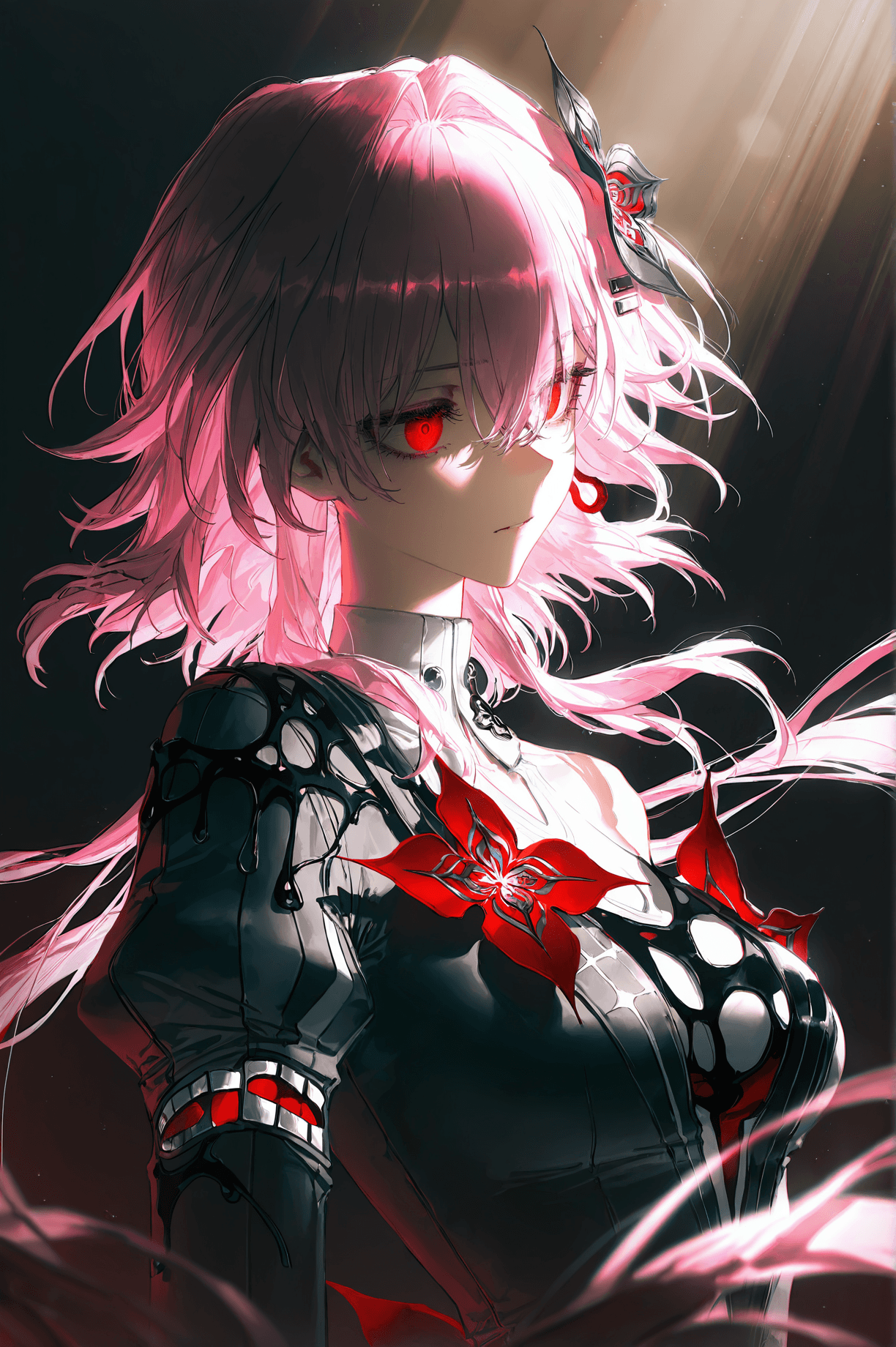
NOOBAI-MIX is a versatile AI checkpoint model designed to generate stunning, high-quality images with a unique artistic blend. This model excels at combining elements of dramatic light and shadow with a captivating anime-inspired aesthetic, creating visuals that are both dynamic and deeply atmospheric. It's perfect for artists and enthusiasts looking to produce digital art with a sophisticated, cinematic feel.
The model's core strength lies in its ability to render intricate details, focusing on dramatic lighting, volumetric shadows, and a cinematic atmosphere. Users can expect images rich with intricate light rays, soft focus, rim lighting, and chiaroscuro effects, all rendered with an emphasis on ultra-detailed quality.
How to Use
Trigger Word
No trigger word is required to activate the NOOBAI-MIX model's unique style.
Recommended Settings
For optimal results and to fully leverage the NOOBAI-MIX model's capabilities, we recommend the following settings:
- Steps: 20
- CFG Scale: 7
- Model Weight (Denoising Strength): 0.8
- Sampler: Euler Karras
- Resolution: A minimum resolution of 1024x1024 is recommended. For even greater detail and visual fidelity, generating at higher resolutions is strongly encouraged.
Tips for Prompting
To guide the model towards its signature style, begin your positive prompts with terms like: masterpiece, best quality, dramatic lighting, volumetric shadows, cinematic atmosphere, (intricate light rays:1.2), soft focus, rim lighting, chiaroscuro, 8k ultra-detailed. These terms are key to unlocking the model's ability to create rich, visually impactful scenes.
Conversely, to maintain image quality and avoid common issues, always include these negative prompt terms: bad quality, worst quality, worst detail, nfsw.
Example Prompts
No specific example prompt was provided for NOOBAI-MIX. However, users are encouraged to experiment with the positive prompt elements listed in the 'How to Use' section as a strong foundation for their creations.
FAQ
Q: What trigger word should I use?
A: No trigger word is required.
Q: What are the recommended settings?
A: Steps: 20, CFG Scale: 7, Model Weight: 0.8.
Q: What resolution works best?
A: A minimum resolution of 1024x1024 is recommended. For optimal detail and quality, generating at higher resolutions is encouraged.