


Introduction
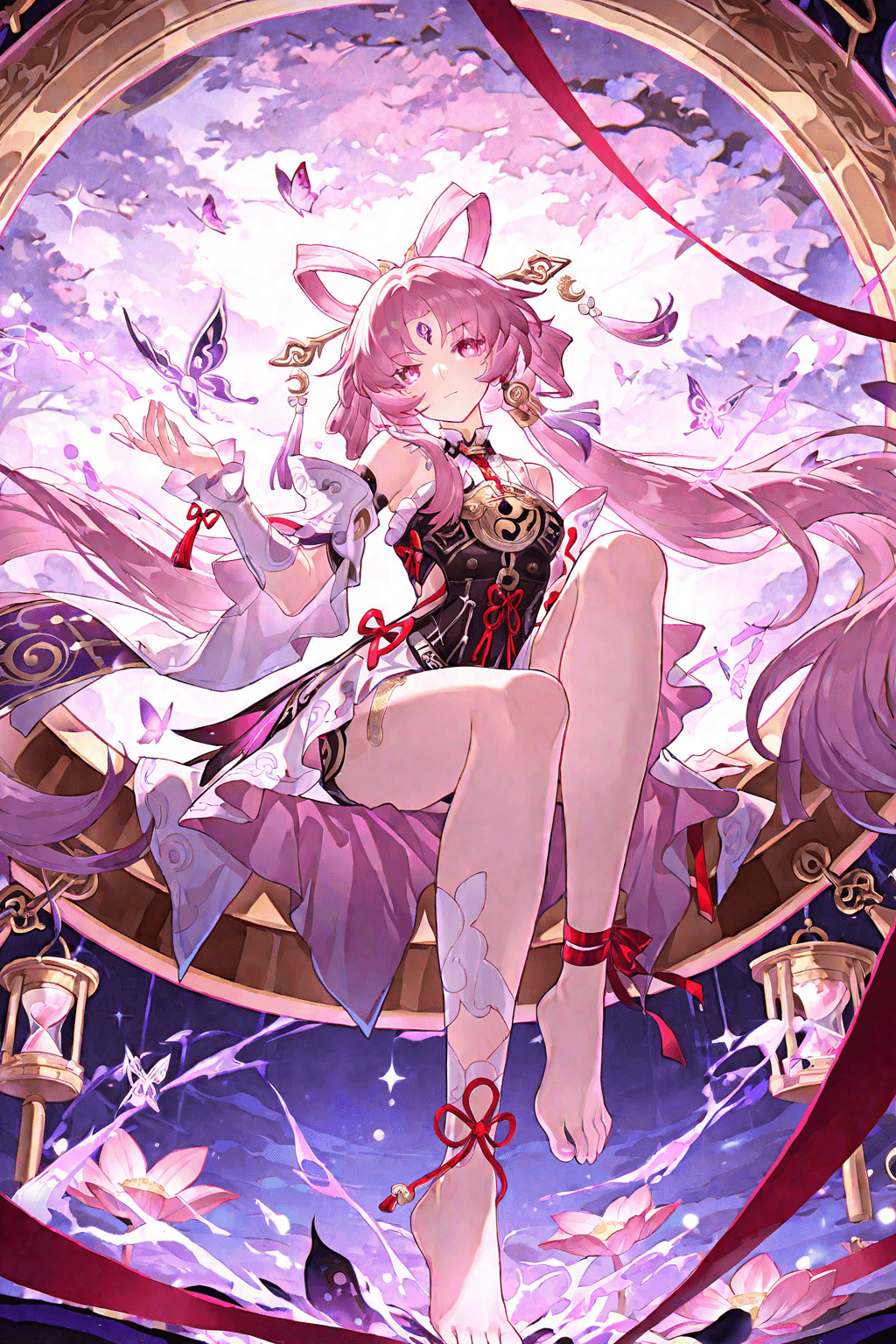
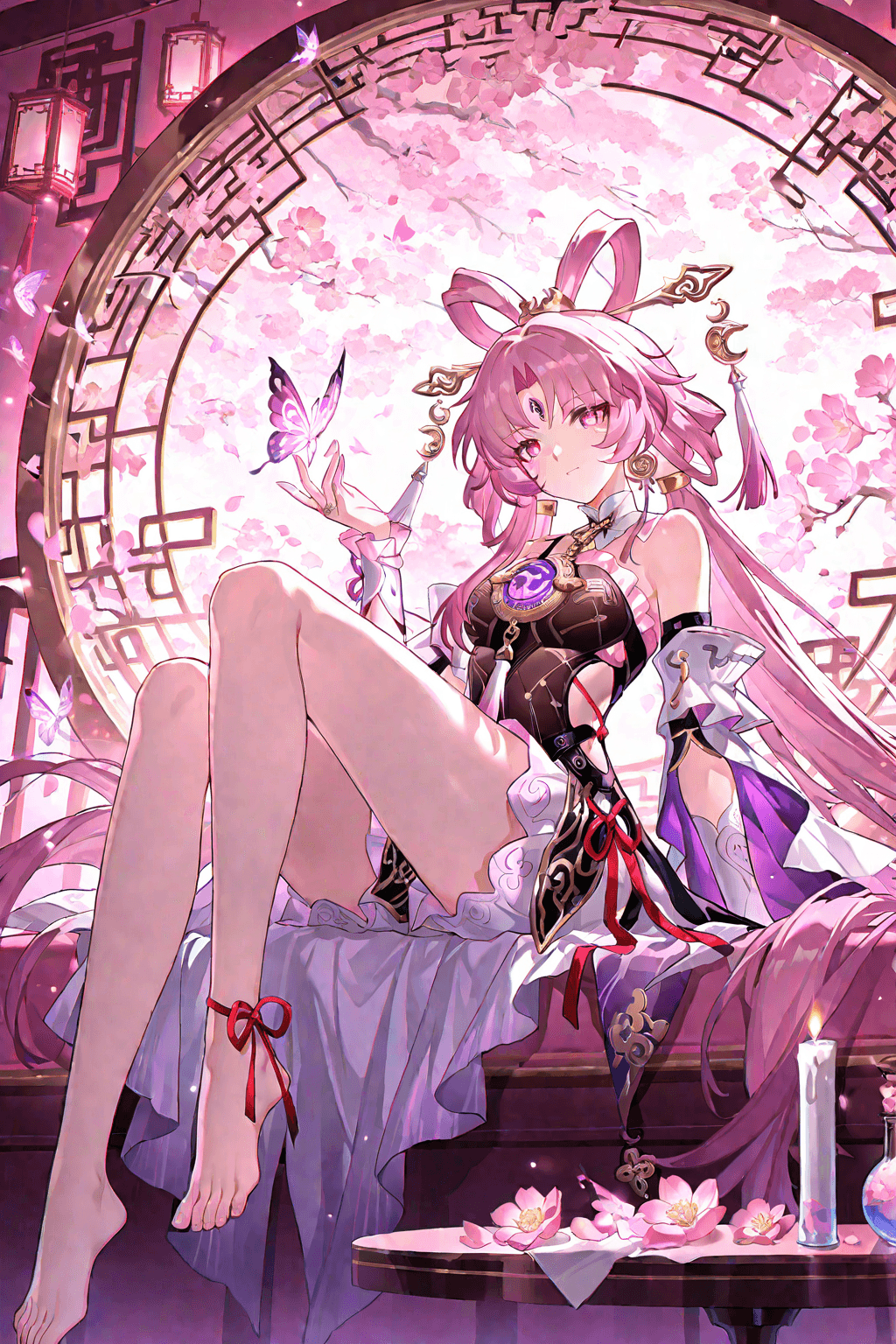
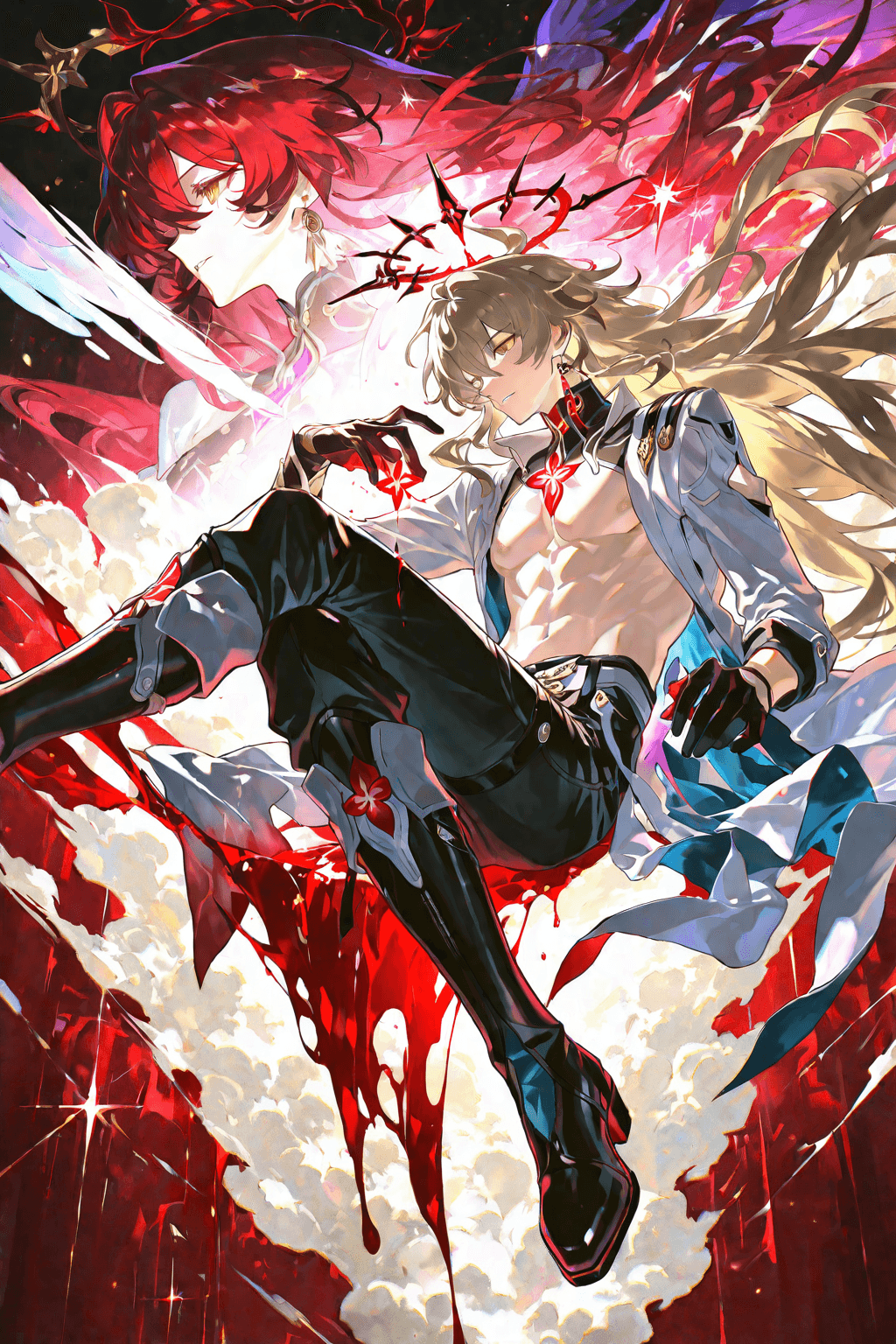
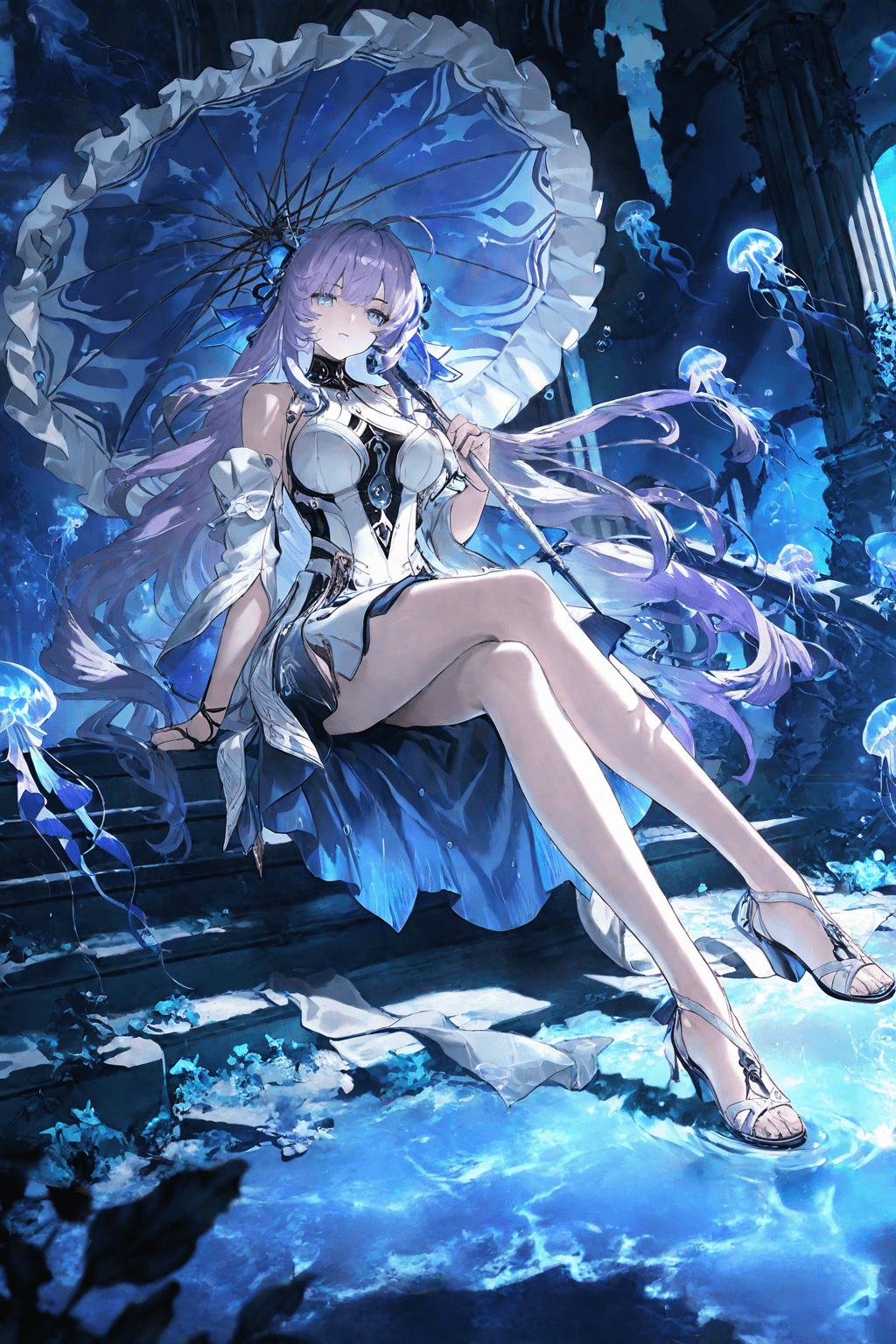
The "Exquisite Anime Illustration V1" LoRA model is a powerful tool for generating stunning, high-quality anime-style artwork. It excels in producing visuals with a master-level design aesthetic, offering a superior styling experience. This model is highly versatile, drawing from a vast database to create diverse and captivating illustrations. It is particularly well-suited for generating anime game promotional art, character illustrations, and general anime-style artwork that demands a refined and professional look.
How to Use
Trigger Word
No trigger word is required to activate this LoRA model.
Recommended Settings
- Steps: 20 (For more detailed results, consider 35-40 steps)
- CFG Scale: 8
- LoRA Weight: 0.8
- Resolution: A good starting point for base generation is 1024x1024. For portrait images, 1024x1536 is often effective.
Tips
- Sampling Methods: * DPM++ SDE Karras: Recommended for images that require rich brushstroke details and a more artistic texture. * Eulera: Recommended for achieving smooth, brushstroke-free effects and a cleaner finish.
- High-Resolution Fix: For enhanced detail and clarity, it is highly recommended to use a high-resolution fix. * Upscalers: Latent or R-ESRGAN_4X+Anime 6B are suggested. * Steps for High-Res Fix: 30 * Denoising Strength: 0.45-0.6 * Upscale By: 1.2-1.5
- Refinement: If your generated image contains minor flaws, use an image-to-image (img2img) workflow with the original output. A denoising strength of 0.2-0.4 can effectively fine-tune and refine details.
Example Prompts
Positive Prompt
Masterpiece, best quality, ultra detailed, 8k wallpaper, official art, game cg, aesthetics
Negative Prompt
(low quality, worst quality:1.4), bad anatomy, bad hands, missing fingers, extra digit, fewer digits, text, watermark, username, signature, blurry, jpeg artifacts, cropped, (3d, photorealistic:1.2), female, 1girl, deformed, mutation, ugly face, flat color, monochrome, (extra legs, extra arms:1.2)
FAQ
Q: What trigger word should I use?
A: No trigger word is required.
Q: What are the recommended settings?
A: Steps: 20, CFG Scale: 8, LoRA Weight: 0.8. For more detailed results, you might try Steps 35-40.
Q: What resolution works best?
A: While not explicitly stated, a good starting point for base generation is 1024x1024. For portrait images, 1024x1536 is often effective. High-resolution fix is recommended for further detail.