
Introduction
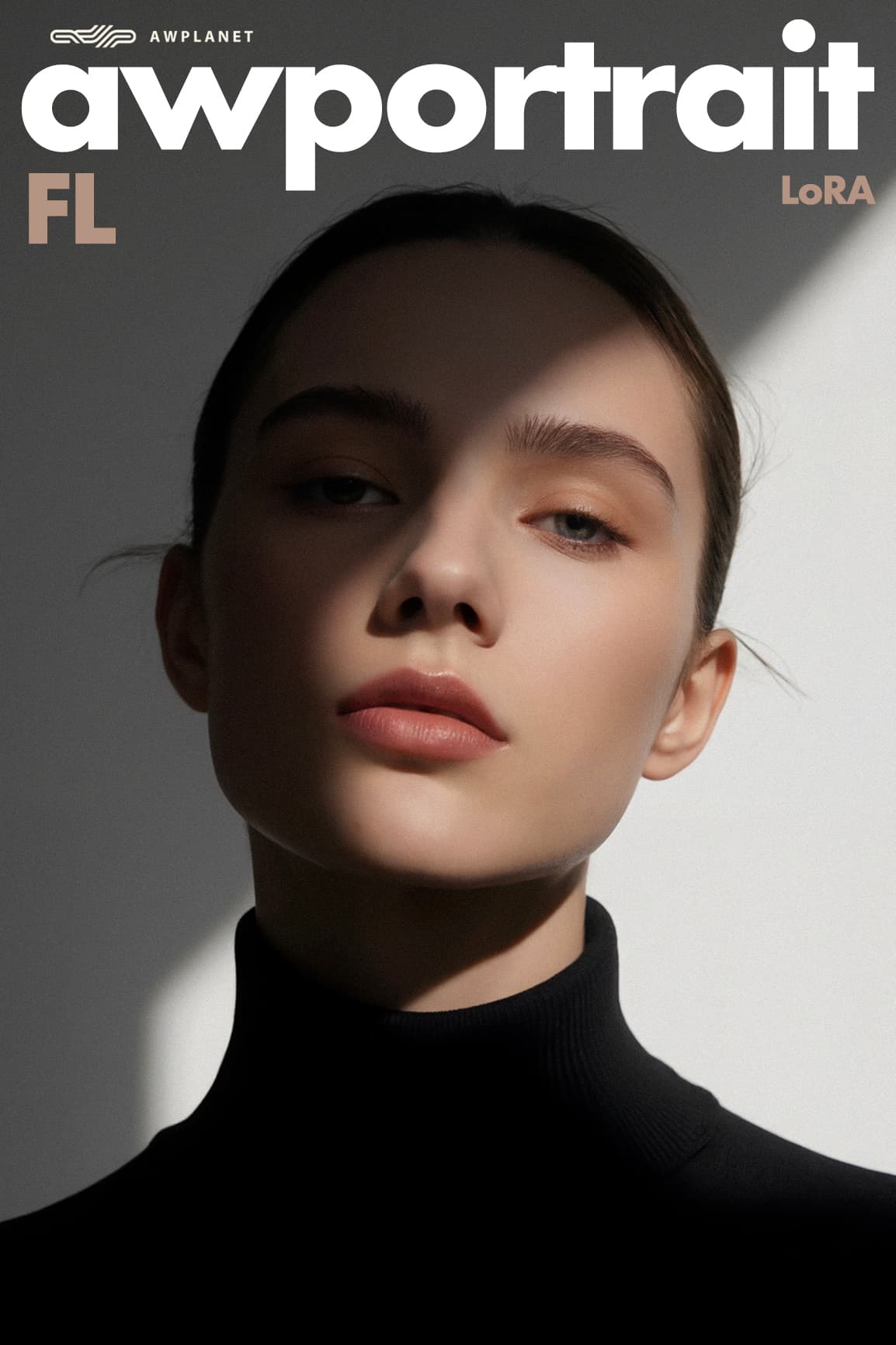
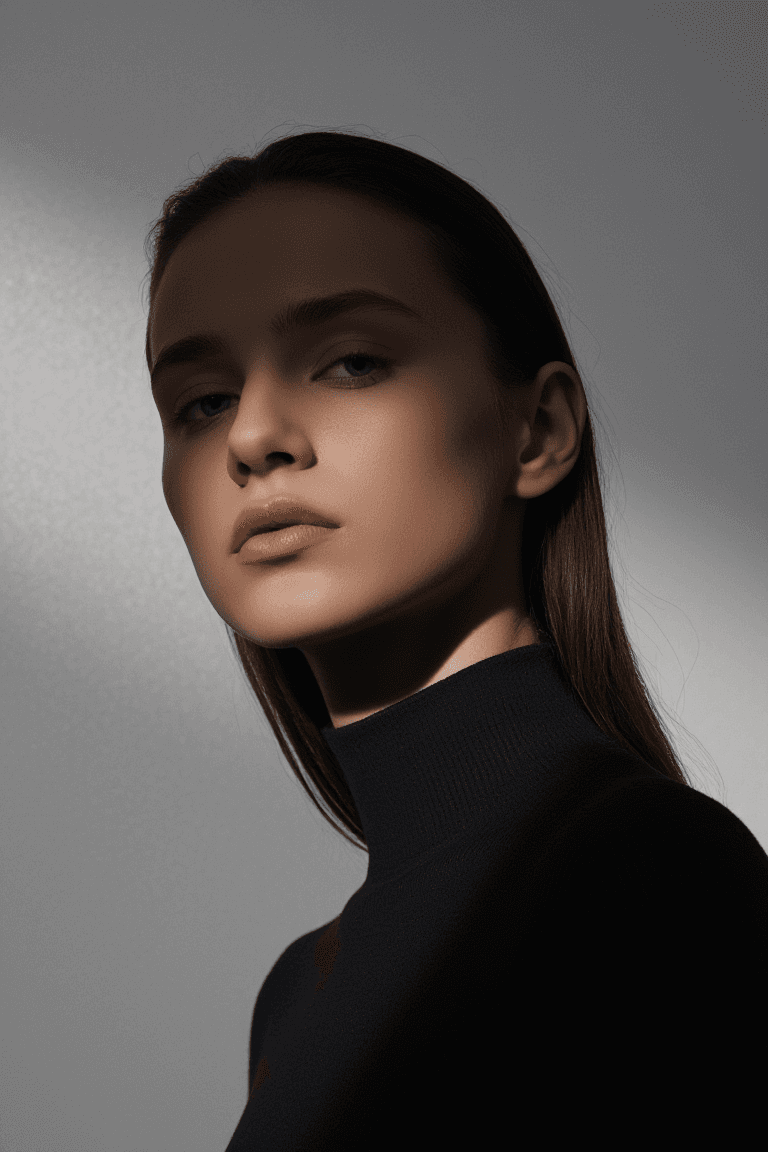
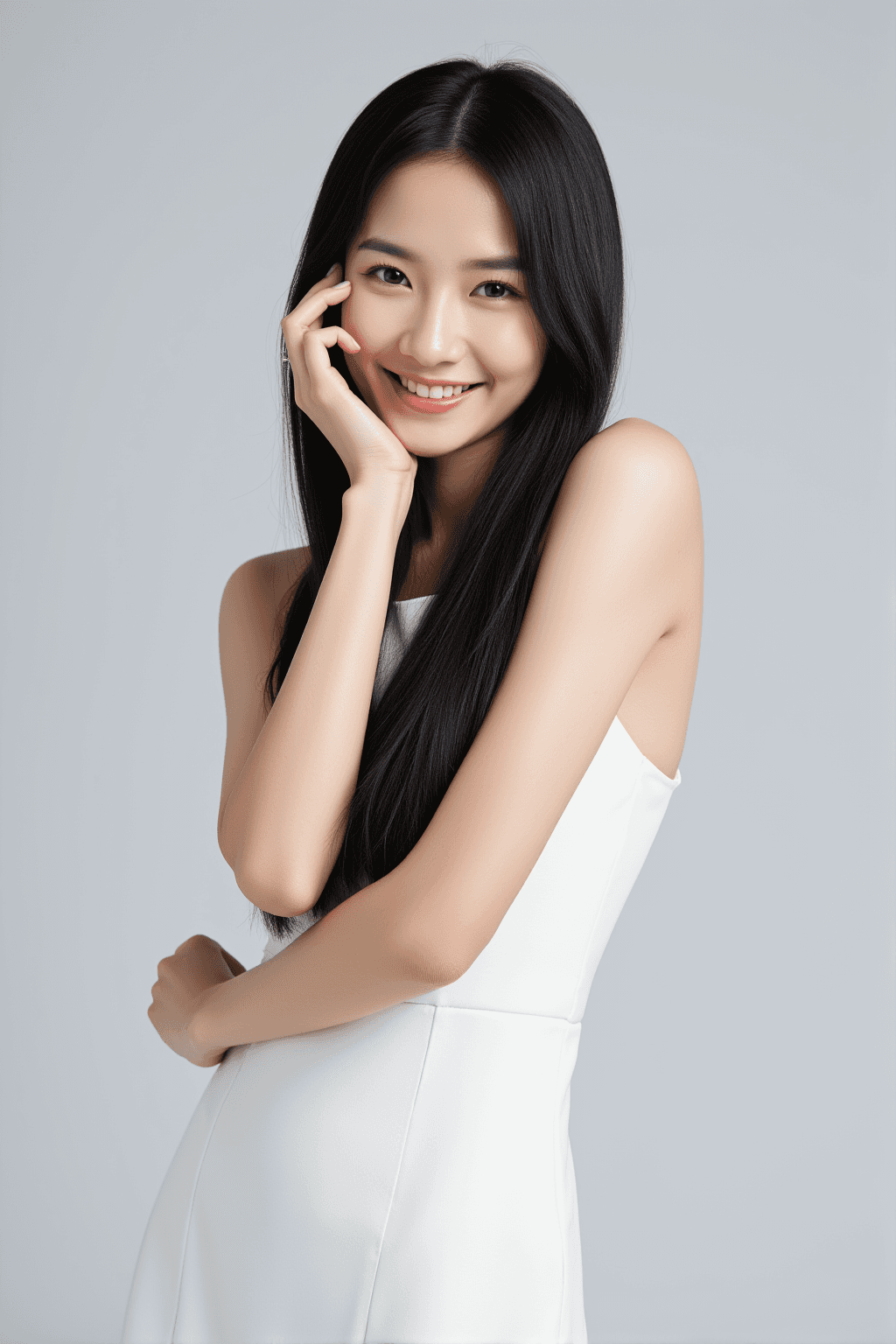
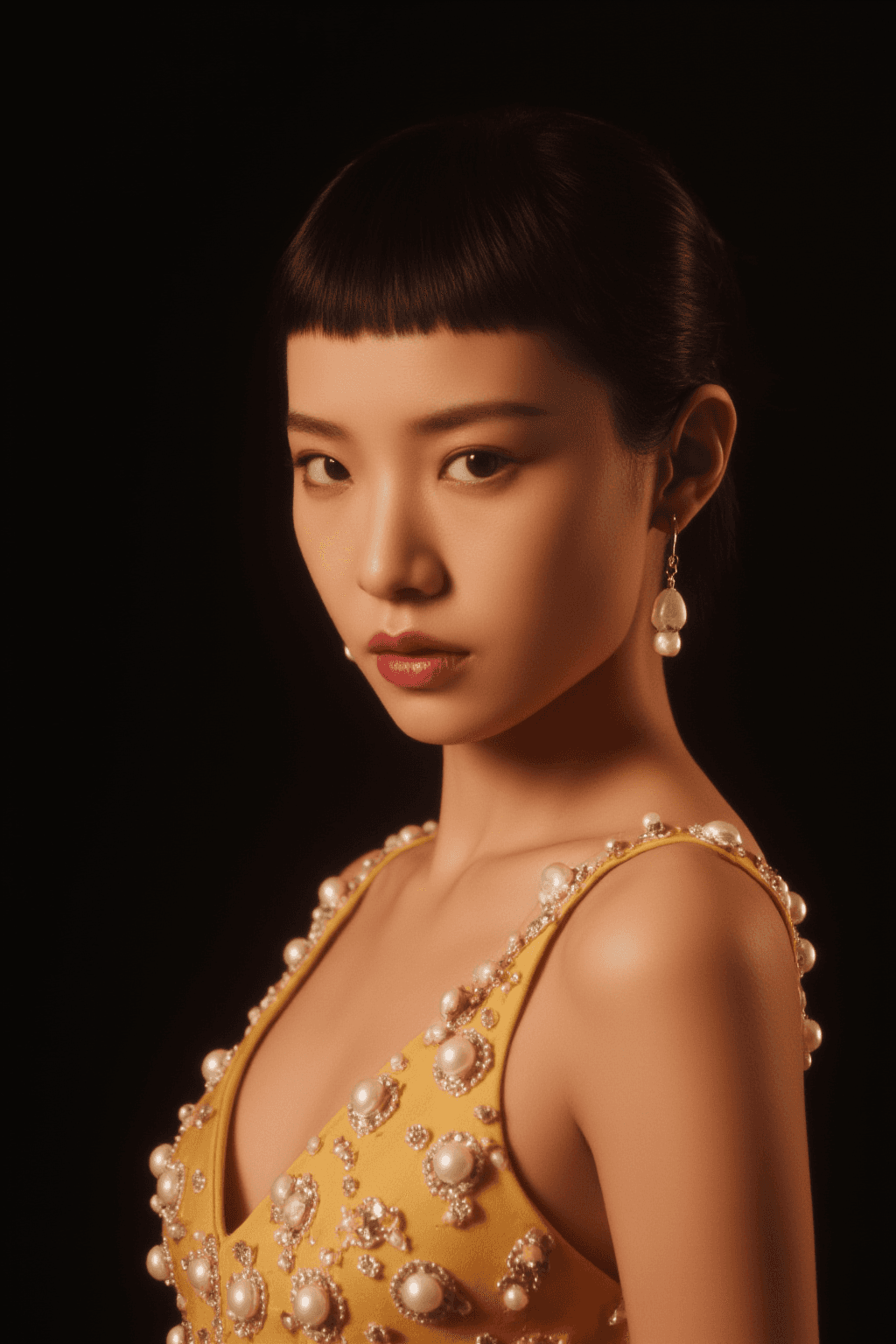
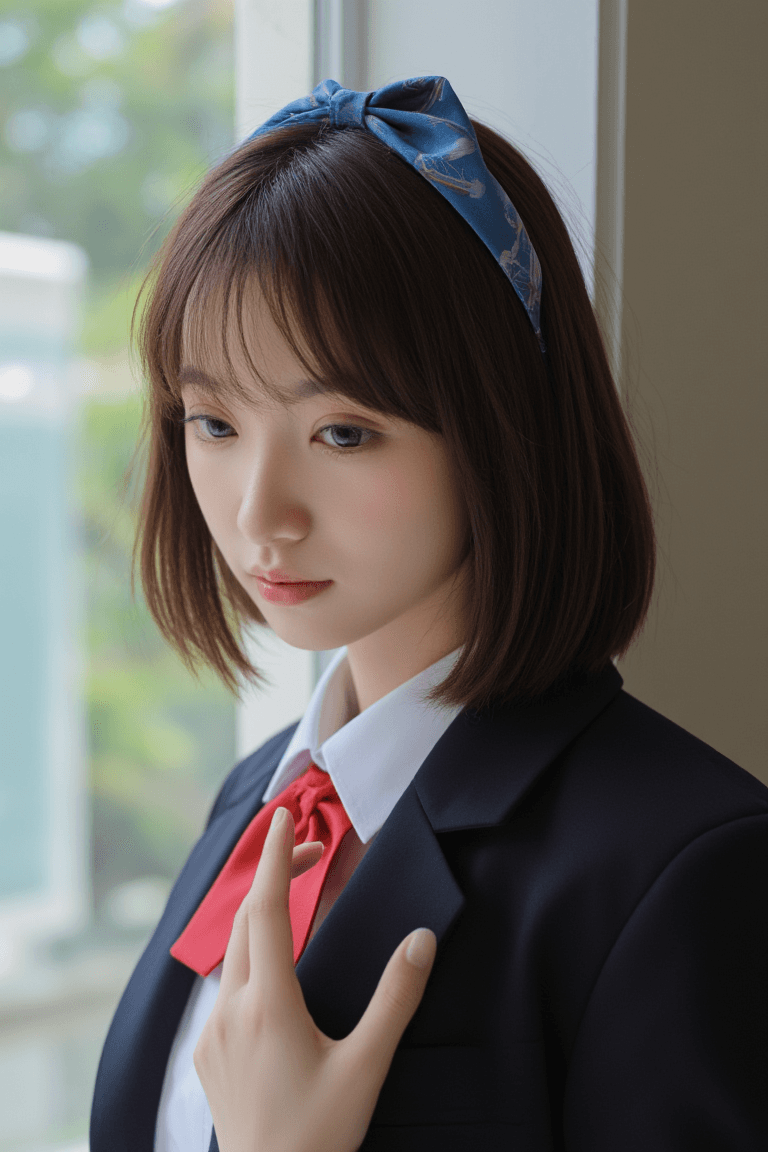
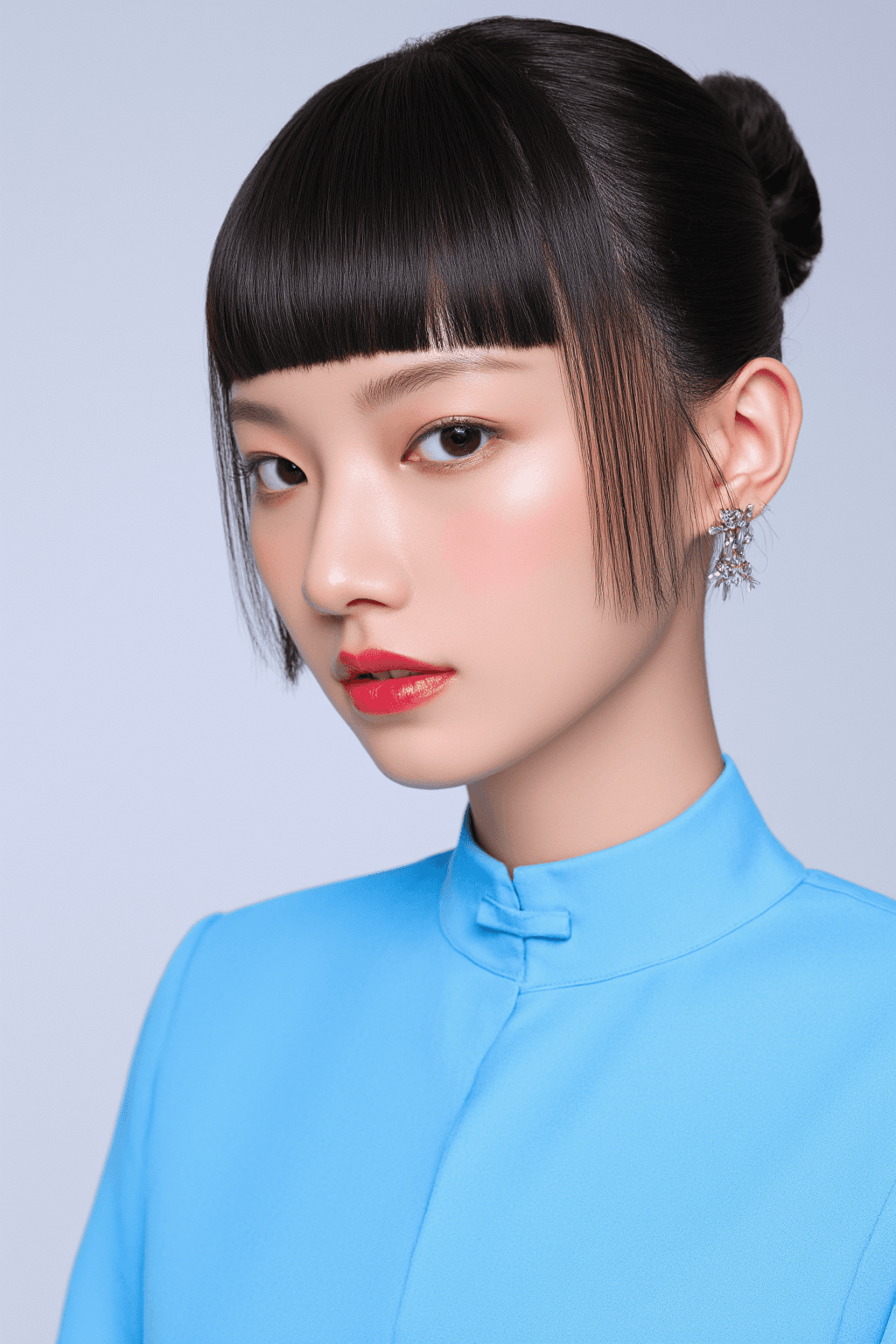
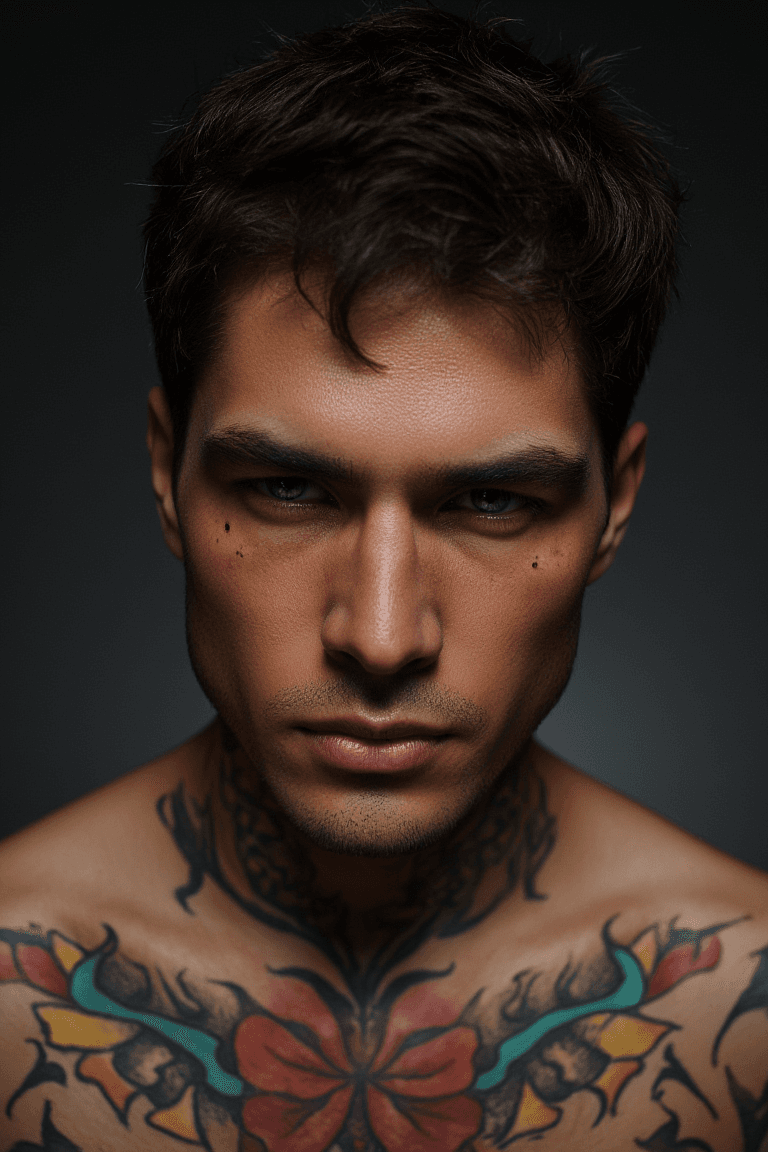
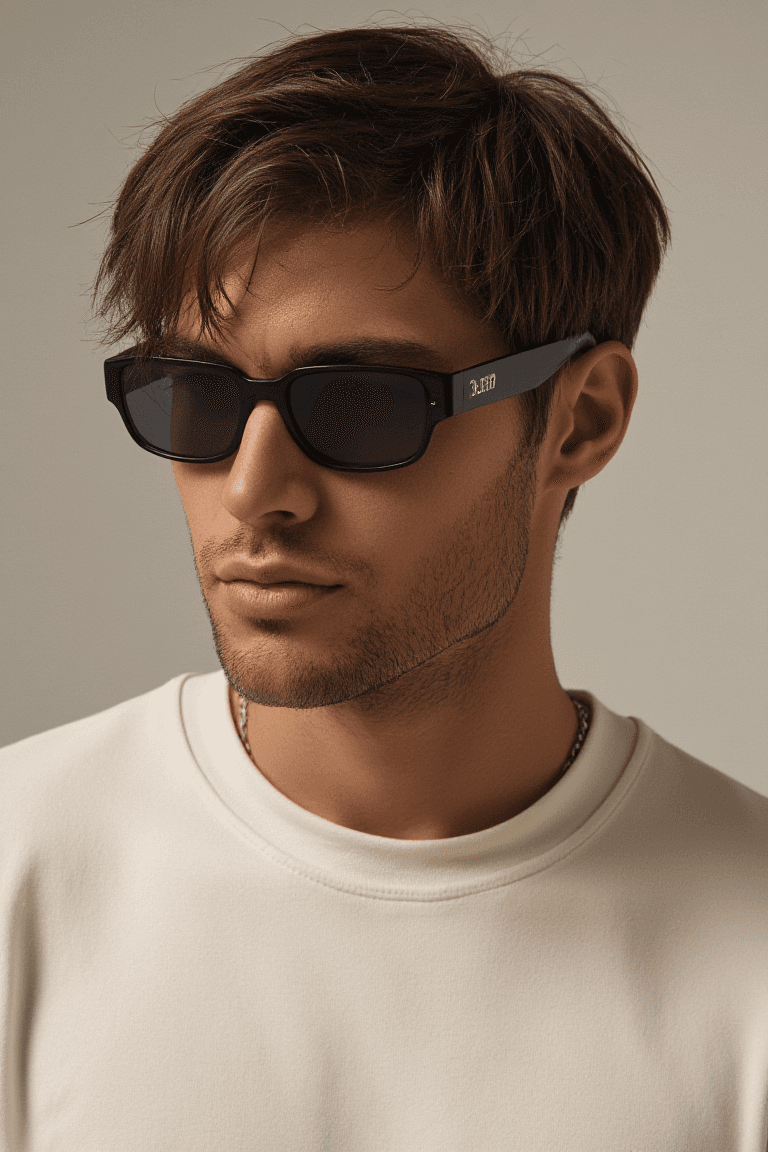
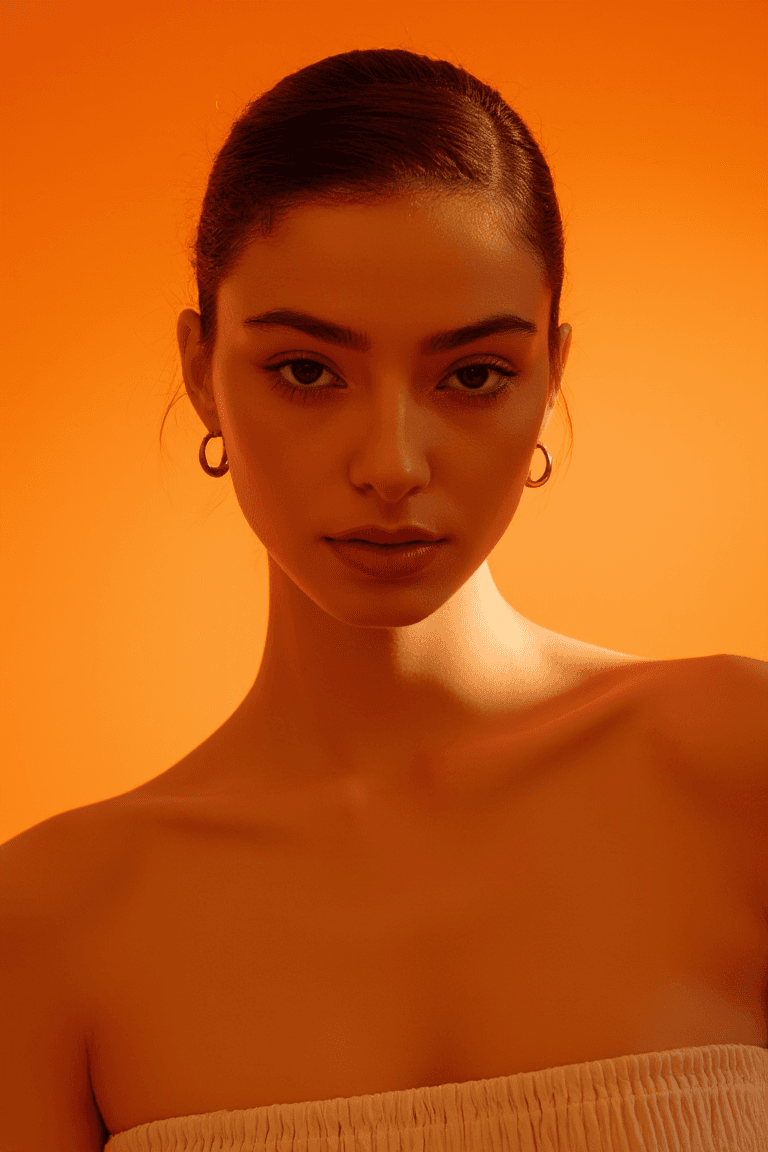
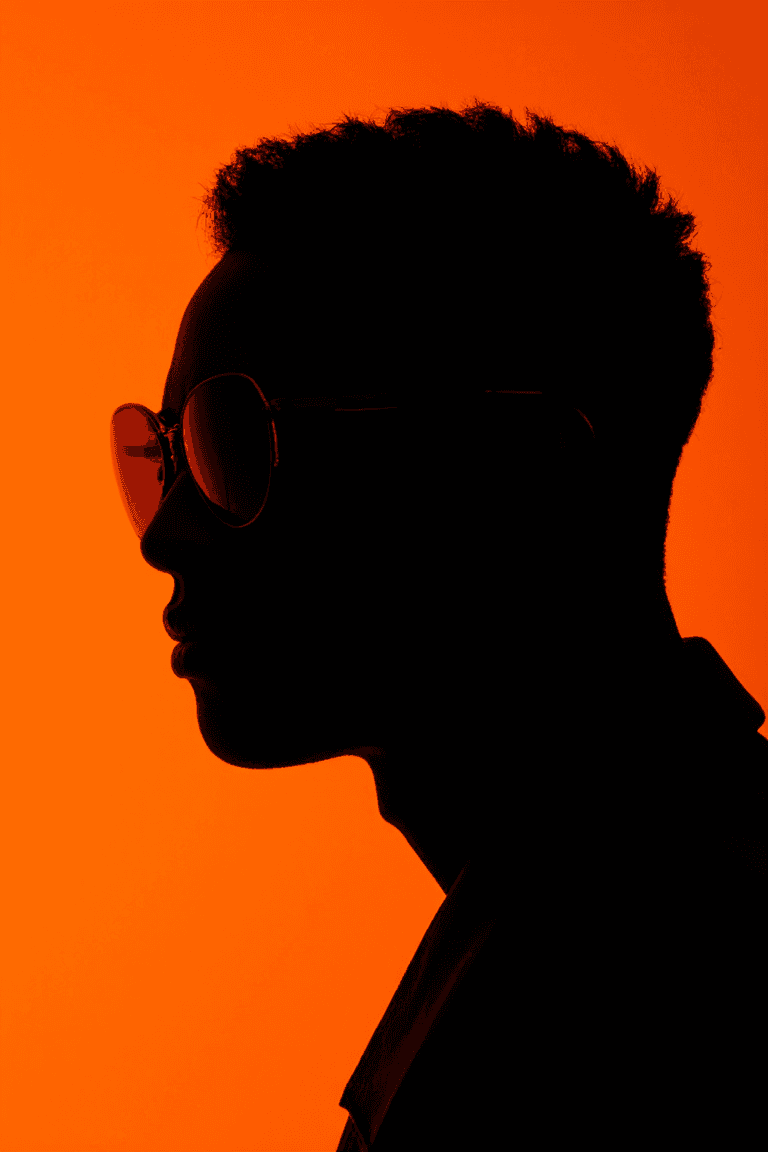
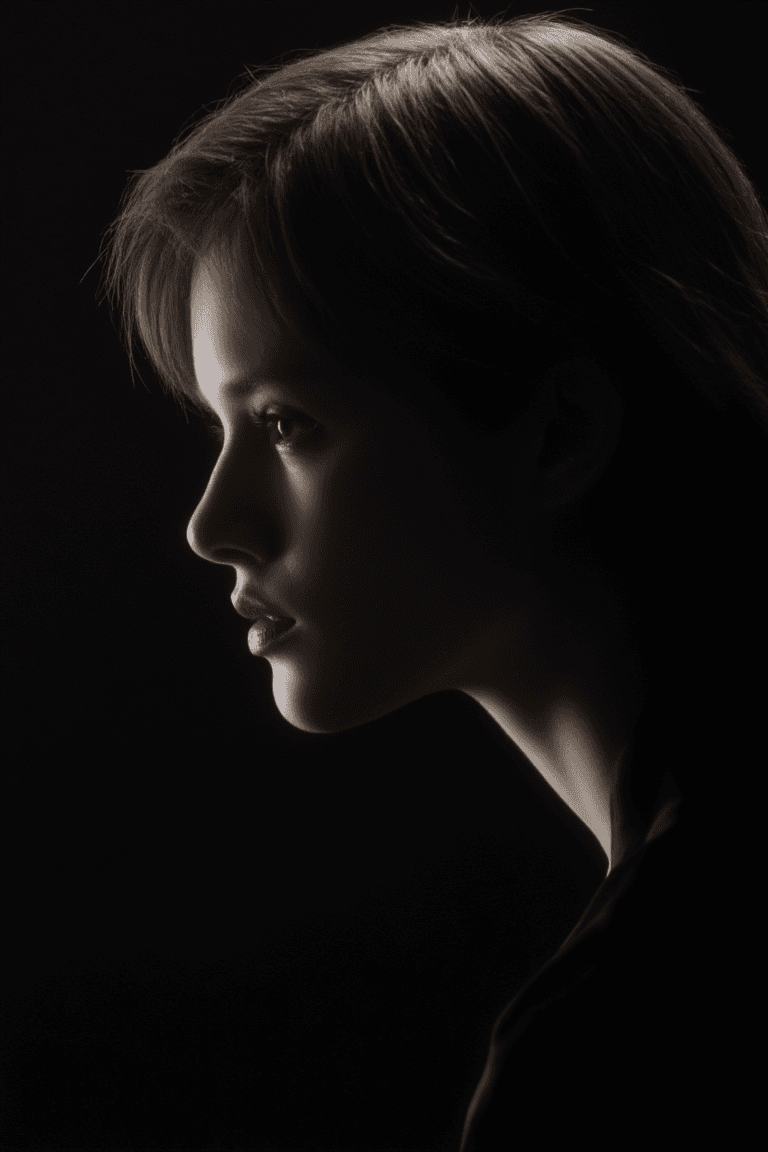
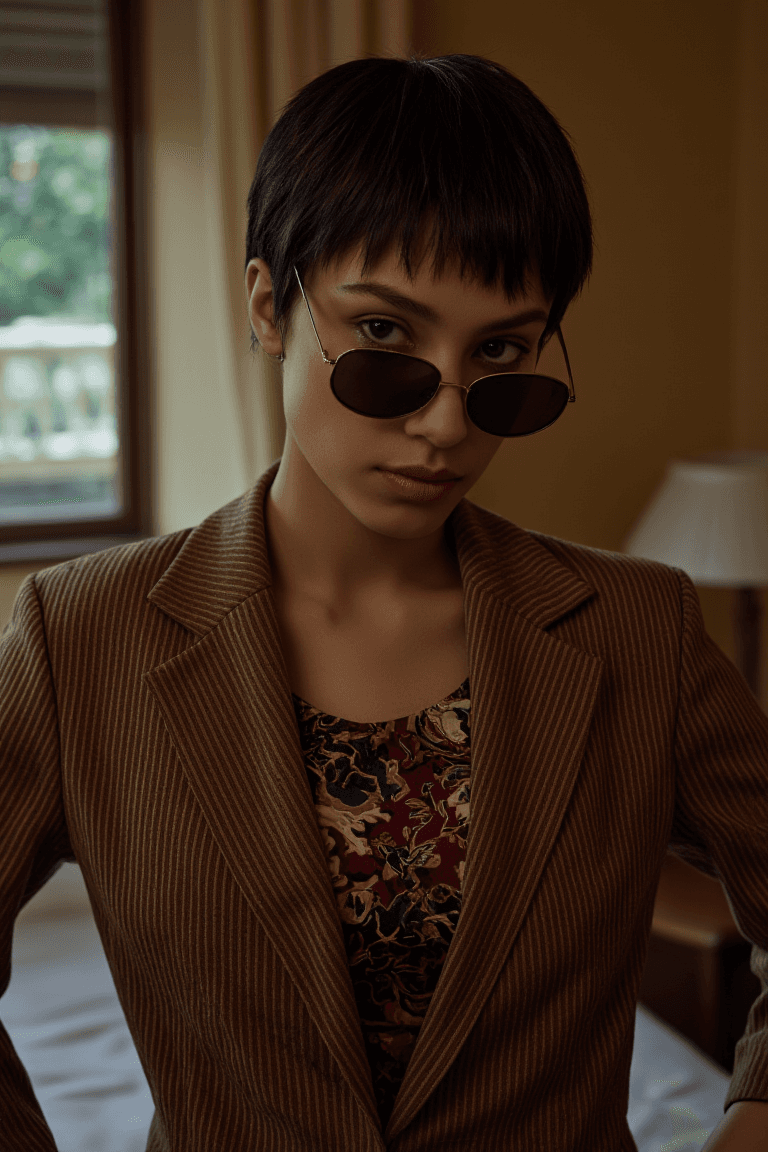
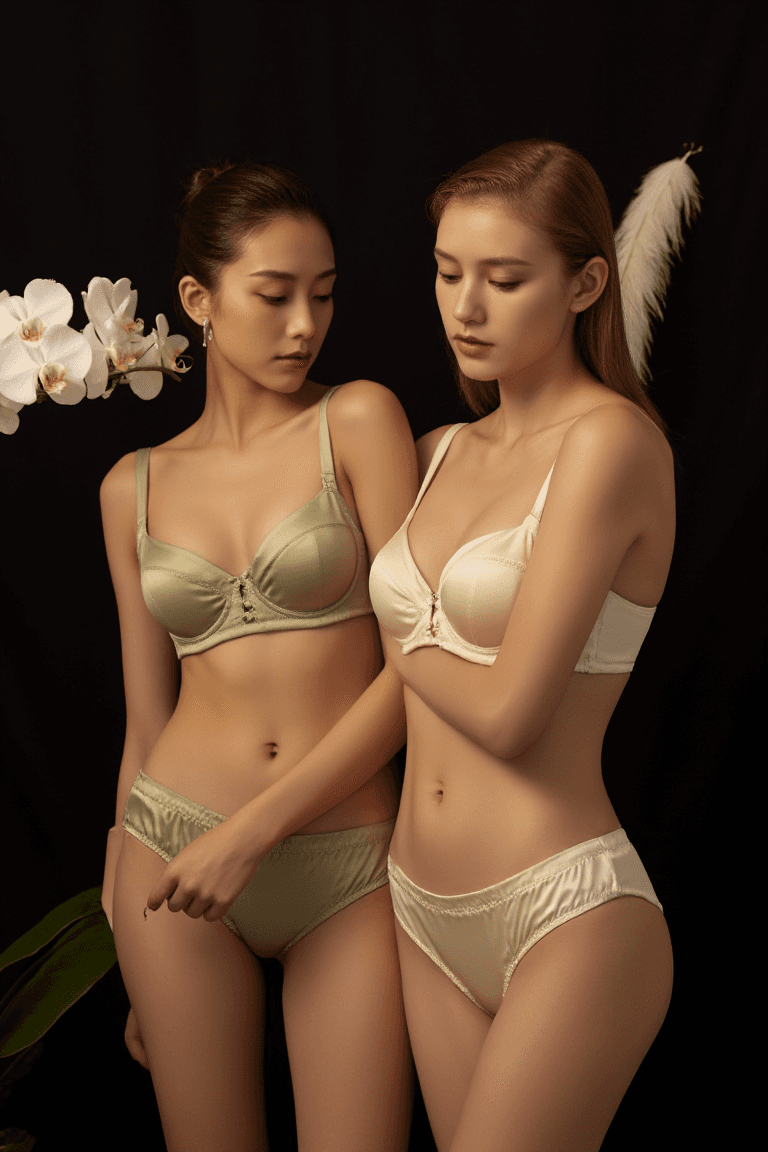
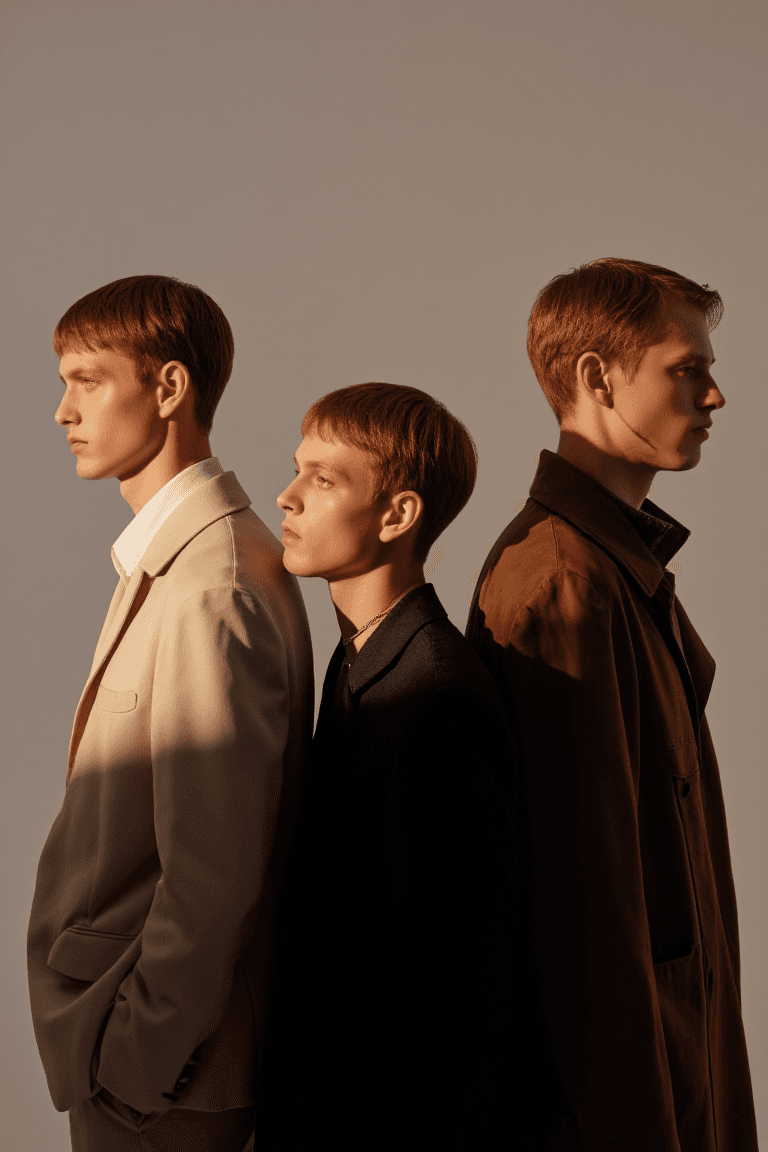
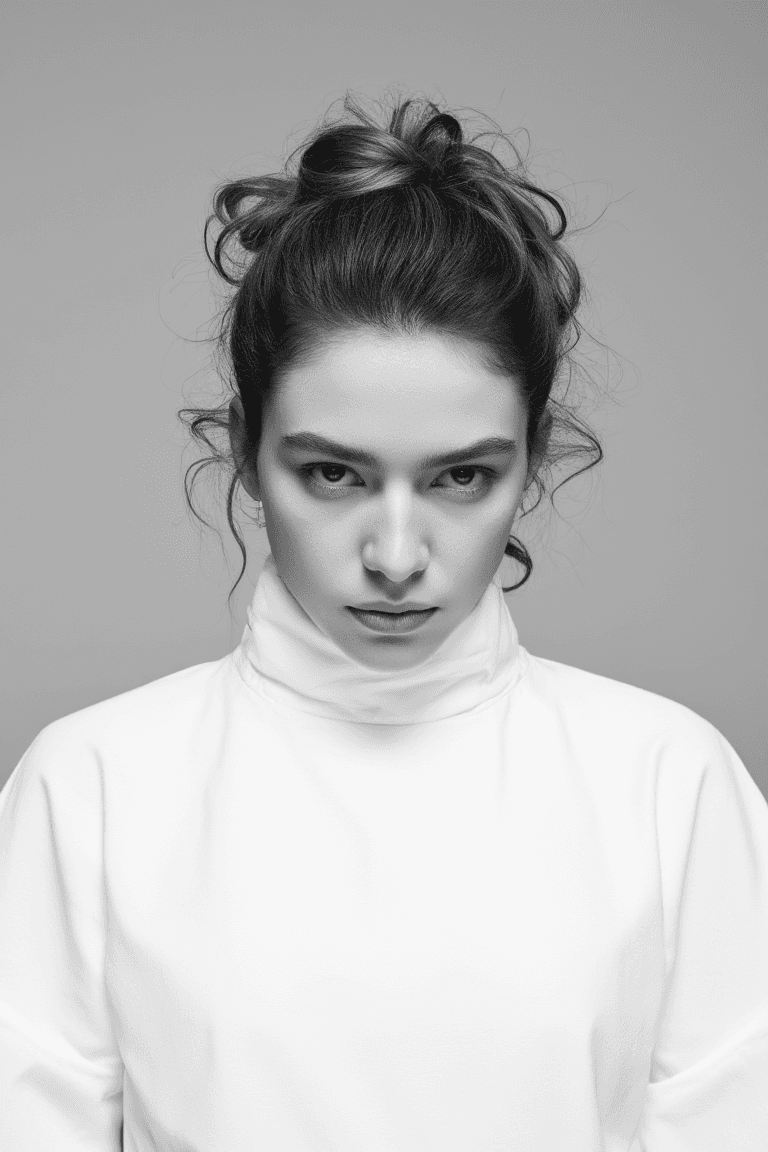
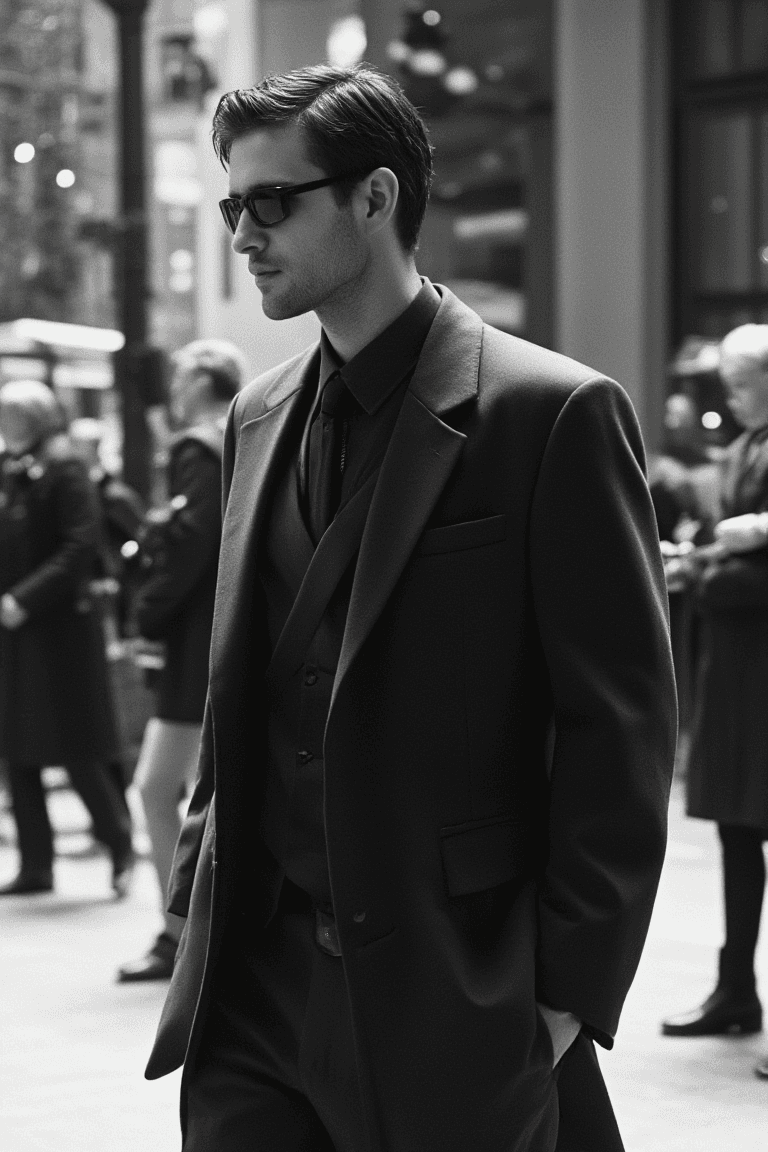
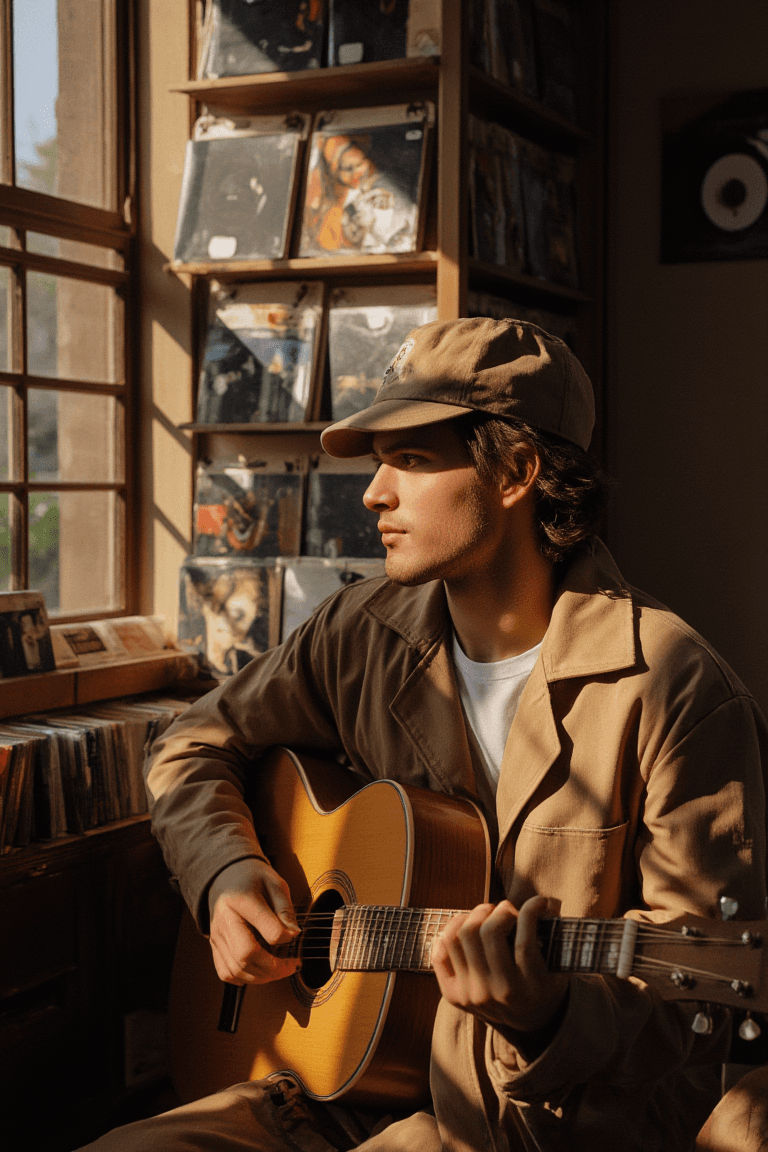
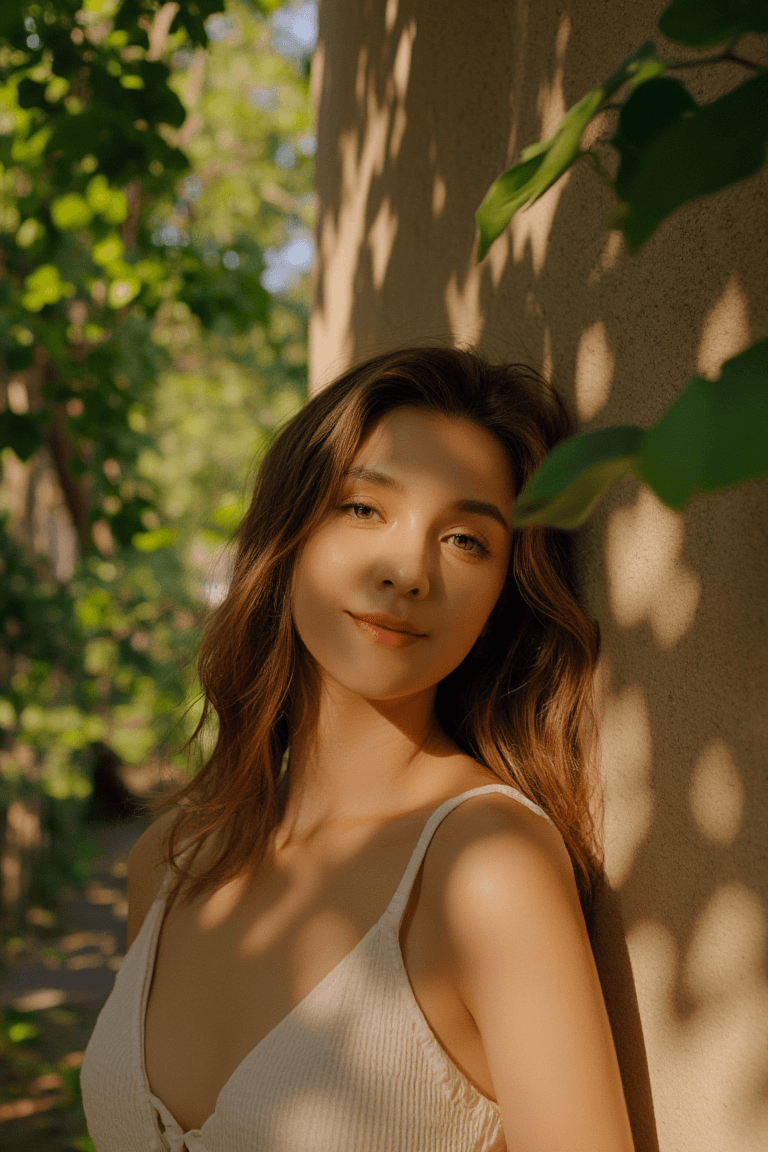
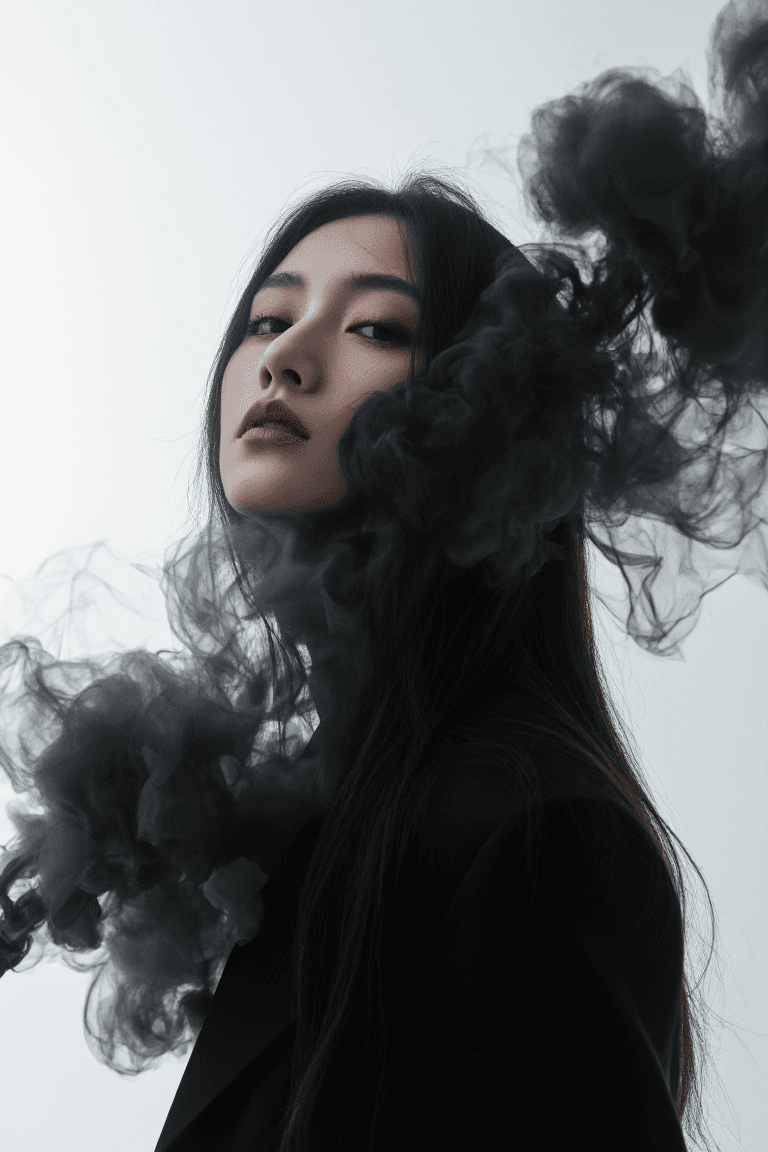
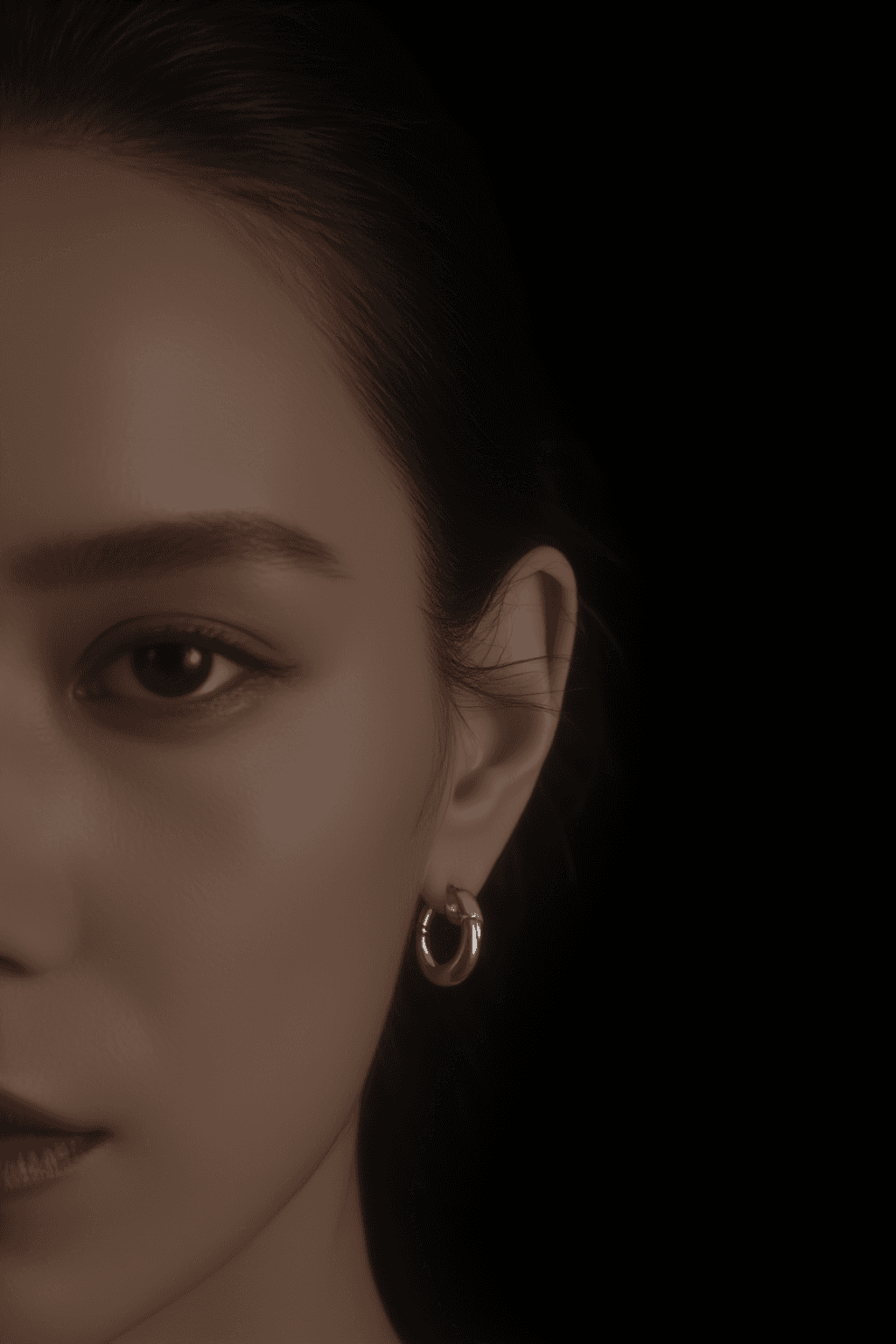
AWPortraitFL is a specialized LoRA (Low-Rank Adaptation) model meticulously fine-tuned on the advanced Flux architecture. It was developed using the AWPortraitXL1.1 training dataset, which comprises nearly 2000 high-aesthetic-quality fashion photography images. This model excels in generating realistic and aesthetically pleasing portraits, with a particular focus on fashion photography. Its key features include significantly enhanced compositional beauty and improved output details. Compared to the original Flux model, AWPortraitFL delivers a noticeably finer and more realistic rendition of skin texture, making it ideal for high-fidelity portraiture. It is versatile for various subjects, including male photography, female photography, and other general photography styles.
How to Use
To achieve the best results with AWPortraitFL LoRA, integrate it into your workflow with the following guidelines: * Trigger word: Begin your prompt with "photo,photography,realistic photo" to activate the model's specific style.
- Recommended settings: * Steps: 20 * CFG Scale: 3.5 * LoRA Weight: 0.9
- Tips: * For optimal output, ensure the LoRA weight is set to 0.9. * This model is designed to enhance realism and detail, particularly in skin texture. * You can compare its output with the original Flux model using the same prompts and seed to observe the distinct improvements in detail and skin rendering.
Example Prompts
N/A
FAQ
Q: What trigger word should I use?
A: Use "photo,photography,realistic photo" at the beginning of your prompt.
Q: What are the recommended settings?
A: Steps: 20, CFG: 3.5, Weight: 0.9
Q: What resolution works best?
A: For general use, 1024x1024 is a good starting point. For portrait-oriented images, consider using 1024x1536.