


Introduction
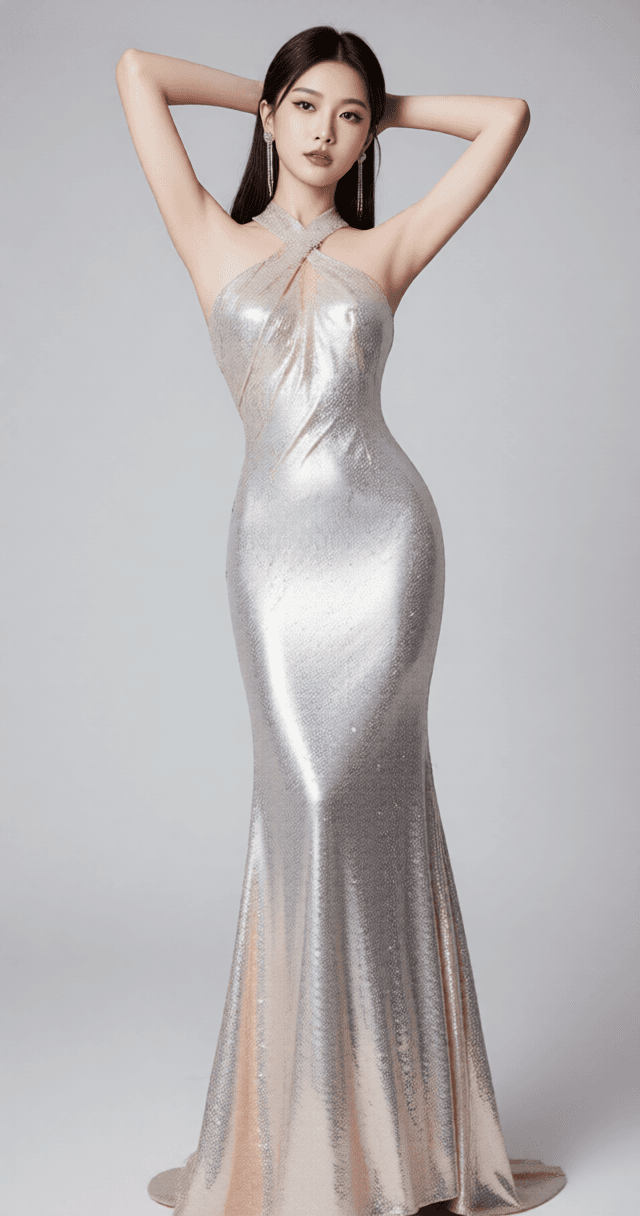
The Wan2.2 Image Upscaler is an advanced AI model designed for high-definition image enhancement. Its primary function is to intelligently enlarge images, with a particular focus on refining human portraits. This model excels at removing the artificial "AI look" often present in generated or upscaled images, instead adding natural skin texture and correcting minor blemishes. It offers a streamlined, one-click solution for achieving superior image quality.
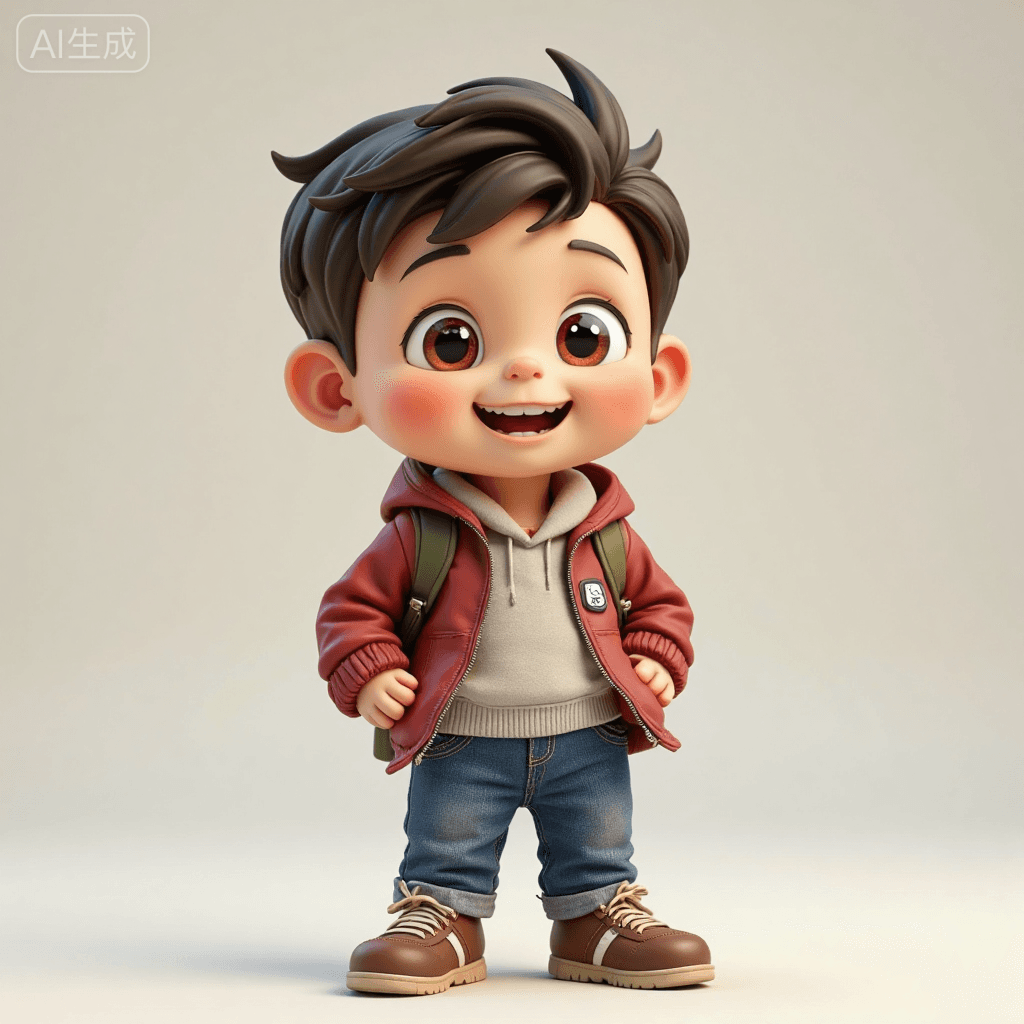
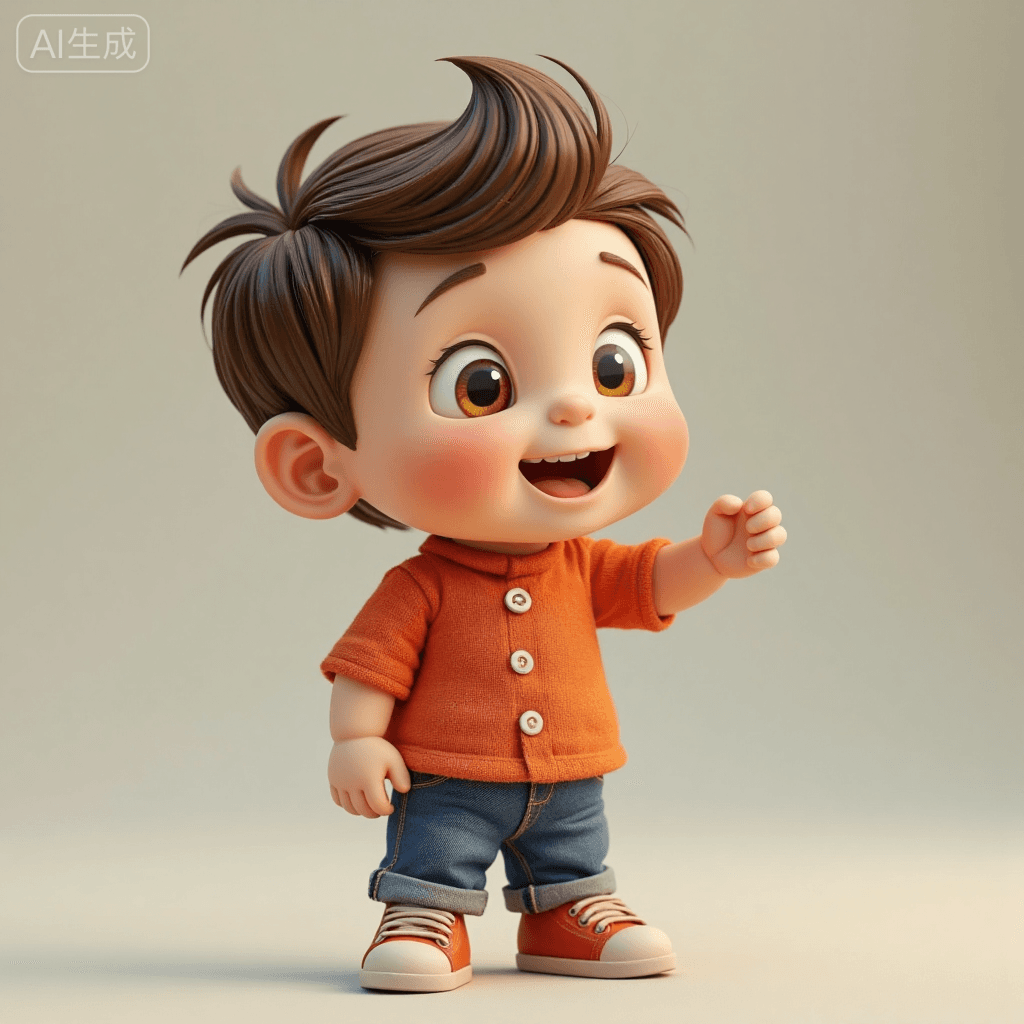
This model is ideal for generating realistic photography, cinematic visuals, and highly detailed, lifelike game characters. Its capabilities also extend to enhancing e-commerce product images, ensuring crisp and professional-grade visuals.
How to Use
Trigger Word
No specific trigger word is required to activate this model.
Recommended Settings
To achieve optimal results with the Wan2.2 Image Upscaler, we recommend the following settings:
- Steps: 20
- CFG Scale: 7
- Weight: 1
- Resolution: 1024x1500 (portrait) or 1500x1024 (landscape)
Tips from the Original Description
- Sampling Method: Euler is recommended for this model.
- Iteration Steps: While 20 steps are recommended, experimenting with 20-25 steps may yield slightly different results.
- CFG Scale: For certain artistic styles or specific image characteristics, a CFG value around 3.5 might be explored.
- LORA Weight: The LORA weight can be fine-tuned within the range of 0.8 to 1.0 to adjust the model's influence.
Example Prompts
No specific example prompts are provided for this model, as it primarily functions as an upscaler and enhancer for existing images rather than a text-to-image generator.
FAQ
Q: What trigger word should I use?
A: No trigger word is required.
Q: What are the recommended settings?
A: Steps: 20, CFG: 7, Weight: 1.
Q: What resolution works best?
A: For optimal results, use output dimensions of 1024x1500 for portrait images or 1500x1024 for landscape images.