
Introduction
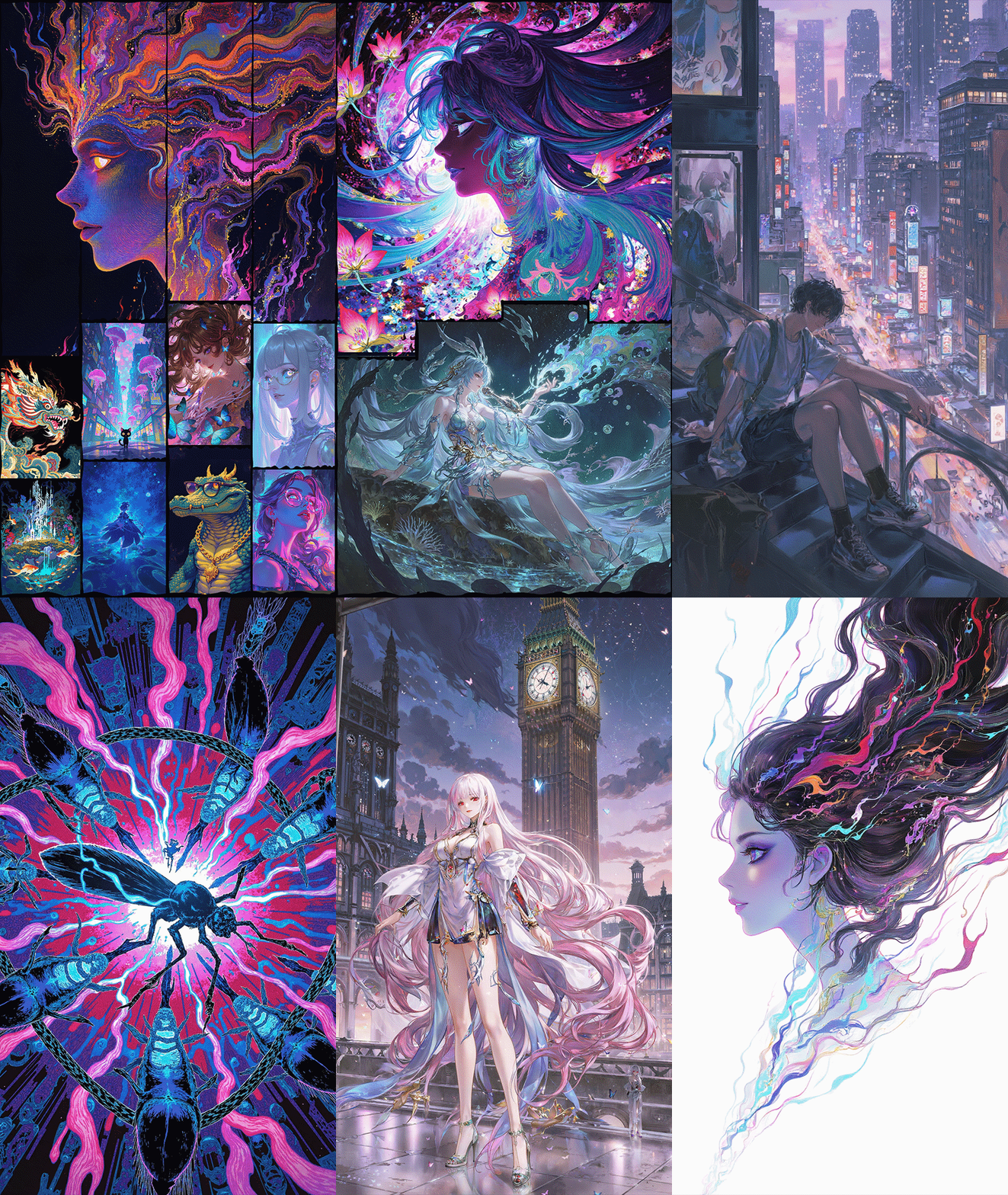
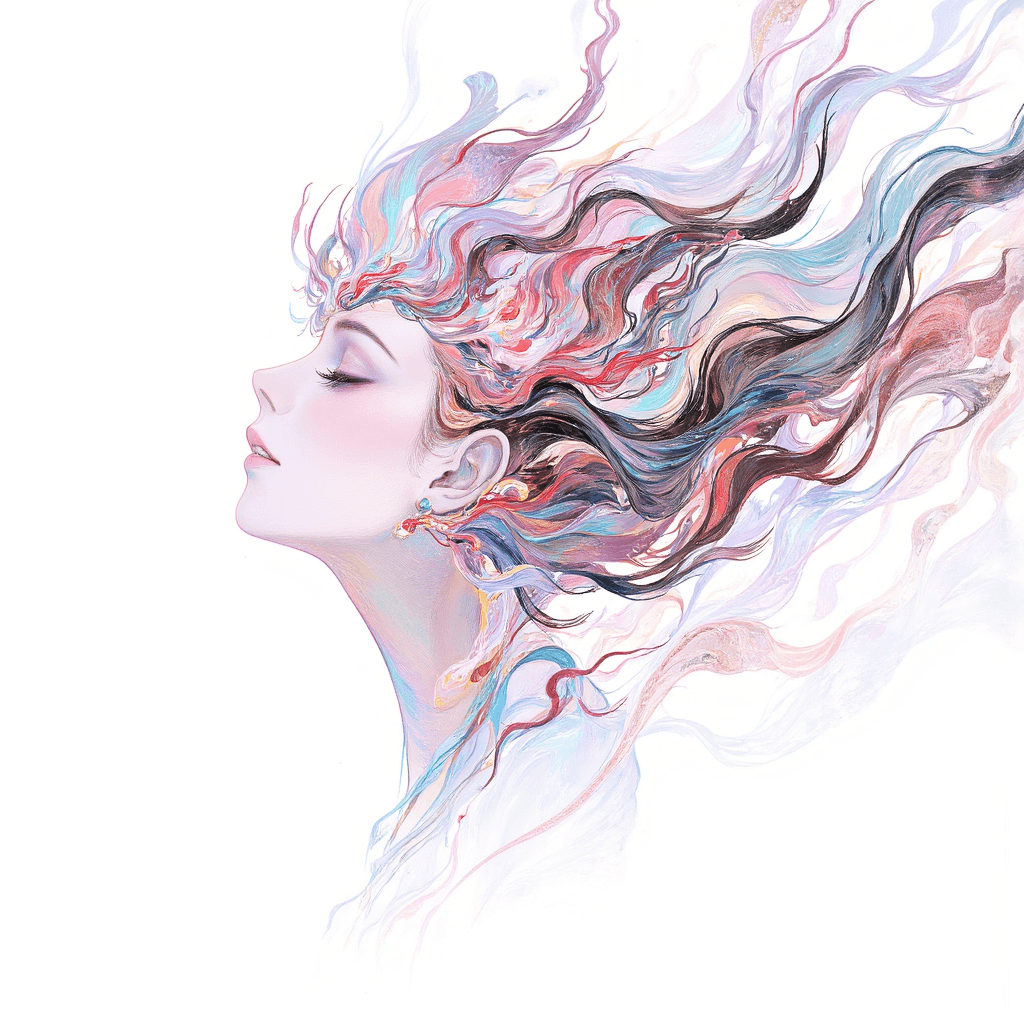
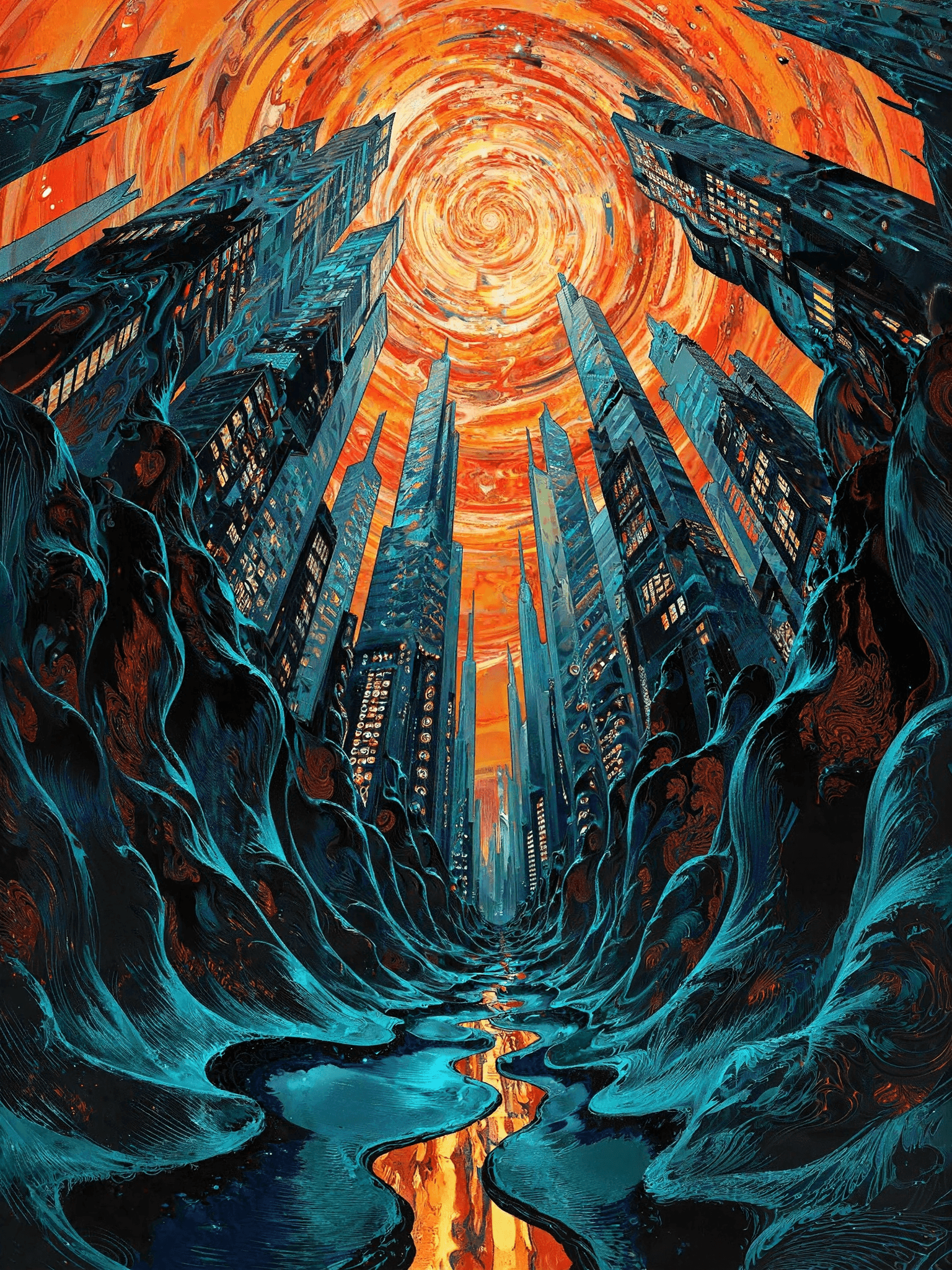
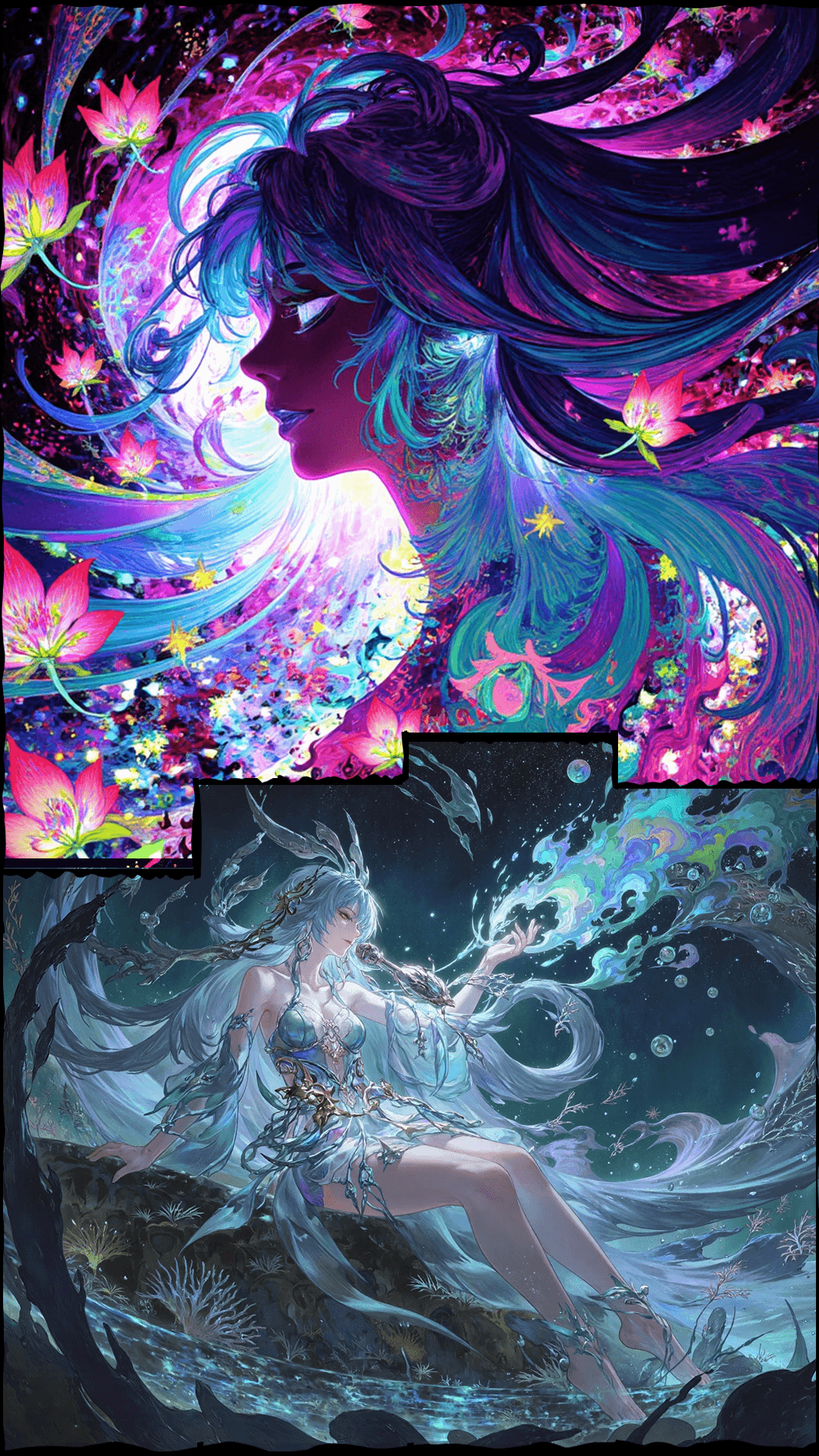
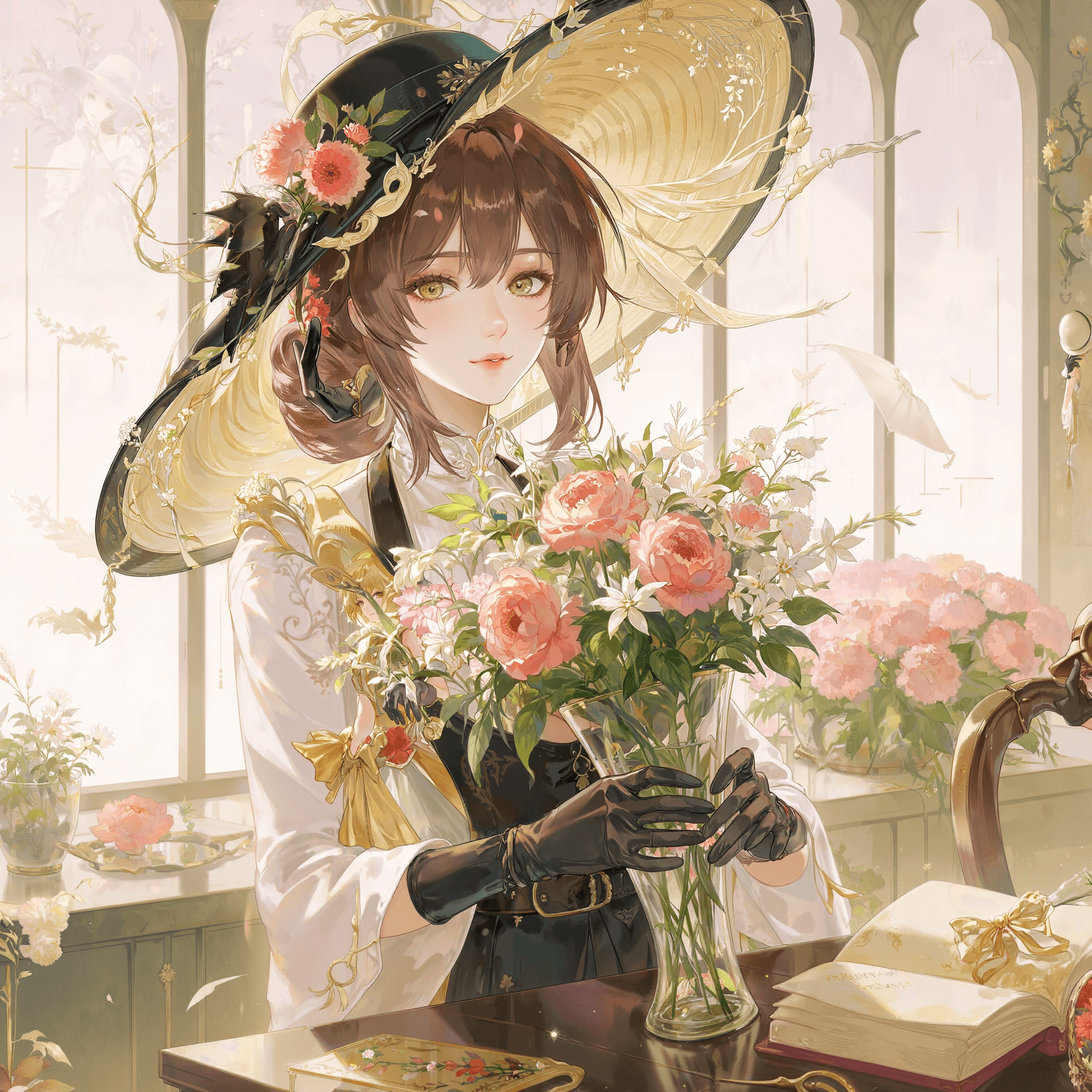
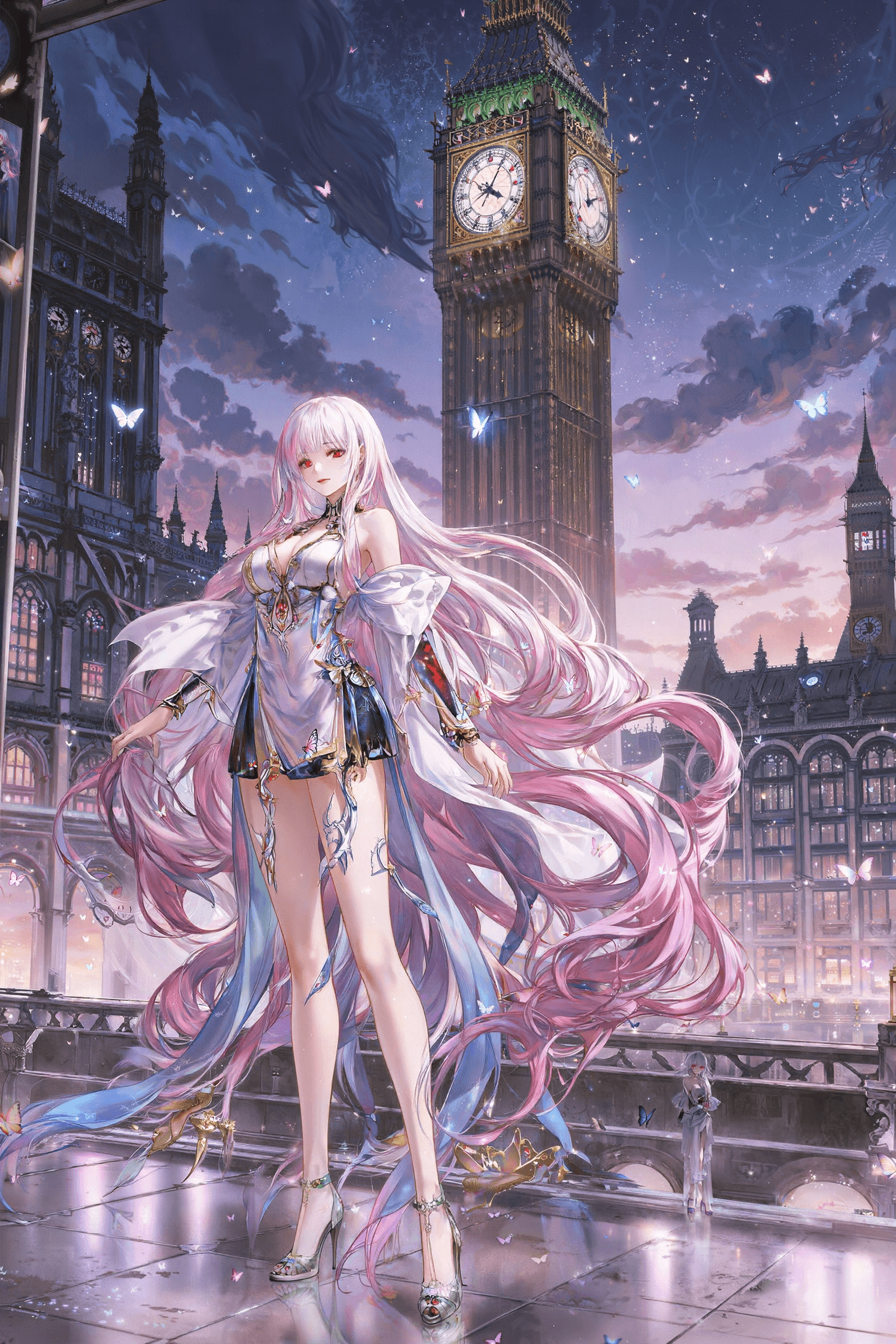
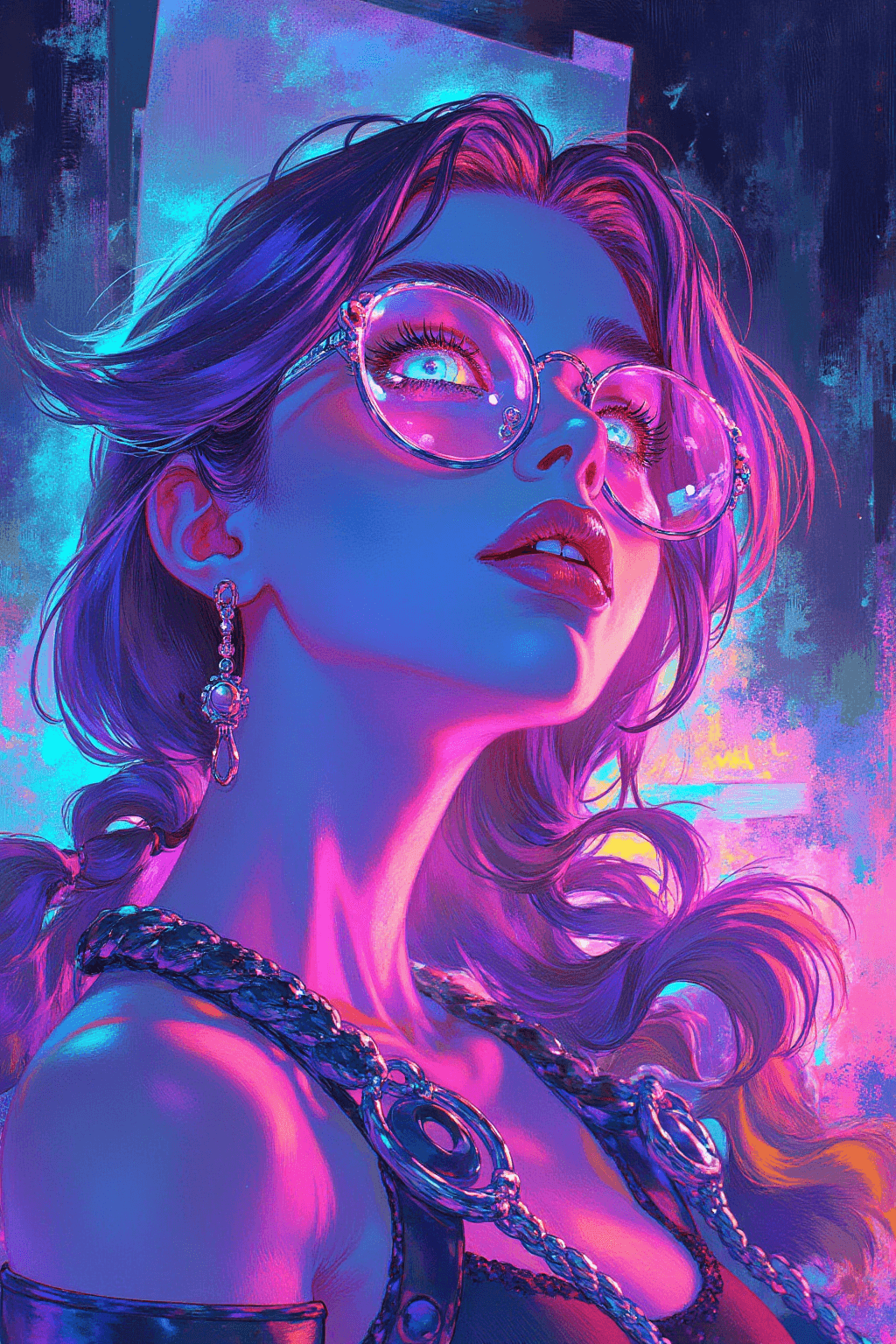
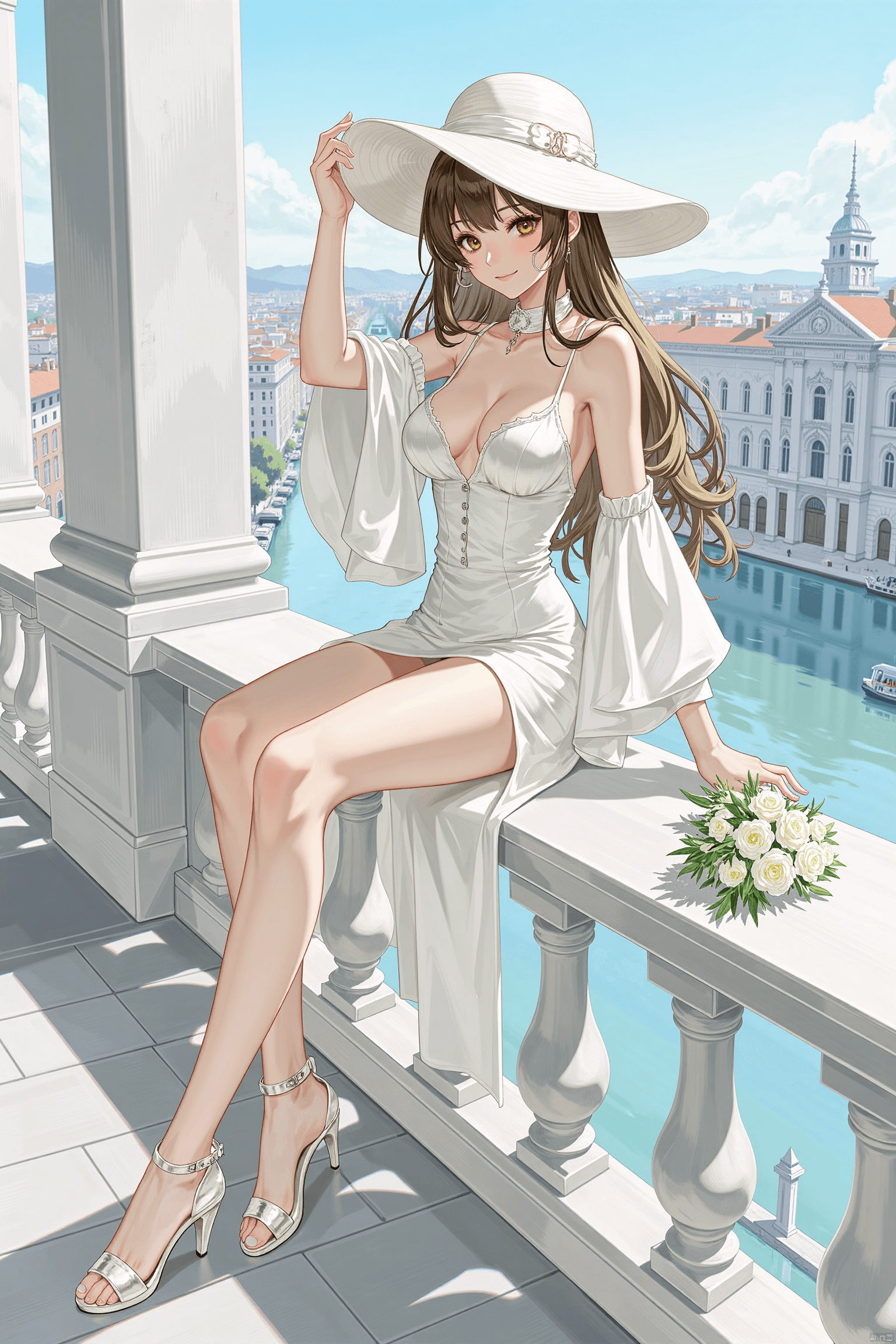
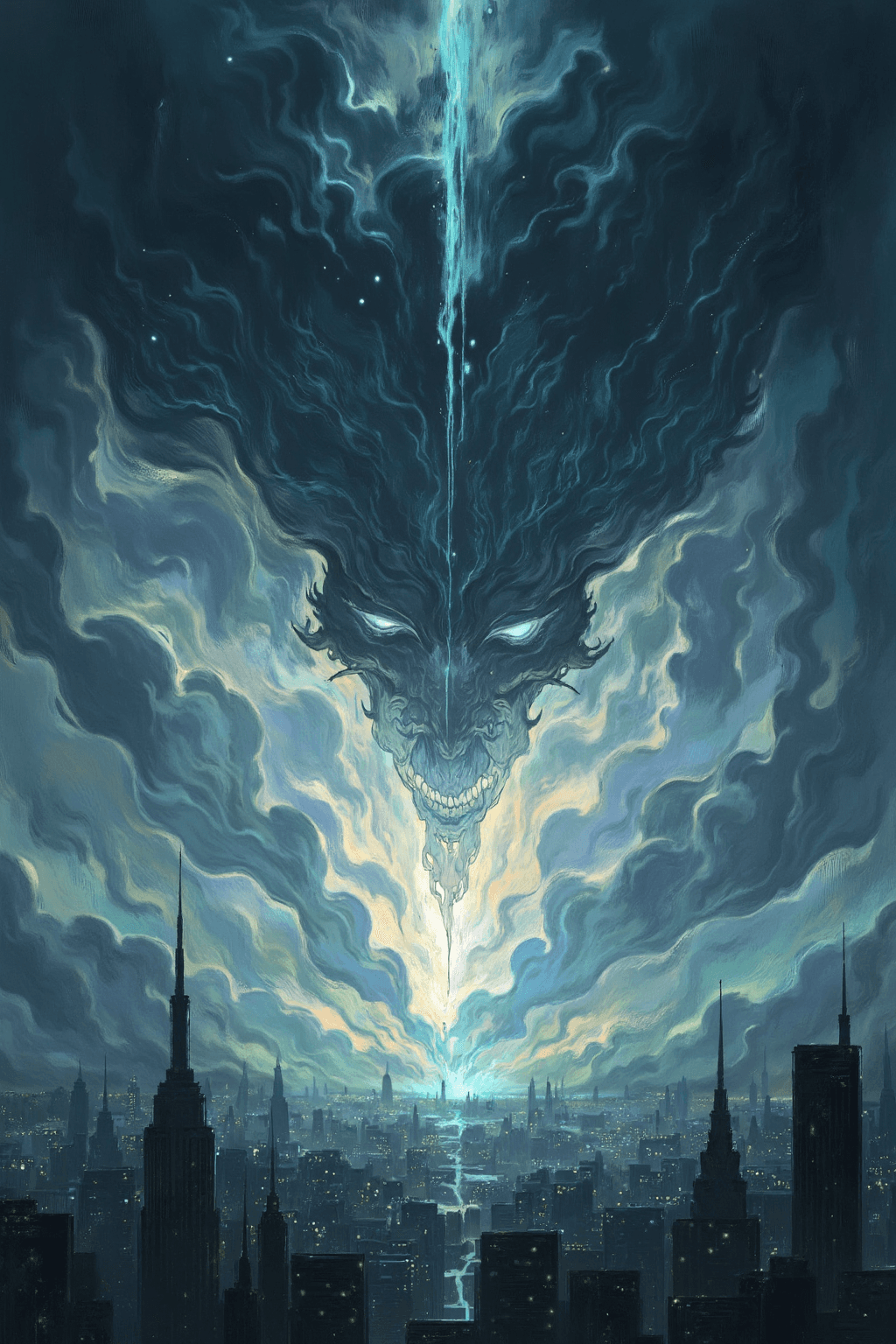
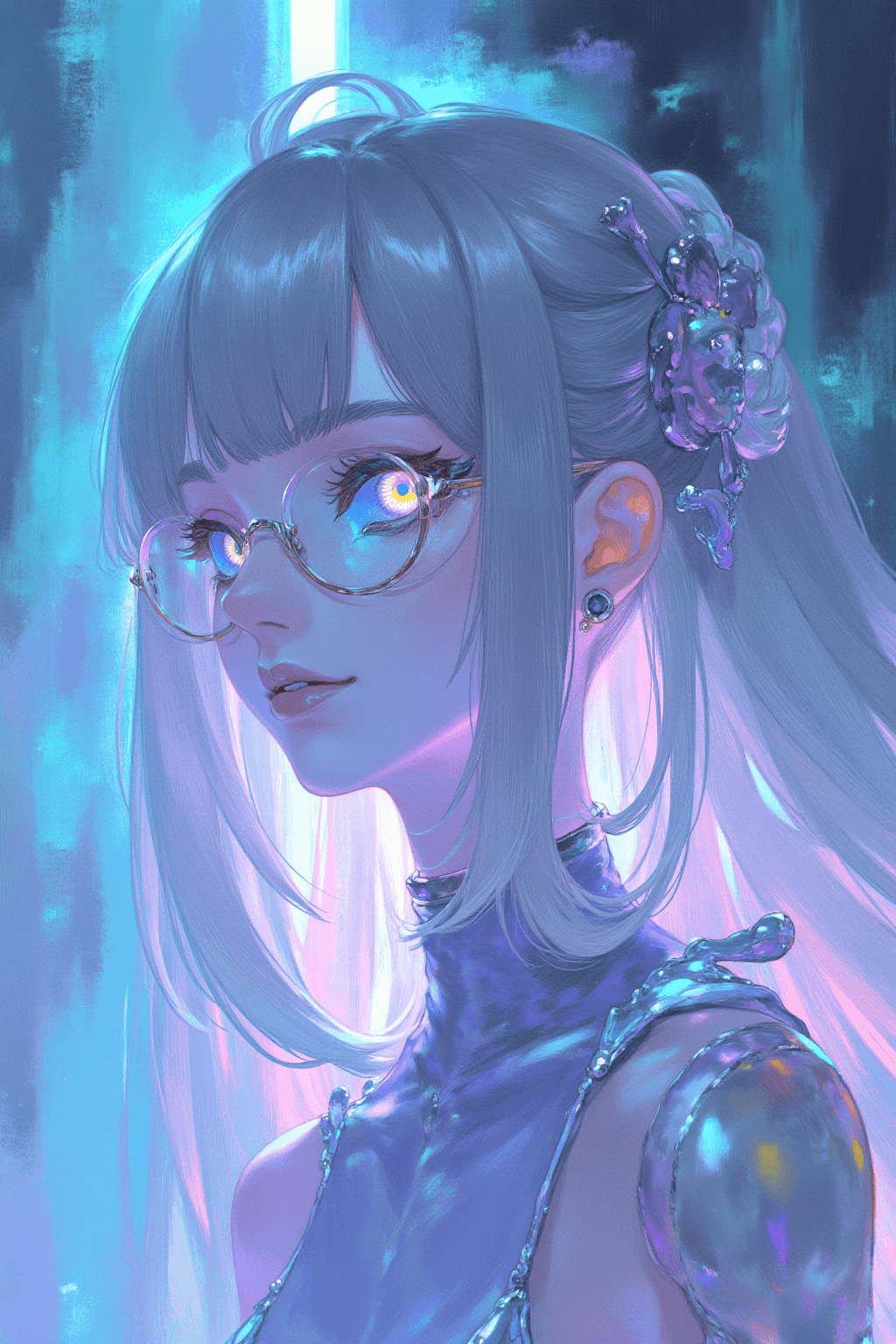
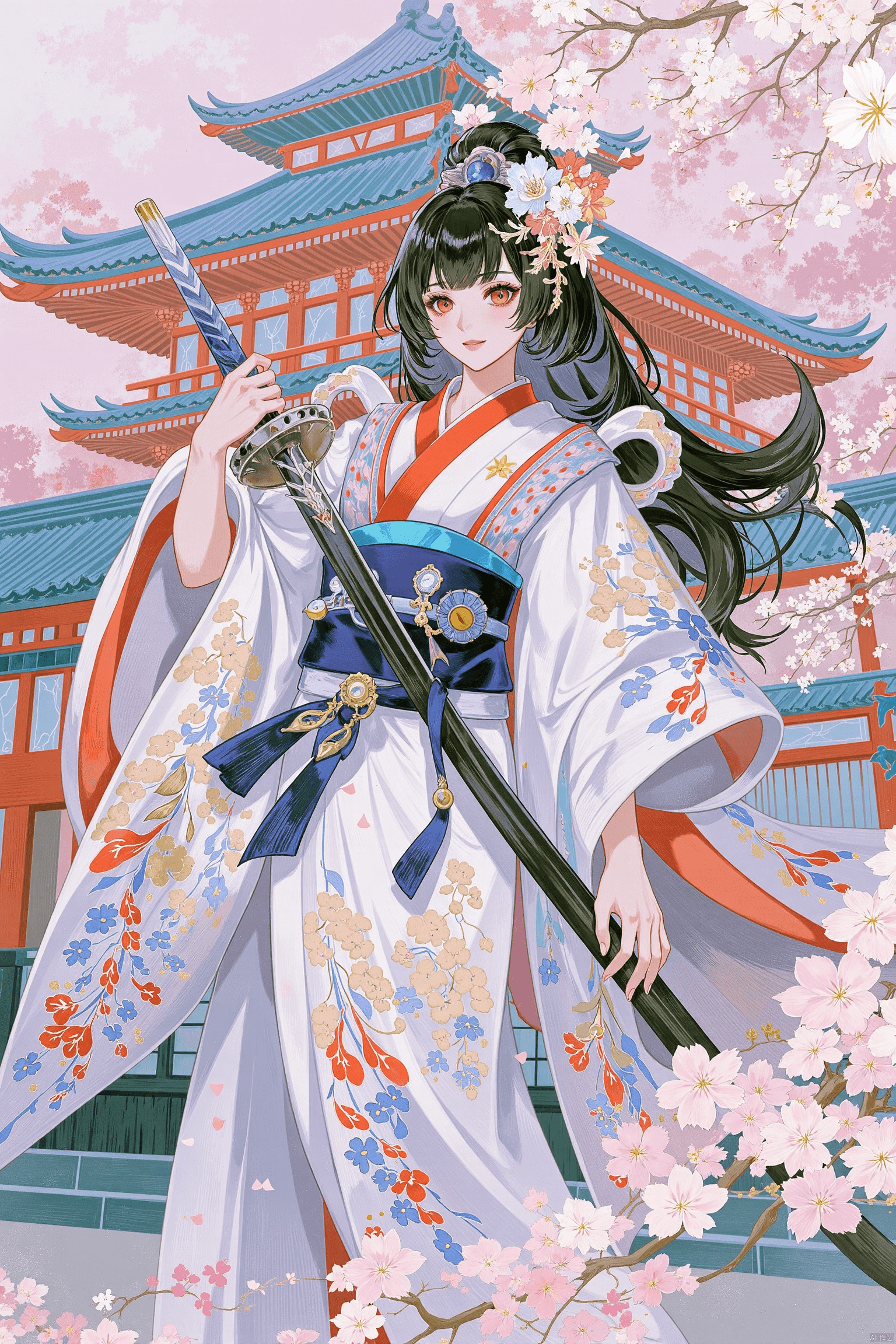
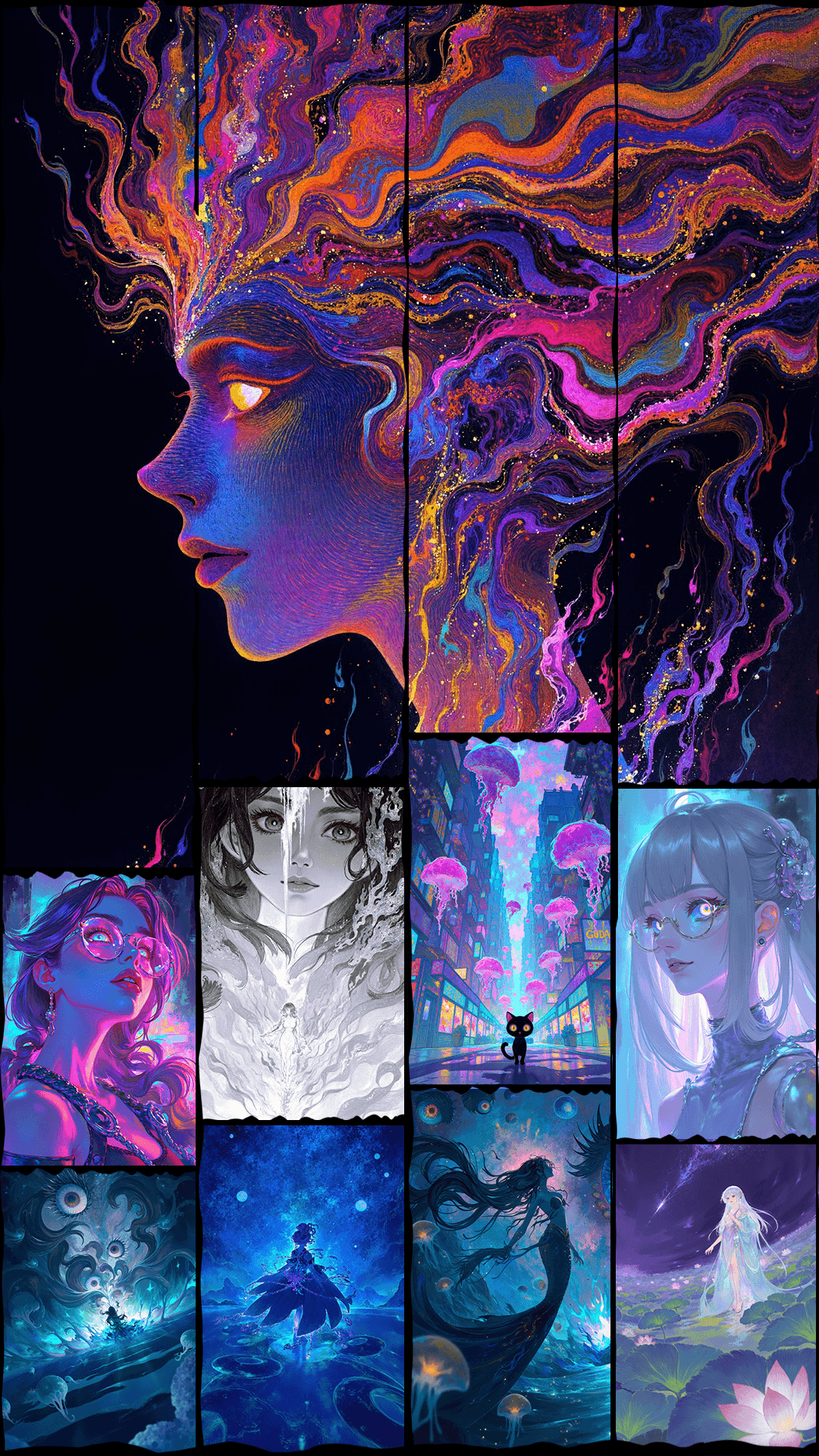
The AS | Digital Art LORA is a specialized model designed to transform your images into stunning digital art and illustration styles. It excels at creating visuals with rich brushwork, intricate layers, and an overall gorgeous aesthetic. This LORA is perfect for artists and creators looking to infuse their work with a distinct artistic flair, ranging from traditional illustration to more abstract and psychedelic themes.
Key Features:
- Artistic Brushwork: Generates images with a rich, textured brushwork feel, adding depth and visual appeal.
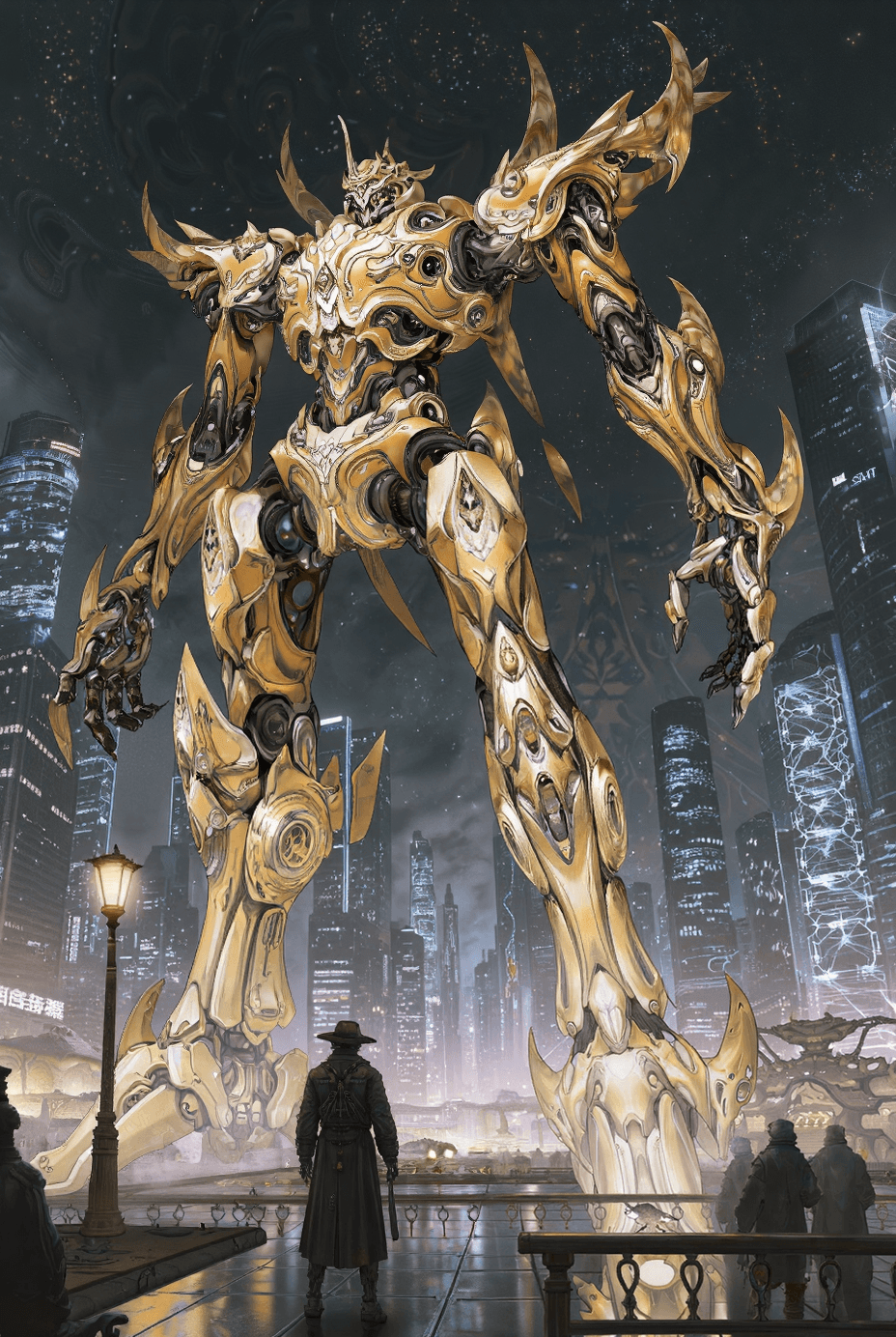
- Enhanced Composition: Tends to favor overall scene composition, increasing the prominence of environmental elements and reducing the focus on individual characters.
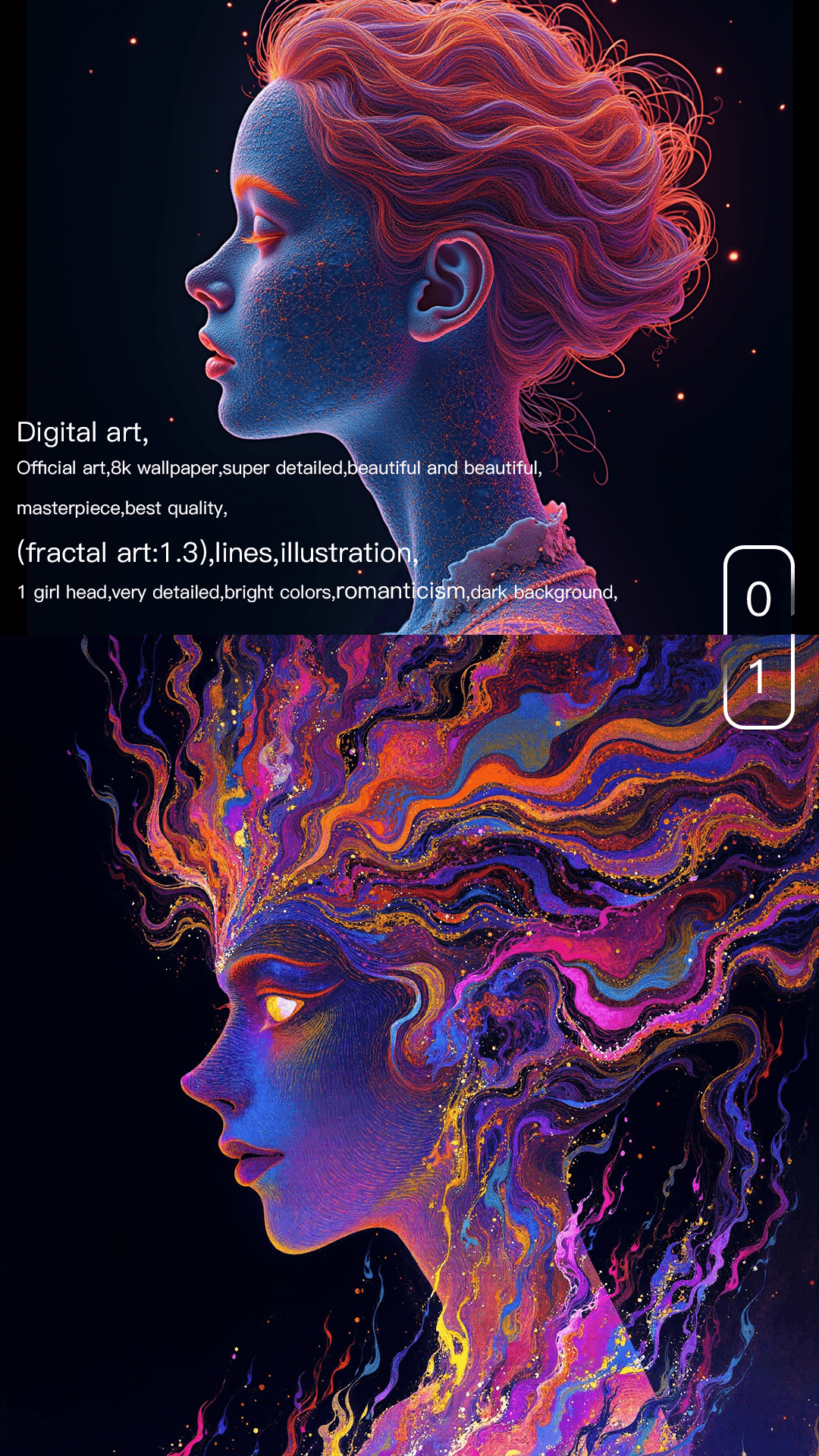
- Versatile Styles: Capable of producing various art styles, including illustration, psychedelic art, fractal art, and line art.
- Emotional & Thematic Control: Offers a wide array of tags to guide the mood (e.g., gorgeous, dreamlike, peaceful) and theme (e.g., flowers, water, stars) of your artwork.
Target Style/Aesthetic:
This LORA aims for a visually rich, layered, and highly aesthetic digital art style. It can produce vibrant, dreamlike, or intricate illustrations with a focus on artistic expression and compositional balance.
How to Use
To achieve the best results with the AS | Digital Art LORA, follow these guidelines:
Trigger Word:
- Use
Digital art,illustrationat the beginning of your positive prompt.
Recommended Settings:
- Steps: 20
- CFG Scale: 3.5
- LORA Weight: 0.9
Tips from the Creator:
- This LORA can be used effectively on its own or combined with other LORAs to blend styles.
- The model's composition tends to emphasize overall scenes and environmental elements, often reducing the prominence of characters.
- Expect rich brushwork that contributes to a gorgeous, layered, and visually appealing image.
- When generating characters: * Using
1girlas a main tag often results in 2D-style characters. * Usingwomenas a main tag often results in 3D-style characters. * Character anatomy can be a weak point; it is highly recommended to pair this LORA with a character-specific LORA or a character-focused base model for improved anatomical accuracy. - Useful Tags for Artistic Styles: *
Digital art, illustration, Psychedelic art, Fractal art, line art, chaos color - Useful Tags for Emotional Tones: *
Gorgeous, exquisite, luxurious*Deep, distant, dreamlike*Warm color, peaceful, gentle*Lively, joyful, colorful, flat color - Useful Tags for Themes: *
flowers theme, water theme, fire theme, star, floating
Example Prompts
Digital art, illustration, Fractal art, gorgeous, deep, distant, dreamlike, flowers theme, intricate details, vibrant colors, cinematic lighting
FAQ
Q: What trigger word should I use?
A: Use "Digital art,illustration" at the beginning of your prompt.
Q: What are the recommended settings?
A: Steps: 20, CFG: 3.5, Weight: 0.9
Q: What resolution works best?
A: For general use, 1024x1024 is a good starting point. For portrait images, consider 1024x1536.