

Unblur Image Online Free
Blurry photo from camera shake, compression, or bad focus? Upload it to this tool and unblur image detail in one click. AI rebuilds what blur destroyed. Free, online, no software needed.


Loved by 10,000+ creators
Klik untuk mengunggah atau seret dan lepas
JPG, PNG, WebP (maks 10MB)
Pemrosesan biasanya membutuhkan 30-90 detik tergantung ukuran gambar dan faktor pembesaran.
Sebelum & Sesudah
How to Unblur Image Files
Upload a blurry photo. The AI will unblur image detail and return a sharp result.
1. Upload Your Blurry Photo
JPG, PNG, or WebP up to 10MB. Drag it in or click to browse.
2. Pick Your Settings
Recovery V2 is selected by default — it works for most photos. Turn on face enhancement for portraits.
3. Wait for AI to Unblur Image
The AI rebuilds lost detail. Edges get sharper. Textures come back. Processing takes under a minute.
4. Download Your Clear Photo
Your photo is ready. One click to download the result. Use it for print, web, or social.
Jelajahi Lebih Banyak Alat AI
Jelajahi rangkaian lengkap alat kreatif bertenaga AI yang dirancang untuk meningkatkan alur kerja Anda.
Veo 3.1 Video
Google Veo 3.1 dengan audio asli dan fisika realistis untuk generasi video sinematik.
Seedance 1.5 Pro
ByteDance Seedance 1.5 Pro dengan generasi audio-video gabungan untuk hasil profesional.

Generator Gambar Nano Banana Pro
Pengeditan gambar berbasis teks tingkat lanjut dengan kemampuan AI yang ditingkatkan dan hasil tingkat profesional.

Generator Gambar Seedream 4.5
Generasi gambar profesional ultra-cepat dalam 1.8 detik dengan resolusi 4K.

Qwen Image 2512
Model MMDiT 20B dengan rendering teks dwibahasa terbaik di kelasnya untuk gambar AI yang menakjubkan.

GPT Image 2
Model gambar terbaru OpenAI. 13 rasio aspek, hingga 4 foto referensi, batch 1-4 sekali jalan.

Generator Z-Image
Pembuatan gambar super cepat dengan Z-Image AI dalam waktu kurang dari 1 detik.

Generator Musik AI
Buat musik dengan AI, sesuaikan gaya, dan hasilkan trek bebas royalti secara instan.
Why You Need to Unblur Image Files
Camera shake, low light, JPEG compression, cheap phone lenses. A sharpen filter won't cut it. To truly unblur image files you need AI that rebuilds what blur destroyed.
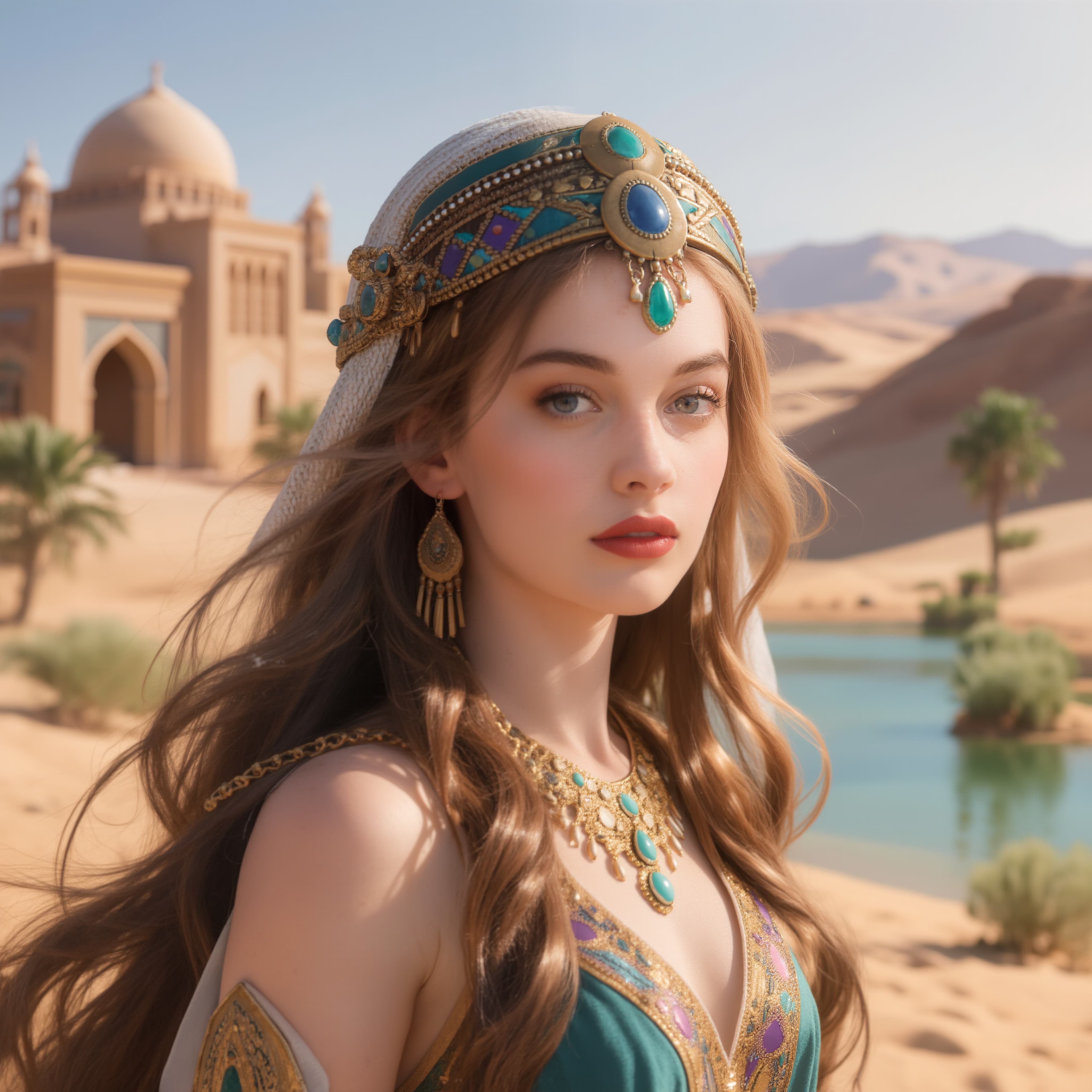
Every Blur Type Covered
Shaky hands, autofocus misses, WhatsApp compression — each blur type needs a different fix. This tool can unblur image files no matter what caused the damage.

Old Photos Deserve Better
Family photos from 2005. Scanned prints from the 90s. Zoom in and the blur ruins everything. Now you can unblur image files from any decade and bring back lost sharpness.
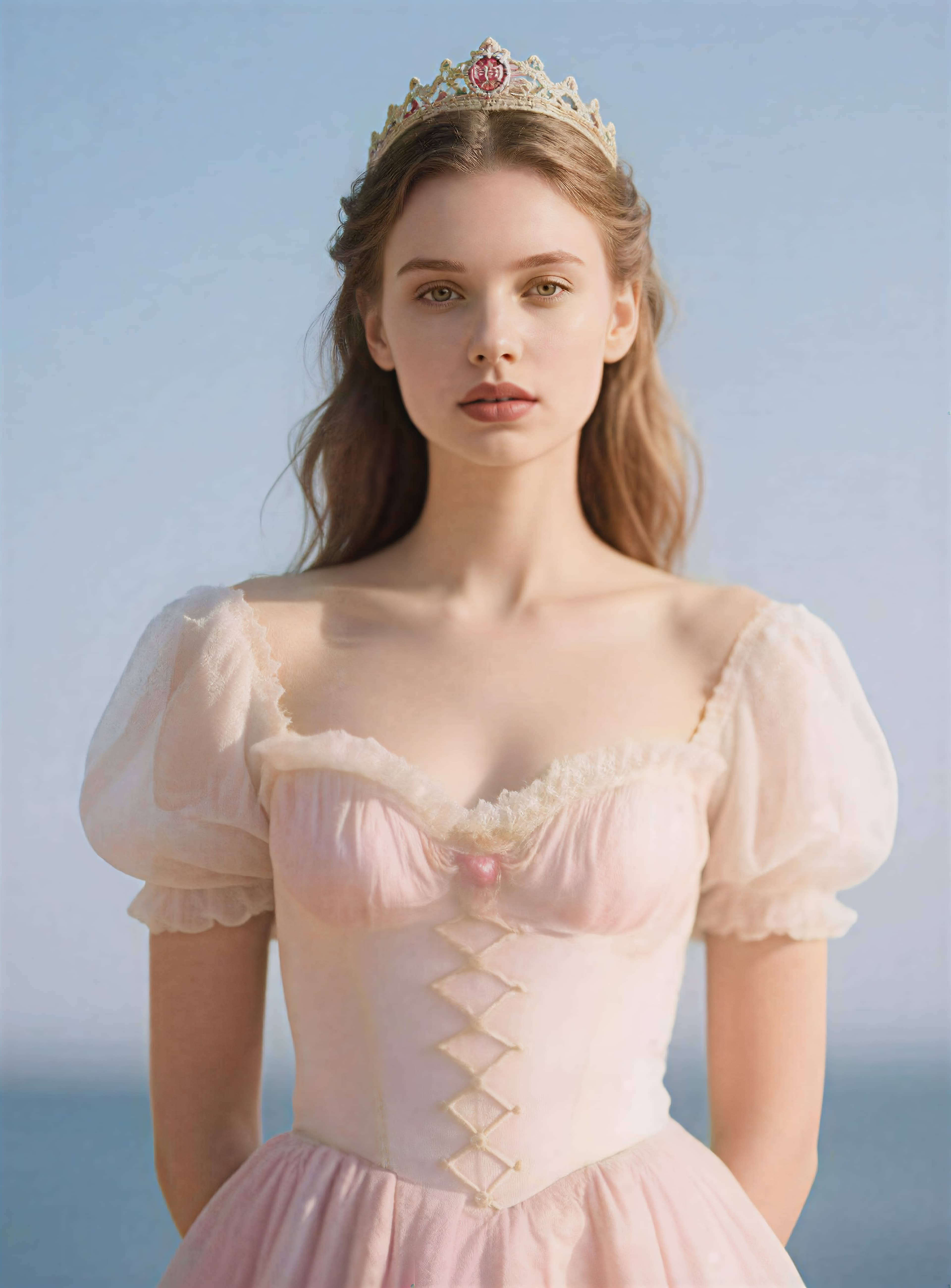
No Downloads. No GPU. Just Upload.
Desktop deblur software costs money and needs a fast GPU. This tool lets you unblur image files from any browser — phone, tablet, or laptop.
Unblur Image Features
Not just sharpening. When you unblur image files here, the AI rebuilds real detail that standard filters cannot recover.
Real Detail Recovery
Standard sharpen filters increase contrast at edges. That's it. When you unblur image files with AI, the tool rebuilds actual texture and recovers what compression took away.
Unblur Image Portraits
Faces get special treatment. Eyes, skin, and hair come through sharp and natural. The best way to unblur image files that contain portraits or group photos.
Any Blur Type
Motion blur, Gaussian blur, compression blur, focus blur. You can unblur image files regardless of what caused the damage.
Unblur Image on Any Device
Mac, Windows, iPhone, Android. Open your browser, upload a blurry photo, and unblur image files without installing anything.
JPG, PNG, WebP Support
All common formats up to 10MB. Unblur image files in any format and download the result in the same format.
Free Credits on Signup
1 credit to unblur image files. New accounts get free credits — no credit card needed.
Unblur Image FAQ
Quick answers about how to unblur image files online.
Can I unblur image files for free?
Yes. New accounts get free credits to unblur image files. No credit card required. Each photo costs 1 credit.
What types of blur can it fix?
Motion blur, focus blur, compression blur, and softness. The AI detects the type and applies the right method to unblur image detail.
Can I unblur image files from my phone?
Yes. Upload from any phone browser. Works on blurry shots from low light, shaky hands, or cheap lenses. You can unblur image files directly on mobile.
How is this different from a sharpen filter?
Sharpen filters boost edge contrast. This AI can actually unblur image textures and patterns that sharpening cannot restore.
Does it unblur image portraits well?
Yes. Face recovery gives special attention to eyes, skin texture, and hair. The best way to unblur image files with people in them.
What formats does it accept?
JPG, PNG, and WebP up to 10MB. Your result downloads in the same format.
How long does it take to unblur image files?
Under a minute for most photos. Cloud GPUs handle the processing — your device doesn't matter.
Can I use the results commercially?
Yes. Every photo you unblur image is yours. Use it for e-commerce, social media, print, or any purpose.