

Hasilkan Dataset LoRA Secara Instan dari Satu Gambar dalam Hitungan Detik
Ubah satu gambar menjadi dataset LoRA profesional dalam hitungan detik. AI canggih kami secara otomatis membuat banyak variasi, menghasilkan caption yang akurat, dan memformat semuanya untuk pelatihan LoRA — tanpa perlu pekerjaan manual.


Loved by 10,000+ creators
LoRA Dataset Generator
Cost: 80 credits
1-10 concurrent
Dataset
0 pairs generated
No images generated yet
Configure settings and click Start to begin
How to Create Professional LoRA Training Datasets
Follow this research-backed guide to create high-quality LoRA training datasets using our LoRA dataset generator. Industry best practices show 20-40 images with controlled diversity achieve optimal LoRA model performance. Learn dataset composition, resolution requirements, and caption optimization for superior LoRA training results with our professional LoRA dataset generator.
1.1. Choose Mode and Define Your Theme
Choose the right mode in our LoRA dataset generator, then define a clear theme for the dataset: • Pair Mode: Generates START→END image pairs for transformation LoRAs (great for Flux 2 and Qwen Image Edit training). • Single Mode: Creates 20-40 consistent images for style/aesthetic LoRAs (ideal for Z-Image training). • Reference Mode: Uploads one base image and generates 15-30 variations for character LoRAs while maintaining identity. Be specific about subject type, visual style, composition preferences, and key elements—clear intent improves consistency across the whole dataset.
- •Pair Mode: Research shows transformation pairs teach specific actions more effectively
- •Single Mode: Studies indicate 25-40 images optimal for style consistency training
- •Reference Mode: Maintains subject identity across diverse backgrounds and poses
- •Be specific: 'professional studio portraits with soft lighting' vs 'portraits'
2.2. Configure Parameters and Captions (Optional)
Set optimal generation parameters: image count (typically 20-40), parallel processing (1-10 concurrent tasks), aspect ratio, and resolution (1024x1024 is the modern minimum standard). Add prompts and negative prompts to control variation. Optionally enable AI captions and add trigger words, action names, or style descriptors so your dataset is training-ready without manual labeling.
- •Research shows 20-40 images optimal for most LoRA training datasets
- •1024x1024 resolution: industry standard for Flux LoRA and Stable Diffusion
- •Parallel processing speeds up dataset generation significantly
- •Trigger words make LoRA activation easier during inference
3.3. Generate and Monitor Progress
Start generation and monitor progress in the dashboard. Track current task status, completion percentage, and logs while images are created in parallel and captions are assigned automatically. Stop anytime and download a partial dataset to test quickly.
- •Typical LoRA dataset: 20 images complete in ~2-3 minutes
- •Monitor logs for quality issues in your training dataset
- •Stop anytime and download partial LoRA datasets for testing
4.4. Download, Verify, and Start Training
⚠️ CRITICAL: Download your dataset ZIP immediately after generation completes. Output formats: • Pair Mode: 0001_start.png + 0001_end.png + 0001.txt • Single/Reference Modes: 0001.png + 0001.txt Verify images meet your chosen resolution (1024x1024 recommended). The dataset works with Flux 2, Z-Image, Qwen Image Edit, SDXL, Kohya-SS, and Auto1111—upload it to our LoRA Trainer to start training your custom model.
- •Download immediately - LoRA datasets not stored permanently on servers
- •Extract ZIP to verify all images meet 1024x1024 standard
- •LoRA dataset generator output: universal format for all major platforms
Praktik Terbaik untuk Dataset Berkualitas Tinggi
Kualitas lebih penting daripada kuantitas: 20-40 gambar berkualitas tinggi mengalahkan 100 yang tidak konsisten
Variasi adalah kunci: Sertakan sudut yang berbeda, pencahayaan, dan latar belakang
Resolusi yang konsisten: Targetkan minimal 1024x1024 untuk hasil terbaik
Caption yang akurat: Deskripsi yang jelas membantu LoRA belajar secara efektif
Hindari overfitting: Jangan gunakan terlalu banyak gambar yang mirip
Tes lebih awal: Mulai dengan 15-20 gambar, lalu perluas jika diperlukan
Siap Melatih LoRA Anda?
Setelah Anda mengunduh file ZIP dataset, kunjungi LoRA Trainer kami untuk mengunggah gambar Anda dan mulai melatih model kustom Anda. Proses pelatihan sepenuhnya otomatis dan memakan waktu sekitar 20-30 menit.
Mulai Pelatihan Sekarang💡 Tip Pro: Simpan file ZIP dataset Anda — Anda dapat menggunakannya kembali kapan saja atau membuat penyesuaian sebelum pelatihan lagi.
Jelajahi Lebih Banyak Alat AI
Jelajahi rangkaian lengkap alat kreatif bertenaga AI yang dirancang untuk meningkatkan alur kerja Anda.
Veo 3.1 Video
Google Veo 3.1 dengan audio asli dan fisika realistis untuk generasi video sinematik.
Seedance 1.5 Pro
ByteDance Seedance 1.5 Pro dengan generasi audio-video gabungan untuk hasil profesional.

Generator Gambar Nano Banana Pro
Pengeditan gambar berbasis teks tingkat lanjut dengan kemampuan AI yang ditingkatkan dan hasil tingkat profesional.

Generator Gambar Seedream 4.5
Generasi gambar profesional ultra-cepat dalam 1.8 detik dengan resolusi 4K.

Qwen Image 2512
Model MMDiT 20B dengan rendering teks dwibahasa terbaik di kelasnya untuk gambar AI yang menakjubkan.

GPT Image 2
Model gambar terbaru OpenAI. 13 rasio aspek, hingga 4 foto referensi, batch 1-4 sekali jalan.

Generator Z-Image
Pembuatan gambar super cepat dengan Z-Image AI dalam waktu kurang dari 1 detik.

Generator Musik AI
Buat musik dengan AI, sesuaikan gaya, dan hasilkan trek bebas royalti secara instan.
Why Professional LoRA Dataset Generator Matters
Modern LoRA training requires high-quality datasets. Research shows 25 well-curated images outperform 75 inconsistent ones. Our LoRA dataset generator streamlines dataset creation with automated AI captioning (80% accuracy rate), 1024x1024 resolution support, and batch processing. Create production-ready LoRA training datasets for Flux, Stable Diffusion, and custom models in minutes using our professional LoRA dataset generator.

Three Generation Modes for Every LoRA Dataset
Our LoRA dataset generator offers three specialized modes. Pair Mode creates START→END transformation pairs for instruction-based models (Flux 2, Qwen Image Edit)—perfect for learning zoom effects and style transfers. Single Mode generates 20-40 aesthetic images with consistent captions for style LoRAs (Z-Image). Reference Mode uploads one image and creates 15-30 variations while maintaining character identity. Each mode optimizes your LoRA dataset for specific training objectives.
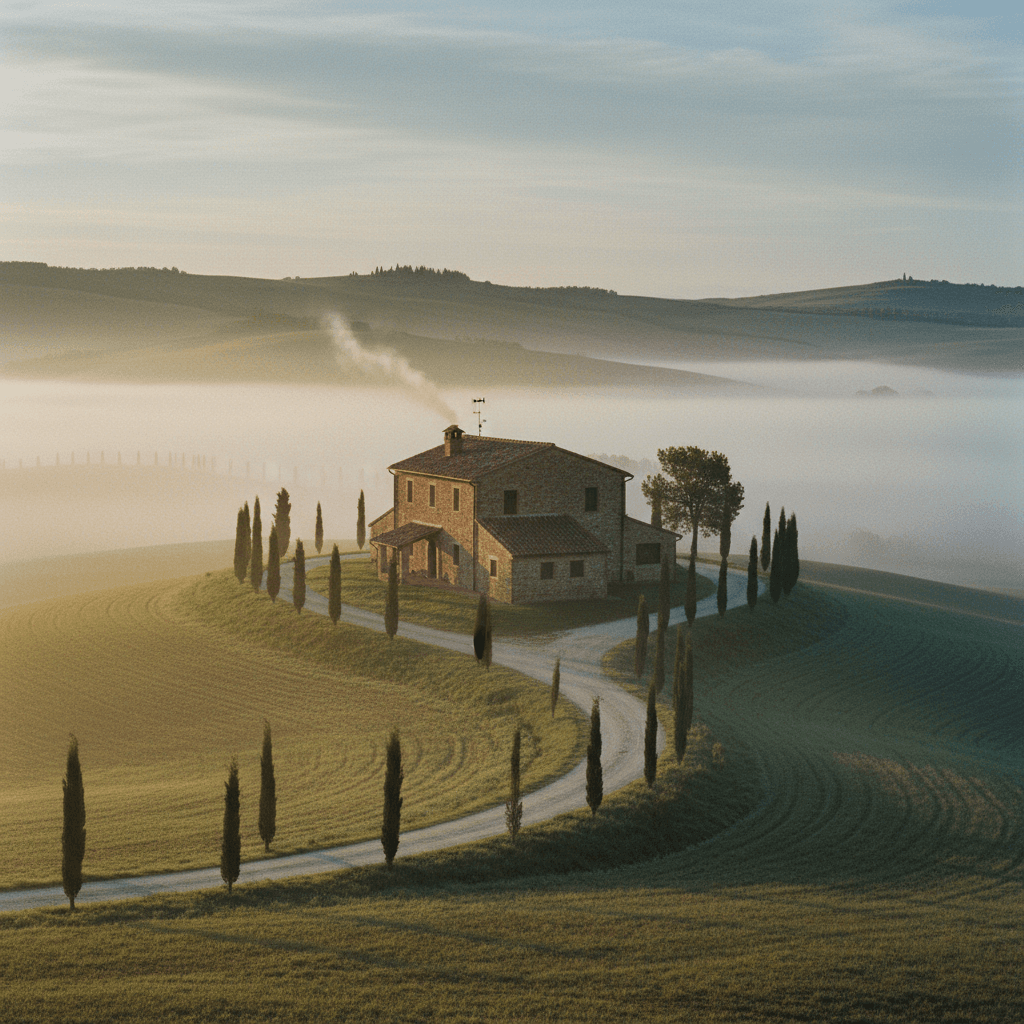
AI-Powered Caption Generation (80% Accuracy)
Every image from our LoRA dataset generator includes intelligent captions generated by advanced LLM technology. Research shows automated captioning systems achieve 80% accuracy rates (BLIP2 benchmark). Our LoRA dataset generator creates descriptive captions capturing subject, style, and composition details—saving hours of manual labeling work. Customize system prompts to align captions with your specific LoRA training dataset requirements.
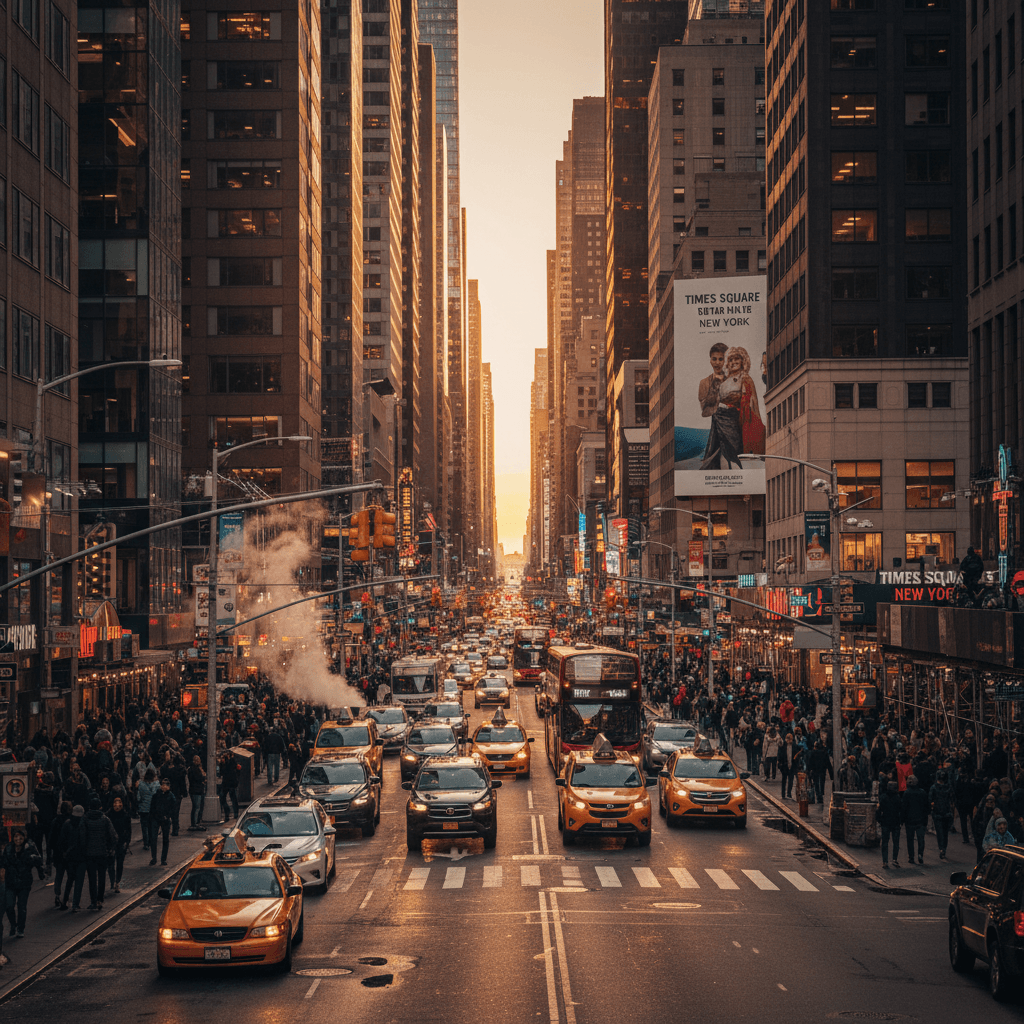
Batch Processing & Industry-Standard Resolution
Generate 1-40 images in parallel with our LoRA dataset generator. Process multiple images concurrently (1-10 parallel tasks) at 1024x1024 resolution—the minimum standard for modern LoRA training. Download complete LoRA training datasets as organized ZIP files with images and captions ready for Flux LoRA, Stable Diffusion, Kohya-SS, and other platforms. Our LoRA dataset generator ensures professional quality for every training dataset.
Advanced LoRA Dataset Generator Features
Our LoRA dataset generator combines cutting-edge AI technology with industry best practices. Features include 80% accurate AI captioning (BLIP2 standard), 1024x1024 resolution support, three specialized generation modes, and batch processing. Create professional LoRA training datasets faster and more efficiently with our research-backed LoRA dataset generator platform.
Intelligent Pair Generation for Transformation LoRAs
Create START-END image pairs with our LoRA dataset generator for transformation-based training. Research shows paired datasets teach specific actions (zoom effects, style transfers, pose changes) more effectively than single images. Our LoRA dataset generator maintains subject consistency while demonstrating clear transformations in each pair, creating optimal LoRA training datasets for instruction-based models like Flux 2 and Qwen Image Edit.
Style Consistency for Aesthetic LoRA Datasets
Single Mode in our LoRA dataset generator creates 20-40 cohesive images sharing consistent visual style. Industry research confirms this range optimal for aesthetic LoRA training. Our LoRA dataset generator maintains unified color palettes, lighting, composition, and artistic style across your entire training dataset. Perfect for creating style LoRAs (Z-Image) that apply specific visual aesthetics using properly structured LoRA training datasets.
Reference-Based Variation Generation
Upload one reference image to our LoRA dataset generator and create 15-30 variations with different poses, angles, backgrounds, and contexts. Research shows controlled diversity prevents overfitting while maintaining character identity. Our LoRA dataset generator creates diverse LoRA training datasets perfect for character LoRAs, product datasets, or subject-specific model training with proper environmental variety.
AI Caption Generation (80% Accuracy Standard)
Every image in your LoRA dataset includes intelligent captions from our LoRA dataset generator. Using advanced LLM technology achieving 80% accuracy (BLIP2 benchmark), our system creates descriptive captions capturing subject, style, composition, and visual elements. Customize system prompts in our LoRA dataset generator to align captions with specific LoRA training objectives and trigger word requirements for your datasets.
Multiple Resolution & Aspect Ratio Options
Generate LoRA datasets in multiple resolutions (1K, 2K, 4K) and aspect ratios (1:1, 16:9, 9:16, 4:3, 3:4) with our LoRA dataset generator. Industry standard 1024x1024 (1:1) ensures maximum compatibility with Flux LoRA, Stable Diffusion, and other platforms. Our LoRA dataset generator supports widescreen and portrait formats. Higher resolutions produce sharper LoRA training datasets for detail-oriented models.
Parallel Batch Processing Technology
Process 1-10 images simultaneously with our LoRA dataset generator for maximum efficiency. Research shows parallel generation reduces LoRA dataset creation time by up to 10x. Our LoRA dataset generator handles concurrent generation with real-time progress tracking, detailed logging, and error handling. Generate complete 40-image LoRA training datasets in 5-7 minutes instead of hours.
Pertanyaan yang Sering Diajukan
Semua yang perlu Anda ketahui tentang generator dataset LoRA
Apa itu dataset LoRA dan mengapa saya membutuhkannya?
Dataset LoRA adalah koleksi gambar dan caption yang digunakan untuk melatih model LoRA (Low-Rank Adaptation) untuk generasi gambar AI. Ini memungkinkan Anda melatih model AI kustom yang dapat menghasilkan gambar dari subjek, gaya, atau konsep tertentu. Alat kami mengotomatiskan proses pembuatan dataset, menghemat berjam-jam kerja manual.
Berapa banyak gambar yang saya butuhkan untuk pelatihan LoRA?
Untuk sebagian besar proyek pelatihan LoRA, kami merekomendasikan 20-40 gambar berkualitas tinggi. Dataset yang lebih kecil (10-15 gambar) dapat bekerja untuk subjek sederhana, sementara konsep yang kompleks mungkin memerlukan 50-100 gambar. Generator dataset AI kami dapat secara otomatis membuat jumlah variasi yang optimal berdasarkan gambar sumber Anda.
Model AI apa yang Anda gunakan untuk generasi gambar?
Kami menawarkan tiga model AI generasi gambar yang kuat: Flux 2 LoRA (direkomendasikan untuk kualitas dan kecepatan yang seimbang), Z-Image (terbaik untuk mempertahankan gaya), dan Qwen Image Edit (sempurna untuk modifikasi yang tepat). Setiap model dioptimalkan untuk berbagai jenis subjek dan kasus penggunaan.
Apakah output kompatibel dengan alat pelatihan LoRA?
Ya! Generator dataset kami mengekspor ke format standar yang kompatibel dengan alat pelatihan LoRA populer termasuk Kohya-SS, Auto1111, dan pelatih SDXL/Flux lainnya. Dataset terstruktur dengan konvensi penamaan file, metadata, dan format caption yang tepat.
Bisakah saya mengedit caption sebelum mengunduh?
Tentu saja! Setelah dataset AI dihasilkan, Anda dapat meninjau dan mengedit semua caption yang dibuat secara otomatis sebelum mengunduh file ZIP. Ini memastikan caption Anda sempurna sesuai dengan tujuan pelatihan Anda.
Berapa banyak kredit yang dibutuhkan setiap generasi?
Generasi dataset berharga 3 kredit per gambar menggunakan Flux 2 LoRA, atau 6 kredit per gambar dengan model canggih seperti Z-Image atau Qwen Image Edit. Memproses batch 20 gambar akan berharga 60-120 kredit tergantung pada model yang Anda pilih.
Seberapa cepat proses pembuatan dataset LoRA?
Generator kumpulan data LoRA memproses 1-10 gambar secara paralel. Waktu pembuatan rata-rata adalah 5-10 detik per gambar (resolusi 2K). Kumpulan data LoRA 20 gambar dengan 3 tugas paralel diselesaikan dalam ~2-3 menit menggunakan generator kami. Kumpulan data pelatihan LoRA 40 gambar membutuhkan waktu ~5-7 menit. Waktu bervariasi berdasarkan resolusi (4K membutuhkan waktu lebih lama), pengaturan paralel, dan beban server saat ini. Generator kumpulan data LoRA kami menampilkan kemajuan waktu nyata untuk semua tugas pembuatan kumpulan data.
Dengan platform apa saya dapat menggunakan kumpulan data LoRA dari generator Anda?
LoRA kumpulan data dari generator kami berfungsi dengan semua platform pelatihan utama. Kompatibel dengan Flux 2 (LoRA penyempurnaan), Z-Image (pelatihan gaya), Qwen Image Edit (pengeditan berbasis instruksi), SDXL (penyempurnaan dan LoRA), Web Difusi StabilUI, Kohya-SS, Auto1111, dan platform apa pun yang menerima pasangan teks gambar. Generator kumpulan data LoRA kami menggunakan format universal dengan penamaan yang tepat: 0001_start.png, 0001_end.png, 0001.txt untuk mode Berpasangan; 0001.png, 0001.txt untuk kumpulan data mode Tunggal/Referensi LoRA.
Apa yang membuat kumpulan data pelatihan LoRA berkualitas tinggi?
Penelitian menunjukkan kumpulan data LoRA berkualitas tinggi dari generator kami memiliki: resolusi minimum 1024x1024 yang konsisten, sudut/pencahayaan yang bervariasi, teks deskriptif yang akurat, dan fokus subjek yang jelas. Generator kumpulan data LoRA mengikuti praktik terbaik industri: kualitas melebihi kuantitas (optimal 20-40 gambar), keragaman lingkungan (latar belakang yang beragam mencegah penyesuaian yang berlebihan), subjek/gaya yang konsisten, teks yang tepat untuk setiap gambar. Studi mengonfirmasi bahwa membatasi gambar serupa dan menyertakan beragam contoh akan menghasilkan kumpulan data pelatihan LoRA yang unggul menggunakan generator kami.