
Nanobanana Prompt
Discover 100+ curated AI image generation prompts. Copy and use instantly for stunning results with any AI image generator.
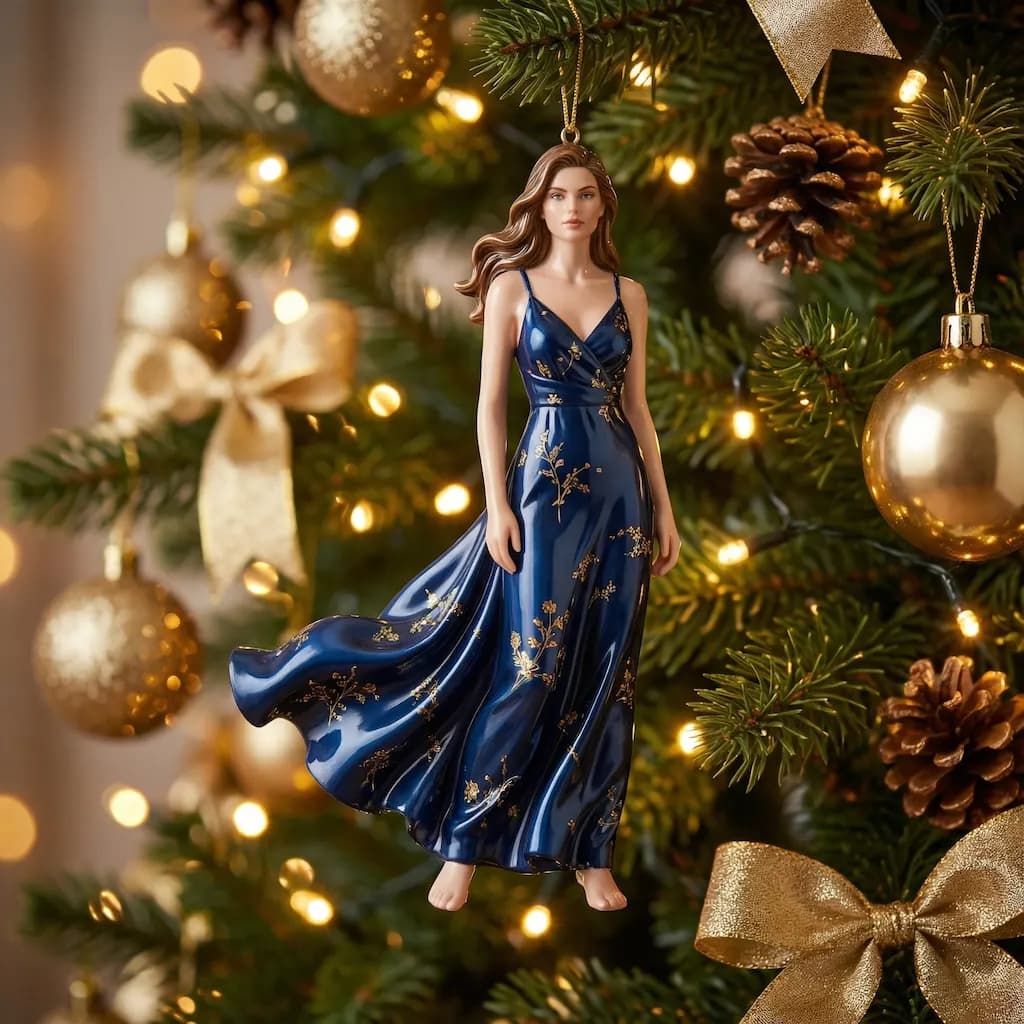
Christmas Doll
Transform your portrait into a magical Christmas doll with festive holiday decorations
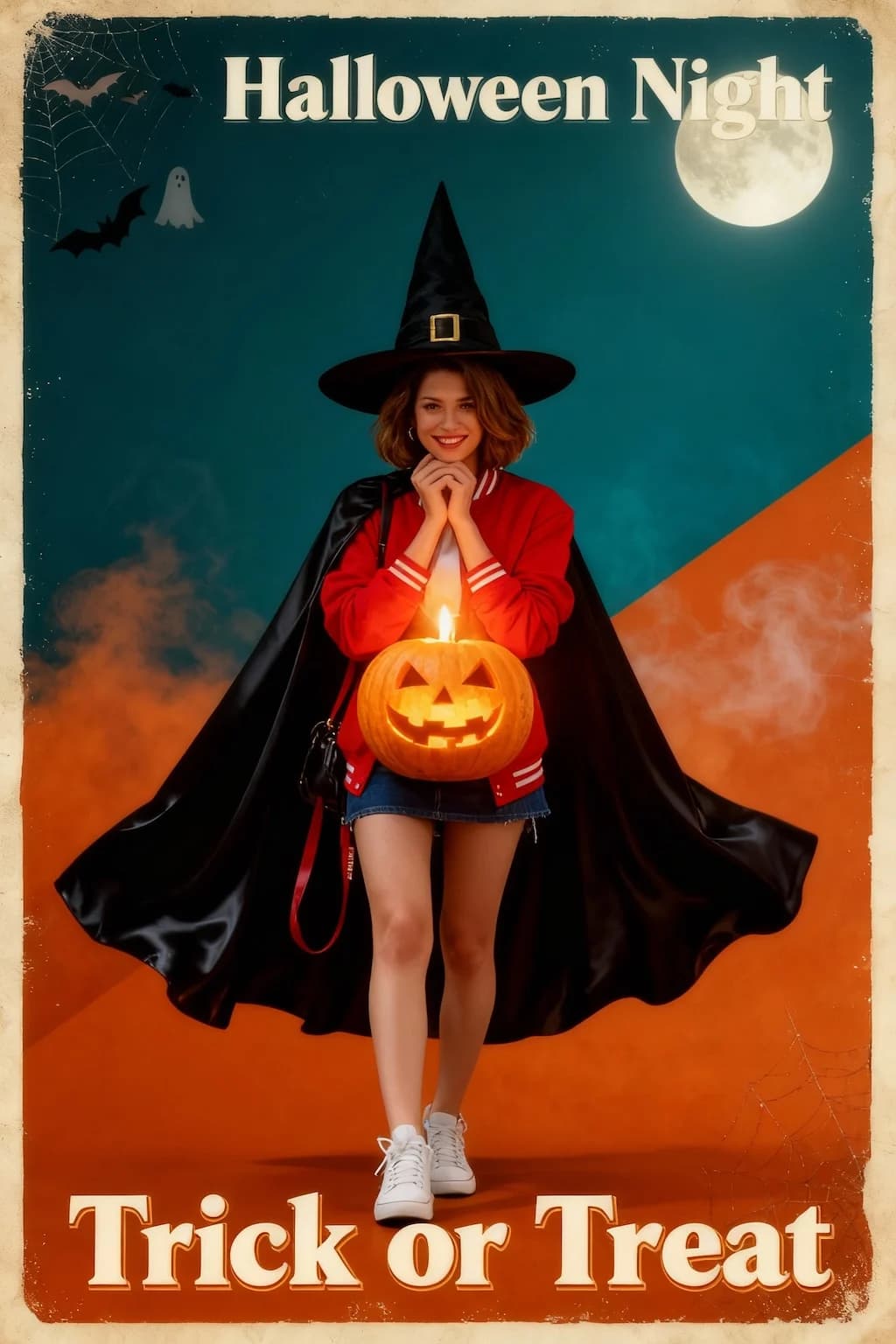
Halloween Poster
Create spooky vintage Halloween poster art with dramatic horror movie aesthetics
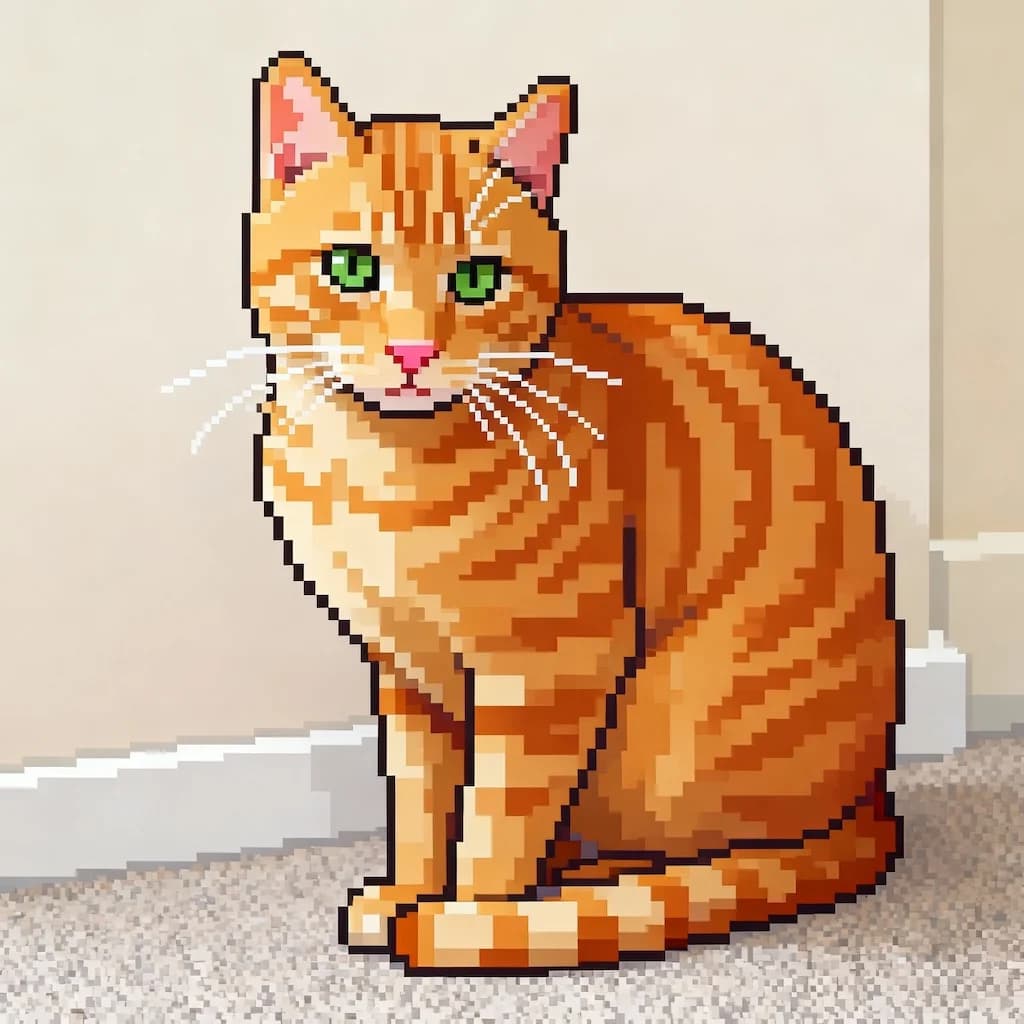
Image To Pixel
Convert any image into retro 16-bit pixel art style perfect for games
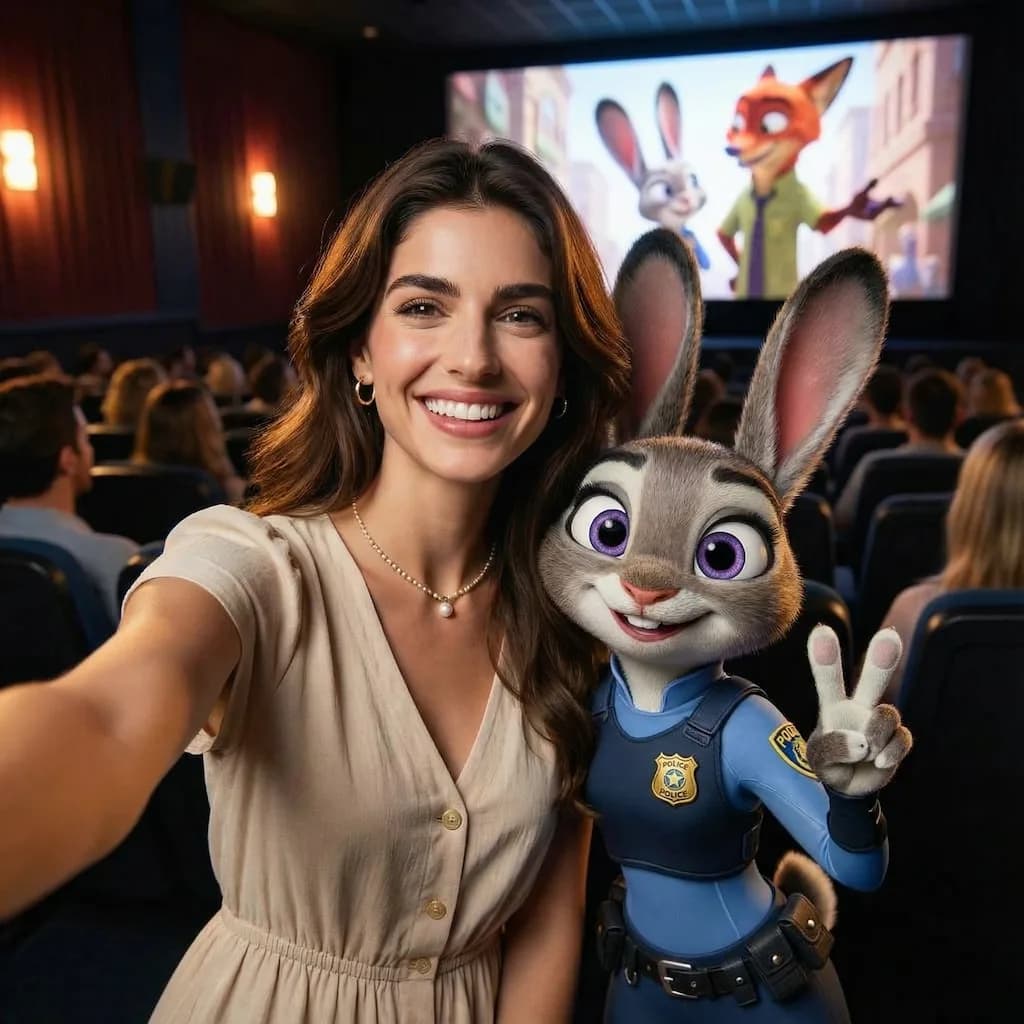
Zootopia Selfie
Transform into an adorable Zootopia-style anthropomorphic animal character
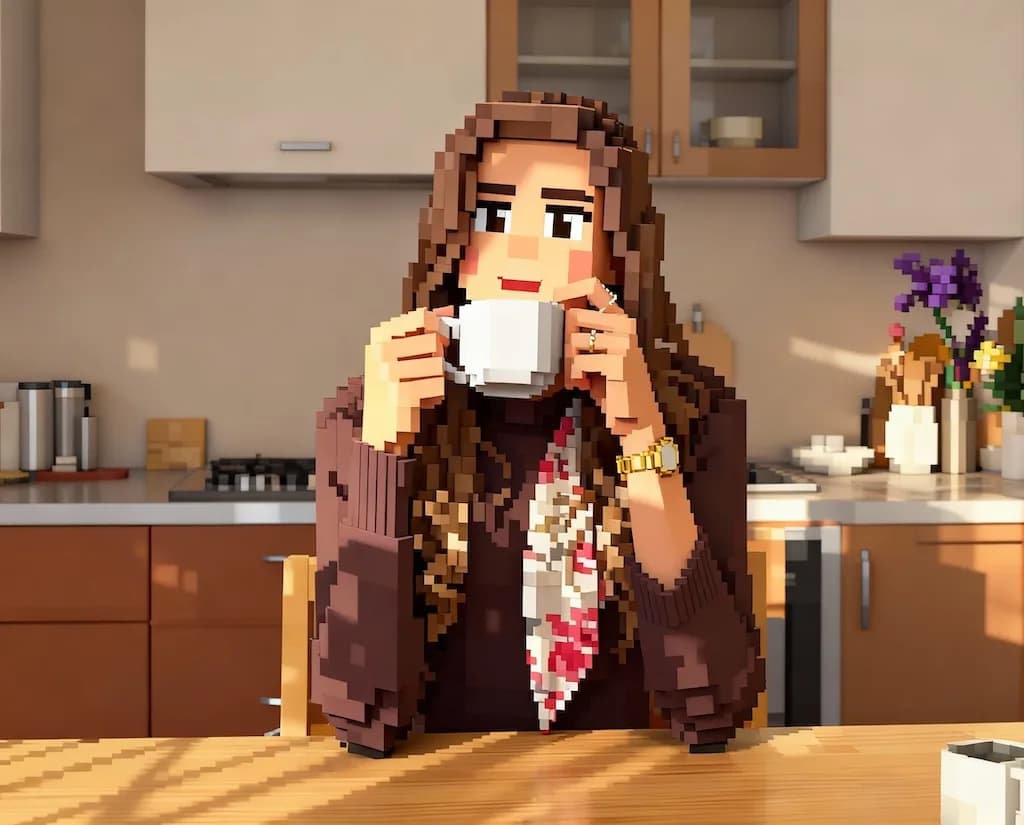
AI Minecraft Filter
Convert photos into blocky Minecraft-style 3D voxel art
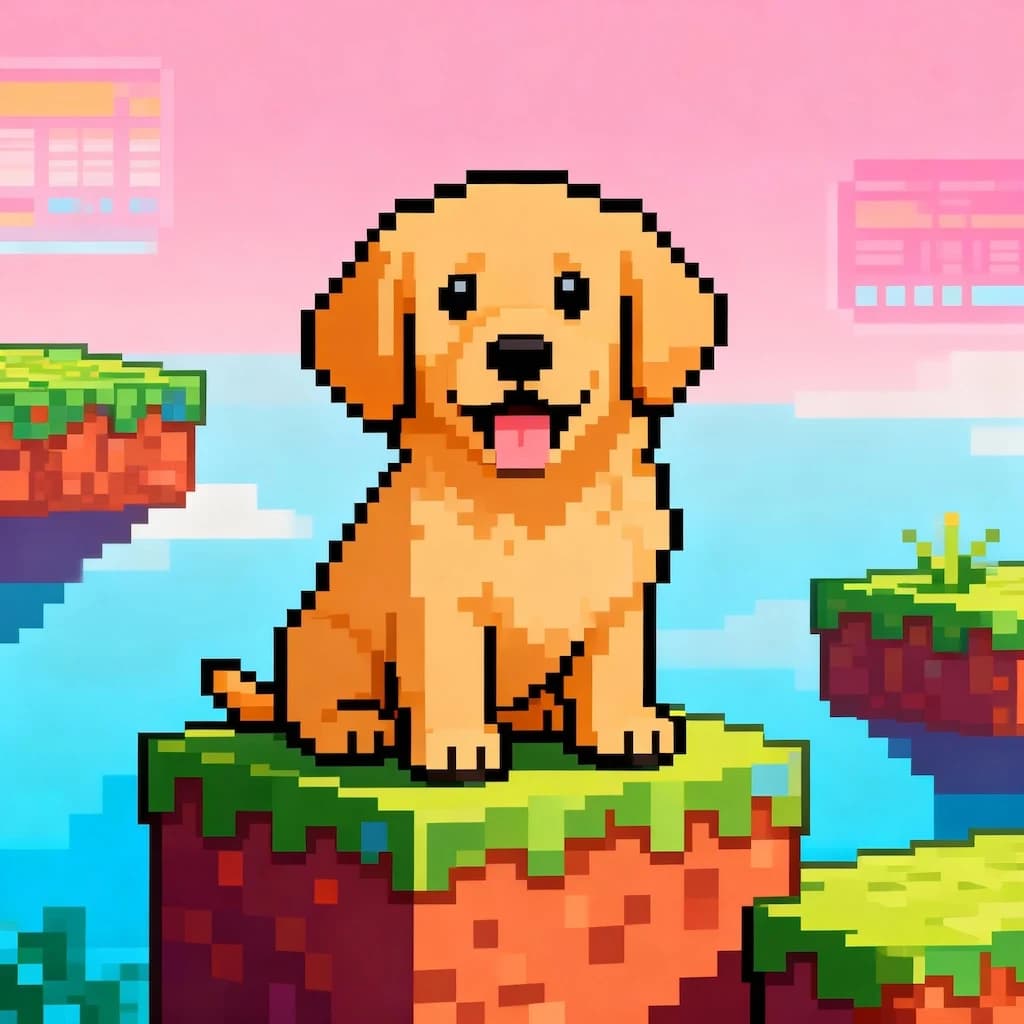
16-bit Video Game Character
Transform portraits into classic 16-bit video game character sprites
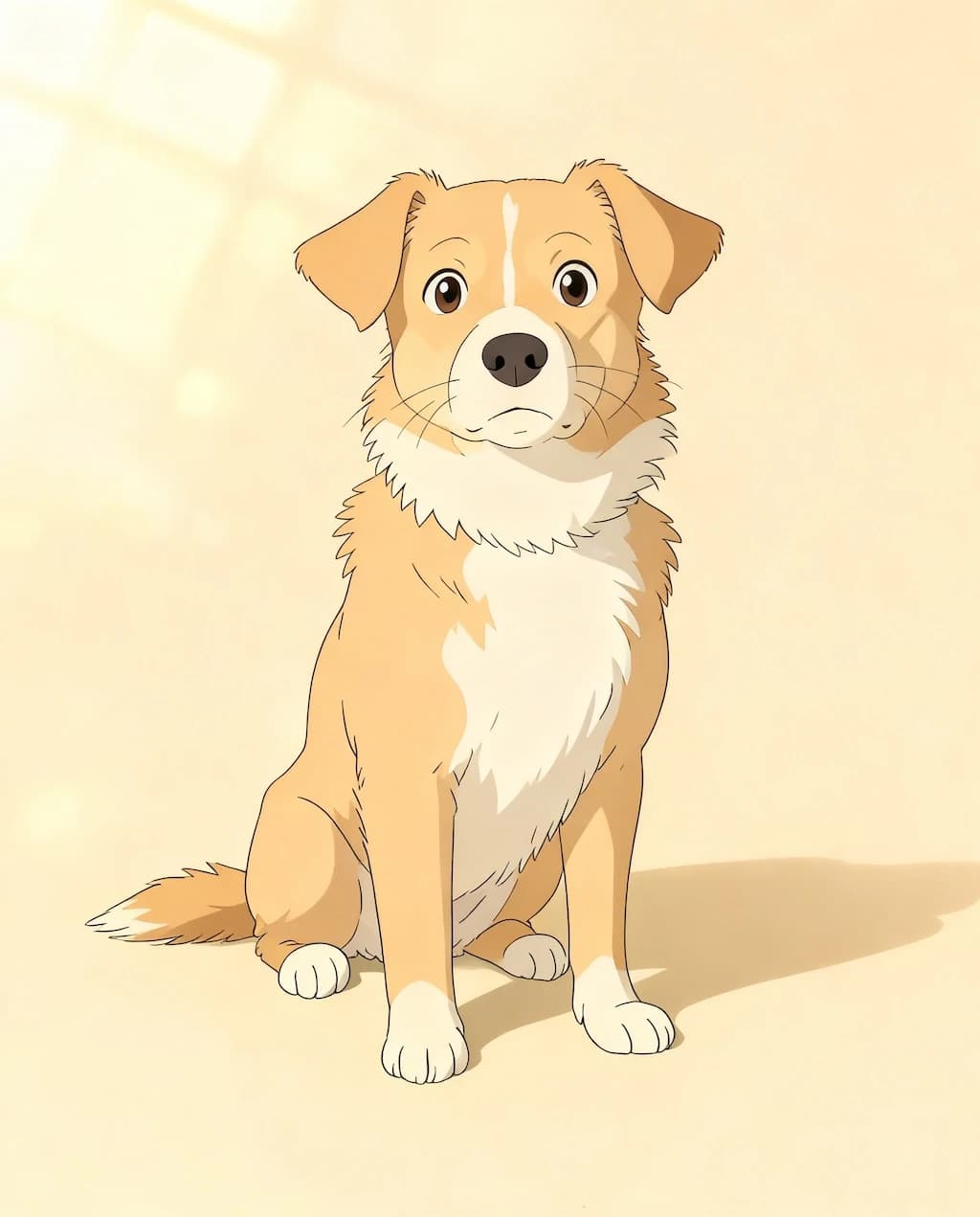
GHIBSKY Illustration
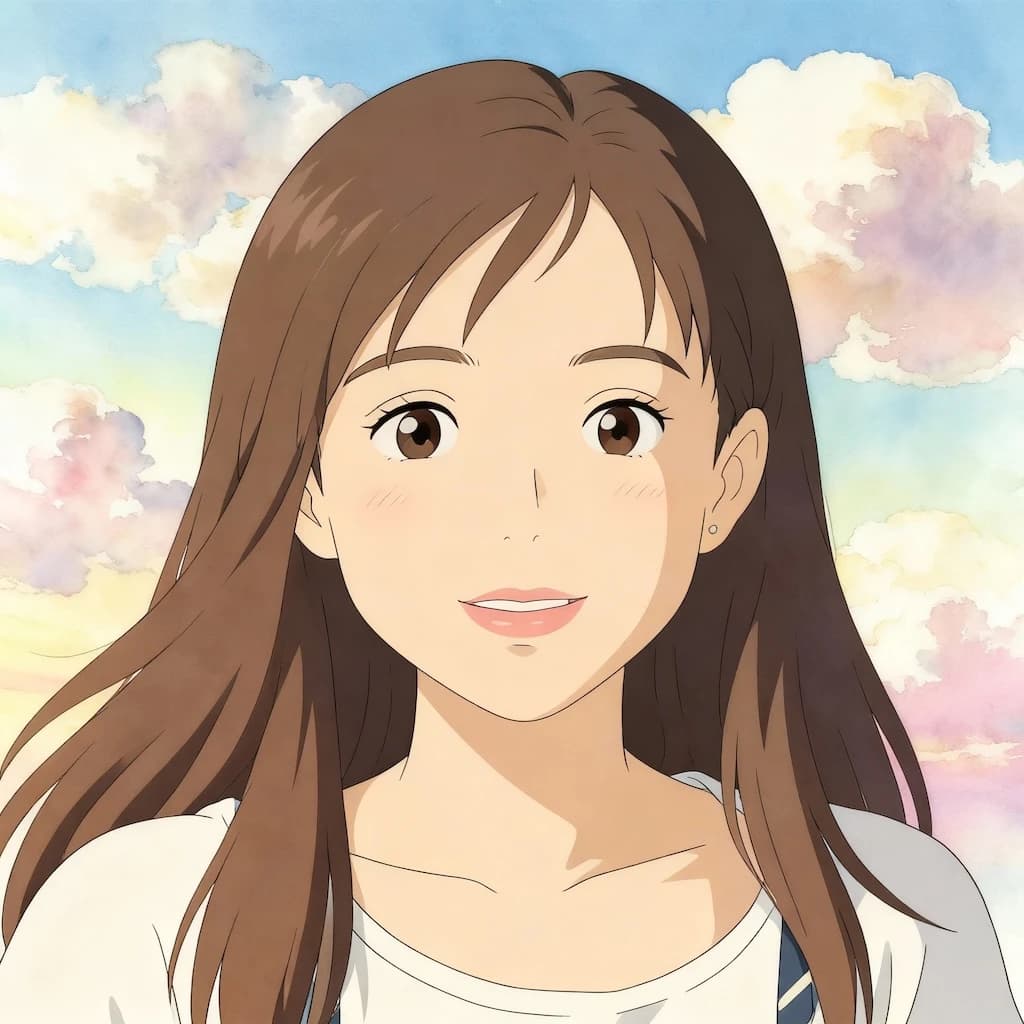
Transform photos into dreamy Studio Ghibli-inspired artwork with magical skies
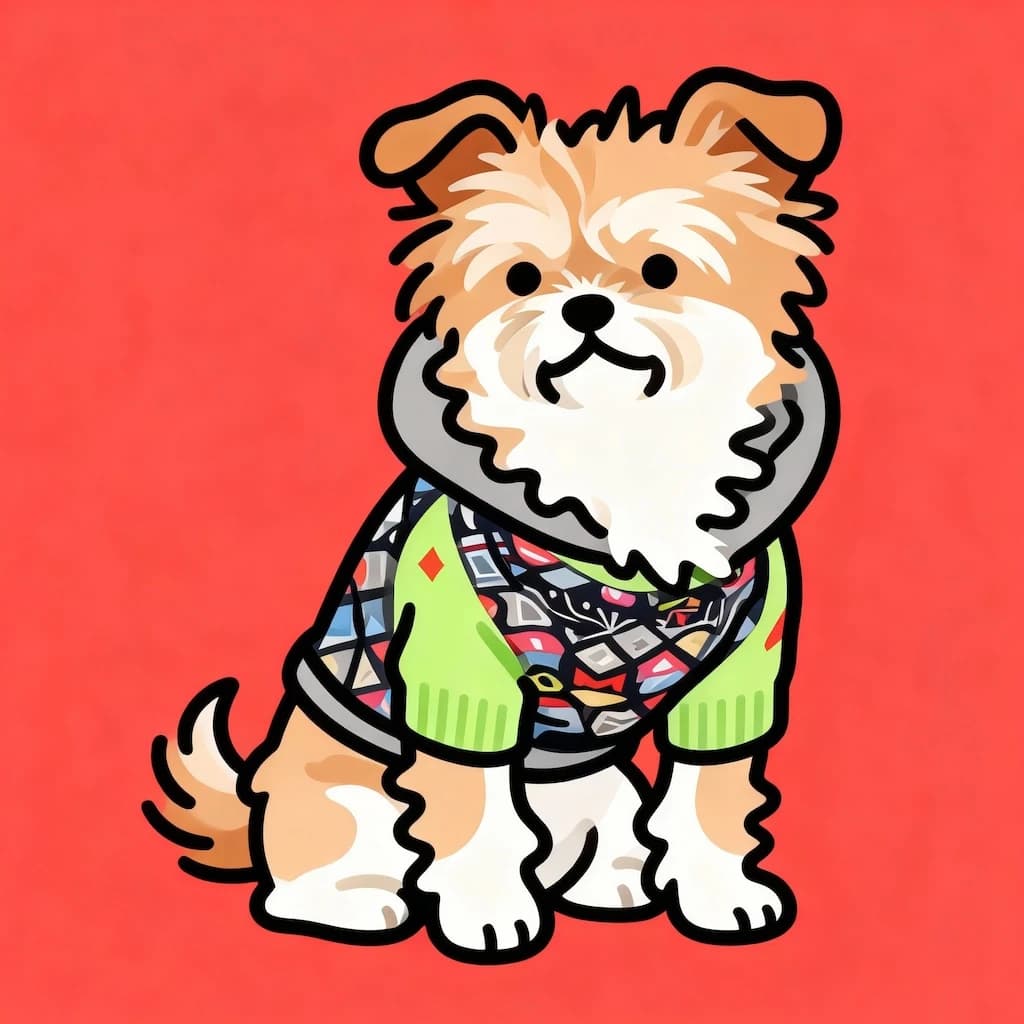
Flat Illustration
Create modern flat design illustrations with clean vectors and bold colors
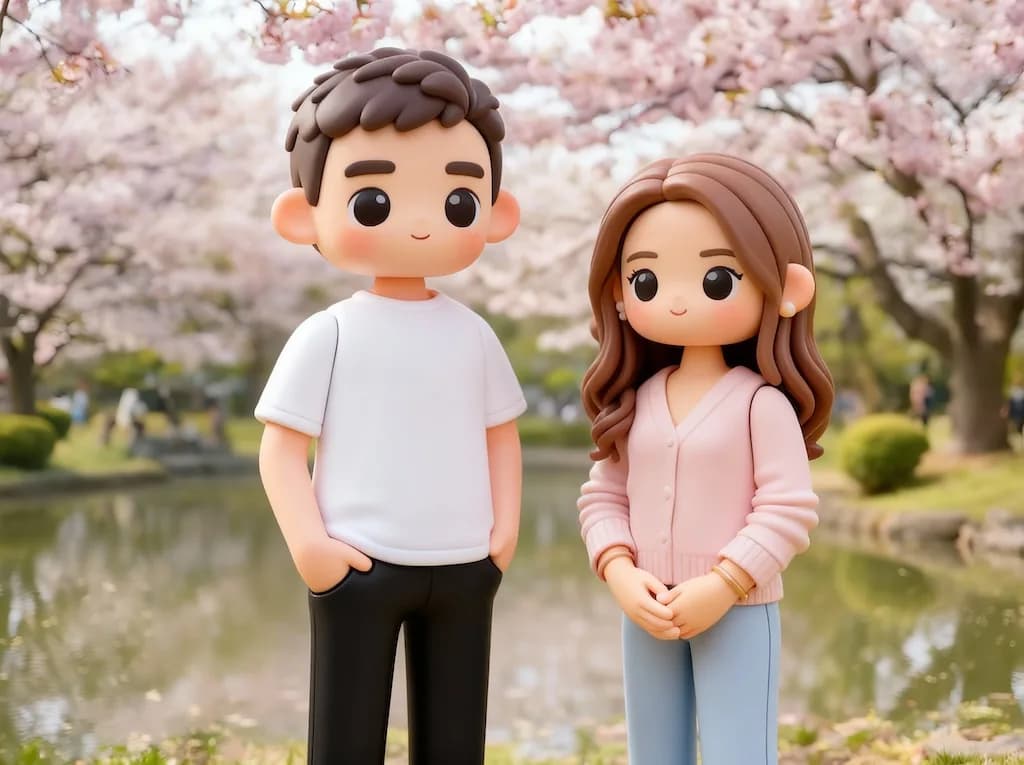
3D Toy
Transform photos into adorable 3D toy figurine renders
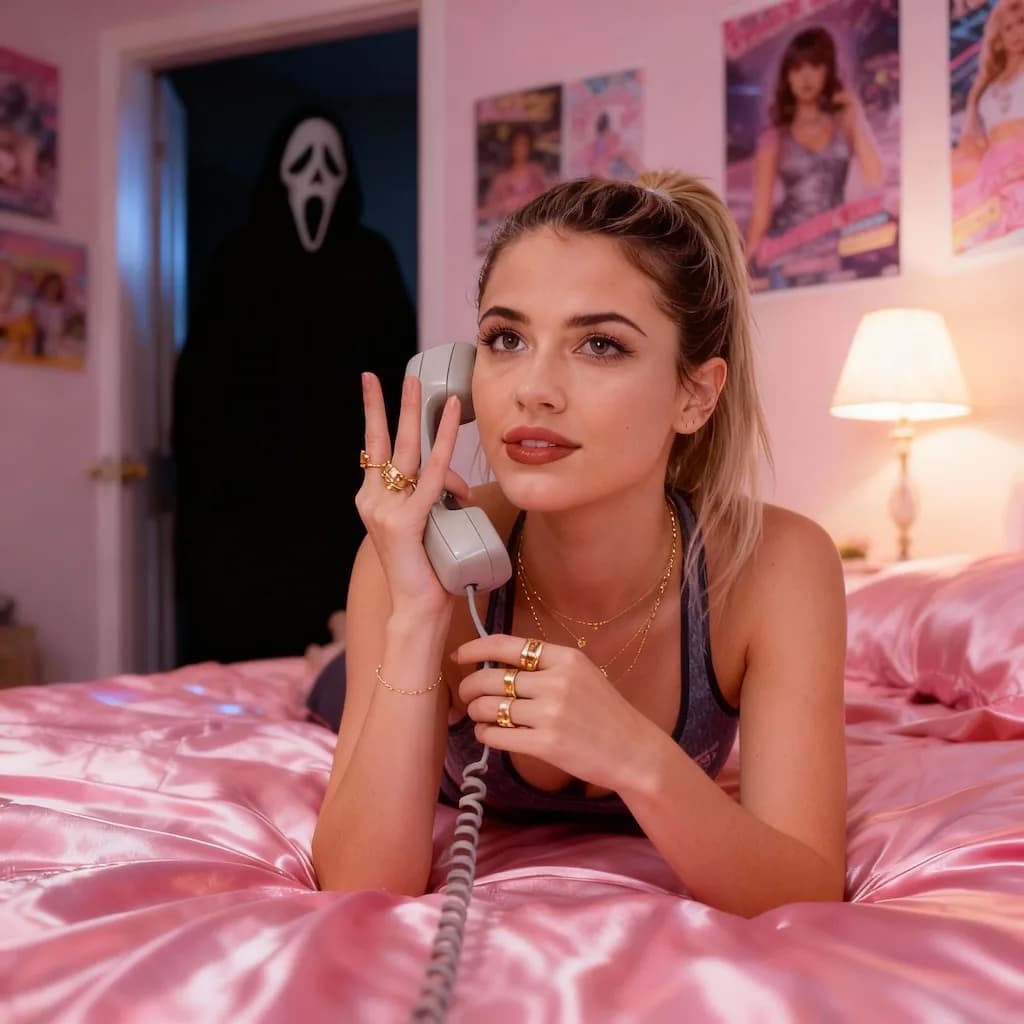
Scream AI Picture Trends
Create dramatic screaming portrait effects inspired by viral AI trends
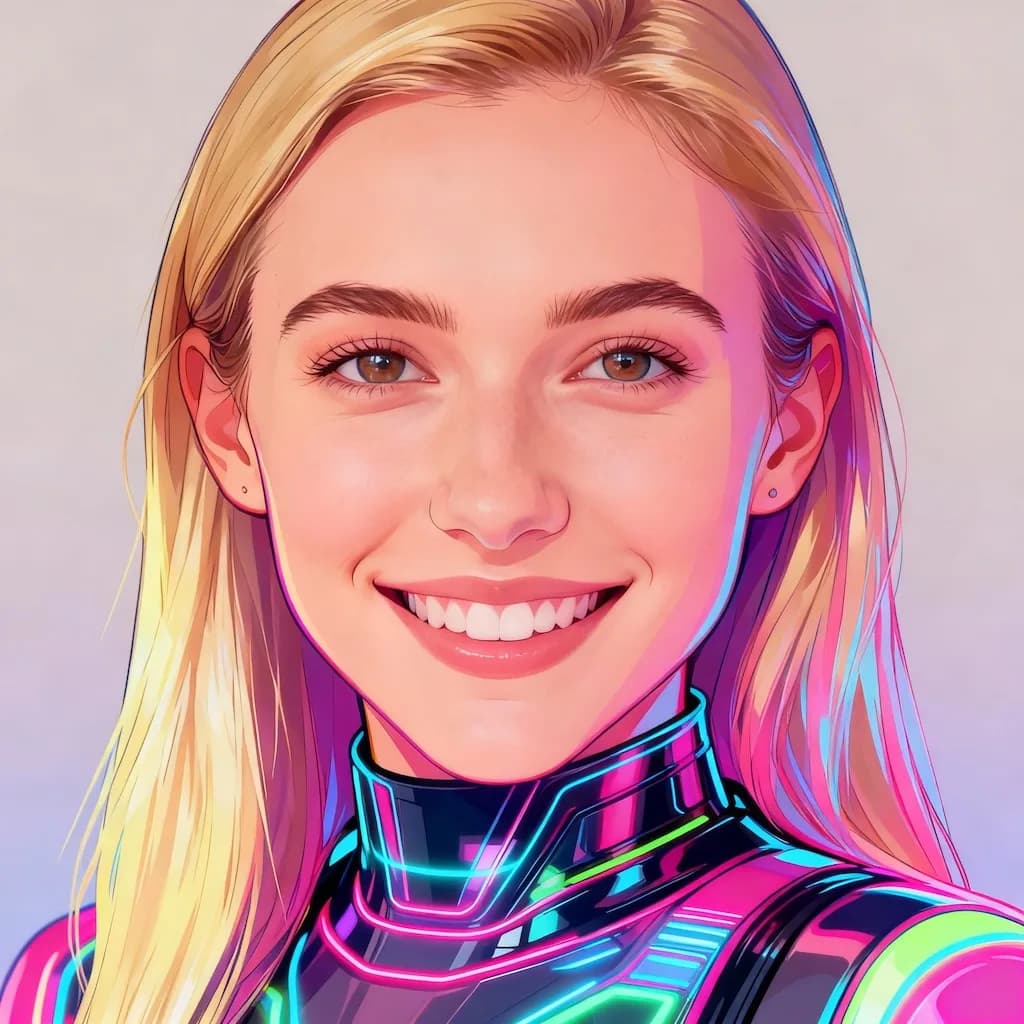
Y2K Style AI Of Yourself
Create nostalgic Y2K aesthetic digital fashion illustrations
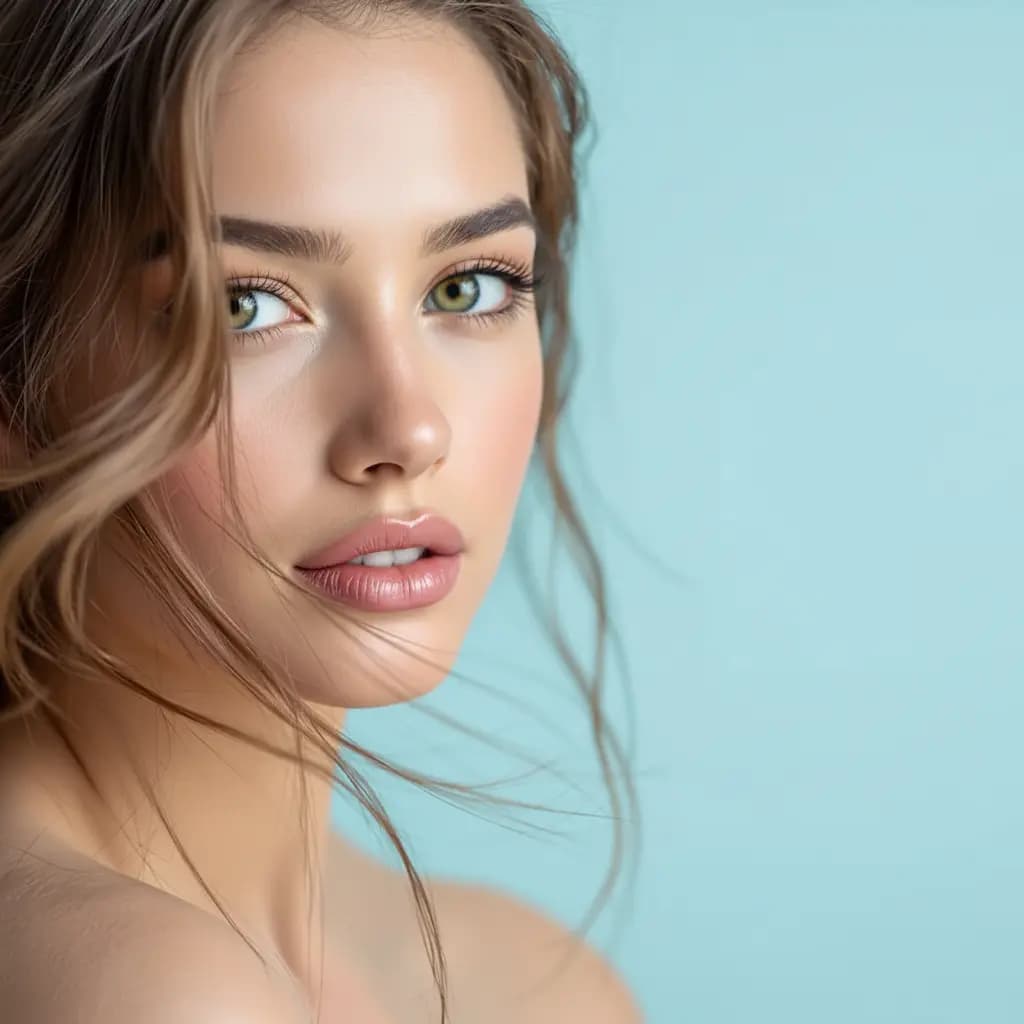
Inverted Face Filter
Create surreal inverted face artistic effects
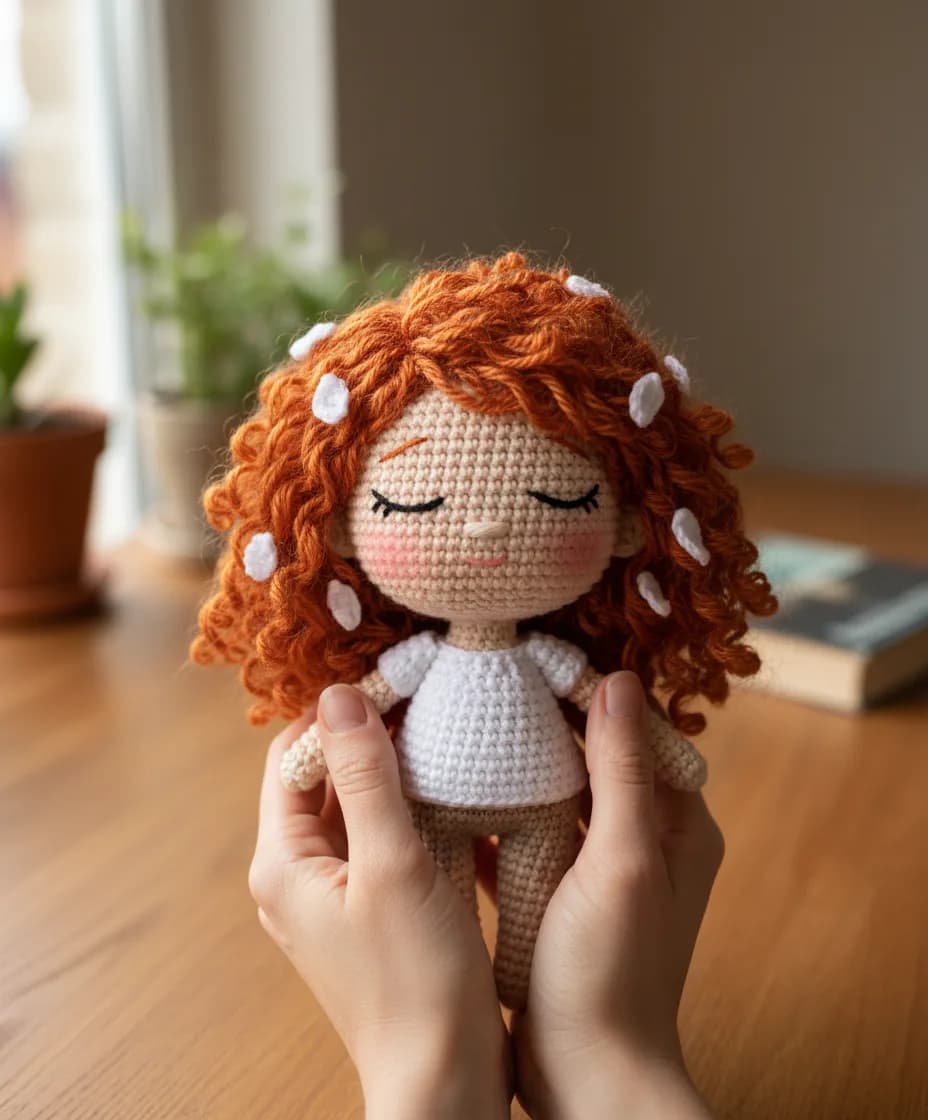
Chibi Knitted Doll
Transform into adorable chibi-style knitted doll characters
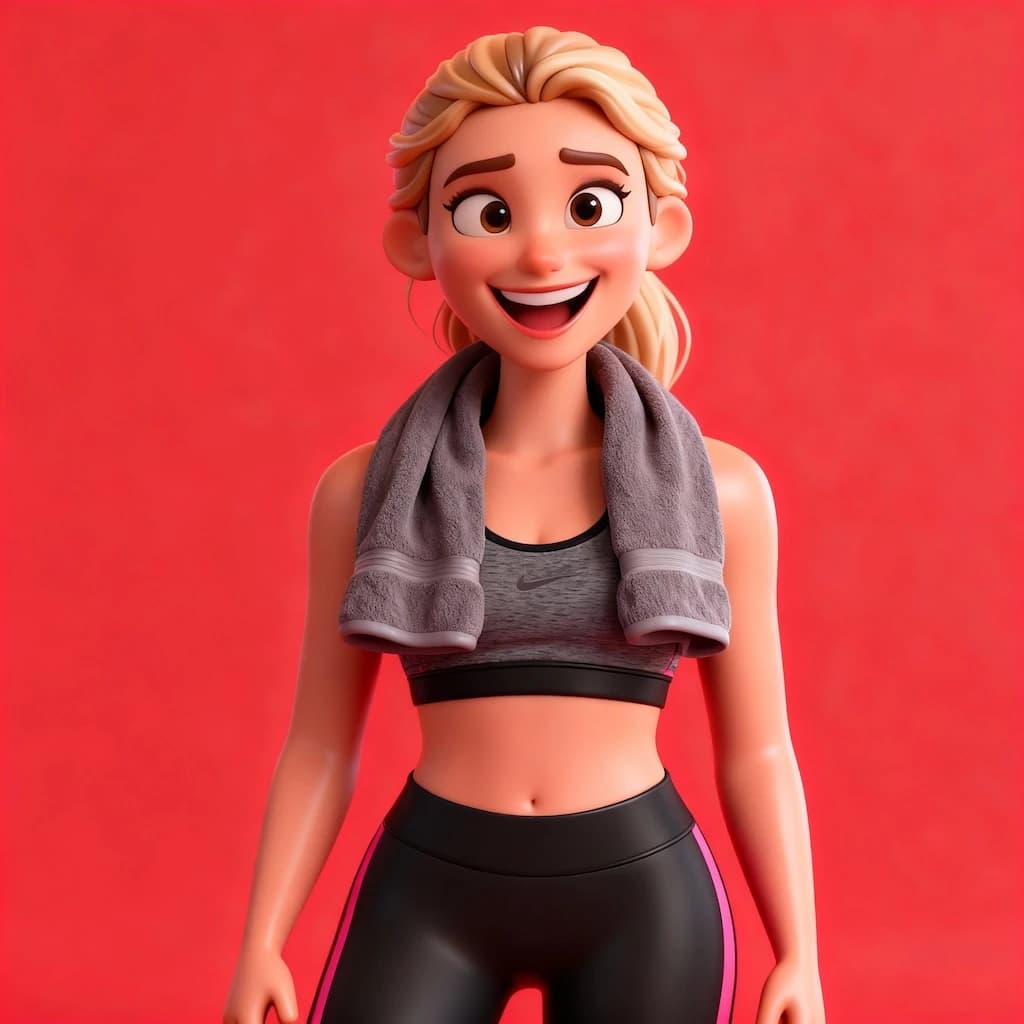
3D Caricature Of Yourself
Create fun 3D caricature portraits with exaggerated features
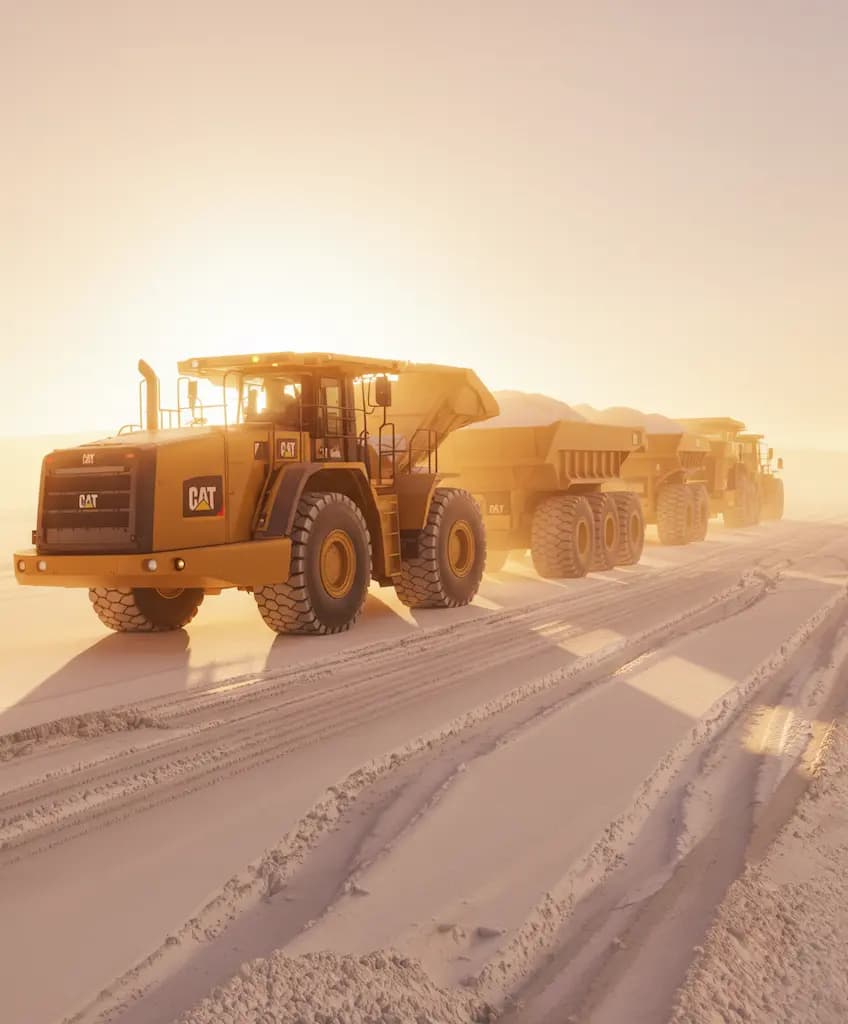
Time-Based Image Edit
Apply time-travel aging or de-aging effects to portraits
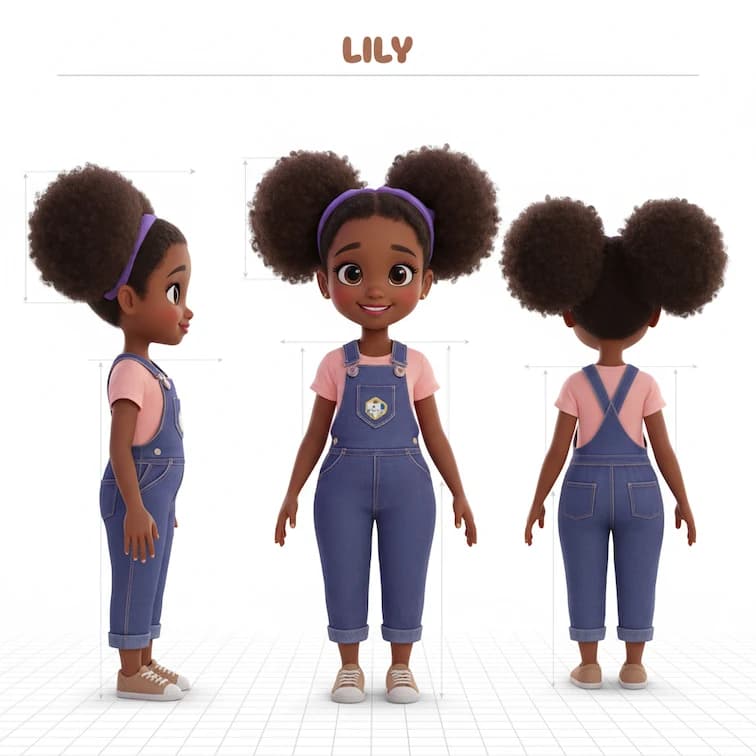
Three-view Drawing
Create character model sheets with front, side, and back poses
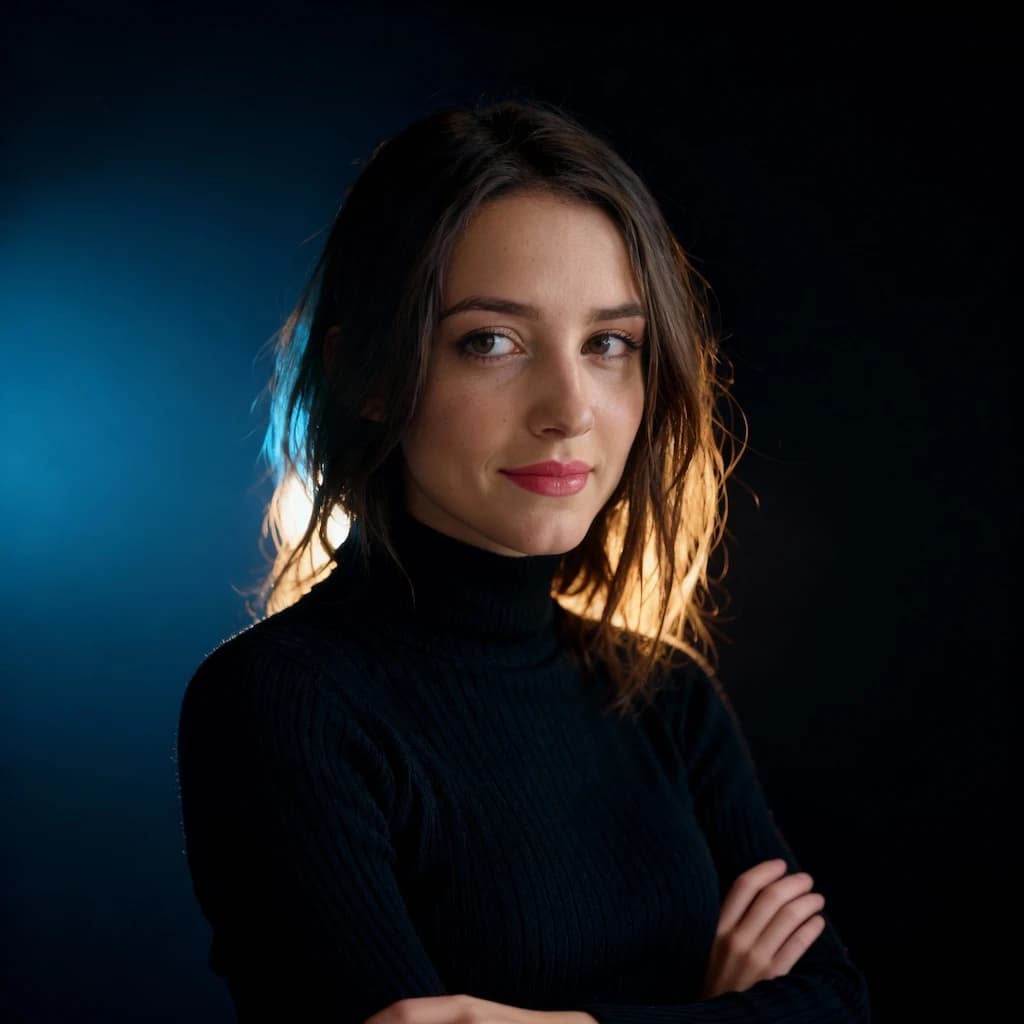
Rim Light Portrait
Add dramatic rim lighting effects for stunning backlit portrait photography
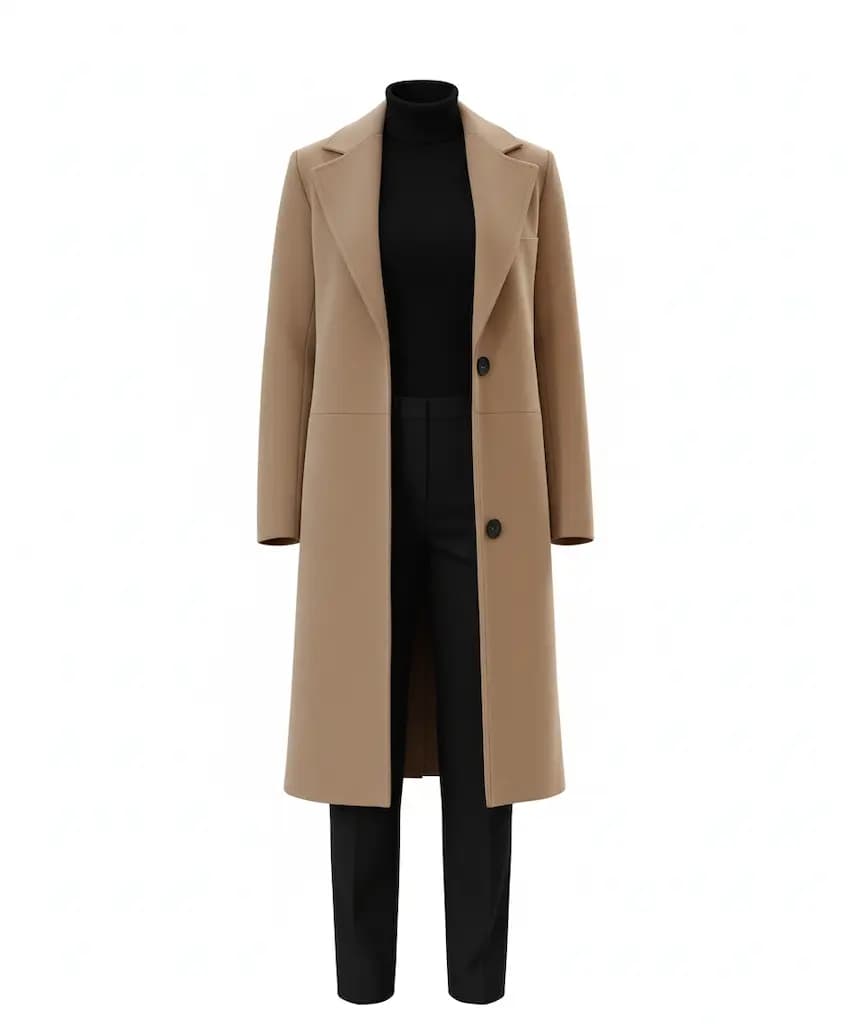
Object Extraction
Cleanly extract objects or subjects from their backgrounds
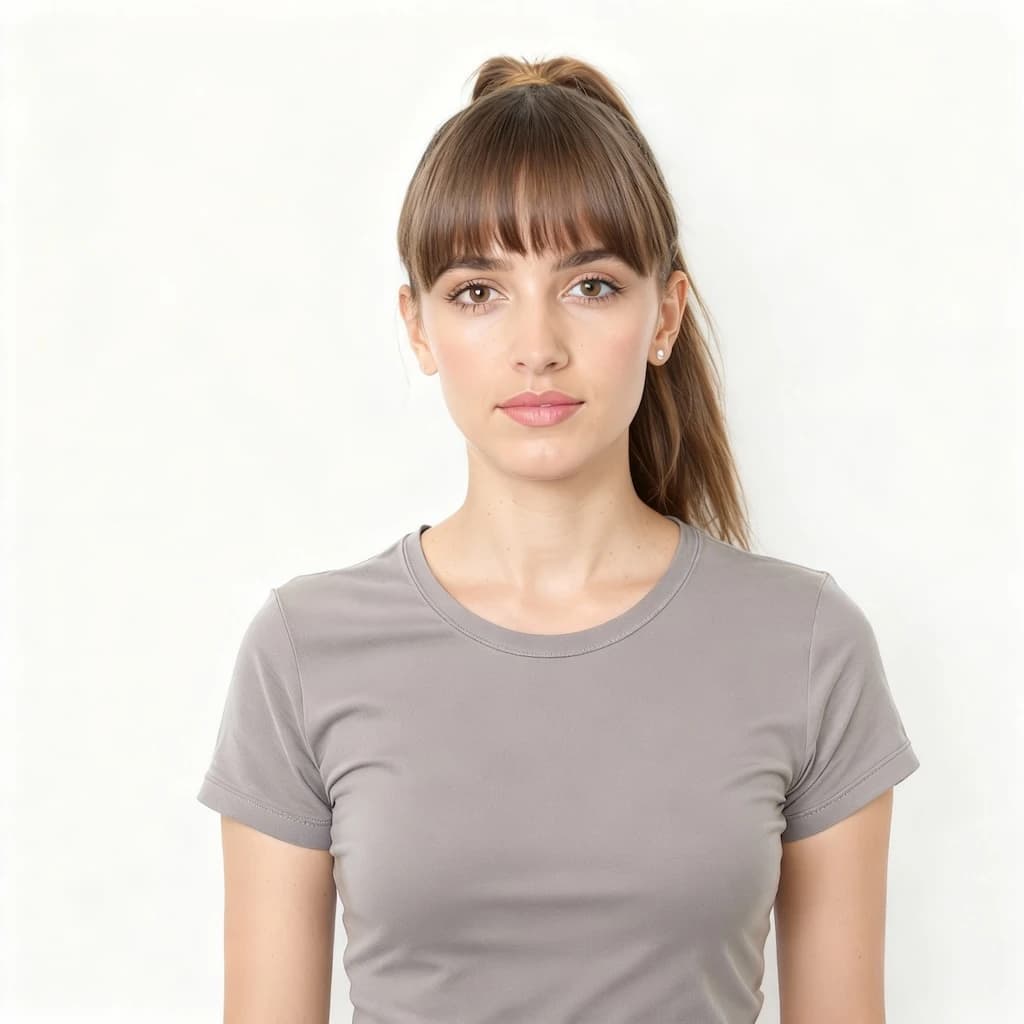
Bangs Filter
Try virtual bangs hairstyle - see how you look with fringe before cutting
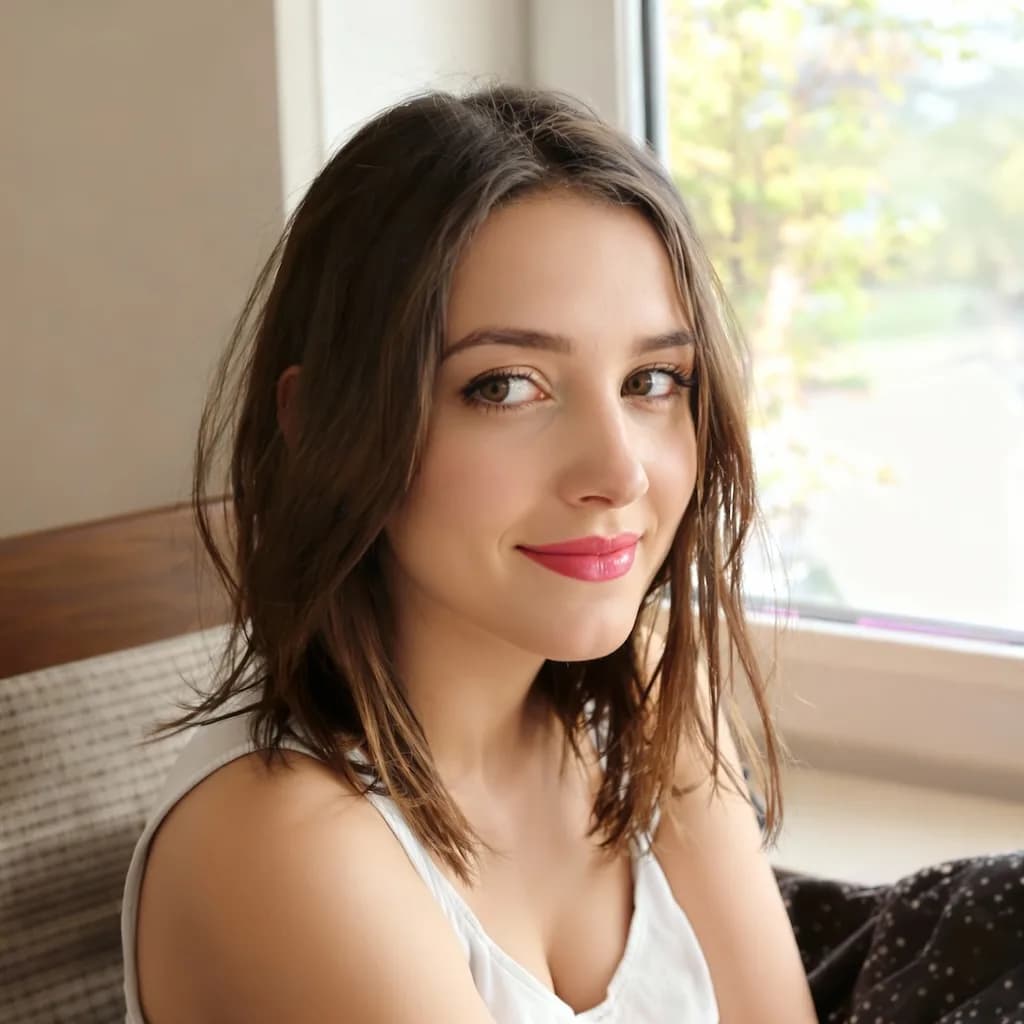
AI Beauty Filter
Natural AI-powered skin enhancement with subtle smoothing and brightening
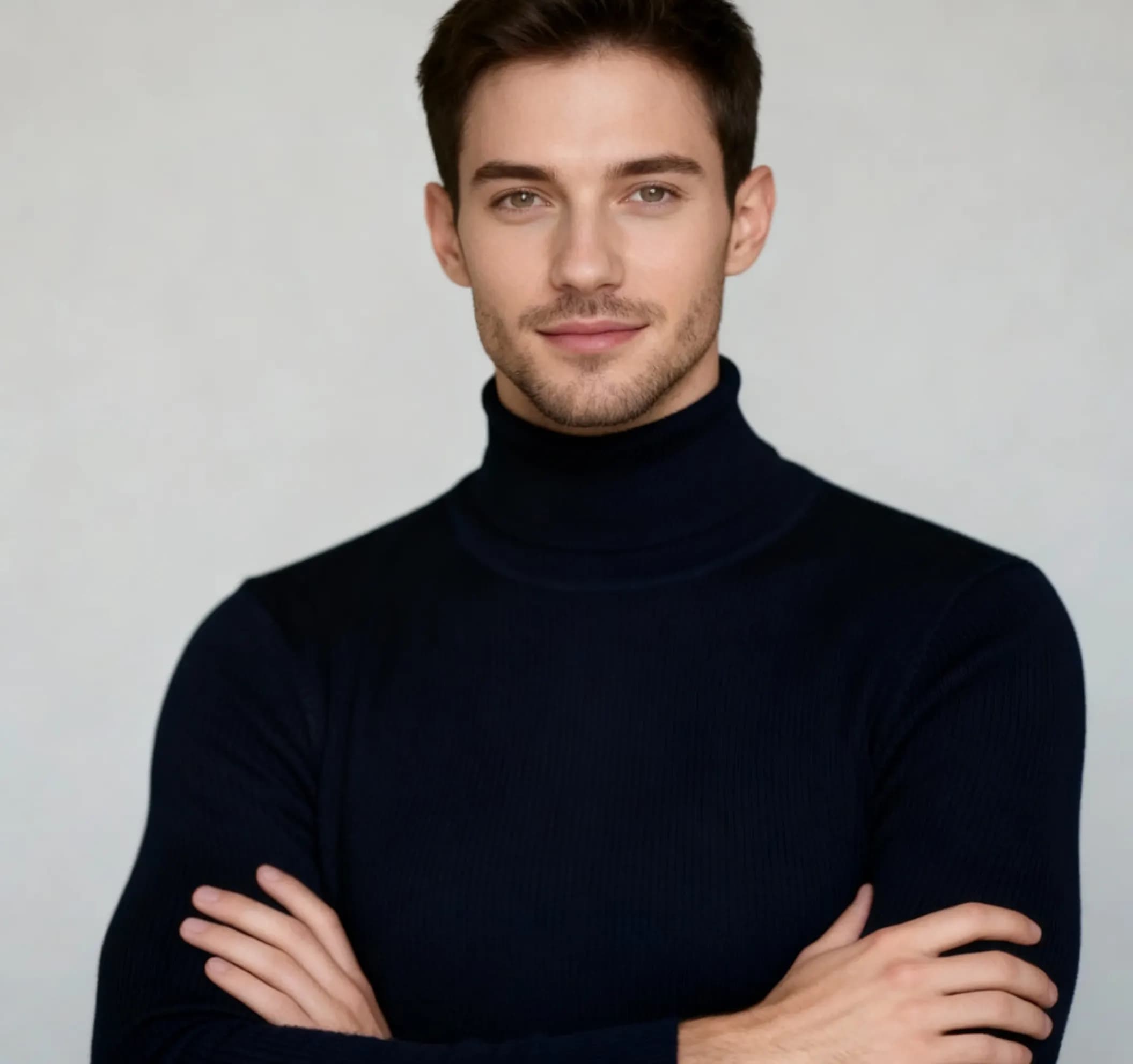
AI Man Filter
Transform appearance into masculine version with realistic gender swap
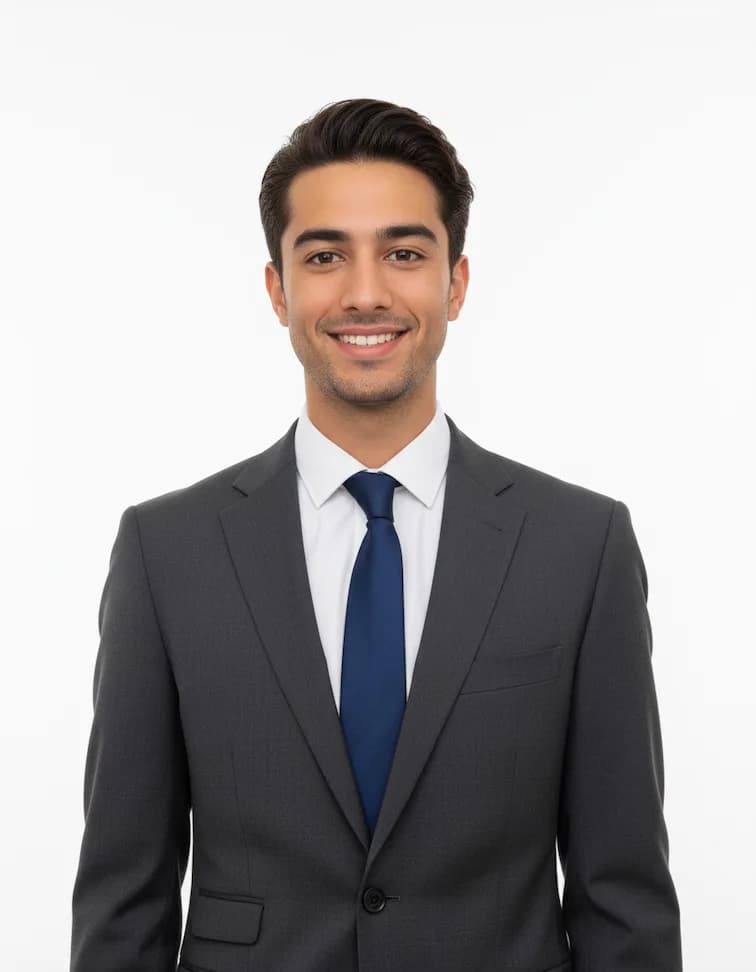
Professional Headshots
Create polished corporate headshots with professional lighting
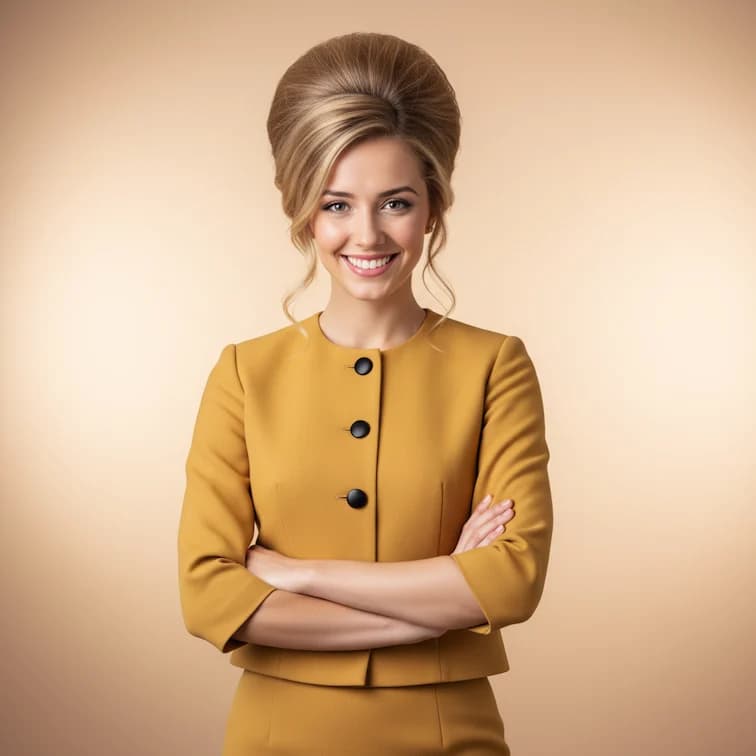
1960s Beehive Hairstyle
Transform with classic 1960s beehive hairdo and vintage styling

LinkedIn Profile Photo
Create polished professional photos perfect for LinkedIn profiles
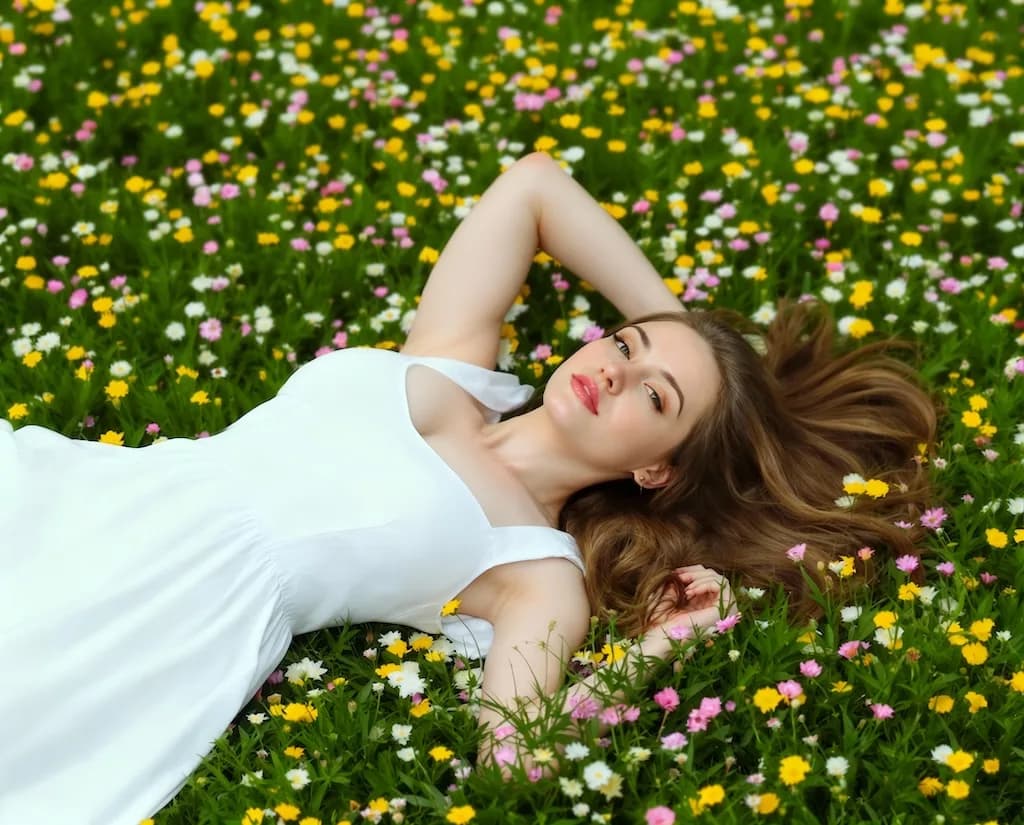
Boob Boost Effect
Artistic body enhancement filter for creative portrait effects
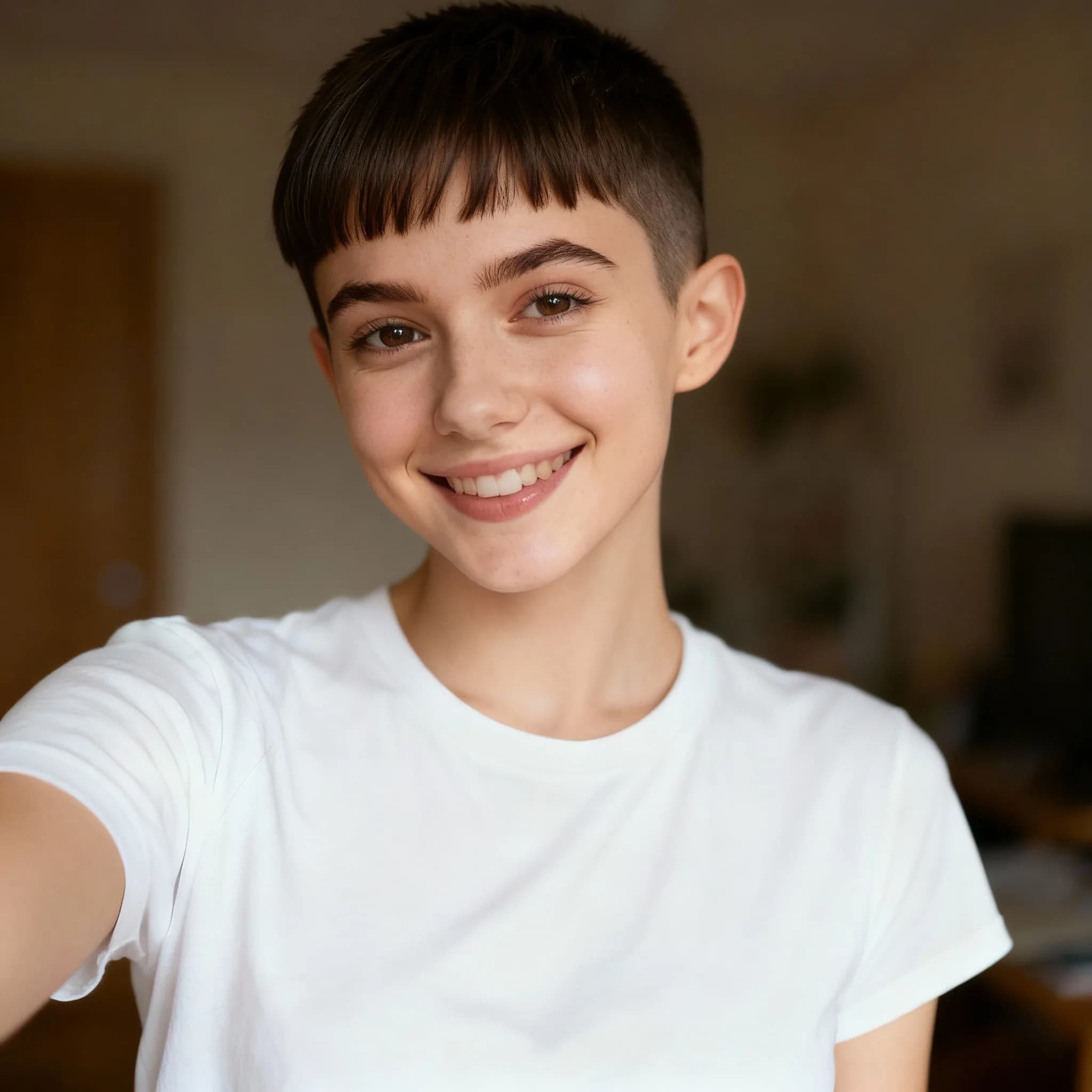
Pixie Cut Filter
Try virtual pixie cut hairstyle transformation
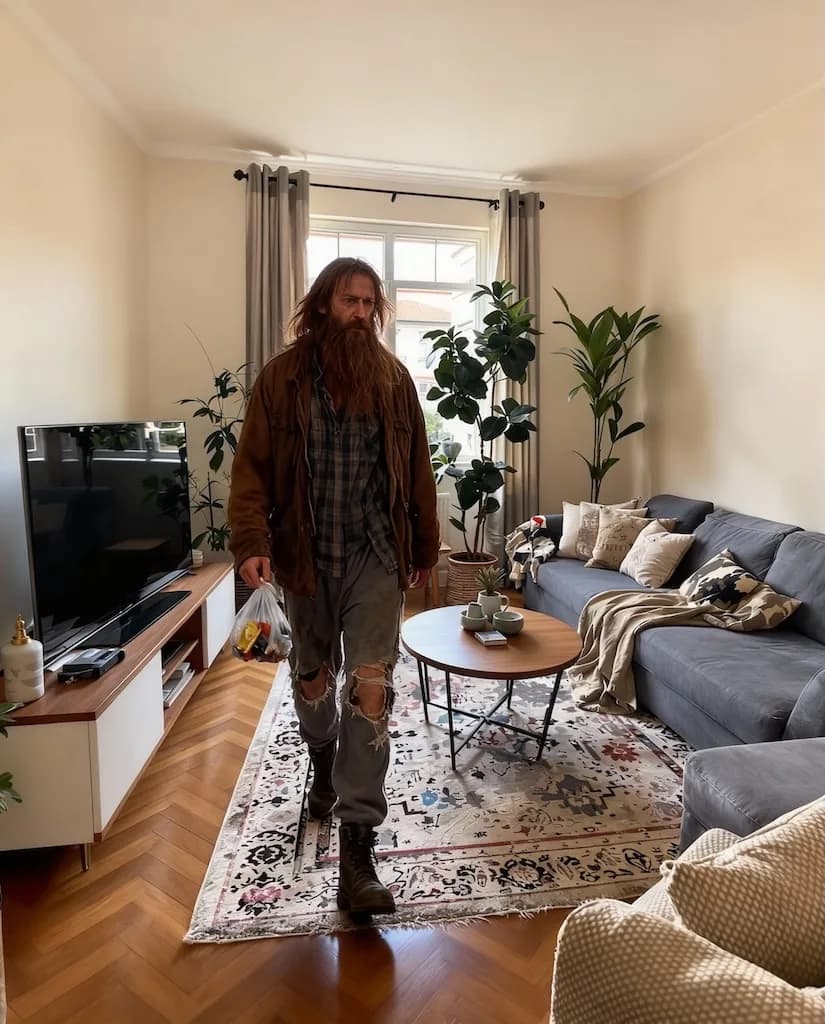
AI Homeless Man
Artistic transformation into weathered, rugged character with life experience
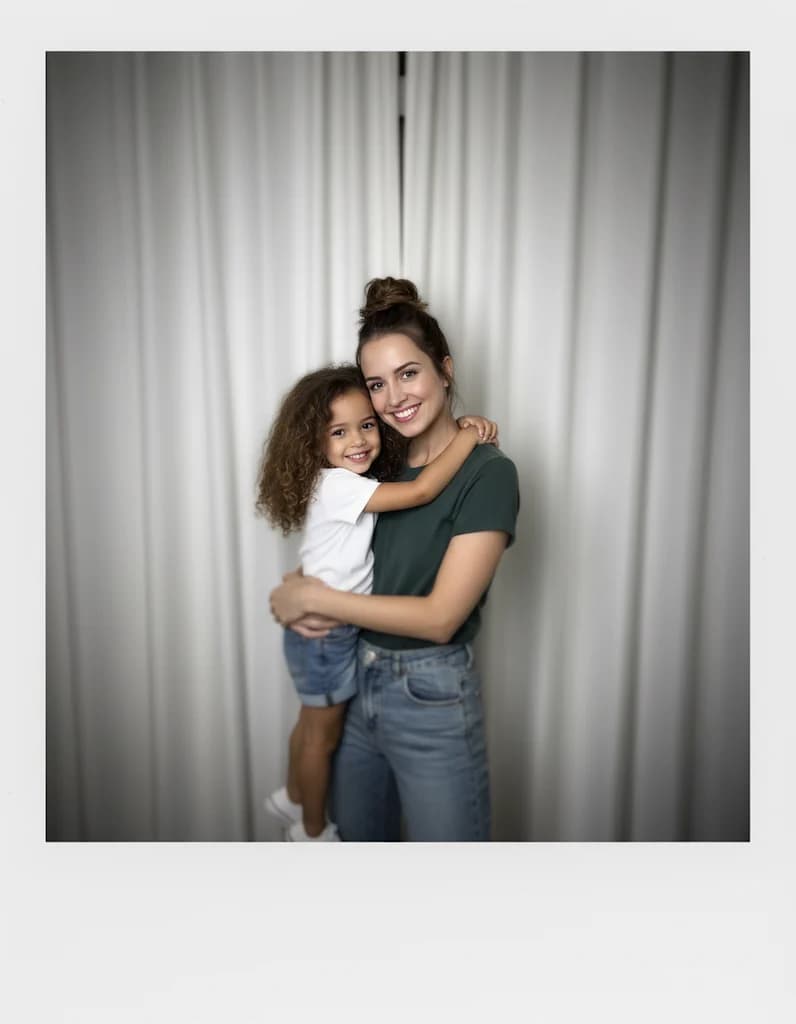
Gemini Hug My Younger Self
Create heartwarming scenes of hugging your younger self
Qu'est-ce que Nanobanana Prompt ?
Nanobanana Prompt est une bibliothèque organisée de prompts pour la génération d'images IA, conçue par des créateurs professionnels. Contrairement aux générateurs de prompts aléatoires, chaque Nanobanana Prompt est testé manuellement et optimisé pour des résultats cohérents et de haute qualité. La collection comprend des prompts pour les portraits, les styles artistiques, la restauration photo, la conversion anime et les effets créatifs. Chaque Nanobanana Prompt fonctionne parfaitement avec les modèles IA avancés, y compris les modèles LoRA exclusifs Nano Banana pour améliorer la qualité des résultats.
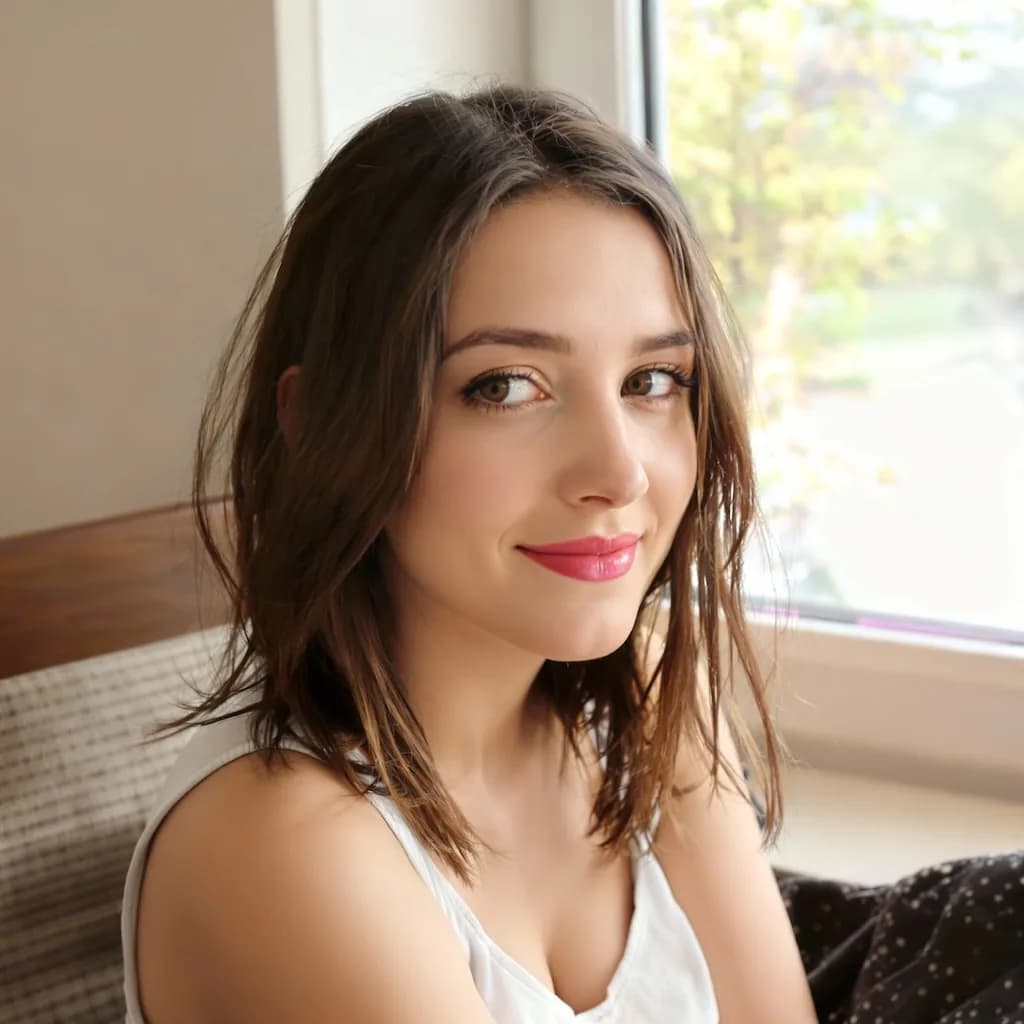
Nanobanana Prompt pour les portraits
Les prompts pour portraits de notre collection Nanobanana Prompt offrent des photos professionnelles, des améliorations beauté et des transformations de personnages. Chaque prompt portrait Nanobanana Prompt inclut des paramètres optimisés pour les traits du visage, l'éclairage et la composition. Ces prompts conservent une apparence naturelle tout en appliquant des améliorations visuelles impressionnantes.
Nanobanana Prompt pour les styles artistiques
Les prompts artistiques transforment les photos ordinaires en anime, illustrations, pixel art et peintures. Notre bibliothèque Nanobanana Prompt inclut les styles inspirés par Studio Ghibli, l'esthétique vintage et l'art numérique moderne. Chaque prompt artistique Nanobanana Prompt capture les caractéristiques authentiques du style tout en préservant l'identité du sujet.
Nanobanana Prompt pour les effets spéciaux
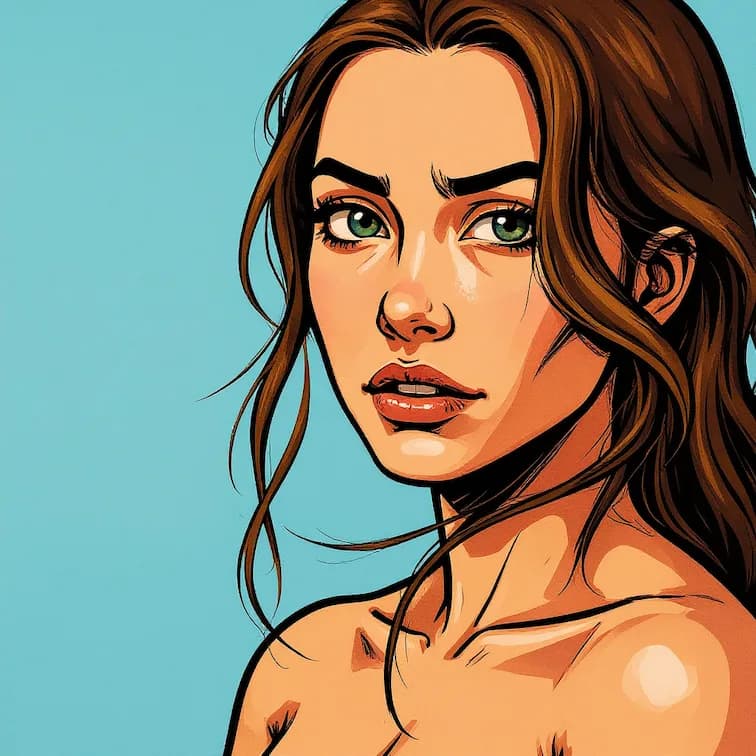
Les prompts d'effet spécial créent des transformations visuelles uniques, notamment les thèmes festifs, les styles de jeux et les filtres créatifs. La collection Nanobanana Prompt propose des affiches Halloween, des transformations de Noël, des filtres style GTA et l'esthétique Minecraft. Ces options Nanobanana Prompt offrent des résultats accrocheurs parfaits pour les réseaux sociaux.
Comment utiliser Nanobanana Prompt
Commencer avec Nanobanana Prompt prend seulement quelques secondes. Parcourez notre collection organisée, sélectionnez un prompt qui correspond à votre vision créative et générez des images IA époustouflantes instantanément. Chaque Nanobanana Prompt est prêt à l'emploi sans aucune connaissance technique requise.
1. Parcourir les catégories Nanobanana Prompt
Explorez notre bibliothèque Nanobanana Prompt organisée comprenant plus de 30 catégories. Chaque catégorie affiche des résultats d'exemple afin que vous puissiez prévisualiser le style visuel avant de sélectionner. Les catégories comprennent les portraits, l'artistique, la restauration, les effets et bien plus encore.
2. Sélectionnez votre Nanobanana Prompt
Cliquez sur n'importe quelle carte de prompt pour voir les détails complets du Nanobanana Prompt. Chaque listing affiche le texte complet du prompt, les paramètres recommandés et les exemples avant/après. Copiez le prompt directement ou personnalisez-le pour correspondre à vos besoins spécifiques.
3. Téléchargez votre image
Téléchargez votre image source au format PNG, JPG ou WebP. Pour des résultats optimaux avec Nanobanana Prompt, utilisez des photos claires avec un bon éclairage. Le système optimise automatiquement votre image pour le traitement IA.
4. Générez et téléchargez
Appliquez votre Nanobanana Prompt sélectionné et regardez l'IA transformer votre image. La génération se termine généralement en 10-30 secondes. Téléchargez votre résultat en haute résolution ou essayez différentes variations Nanobanana Prompt pour l'exploration créative.
Catégories Nanobanana Prompt
Chaque Nanobanana Prompt de notre collection est organisé en catégories intuitives. Parcourez par style, type d'effet ou cas d'usage pour trouver le prompt parfait pour votre projet créatif. Les nouveaux ajouts Nanobanana Prompt sont publiés chaque semaine selon les styles tendance et les demandes des utilisateurs.
Prompts d'amélioration de portrait
La collection Nanobanana Prompt pour les portraits comprend le filtre beauté IA, les photos professionnelles, les portraits avec éclairage de contour et les transformations de coiffure. Ces prompts améliorent les photos naturellement tout en maintenant les caractéristiques faciales authentiques. Parfait pour les photos LinkedIn et les profils de médias sociaux.
Prompts de style artistique
Les prompts artistiques Nanobanana Prompt comprennent l'illustration GHIBSKY, l'illustration plate, le dessin linéaire et les styles de peinture à l'huile. Chaque prompt capture les caractéristiques artistiques authentiques apprises à partir des œuvres d'art professionnelles. Transformez les photos en pièces d'art numérique époustouflantes.
Prompts de restauration photo
Les prompts de restauration Nanobanana Prompt incluent la restauration de photos anciennes et les effets d'amélioration d'image. Ces prompts IA réparent les rayures, éliminent les taches et restaurent les couleurs fanées. Parfait pour préserver les photographies vintage en famille avec une qualité professionnelle.
Prompts de style de jeu
La collection de jeux Nanobanana Prompt propose la conversion en pixel art, le filtre Minecraft, le style GTA et l'esthétique des jeux rétro. Transformez les photos en visuels authentiques de jeux vidéo, parfaits pour les créateurs de contenu de jeux et les développeurs indépendants.
Prompts de thème festif
Les prompts festifs Nanobanana Prompt incluent la transformation poupée de Noël, l'affiche Halloween et les effets de célébration saisonnière. Créez du contenu festif avec des prompts optimisés conçus pour un impact visuel maximal pendant les saisons festives.
Prompts de transformation de personnage
Les prompts de personnage Nanobanana Prompt incluent le selfie Zootopia, la caricature 3D, le générateur de visage bébé et le créateur d'icône émoji. Ces prompts de transformation amusants créent du contenu partageable et divertissant, parfait pour les publications virales sur les réseaux sociaux.
Ce que les utilisateurs disent de Nanobanana Prompt
Découvrez comment les créateurs et les professionnels utilisent notre collection Nanobanana Prompt pour les projets de génération d'images IA.
Michael Roberts
Créateur de contenu
“La bibliothèque Nanobanana Prompt m'a fait économiser des heures d'ingénierie des prompts. Chaque prompt que j'ai essayé offre des résultats cohérents et professionnels. L'organisation par catégories rend la recherche du bon prompt incroyablement facile.”
Emma Chen
Artiste numérique
“J'utilise Nanobanana Prompt quotidiennement pour mon contenu sur les réseaux sociaux. Les prompts de style artistique produisent des résultats de qualité galerie que mes followers adorent. La meilleure collection de prompts gratuits que j'ai jamais trouvée.”
James Wilson
Directeur marketing
“Le prompt d'amélioration de portrait Nanobanana Prompt a transformé mes photos en images de qualité professionnelle. Beaucoup mieux que de passer des heures à écrire mes propres prompts à partir de zéro.”
Lisa Park
Développeuse de jeux
“La collection de style de jeu Nanobanana Prompt est parfaite pour mes ressources de jeu indépendant. Les prompts pixel art et rétro produisent des visuels authentiques qui prendraient des heures à créer manuellement.”
David Thompson
Historien familial
“Le prompt de restauration photo Nanobanana Prompt a sauvé les photos vintage de ma grand-mère. L'IA a parfaitement réparé les dégâts tout en conservant l'authenticité historique.”
Questions fréquemment posées
Trouvez des réponses sur l'utilisation de notre collection de prompts, les options de personnalisation et la compatibilité avec les modèles IA.
Qu'est-ce que Nanobanana Prompt et comment ça fonctionne ?
Nanobanana Prompt est une collection organisée de prompts pour la génération d'images IA. Chaque prompt est testé et optimisé pour des résultats cohérents et de haute qualité. Parcourez simplement nos catégories, sélectionnez un prompt, copiez-le et utilisez-le avec votre outil préféré de génération d'images IA. Tous les prompts Nanobanana Prompt sont gratuits d'utilisation.
Tous les prompts Nanobanana Prompt sont-ils gratuits d'utilisation ?
Oui, l'intégralité de la collection Nanobanana Prompt est complètement gratuite à consulter et utiliser. Vous pouvez copier, personnaliser et appliquer n'importe quel prompt sans frais. Les fonctionnalités premium comme la sortie haute résolution et le traitement par lots nécessitent des crédits pour la génération IA réelle.
Puis-je personnaliser les prompts Nanobanana Prompt ?
Absolument. Chaque Nanobanana Prompt est conçu comme un point de départ que vous pouvez modifier. Ajustez les paramètres, combinez les éléments de plusieurs prompts ou ajoutez vos propres touches créatives. Les prompts sont optimisés mais flexibles pour votre vision créative.
Quels modèles IA fonctionnent avec Nanobanana Prompt ?
Les prompts Nanobanana Prompt sont optimisés pour tous les modèles majeurs de génération d'images IA, notamment Flux, Stable Diffusion et les modèles LoRA exclusifs Nano Banana. Les prompts fonctionnent mieux avec les modèles améliorés par LoRA pour une qualité et une cohérence maximales.
À quelle fréquence de nouveaux prompts Nanobanana Prompt sont-ils ajoutés ?
De nouveaux prompts sont ajoutés à la collection Nanobanana Prompt chaque semaine. Nous étendons continuellement notre bibliothèque en fonction des styles tendance, des retours utilisateurs et des capacités IA émergentes. Abonnez-vous aux mises à jour pour être notifié quand de nouveaux prompts sont disponibles.
Ai-je besoin de connaissances techniques pour utiliser Nanobanana Prompt ?
Aucune connaissance technique requise. Chaque Nanobanana Prompt inclut le texte complet du prompt prêt à copier et utiliser. Nous fournissons les paramètres recommandés et les exemples avant/après afin que vous sachiez exactement quels résultats attendre.
Puis-je utiliser Nanobanana Prompt pour des projets commerciaux ?
Oui, tous les prompts Nanobanana Prompt peuvent être utilisés pour des projets personnels et commerciaux. Les images que vous générez en utilisant nos prompts vous appartiennent. Veuillez consulter nos conditions d'utilisation pour obtenir des détails de licence complets.
Quelles catégories sont disponibles dans Nanobanana Prompt ?
Nanobanana Prompt propose plus de 30 catégories comprenant les portraits, les styles artistiques, la restauration de photos, l'esthétique des jeux, les thèmes festifs, les transformations de personnages, les filtres beauté et les outils utilitaires. Chaque catégorie contient plusieurs prompts testés.