
Nanobanana Prompt
Discover 100+ curated AI image generation prompts. Copy and use instantly for stunning results with any AI image generator.
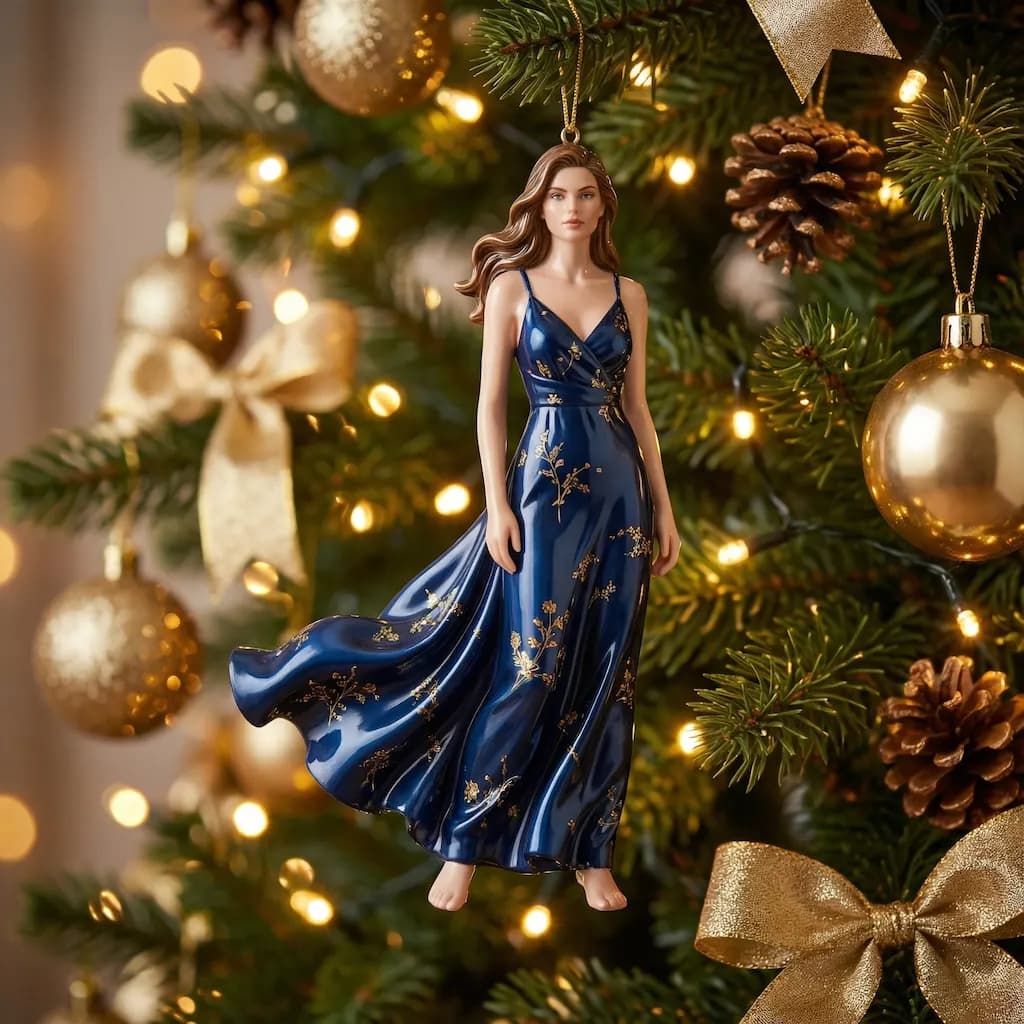
Christmas Doll
Transform your portrait into a magical Christmas doll with festive holiday decorations
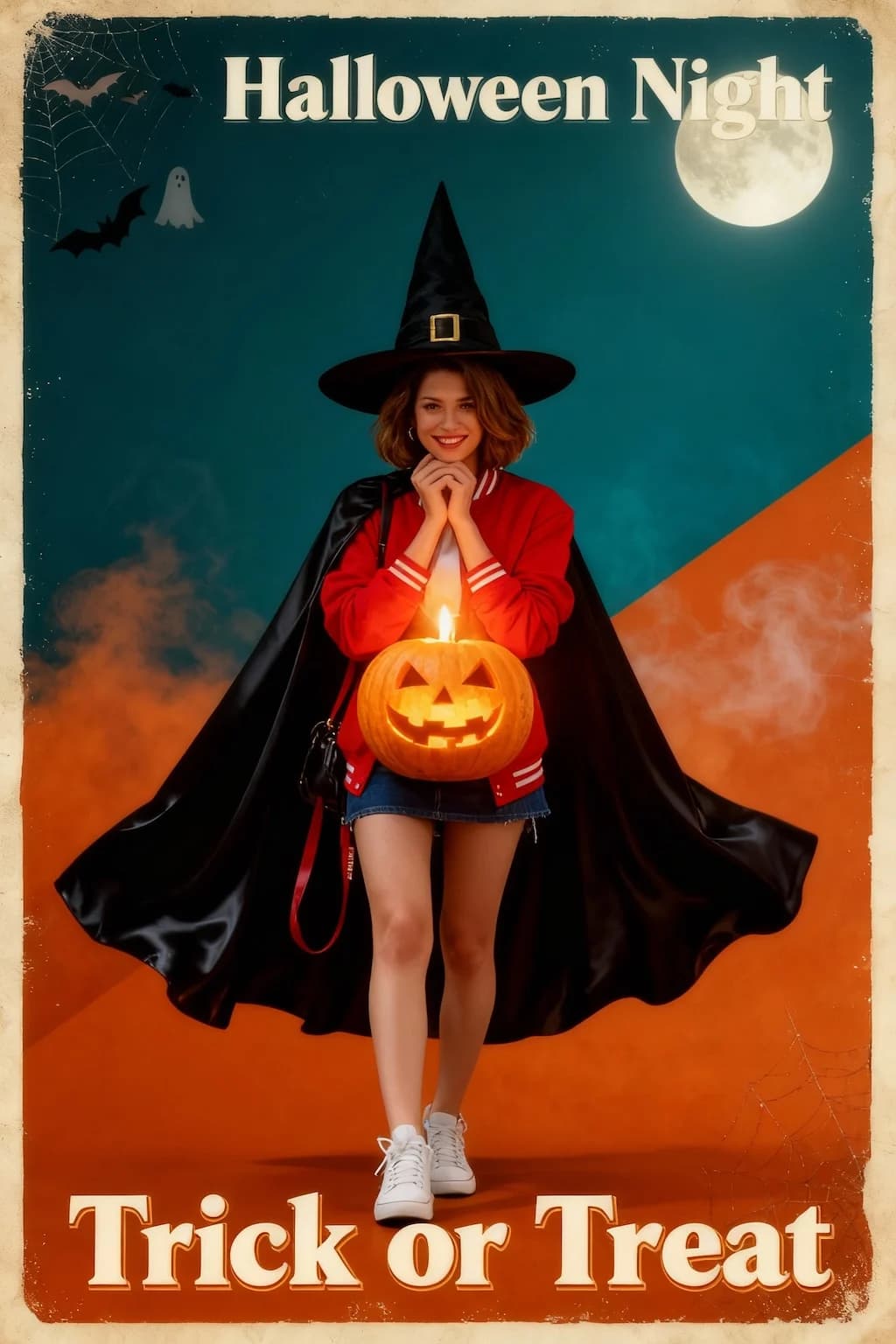
Halloween Poster
Create spooky vintage Halloween poster art with dramatic horror movie aesthetics
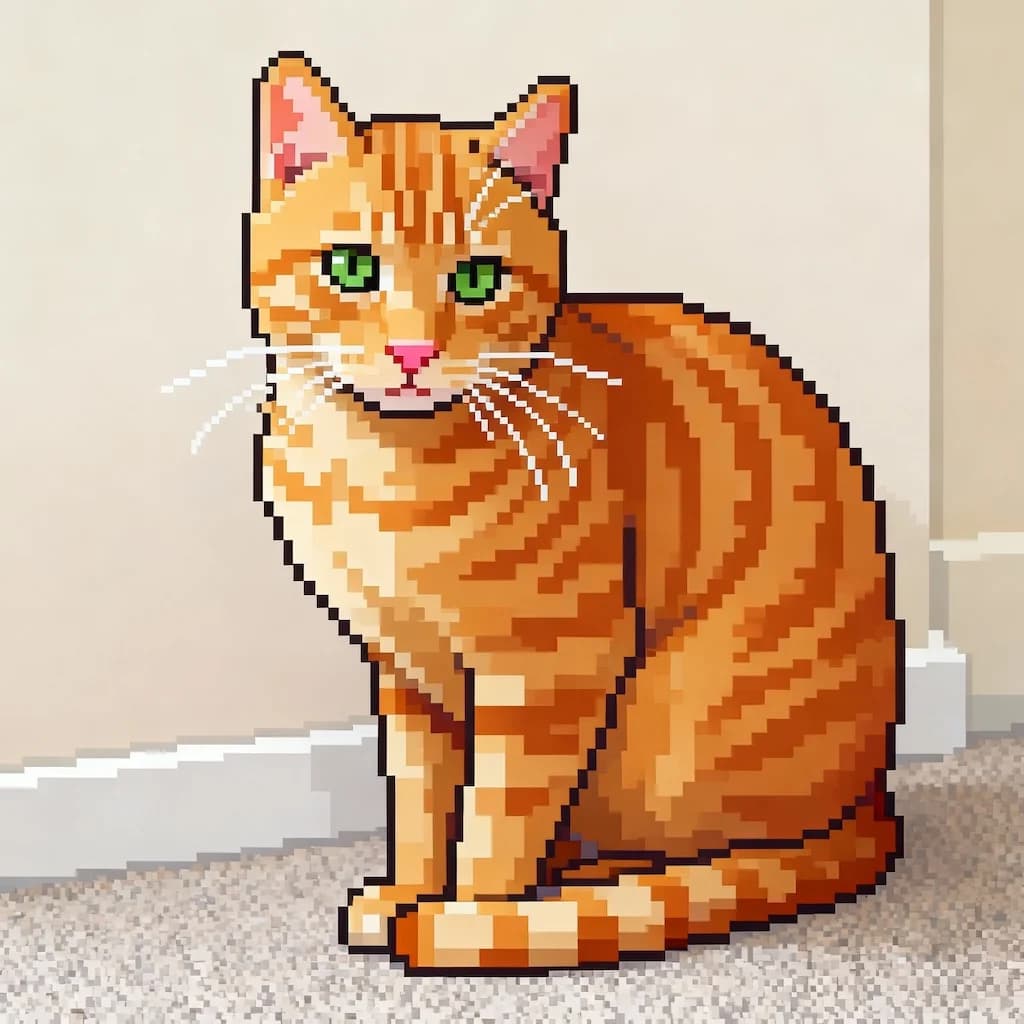
Image To Pixel
Convert any image into retro 16-bit pixel art style perfect for games
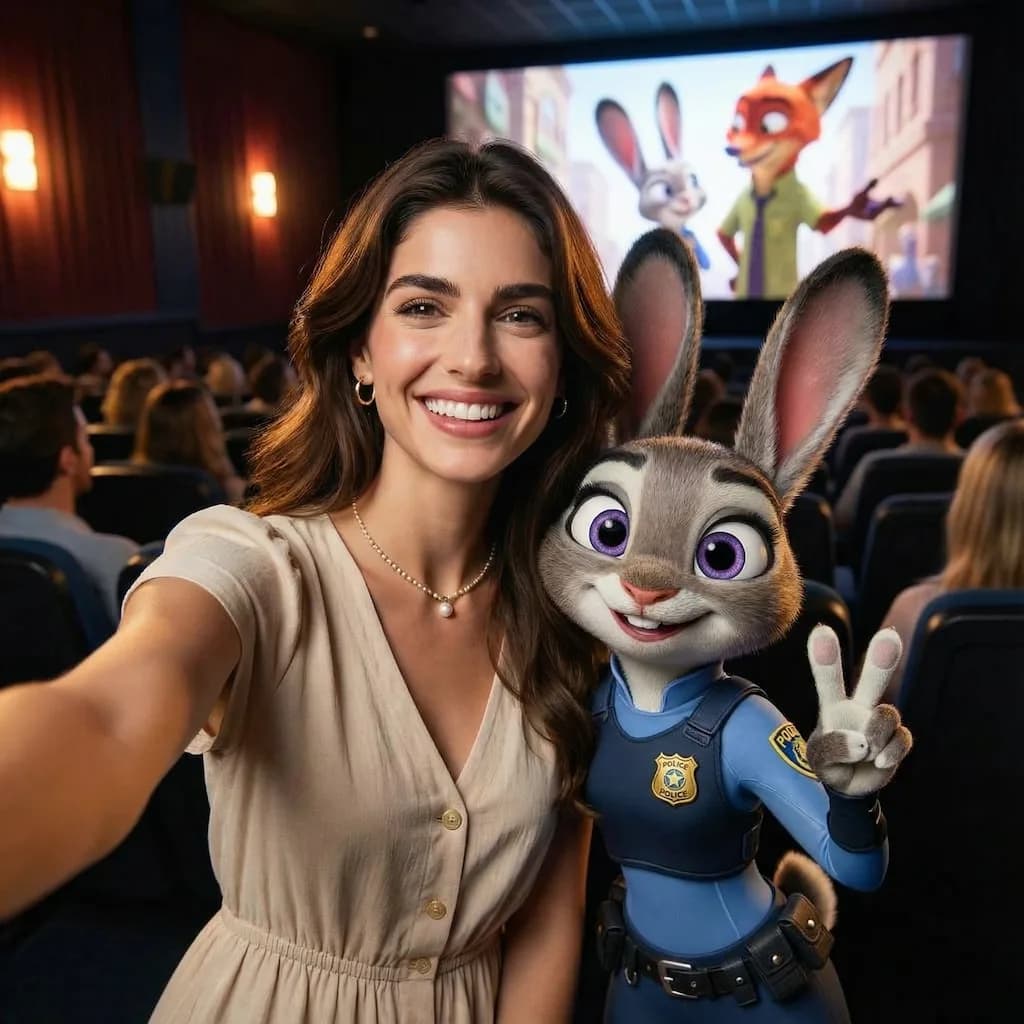
Zootopia Selfie
Transform into an adorable Zootopia-style anthropomorphic animal character
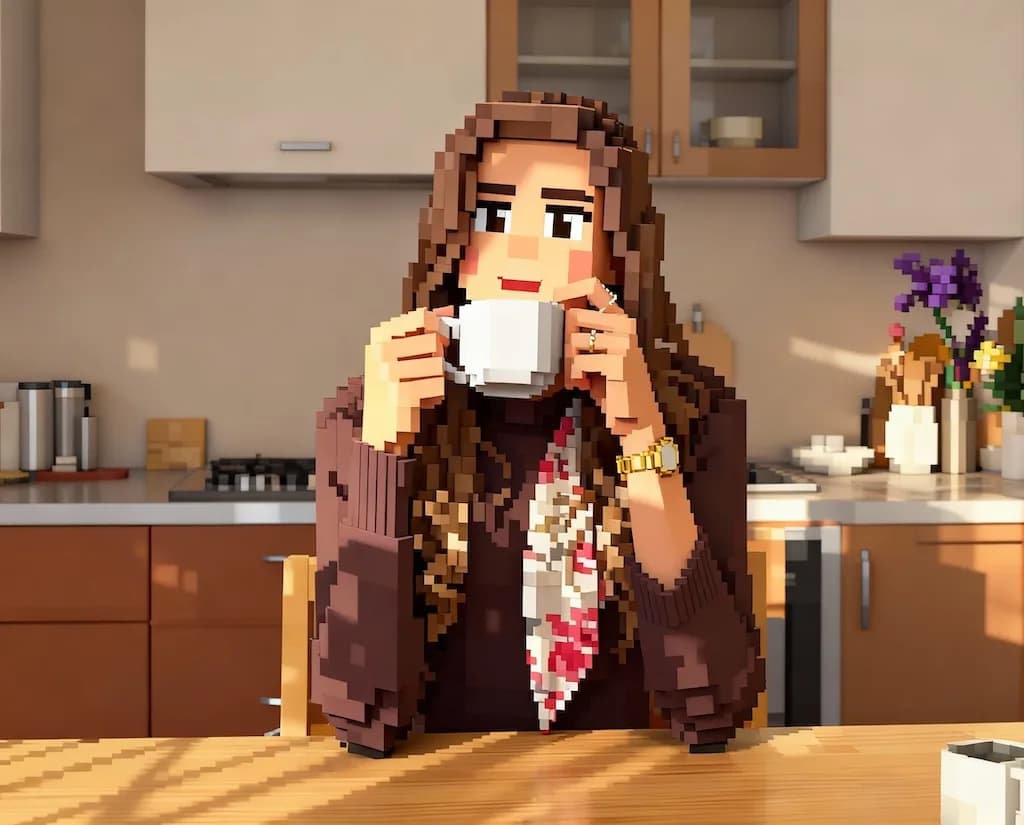
AI Minecraft Filter
Convert photos into blocky Minecraft-style 3D voxel art
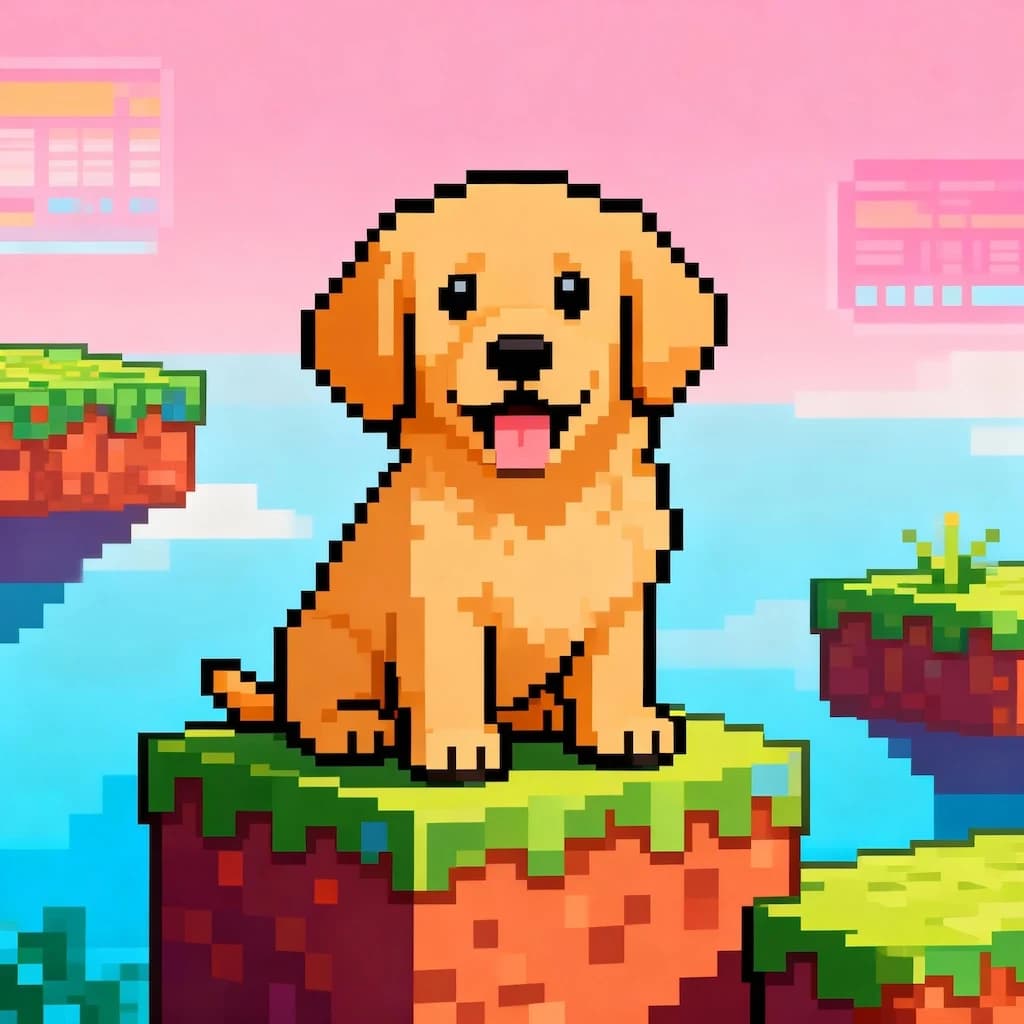
16-bit Video Game Character
Transform portraits into classic 16-bit video game character sprites
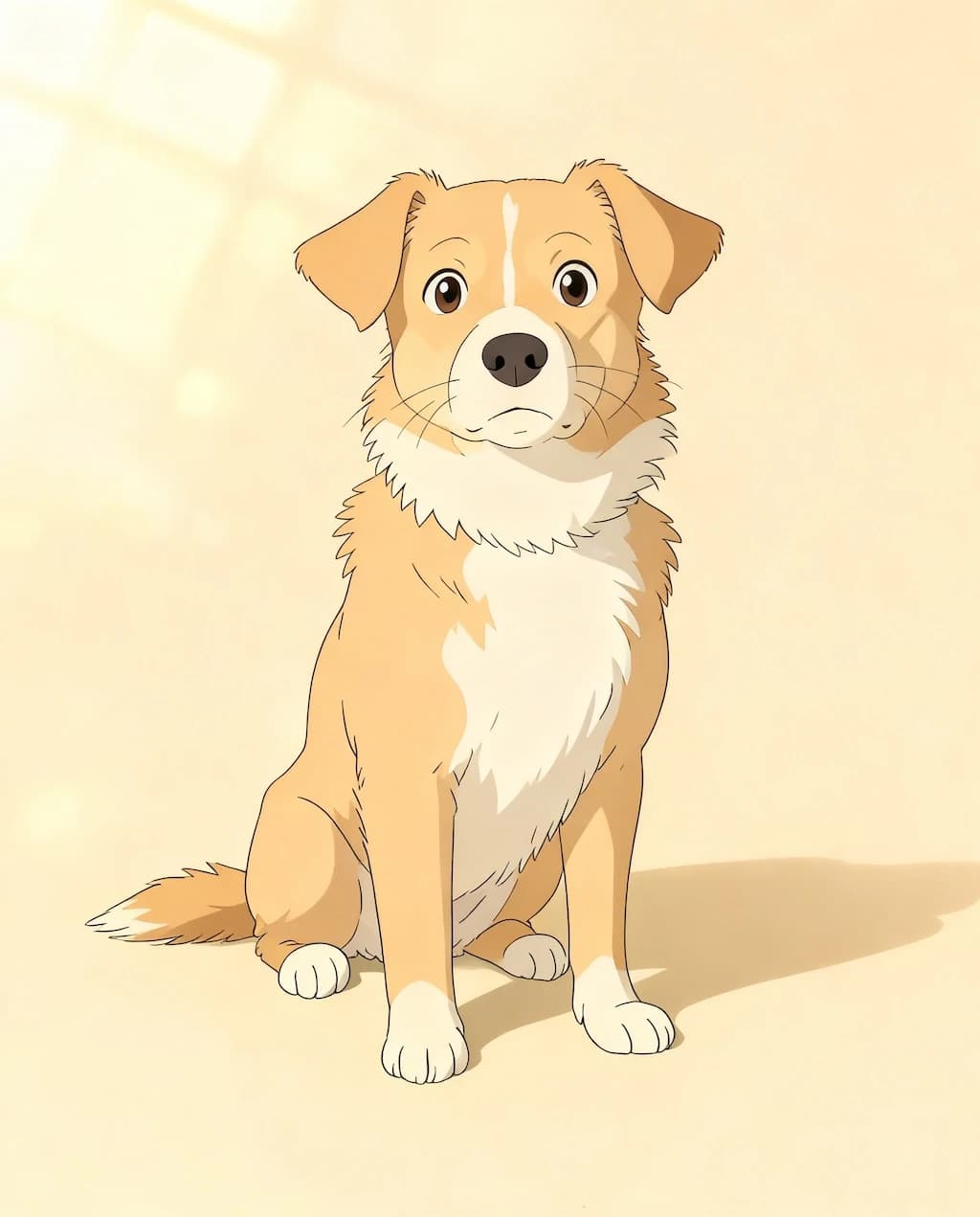
GHIBSKY Illustration
Transform photos into dreamy Studio Ghibli-inspired artwork with magical skies
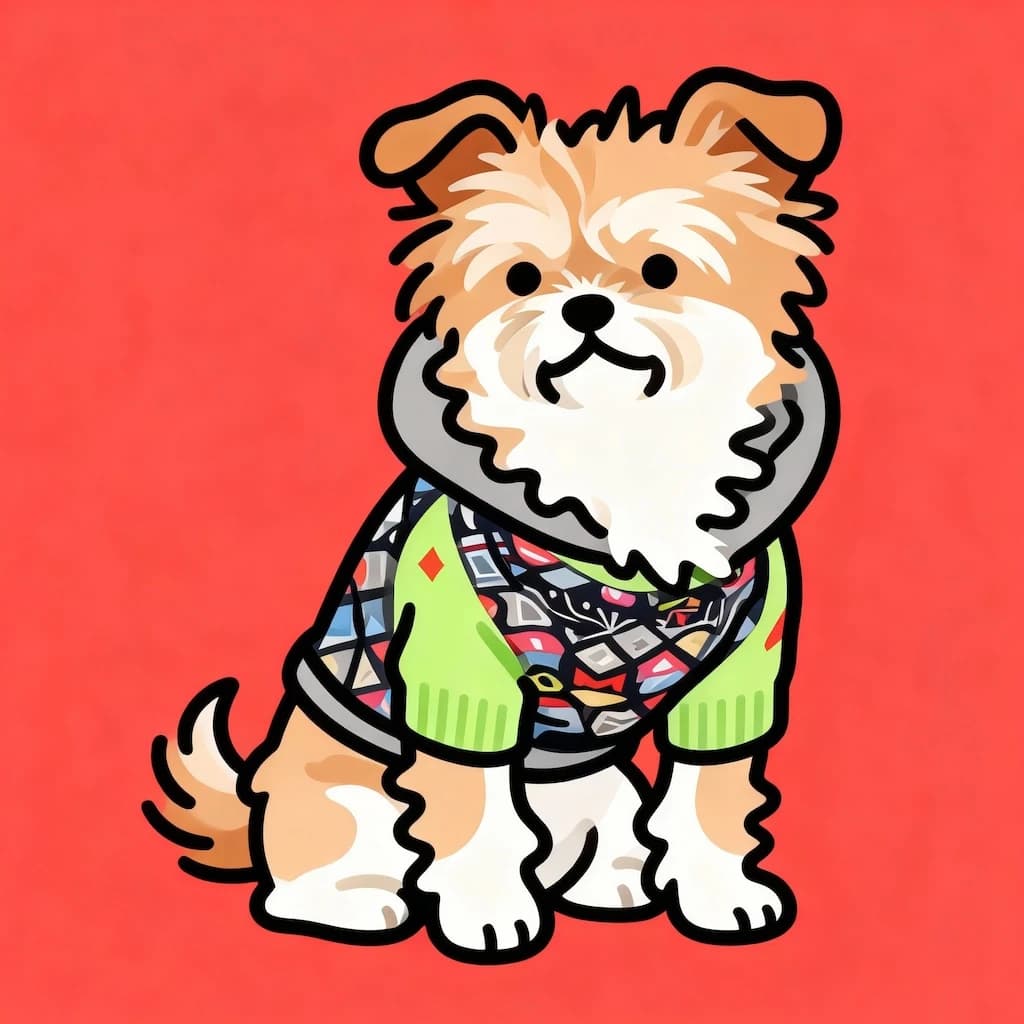
Flat Illustration
Create modern flat design illustrations with clean vectors and bold colors
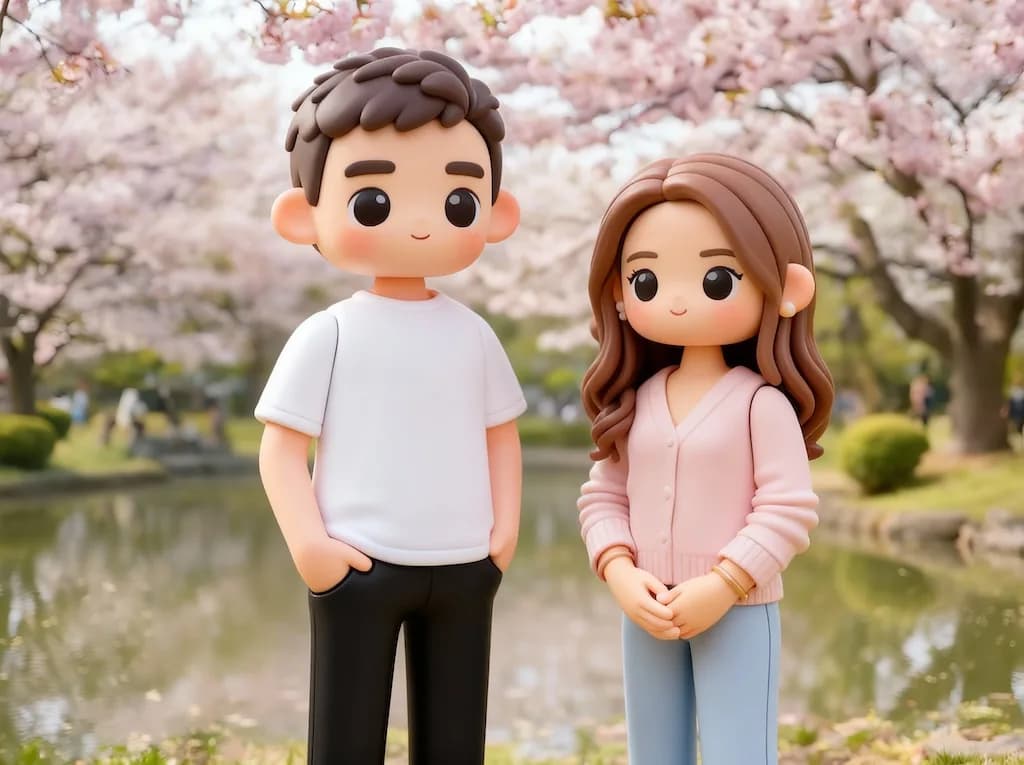
3D Toy
Transform photos into adorable 3D toy figurine renders
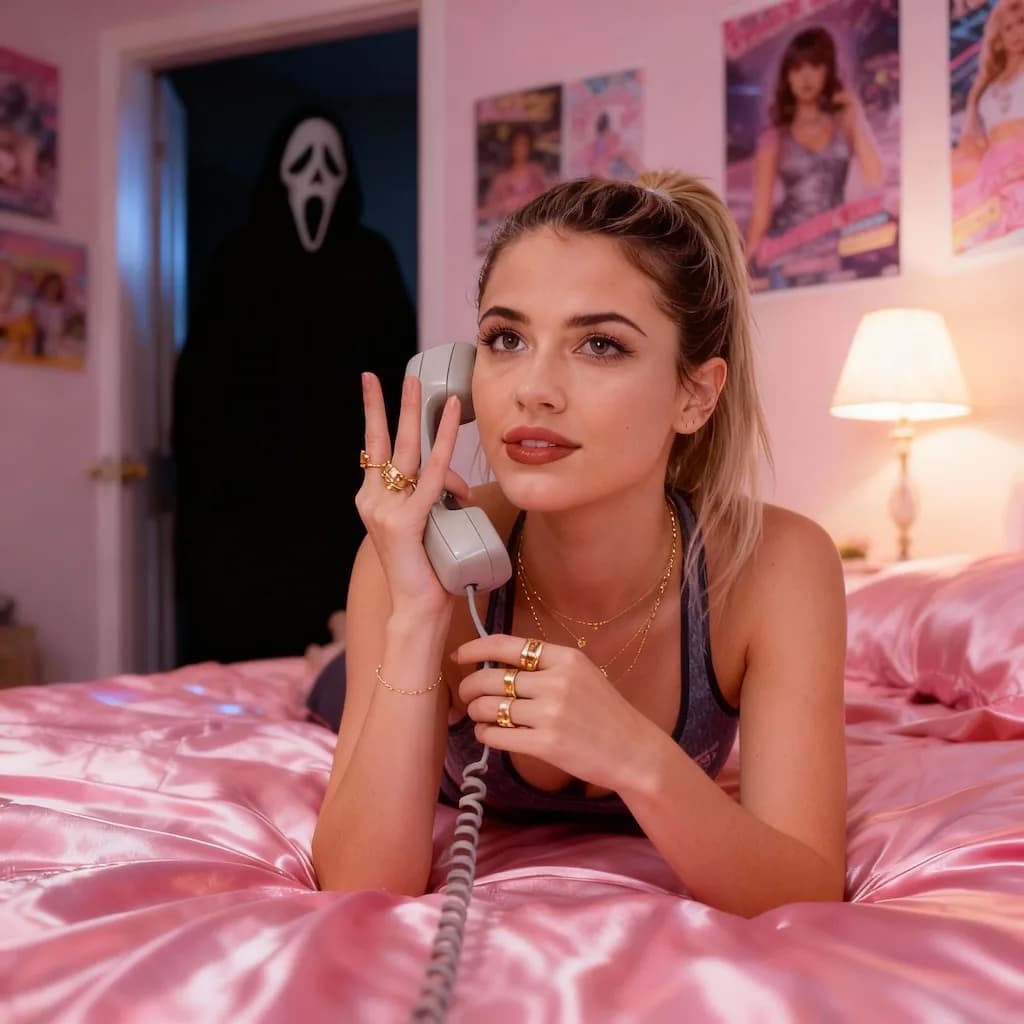
Scream AI Picture Trends
Create dramatic screaming portrait effects inspired by viral AI trends
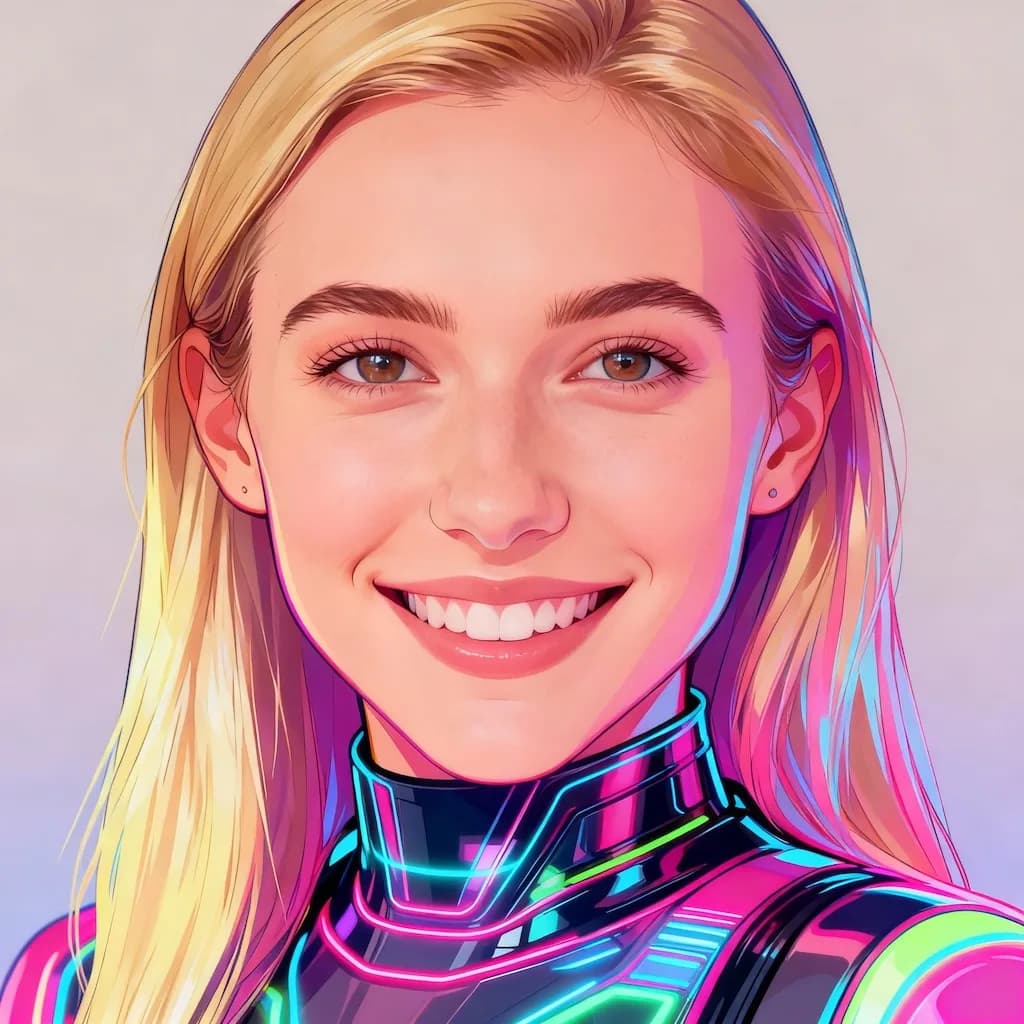
Y2K Style AI Of Yourself
Create nostalgic Y2K aesthetic digital fashion illustrations
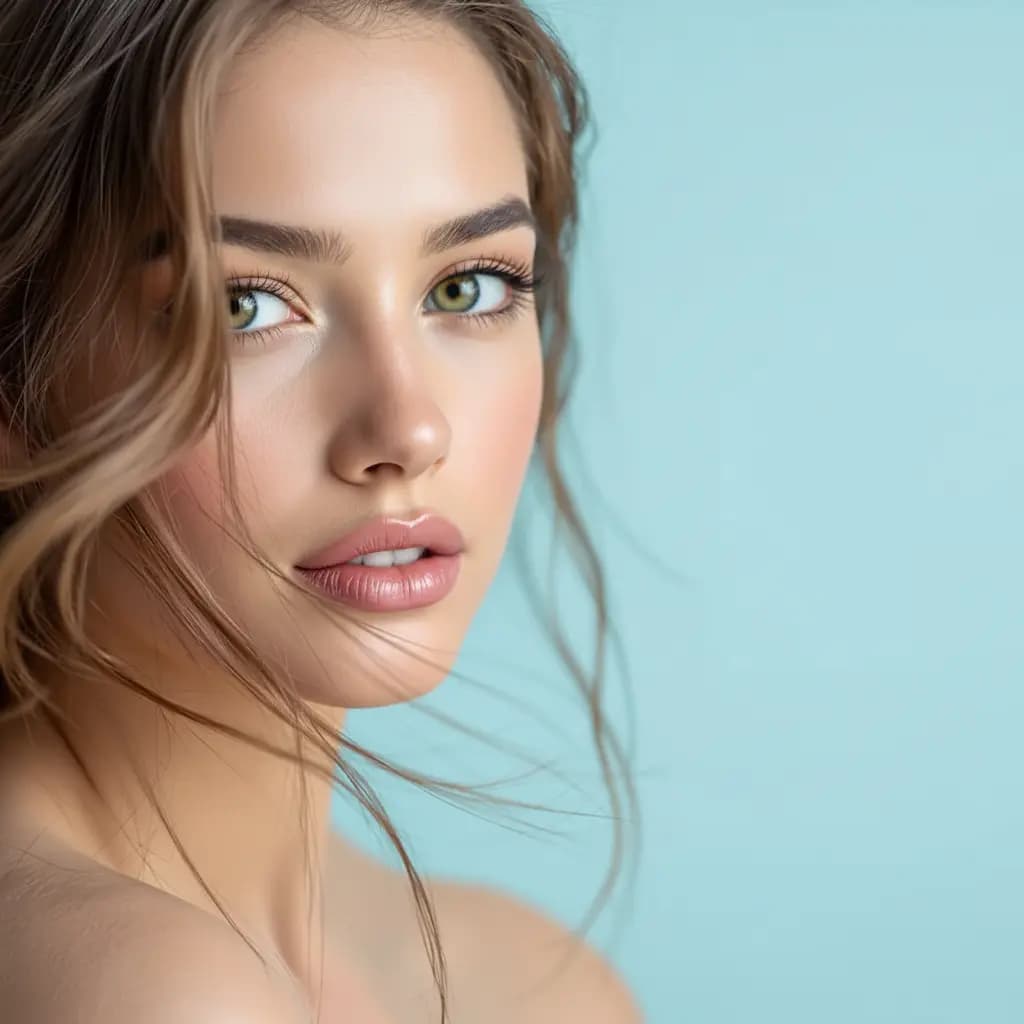
Inverted Face Filter
Create surreal inverted face artistic effects
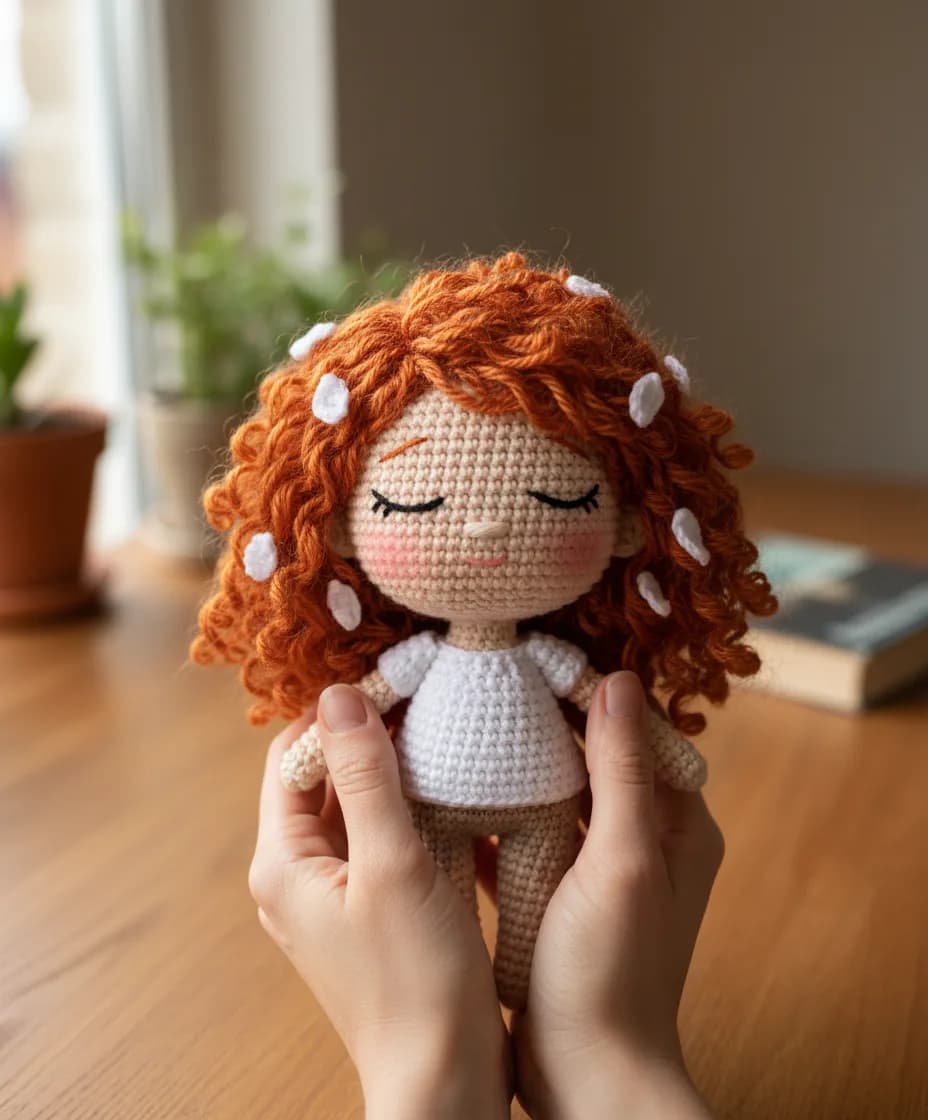
Chibi Knitted Doll
Transform into adorable chibi-style knitted doll characters
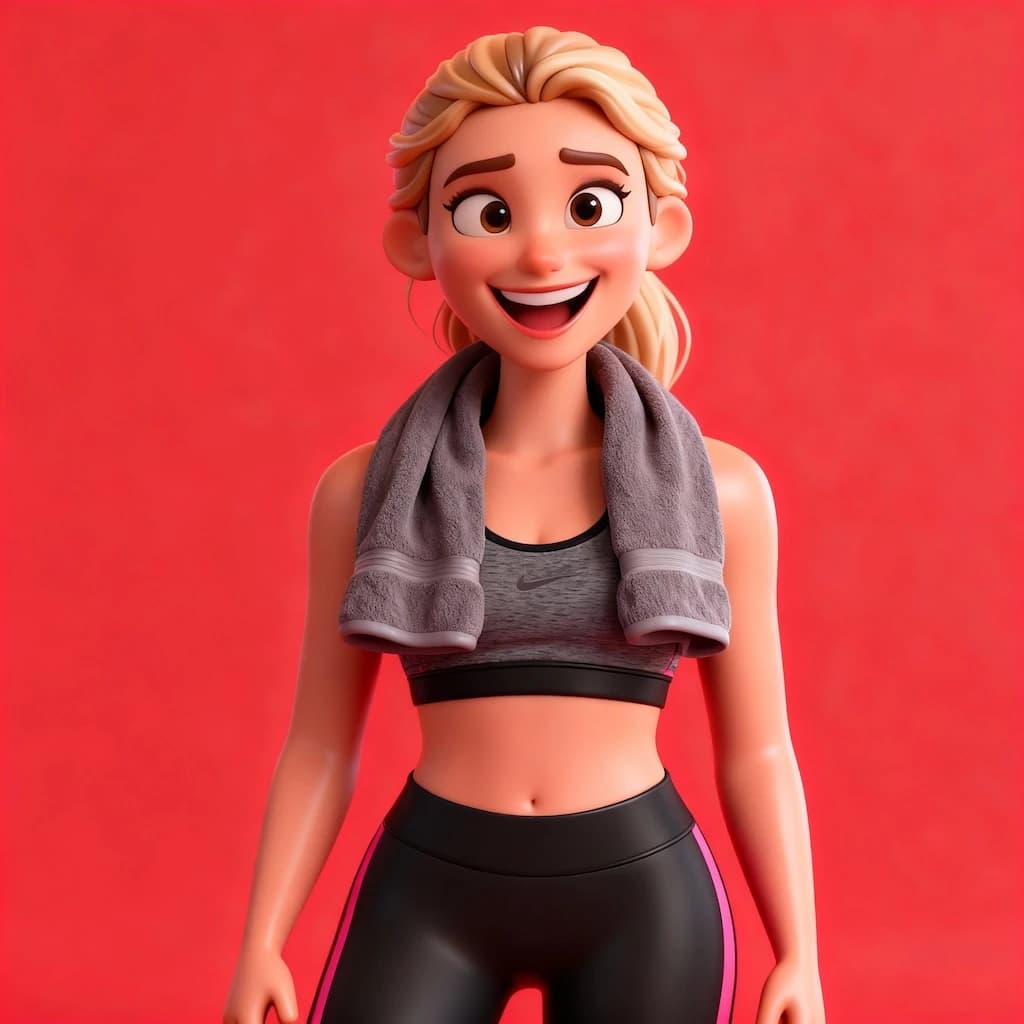
3D Caricature Of Yourself
Create fun 3D caricature portraits with exaggerated features
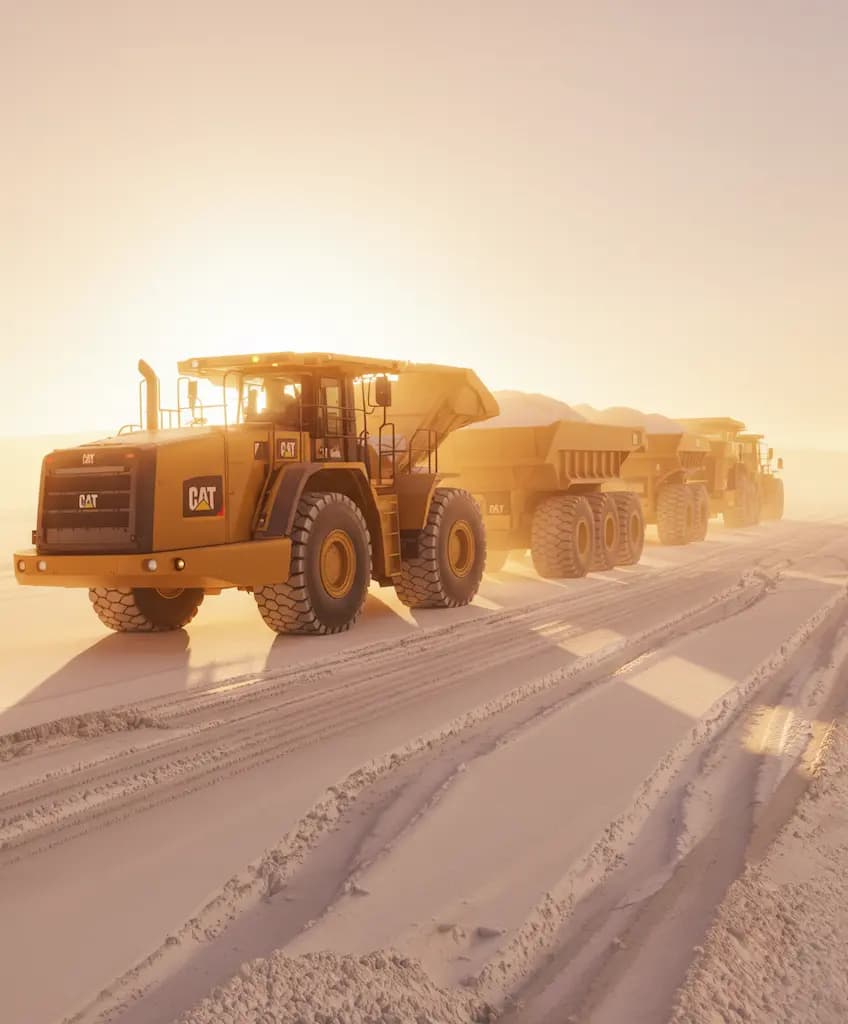
Time-Based Image Edit
Apply time-travel aging or de-aging effects to portraits
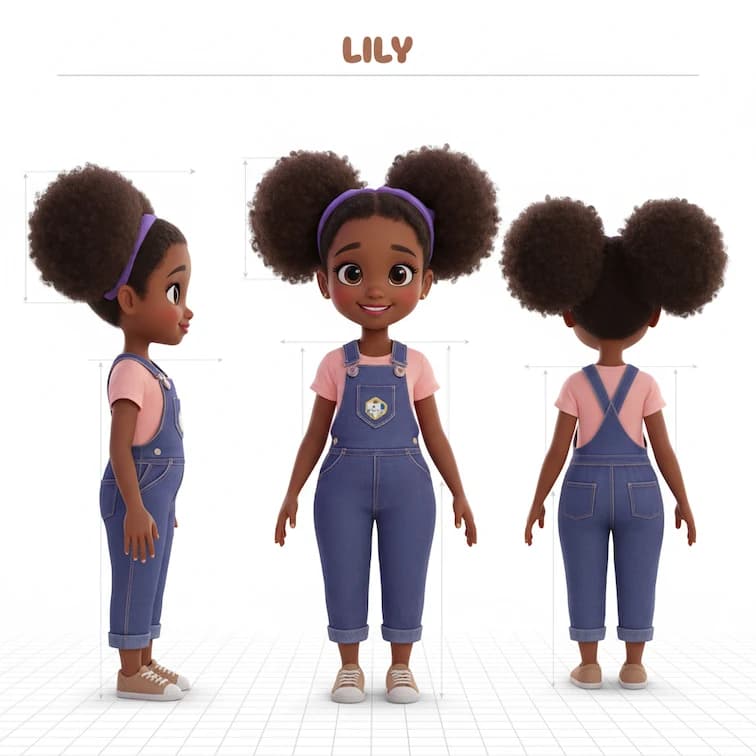
Three-view Drawing
Create character model sheets with front, side, and back poses
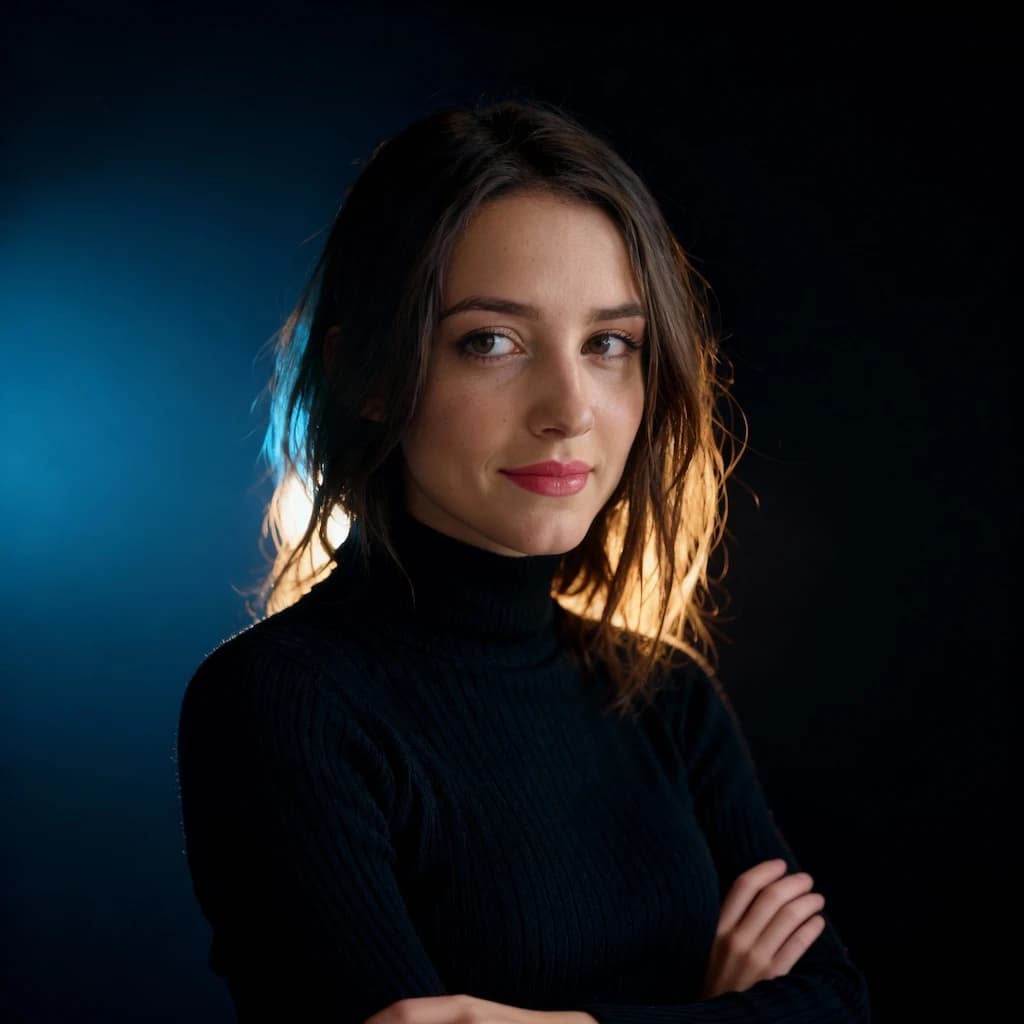
Rim Light Portrait
Add dramatic rim lighting effects for stunning backlit portrait photography
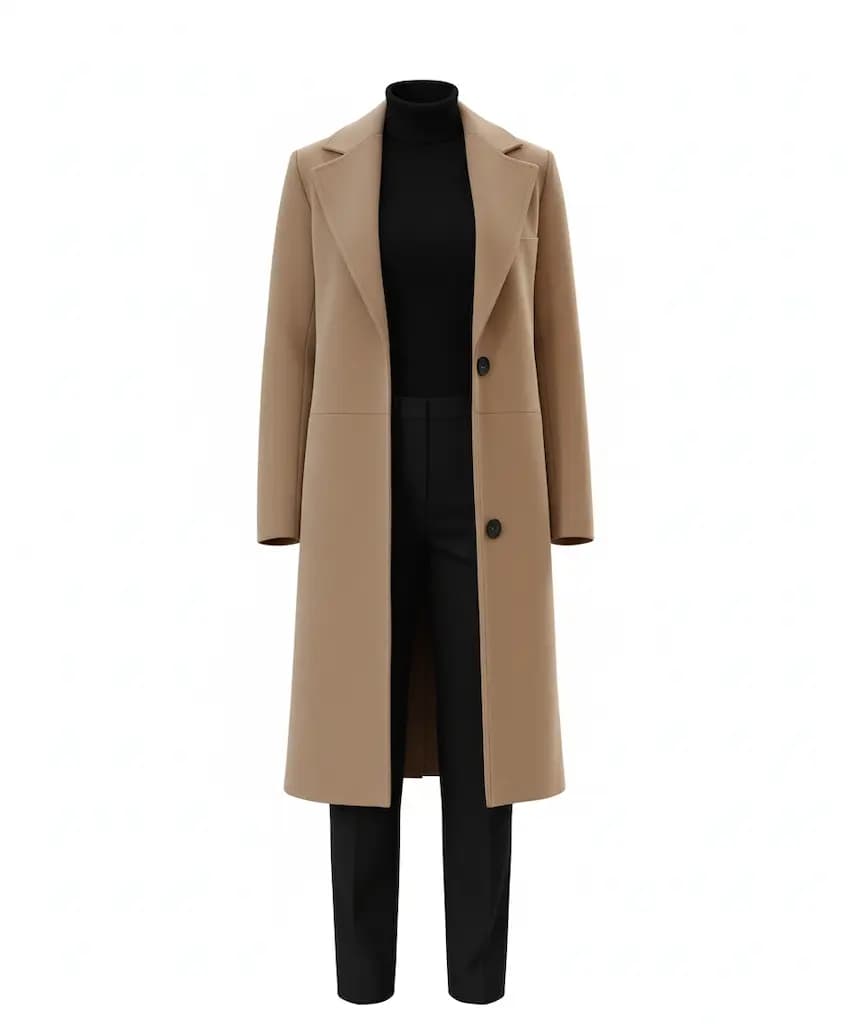
Object Extraction
Cleanly extract objects or subjects from their backgrounds
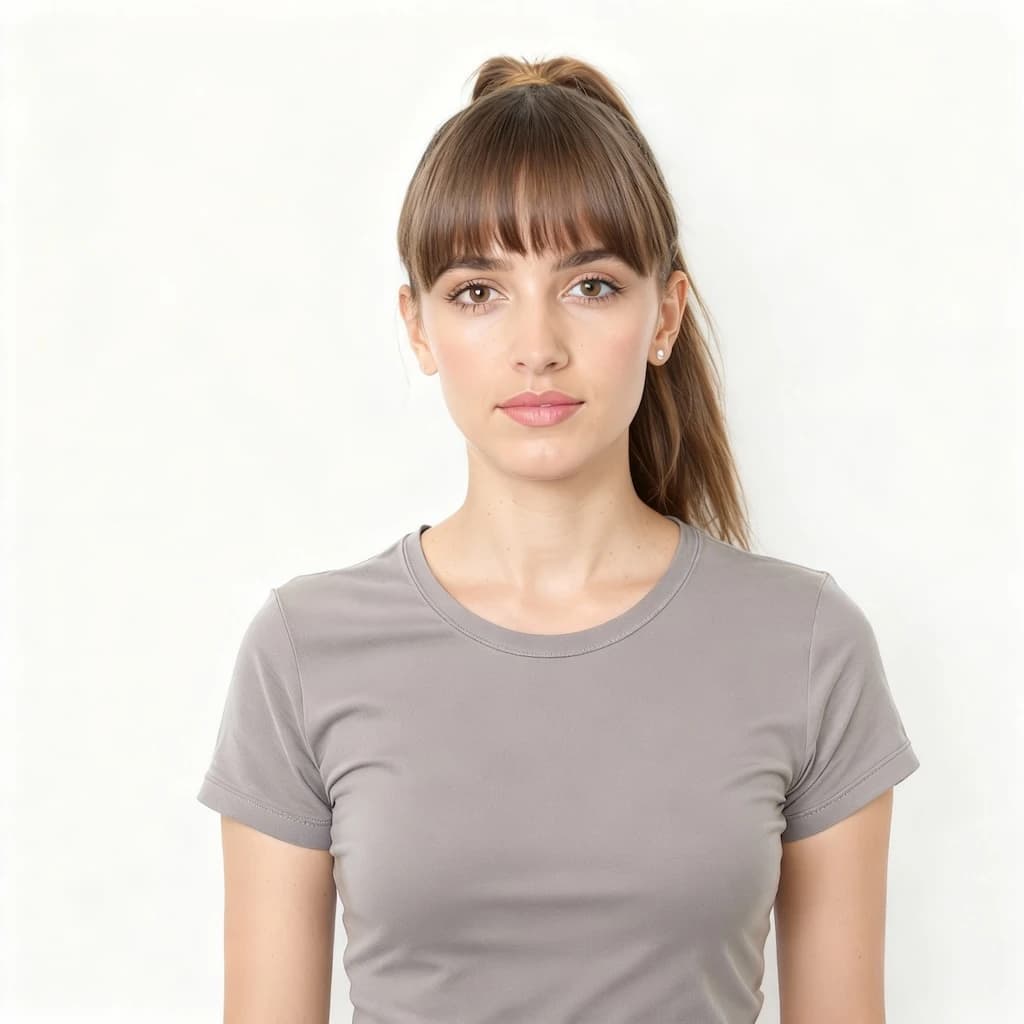
Bangs Filter
Try virtual bangs hairstyle - see how you look with fringe before cutting
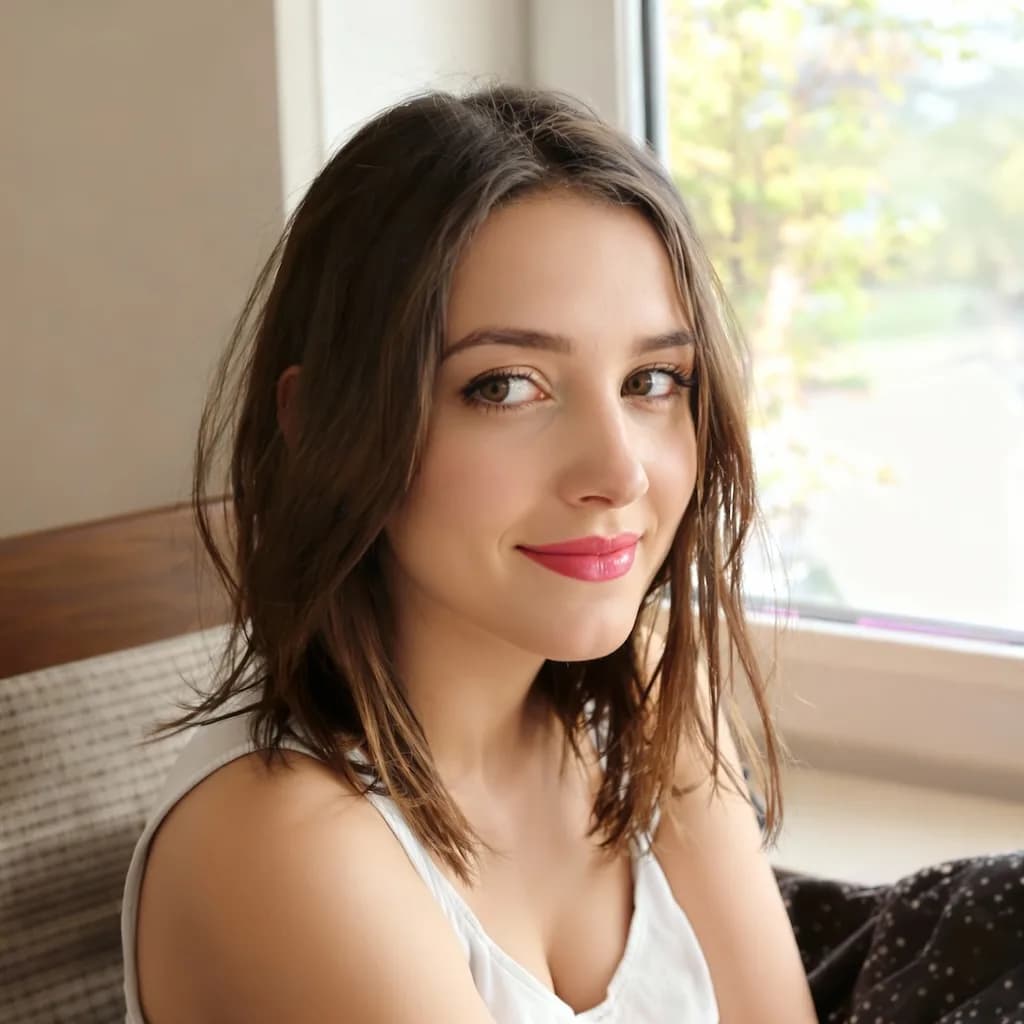
AI Beauty Filter
Natural AI-powered skin enhancement with subtle smoothing and brightening
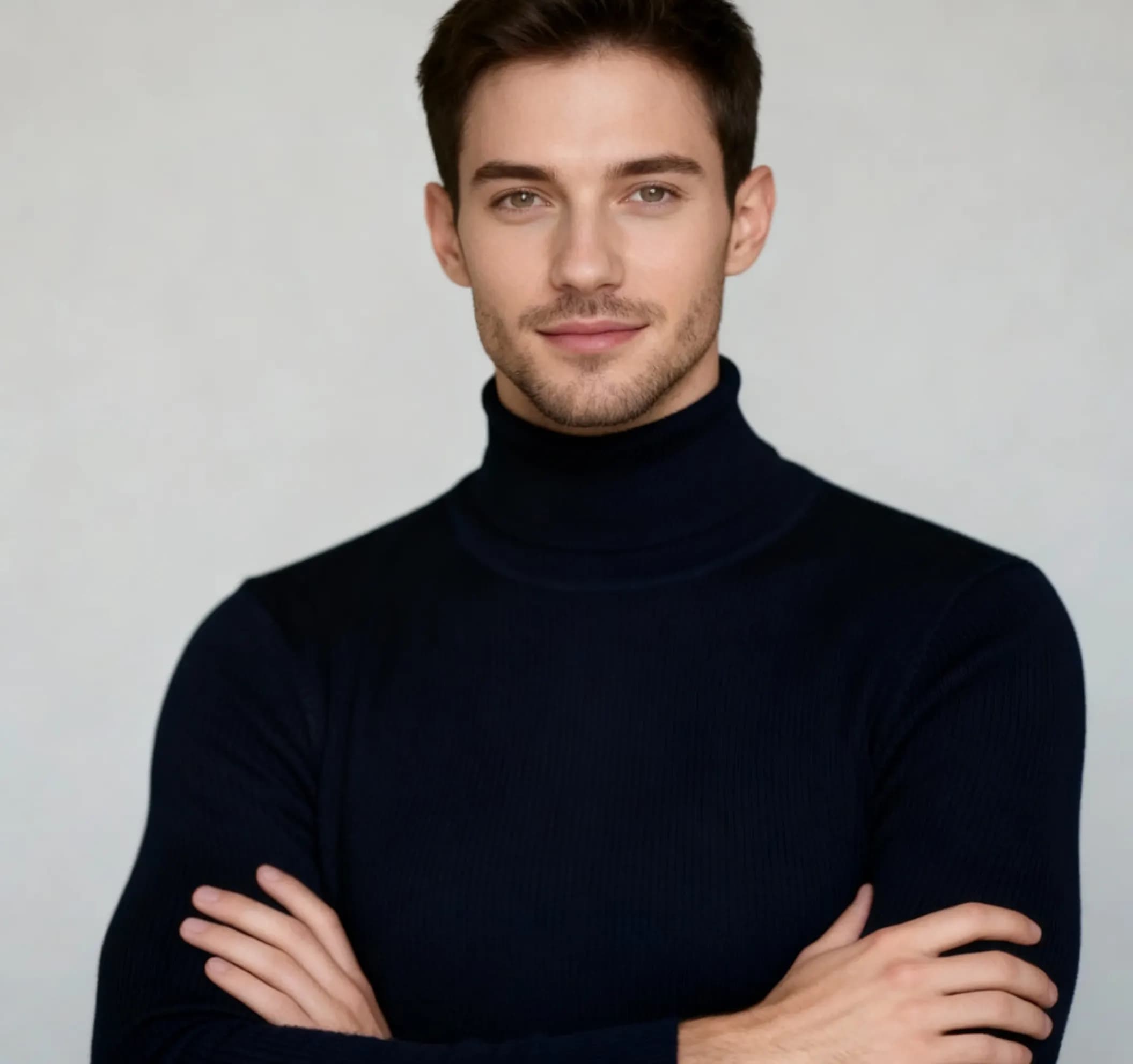
AI Man Filter
Transform appearance into masculine version with realistic gender swap
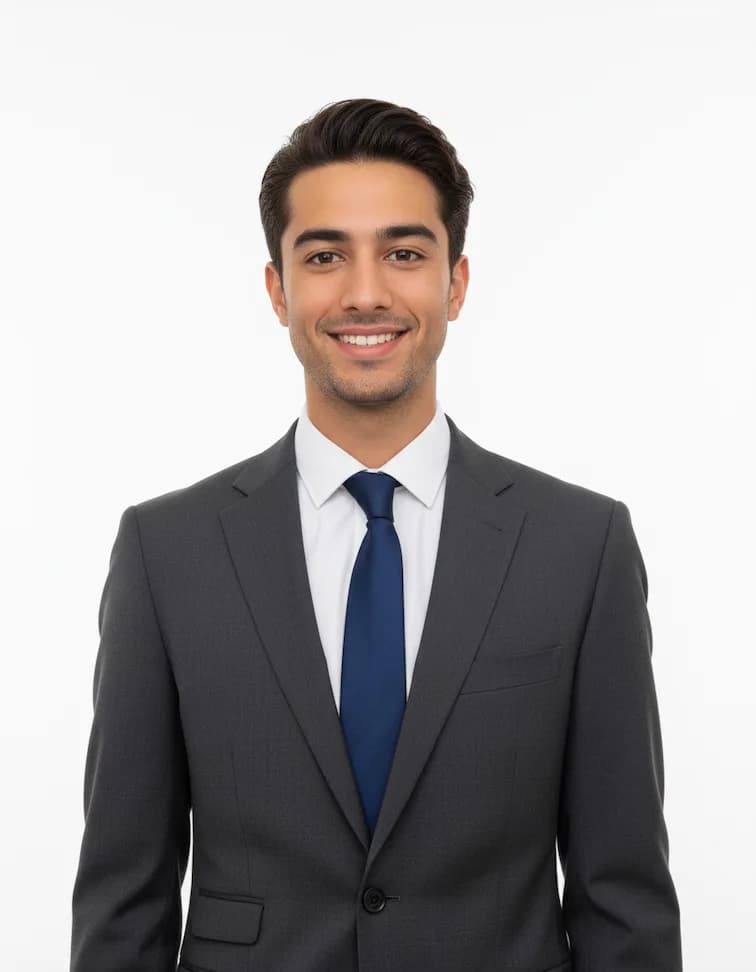
Professional Headshots
Create polished corporate headshots with professional lighting
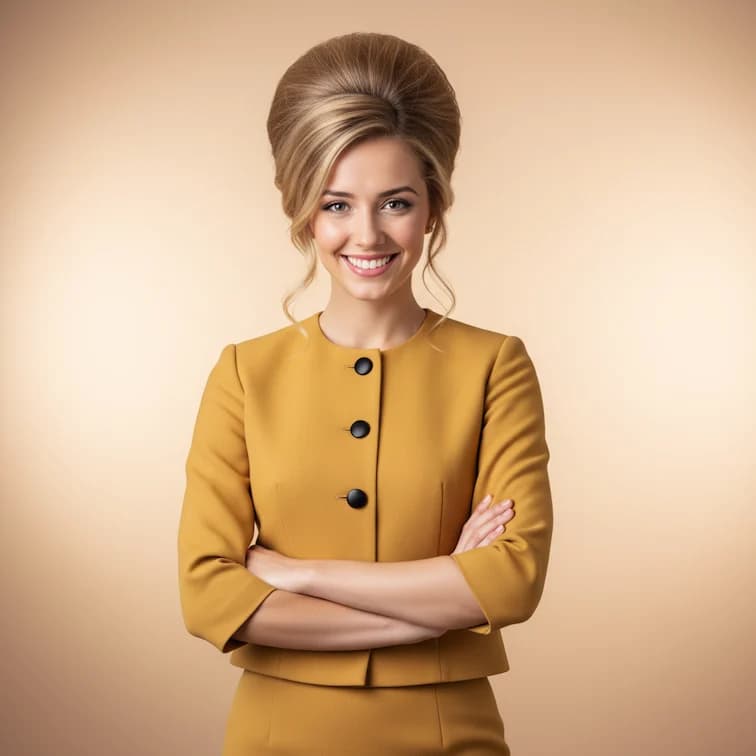
1960s Beehive Hairstyle
Transform with classic 1960s beehive hairdo and vintage styling

LinkedIn Profile Photo
Create polished professional photos perfect for LinkedIn profiles
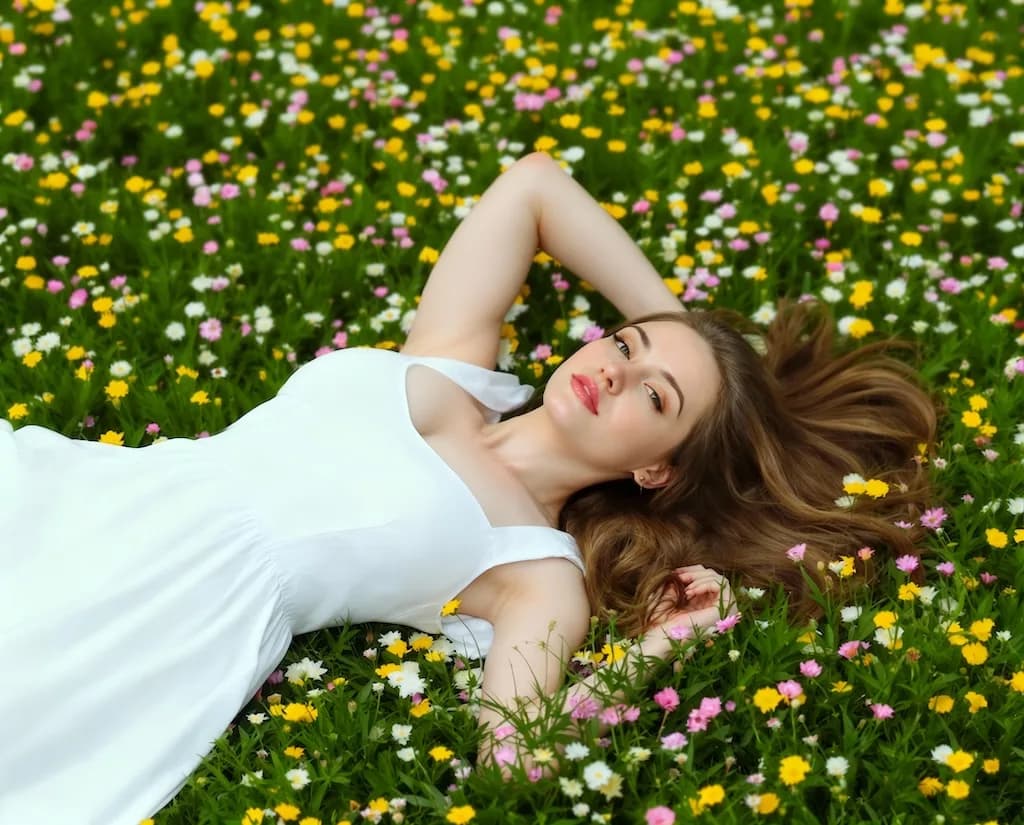
Boob Boost Effect
Artistic body enhancement filter for creative portrait effects
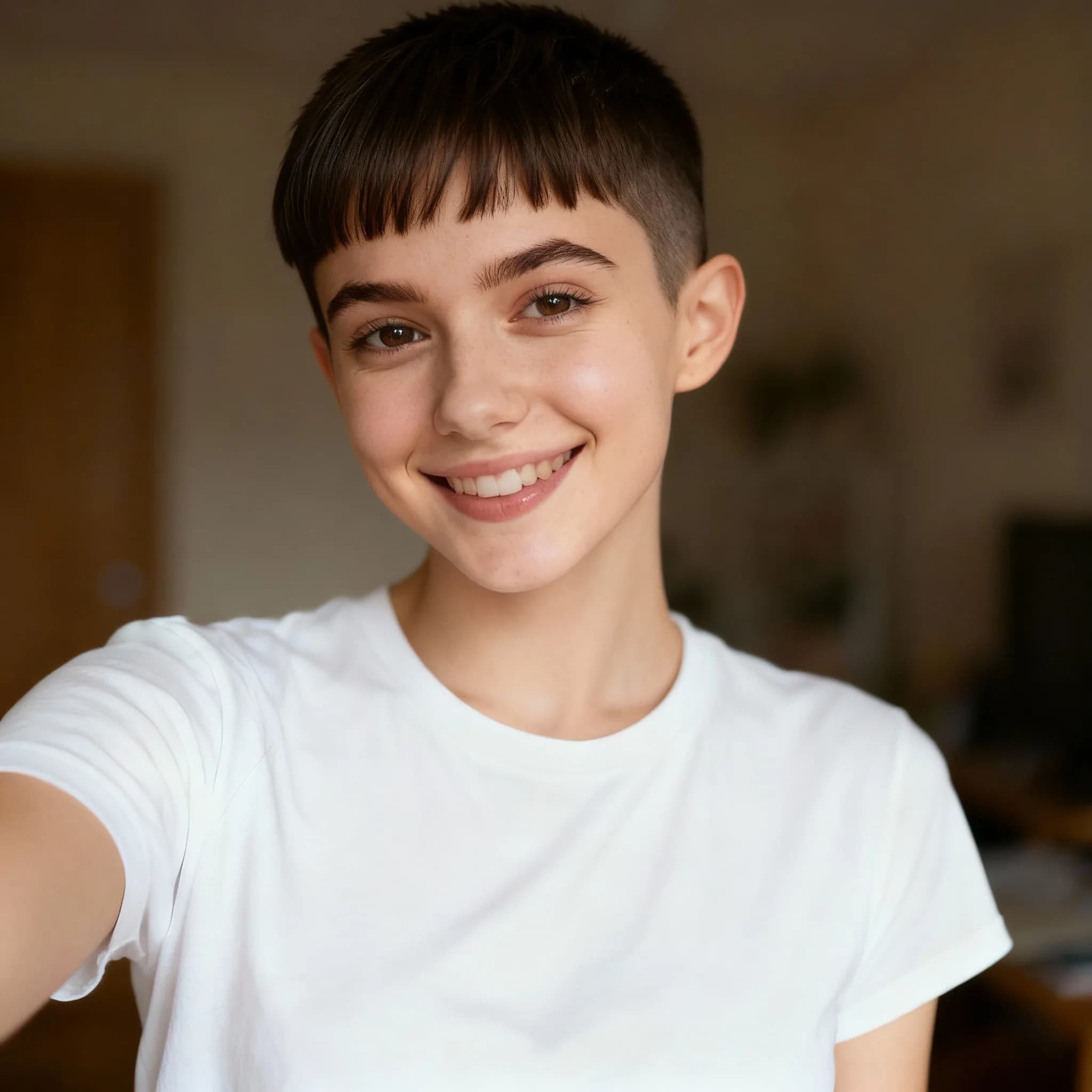
Pixie Cut Filter
Try virtual pixie cut hairstyle transformation
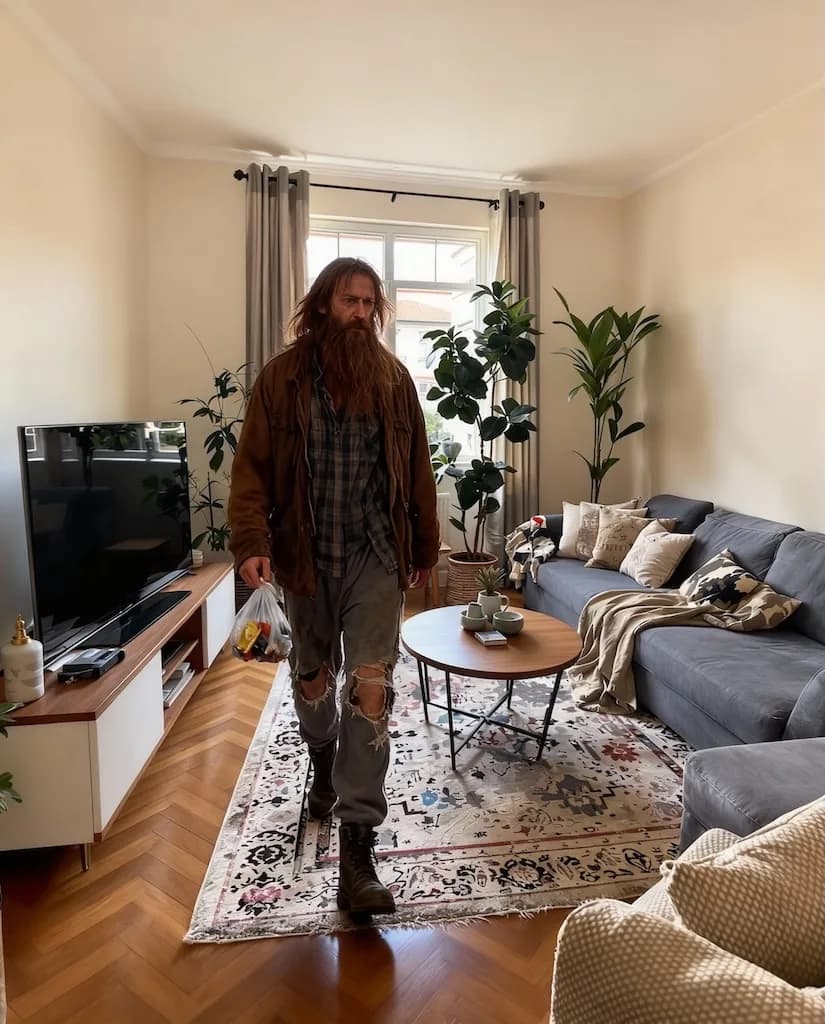
AI Homeless Man
Artistic transformation into weathered, rugged character with life experience
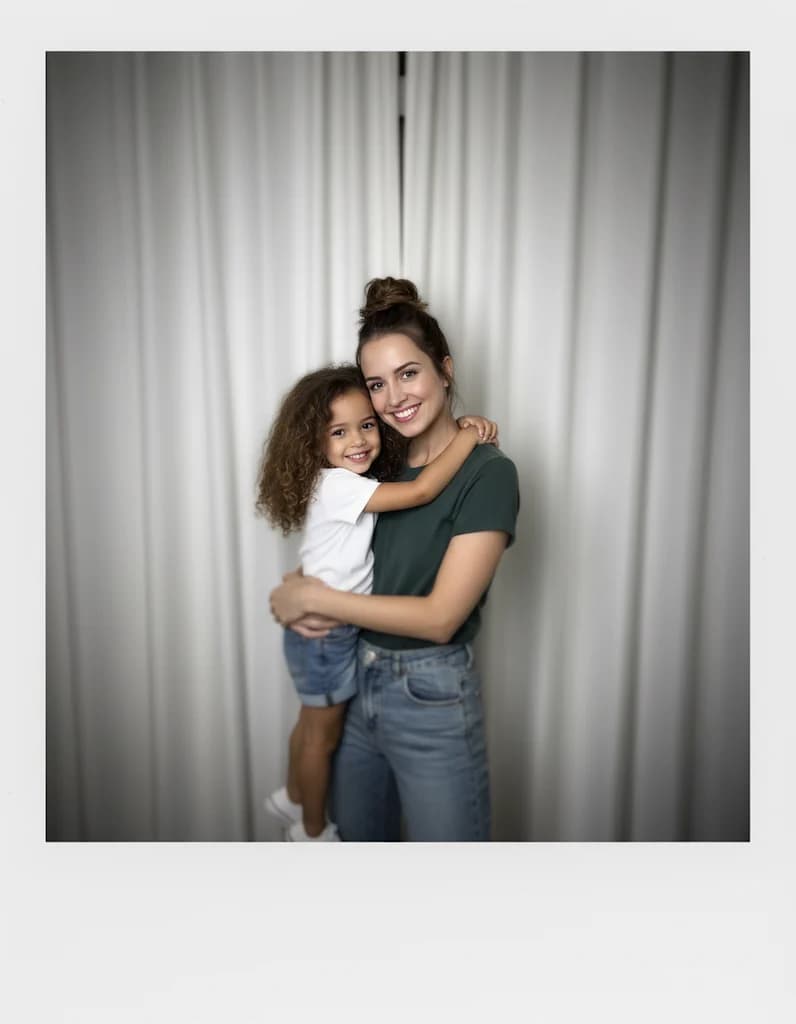
Gemini Hug My Younger Self
Create heartwarming scenes of hugging your younger self
Was ist Nanobanana Prompt?
Nanobanana Prompt ist eine kuratierte Bibliothek von KI-Bildgenerierungs-Prompts, die von professionellen Kreativen entworfen wurde. Im Gegensatz zu zufälligen Prompt-Generatoren wird jeder Nanobanana Prompt manuell getestet und für konsistente, hochwertige Ergebnisse optimiert. Die Sammlung umfasst Prompts für Porträts, künstlerische Stile, Fotorestaurierung, Anime-Konvertierung und kreative Effekte. Jeder Nanobanana Prompt funktioniert nahtlos mit fortschrittlichen KI-Modellen, einschließlich exklusiver Nano Banana LoRA-Modelle für verbesserte Ausgabequalität.
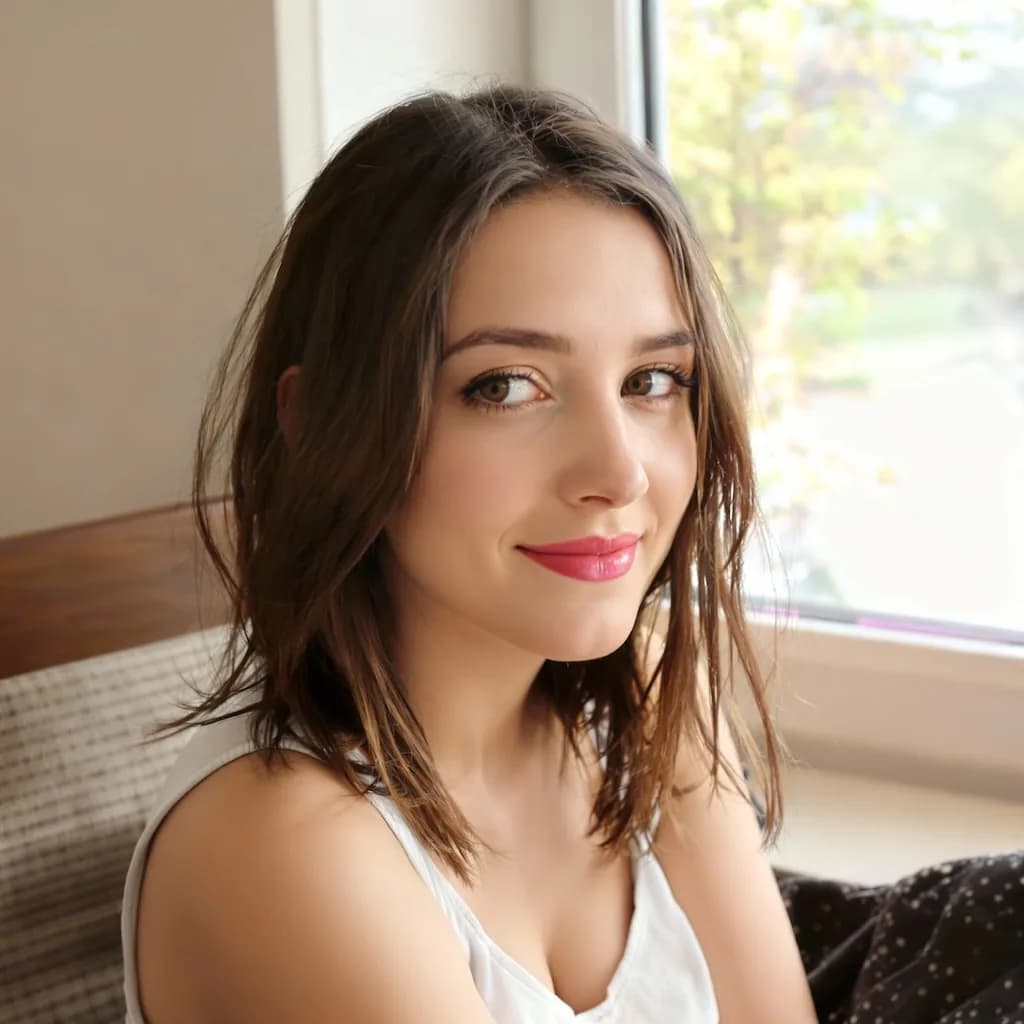
Nanobanana Prompt für Porträts
Die Porträt-Prompts in unserer Nanobanana Prompt-Sammlung liefern professionelle Porträts, Schönheitsverbesserungen und Charaktertransformationen. Jeder Porträt-Nanobanana Prompt enthält optimierte Parameter für Gesichtszüge, Beleuchtung und Komposition. Diese Prompts bewahren das natürliche Aussehen, während sie atemberaubende visuelle Verbesserungen bieten.
Nanobanana Prompt für künstlerische Stile
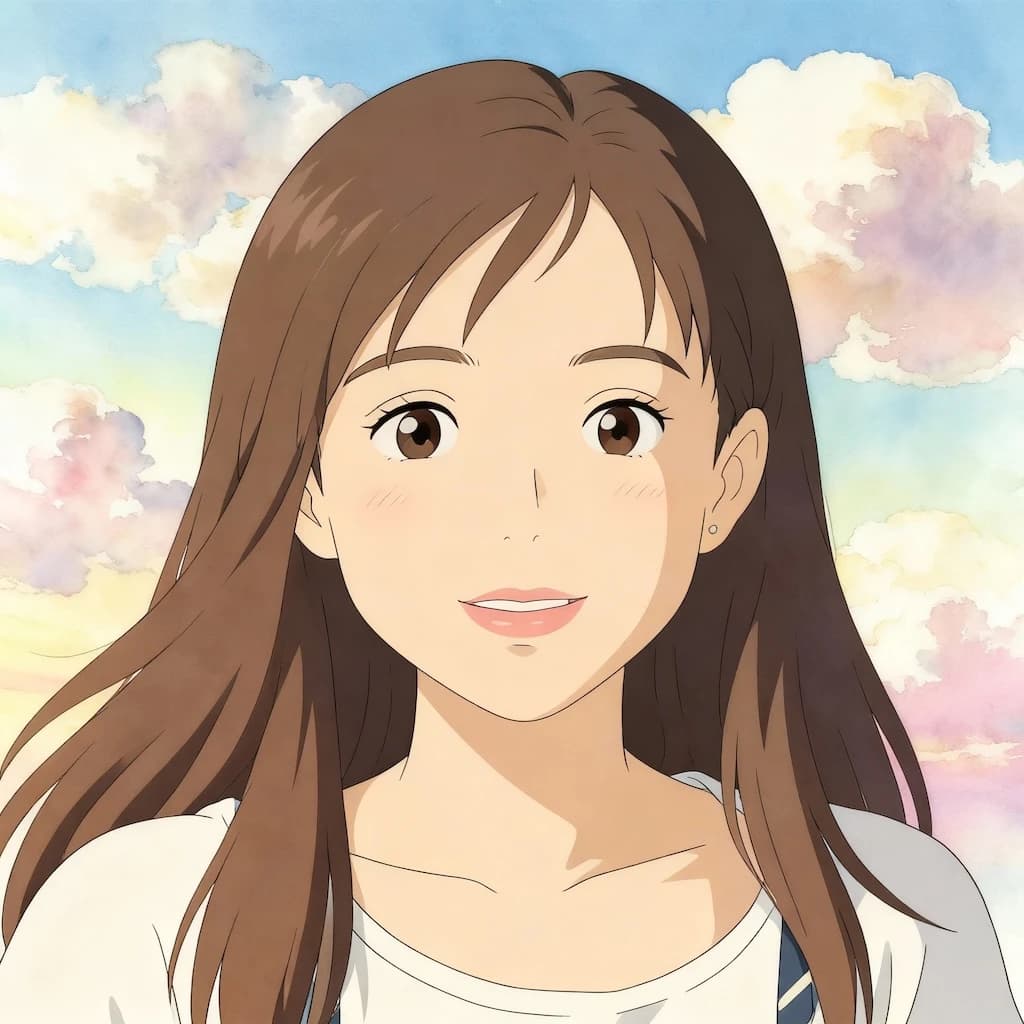
Künstlerische Prompts verwandeln gewöhnliche Fotos in Anime, Illustrationen, Pixelkunst und Gemälde. Unsere Nanobanana Prompt-Bibliothek umfasst Stile, inspiriert von Studio Ghibli, Vintage-Ästhetik und moderner digitaler Kunst. Jeder künstlerische Nanobanana Prompt erfasst authentische Stilmerkmale, während er die Identität des Motivs bewahrt.
Nanobanana Prompt für Spezialeffekte
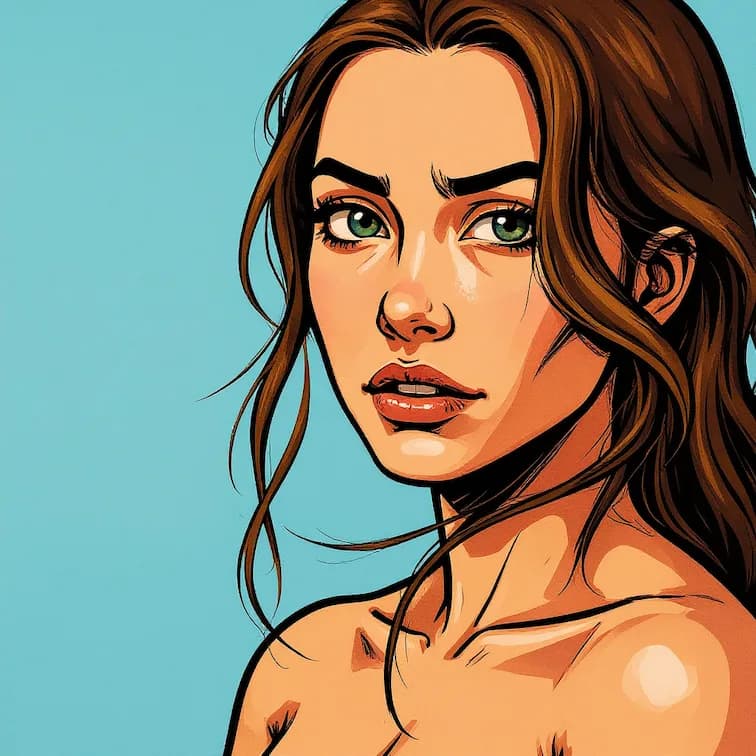
Spezialeffekt-Prompts erzeugen einzigartige visuelle Transformationen, einschließlich Feiertagsthemen, Spielstile und kreative Filter. Die Nanobanana Prompt-Sammlung bietet Halloween-Poster, Weihnachtstransformationen, GTA-Stil-Filter und Minecraft-Ästhetik. Diese Nanobanana Prompt-Optionen liefern auffallende Ergebnisse, die sich perfekt für soziale Medien eignen.
Wie man Nanobanana Prompt nutzt
Der Einstieg in Nanobanana Prompt dauert nur Sekunden. Durchsuchen Sie unsere kategorisierte Sammlung, wählen Sie einen Prompt, der Ihrer kreativen Vision entspricht, und erstellen Sie sofort atemberaubende KI-Bilder. Jeder Nanobanana Prompt ist einsatzbereit und erfordert keine technischen Kenntnisse.
1. Nanobanana Prompt-Kategorien durchsuchen
Erkunden Sie unsere organisierte Nanobanana Prompt-Bibliothek mit über 30 Kategorien. Jede Kategorie zeigt Beispielergebnisse, damit Sie den visuellen Stil vor der Auswahl in der Vorschau ansehen können. Die Kategorien umfassen Porträts, künstlerische Inhalte, Restaurierung, Effekte und mehr.
2. Wählen Sie Ihren Nanobanana Prompt
Klicken Sie auf eine Prompt-Karte, um die vollständigen Nanobanana Prompt-Details anzuzeigen. Jeder Eintrag zeigt den vollständigen Prompt-Text, empfohlene Einstellungen und Vorher/Nachher-Beispiele. Kopieren Sie den Prompt direkt oder passen Sie ihn an Ihre spezifischen Anforderungen an.
3. Laden Sie Ihr Bild hoch
Laden Sie Ihr Quellbild im PNG-, JPG- oder WebP-Format hoch. Für optimale Nanobanana Prompt-Ergebnisse verwenden Sie klare Fotos mit guter Beleuchtung. Das System optimiert Ihr Bild automatisch für die KI-Verarbeitung.
4. Generieren und herunterladen
Wenden Sie Ihren ausgewählten Nanobanana Prompt an und beobachten Sie, wie die KI Ihr Bild transformiert. Die Generierung wird normalerweise in 10-30 Sekunden abgeschlossen. Laden Sie Ihr Ergebnis in hoher Auflösung herunter oder probieren Sie verschiedene Nanobanana Prompt-Variationen für kreative Erkundungen.
Nanobanana Prompt-Kategorien
Jeder Nanobanana Prompt in unserer Sammlung ist in intuitive Kategorien organisiert. Durchsuchen Sie nach Stil, Effekttyp oder Anwendungsfall, um den perfekten Prompt für Ihr kreatives Projekt zu finden. Neue Nanobanana Prompt-Ergänzungen werden wöchentlich basierend auf angesagten Stilen und Benutzeranforderungen veröffentlicht.
Porträt-Verbesserungs-Prompts
Die Nanobanana Prompt-Porträts-Sammlung umfasst KI-Schönheitsfilter, professionelle Porträts, Rand-Licht-Porträts und Frisurentransformationen. Diese Prompts verbessern Fotos auf natürliche Weise, während authentische Gesichtsmerkmale erhalten bleiben. Perfekt für LinkedIn-Fotos und Social-Media-Profile.
Künstlerische Stil-Prompts
Nanobanana Prompt künstlerische Prompts umfassen GHIBSKY-Illustration, Flat-Illustration, Linienzeichnung und Ölmalerei-Stile. Jeder Prompt erfasst authentische künstlerische Merkmale, die von professionellen Kunstwerken gelernt wurden. Verwandeln Sie Fotos in atemberaubende digitale Kunstwerke.
Fotorestaurierungs-Prompts
Nanobanana Prompt Restaurierungs-Prompts umfassen Restaurierung alter Fotos und Bildverbesserungseffekte. Diese KI-Prompts reparieren Kratzer, entfernen Flecken und stellen verblasste Farben wieder her. Perfekt zum Bewahren von vintage Familienfotos mit professioneller Qualität.
Spiel-Stil-Prompts
Die Nanobanana Prompt-Spielsammlung bietet Pixelkunst-Konvertierung, Minecraft-Filter, GTA-Stil und Retro-Gaming-Ästhetik. Verwandeln Sie Fotos in authentische Videospiel-Bilder, perfekt für Gaming-Content-Ersteller und Indie-Entwickler.
Feiertagsthemen-Prompts
Nanobanana Prompt Feiertagsprompts umfassen Weihnachtspuppen-Transformation, Halloween-Poster und saisonale Feiereffekte. Erstellen Sie festliche Inhalte mit optimierten Prompts, die für maximale visuelle Wirkung während der Feiertagssaison konzipiert sind.
Charaktertransformations-Prompts
Nanobanana Prompt Charakterprompts umfassen Zootopia-Selfie, 3D-Karikatur, Baby-Gesichts-Generator und Emoji-Icon-Ersteller. Diese unterhaltsamen Transformations-Prompts erstellen teilbare, unterhaltsame Inhalte, perfekt für virale Social-Media-Beiträge.
Was Benutzer über Nanobanana Prompt sagen
Entdecken Sie, wie Kreative und Profis unsere Nanobanana Prompt-Sammlung für KI-Bildgenerierungsprojekte nutzen.
Michael Roberts
Content Creator
“Die Nanobanana Prompt-Bibliothek hat mir Stunden an Prompt-Engineering erspart. Jeder Prompt, den ich ausprobiert habe, liefert konsistente, professionelle Ergebnisse. Die kategorisierte Organisation macht das Finden des richtigen Prompts unglaublich einfach.”
Emma Chen
Digitale Künstlerin
“Ich nutze Nanobanana Prompt täglich für meine Social-Media-Inhalte. Die künstlerischen Stil-Prompts erzeugen Galerien-Qualität, die meinen Followern gefällt. Die beste kostenlose Prompt-Sammlung, die ich gefunden habe.”
James Wilson
Marketing-Direktor
“Der Nanobanana Prompt zur Porträt-Verbesserung hat meine Porträts in professionelle Bilder umgewandelt. Viel besser als Stunden damit zu verbringen, meine eigenen Prompts von Grund auf zu schreiben.”
Lisa Park
Spielentwicklerin
“Die Nanobanana Prompt-Spielstil-Sammlung ist perfekt für meine Indie-Game-Assets. Die Pixelkunst- und Retro-Prompts erzeugen authentische Bilder, die manuell zu erstellen Stunden dauern würde.”
David Thompson
Familienhistoriker
“Der Nanobanana Prompt zur Fotorestaurierung hat meine vintage Fotos meiner Großmutter gerettet. Die KI reparierte den Schaden perfekt, während sie die historische Authentizität bewahrte.”
Häufig gestellte Fragen
Finden Sie Antworten zur Verwendung unserer Prompt-Sammlung, Anpassungsoptionen und Kompatibilität mit KI-Modellen.
Was ist Nanobanana Prompt und wie funktioniert es?
Nanobanana Prompt ist eine kuratierte Sammlung von KI-Bildgenerierungs-Prompts. Jeder Prompt wird getestet und für konsistente, hochwertige Ergebnisse optimiert. Durchsuchen Sie einfach unsere Kategorien, wählen Sie einen Prompt aus, kopieren Sie ihn und verwenden Sie ihn mit Ihrem bevorzugten KI-Bildgenerierungs-Tool. Alle Nanobanana Prompt-Prompts sind kostenlos verwendbar.
Sind alle Nanobanana Prompt-Prompts kostenlos zu verwenden?
Ja, die gesamte Nanobanana Prompt-Sammlung ist völlig kostenlos zu durchsuchen und zu nutzen. Sie können jeden Prompt ohne Kosten kopieren, anpassen und anwenden. Premium-Funktionen wie hochauflösende Ausgabe und Batch-Verarbeitung erfordern Credits für die tatsächliche KI-Generierung.
Kann ich Nanobanana Prompt-Prompts anpassen?
Absolut. Jeder Nanobanana Prompt ist als Ausgangspunkt konzipiert, den Sie ändern können. Passen Sie Parameter an, kombinieren Sie Elemente aus mehreren Prompts oder fügen Sie Ihre eigenen kreativen Touches hinzu. Die Prompts sind optimiert, aber flexibel für Ihre kreative Vision.
Welche KI-Modelle funktionieren mit Nanobanana Prompt?
Nanobanana Prompt-Prompts sind für alle großen KI-Bildgenerierungs-Modelle optimiert, einschließlich Flux, Stable Diffusion und exklusiver Nano Banana LoRA-Modelle. Die Prompts funktionieren am besten mit LoRA-erweiterten Modellen für maximale Qualität und Konsistenz.
Wie oft werden neue Nanobanana Prompt-Prompts hinzugefügt?
Neue Prompts werden wöchentlich zur Nanobanana Prompt-Sammlung hinzugefügt. Wir erweitern unsere Bibliothek kontinuierlich basierend auf angesagten Stilen, Benutzerfeedback und aufkommenden KI-Fähigkeiten. Abonnieren Sie Aktualisierungen, um benachrichtigt zu werden, wenn neue Prompts verfügbar sind.
Benötige ich technische Kenntnisse, um Nanobanana Prompt zu verwenden?
Nein, es sind keine technischen Kenntnisse erforderlich. Jeder Nanobanana Prompt enthält den vollständigen Prompt-Text, der zum Kopieren und Verwenden bereit ist. Wir bieten empfohlene Einstellungen und Vorher/Nachher-Beispiele, damit Sie genau wissen, welche Ergebnisse Sie erwarten können.
Kann ich Nanobanana Prompt für kommerzielle Projekte verwenden?
Ja, alle Nanobanana Prompt-Prompts können für persönliche und kommerzielle Projekte verwendet werden. Die mit unseren Prompts generierten Bilder gehören Ihnen. Bitte überprüfen Sie unsere Nutzungsbedingungen für vollständige Lizenzdetails.
Welche Kategorien sind in Nanobanana Prompt verfügbar?
Nanobanana Prompt bietet über 30 Kategorien, einschließlich Porträts, künstlerischer Stile, Fotorestaurierung, Spiel-Ästhetik, Feiertagsthemen, Charaktertransformationen, Schönheitsfilter und Utility-Tools. Jede Kategorie enthält mehrere getestete Prompts.